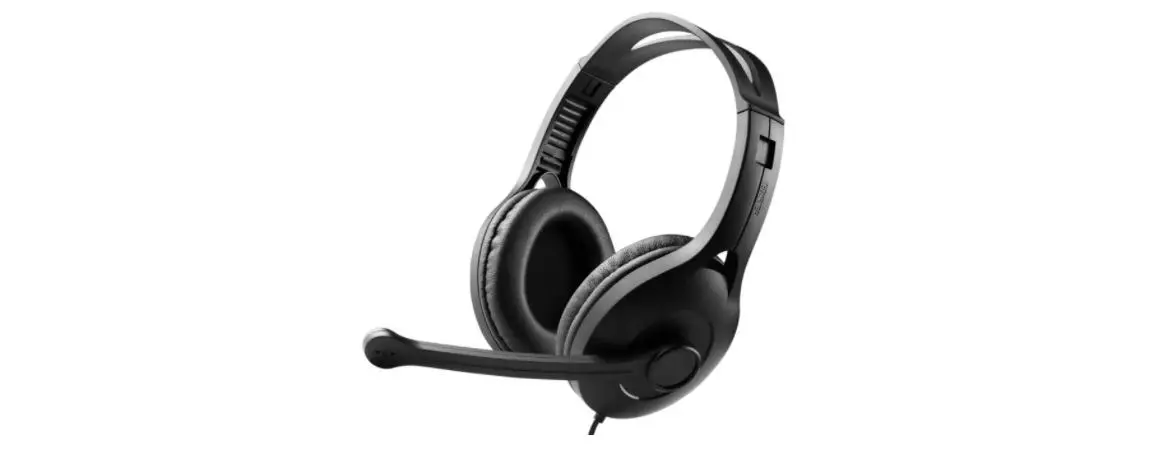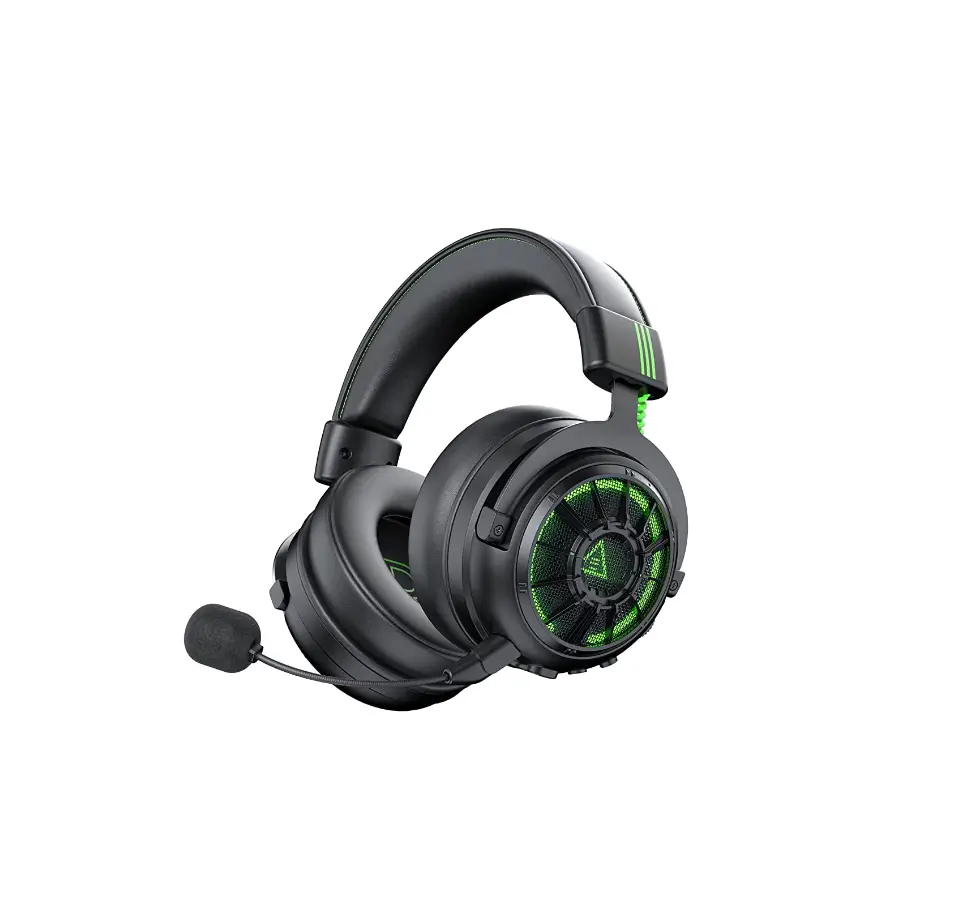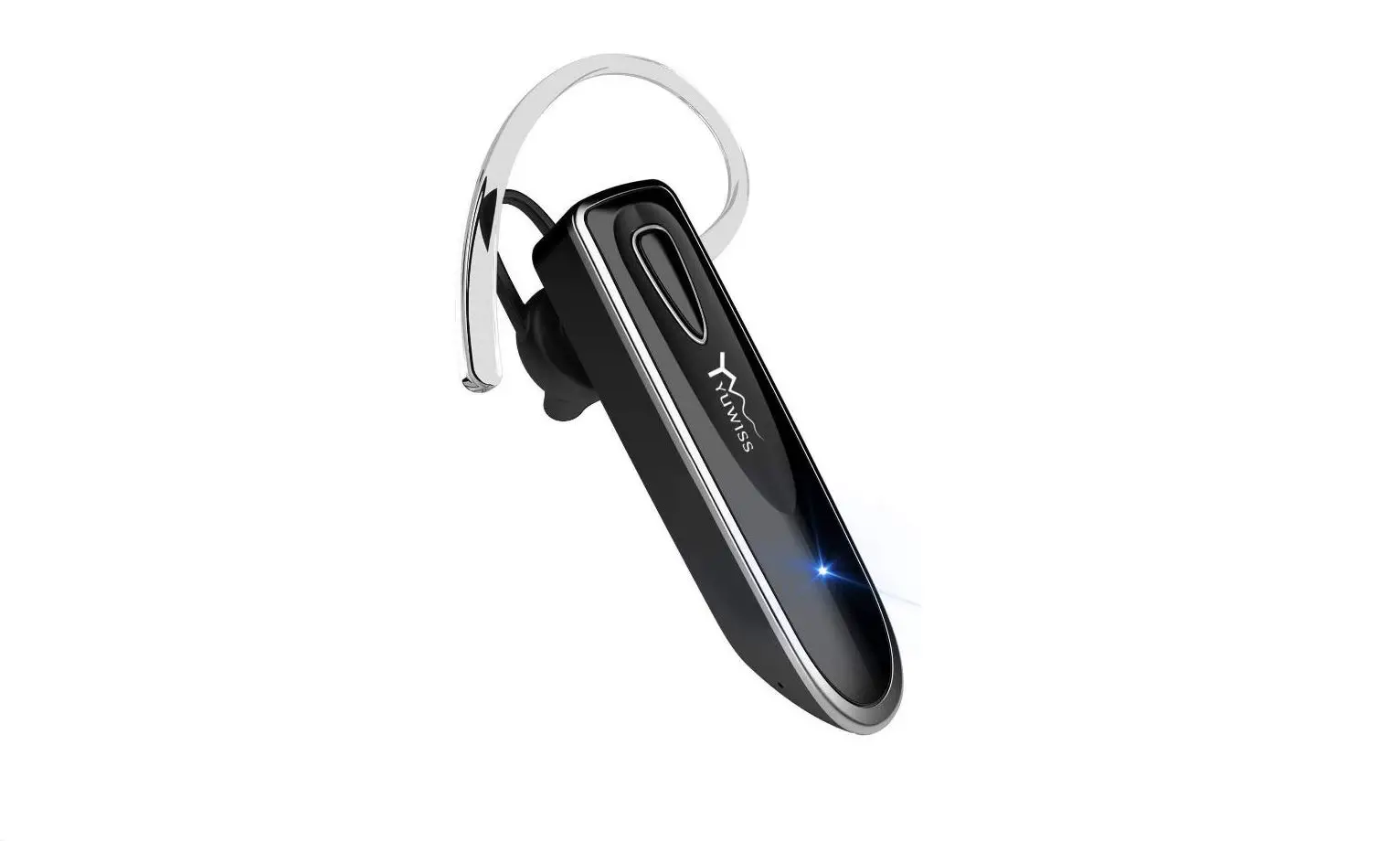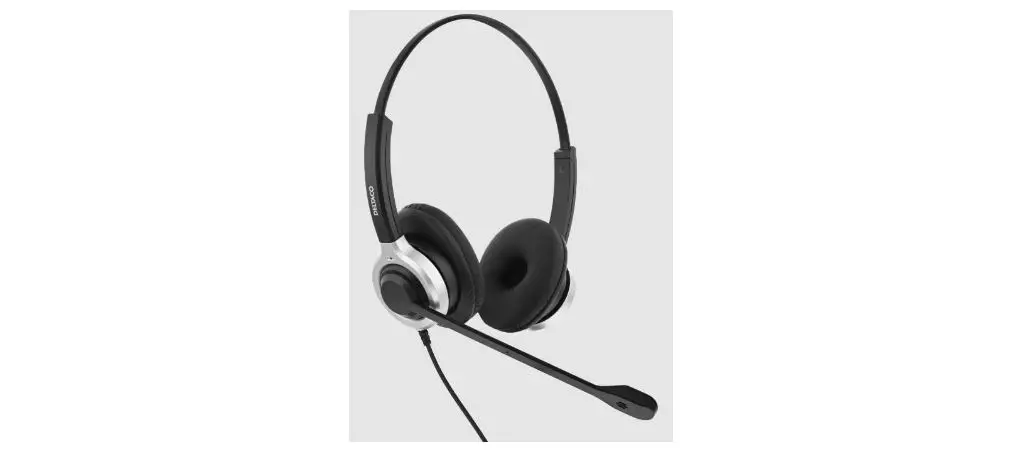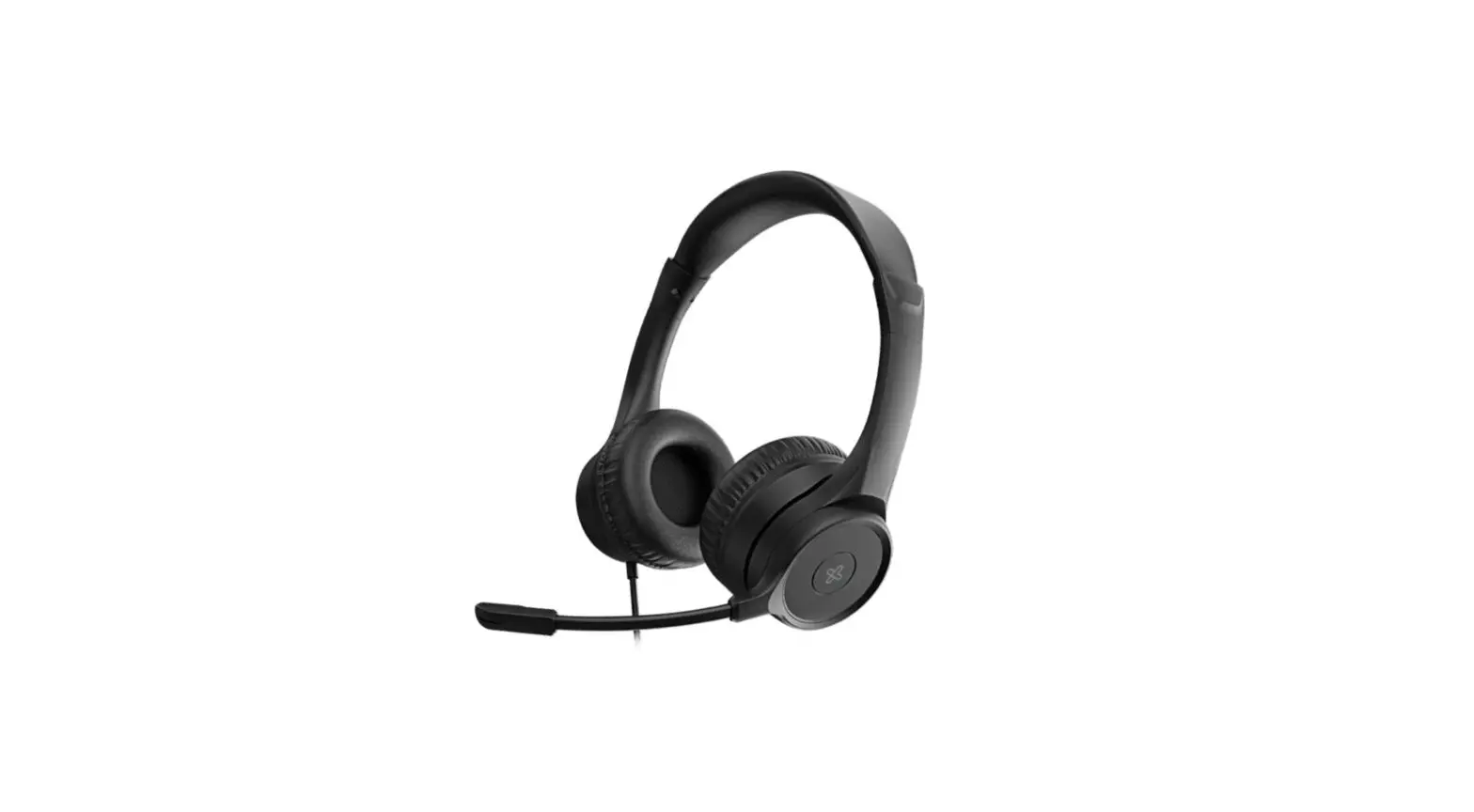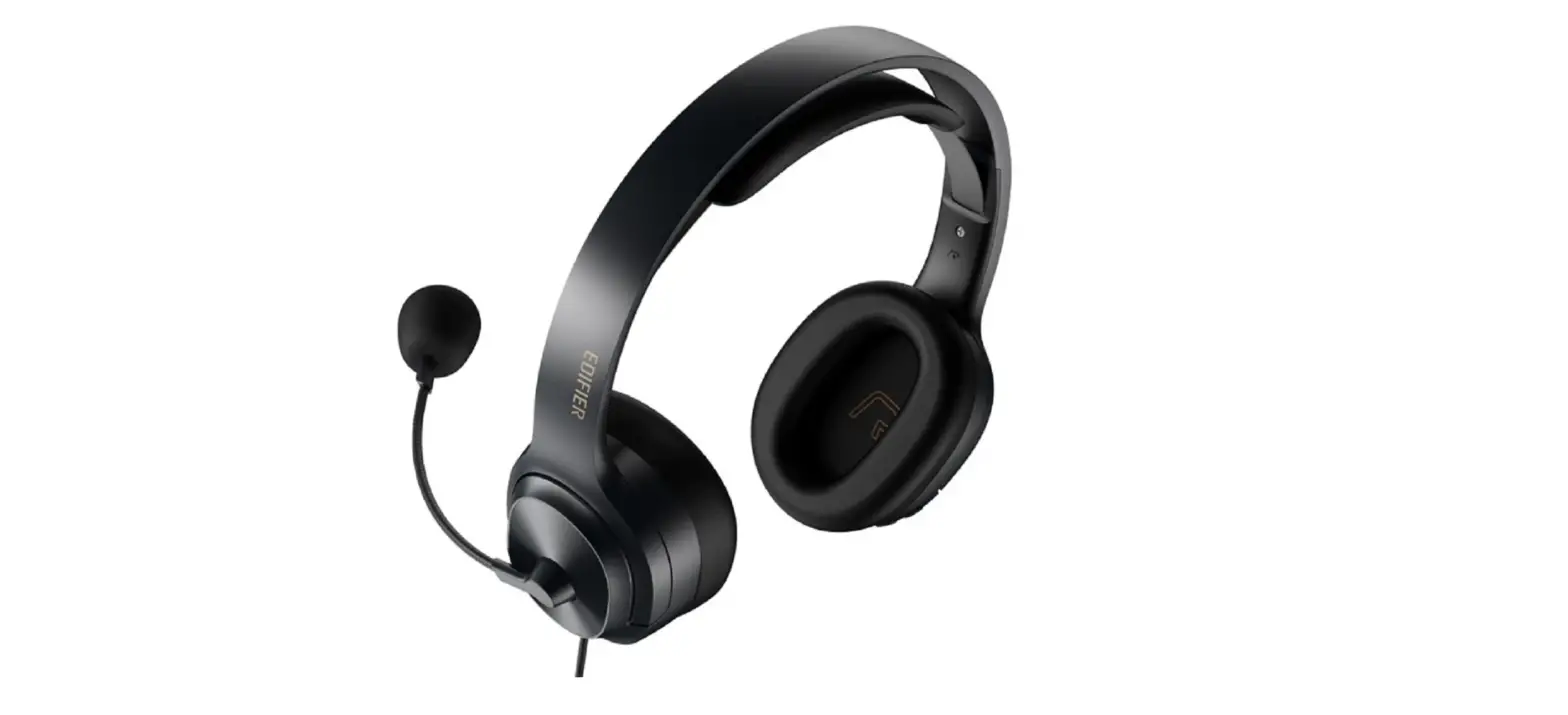
EDIFIER K6500 USB Computer Headset User Manual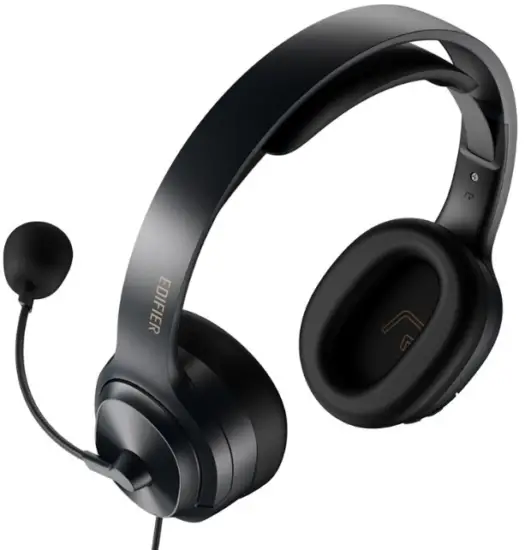
Please visit EDIFIER website for the full version user manual: www.edifier.com
Product description
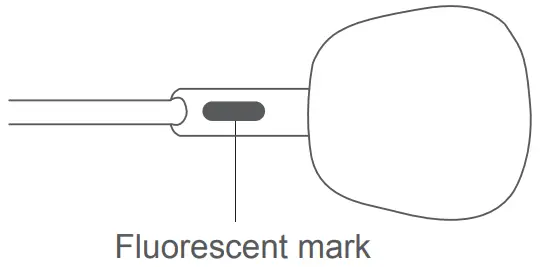
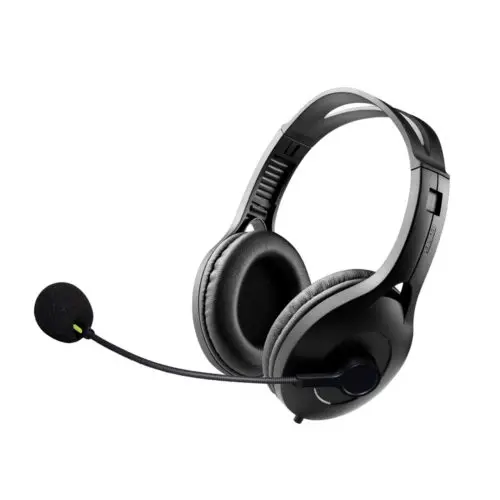
To obtain the qualified recording quality, please let the side with the green fluorescent mark face outwards.
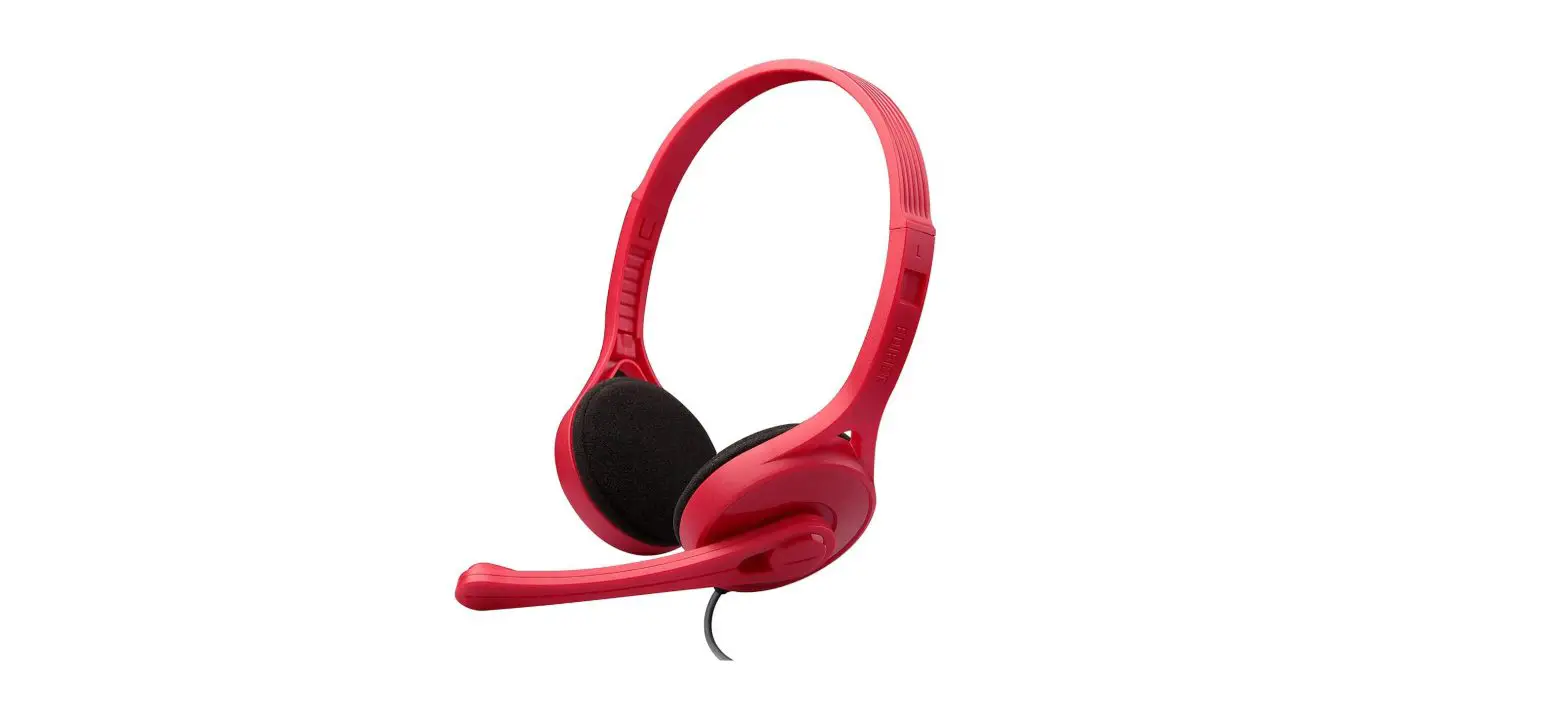
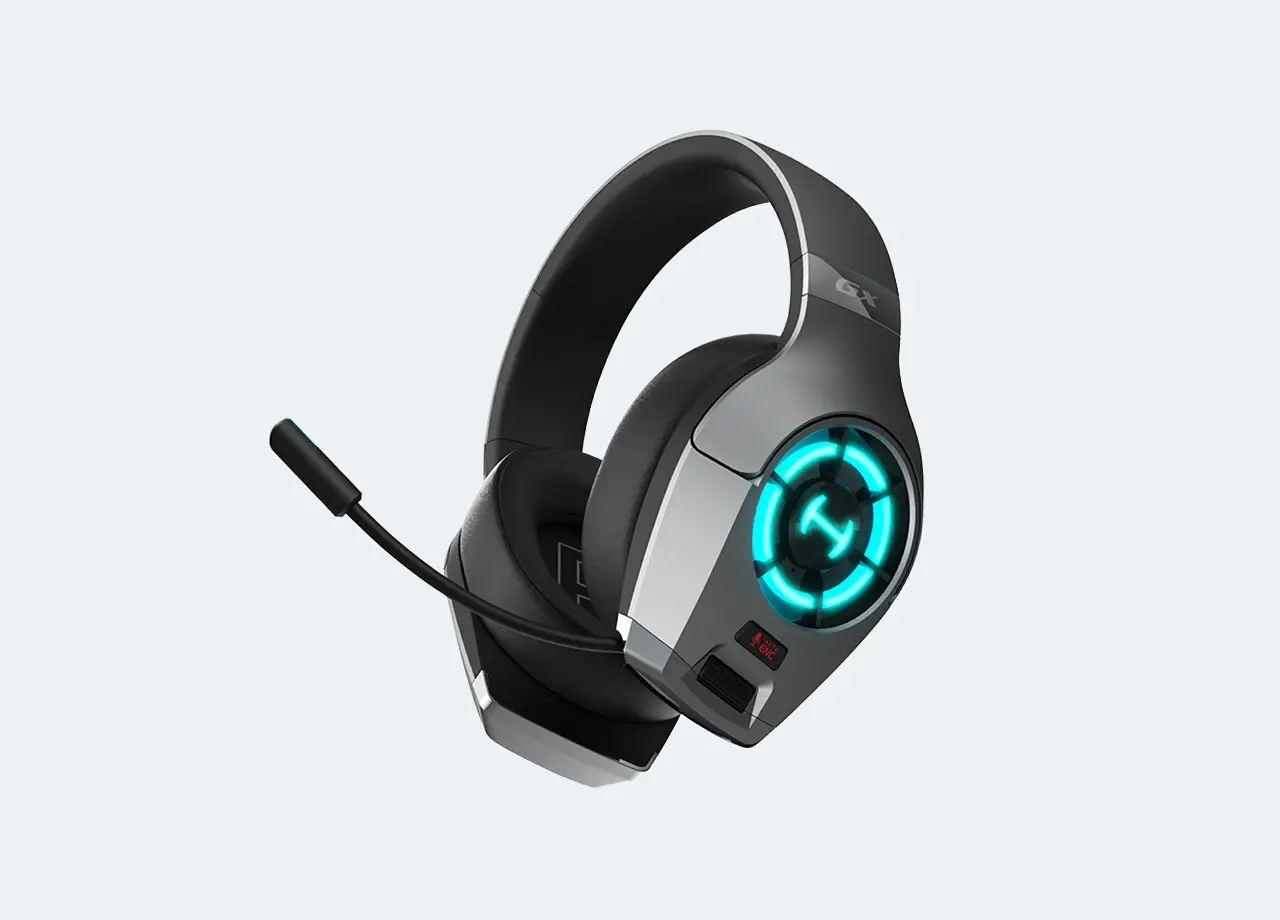
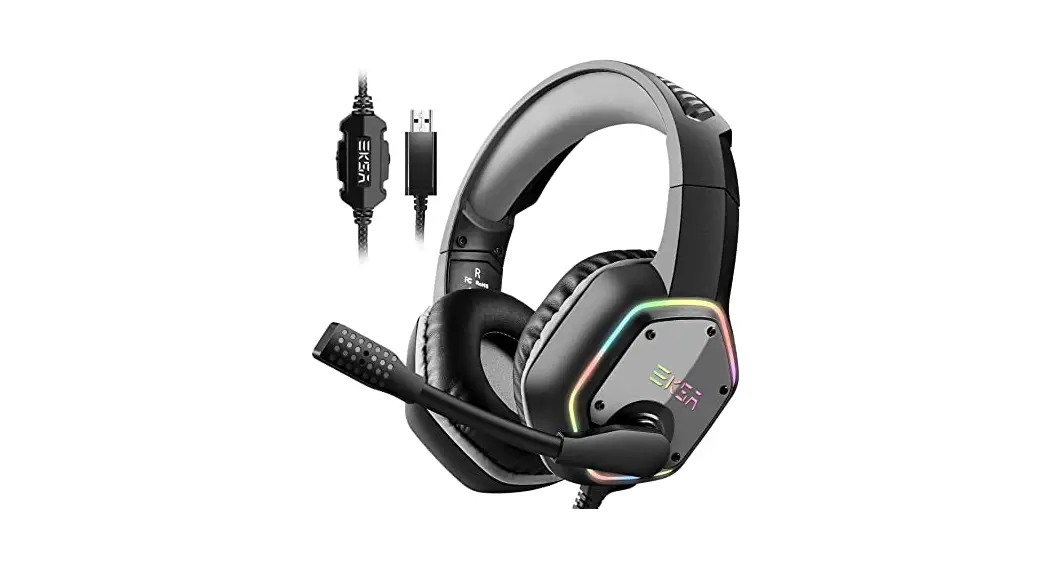
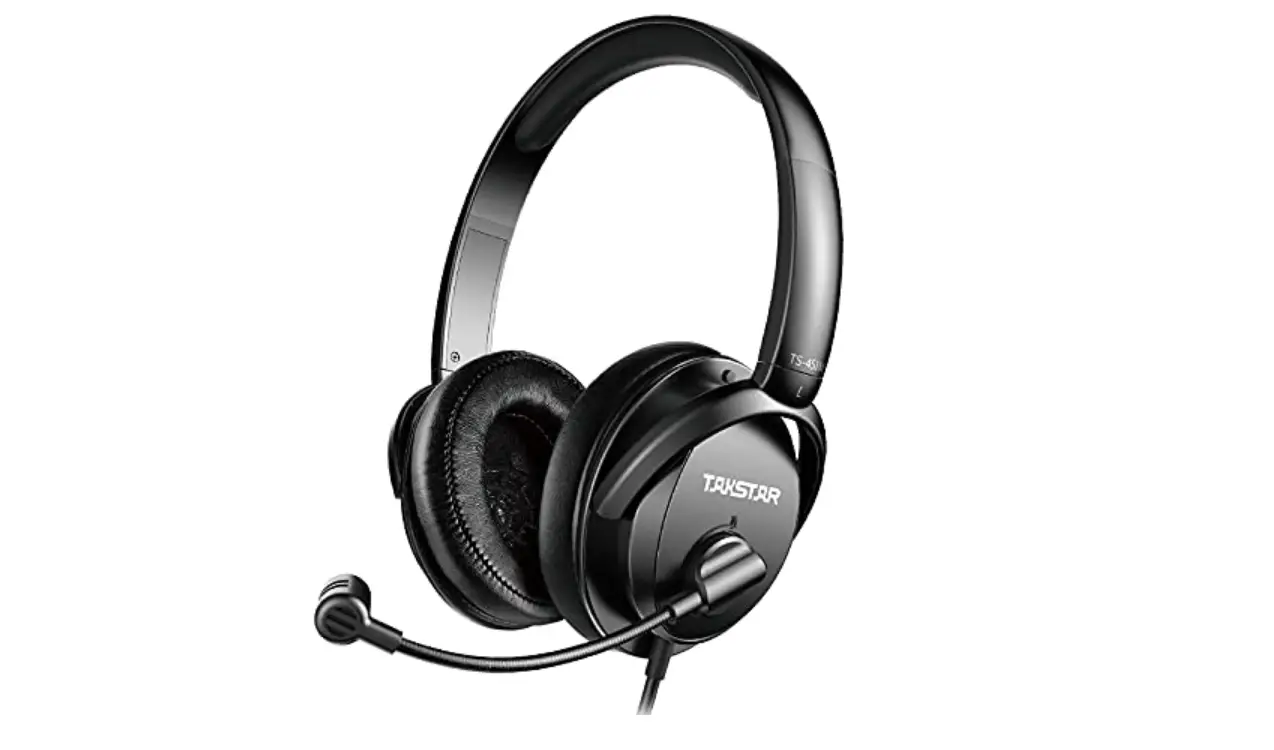
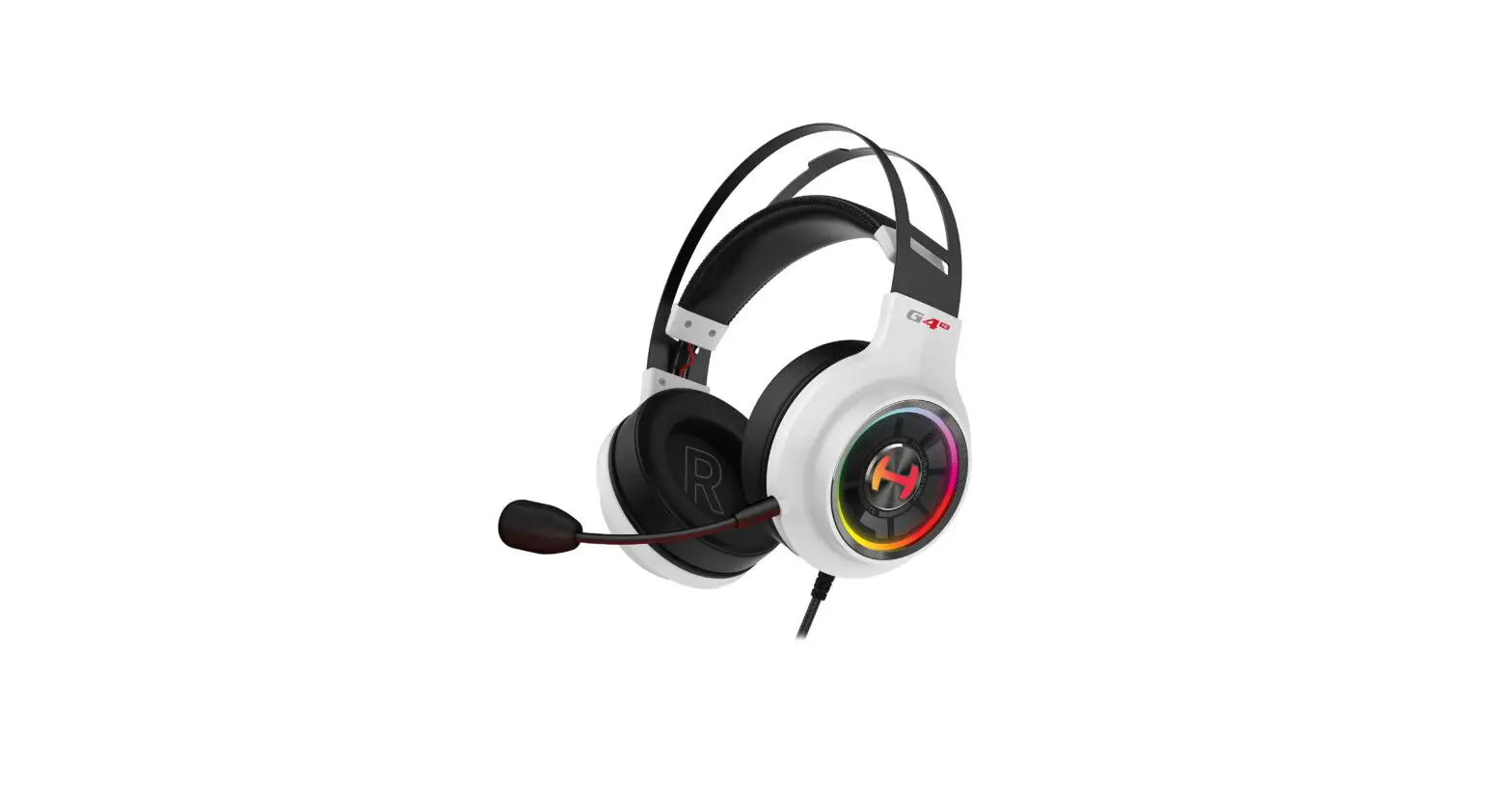
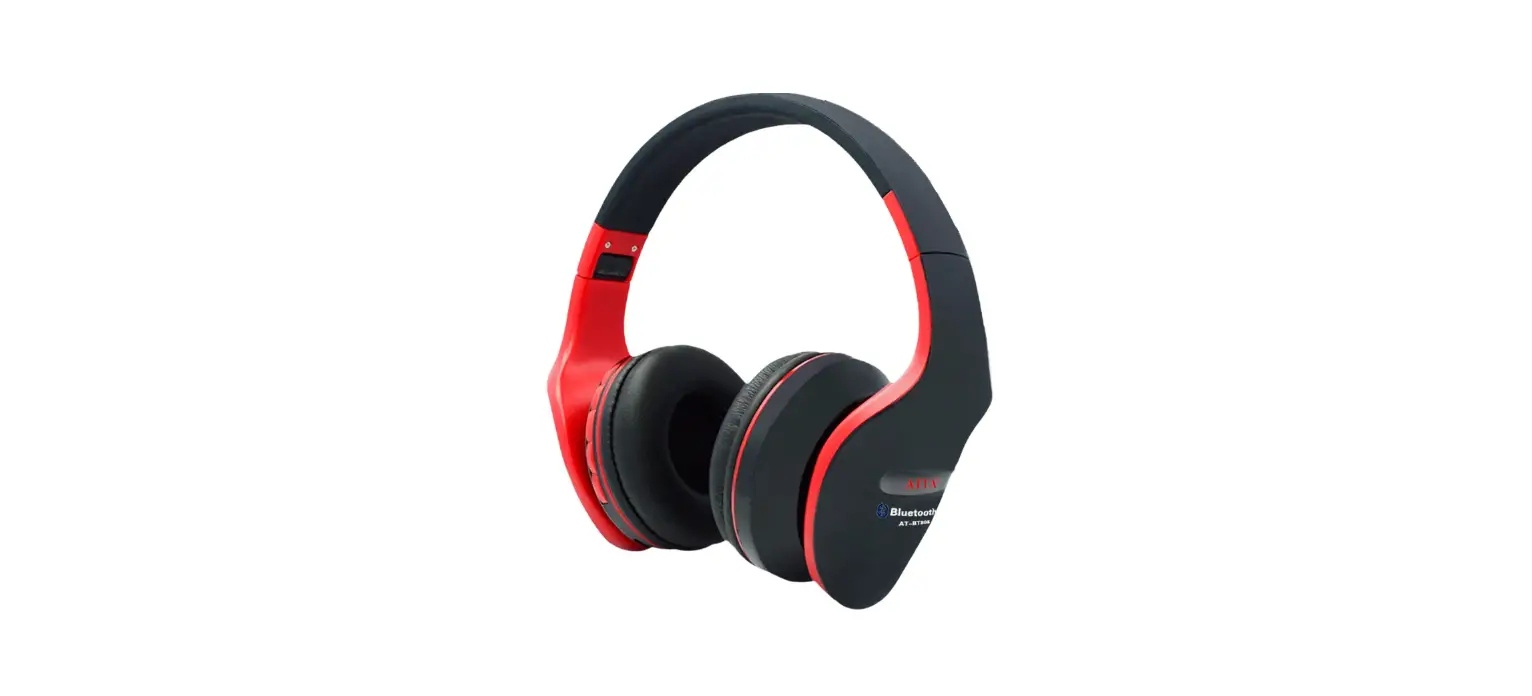
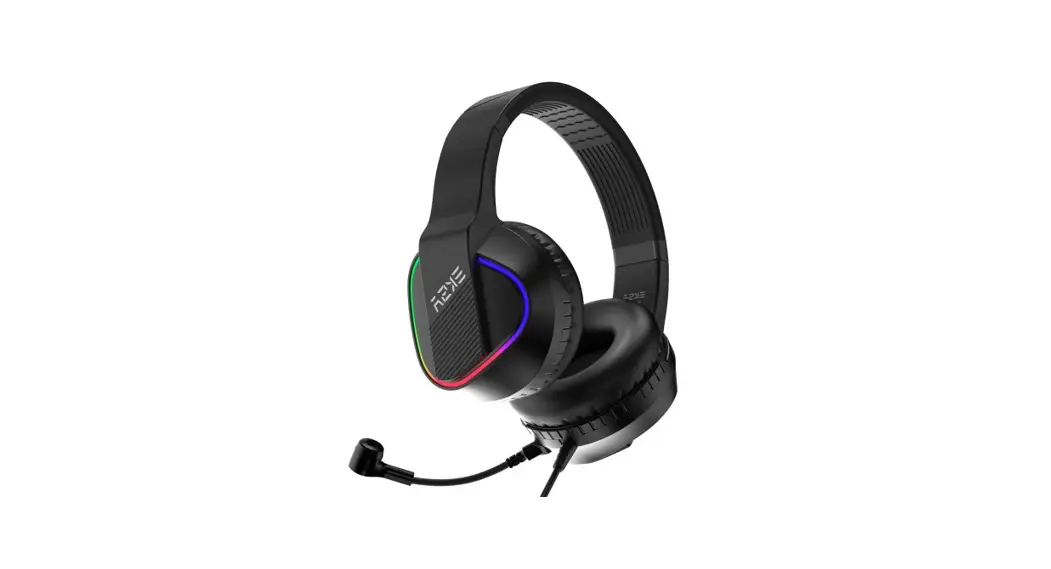
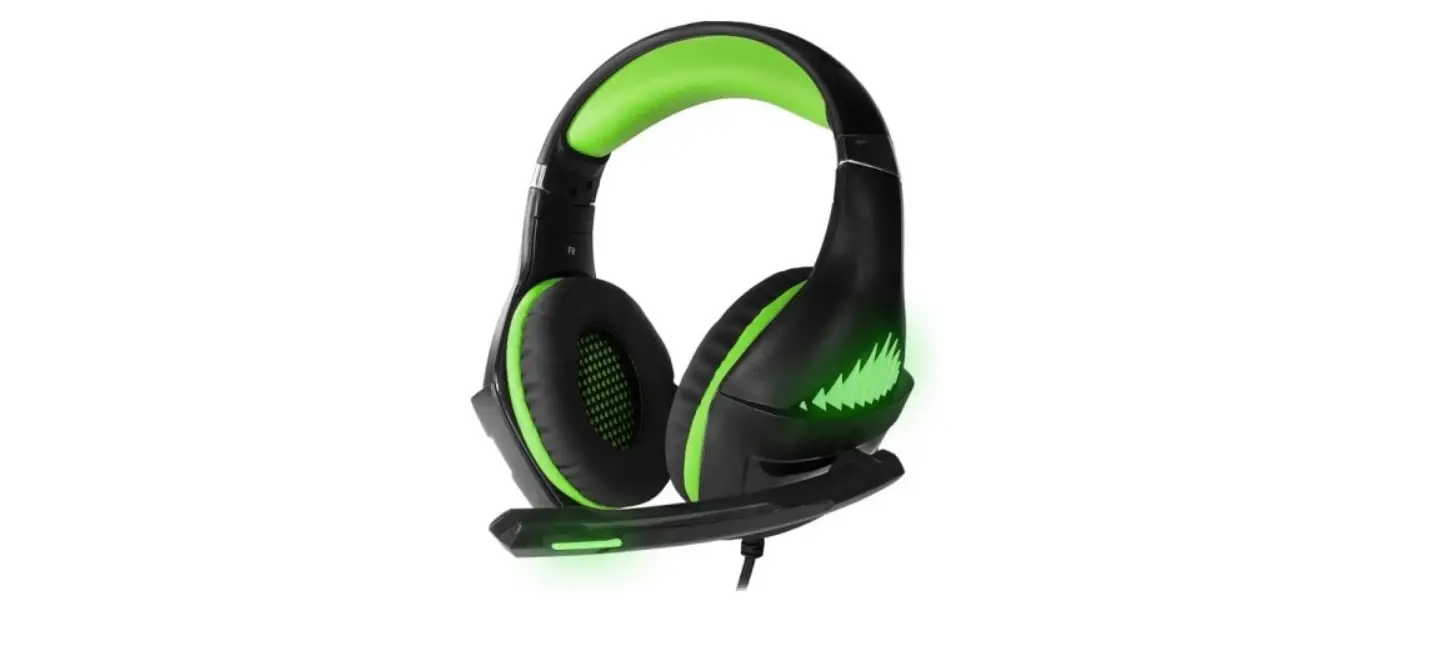
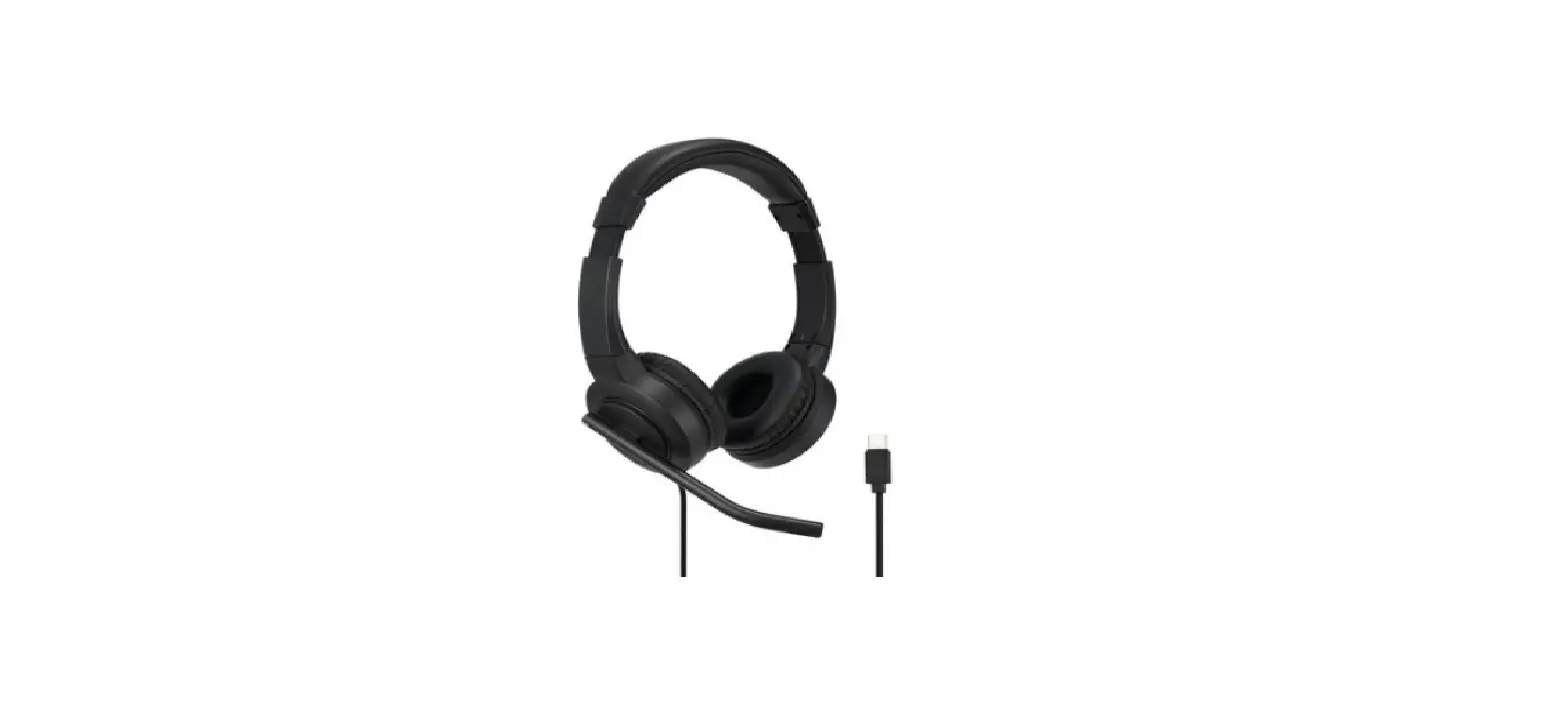
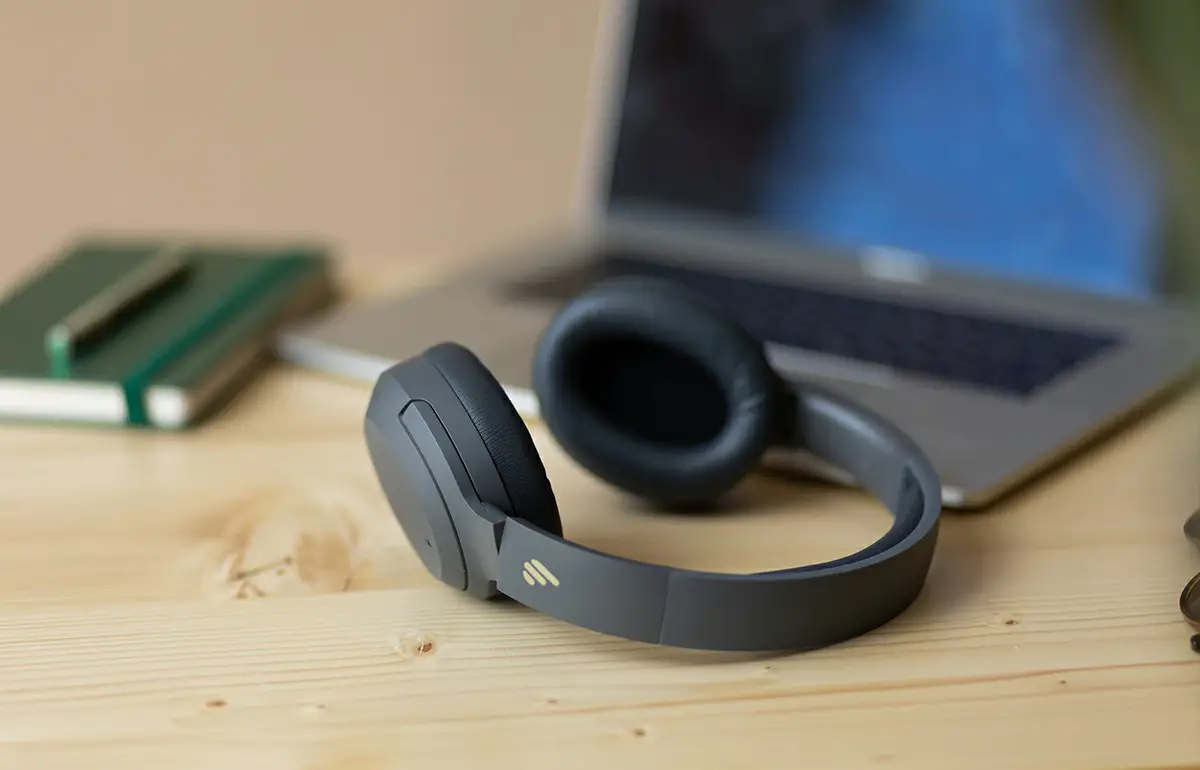
Note: Images are for illustrative purposes only and may differ from the actual product.
Power on/off
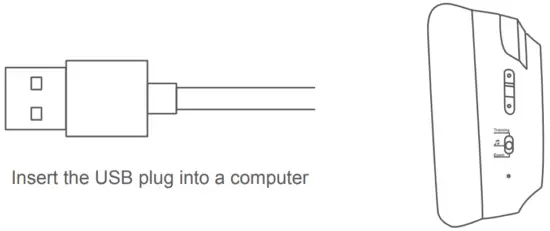
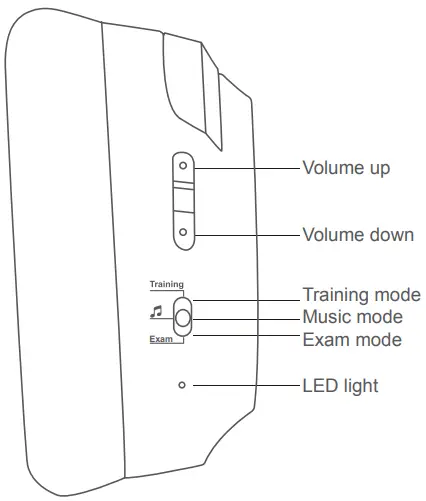
Power on: Insert the USB plug into a computer, the headset should be ready to go and LED light will be lit.
Power off: Unplug the USB plug from the computer, the headset will power off and LED light will be off.
Modes description
Exam mode: Volume buttons cannot function in this mode, please adjust volume level via the connected computer.
Training mode: Press volume buttons to adjust the headset volume level; press and hold volume buttons to adjust voice feedback and microphone volume level.
Music mode: Press volume buttons to adjust the headset volume level; press and hold volume buttons to adjust microphone volume level.
Note:
- In Training mode or Music mode, if microphone volume level is adjusted to zero via the headset or the connected computer, or microphone on the connected computer is muted, LED light will flash with a prompt tone.
- In Exam mode, if microphone volume level is adjusted to zero via the connected computer, or microphone on the connected computer is muted, LED light will flash with a prompt tone.
Support
Edifier International Limited
P.O. Box 6264
General Post Office
Hong Kong
www.edifier.com
2020 Edifier International Limited. All rights reserved.
Printed in China
NOTICE:
For the need of technical improvement and system upgrade, information contained herein may be subject to change from time to time without prior notice.
Products of EDIFIER will be customized for different applications.
Pictures and illustrations shown on this manual may be slightly different from actual product. If any difference is found, the actual product prevails.
 @Edifierglobal
 @Edifier_Global
 @Edifier_Global

 IER | Solutions d'optimisation des flux des biens et des personnes