KlipXtreme KlearCom KCH-510 Stereo Headset with USB Interface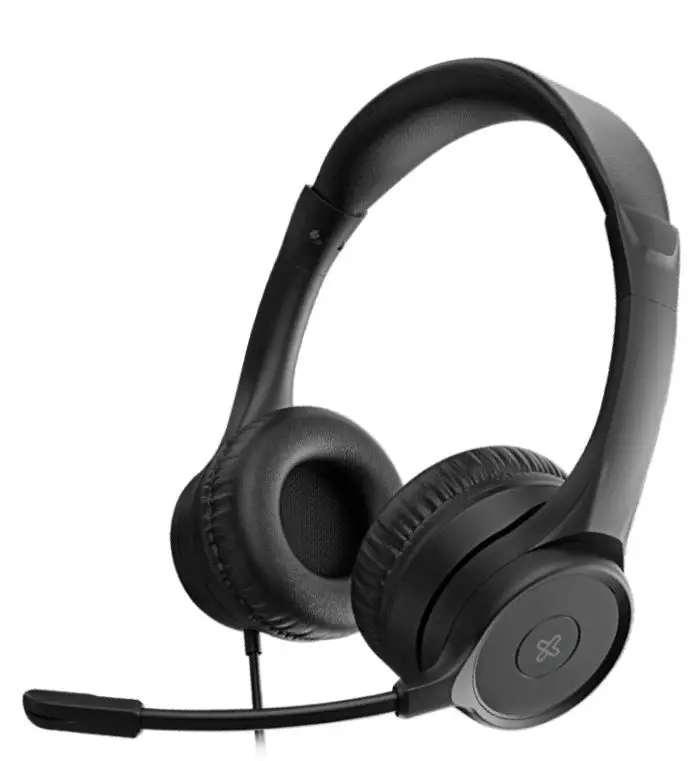
Product Information
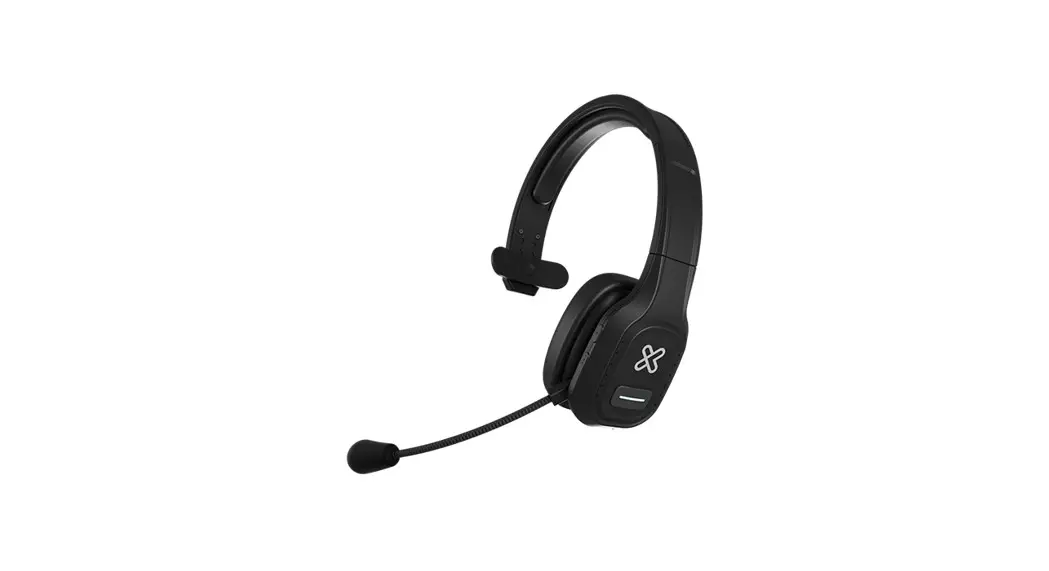
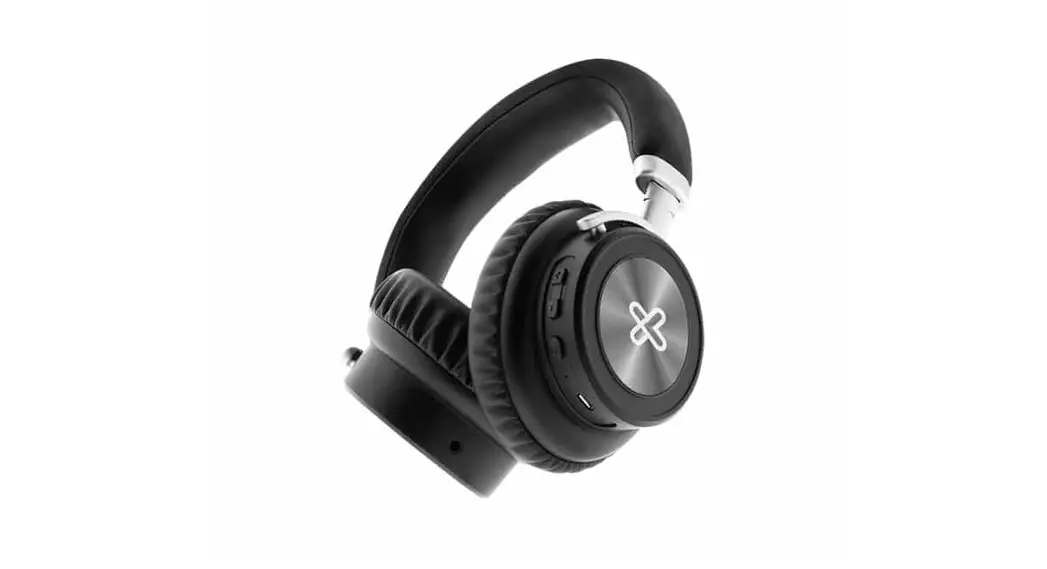
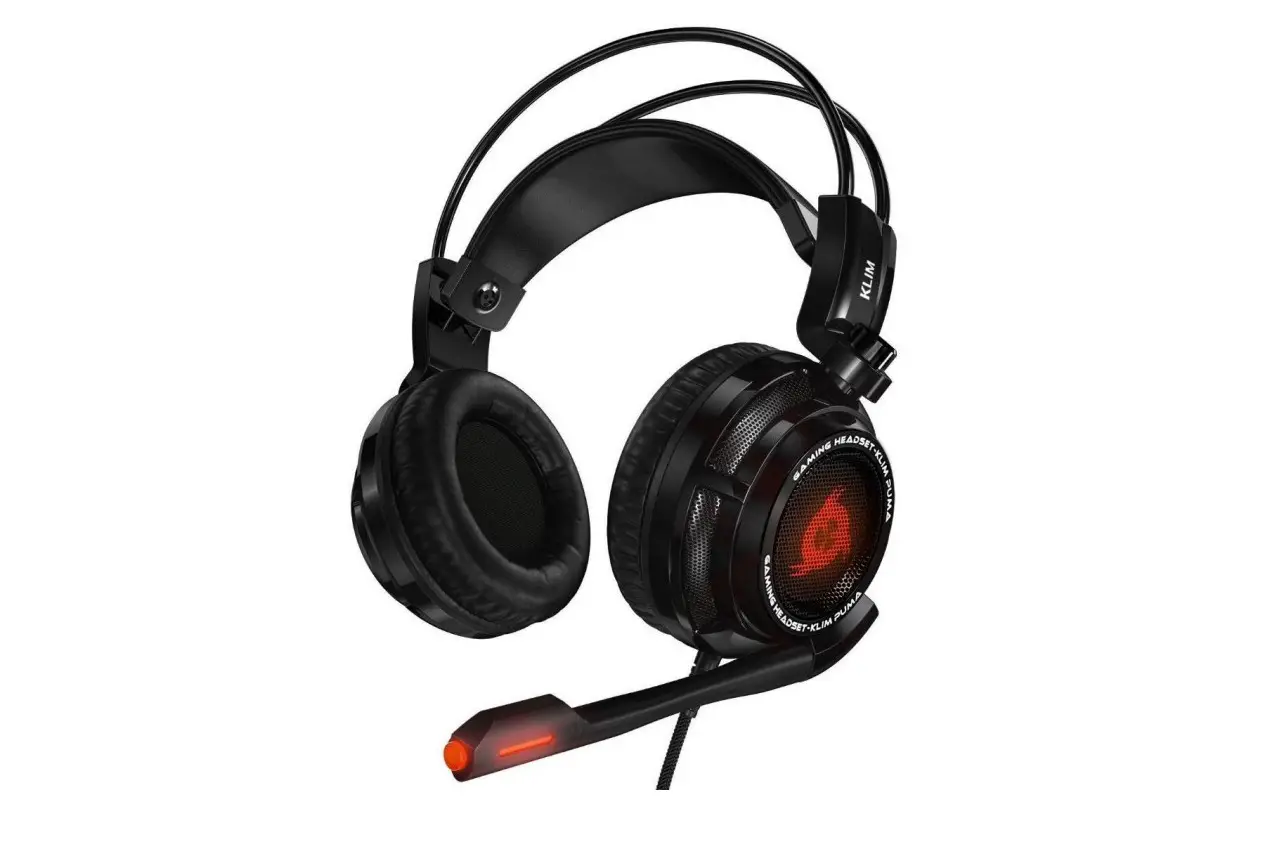
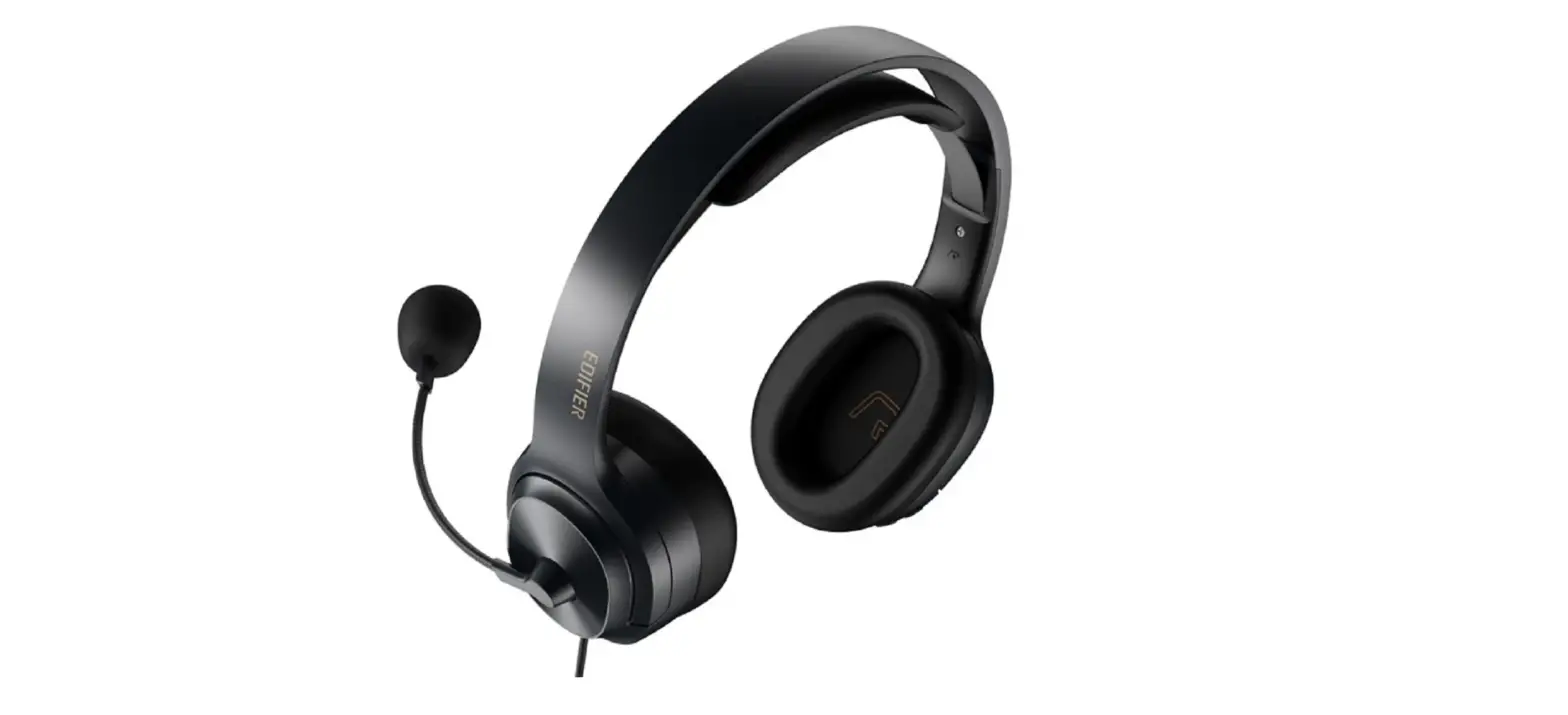
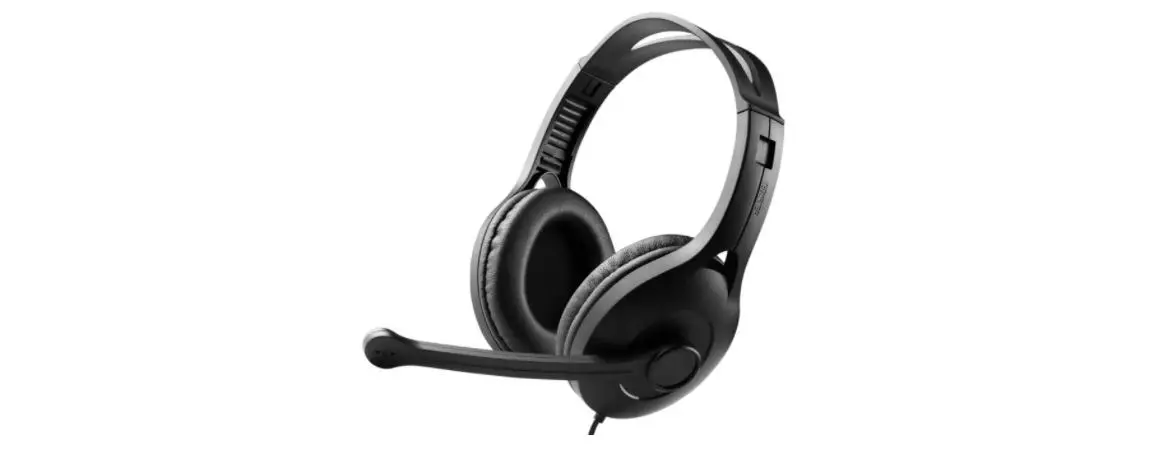
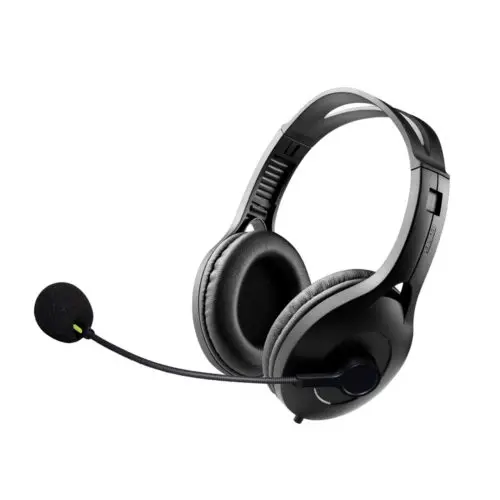
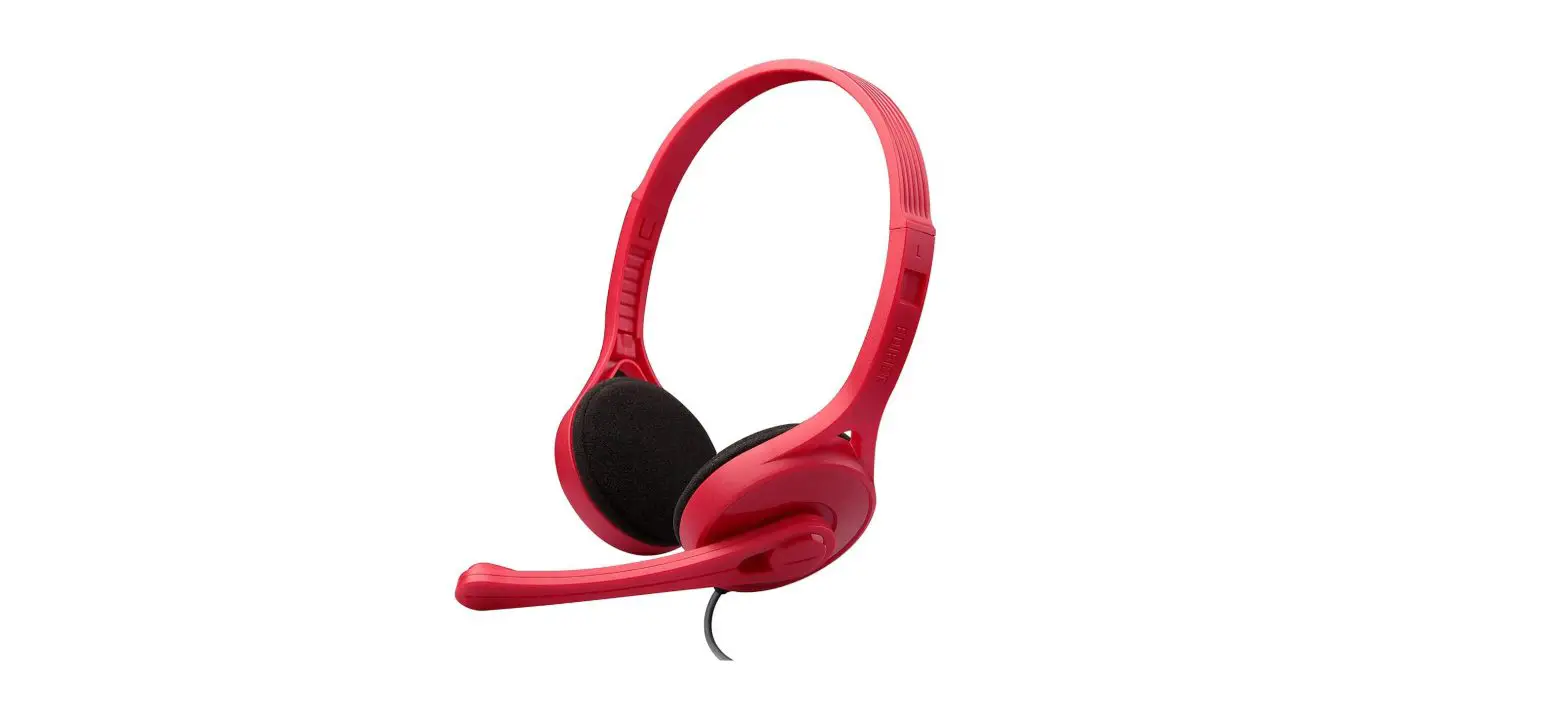
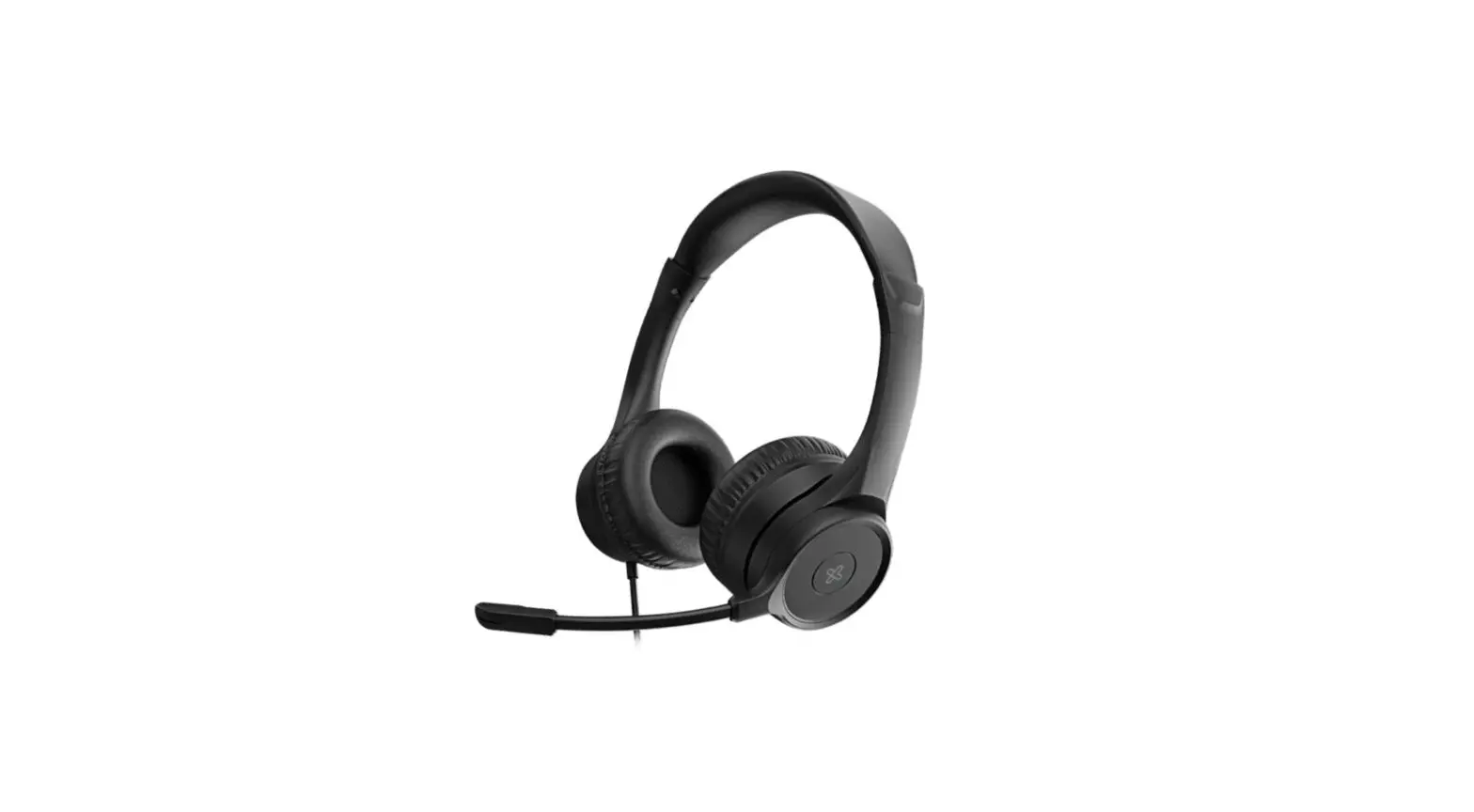
The KCH-510 is a stereo headset with a USB interface, designed for business use. It is a premium audio device by KlipXtreme, specially designed for office and home office environments. The headset features an adjustable and padded headband for a custom fit, ear cups with leatherette cushioning, and a microphone with an adjustable arm. It also includes a mic mute and headphone mute buttons, volume control buttons, and a USB connector.
Main Features:
- Designed for office and home office use
- Adjustable and padded headband
- Ear cups with leatherette cushioning
- Microphone with adjustable arm
- Mic mute button with LED indicator
- Headphone mute button with LED indicator
- Volume control buttons
- USB interface
Technical Specifications:
Headphone:
- Type: Stereo
- Form factor: Over-ear
- Driver unit: Not specified
- Maximum power output: Not specified
- Frequency: Not specified
- Impedance: Not specified
- Sensitivity: Not specified
Microphone:
- Directivity: Not specified
- Frequency: Not specified
- Impedance: Not specified
- Sensitivity: Not specified
- Volume control: Not specified
- Boom rotation: Not specified
Connectivity:
- Connection type: USB 2.0
Compatibility:
The KCH-510 headset is compatible with various UC platforms, but there may be limitations in platform functions depending on the specific UC platform used.
Dimensions and Weight:
- Dimensions: Not specified
- Weight: Not specified
Operating Conditions:
- Operating temperature: Not specified
- Operating humidity: Not specified
Package Content:
The package includes the KCH-510 stereo headset with USB interface.
Product Usage Instructions
- Plug the headset into a USB port on your PC.
- As this is a plug and play device, ensure that the proper audio device is selected on your computer.
- To wear the headset, adjust the headband for a custom fit.
- Position the microphone by adjusting its arm to your preferred position.
- To mute the microphone, press the mic mute button. The blue LED light will turn solid red when the microphone is muted.
- To mute the audio coming from the headphones, press the headphone mute button. The LED light will turn solid blue when the headphones are muted.
- To increase the volume, press the vol. + button. Press and hold the button to go to the next track.
- To decrease the volume, press the vol. – button. Press and hold the button to go to the previous track.
Introduction
Thanks for purchasing the stereo headset for business with USB interface from KlipXtreme. We encourage you to thoroughly read this quick installation guide to get the most out of this innovative and quality audio device, specially designed for office and home office use.
Main features
- Stereo headset solution with in-line control capsule to easily handle all your calls
- Compatible with Teams, Zoom, Skype, and other leading unified communications (UC) platforms1
- Outstanding audio quality enables clear communications on both ends of the call
- The adjustable microphone arm can rotate up to 270 degrees to place it on either side of your head
- Leatherette ear cushions provide a soft sensation and all-day comfort
- The padded metallic headband provides comfort and durability
- Lightweight and unobtrusive design, for greater productivity and concentration
Product Overview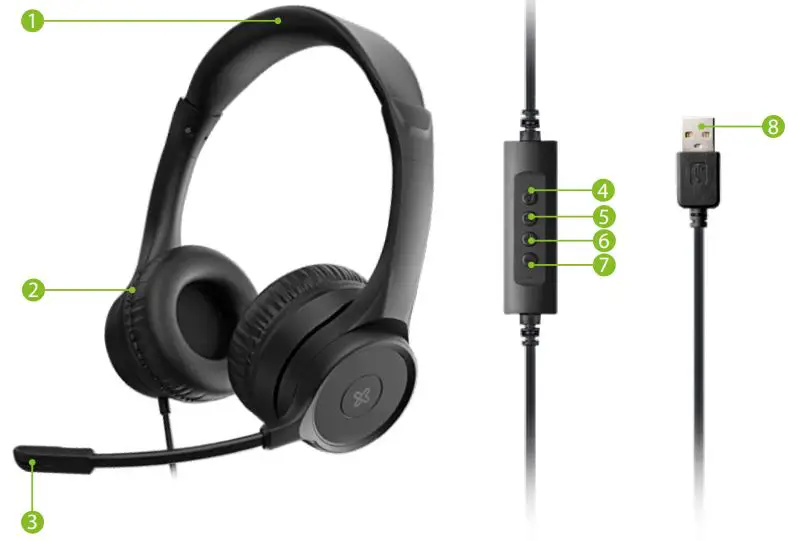
- Adjustable and padded headband for a custom fit
- Ear cups with a leatherette cushion
- Microphone with adjustable arm
- Mic mute: Mutes the microphone so you won’t be heard. Blue LED light turns solid red when pressing mute.
- Headphone mute: Cancels out the audio coming from the headphones. When pressing this button, the LED light turns solid blue.
- Vol. +: Press this button to increase the volume. Press and hold to go to the next track.
- Vol. -: Press this button to decrease the volume. Press and hold to go to the previous track.
- USB connector
Sound device configuration
- Plug the headset into a USB port on your PC.
- As this is a plug-and-play device, simply make sure that the proper audio device is selected.
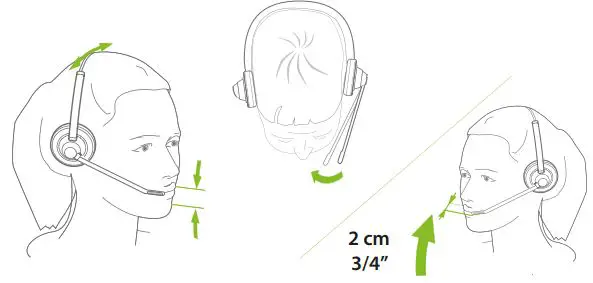
- When wearing the headset, it is recommended to position the microphone approximately ¾ inch away from your mouth. You can also rotate the microphone out of the way when not in use.
Precautions
- Before using the headphones, make sure that the volume is moderate. High volume sounds can seriously damage your hearing.
- Do NOT drop, hit, or shake the device.
- Do NOT disassemble, repair, or modify the headset yourself.
- Technical specifications
Technical specifications
| KCH-510 | |
| Headphone | |
| Type | Stereo premium wired headset |
| Form factor | On-ear |
| Driver unit | Φ40mm |
| Maximum power output | 20mW |
| Frequency | 20Hz~20kHz |
| Impedance | 320±10% |
| Sensitivity | 95±3dB |
| Microphone | |
| Directivity | Omnidirectional HD |
| Frequency | 100Hz~10kHz |
| Impedance | 32ohm±10% |
| Sensitivity | 42±3dB |
| Volume control | Command console on USB adapter cable |
| Boom rotation | 270 degrees |
| Connectivity | |
| Connection type | USB 2.0 |
| Additional information | |
| Compatibility | – Windows XP, Vista, 2000 – Windows 7, Windows 8, Windows 10, WINDOWS 11 (or higher) – All versions of Mac OS X (or higher) |
| Buttons | Microphone mute, headphone mute, volume +, volume – |
| Dimensions (LxWxH) | 6.1×2.8×7.2in |
| Weight | 6.4oz |
| Cable length | 6.5ft |
| Operating temperature | 77°F |
| Operating humidity | Relative humidity 70% |
| Package content | Headset, quick instruction guide |
 KlipXtreme® is a registered trademark. All rights reserved. The team is a registered trademark of Microsoft Corporation. Other trademarks and trade names are those of their respective owners. Any mention of such is only intended for identification purposes, and therefore shall not be construed as a claim to any or all rights pertaining to sponsorship by, or affiliation with those brands.
Made in China.
 Home - Klip Xtreme