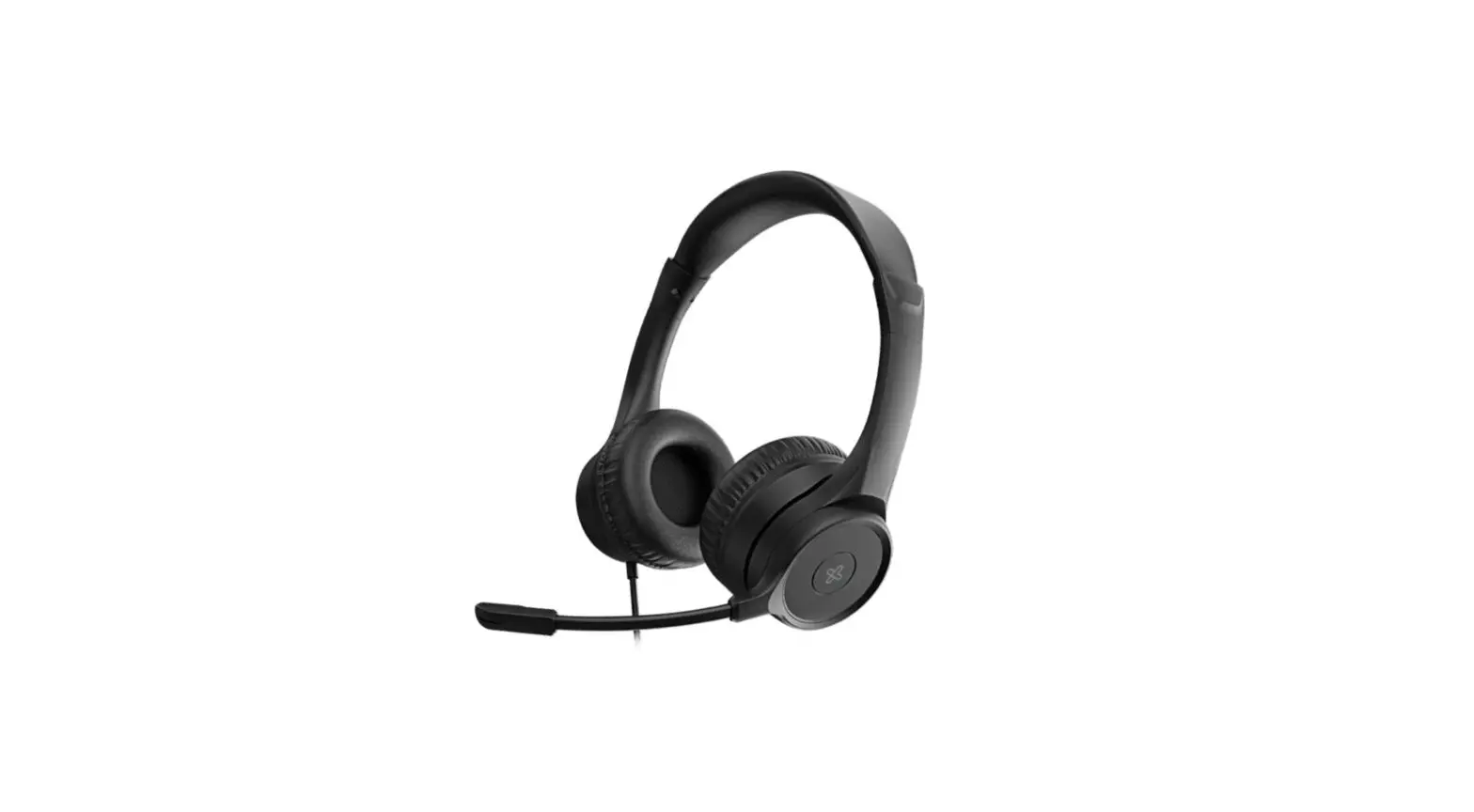

KCH-750
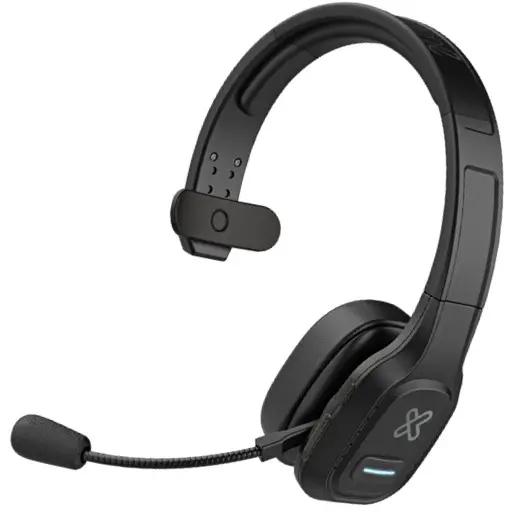
VoxCom
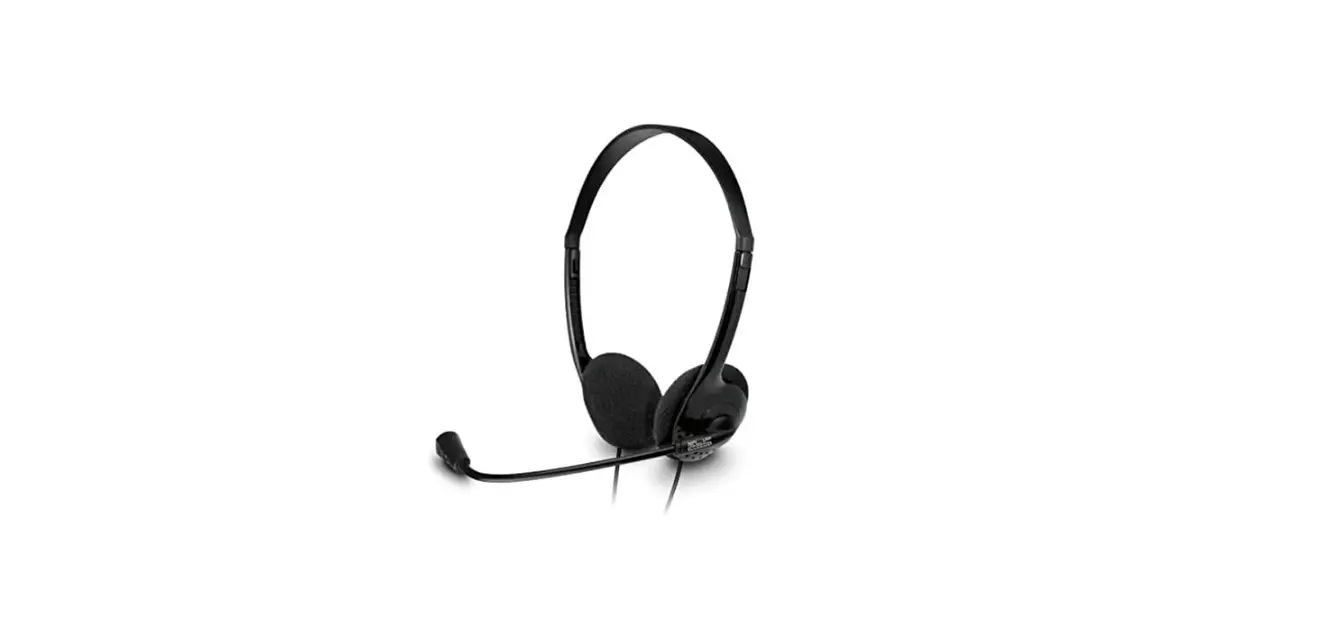
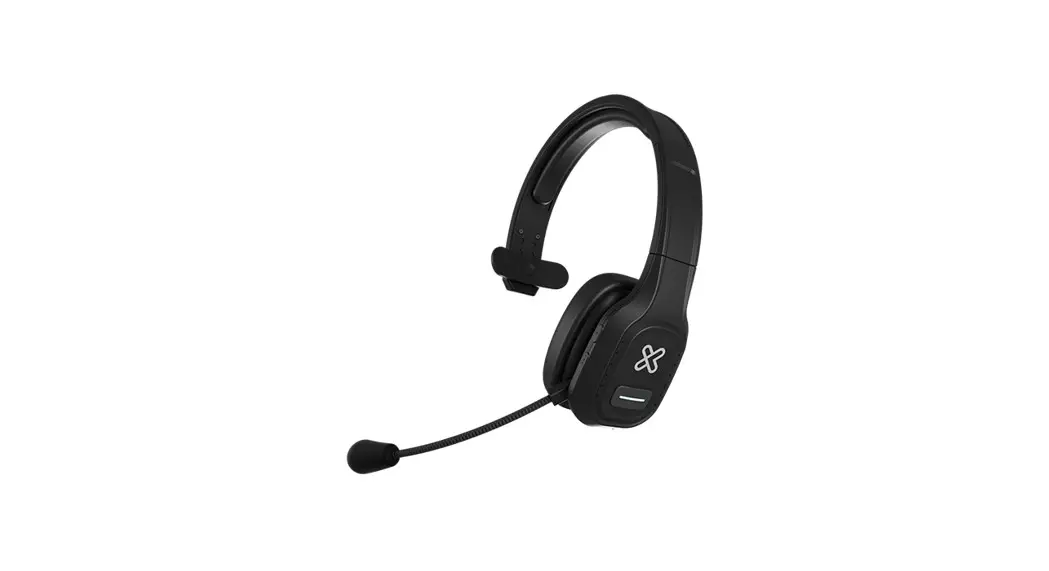
Wireless monoaural headset, dual connection
Bluetooth® compatible and 3.5mm
Premium business
Introduction
Thanks for purchasing the wireless monoaural headset compatible with Bluetooth® from KlipXtreme. We encourage you to read this quick instruction guide thoroughly to get the most out of this quality audio device, specially designed for office or home office.
Main features
- Dual wireless monoaural headset Bluetooth® compatible for freedom of movement and wired connection through a 3.5mm cable
- Flexible wireless connection with Bluetooth® v5.0 to pair simultaneously with two devices
- Complete more tasks with up to 30 hours of talk time 1
- Compatible with Teams, Zoom, and other leading Unified Communications platforms 2
- Can be paired with most Android and iOS smartphones with Bluetooth® enabled
- Adjustable and padded headband reduces pressure over the head for a comfortable sensation all day
- Compatible with Google Assistant and Siri voice assistant, it supports the voice recognition feature for true hands-free control and access to your linked device at the touch of a button 3
- Outstanding audio quality that enables clear communications on both ends of the call
- Built-in command controls to easily manage all your calls and mute button when you don’t want to be heard
- The cardioid microphone with noise canceling reduces distracting background noise in busy or crowded work environments
- The microphone arm rotates 270 degrees to find the perfect angle that works for you
- Depending on the volume level and type of usage (calls/music).
- Some limitations in platforms’ functions may apply.
- Voice assistant only supported on smartphones.
- Range estimate is based on an area free and clear of obstacles and interference, and within the line of sight between devices
Product overview
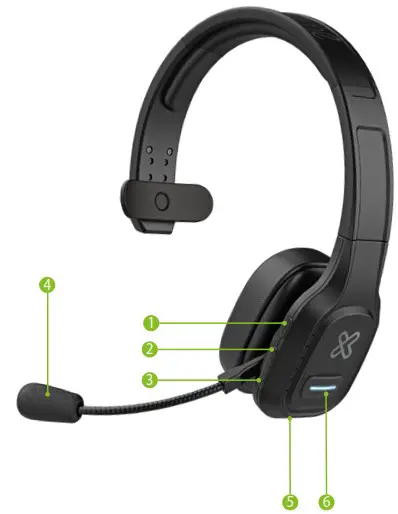
- Multifunction button:
On, off, enter pairing mode, play/pause, redial, dial, answer/hang up/reject a call - Volume +:
Increase volume, go to the next track - Volume -:
Decrease volume, go to the previous track - Microphone
- Type C charging port
- Mute button and
LED indicator
LED indicators
| Mode | LED indicator |
| Power on | LED blinks blue 3 times |
| Power off | LED is on in red for 1 second |
| Pairing mode | LED blinks red and blue alternately |
| Delete paired device | LED blinks blue and red once at the same time |
| Reconnect mode | LED blinks blue twice every 5 seconds |
| Unconnected standby mode | LED blinks blue twice every 5 seconds |
| Connected standby mode | LED blinks blue once every 10 seconds |
| Music playback | LED blinks blue twice every 10 seconds |
| Talking | LED blinks blue twice every 10 seconds |
| Low battery | LED blinks in red |
| Charging | LED is solid red |
| Full charge | LED is solid blue |
Charging the headset
- Plug one end of the supplied Type C cable into the headset’s Type C port and the other end to the USB port of your computer to charge the battery.
- The battery takes up to an hour and a half to fully charge.
- Make sure the headset is fully charged before using it for the first time.
- While the headset is being charged the LED indicator glows red.
- Once the headset is fully charged, the LED indicator turns blue.
- When the battery is low, the LED indicator blinks in red. If the battery gets to 20%, a tone will be heard to let the user know that the battery level is low.
Headset operation
- Press and hold the multifunction button for 3 seconds to power on the headset, a tone will be heard.
- Press and hold the multifunction button for 5 seconds to power off the headset, a tone will be heard.
- To answer a call, press the multifunction button once. Press it again to hang up. Press and hold it to reject a call.
- To play music press the multifunction button.
- Press the volume – button to decrease the volume level.
- Press and hold the volume – button to go to the previous song.
- Press the volume + button to increase the volume level.
- Press and hold the volume + button to go to the next song.
- Press the mute button during a call to mute the microphone, a tone will be heard. Press it again to unmute and another tone will be heard.
Note: The mute function of the microphone takes place directly on the unified communications platform you are using. You may also press the mute button in the conference call software to manage this function. 2 - Press the multifunction button for 3 seconds to activate Google Assistant or Siri.
Note: The voice assistant function is only supported on smartphones 3.
Note: This headphone includes a 3.5mm to Type C audio cable. When listening to music or audio from a device connected to the 3.5mm cable, the headphone’s buttons won’t work. You will need to press the buttons in the connected device to play, pause, or stop audio playback.
Pairing the headset with your mobile device
- Turn on the headset.
- Set your Bluetooth ® device to “discover” the headset.
- The LED indicator will start blinking blue and red to indicate that the headset has entered into pairing mode, and it is ready to be detectable for the first time.
- Tap the newly discovered audio device (KCH-750) displayed on your mobile device, in the Bluetooth ® list.
- If pairing is successful, a tone will be heard and the LED indicator will turn off. If after 60 seconds the pairing process fails, please repeat steps 1 through 4 described above.
- We recommend turning off the device when not in use. The headset will shut off automatically after a period of inactivity, as long as it is not in the Bluetooth® mode.
- To delete a paired device from the headset memory, press the volume up + and the multifunction buttons simultaneously.
Pairing the headset with two devices
- Follow the process mentioned above to pair the headset with the first phone. Then turn off the Bluetooth® function of the first phone.
- The headset will automatically enter pairing mode with the LED indicator blinking red and blue. Turn on the Bluetooth ® function of the second phone to search devices.
- Tap the newly discovered audio device (KCH-750) displayed on your second mobile device, in the Bluetooth ® list. The LED indicator will start blinking slowly in blue once the pairing process is completed.
- Turn on the Bluetooth® function of the first phone, reconnect it to the headset.
Now the headset is paired with both phones.
Note: Music can only be played from one phone under two paired devices. If you want to play music from another phone, you need to pause or stop audio playback from the previous phone. The same applies when talking during calls.
Precautions
- Do NOT drop, hit, or shake the device.
- Do NOT disassemble, repair, or modify the headset yourself.
Technical specifications
KCH-750
| Headphone | |
| Type | Monoaural dual Bluetooth® – wired headset |
| Chipset | CSR8615 |
| Form factor | On-ear |
| Driver unit | Φ28mm |
| Maximum power output | 20mW |
| Frequency | 100Hz ~6.8kHz |
| Impedance | 150±5Ω |
| Sensitivity | 45±2dB (at 1kHz 1mW)) |
| Driver unit type | Moving coil type neodymium iron shed magnetic horn |
| Microphone | |
| Directionality | Cardioid (noise canceling) |
| Directivity | Unidirectional |
| Frequency | 100-16000Hz |
| Impedance | 2.2KΩ |
| Sensitivity | 45±2dB |
| Volume control | Yes |
| Boom rotation | ± 270 degrees |
| Connectivity | |
| Connection type | Bluetooth® v5.0+EDR and USB-C to 3.5mm |
| Wireless RF frequency | 2.402-2.480GHz |
| Wireless range | Up to 33ft |
| Battery | |
| Type | 420mAh lithium polymer |
| Charging time | Up to 1.5 hour |
| Run time | Up to 30 hours (50% volume) |
| Standby time | 400 hours |
| Charging type | USB-C |
| Additional information | |
| Voice assistant supported | Yes, Siri and Google with smartphones 3 |
| Compatibility | – Windows XP, Vista, 2000 – Windows 7, Windows 8, Windows 10, Windows 11 (or higher) – All versions of Mac OS X (or higher) – Android and iOS v10 and up |
| Buttons | – Multifunction button – Volume +/next track – Volume-/previous track – Microphone mute button and LED indicator |
| Dimensions (LxWxH) | 6.1×2.1×7.5in |
| Weight | 5oz |
| Cable length | Charging cable: 1.9ft Audio cable: 3.9ft |
| Operating temperature | 77°F |
| Operating humidity | Relative humidity 70% |
| Package contents | Headset, quick instruction guide, spare earmu , USB-C to 3.5mm cable, USB-C charging cable |
- Depending on the volume level and type of usage (calls/music).
- Some limitations in platforms’ functions may apply.
- Voice assistant only supported on smartphones.
- Range estimate is based on an area free and clear of obstacles and interference, and within the line of sight between devices.
KlipXtreme® is a registered trademark. All rights reserved. Teams is a registered trademark of Microsoft Corporation. Other trademarks and trade names are those of their respective owners. Any mention of such is only intended for identification purposes, and therefore shall not be construed as a claim to any or all rights pertaining to, sponsorship by, or affiliation with those brands. Made in China.
 Home - Klip Xtreme