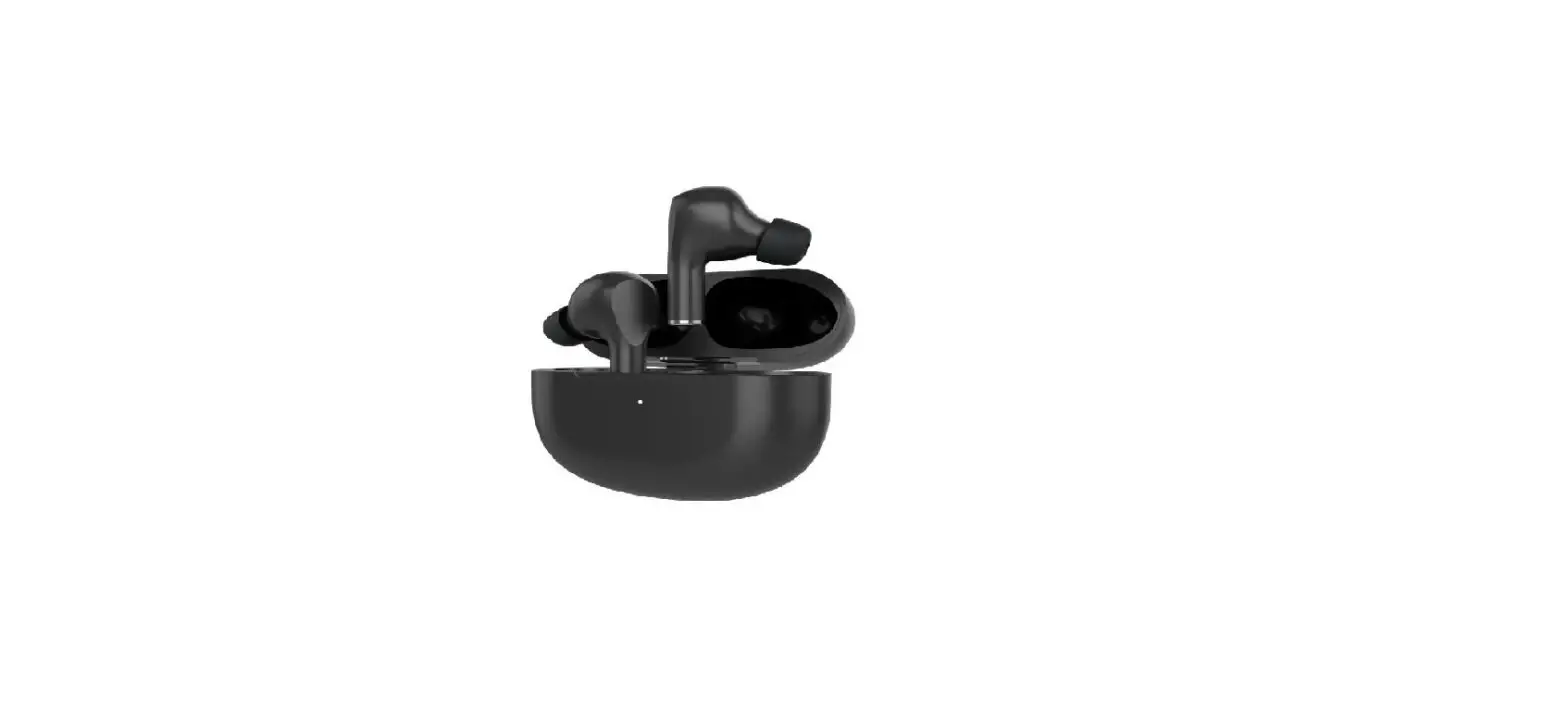
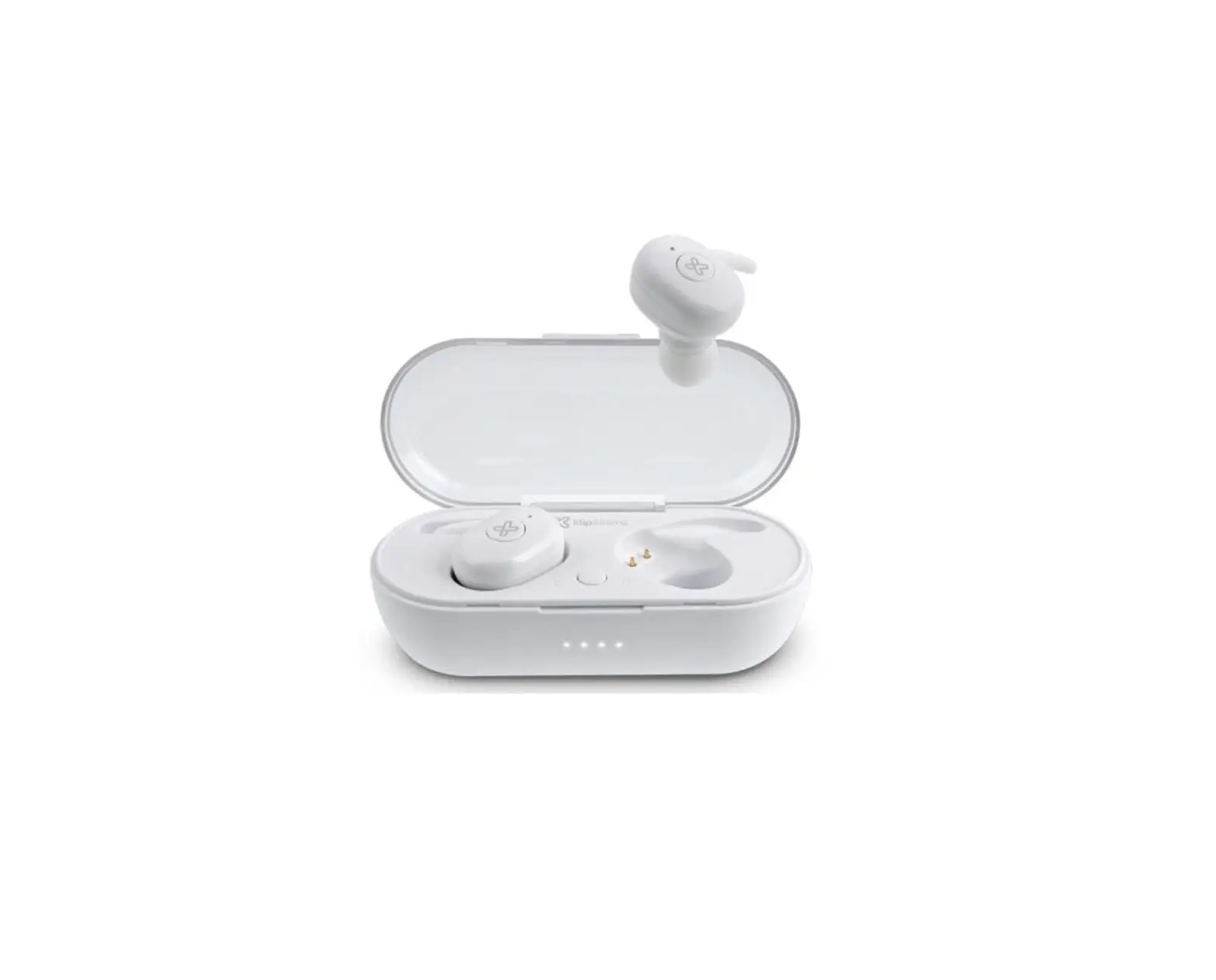
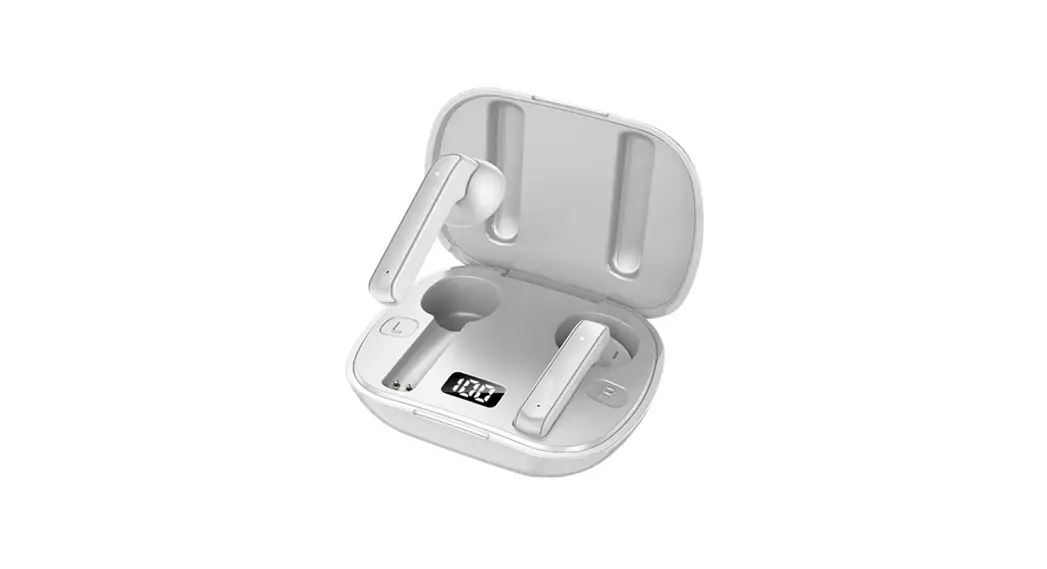
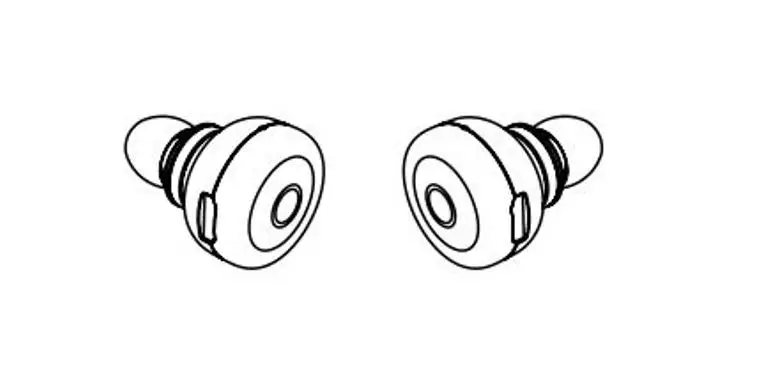
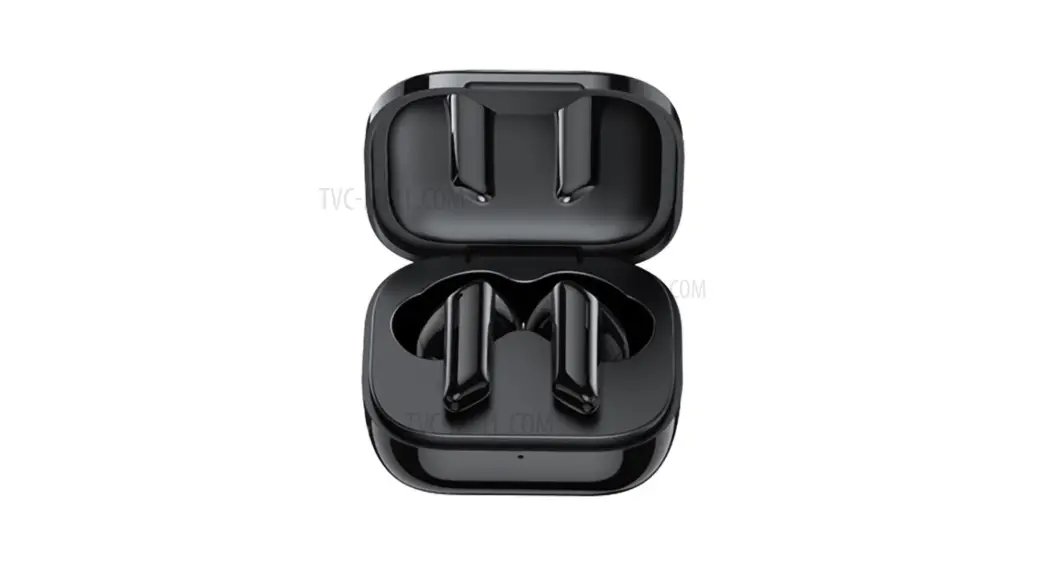
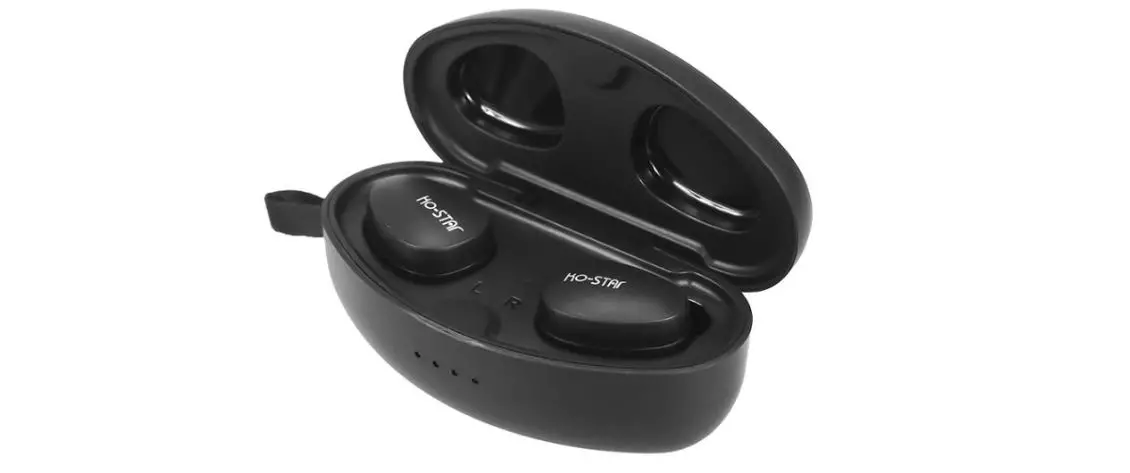
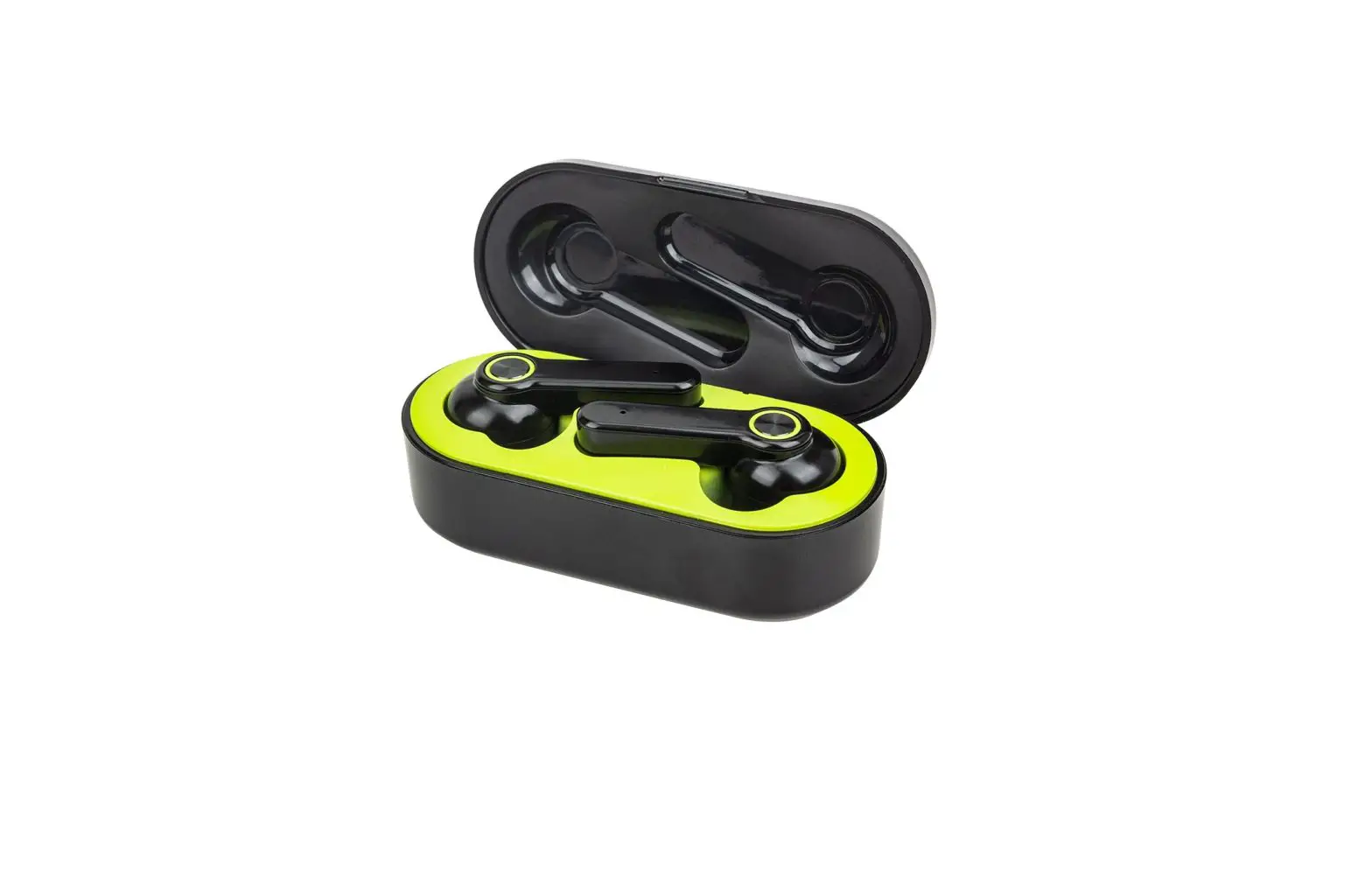
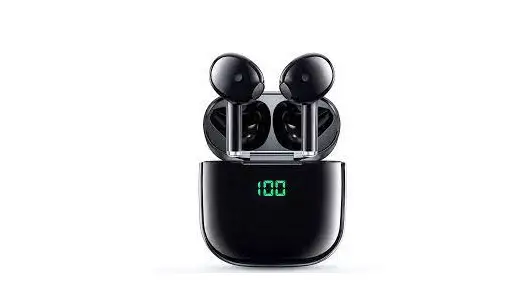
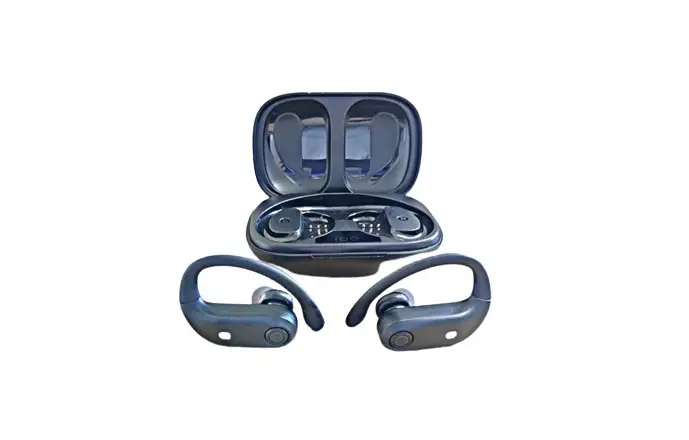
KTE-050 TuneFiBuds True Wireless Stereo Earbuds
TuneFiBuds KTE-050
English
I. Introduction
Thank you for purchasing the KlipXtreme KTE-050 True Wireless
Stereo (TWS) earbuds with HD microphone. We encourage you to read
this quick installation guide thoroughly to get the most out of
this wireless device.
Main Features
- True Wireless Stereo (TWS) earbuds
- HD microphone for hands-free calling and conferencing
- Long battery runtime of 9.2 hours per charging cycle for a
total of 37 hours combined
Package Content
| Item | Quantity |
|---|---|
| Earbuds | 2 sets |
| Charging Case | 1 |
| Type-C Cable | 1 |
Product Overview

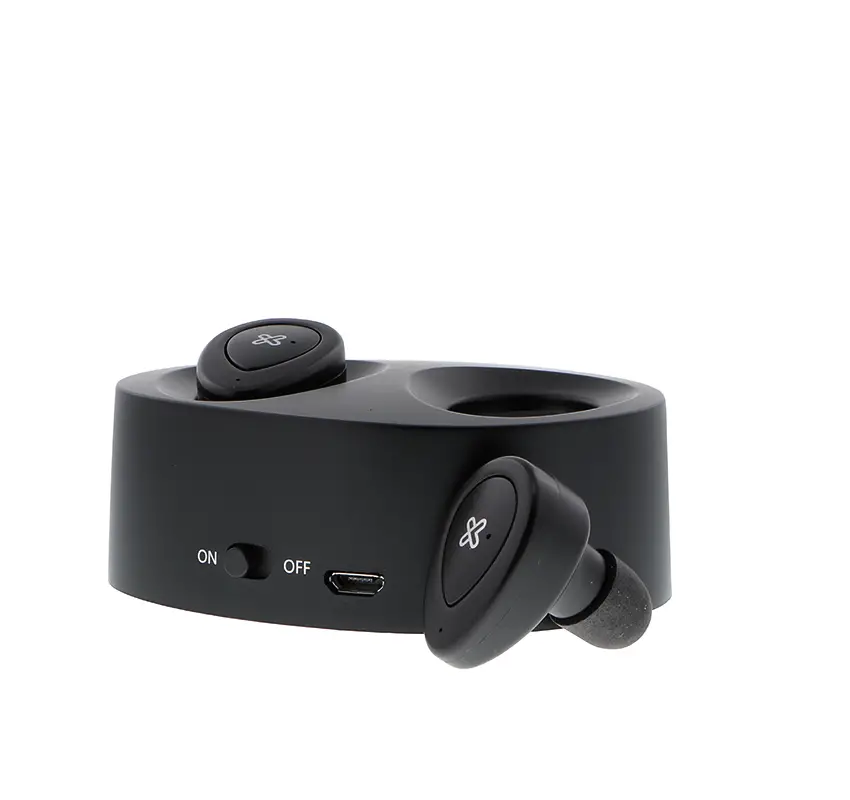
- Power/multifunction button: Press to power on/off and manage
media, calls, and other functions - Earbuds LED indicator/microphone: LED indicates charging,
pairing, and microphone enables hands-free calling - Charging case LED indicator: LED indicates charging status of
the case - Charging port: Insert Type-C cable for charging the
battery
Product Usage Instructions
Basic Operation
Charging the Case and Earbuds
To charge the case:
- Plug the supplied USB cable into the charging port of the
case. - Connect the other end of the USB cable to a power source.
- The charging case LED indicator will blink slowly during
charging and remain on when fully charged.
IMPORTANT: Since the control buttons are sensitive to touch,
ensure to hold the earbuds by the stem when handling them to avoid
accidental tapping of the touch buttons.
Turning Your Earbuds On or Off
To turn on your earbuds:
- Remove the earbuds from the charging case.
- Alternatively, press and hold the multifunction button for 3
seconds.
To turn off your earbuds:
- Put the earbuds back in the charging case.
- Alternatively, tap the multifunction button for 5 seconds.
Advanced Operation
TWS Pairing
To pair the earbuds with each other:
- Simply take the earbuds out of the charging case.
- The earbuds will automatically sync with each other and enter
mobile pairing mode.
Pairing the Earbuds with Your Mobile Device
To pair the earbuds with your mobile device:
- Remove the earbuds from the charging case or press and hold the
multifunction button for 3 seconds to power them on. - Ensure that Bluetooth is enabled on your mobile device.
- Search for available Bluetooth devices on your mobile
device. - Select the “TuneFiBuds KTE-050” from the list of discovered
devices. The LED light on the earbuds will blink green and
white. - The earbuds are now paired with your mobile device.
Music Playback, Voice Commands, and Game Mode using Your
Earbuds
Once the earbuds are paired with your mobile device, you can use
them for music playback, voice commands, and game mode using the
following functions:
| Function | Multifunction Button Action |
|---|---|
| Answer an incoming call | Touch the multifunction button once |
| Ignore an incoming call | Tap the multifunction button for 2 seconds |
| Hang up a call | Touch the multifunction button during the call |
| Play/pause | Tap the multifunction button once |
| Volume+ | Touch and hold the right multifunction button |
| Volume- | Tap and hold the left multifunction button |
| Next track | Double tap the right multifunction button |
| Previous track | Double tap the left multifunction button |
| Voice assistant | Touch the left multifunction button 3 times |
| Game mode | Tap the right multifunction button 3 times |
Troubleshooting
If you experience any issues with your earbuds, please consider
the following troubleshooting steps:
- Ensure that Bluetooth is enabled on your mobile device and that
there are no obstructions between the earbuds and the device, such
as walls or other electronic devices. - If the earbuds do not pair or connect properly, try resetting
them by putting them back in the charging case and taking them out
again. - If the battery runtime is significantly shorter than expected,
try fully charging the earbuds and the charging case and monitor
their performance.
TuneFiBuds KTE-050
English
I. Introduction
Thank you for purchasing the KlipXtreme KTE-050 True Wireless Stereo (TWS) earbuds with HD microphone. We encourage you to read this quick installation guide thoroughly to get the most out of this wireless device.
Main features
· True wireless stereo (TWS), designed to stream audio wirelessly through two separate units simultaneously from the same audio source
· Extended listening with up to 37 hours of total playback time and approximately 300 hours in standby mode3
· Experience outstanding sound technology with full audio details and musical textures
· Control at your fingertips: Smart touch sensors allow hassle-free management of your music and calls, with just a simple tap
· Compatible with Google and Siri voice assistant for true hands-free control at the touch of a button
· Keep going even under the rain or while on the go with IPX6 water and sweat resistant
· Free your music with Bluetooth® V5.1 that delivers reliable wireless connection1
· Built-in HD microphone allows taking clear calls even in windy or loud environments
· Charging case includes a LED light to display battery status
· Modern and sleek case: Ultra-lightweight and portable, the charging case is built to conveniently
carry and charge the earbuds anywhere anywhere you go · Low latency swiftly delivers audio for precise listening with near zero delay
Package content
· TWS earbuds · Charging case · User guide · Type-C charging cable · Small and large ear tips
(2) (1) (1) (1) (2 sets)
2. Product overview
12
34
1 Range estimate is based on an area free and clear of obstacles and interference, and within the line of sight between devices.
2 It depends on the volume level and type of file being played. 3 Battery runtime can last 9.2 hours per charging cycle (4) for an estimated total of 37 hours combined.
1 Power/multifunction button: Press the multifunction button to power and manage all media, calls, and other functions.
2 Earbuds LED indicator/microphone: The LED is green when charging; the LED turns off when it is fully charged; the LED blinks green and white when pairing. The microphone picks up your voice to enable hands-free calling and conferencing.
3 Charging case LED indicator: The LED blinks slowly when charging; the LED indicator remains on after the case is fully charged.
4 Charging port: Insert the Type-C cable in this port to charge the battery.
Multifunction button
Mode
Function
Answer an incoming call Touch the multifunction button once
Ignore an incoming call Tap the multifunction button for 2 seconds
Hang up a call
Touch the multifunction button during the call
Play/pause
Tap the multifunction button once
Volume +
Touch and hold the right multifunction button
Volume –
Tap and hold the left multifunction button
Next track
Double tap the right multifunction button
Previous track
Double tap the left multifunction button
Voice assistant
Touch the left multifunction button 3 times
Game mode
Tap the right multifunction button 3 times
LED indicators on the charging case and earbuds
Earbuds
Charging Full charge Pairing Paired Charging case Charging Full charge
Green LED on LED off LED blinks green and white LED blinks white
LED blinks slowly in red LED turns green
3. Basic operation
3.1 Charging the case and earbuds 1. To charge the case, plug the supplied USB cable into
a power source and the Type C end in the case’s charging port. The case starts charging automatically. The LED blinks slowly in red. 2. When the case is fully charged the LED turns green. Proceed to unplug the charging case from the power source and place the earbuds on the sockets of the charging case. 3. While the earbuds are being charged the earbuds LED indicator lights green. When fully charged, the LED indicator turn off. This takes about an hour. 4. The fully charged earbuds have up to 9.2 hours of playtime or up to 300 hours of standby time. However, these times may vary depending on the mobile device used, the usage profile, and the type of files being played.
IMPORTANT: Since the control buttons are sensitive to the touch, ensure to hold the earbuds by the stem when handling them. This will avoid accidentally tapping the touch buttons
3.2 Turning your earbuds on or off
1. Remove the earbuds from the charging case or press and hold the multifunction button for 3 seconds to power them on.
2. To turn the earbuds off, put them back in the charging case or tap the multifunction button for 5 seconds.
4. Advanced operation
4.1 TWS pairing Simply take the earbuds out of the charging case. The earbuds sync with each other automatically and then enter into mobile pairing mode.
Note: Before installing the product, please make sure your device is Bluetooth® compatible.
4.2 Pairing the earbuds with your mobile device 1. Remove the earbuds from the charging case or press
and hold the multifunction button for 3 seconds to turn them on. Both earbuds will pair automatically. 2. Set your Bluetooth® mobile device to “discover” the wireless earbuds. 3. Place the earbuds and your mobile device not more
than three feet from each other. 4. The LED light in the earbuds blinks green and white.
Both are ready to enter pairing mode. 5. On your mobile device, tap the newly discovered
audio device KTE-050 being displayed in the Bluetooth® list. 6. When the mobile device asks if you want to pair with it, click Yes or OK to accept. 7. If pairing is successful the “connected” prompt is heard and the earbud LED indicator blinks white. 8. If after 60 seconds the pairing process fails, please repeat steps 1 through 6 as described above. 9. The earbuds automatically go into standby mode after a short period of inactivity to save battery life. 10. You only need to pair the earbuds with your mobile device once, as they will reconnect with memorized devices automatically.
4.3 Using the wireless earbuds 1. Answering and ending a call · When there is an incoming call, your phone will ring
along with a tone through your earbuds. · Touch the multifunction button once on any earbud
to pick it up. You may also press the answer button on your mobile phone to receive the incoming communication in your earbuds. · To end a call, press the multifunction button once again on any earbud. Likewise, you may also finish the call directly using the end key on your smartphone. · To ignore an incoming call and send the caller to voicemail, touch and hold the multifunction button for 2 seconds.
2. Music playback, voice commands, and game mode using your earbuds
· Press the multifunction button on either one of the earbuds to play and stop audio playback.
· Double touch the right multifunction button to go to the next track.
· Double tap the left multifunction button to go to the previous track.
· Press and hold the left multifunction button to lower the volume.
· Press and hold the right multifunction button to increase the volume.
· Touch the left multifunction button three times to enable the Google or Siri voice assistant.
· Tap the right multifunction button three times to enable the game mode.
5. Troubleshooting
If you can’t connect the earbuds to your mobile device, try the following: · Make sure the earbuds are charged, turned on, paired
with, and connected to your mobile device. · Verify if the Bluetooth® feature is activated on your
device. · Check that the earbuds are within 30 feet of your
mobile device and that there are no obstructions between the earbuds and the device, such as walls or other electronic devices.
Precautions
· Do not charge the earbuds nor the charging case for 10 continuous hours.
· Do not use cleaning solvents or strong chemicals to clean the device.
· Your earbuds are powered by a rechargeable battery. The battery can be charged and discharged hundreds of times, but it will eventually wear out. Recharge your battery only with compatible chargers.
· Unplug the USB charger from the source when not in use.
· Parts of the earphones are magnetic. Metallic materials may be attracted to the earbuds. Do not place credit cards or other magnetic storage media near the earbuds, as information stored on them may be erased.
Technical specifications
MPN
KTE-050
Device
Type
TWS earbuds
Form factor
In-ear
Chipset
JL AC9673
Special features
Smart-touch
Touch control compatible with Siri and
technology
Google Voice assistant
Charging case battery LED Yes, LED indicator in the bottom of the
indicator
charging case
IPX rating
IPX6 water-resistant
Volume control
Yes
Built in microphone for hands-free calls Yes
Speaker
RMS power output
6mW
Frequency
100Hz-20kHz
Impedance
32
Sensitivity
80dB±3dB
Microphone
Form factor
Built-in
Directivity
Omnidirectional
Frequency
100Hz-10kHz
Impedance
200
Sensitivity
-38dB±3dB
Volume control
Yes
Connectivity
Connection type
Bluetooth® V5.1
Profiles supported
A2DP, AVCTP, AVDTP, AVRCP, HFP, SPP,
SMP, ATT, GAP, GATT, RFCOMM, SDP,
L2CAP
Wireless RF frequency
2.402GHz-2.480GHz
Wireless range
From 32.8-49.2ft1
Battery Single earbud battery Charging case battery Charging connection type Wired charging rate (In V, A & W) Charging case + earbud charging total time Earbud only battery charging time Charging case only battery charging time (wired) Number of charging case cycles before battery runs out Earbud only battery runtime Earbud total run time (including cycles) Battery standby time Additional information Dimensions (LxWxH) Weight Cable length Package contents
45mAh lithium battery 390mAh lithium battery Type-C 5V/0.3A, 1.5W
2 hours
1 hour
2 hours
4 cycles
Up to 9.2 hours (with the volume set at 50%)2 Up to 37 hours3
About 300 hours
2.2×0.9×1.7in 1.4oz 11.8in Earbuds, charging case, user guide, Type-C charging cable, small and large set of ear tips
1 Range estimate is based on an area free and clear of obstacles and interference, and within the line of sight between devices.
2 It depends on the volume level and type of file being played. 3 Battery runtime can last 9.2 hours per charging cycle (4) for an estimated total of 37 hours combined.
FCC Statement
This equipment has been tested and found to comply with the limits for a Class B digital device, pursuant to part 15 of the FCC Rules. These limits are designed to provide reasonable protection against harmful interference in a residential installation. This equipment generates, uses and can radiate radio frequency energy and, if not installed and used in accordance with the instructions, may cause harmful interference to radio communications. However, there is no guarantee that interference will not occur in a particular installation. If this equipment does cause harmful interference to radio or television reception, which can be determined by turning the equipment off and on, the user is encouraged to try to correct the interference by one or more of the following measures:
· Reorient or relocate the receiving antenna. · Increase the separation between the
equipment and receiver. · Connect the equipment into an outlet on a
circuit different from that to which the receiver is connected. · Consult the dealer or an experienced radio/TV technician for help.
Español
I. Introducción
Gracias por preferir los audífonos KTE-050 con verdadera conexión inalámbrica (TWS) y micrófono HD de Klip Xtreme. Le recomendamos que lea detenidamente esta guía de instalación rápida para aprovechar al máximo este dispositivo inalámbrico.
Principales características
· Verdadera conexión inalámbrica (TWS), diseñada para la reproducción de audio sin cables por ambos audífonos simultáneamente desde la misma fuente de audio
· Escucha más de tu música con hasta 37 horas de reproducción total y aproximadamente 200 horas en modo de pausa3
· Excepcional tecnología de sonido capaz de reflejar el espectro completo de contrastes y tonalidades musicales
· Control en la punta de los dedos: Los sensores táctiles inteligentes permiten la gestión fluida de tu entretenimiento al igual que de tus llamadas telefónicas con un simple toque
· Compatible con el asistente de voz de Google y Siri para un verdadero control de manos libres tan solo pulsar un botón
· Sigue disfrutando tu música aún bajo la lluvia con protección IPX6 resistente al agua y al sudor
· Libertad al extremo con la mejor conectividad que ofrece la tecnología inalámbrica Bluetooth® V5.1
· Micrófono integrado de alta definición permite realizar llamadas con toda nitidez en entornos con
alto nivel de ruido o viento · Moderno y estilizado estuche: Ultraliviano y
portátil, el cargador ha sido concebido para llevar y cargar los audífonos con toda facilidad adondquiera que vayas · La mínima latencia garantiza la recepción de audio con óptima precisión y un lapso virtualmente nulo
Contenido del empaque
· Audífonos con verdadera conexión inalámbrica TWS
· Estuche de carga · Guía del usuario · Cable Tipo-C para carga · Puntas para los oídos de tamaño
pequeño y grande
(2)
(1) (1) (1) (2 sets)
2. Descripción del producto
12
34
1 El cálculo de alcance se base en una zona libre de obstáculos e interferencias y dentro de la línea recta entre los dispositivos. 2 Depende del nivel de volumen y del tipo de archivo de audio que se reproduce. 3 El tiempo de reproducción puede durar 9,2 horas por ciclo de carga (4) ofreciendo una duración de aproximadamente 37 horas en total.
1 Botón de encendido/multifunción: presione el botón multifunción para encender y gestionar medios, llamadas y otras funciones.
2 Indicador LED de los audífonos/micrófono: la luz LED se ilumina en verde mientras se cargan los audífonos; la luz LED se apaga cuando alcanzan carga plena; el LED parpadea en verde y blanco cuando está en modo de emparejamiento. El micrófono capta su voz para habilitar llamadas y conferencias con manos libres.
3 Indicador LED del estuche de carga: la luz LED parpadea lentamente mientras se carga; el indicador LED permanece encendido cuando el estuche alcanza carga plena.
4 Puerto para carga: conecte el cable Tipo C en este puerto para cargar la batería.
Botón multifunción
Modo
Contestar llamadas Ignorar llamadas Finalizar una llamada Reproducción/pausa Volumen + Volumen Siguiente pista Pista anterior Asistente de voz Modo de videojuego
Función
Toque el botón multifunción una vez Presione el botón multifunción por 2 segundos Toque el botón multifunción durante la llamada Presione el botón multifunción una vez Mantenga presionado el botón multifunción derecho Mantenga presionado el botón multifunción izquierdo Doble toque del botón multifunción derecho Doble toque del botón multifunción izquierdo Presione el botón multifunción izquierdo 3 veces Toque el botón multifunción derecho 3 veces
Indicadores LED en el estuche de carga y en los audífonos
Audífonos
Cargando Carga plena Emparejando Emparejado Estuche de carga Cargando Carga plena
LED verde LED apagada LED se ilumina alternadamente de color verde y blanco LED parpadea blanco
LED parpadea lentamente en rojo LED se torna verde
3. Funcionamiento básico
3.1 Cómo cargar el estuche y los audífonos 1. Para cargar el estuche, conecte el cable USB que se incluye con
el dispositivo a una fuente de alimentación e introduzca el extremo Tipo-C del cable en el puerto de carga del estuche. El estuche empieza a cargarse automáticamente. La luz LED parpadea lentamente en rojo. 2. Cuando el estuche alcanza el nivel de carga plena, la luz LED se enciende de color verde. Proceda a desconectar el estuche de carga de la fuente de alimentación y coloque los audífonos en las ranuras del estuche. 3. Mientras los audífonos se cargan, el indicador LED se ilumina de color verde. Cuando alcanzan el nivel de carga plena, se extingue el indicador LED. Este proceso toma alrededor de una hora. 4. Estos audífonos ofrecen hasta 9,2 horas de reproducción o un máximo de 300 horas en modo de pausa. Sin embargo, el tiempo puede variar dependiendo del dispositivo móvil utilizado, de los hábitos de uso y del tipo de archivo que se reproduce.
IMPORTANTE: Dado que los botones de control son sensibles al tacto, asegúrese de sostener los audífonos por la parte del vástago cuando los manipule. Esto evitará tocar accidentalmente los botones táctiles.
3.2 Conexión y desconexión de los audífonos
1. Retire los audífonos del estuche de carga o mantenga presionado el botón multifunción por 3 segundos para encenderlos.
2. Para apagar los audífonos, colóquelos de nuevo en el estuche de carga o pulse el botón multifunción por 5 segundos.
4. Funcionamiento avanzado
4.1 Emparejamiento TWS Simplemente remueva los audífonos del estuche de carga. Éstos se sincronizan automáticamente y luego entran en modo de emparejamiento.
Nota: antes de instalar este producto asegúrese de que su dispositivo es compatible con Bluetooth®.
4.2 Cómo emparejar los audífonos con su dispositivo móvil
1. Retire los audífonos del estuche de carga o mantenga presionado el botón multifunción por 3 segundos para encenderlos. Ambos audífonos se emparejan automáticamente.
2. Configure la función Bluetooth® en el dispositivo móvil para “detectar” los audífonos.
3. Ubique ambos dispositivos a no más de un metro de distancia entre sí.
4. La luz LED en los audífonos parpadea de color verde y blanco. Lo anterior indican que están listos para iniciar el proceso de emparejamiento.
5. En su dispositivo móvil, escoja los audífonos KTE-050 de la lista de dispositivos recientemente detectados.
6. Cuando el dispositivo móvil le pregunte si quiere emparejarlo, oprima Sí u OK en el dispositivo.
7. Cuando el proceso de emparejamiento concluye en forma satisfactoria, se escuchará el mensaje “conectado” y el indicador LED del audífono parpadea de color blanco.
8. Si luego de 60 segundos no logra emparejar el dispositivo, repita los pasos 1 al 6 descritos anteriormente.
9. Tras un breve período de inactividad, los audífonos pasan al modo de pausa para conservar energía de la batería.
10. Solo necesita emparejar los audífonos con el dispositivo móvil una vez, ya que se reconectarán automáticamente con dispositivos memorizados.
4.3 Cómo utilizar los audífonos inalámbricos 1. Contestar y colgar una llamada · Cuando se recibe una comunicación entrante, se activará
la carnpanilla del telefono junto con un tono a través de los audffonos . · Oprima brevemente el botón Multifunción de cualquier lado para contestar. También es posible pulsar el botón del teléfono celular para contestar la llamada a través de los audífonos. · Con el fin de finalizar una llamada, pulse el botón Multifunción una vez más en cualquiera de los dos lados. Del mismo modo, también puede concluir la comunicación
directamente utilizando la tecla correspondiente de su teléfono móvil. · Para ignorar una comunicación entrante y enviarla al contestador automático, mantenga presionado el botón Multifunción durante aproximadamente 2 segundos.
2. Reproducción de música, comandos de voz y modo de videojuego mediante los audífonos inalámbricos
· Toque el botón multifunción en cualquiera de los audífonos para reproducir o detener el audio.
· Presione dos veces el botón derecho para ir a la siguiente pista.
· Toque dos veces el botón izquierdo para retroceder a la pista anterior.
· Mantenga presionado el botón izquierdo para reducir el volumen.
· Mantenga presionado el botón derecho para incrementar el volumen.
· Toque el botón izquierdo 3 veces para activar el asistente de voz de Google o Siri.
· Presione el botón derecho 3 veces para habilitar el modo de videojuego.
5. Solución de problemas Si no consigue conectar los audífonos a su dispositivo móvil, intente lo siguiente: · Asegúrese de que los audífonos están cargados,
encendidos, emparejados y conectados a su dispositivo móvil. · Verifique que la función Bluetooth® esté activada en su dispositivo móvil.
· Confirme que el dispositivo se encuentra a no más de 9 metros del teléfono y que no existan obstáculos entre ambos, tales como paredes u otros aparatos electrónicos.
Precauciones
· No cargue los audífonos ni el estuche de carga por 10 horas continuas.
· No utilice solventes ni químicos fuertes para limpiar los audífonos.
· El set de audífonos funciona con una batería recargable. La batería se puede cargar y descargar cientos de veces; sin embargo, ésta se desgasta con el uso. Recargue la batería solamente con cargadores compatibles con este dispositivo.
· Desconecte el cargador USB de la fuente de alimentación cuando no se utilice.
· Algunas piezas del set de audífonos son magnéticas. Puesto que pueden atraer materiales metálicos, no coloque tarjetas de crédito ni otros dispositivos de almacenamiento con imán cerca de los audífonos, ya que podría bonrarse la infonmación contenida en ellos.
Especificaciones técnicas
MPN
KTE-050
Dispositivo
Tipo
Audífonos con verdadera conexión
inalámbrica (TWS)
Factor de forma
Intraaural
Chip
JL AC9673
Características especiales
Tecnología Smart touch Control táctil compatible con el asistente
de accionamiento
de Voz Siri y Google
inteligente
Indicador LED de
Sí, indicador LED en la parte inferior del
batería en el estuche estuche
de carga
Clasificación IP
IPX6 resistente al agua
Control del volumen Sí
Micrófono integrado para Sí
llamadas con manos libres
Microparlante
Máxima potencia de 6mW
salida RMS
Frecuencia
100Hz-10kHz
Impedancia
32
Sensibilidad
80dB±3dB
Micrófono
Factor de forma
Integrado
Directividad
Omnidireccional
Frecuencia
100Hz-10kHz
Impedancia
200
Sensibilidad
-38dB±3dB
Control del volumen Sí
Conectividad Tipo de conexión Perfiles soportados
Frecuencia de RF inalámbrica Alcance inalámbrico Batería Batería del audífono Batería del estuche de carga Tipo de conexión de carga Índice de carga con cable (En V, A y W) Tiempo total de carga del estuche y de los audífonos Tiempo de carga de la batería (solo los audífonos) Tiempo de carga de la batería utilizando el cable (solo el estuche de carga) Ciclos del estuche de carga antes de que se agote la batería Tiempo de reproducción de la batería (solo los audífonos) Tiempo total de reproducción de los audífonos (incluyendo los ciclos) Tiempo en modo de pausa
Bluetooth® V5.1 A2DP, AVCTP, AVDTP, AVRCP, HFP, SPP, SMP, ATT, GAP, GATT, RFCOMM, SDP, L2CAP 2.402GHz-2.480GHz 10m-15m1
Batería de litio, de 45mAhx2 Batería de litio, de 390mAh Tipo-C 5V/0,3A, 1,5W
2 horas
1 hora
2 horas
4 ciclos
Hasta 9,2 horas (con la regulación del volumen al 50%)2 Hasta 37 horas3
Alrededor de 300 horas
Información adicional Dimensiones (LaxAnxAl) Peso Longitud del cable Contenido del empaque
5,7×2,3×4,4cm 40,1gr 30cm Audífonos, estuche de carga, guía del usuario, cable de carga Tipo-C, puntas para los oídos, de tamaño pequeño y grande
1 El cálculo de alcance se basa en una zona libre de obstáculos e interferencias y dentro de la línea de visión entre los dispositivos.
2 Depende del nivel de volumen y del tipo de archivo que se reproduce. 3 El tiempo de reproducción puede durar 9,2 horas por ciclo de carga (4) ofreciendo una duración de
aproximadamente 37 horas en total.
Declaración relativa a interferencias de la Comisión Federal de Comunicaciones
Tras haber sido sometido a todas las pruebas pertinentes, se ha comprobado que este equipo cumple con los límites establecidos para dispositivos digitales Clase B, conforme a la Sección 15 del Reglamento de la Comisión Federal de Comunicaciones (FCC). Tales límites definen los niveles máximos permisibles a las interferencias nocivas de la energía radioeléctrica en instalaciones residenciales. Puesto que el actual equipo genera, utiliza y puede radiar energía radioeléctrica, si no observa las instrucciones relativas a la instalación y operación del dispositivo, puede provocar interferencias nocivas a las comunicaciones por radio. Sin embargo, no es posible garantizar que no se producirá interferencia alguna en una instalación determinada. Dado el caso de que el equipo interfiriera en la recepción de aparatos de radio o televisión, lo cual se puede determinar al apagar y volver a encender el dispositivo, le recomendamos al usuario que intente una o más de las siguientes medidas con el objeto de corregir la situación:
· Vuelva a orientar o cambie la ubicación de la antena receptora.
· Aumente la distancia que separa el equipo y el aparato receptor.
· Conecte el equipo en una toma de corriente situada en un circuito distinto al cual está conectado el receptor.
· Solicite asistencia al distribuidor o a un técnico experimentado en radio o aparatos de TV.
KlipXtreme® is a registered trademark. All rights reserved. The Bluetooth® brand is a registered trademark owned by Bluetooth SIG, Inc. Siri and all related logos are trademarks of Apple.com, Inc. Google Assistant is a trademark of Google LLC. All other brand names and trademarks are the property of their respective owners. Any mention of such is only intended for identification purposes, and therefore shall not be construed as a claim to any or all rights pertaining to those brands. Made in China.
KlipXtreme® es una marca registrada. Todos los derechos reservados. La marca Bluetooth® es una marca registrada de Bluetooth SIG, Inc. Siri y todos los logotipos relacionados son marcas comerciales de Apple.com, Inc. Google Assistant es una marca comercial de Google LLC. Todos los otros nombres de marcas y marcas comerciales son propiedad de sus respectivos dueños. Cualquier mención de los mismos es por motivo de identificación solamente y, por ende, no constituye reclamo alguno a uno o a todos los derechos pertenecientes a tales marcas. Fabricado en China.
www.klipXtreme.com.
 Apple
Apple Home - Klip Xtreme