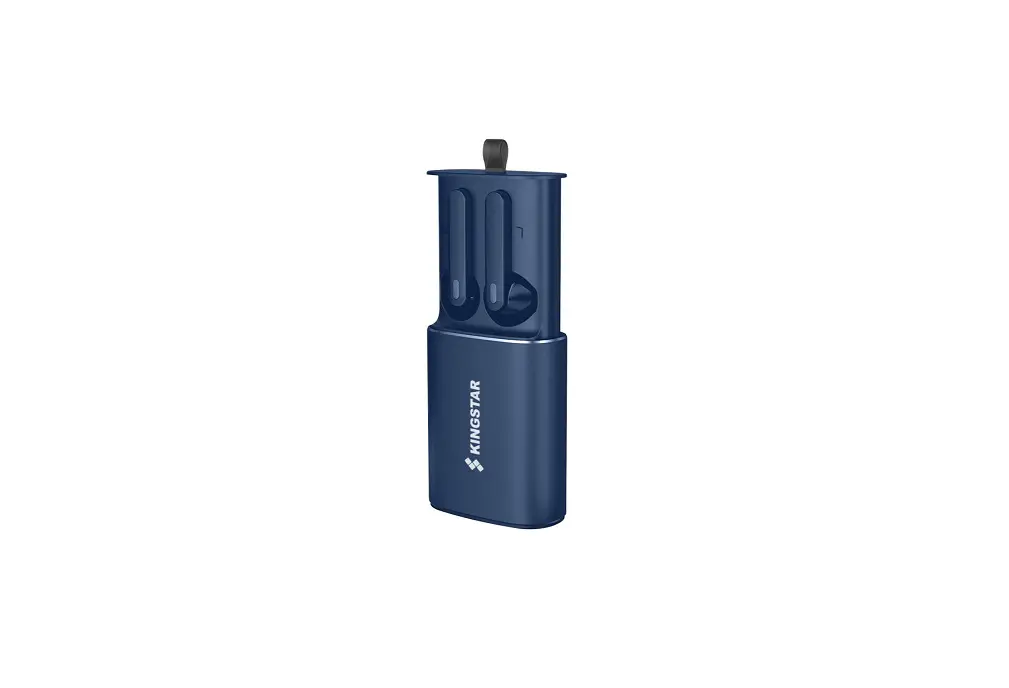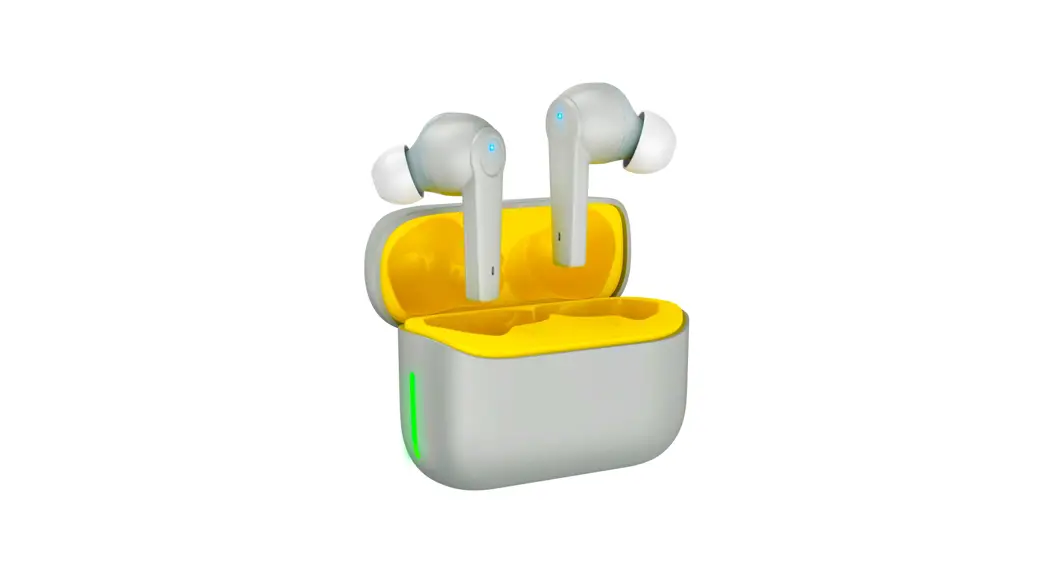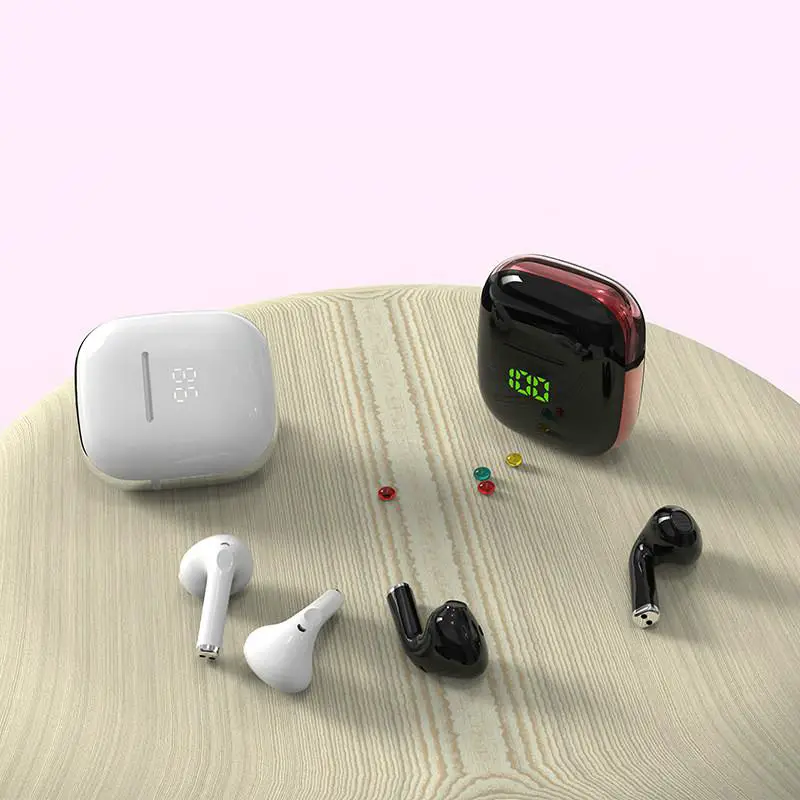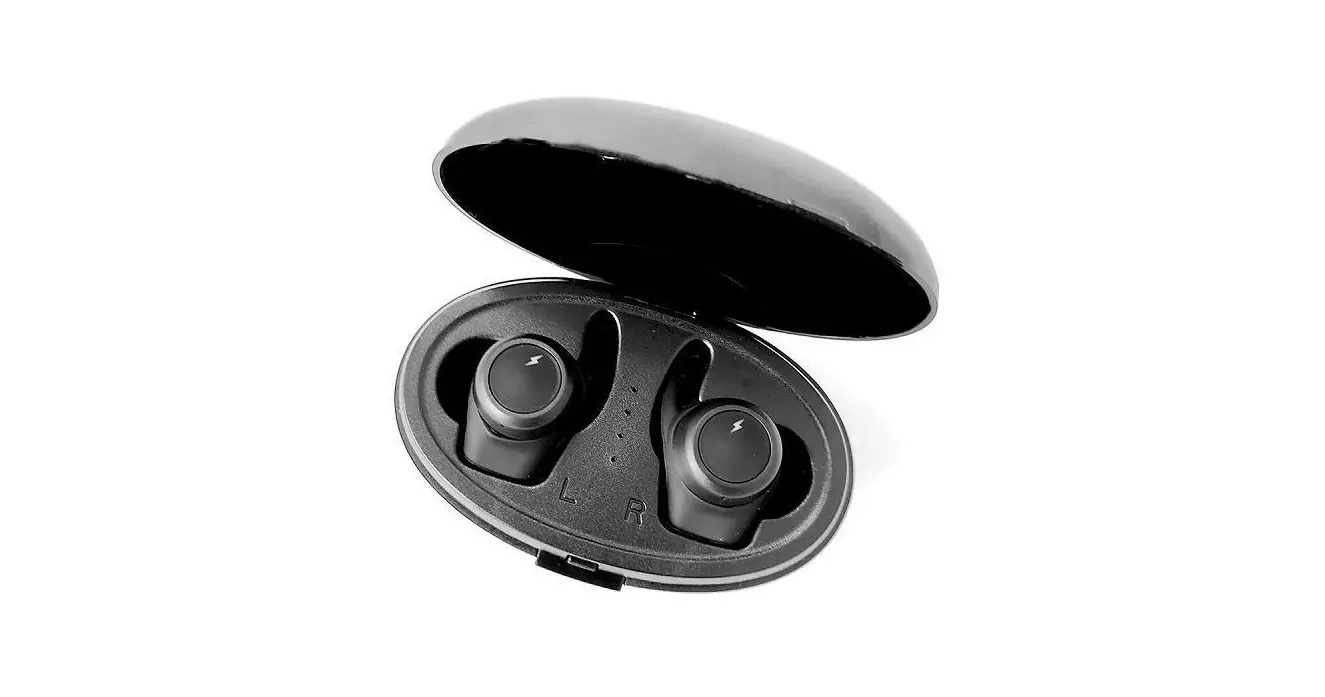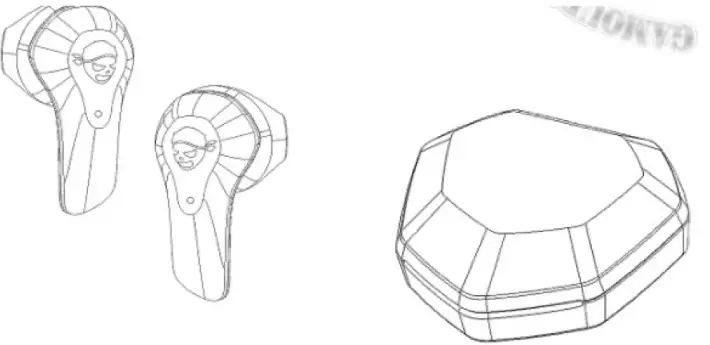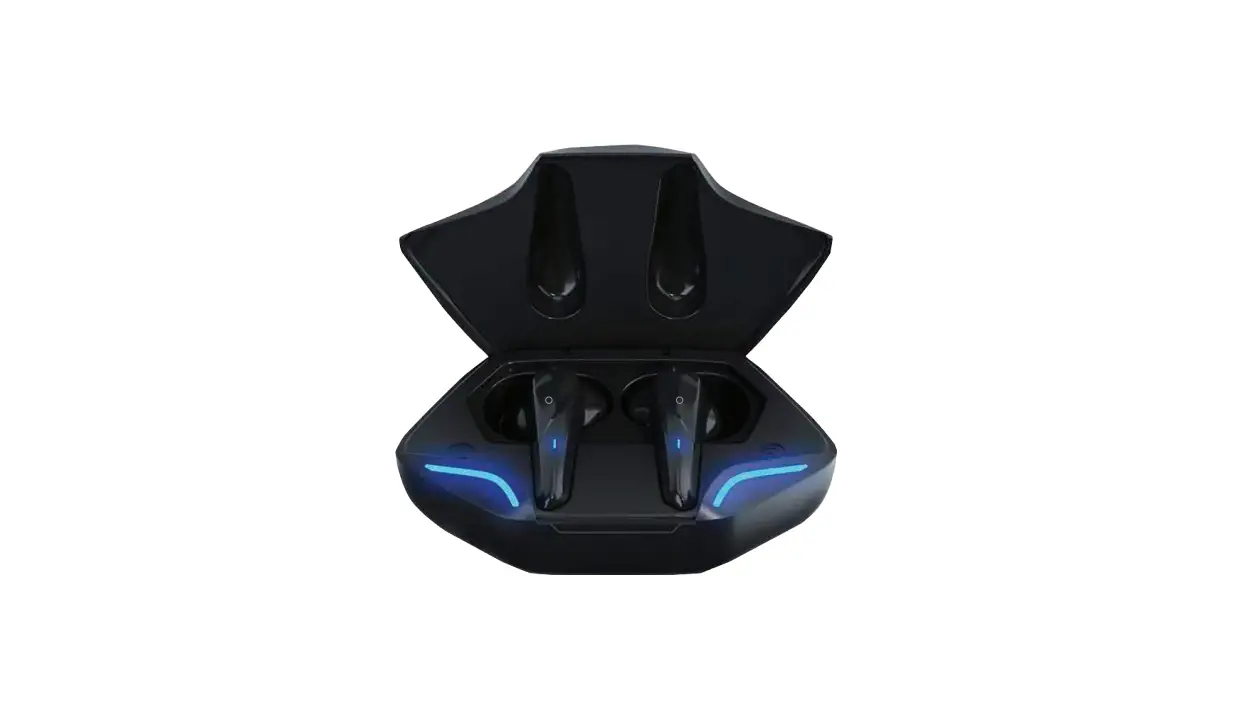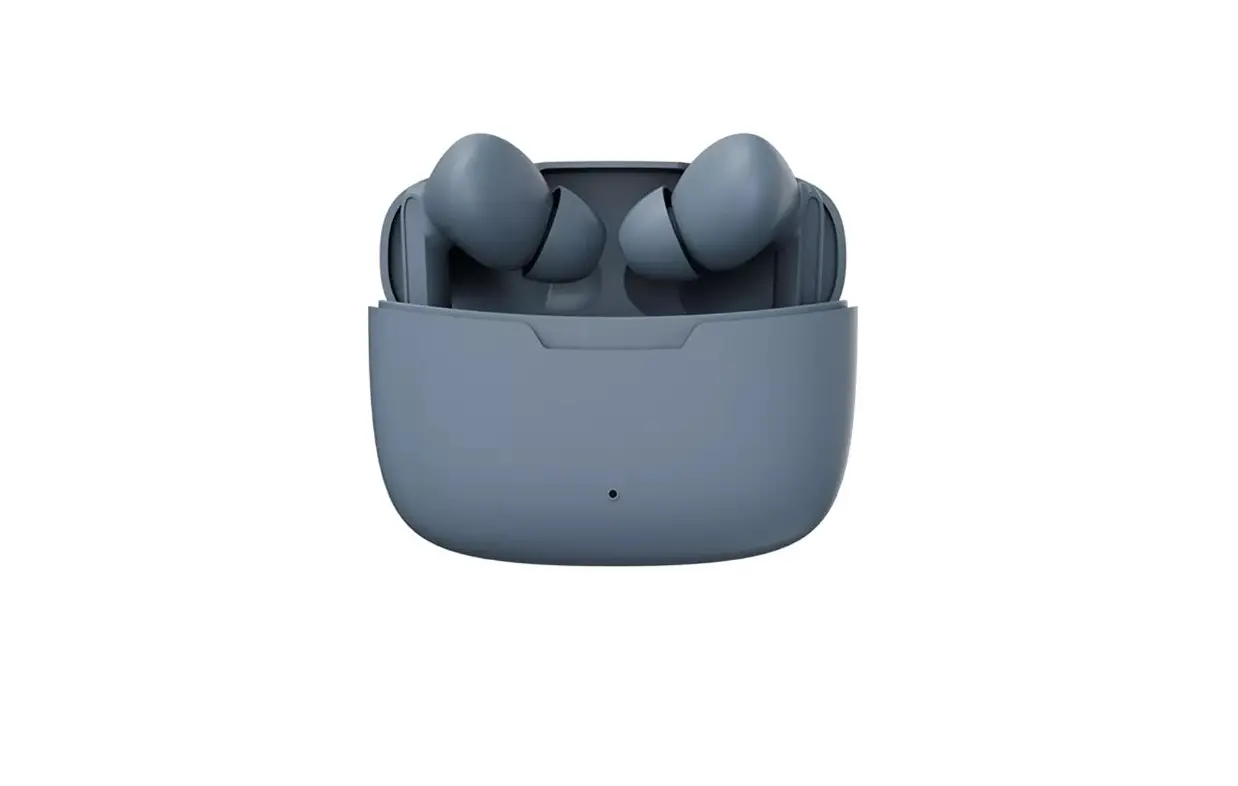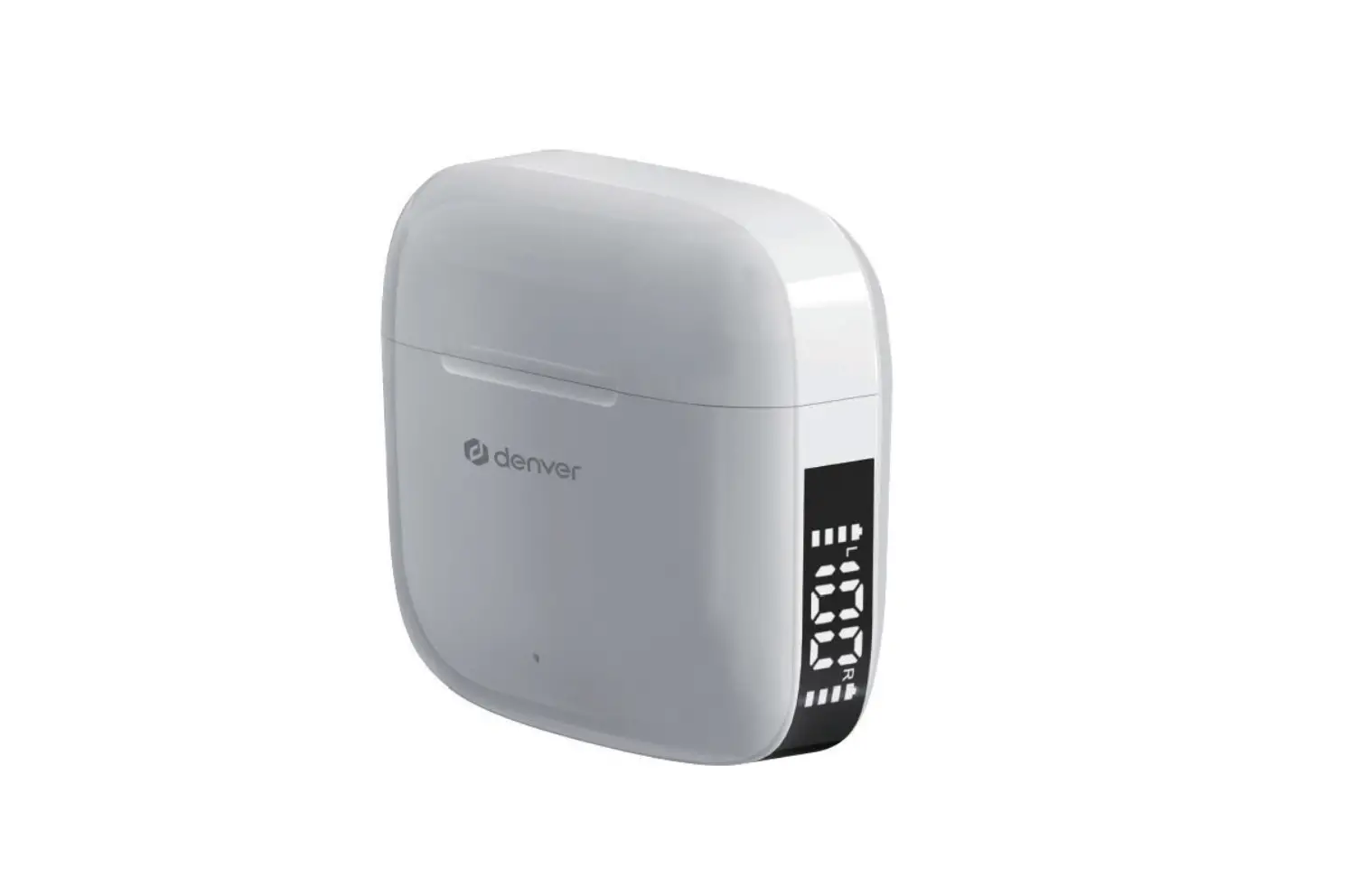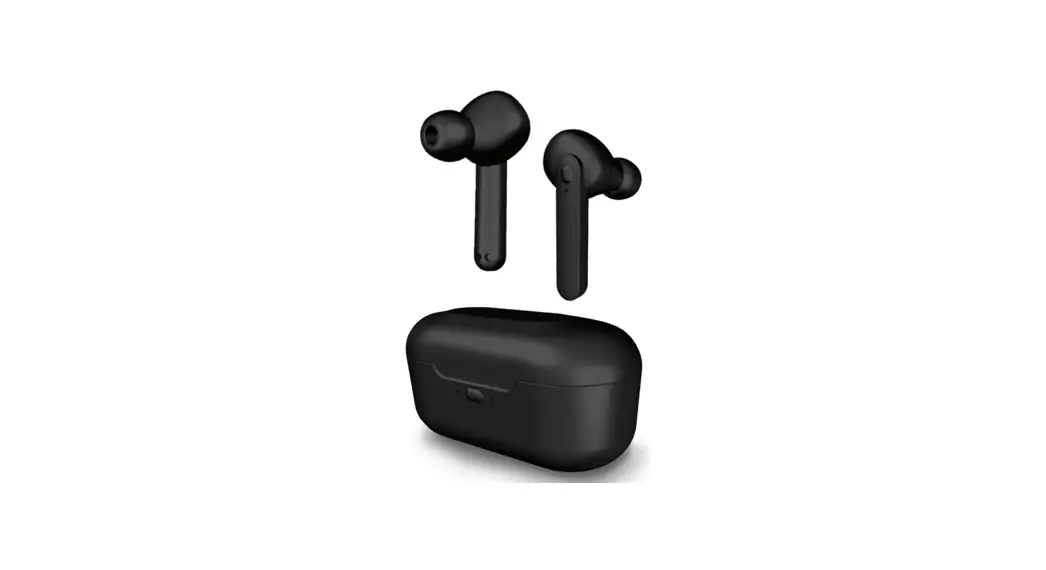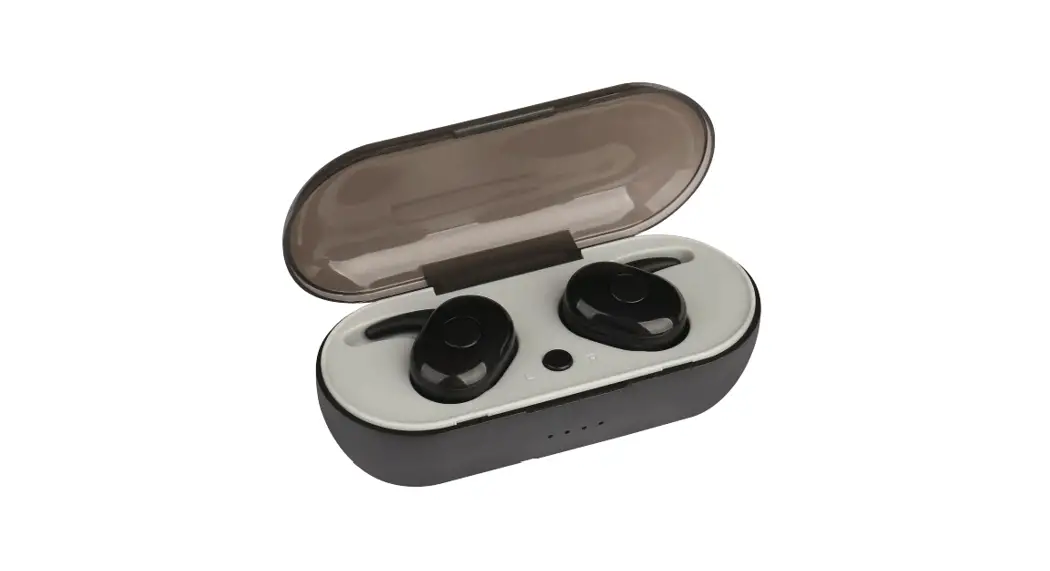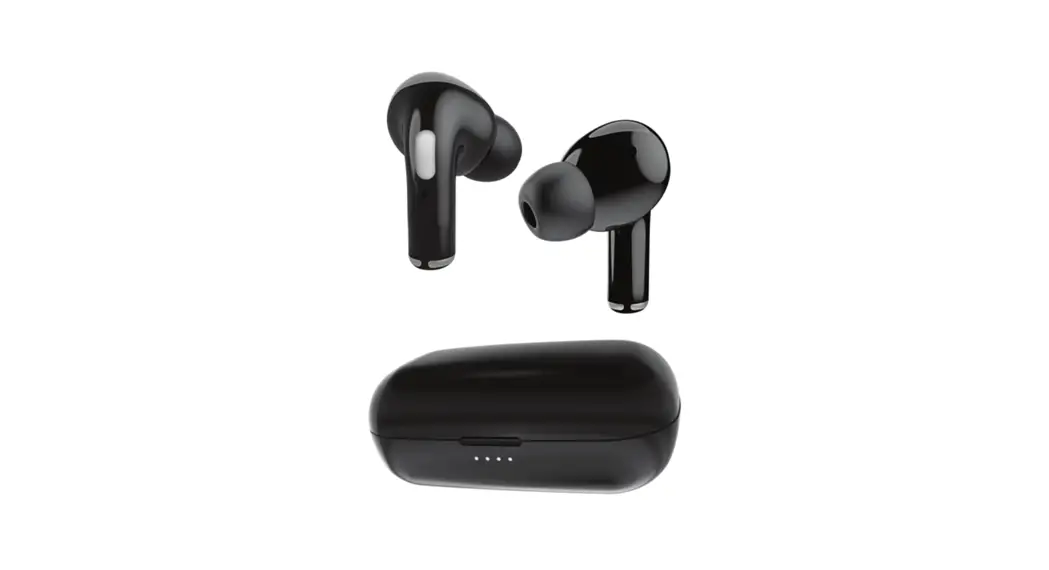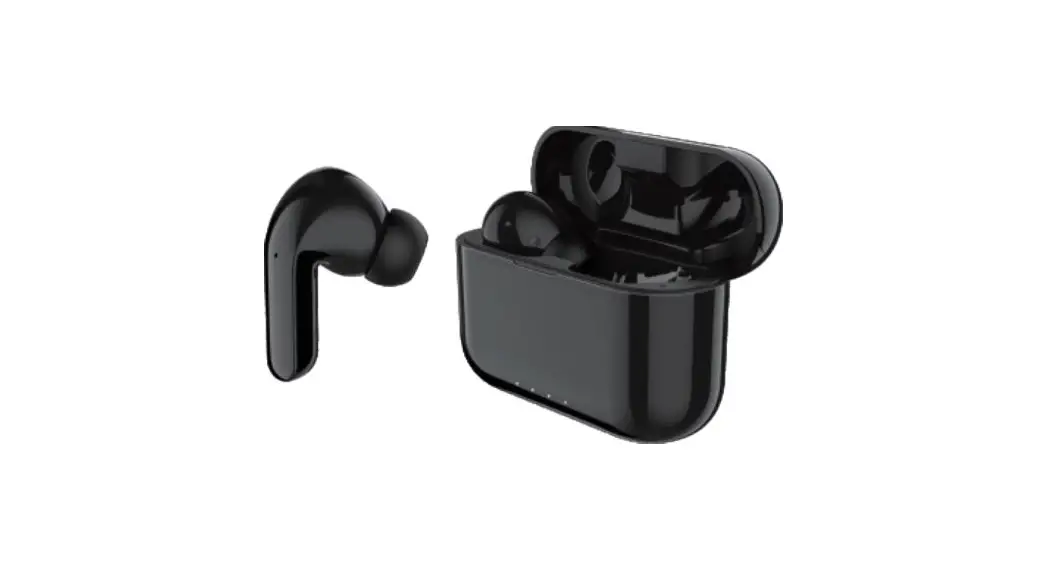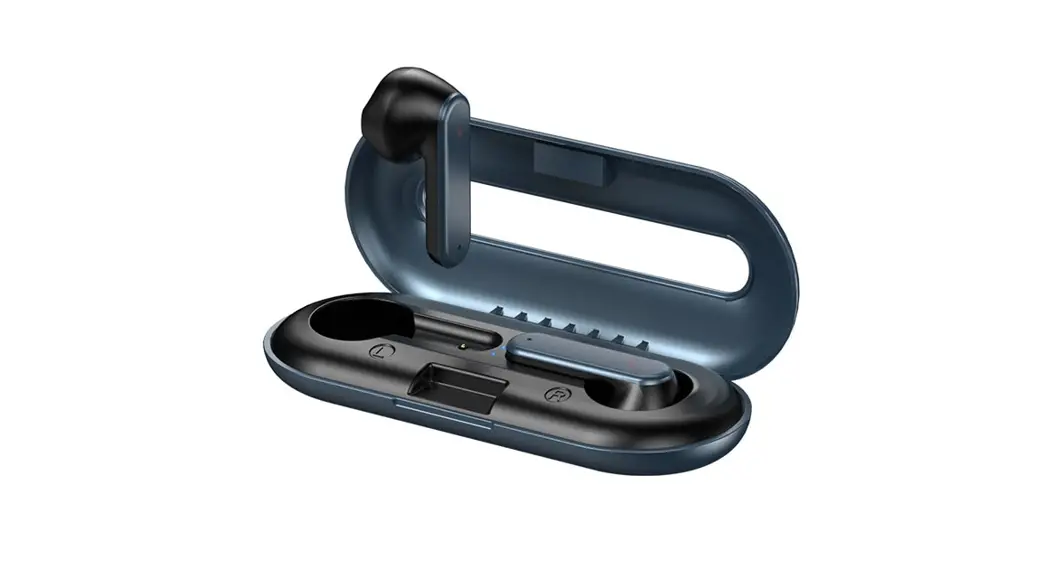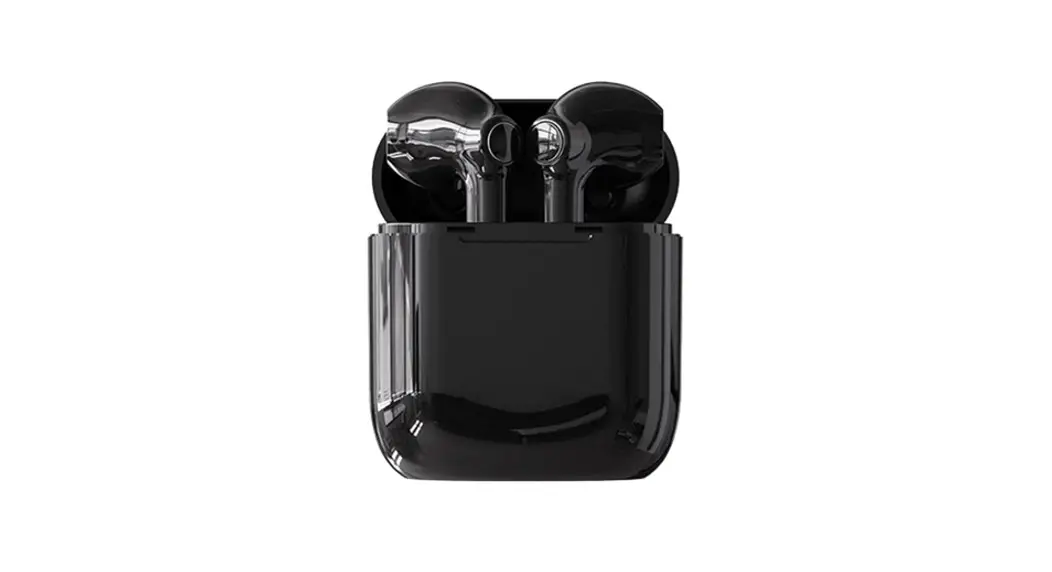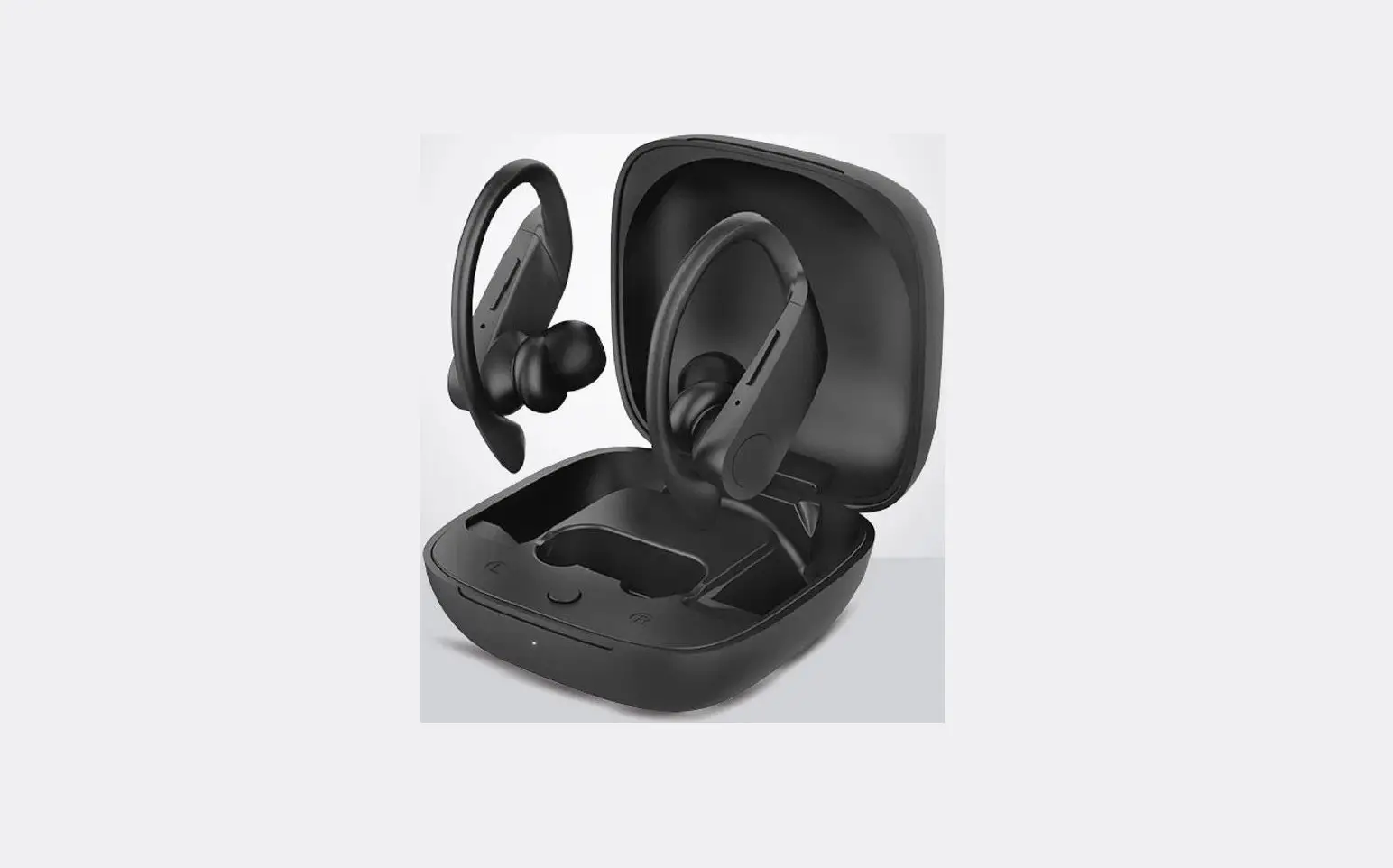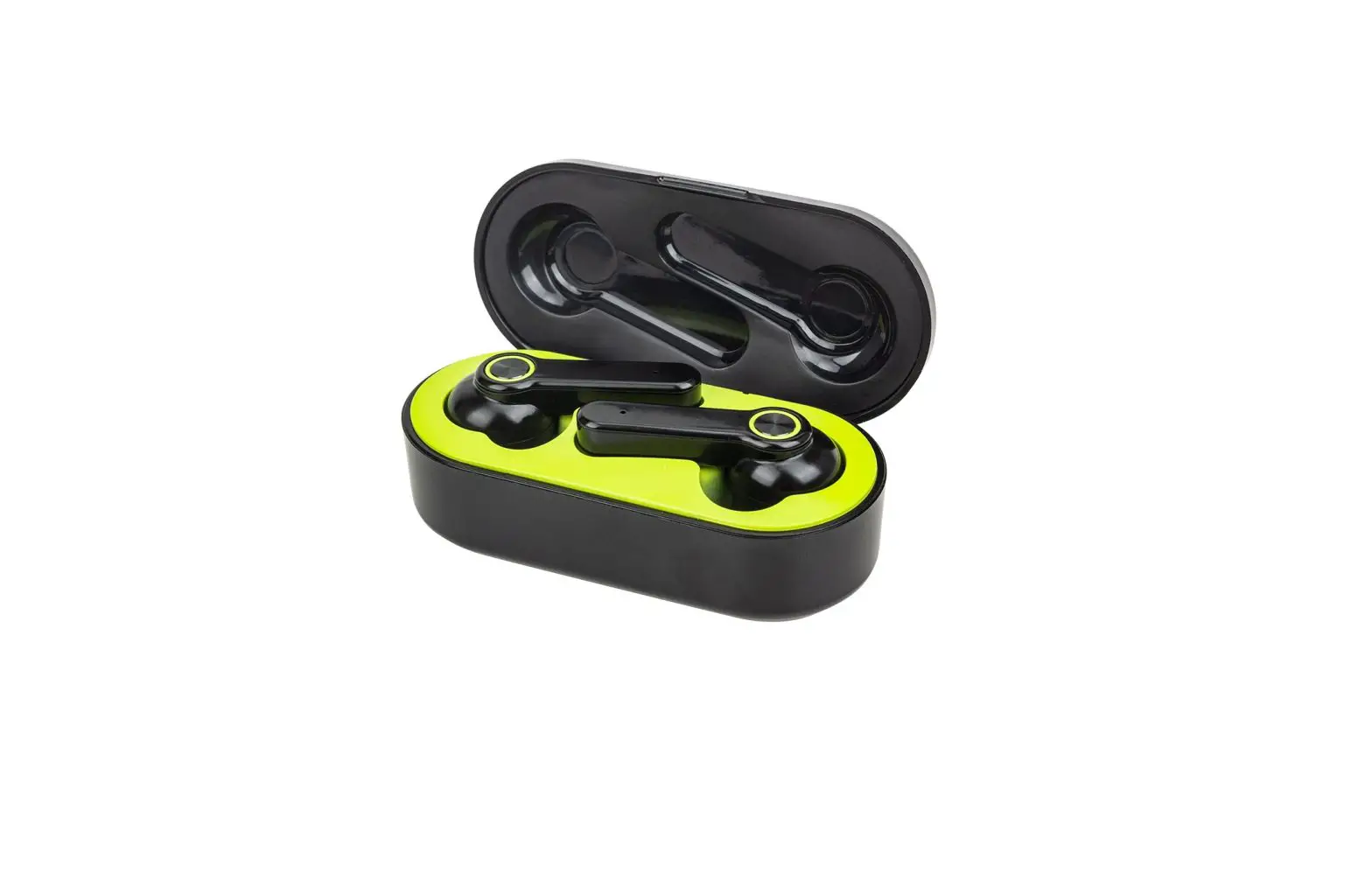
KINGSTAR K7 TWS True Wireless Stereo Earbuds User Manual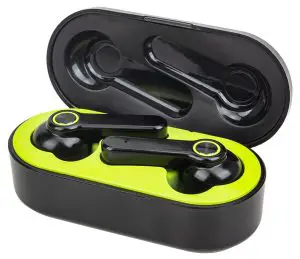
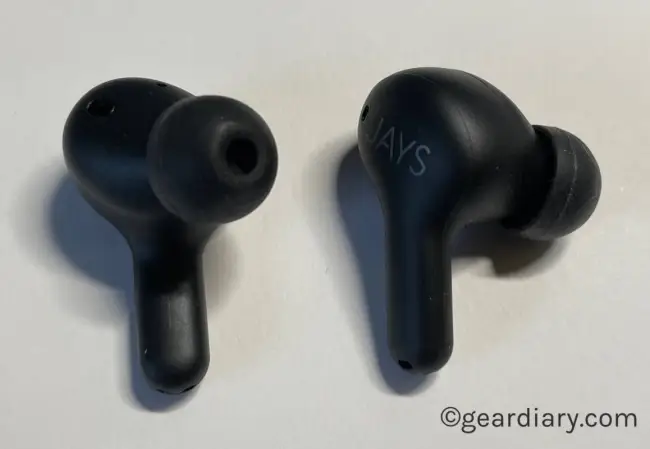
LEFT EARPHONE
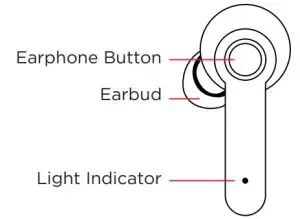
RIGHT EARPHONE
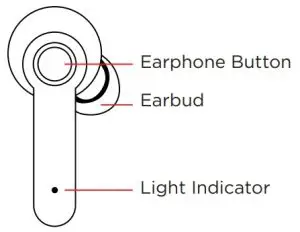
Model Number | K7 |
| Bluetooth Version | V5.0 |
Bluetooth Profile Support | A2DPV1.3, AVRCPV1.6, HFPV1.6,HSPV1.2 |
| Working Range | 15M |
Charge Box Capacity | 500mAh |
| Earbuds Capacity | 50mAh |
Talking Time | 4.5h |
Music Time | 4.5h |
| Standby Time | 120h |
Charge Time | 40 minutes |
| Input | 5V |
Support Phone System | Support iOS, Android |
| Support Function | Handfree call, Siri voice control |
Status | Realtek 8763B V5.0 |
| Power On | Blue Light flash |
Power Off | Red Light flash |
| True Wireless Pairing | Red & Blue Light flash |
Paired | Blue Light flash |
| Charging | Red Light flash |
Charging Complete | Blue Light flash |
| Audio Playing | Blue Light flash |
10% Low Battery | Red Light flash |
OPERATION INSTRUCTIONS
| Turn On | Method1: Take out the earphones, they will turn on and pair each other automatically Method 2: Long Press & Hold for 1.5 seconds, Blue light Remain 1S, and it will be voice reminding |
| Turn Off | Method 1: Put the earphones into charging case, they will be turned off automatically Method 2: Long Press & Hold for 3 seconds, Red light Remain 2 Seconds , and it will be voice reminding |
| Answer | Incoming call, press any earbud one time |
| Hang up | Calling, Press any earbud one time |
| Refuse Incoming | Incoming call, Long press earbuds button |
| Music Playing/Pause | Without calling/without incoming call, press left or right earbuds one time |
| Redialing the last phone number | Without calling/without incoming call, Long press any earbud |
| Last Song | Playing music, Double press left earbud button |
| Next Song | Playing music, Double press right earbud button |
| Increase Volume | Playing music, Press right earbud three times |
| Decrease Volume | Playing music, Press left earbud three times |
| Single Paired | When single earbud is off status, long press button 3 seconds and enter pair mode, and it is with Red & Blue light flash nonstop, search the Bluetooth name K7 on the device and pair it. |
| Turn on voice helps | Without calling/without incoming call, press any earbud 4 times |
| Cancelling Pairing information | Long press single earbud when it is on the off status until quickly flash red light |
| Two earbuds pairing | After Canceling Pairing information, long press two earbuds together and search bluetooth name K7 and pairing them. |