
WHEN THE CALL COUNTS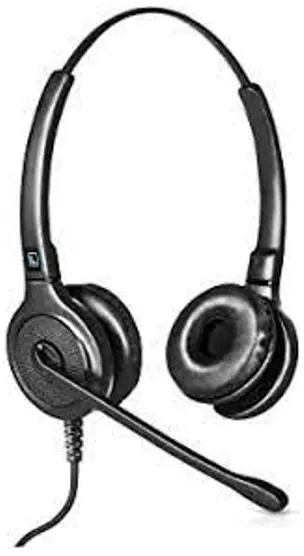
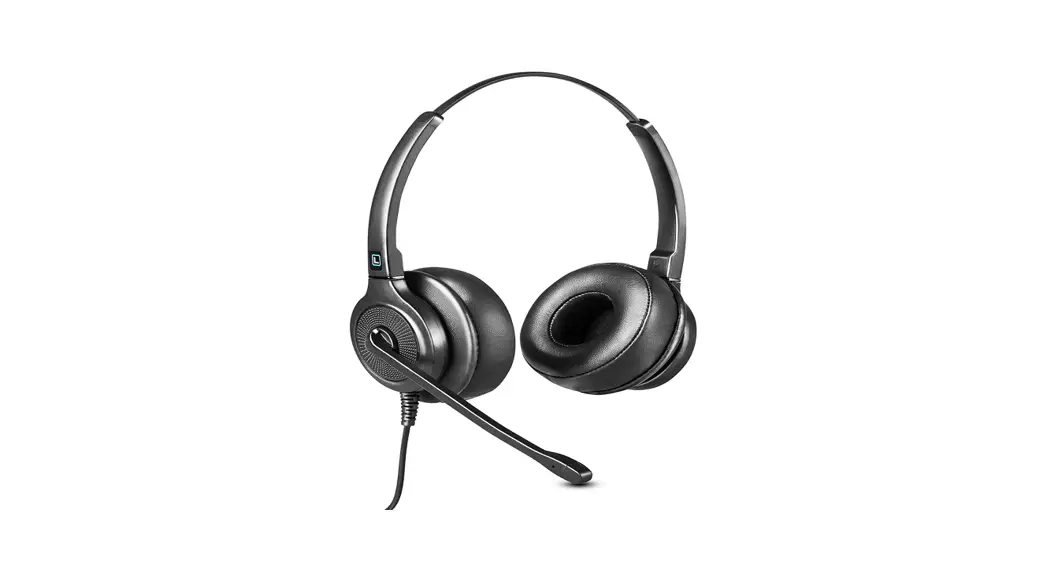
Leitner Corded Headset
Quick Start Guide
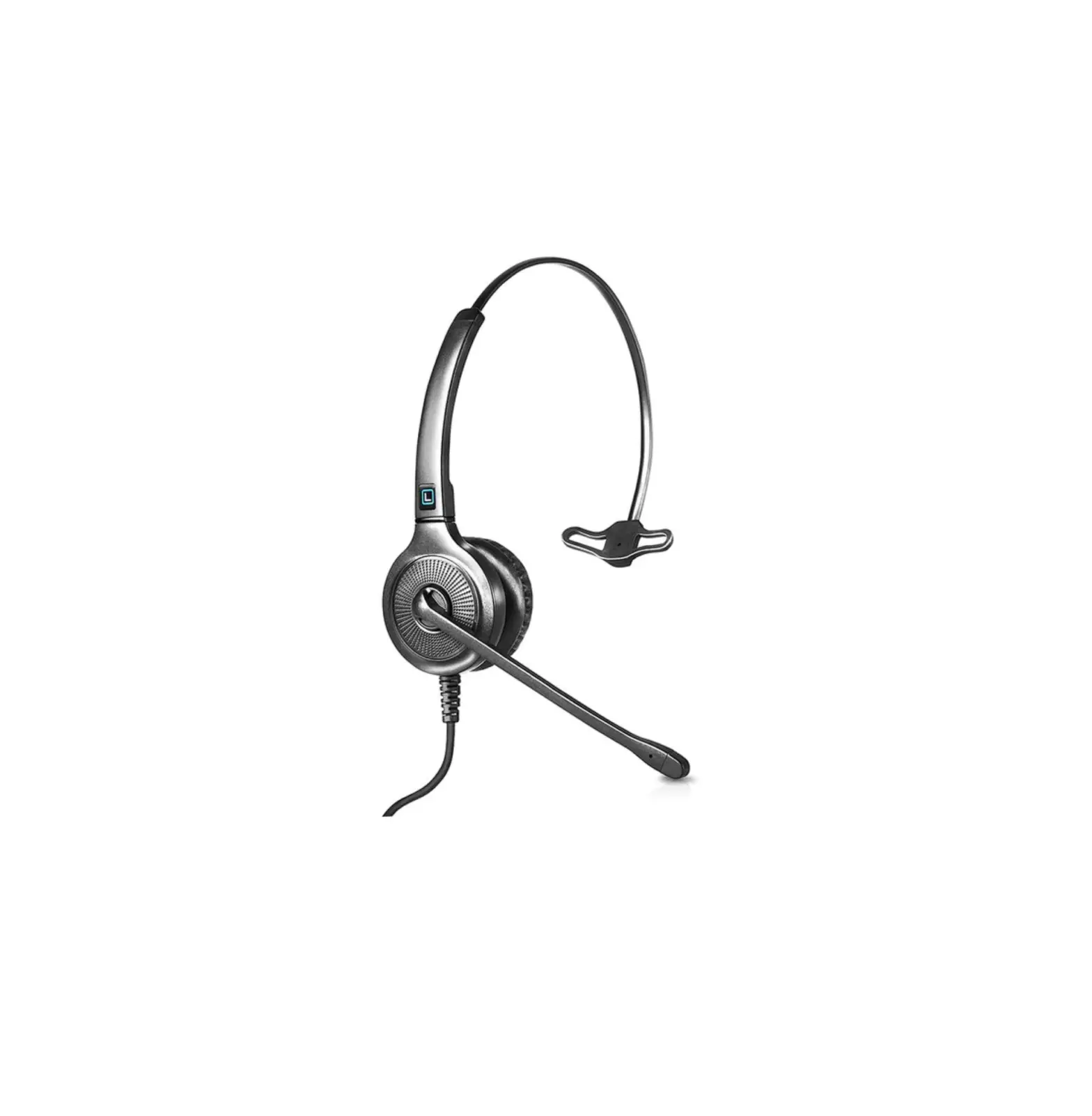
LH245 Corded Office Phone Headset
Setting up your new Leitner headset with your phone or computer is a piece of cake! (Cake not included.)
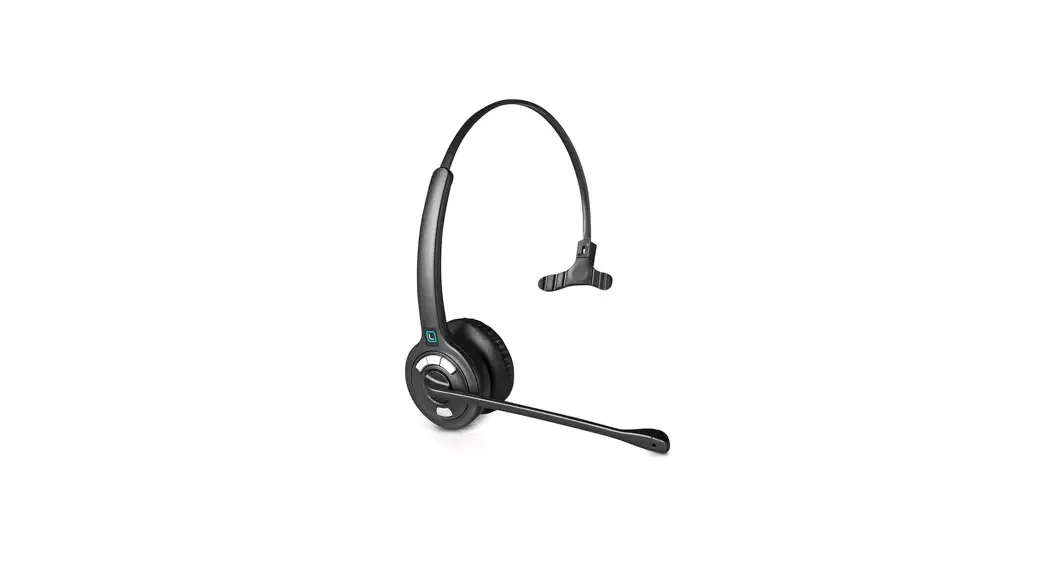
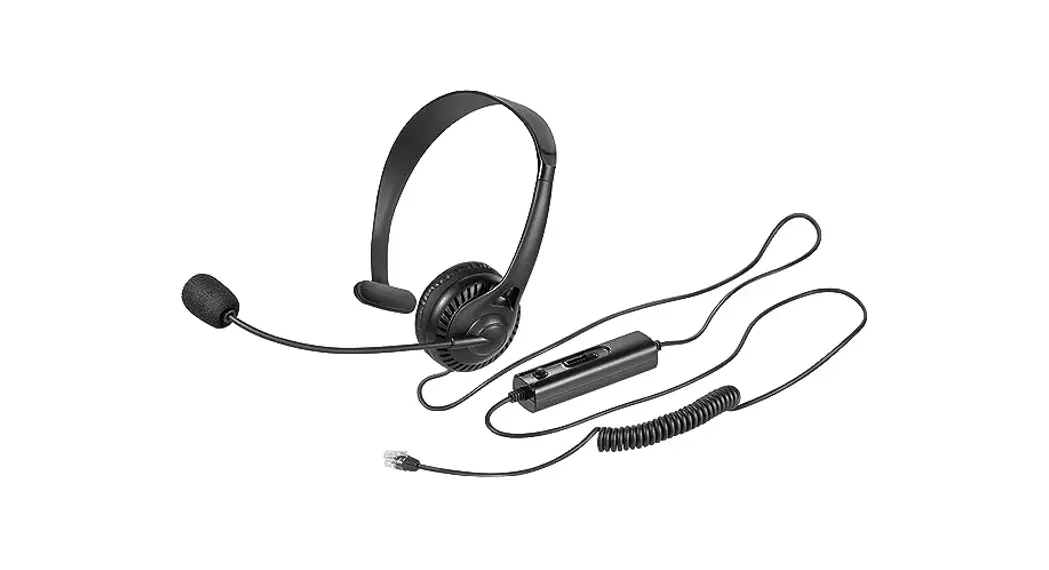
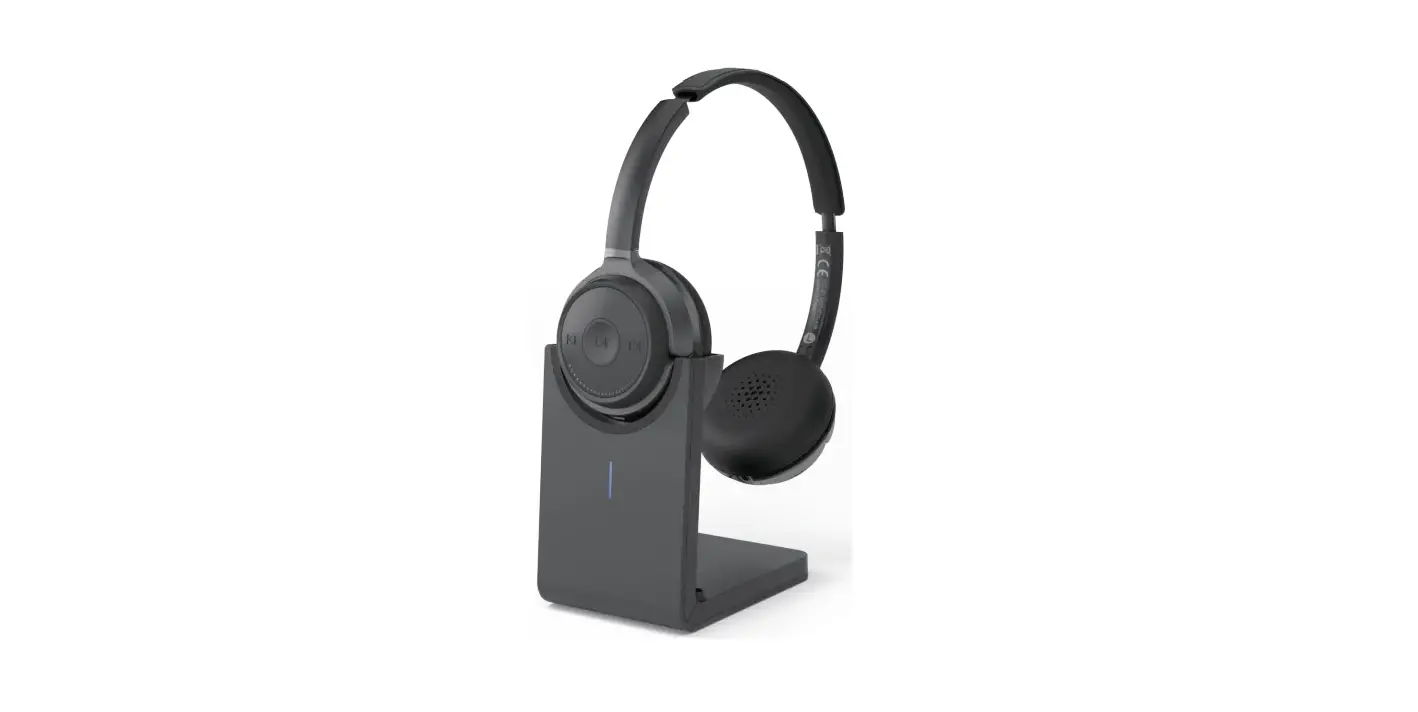
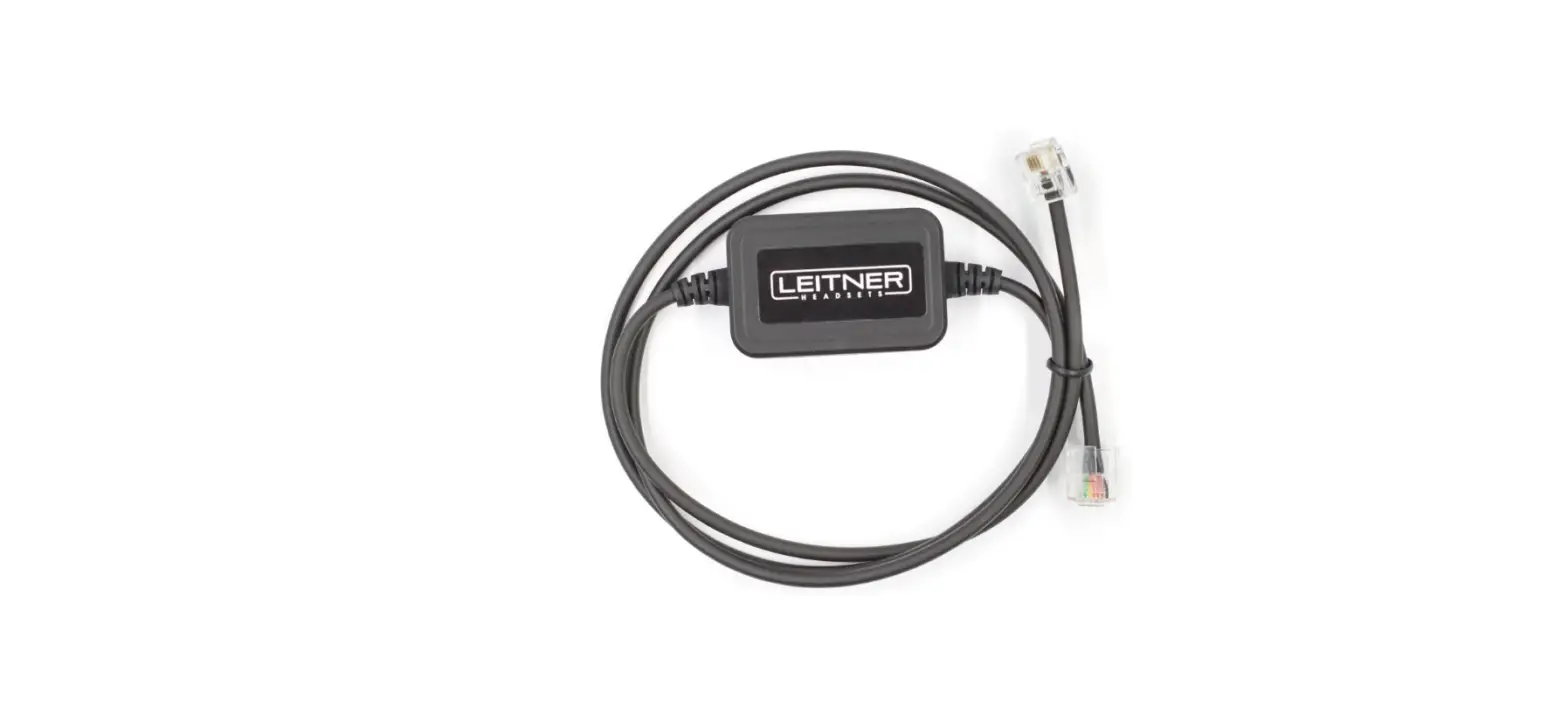
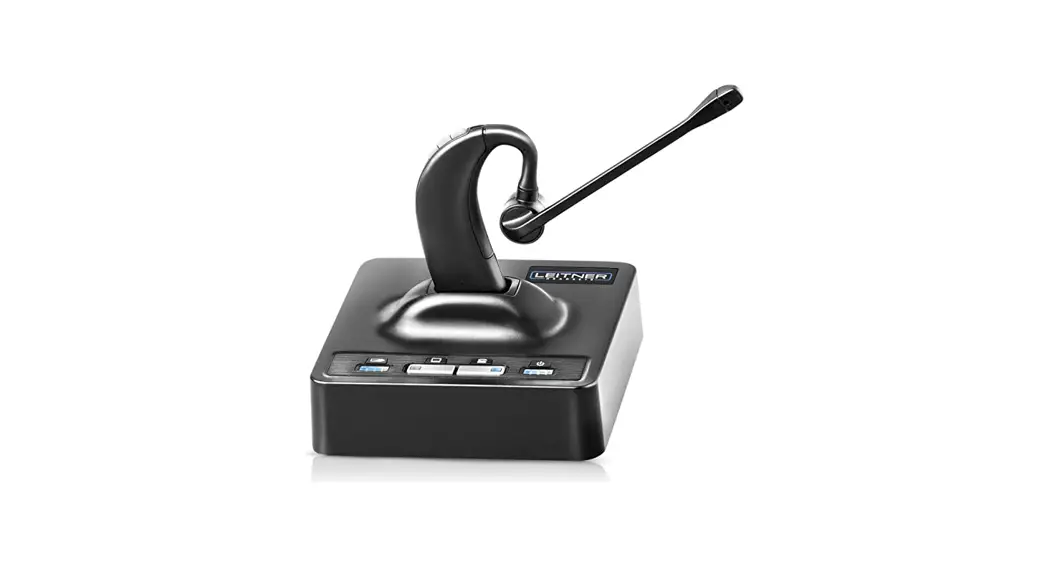
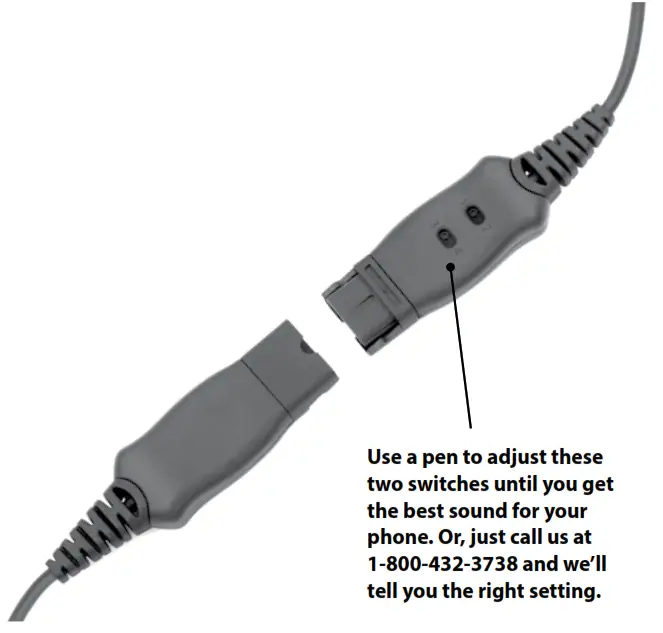
- Plug your Leitner Corded Headset into the Quick Disconnect Cord (sold separately). The ends should snap together
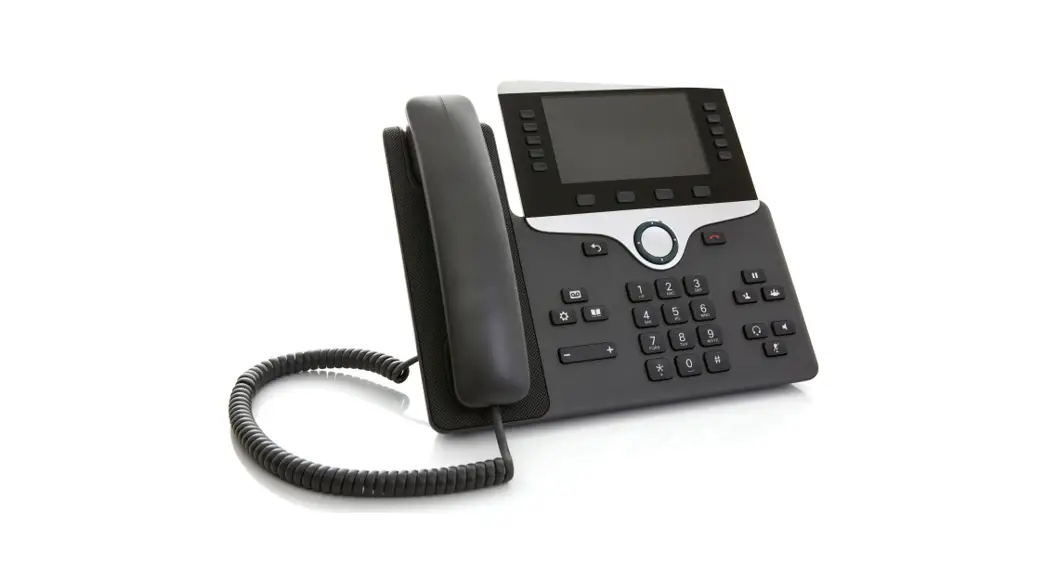
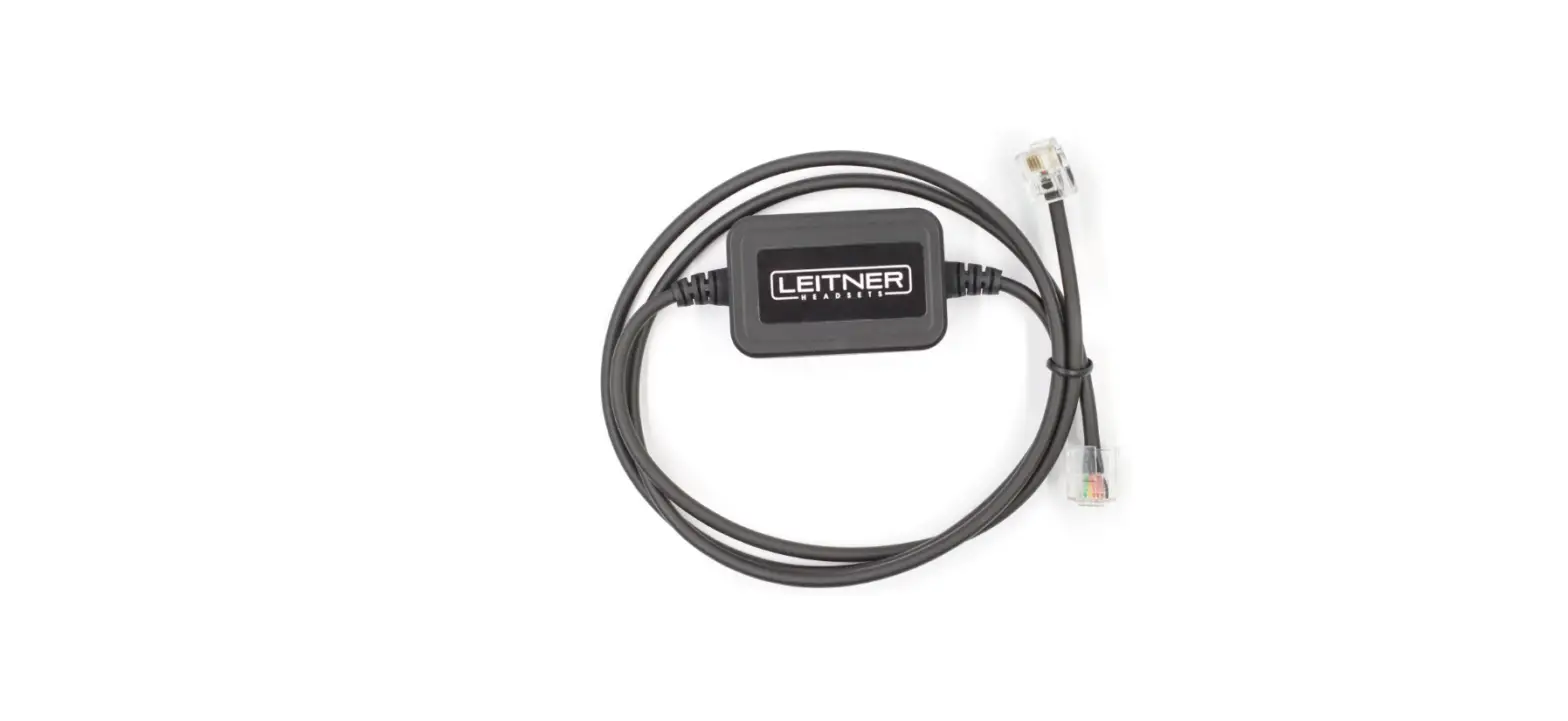
- Plug the Quick Disconnect Cord into your phone or computer
- Use a pen to adjust the compatibility setting switches on your Leitner headset cord until you get a clear 2-way sound. Check out the photo to the right. Want to get the right compatibility setting for your particular phone or computer without having to test all four options? Just give us a call at 1-800-432-3738


 Want more help? Call 1-800-432-3738 Mon-Fri 9:00-7:30 Eastern Time for free support!