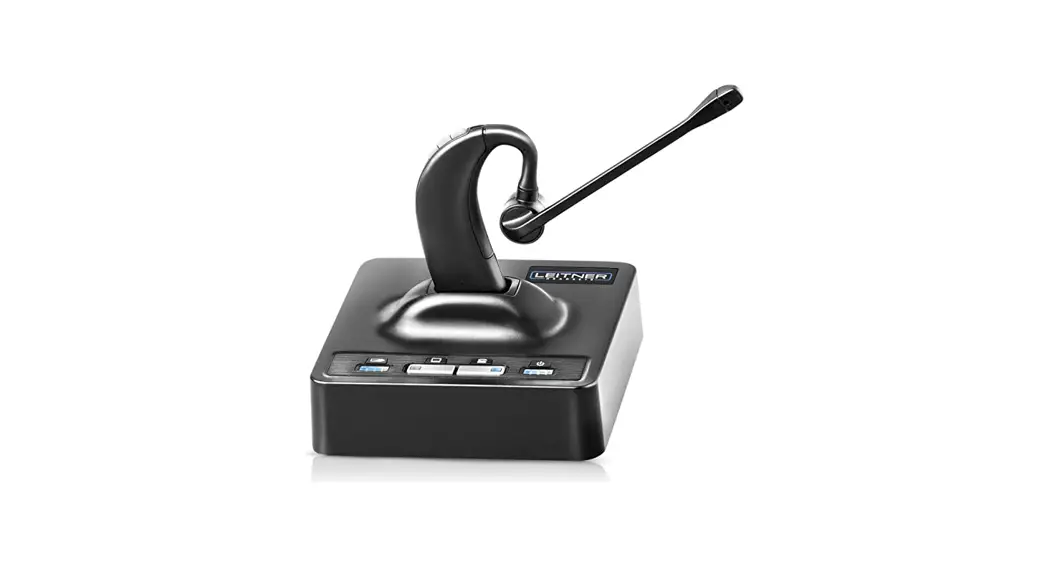
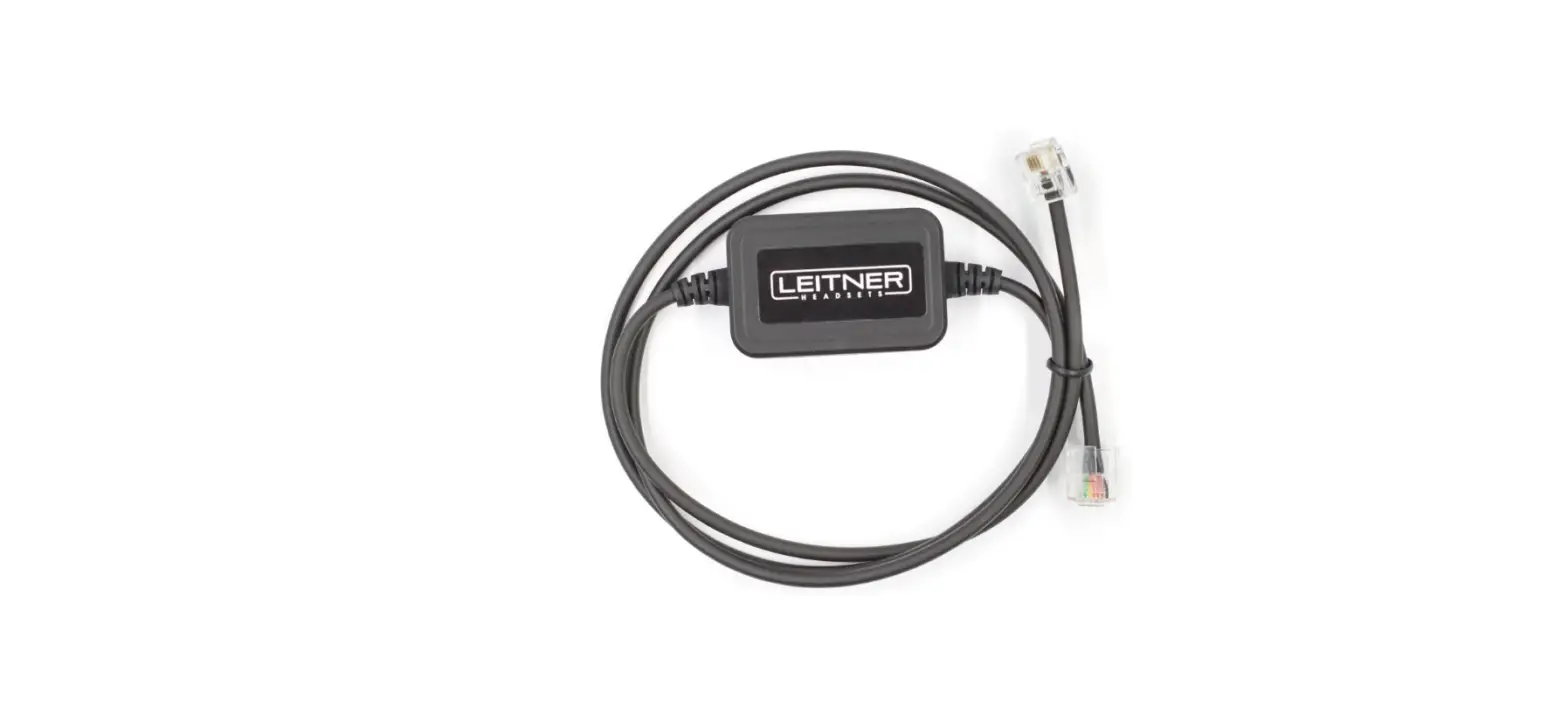
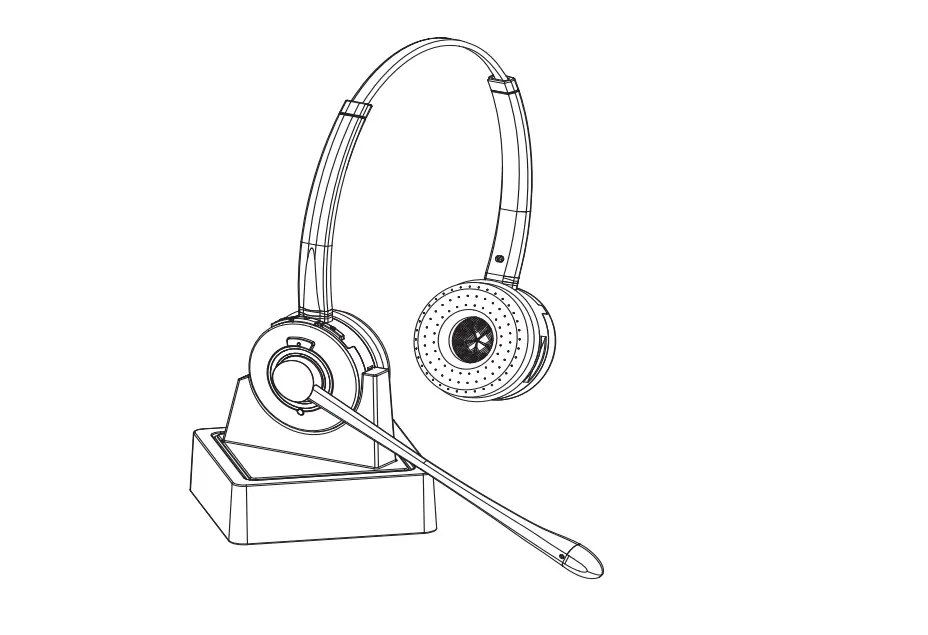
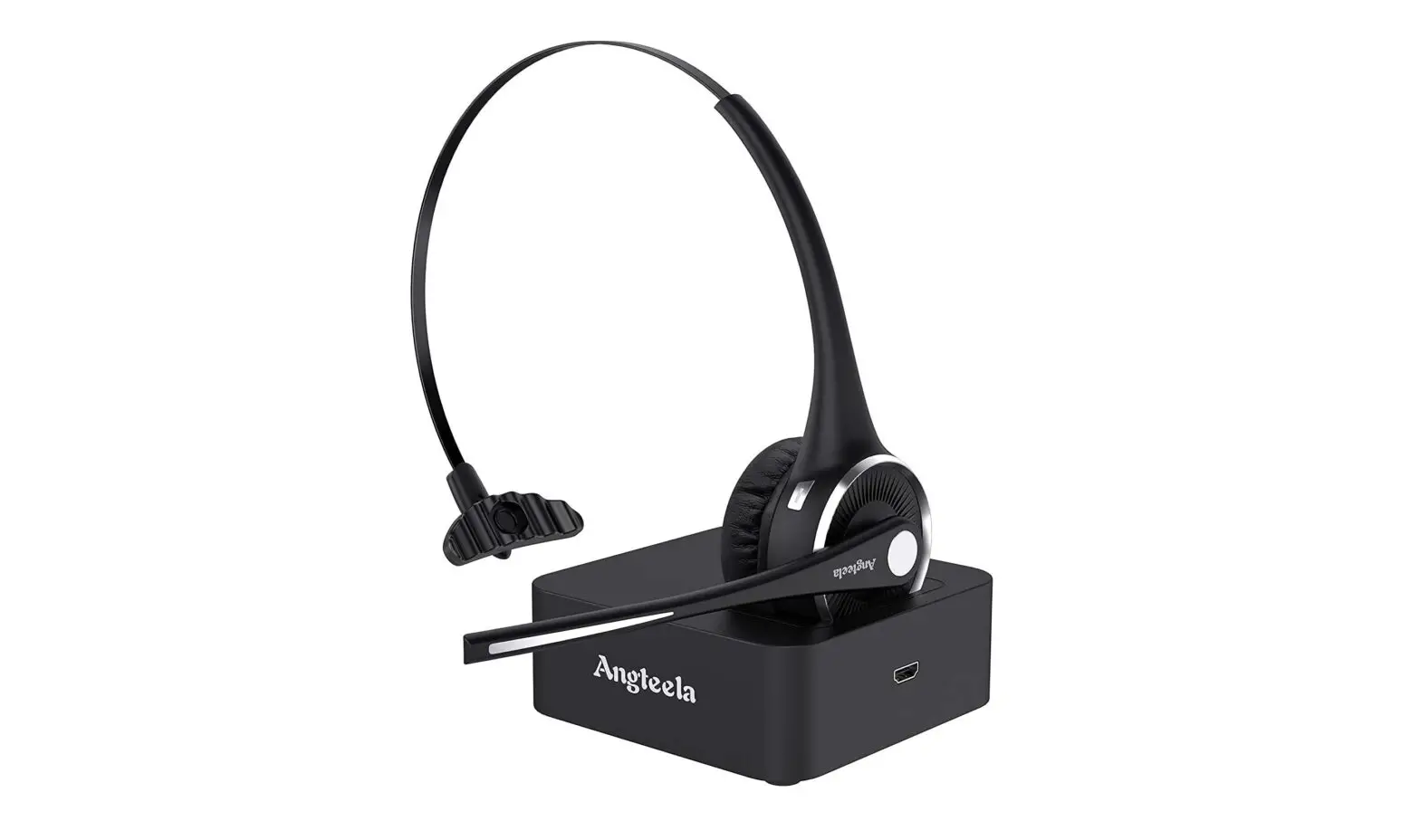
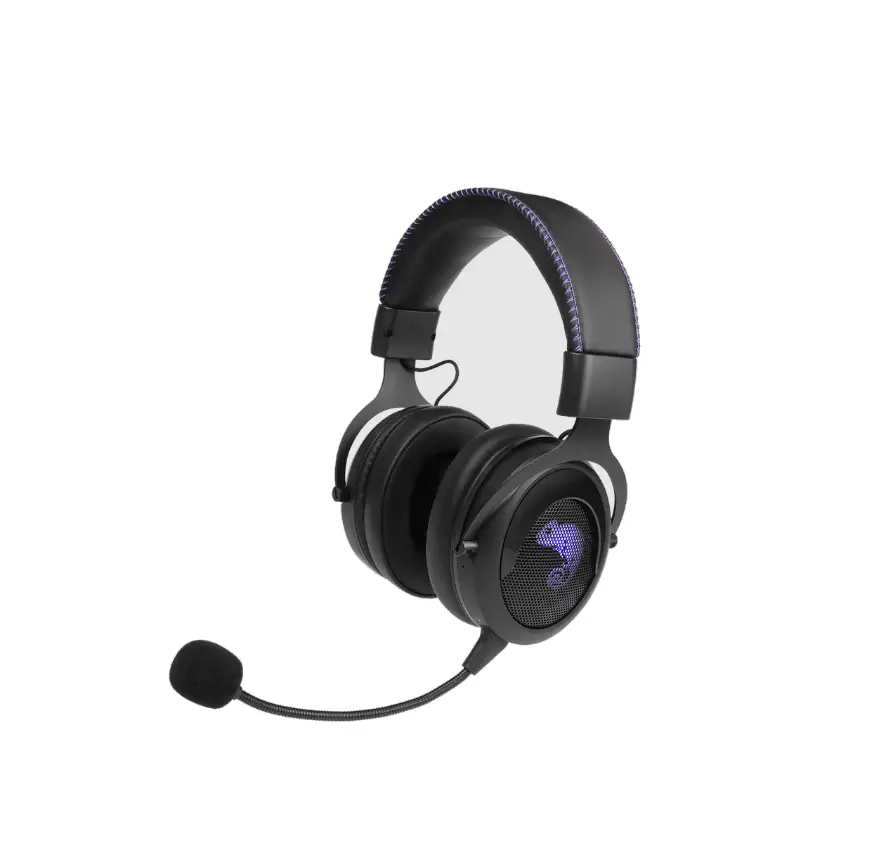
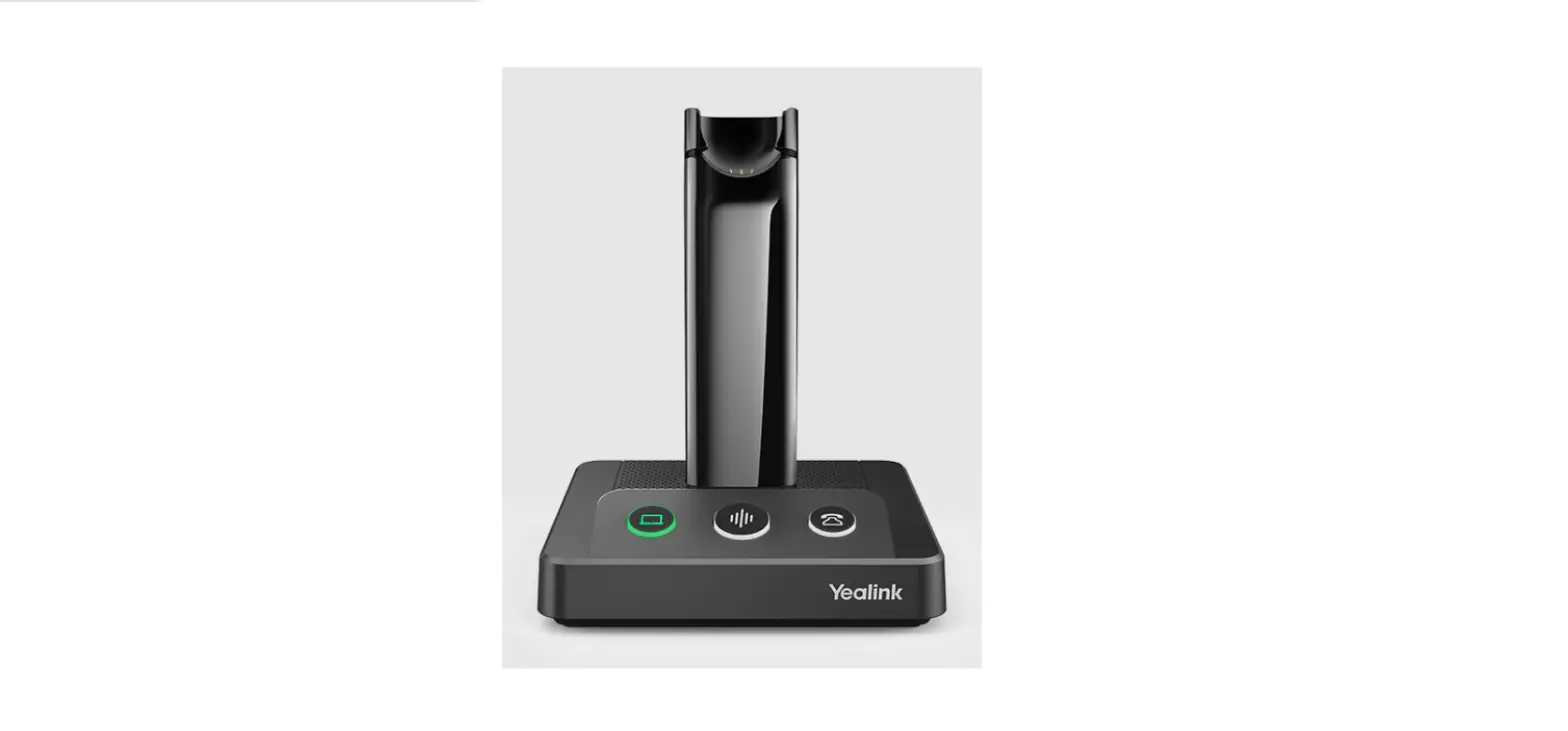
B01JT9UAHU Electronic Hookswitch
Product Information
The product is an Electronic Hookswitch (EHS) that enables the
user to remotely answer and end calls from their headset without
the need for a handset lifter. The EHS is compatible with Siemens
and Aastra phones.
Compatibility
The EHS is compatible with Siemens and Aastra phones. To ensure
compatibility, set the compatibility switch to 1.
Installation
- Unplug the power cord from the headset base.
- Set the RHL/DHSG switch on the bottom of the base to DHSG.
- Connect the Y-side of the EHS cable to the headset base in both
the AUX jack (which is the largest jack in the center of the base)
and the TELEPHONE CONNECTOR jack (the smaller jack, second from the
right). - Connect the other side of the EHS cable into the HEADSET JACK
of your Siemens or Aastra Phone. - Lastly, plug your power cable back into the back of the
charging base.
FCC Statement
This device complies with part 15 of the FCC Rules. Operation is
subject to the following two conditions: (1) this device may not
cause harmful interference, and (2) this device must accept any
interference received, including interference that may cause
undesired operation. Any changes or modifications not expressly
approved by the party responsible for compliance could void the
user’s authority to operate the equipment.
If you require further assistance, please call 1-800-432-3738
Mon-Fri 6:00-4:30 Pacific Time for free support!
1) Unplug the power cord from the headset base. Set the RHL/DHSG switch on the bottom of the base to “DHSG”
2) Set the compatibility switch to “1”
RHL/ DHSG switch
Electronic Hookswitch Quick Start Guide
the center of the base) and the TELEPHONE CONNECTOR jack (the smaller jack, second from the right)
4) Connect the other side of the EHS cable into the HEADSET JACK of your Siemens or Aastra Phone
5) Lastly, plug your power cable back in to the back of the charging base.
Compatibility switch
AUX jack Telephone jack
3) Connect the Y-side of the Electronic Hookswitch (EHS) to the headset base in both the AUX jack (which is the largest jack in
Plug into phone’s headset jack
FCC Statement: This device complies with part 15 of the FCC Rules. Operation is subject to the following two conditions: (1) this device may not cause harmful interference, and (2) this device must accept any interference received, including interference that may cause undesired operation. Any changes or modifications not expressly approved by the party responsible for compliance could void the user’s authority to operate the equipment.
Want more help? Call 1-800-432-3738 Mon-Fri 6:00-4:30 Pacific Time for free support!