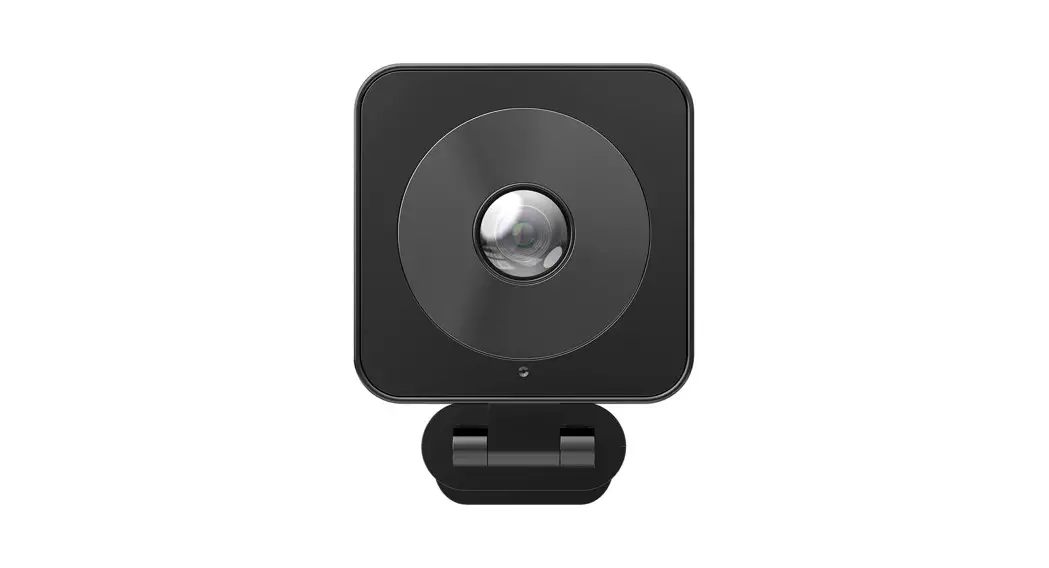

4K Audio Integrated
All-in-One ePTZ Camera User Manual
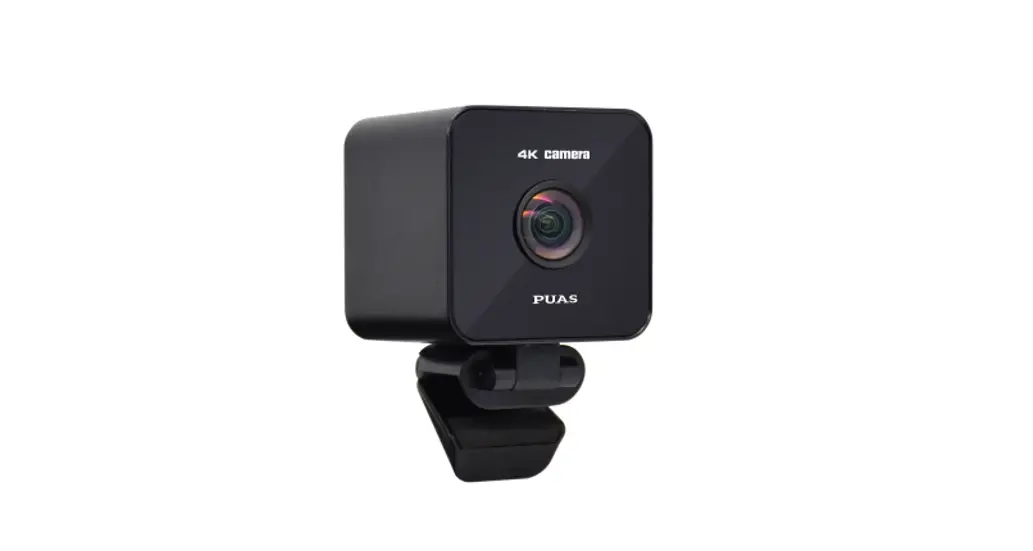
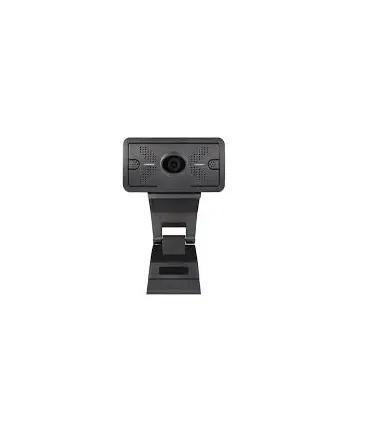
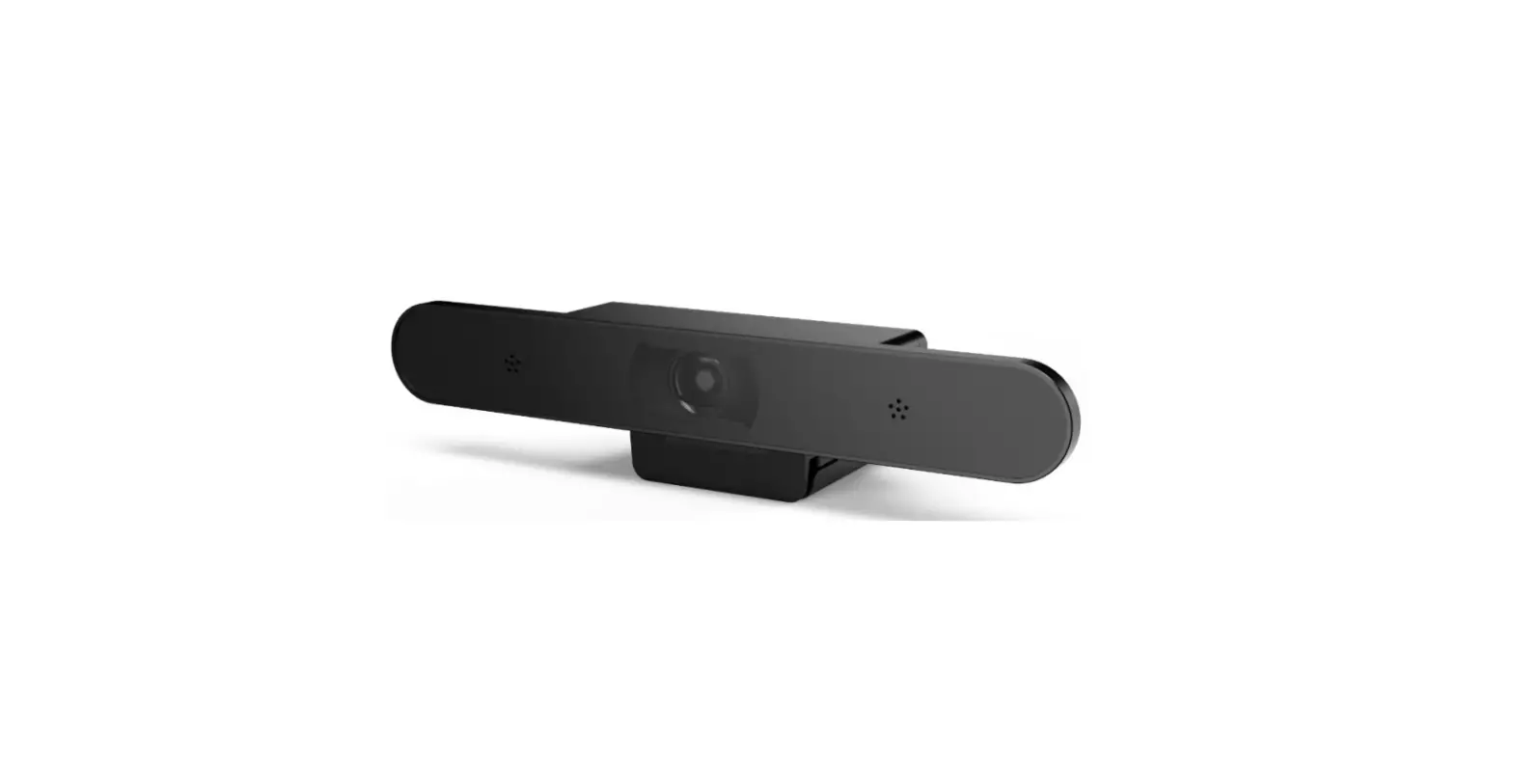
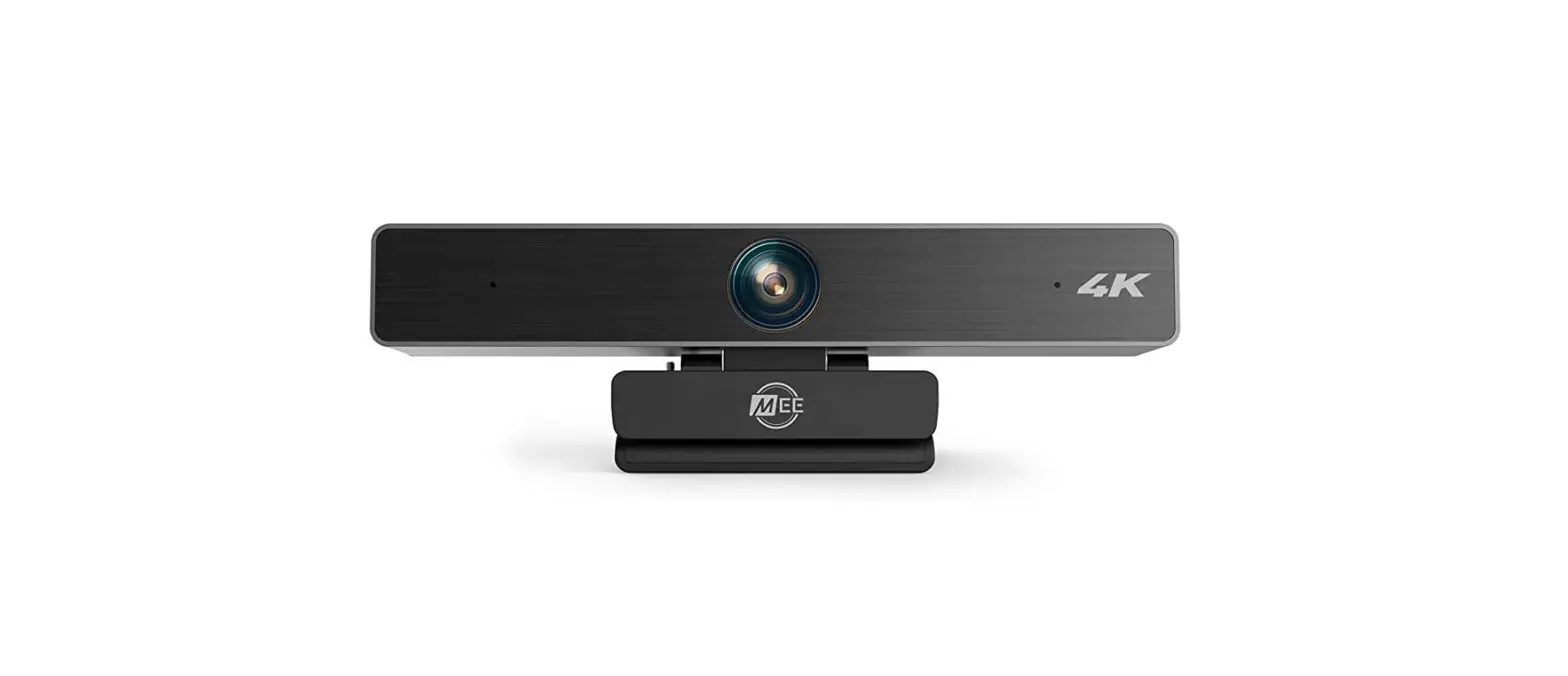
Camera Interface
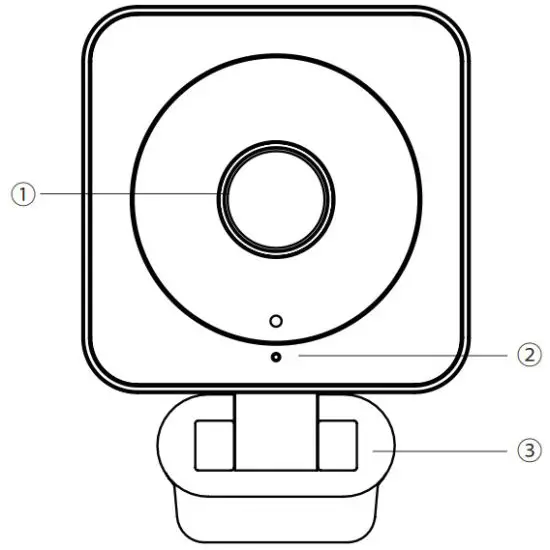 | 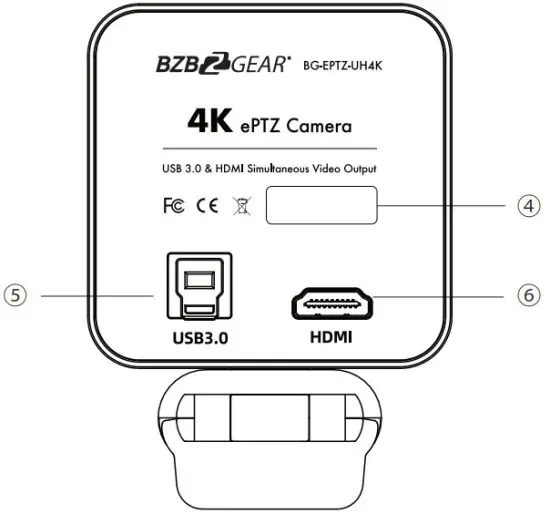 |
| No. | Description | No. | Description |
| 1 | Lens | 4 | Product Label |
| 2 | Array Microphone | 5 | USB 3.0 Interface |
| 3 | Brackets with Damper | 6 | HDMI 2.0 Interface |
Packing Box
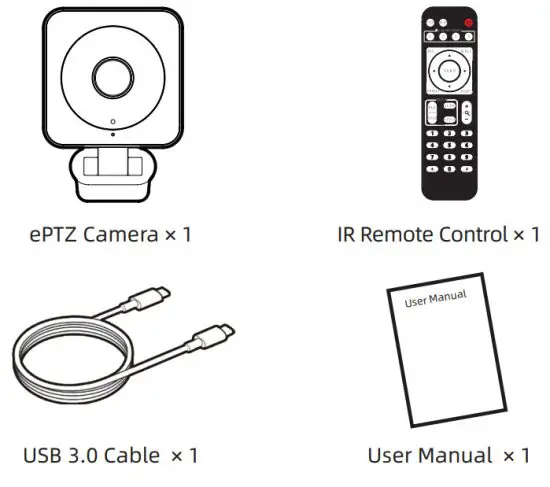
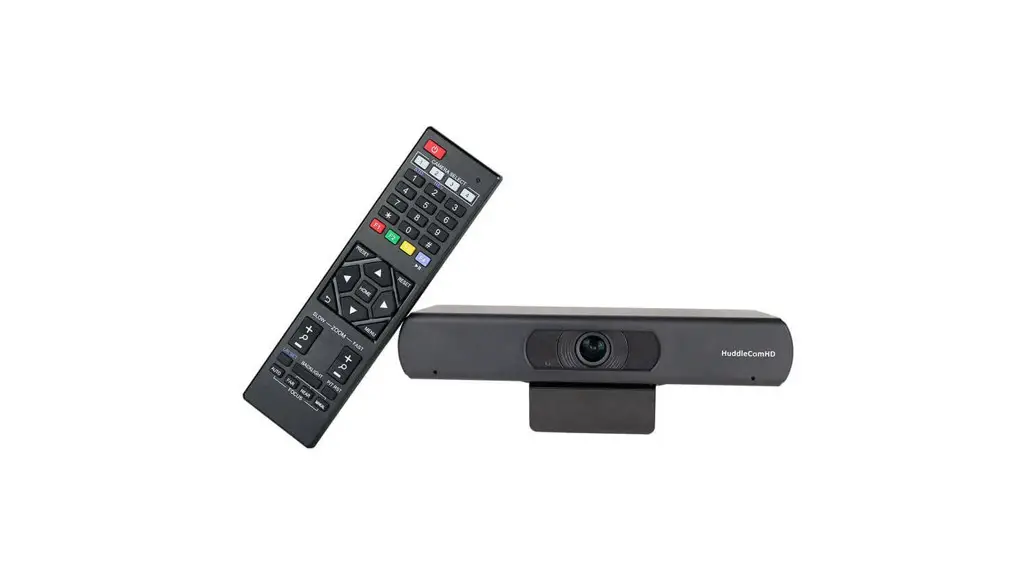
Remote Control Specification
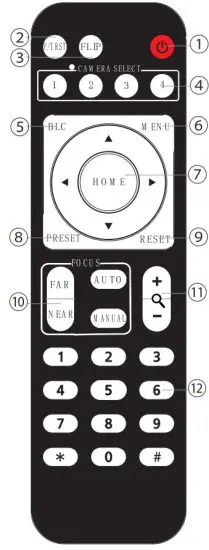
No. | Key | Function |
| 1 | Power Key | After pressing, the camera enters standby mode |
| 2 | P/T RST Key | After pressing, the camera enters self-check |
| 3 | Flip Key | Set the camera image to flip |
| 4 | Camera Select Key | Select the camera to be controlled |
| 5 | BLC Key | Turn on/off BLC |
| 6 | Menu Key | Enter/Exit Menu |
| 7 | Camera PTZ Control Key | Press the HOME button, the camera return to the middle position |
| 8 | Preset Setting Key | Press “Preset”+Number(1-9) to save the corresponding Preset |
| 9 | Preset Reset Key | Press “Reset”+Number(1-9) to reset the corresponding Preset |
| 10 | Focus Key | [AUTO]: Automatic focus [MANUAL]: Manual focus [FAR]: Manual focus, make the far object clearer [NEAR]: Manual focus, make the near object clearer |
| 11 | Zoom Key | + increase, – decrease |
| 12 | NumberKey | Cooperate with setting/calling Preset |
Specification
Camera
| Video System | Sony 1/2.5” CMOS | Min Illumination | 0.02Lux @ F1.8, AGC ON |
| Pixel | 4K@3820*2160 | Digital Noise Reduce | 2D, 3D |
| Zoom | 4X Digital Zoom @1080P | Shutter | 1/30s ~ 1/10000s |
| Lens | F=2.8mm FOV 130° | Auto Focus | Support |
| White Balance | Auto/Indoor /Outdoor/ ONE PUSH, Manual | ||
USB Function
| Video Output | 4K@30,25fps; 1080p@30,25fps; 1080i@60,50,30,25fps; 720p@60,50fps |
| Encoding | H.265 / H.264 / MJPEG |
| UVC Protocol | Support |
| Video | UVC1.0 – UVC1.5 |
Audio Function
| Built-in | YES |
| Audio | USB 3.0 |
| Voice Pickup Range | 8Meters |
HDMI Interface
| Video Output | 4K@30,25fps; 1080p@30,25fps; 1080i@60,50,30,25fps; 720p@60,50fps | |
| Encoding | H.265 / H.264 / MJPEG | |
| Audio Output | N/A | |
| ePTZ | Support, 4X Digital Zoom @1080P | |
| Interface | USB 3.0 Type B Female | Compatible with all interfaces below USB3.0, support video, control, power supply, audio input, and output |
| HDMI 2.0 | Compatible with HDMI 2.0, 1.4, 1.3A, 1.3, and other interfaces only support video transmission | |
Dome Parameter
| Input Voltage | 5V (USB 3.0) |
| Operation Temperature | -10° – +50° (14) |
| Storage Temperature | -40° ~ 60° |
| MTBF | 50000 hours |
| Camera Brackets | Brackets with Damper, Support ±30° adjustment |
| Dimensions (L*W*H) | 70*70*56mm (Bracket not included) |
Precaution
Electrical Safety
Confirm country and local electrical safety standards when using or installing the product. The product itself has no power switch please stop the power supply or unplug it from the socket when it is not working well. Video wire and control wire should be insulated and individually connected; cannot mix with other wires.
Transportation with Care
The product should be protected against extremes of stress, vibration, and moisture in transport, storage, and installation. It is transported by integrated packing style.
Power Supply
Product supplies USB3.0 power.
Installation with Care
Don’t turn the camera head manually. Doing so may result in mechanical damage.
The product should be put on a stable horizontal table, and should not be installed at a tilt as it may cause a tilted image.
Don’t focus the camera directly on the sun or other bright objects. Otherwise, it may affect image quality.
Don’t apply corrosive liquid, gas, or solid, to avoid damaging the cover which is made up of plastic material.
Make sure there is no obstacle with the camera’s rotational range when installing.
Never power on before installation has been completed.
Prohibited Unauthorized Disassemble
Don’t disassemble the camera voluntarily as this will void the warranty. BZBGEAR is not responsible for any unauthorized modification or dismantling.
FAQ
Image aspect
- No image displayed
1) Check the USB3.0 Cable to see if it is connected to your device correctly. Check that the Power Indication light is green.
2) Check that the Video Format meets your TV/Monitor or Display requirements.
3) Check that the USB Port and USB Cable of the terminal device are connected correctly or whether this device is recognized. - The image breaks frequently Check that the USB port and USB cable of the terminal device is connected correctly.
- The definition is not good after accessing the software Check the software video input settings to see if the camera video input is set to 1920 *1080.
Control aspect
- Remote control doesn’t work 1) Check and replace the batteries. 2) Check if the camera working mode is correct.
Warranty
BZBGEAR wants to assure you peace of mind. All BZBGEAR cameras and camera-related products include our Stress-Free Three-Year Warranty.
For complete warranty information, please visit BZBGEAR.com/warranty.
For questions, please call 1.888.499.9906 or email [email protected].
Mission Statement
BZBGEAR manifests from the competitive nature of the audiovisual industry to innovate while keeping the customer in mind. AV solutions can cost a pretty penny, and new technology only adds to it. We believe everyone deserves to see, hear, and feel the advancements made in today’s AV world without having to break the bank. BZBGEAR is the solution for small to medium-sized applications requiring the latest professional products in AV.
We live in a DIY era where resources are abundant on the internet. With that in mind, our team offers system design consultation and expert tech support seven days a week for the products in our BZBGEAR catalog. You’ll notice comparably lower prices with BZBGEAR solutions, but the quality of the products is on par with the top brands in the industry. The unparalleled support from our team is our way of showing we care for every one of our customers. Whether you’re an integrator, home theater enthusiast, or a do-it-yourselfer, BZBGEAR offers the solutions to allow you to focus on your project and not your budget.
 Warranty / Return Policy | BZBGEAR