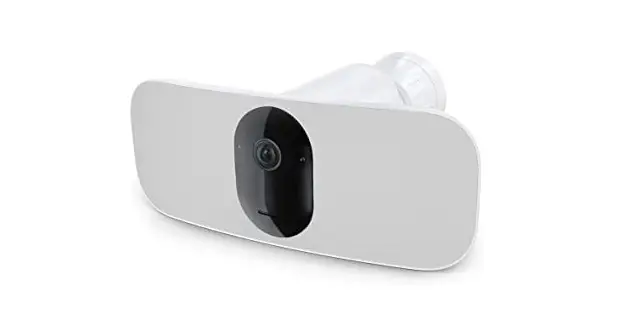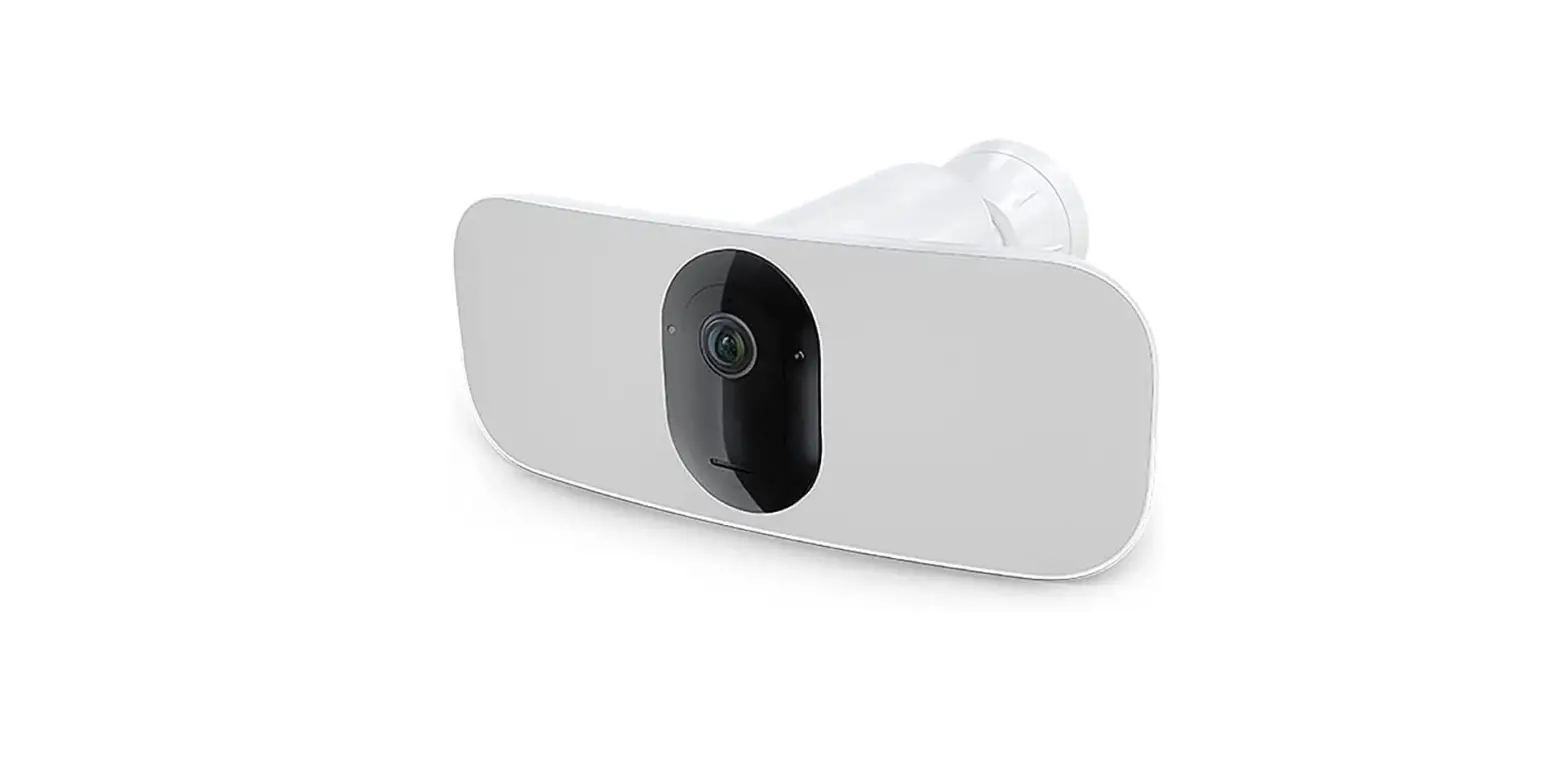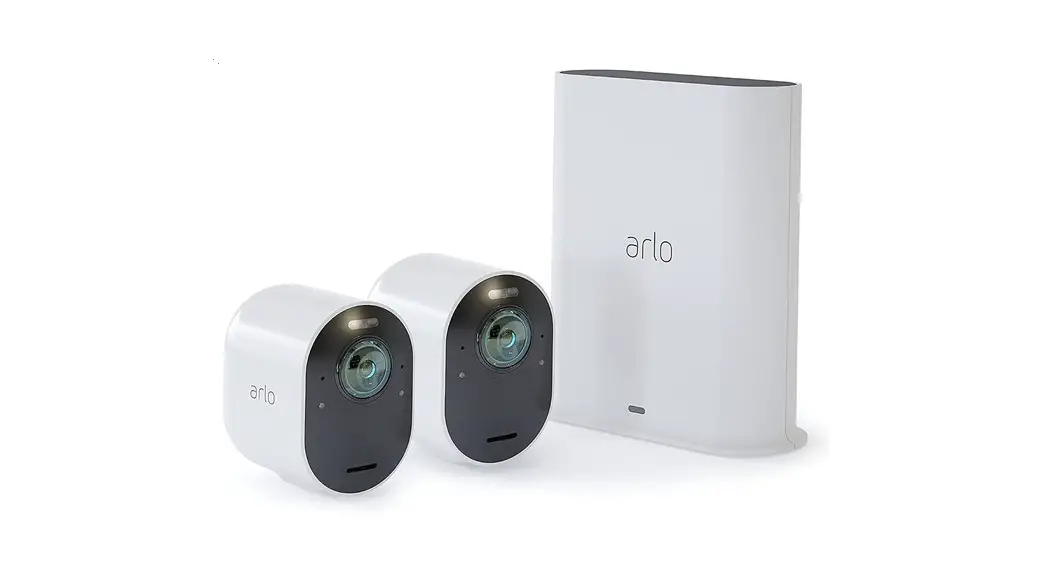

Total Security Mount
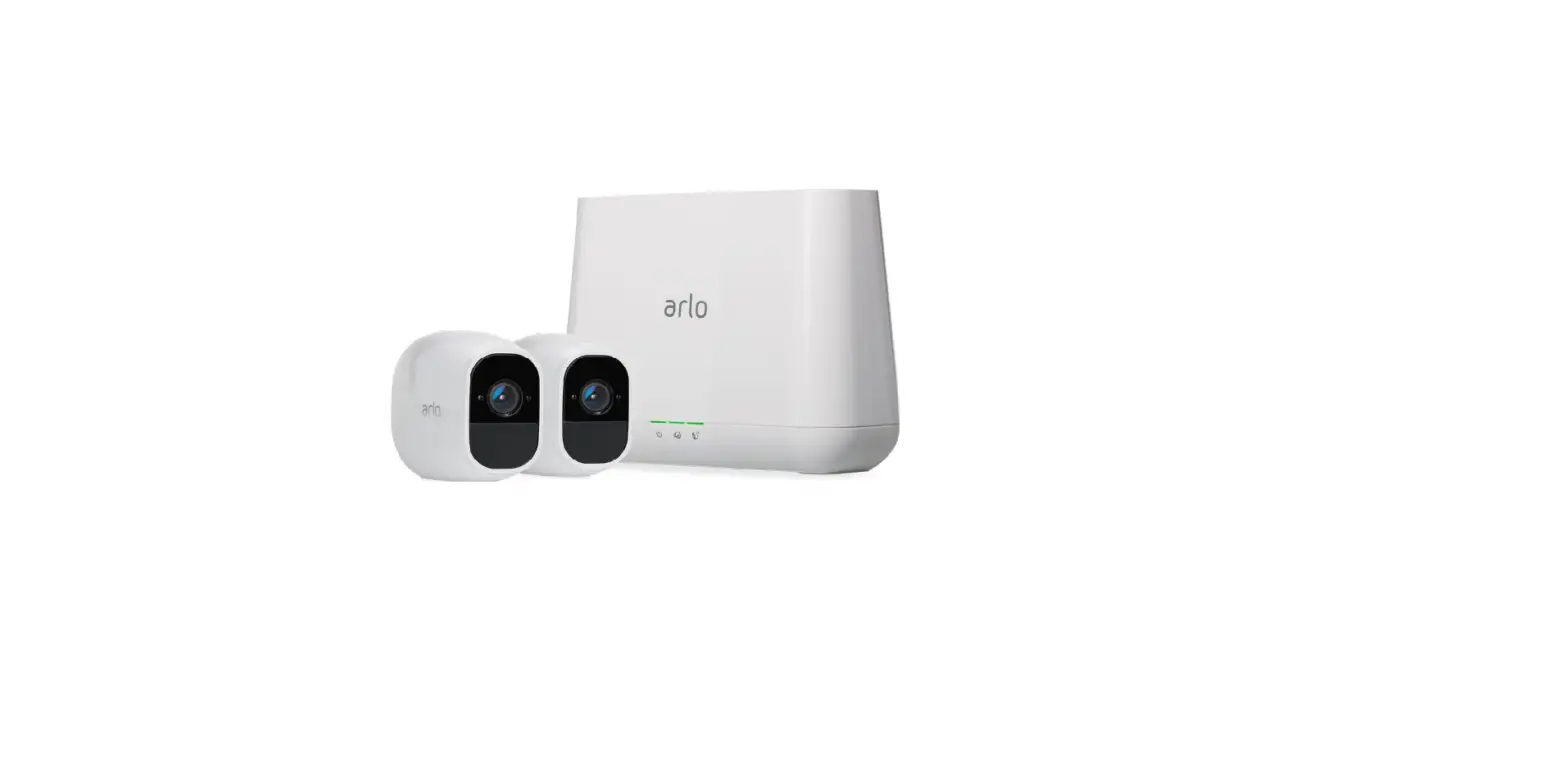
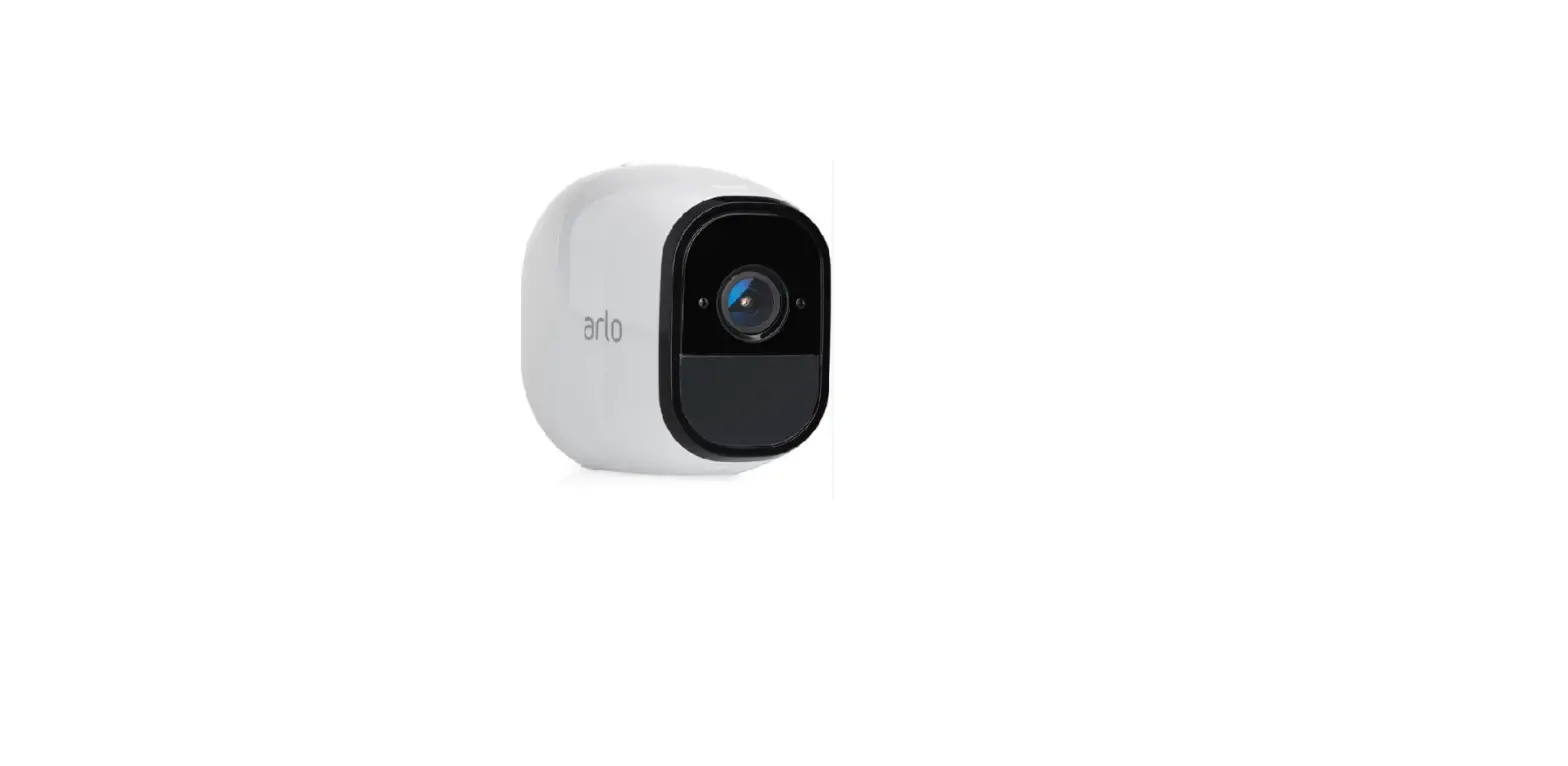
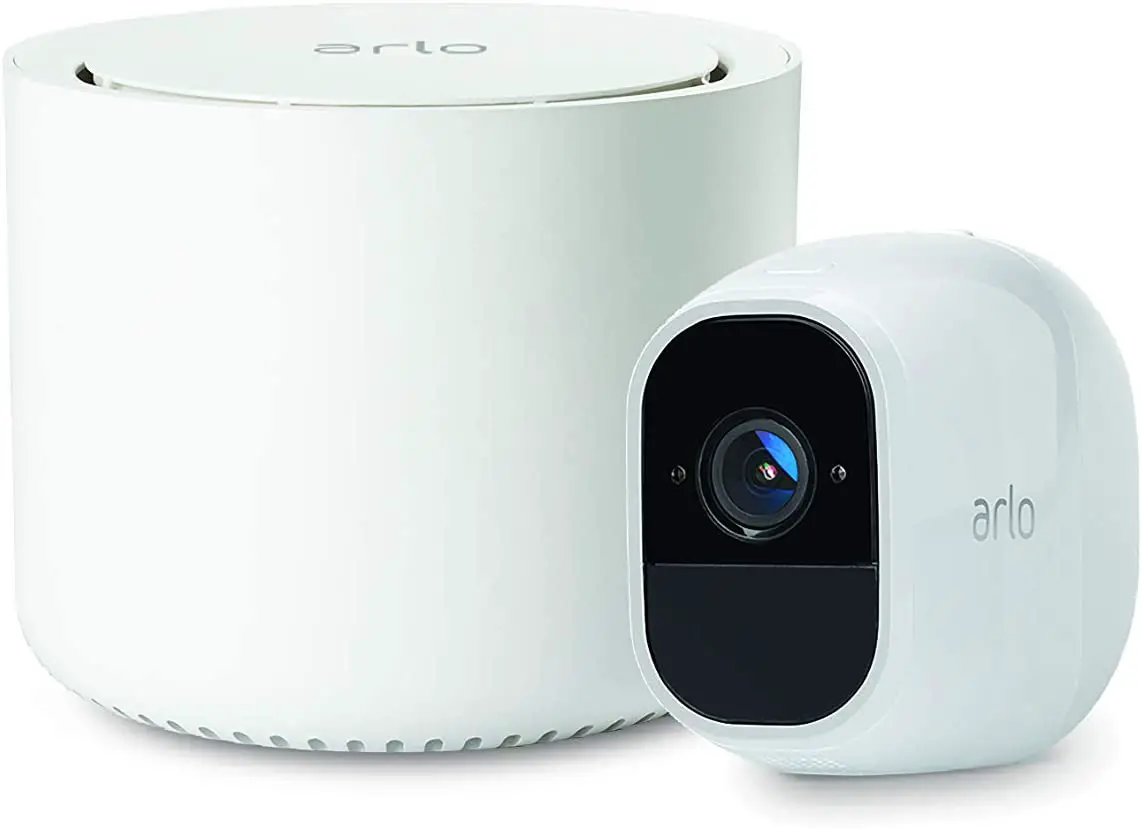
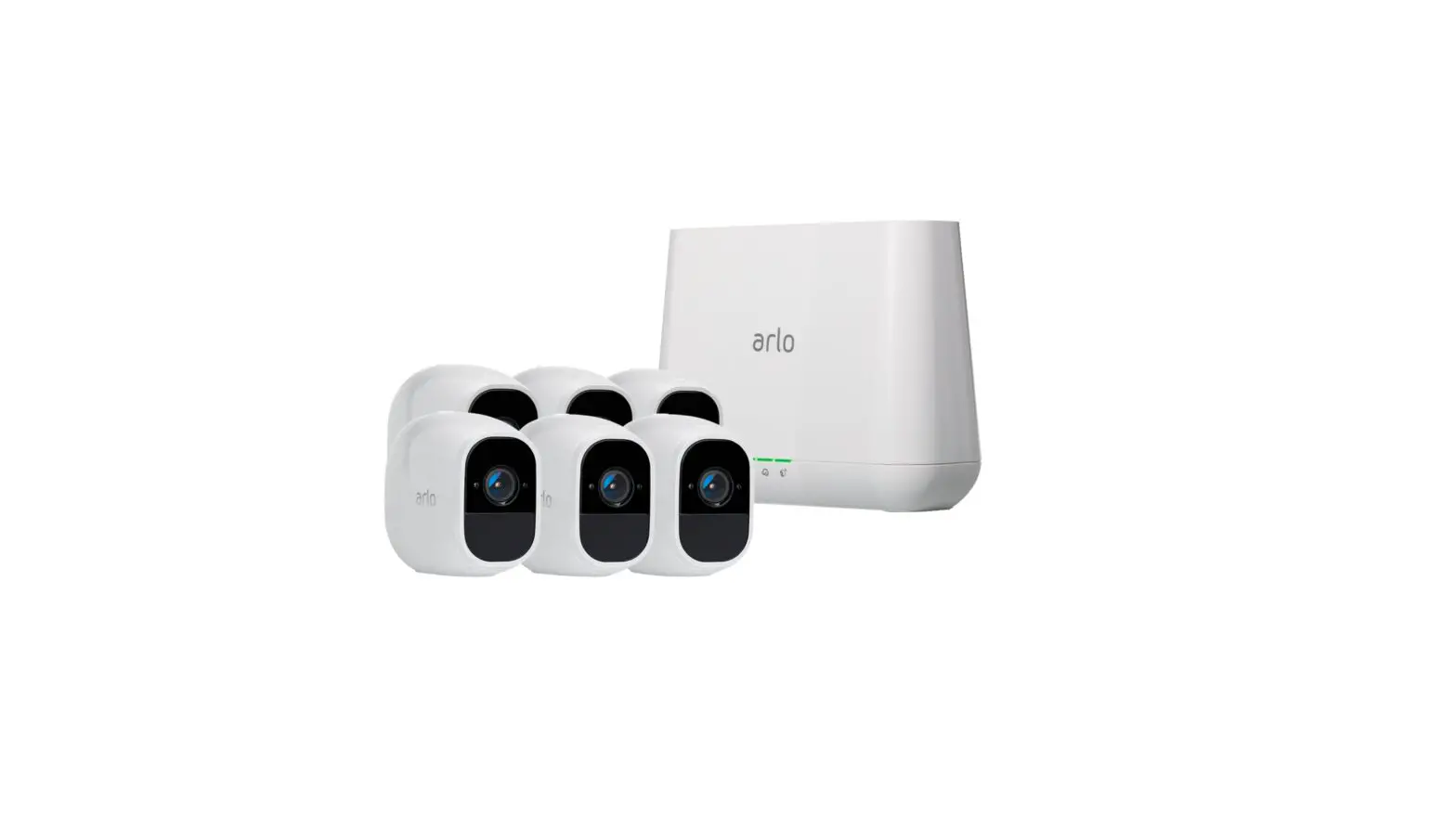
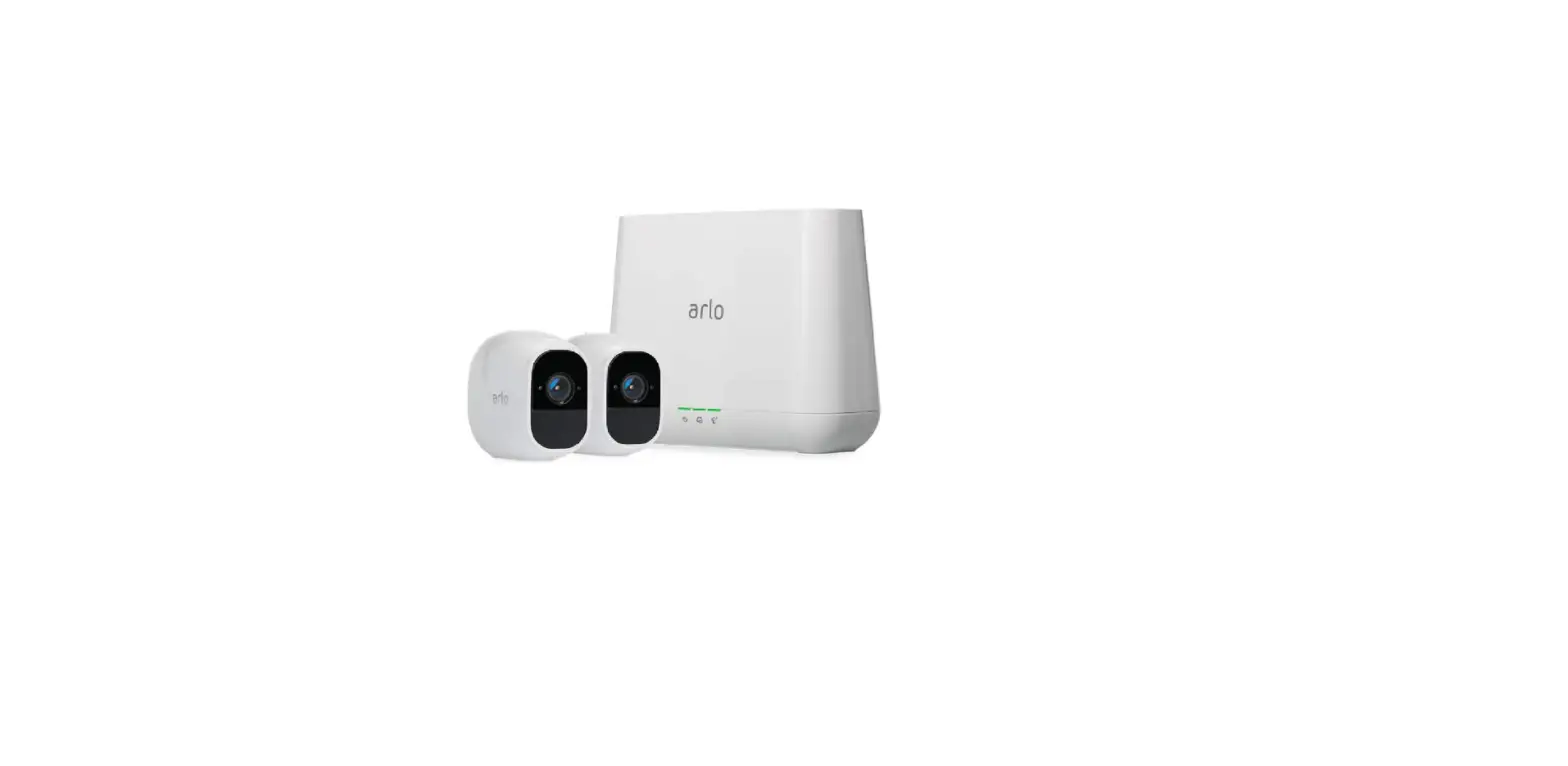
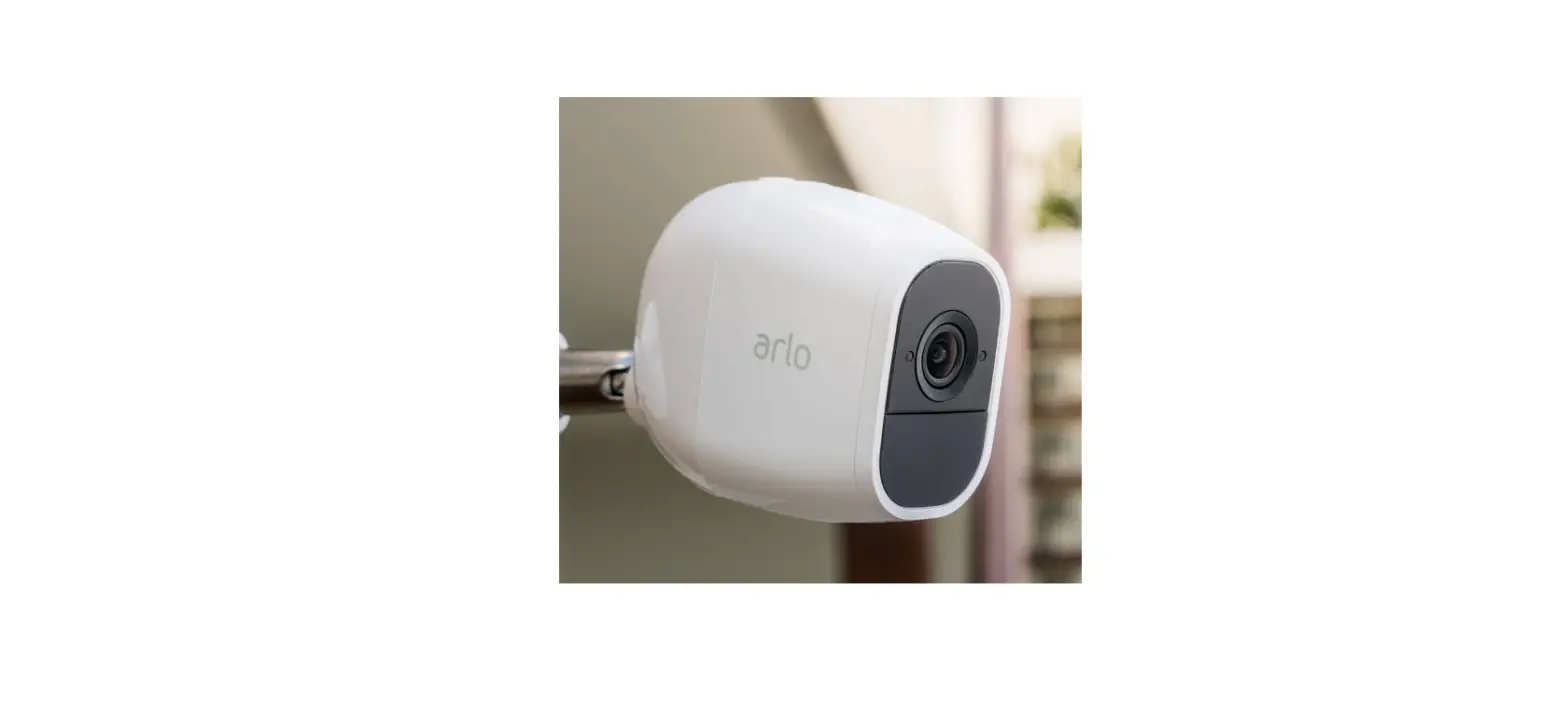
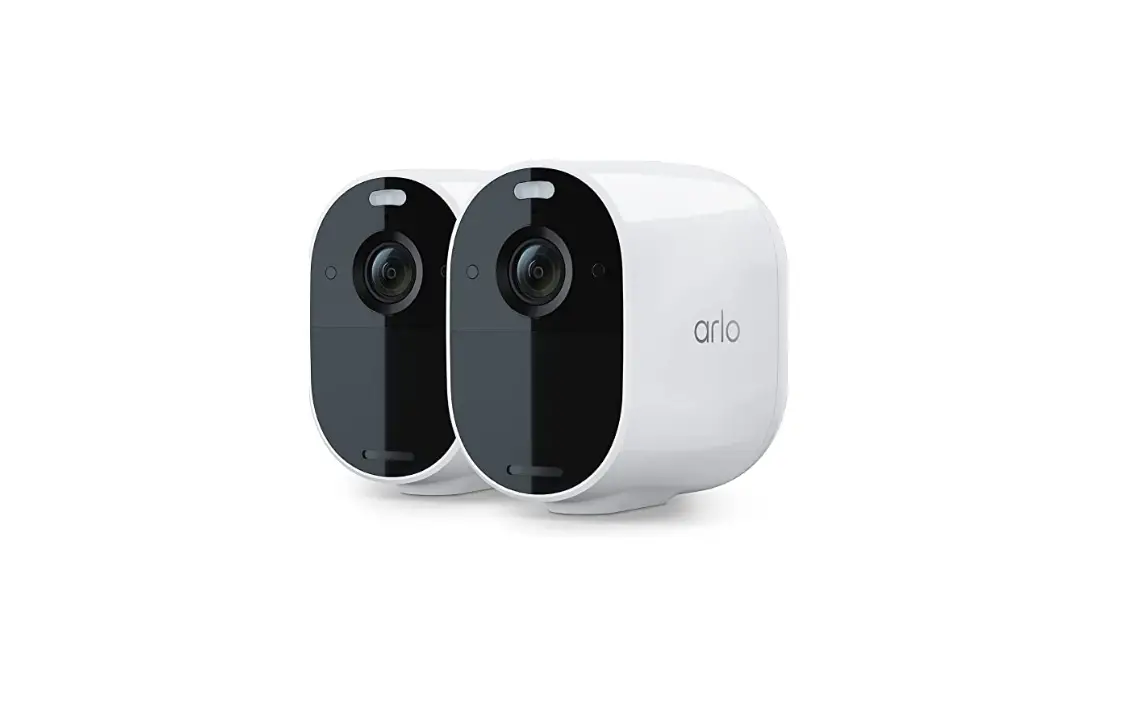
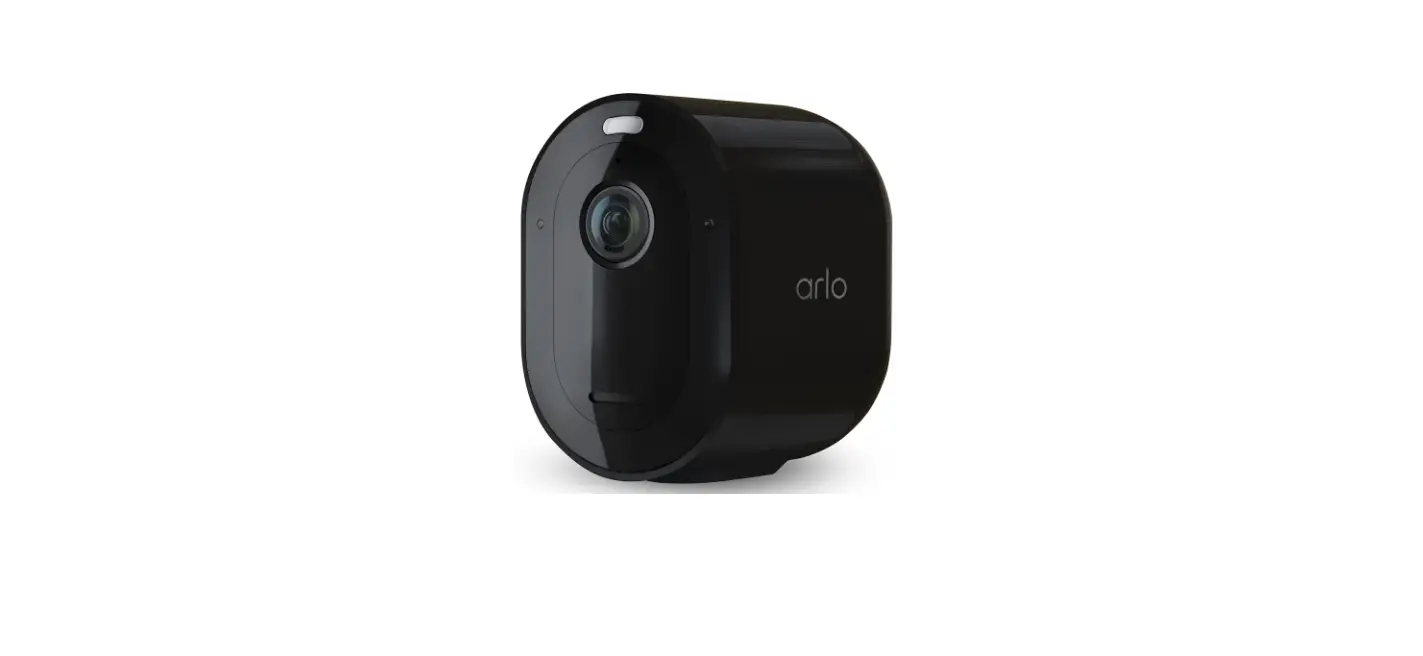
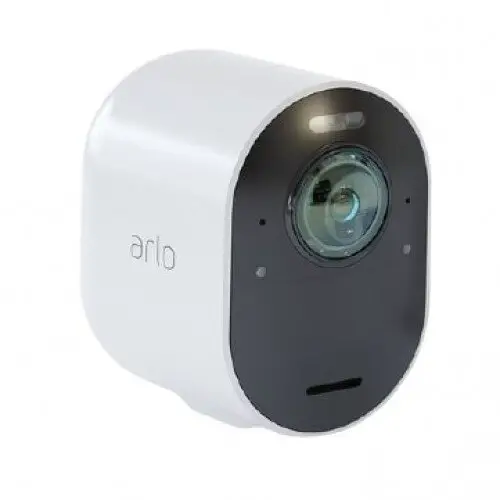
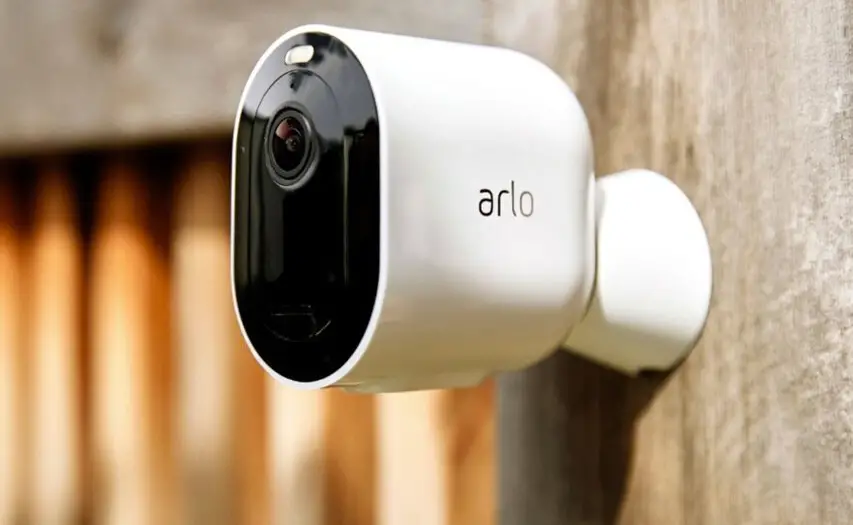
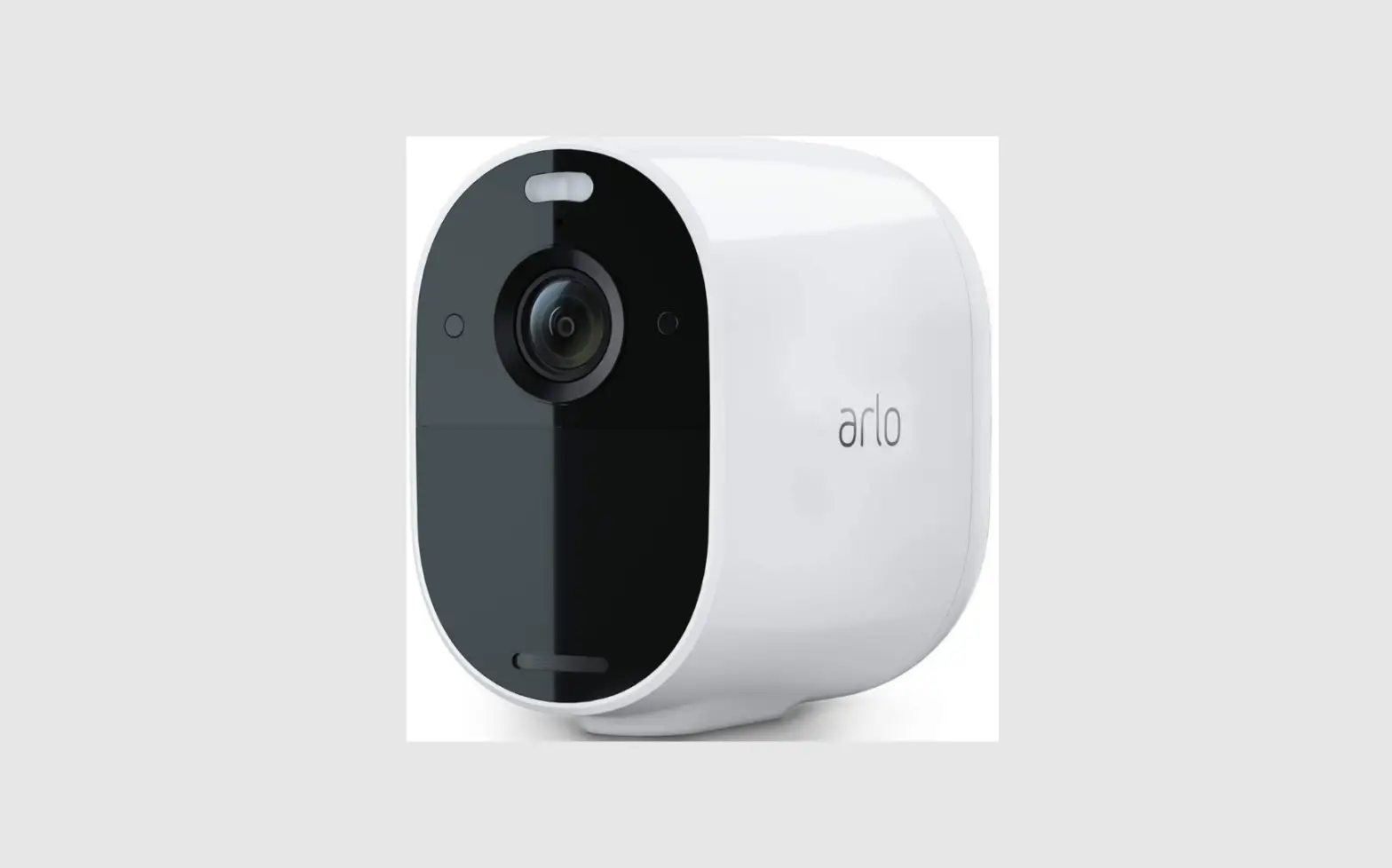
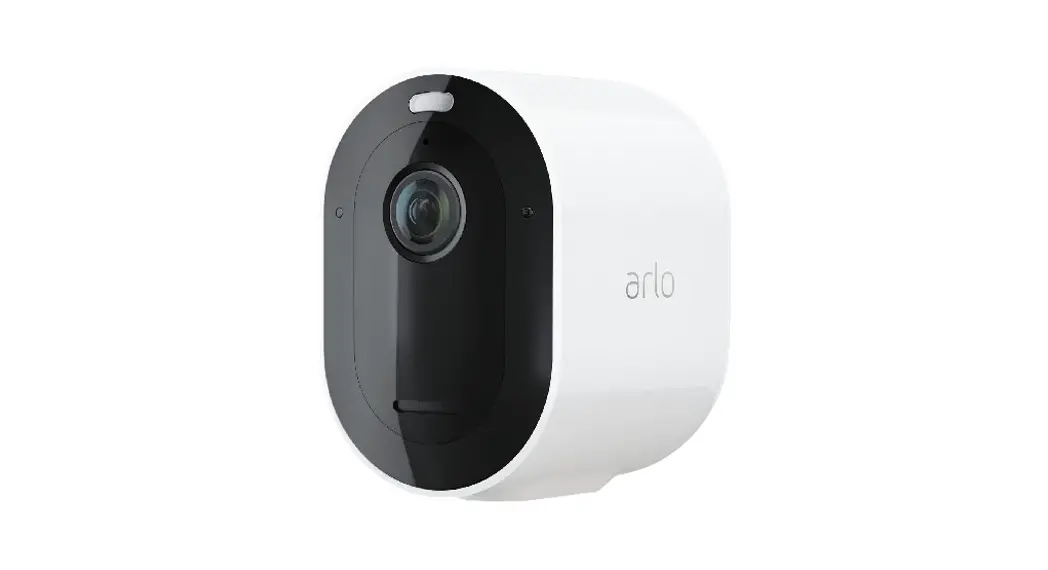
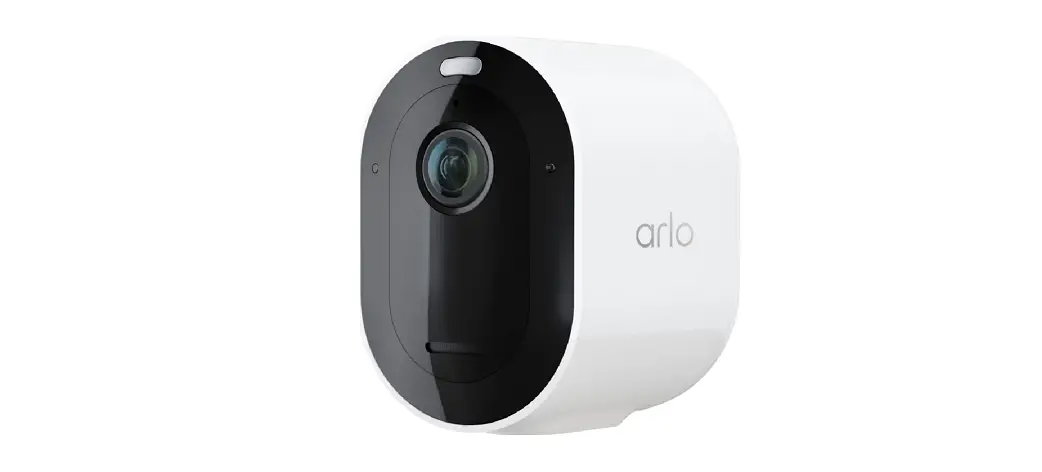
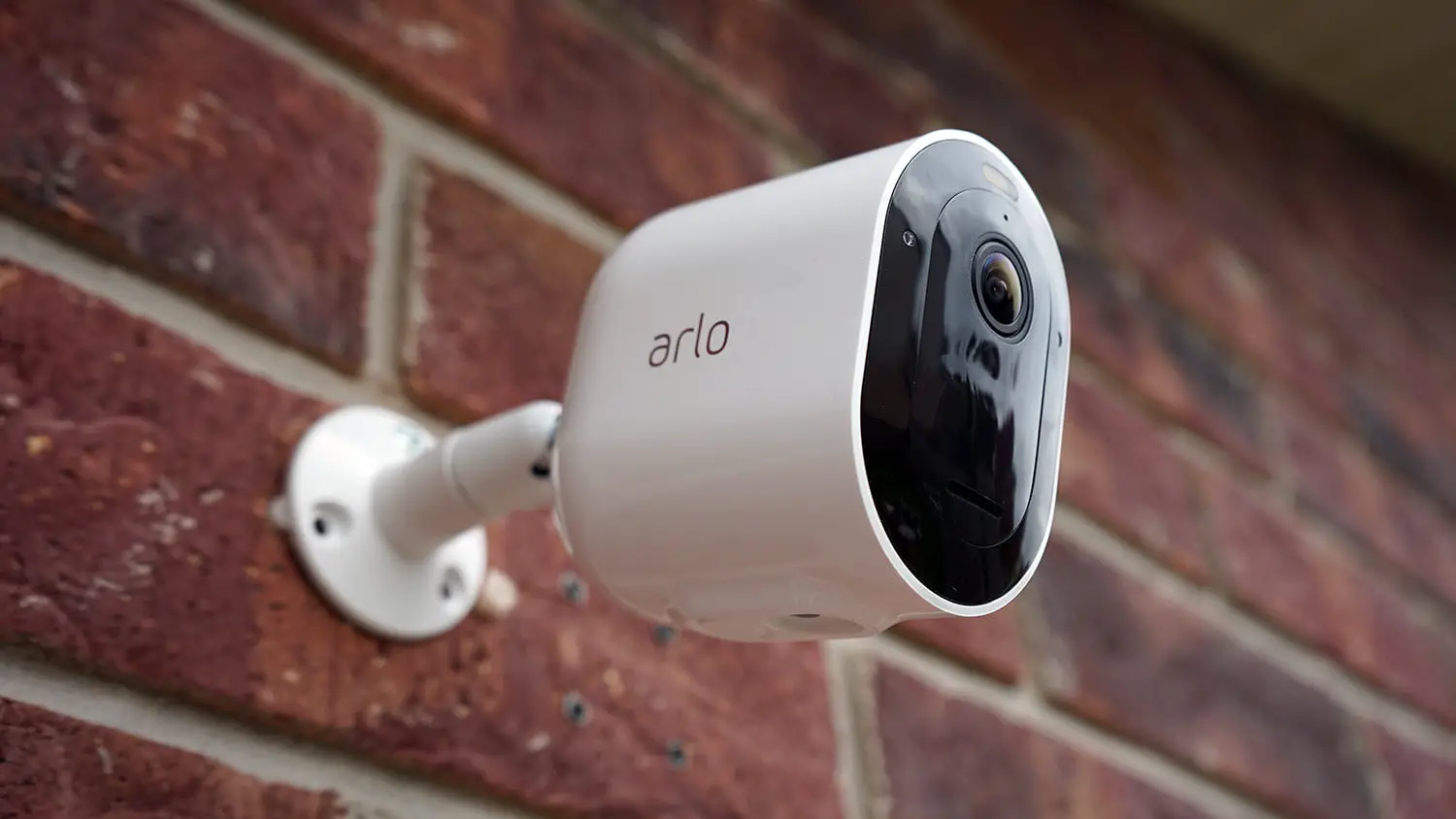
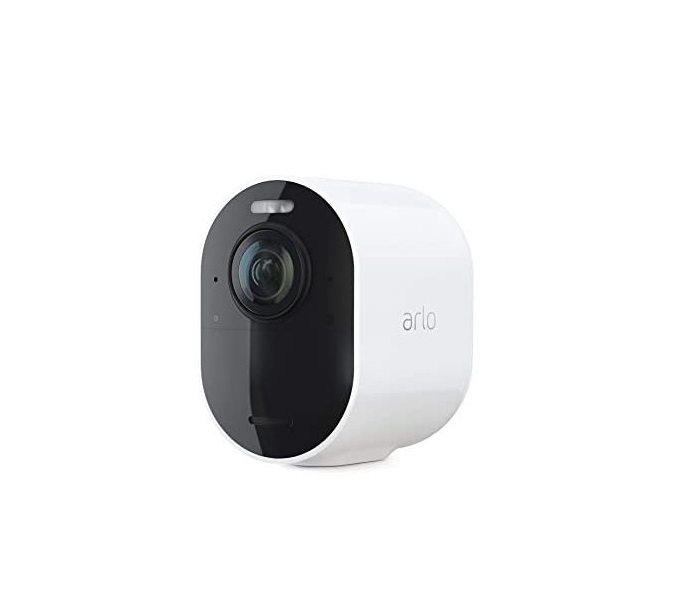
You can use your Total Security Mount with Arlo camera models Ultra 2, Ultra, Pro 3 and Pro 4.
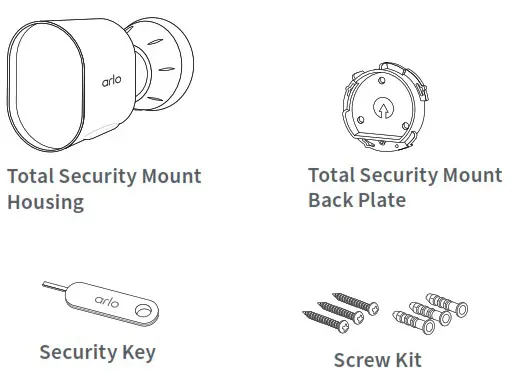
What’s in the box
Set up your Total Security Mount
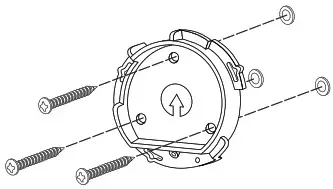
- Place the back plate with the arrow pointing up and secure it with screws. For drywall, use the wall anchors we provide.

- Insert your camera with its battery into the Total Security Mount housing.
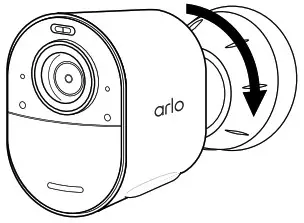
- To attach the housing to the back plate: Align the small screw in the housing with the dot on the back plate. Turn the housing clockwise until it clicks in place. Use the security key to tighten the small screw.

- Adjust your camera position, then finger-tighten the mount lock (clockwise) to lock the camera in this position.
 Note: To release your camera from the housing, insert the security key in the release button and turn the key clockwise.
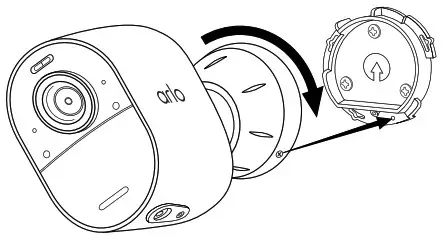
 Note: To release your camera from the housing, insert the security key in the release button and turn the key clockwise.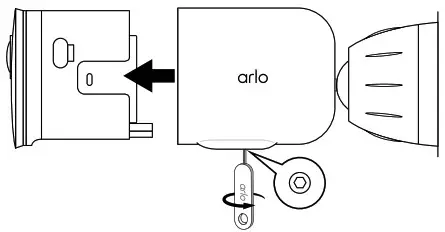
Need help?
Visit www.arlo.com/support for quick answers and:
- How-to videos
- Troubleshooting tips
- Additional support resources
© Arlo Technologies, Inc. Arlo, Arlo logo, and Every Angle Covered are trademarks of Arlo Technologies, Inc. Other trademarks are for reference purposes.
For regulatory compliance information including the EU Declaration of Conformity and e-label information for the US FCC and Industry Canada, visit www.arlo.com/about/regulatory/.
 Arlo Technologies Intl. Ltd.
Ground Floor, Building 3
University Technology Center
Curraheen Road, Cork, T12 EF21 Ireland
 Corporate Social Responsibility | Arlo