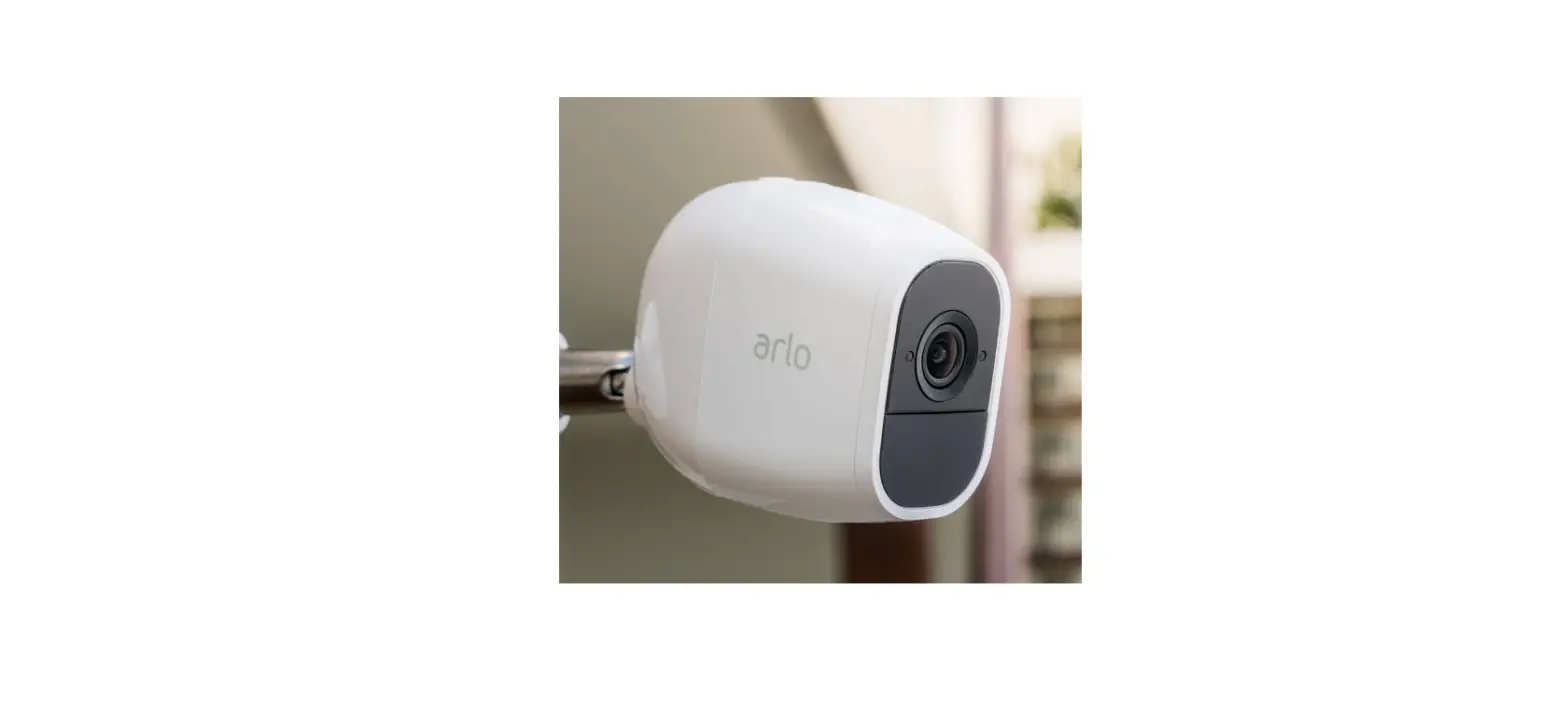

Arlo Pro 2 HD Security Camera System
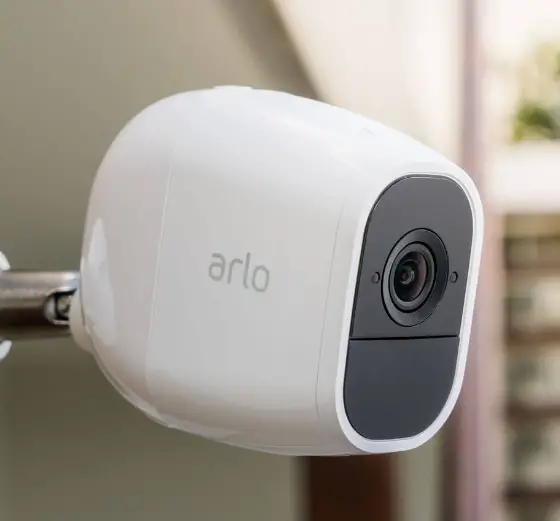
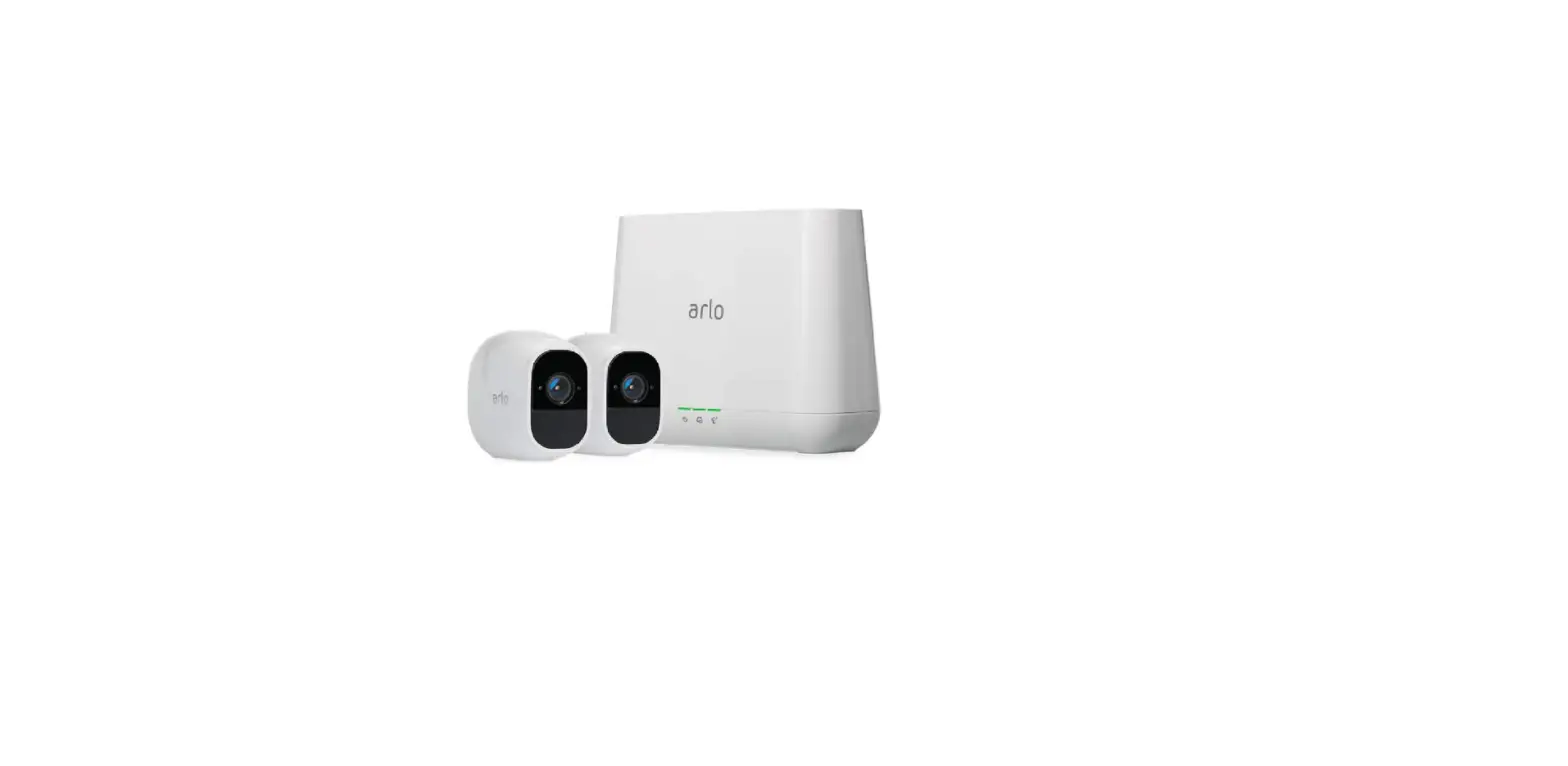
What’s in the box
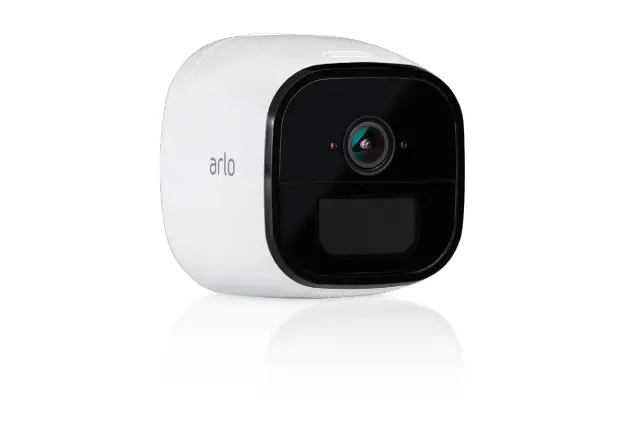
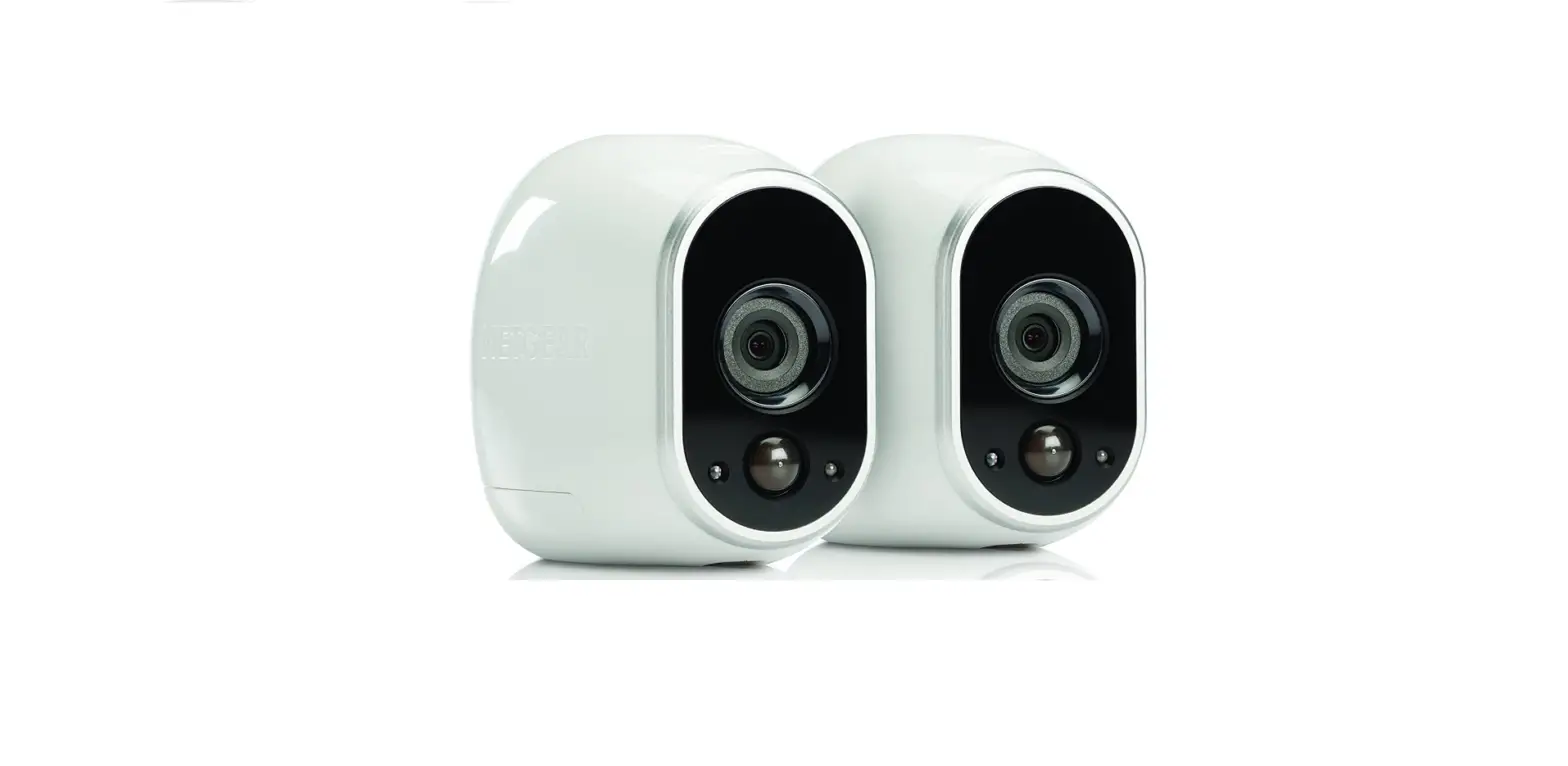
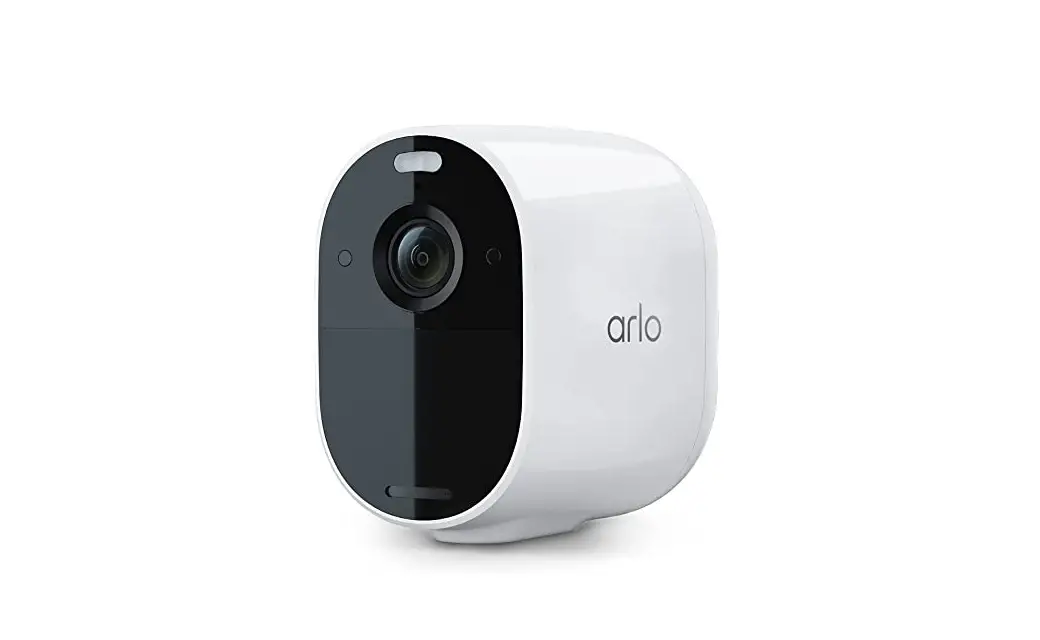
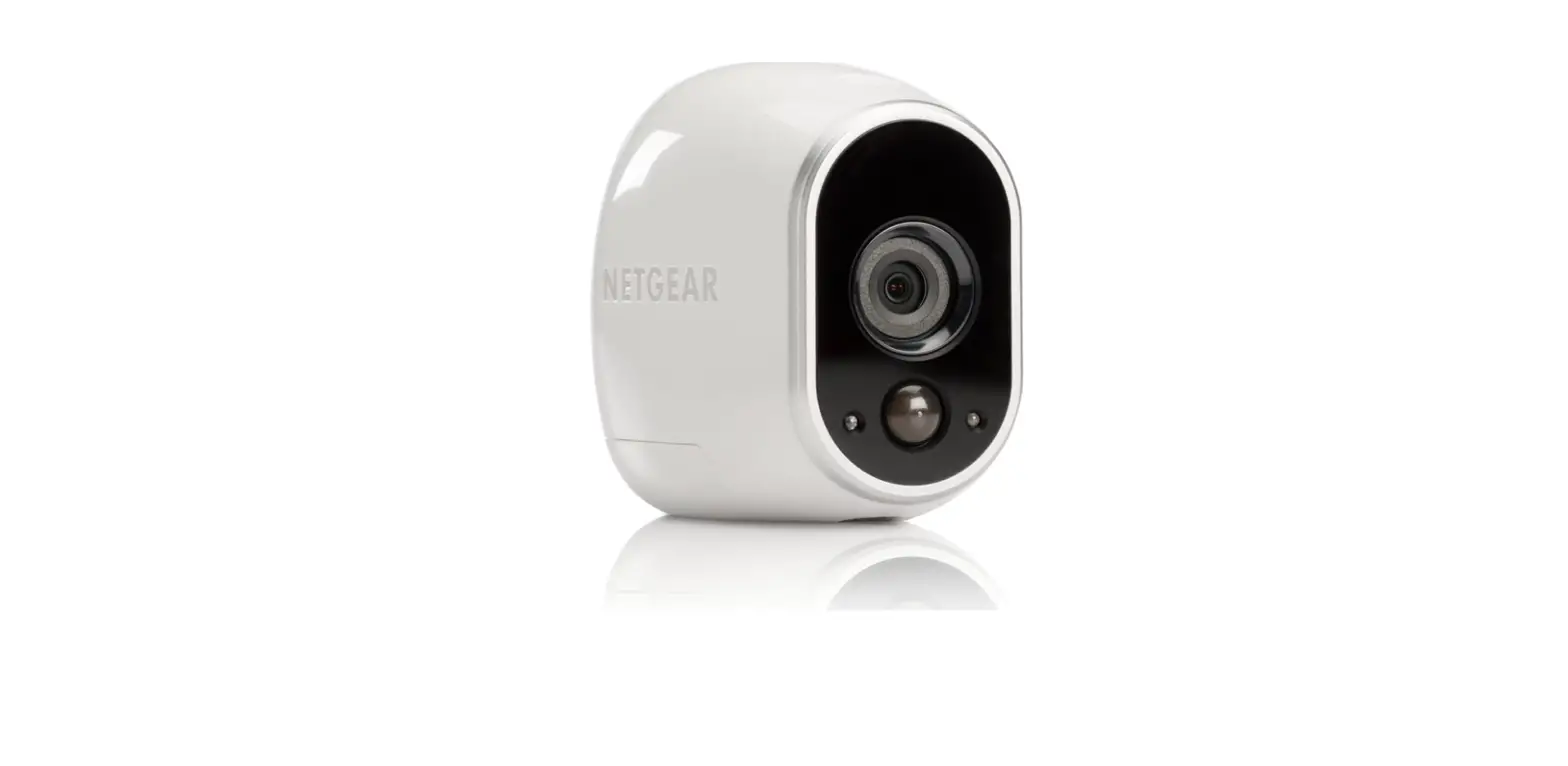
Meet your Arlo Pro 2
You can use your camera wirelessly on battery power, or while plugged into an AC power outlet. Plugging in your camera unlocks more features. When your camera detects motion, it uses a WiFi connection to your Arlo Pro base station to stream video to your Arlo account in the cloud.
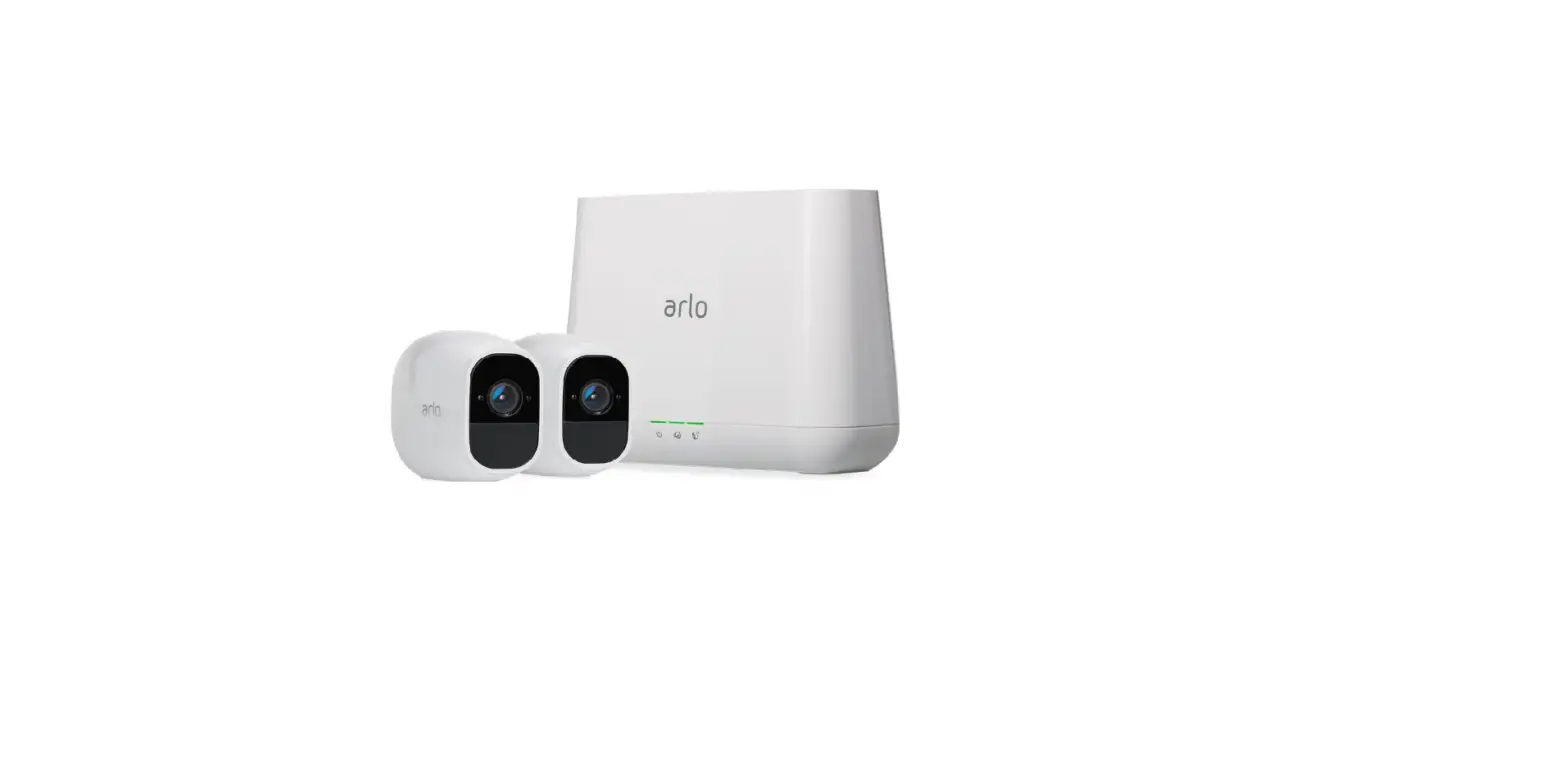
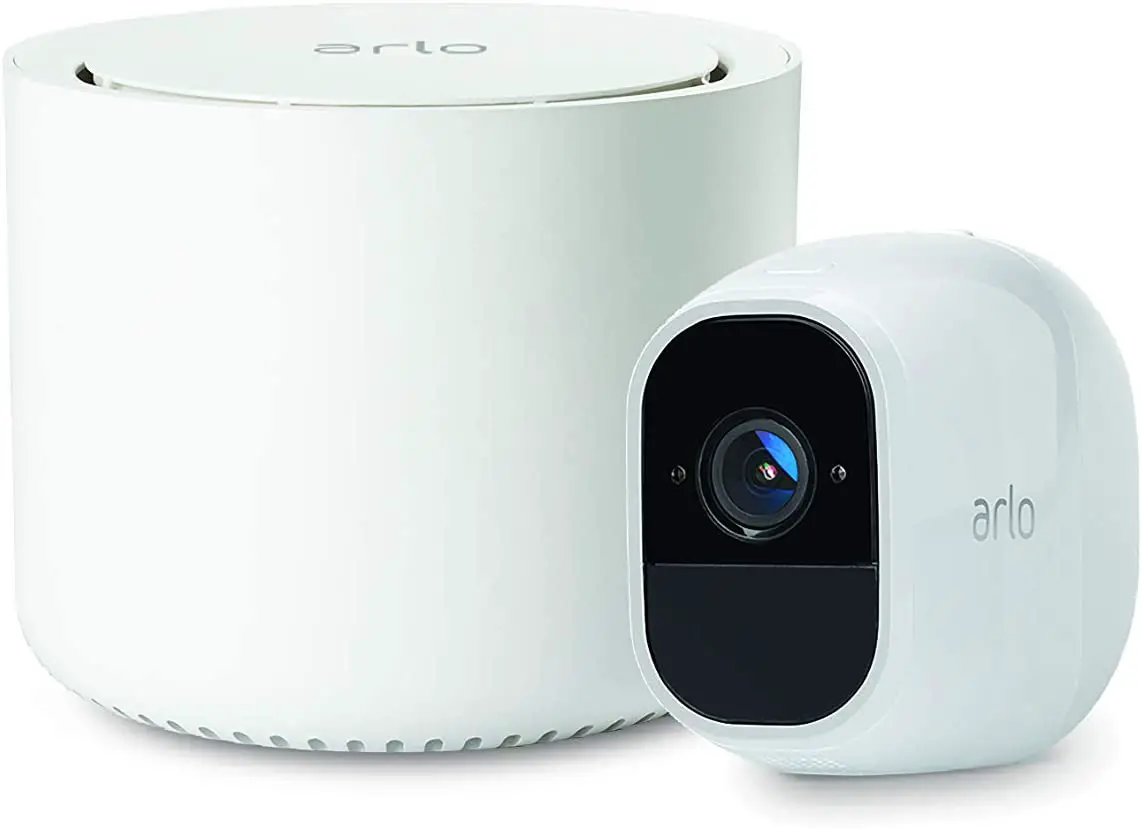
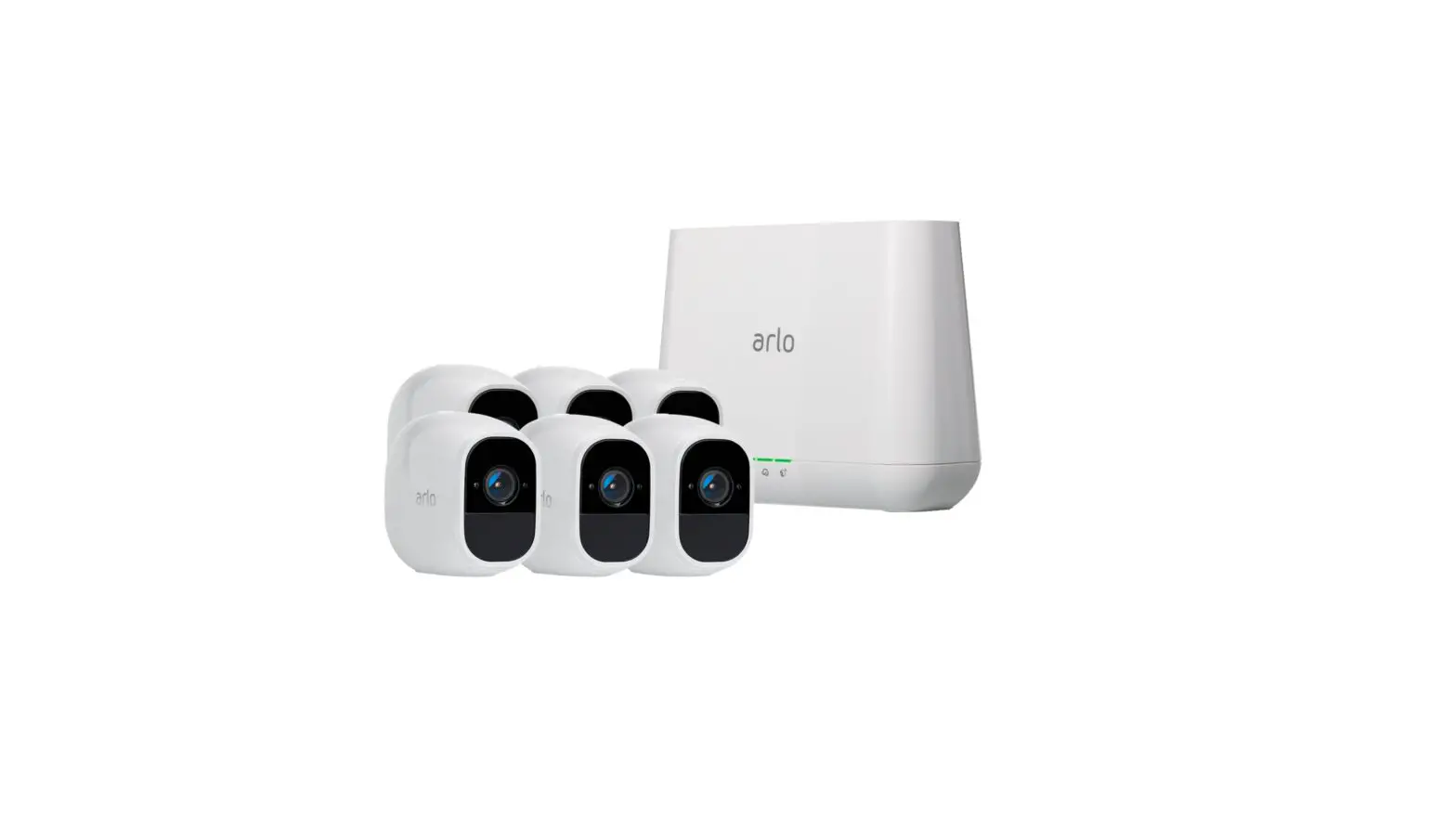
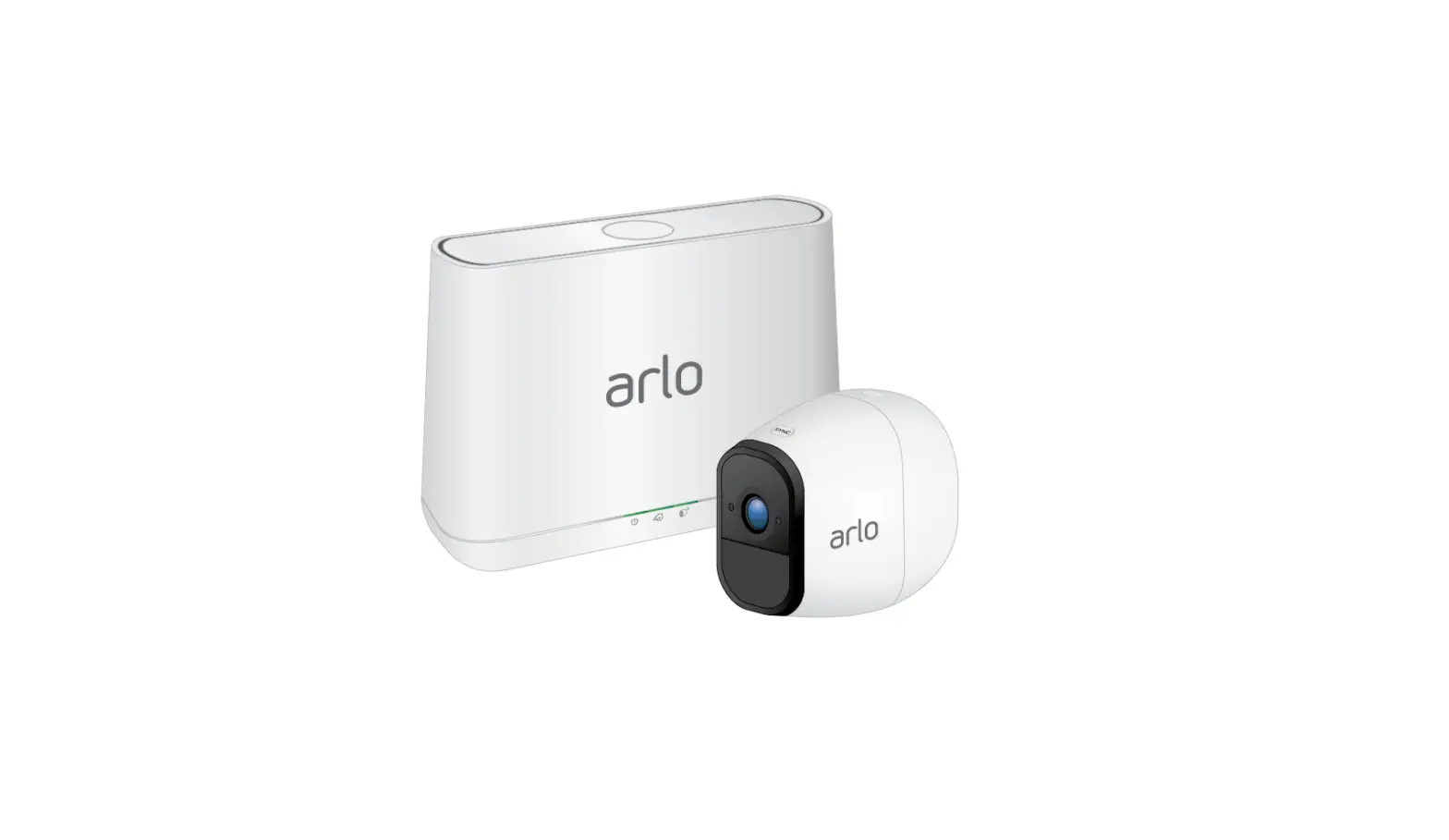
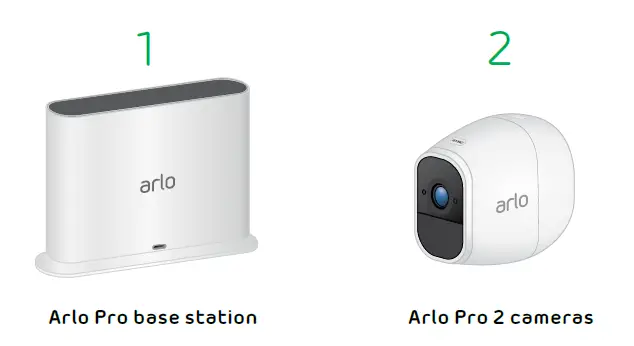
Your Arlo Pro 2 system includes the following:
- Arlo app and Arlo account. Use the Arlo app to set up and manage your Arlo account and devices.
- Base station. The base station connects to the Internet and streams your camera feeds to your Arlo account in the cloud.
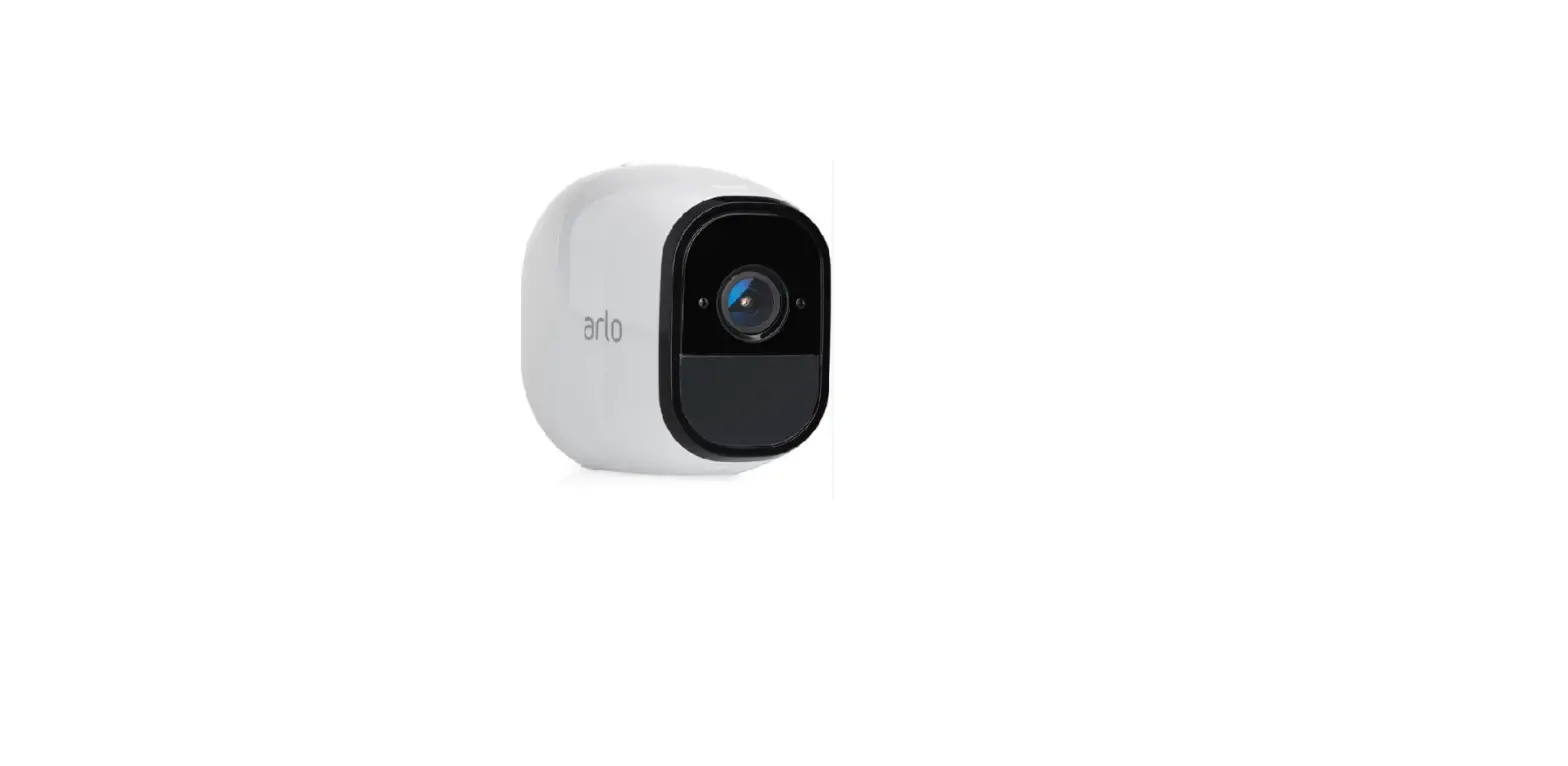
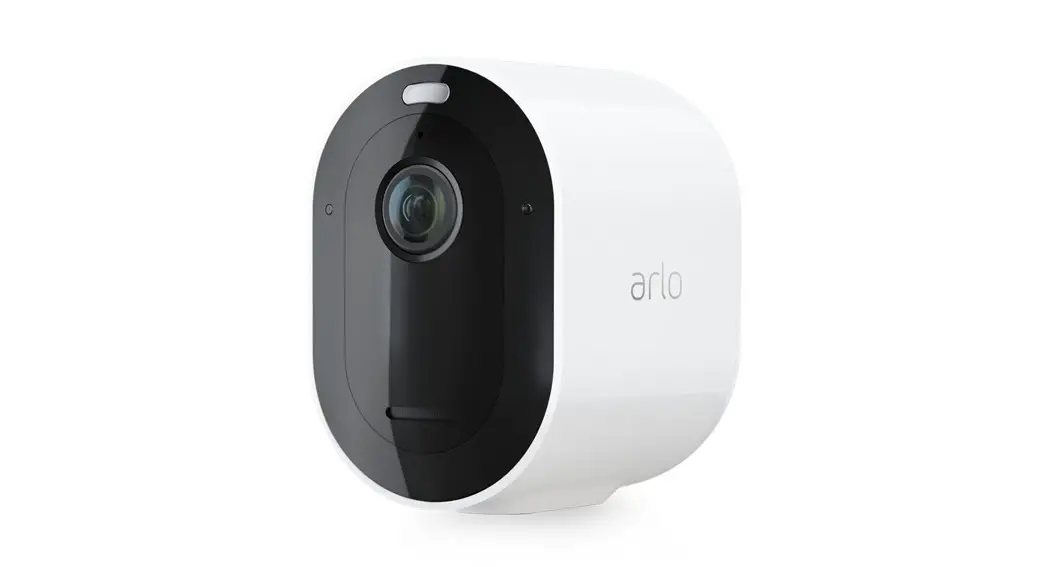
- Arlo Pro 2 cameras. Set up your cameras to detect motion and sound based on a schedule or all the time. Your cameras come with these accessories:
- Rechargeable battery. When you use your camera wirelessly, it runs on battery power.
- AC power adapter. Connect your camera to an indoor electrical outlet to unlock more features and charge the battery. (The outdoor AC power adapter is sold separately.)
- Mounts. Use wall mounts to place your cameras.
Get the Arlo mobile app
You must use the app to install your Arlo Pro 2 System. The app provides step-by-step instructions.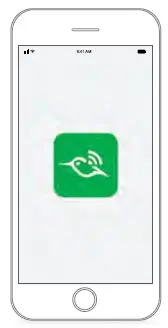
Install your Arlo devices in this order
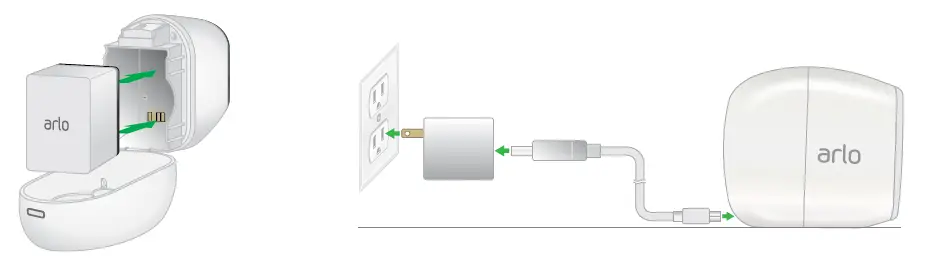
Power your camera
Your camera comes with accessories that you can use to create a custom security system to meet your individual needs.
- Insert and charge the battery.

Before you use your camera wirelessly, we recommend that you charge the battery. - For AC power indoor use, connect the AC power adapter to an indoor electrical outlet.
- If you want to use an outdoor AC power connection, you need the Arlo Pro 2 outdoor power adapter (sold separately).
Place or mount your camera
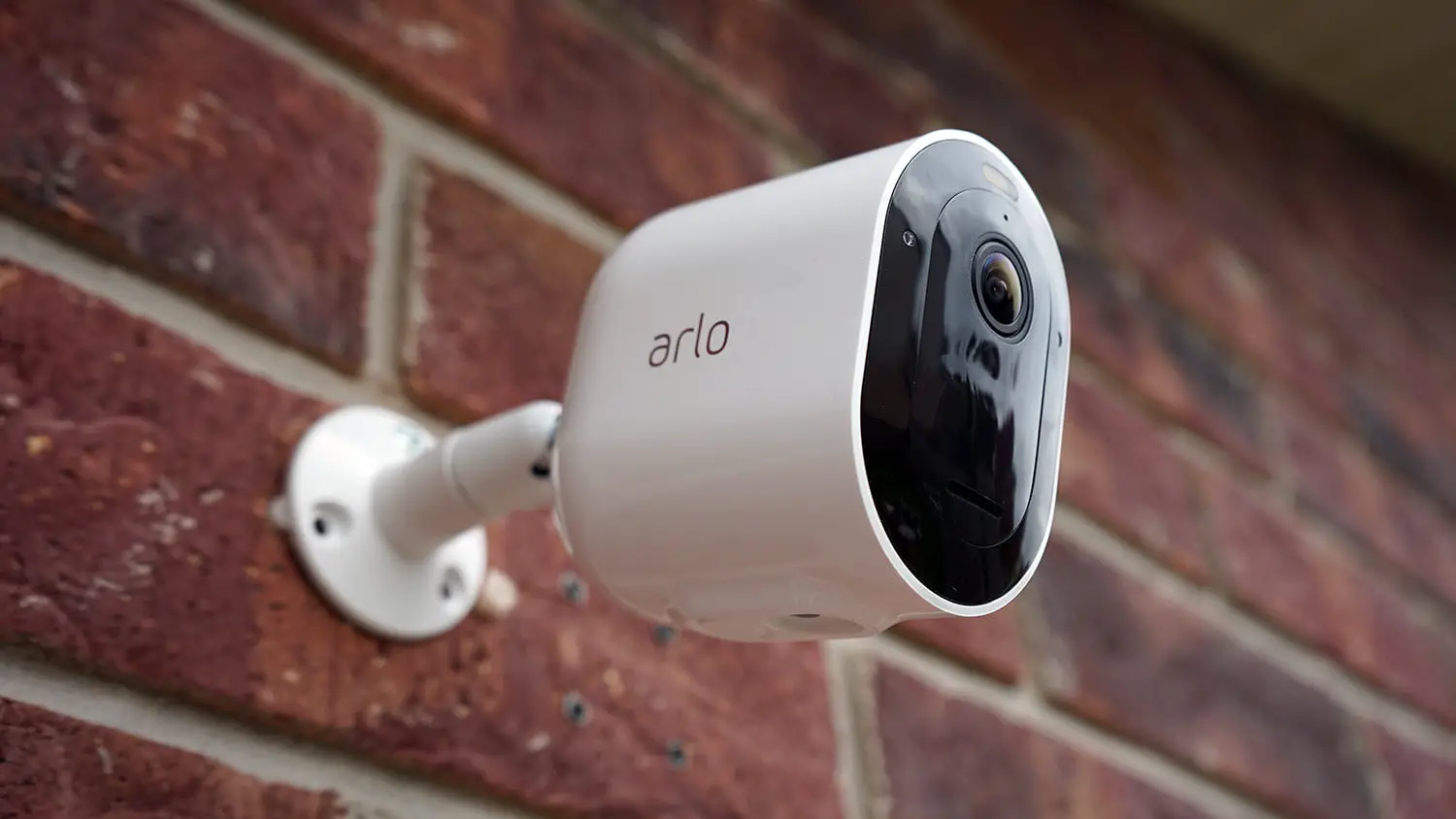
You can place your camera on a flat surface or you can mount it on a wall. Choose a location with a clear, unblocked field of view and with a good signal to your base station.
Note: WiFi range can be affected by building materials or objects that block WiFi signals and by interference from other WiFi networks.
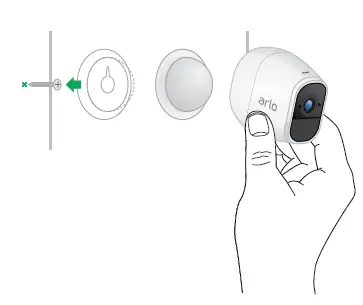
To use the wall mount:
- Fasten the mounting screw into the wall. If you’re mounting the camera on drywall, use the plastic drywall anchors we provide.
- Hang the mount from the screw.

You’re done!
Use the Arlo app to see your camera feed, to arm and disarm your camera, and more.
Tip: Use the Arlo app in Position mode (found in Camera Settings) to help aim your camera.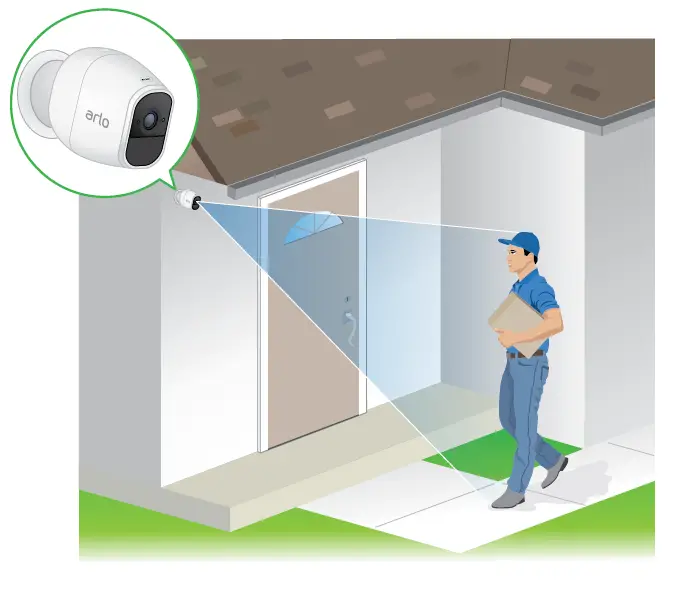
2018 Arlo Technologies, Inc. Arlo, Arlo logo, and Every Angle Covered are trademarks of Arlo Technologies, Inc. . Other trademarks are for reference purposes only. For regulatory compliance information, visit www.netgear.com/about/regulatory/. Arlo International, Ltd. Floor 3, Building 3 University Technology Center Curraheen Road, Cork, Ireland Arlo Technologies, Inc. 2200 Faraday Ave. Suite 150 Carlsbad, CA 92008 USA www.arlo.com www.arlo.com/support