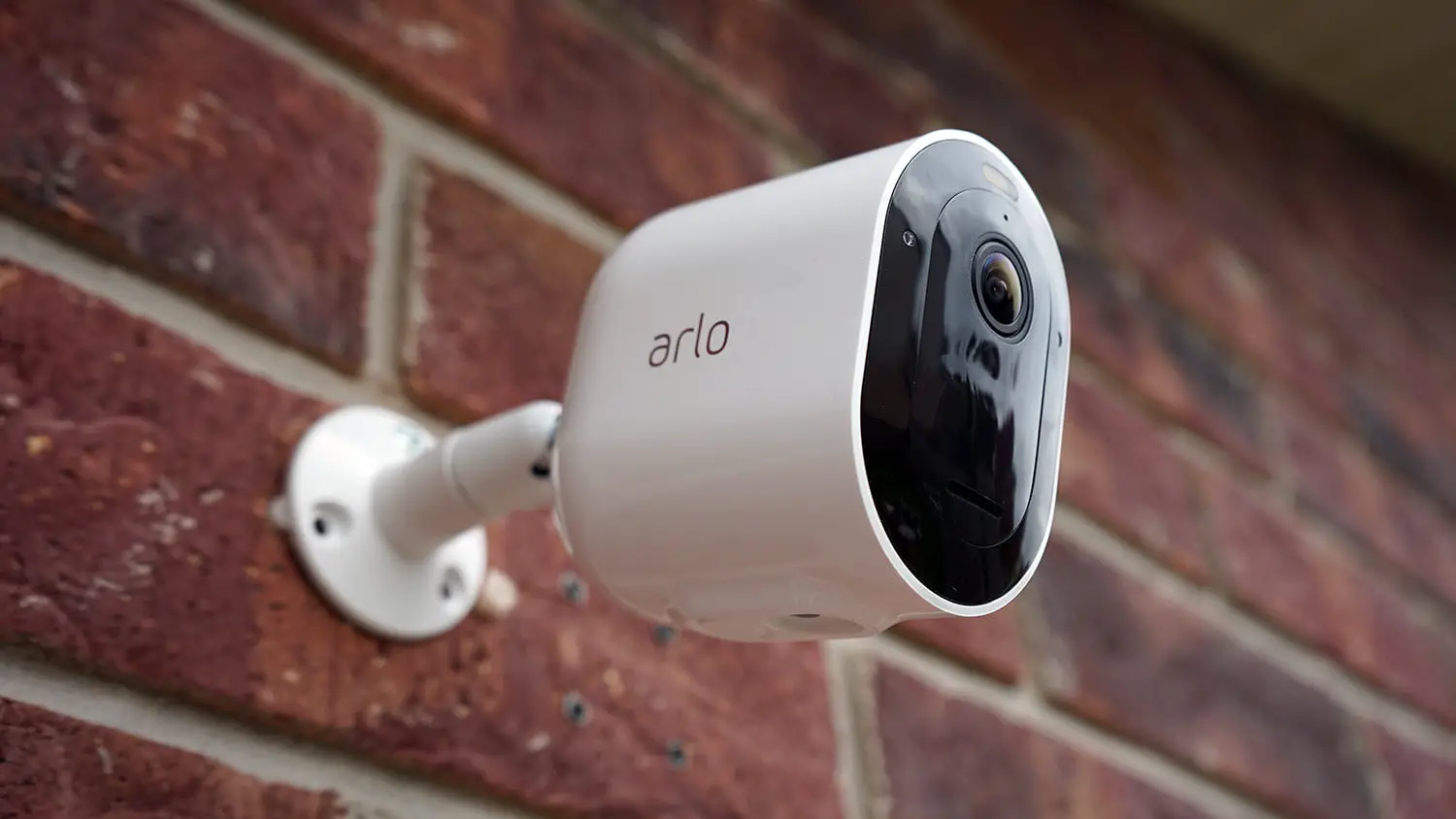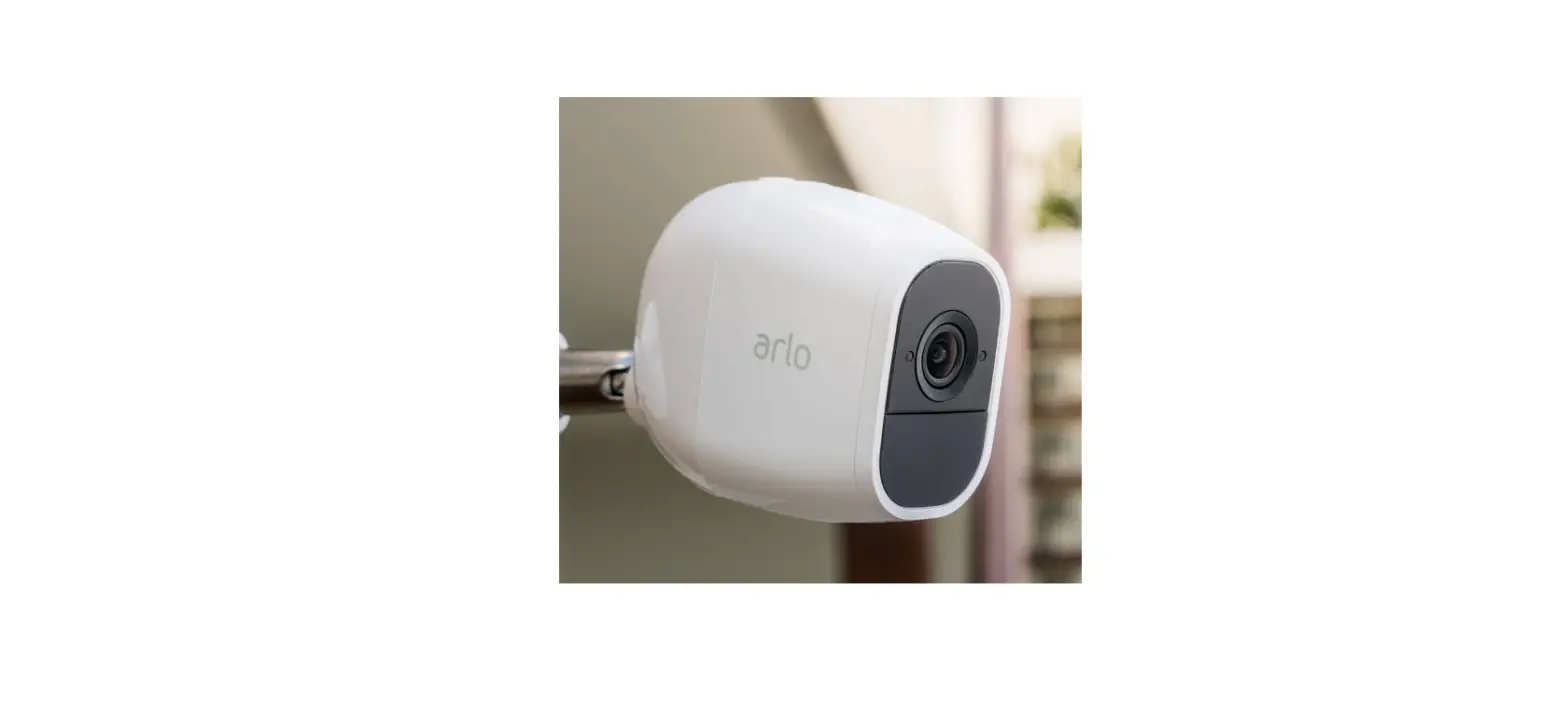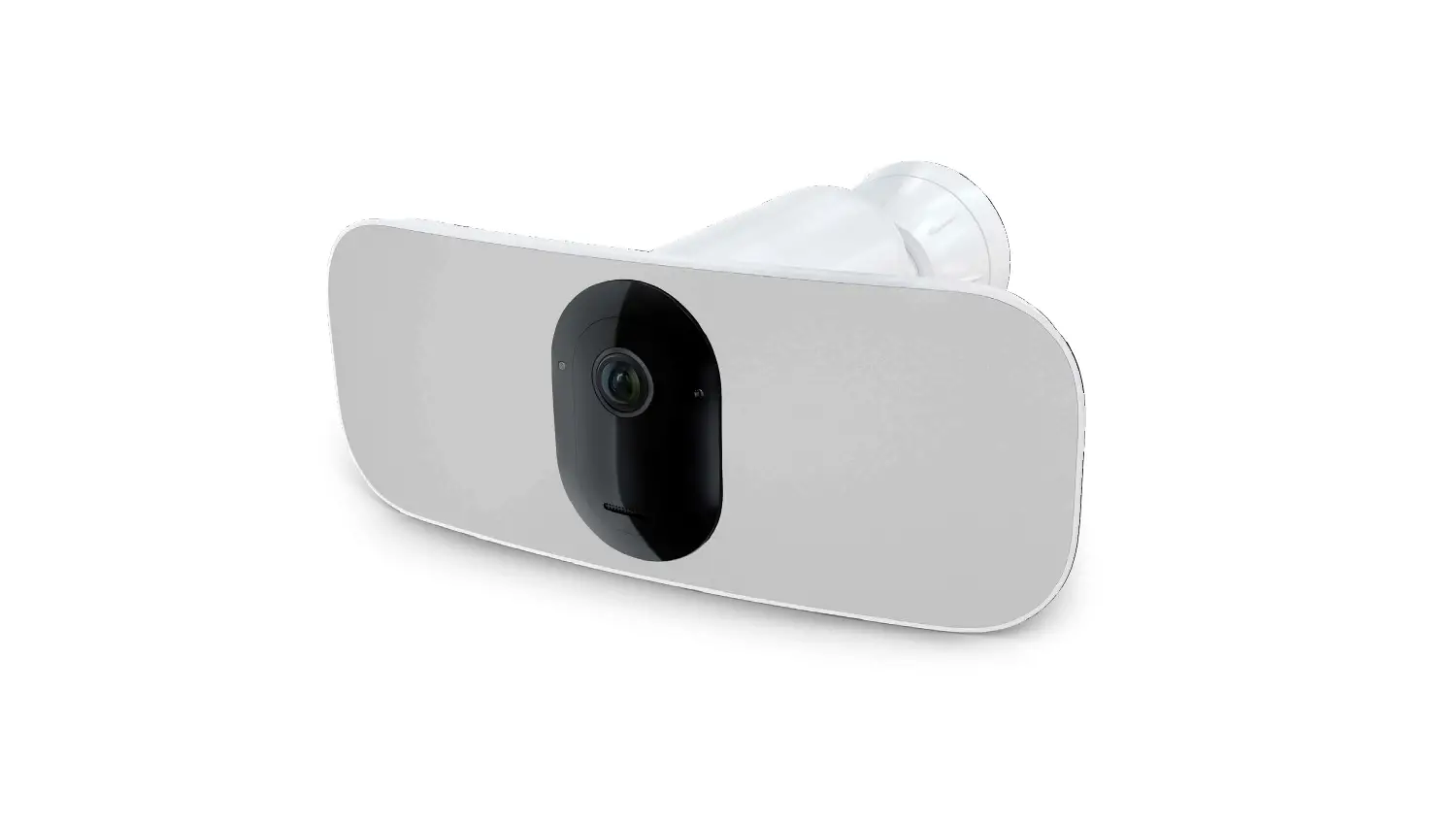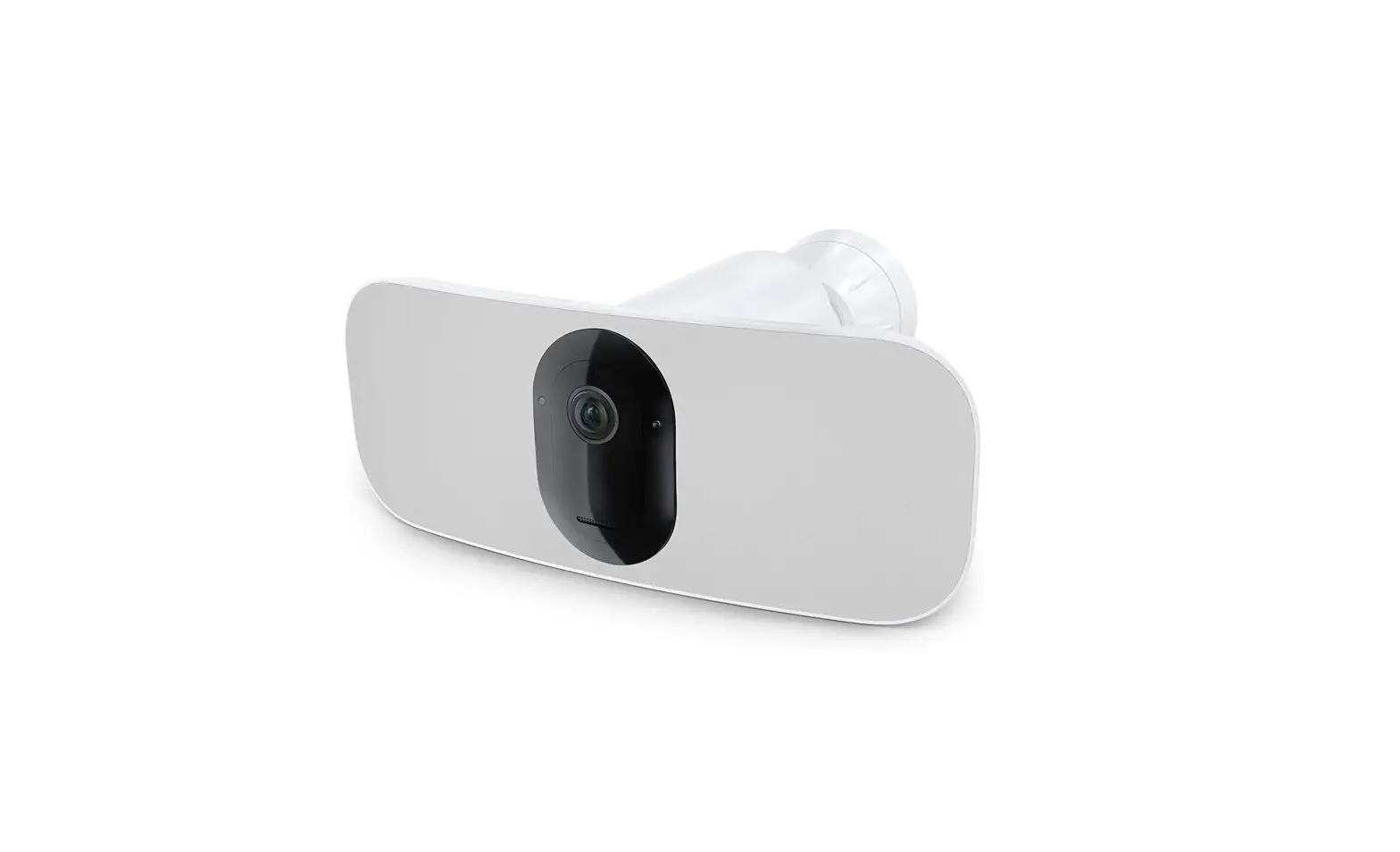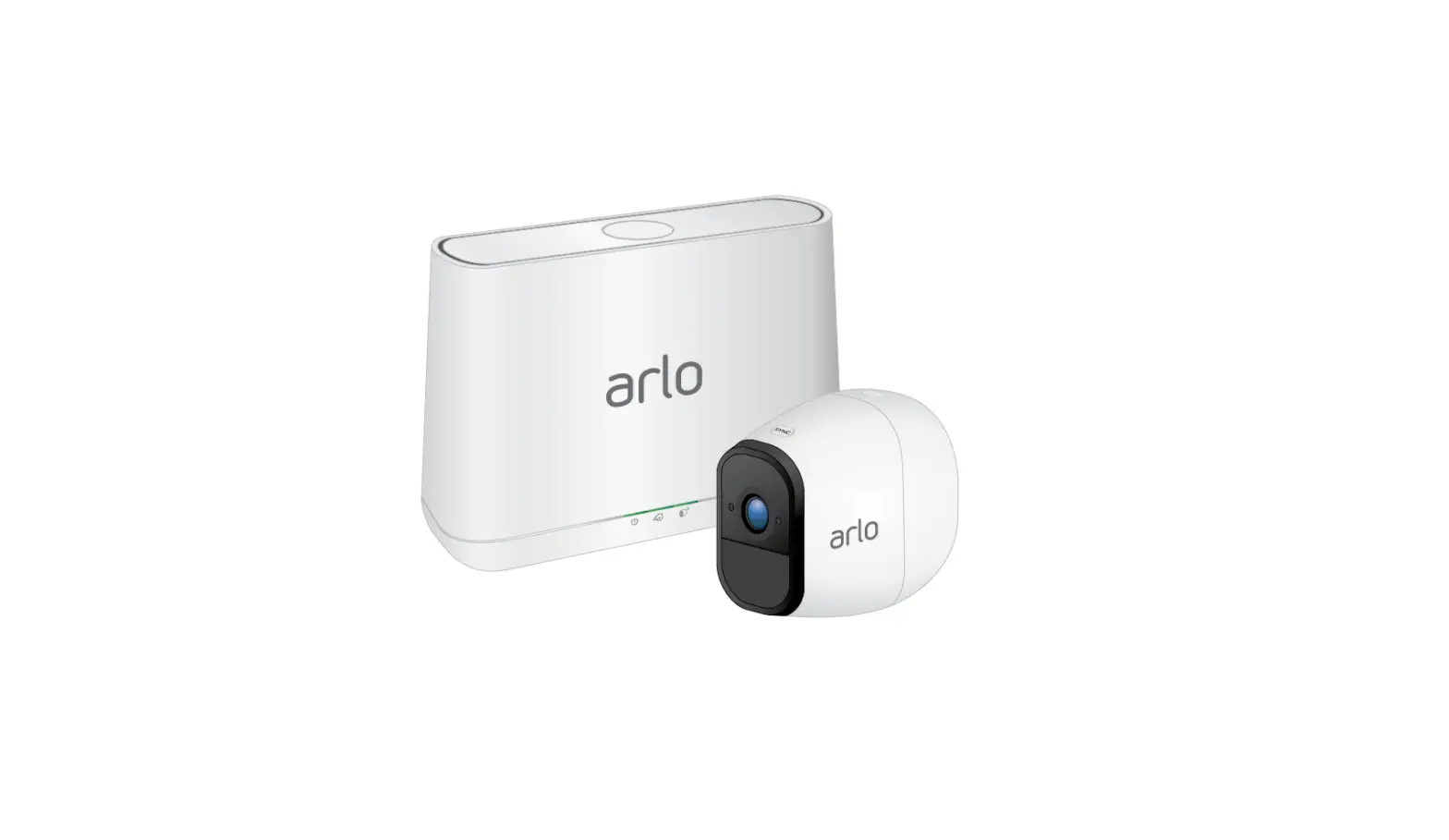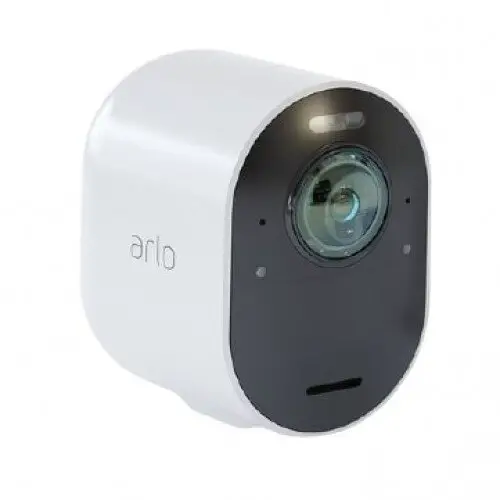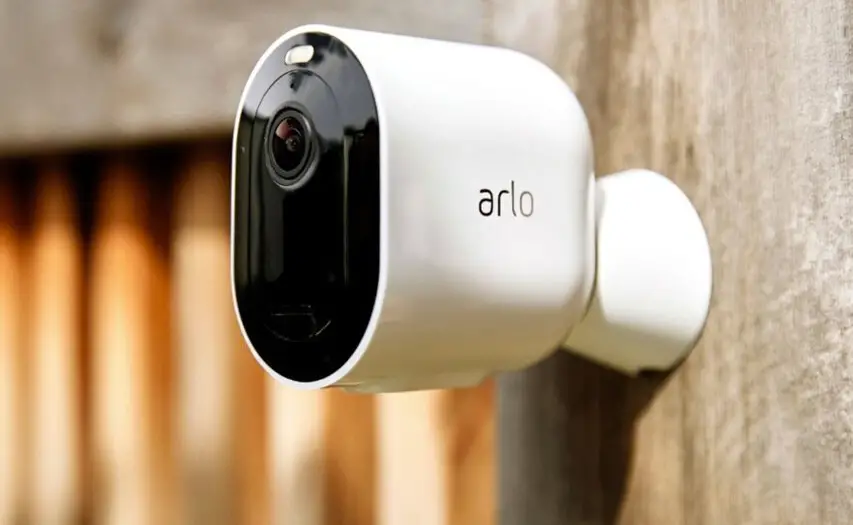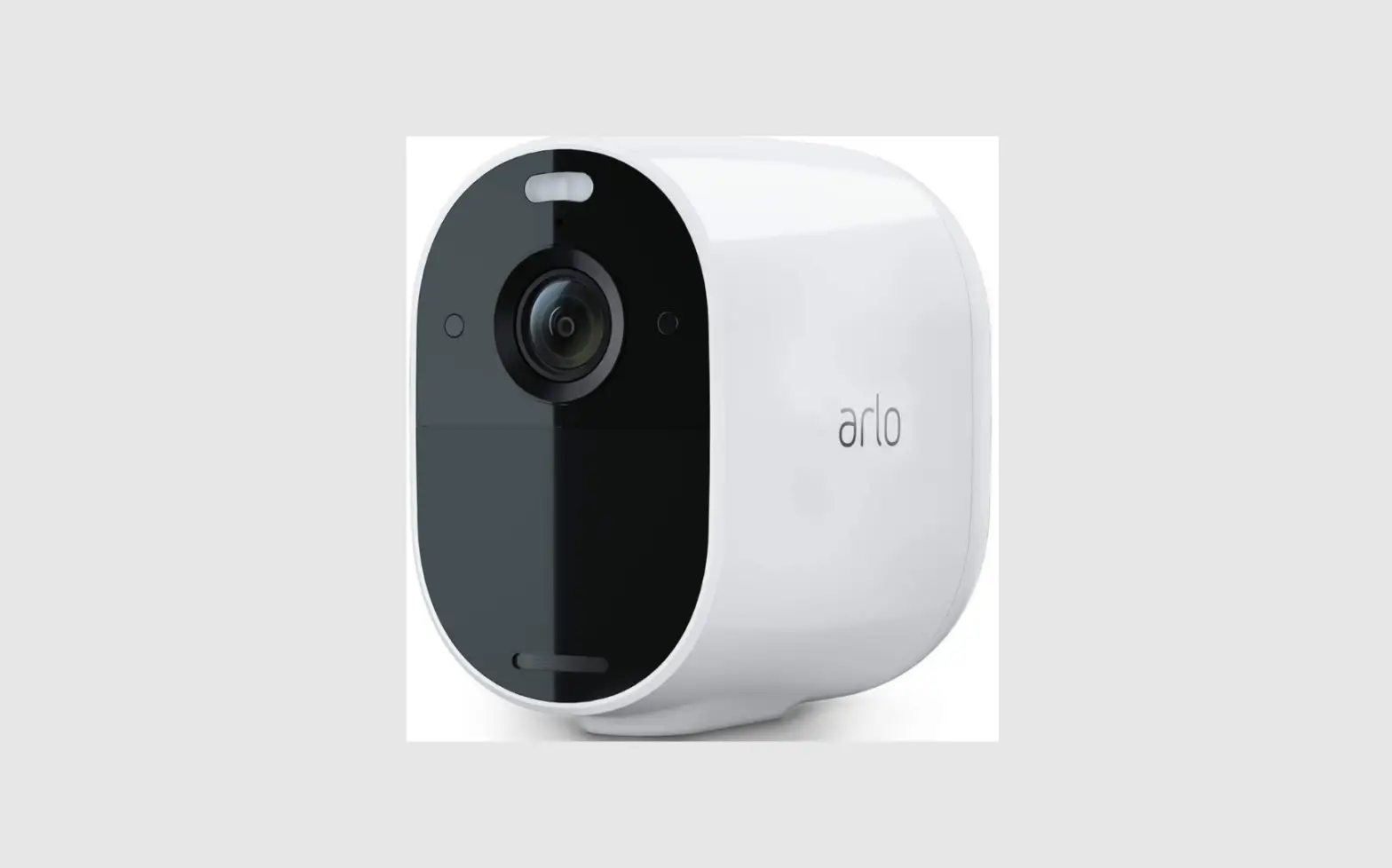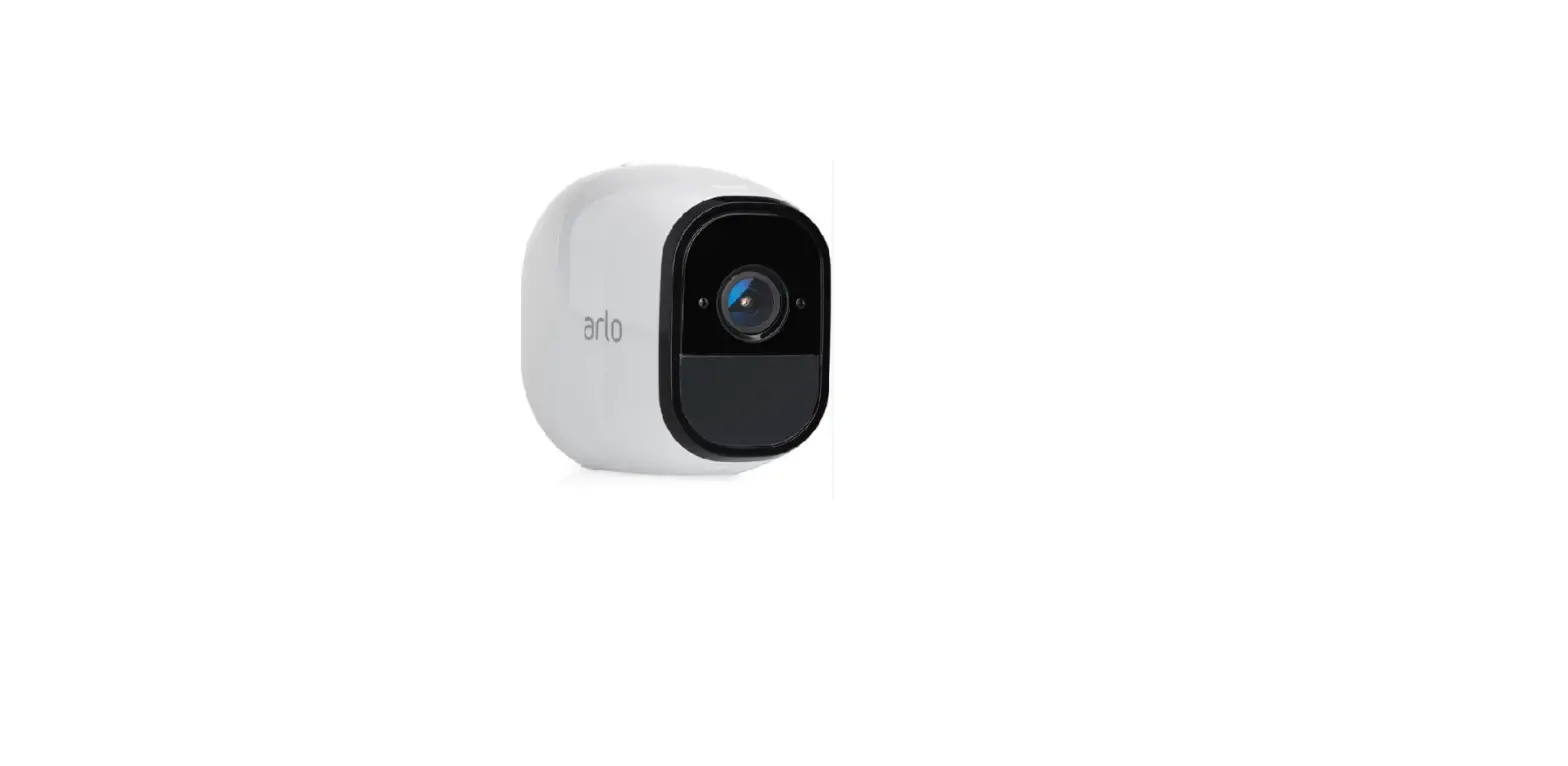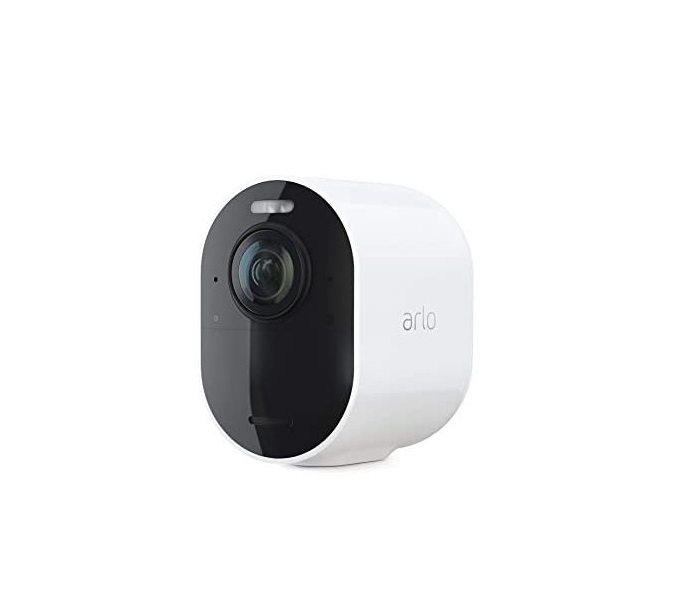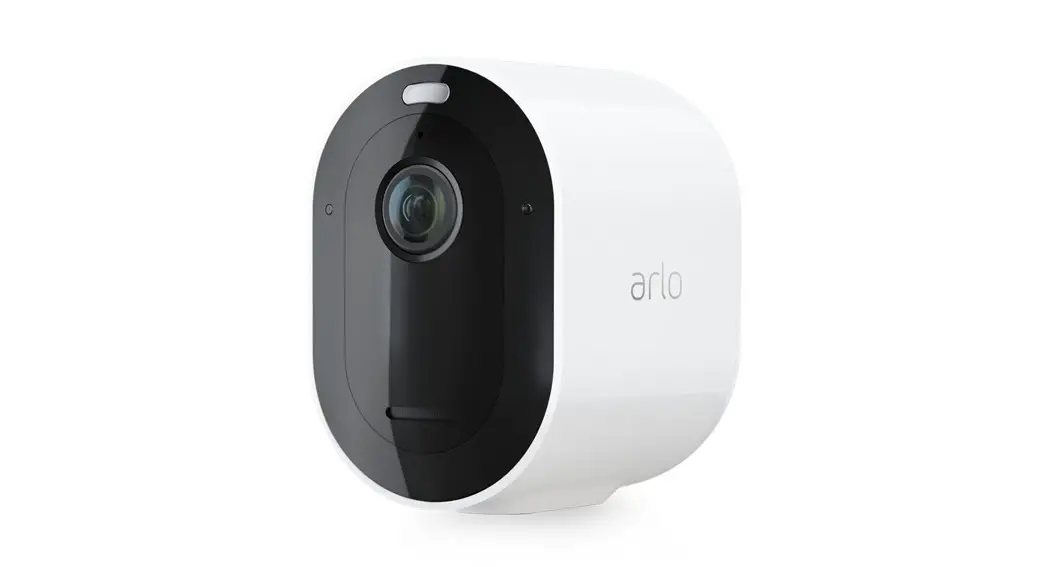
 Set up your Arlo Pro 3 Camera
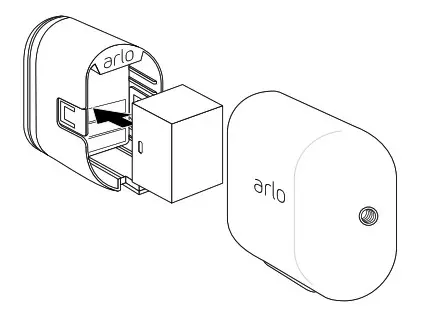
- Insert the battery into your camera. Leave the case off until the camera is added to your account.

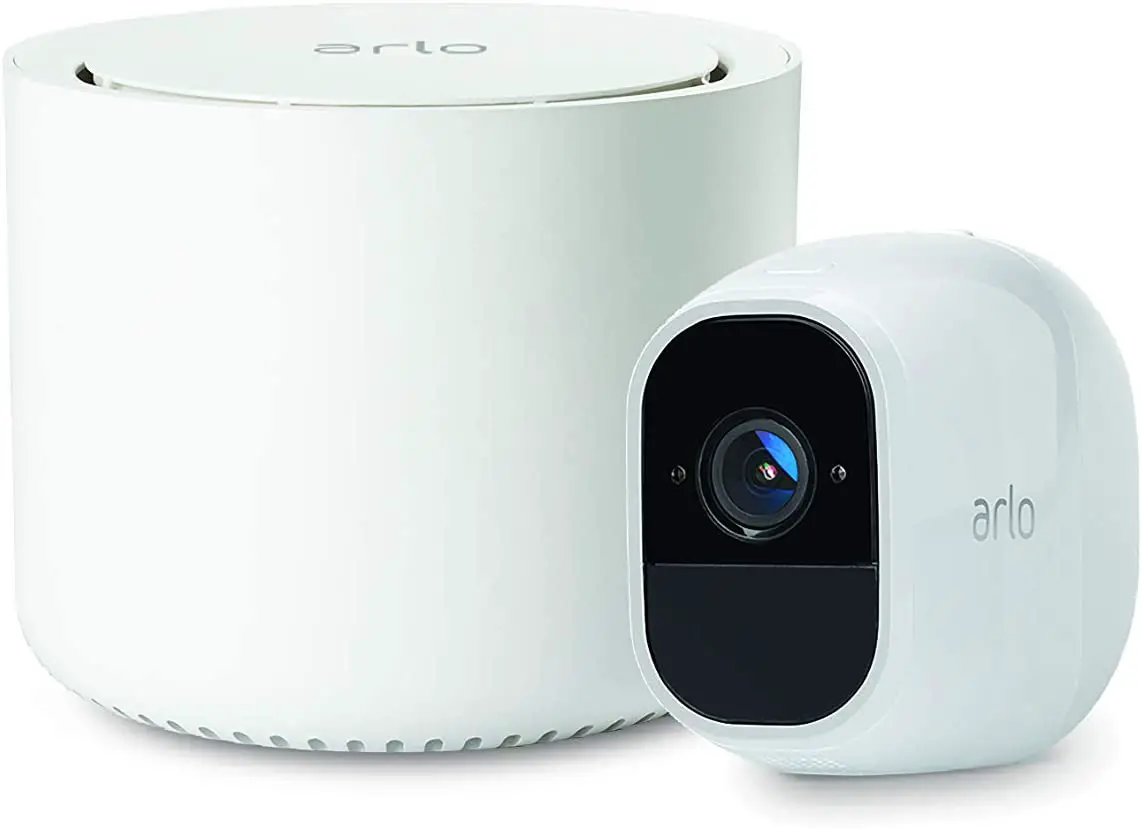
- Use the Arlo app and follow the setup instructions to add your Pro 3 Wire-Free Camera.

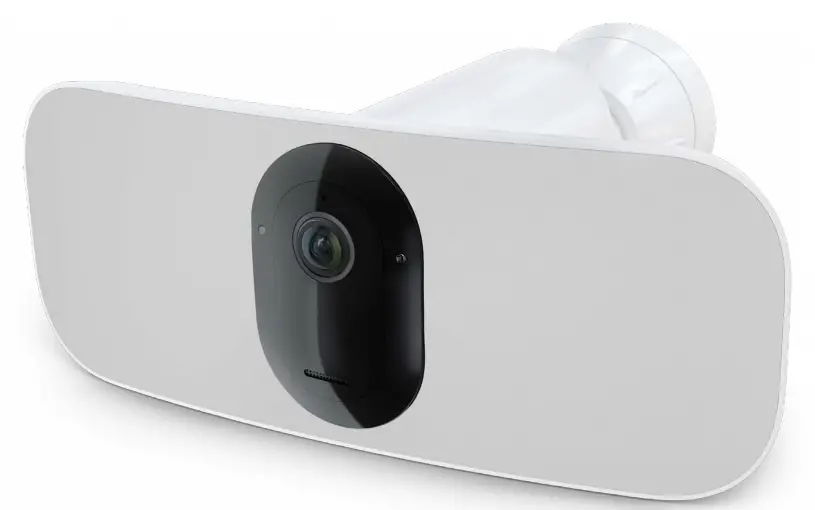
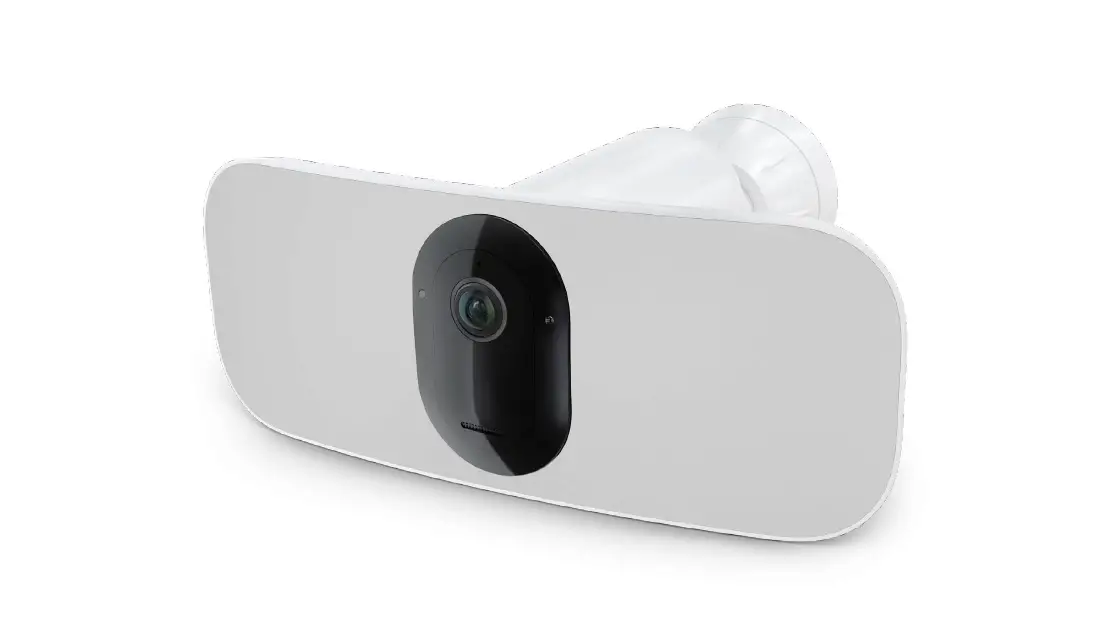
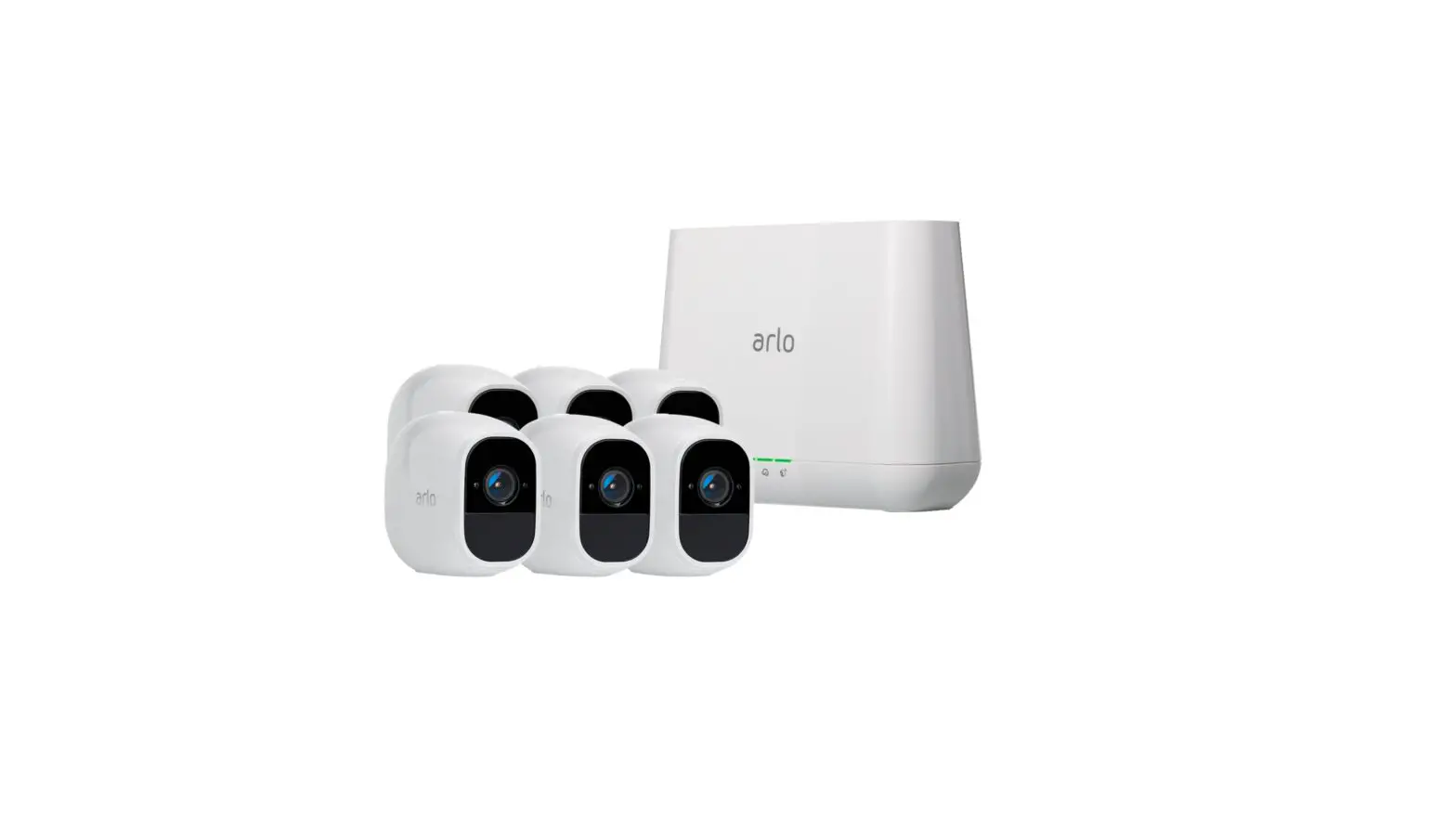
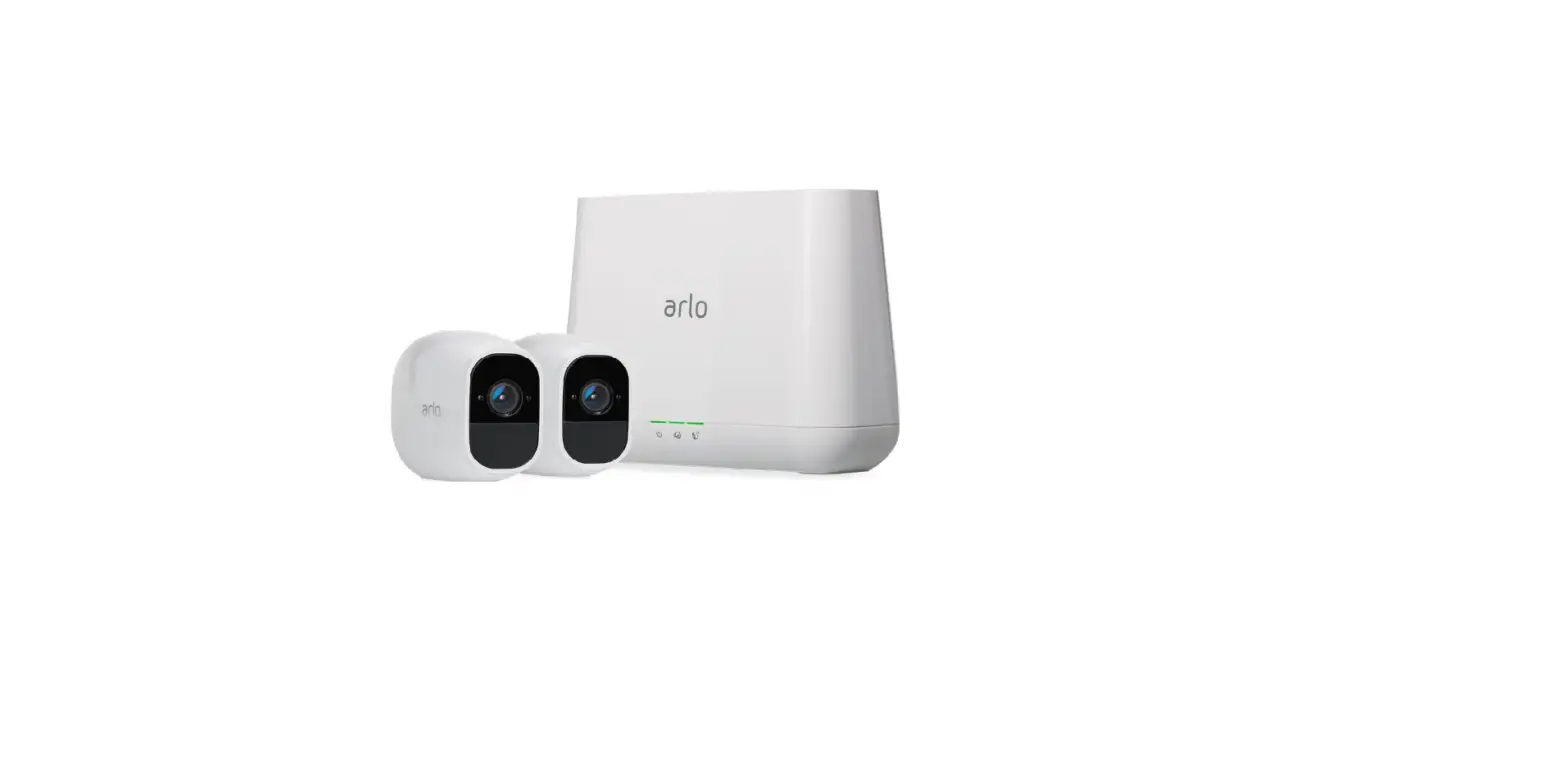
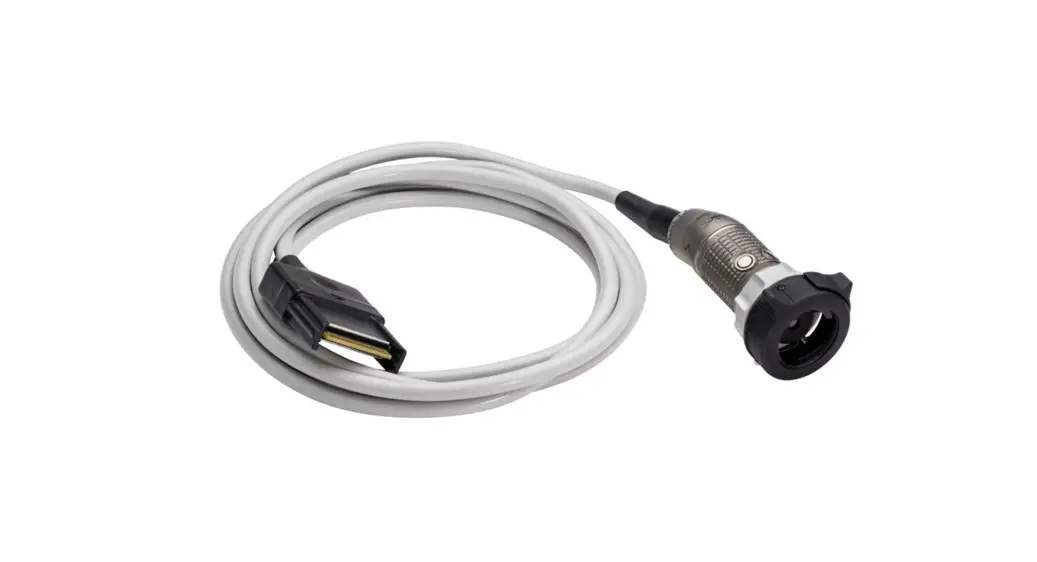
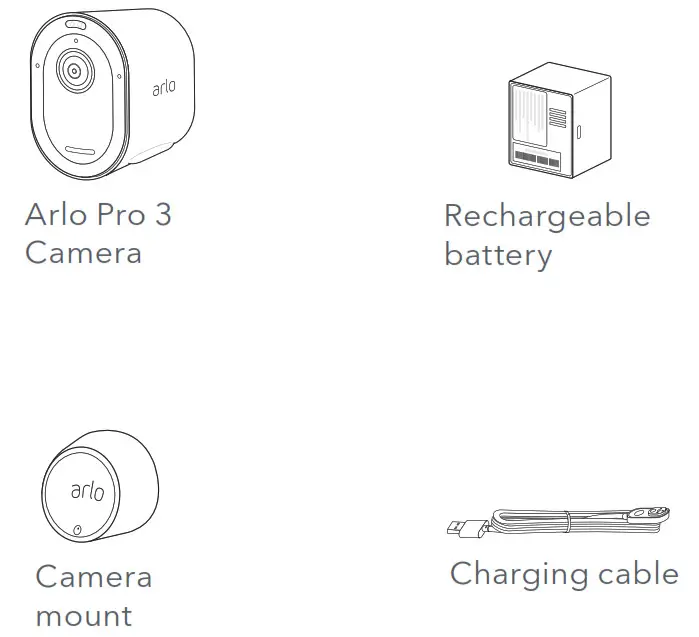
What’s in the box
Need help?
We are here for you.
Visit www.arlo.com/support for quick answers and resources:
- How-to videos
- Troubleshooting tips
- The Arlo Support phone number for your location
© Arlo Technologies, Inc. Arlo, Arlo logo, and Every Angle Covered are trademarks of Arlo Technologies, Inc. App Store is a service mark of Apple Inc. Google Play and the Google Play logo are trademarks of Google LLC. Any other trademarks are for reference purposes.
(If this product is sold in Canada, you can access this document in Canadian French at arlo.com/docs.)
For regulatory compliance information including the EU Declaration of Conformity, visit www.arlo.com/about/regulatory/. Arlo Technologies Intl. Ltd
Ground Floor, Building 3
University Technology Centre
Curraheen Road, Cork T12 EF21
Ireland
Arlo Technologies, Inc.
2200 Faraday Avenue, Suite 150Carlsbad, CA 92008 USA
August 2019
 Arlo | Support | Documents Library
 Corporate Social Responsibility | Arlo