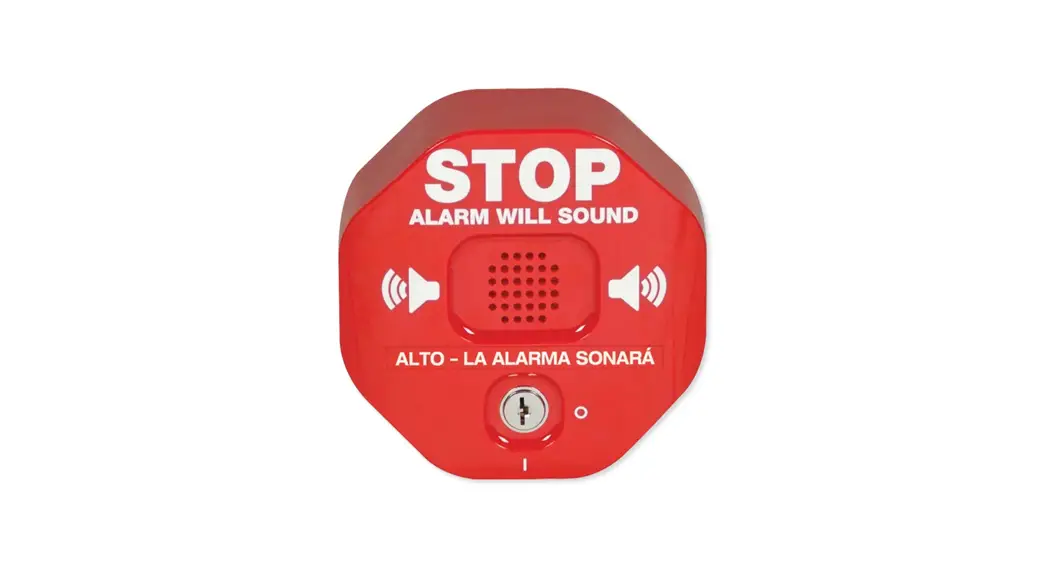
 Exit Stopper ® Quick Install
STI-6400 Series Rely on STI ®
STI-6400 Series Exit Stopper
SET UP
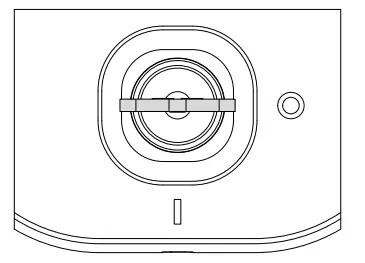
- Key in OFF position

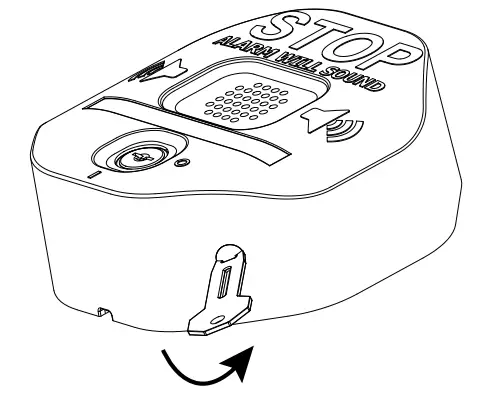
- Remove security screw with provided wrench

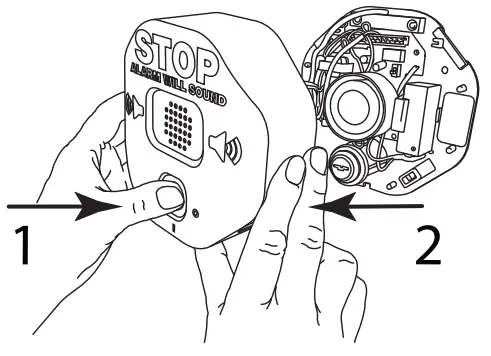
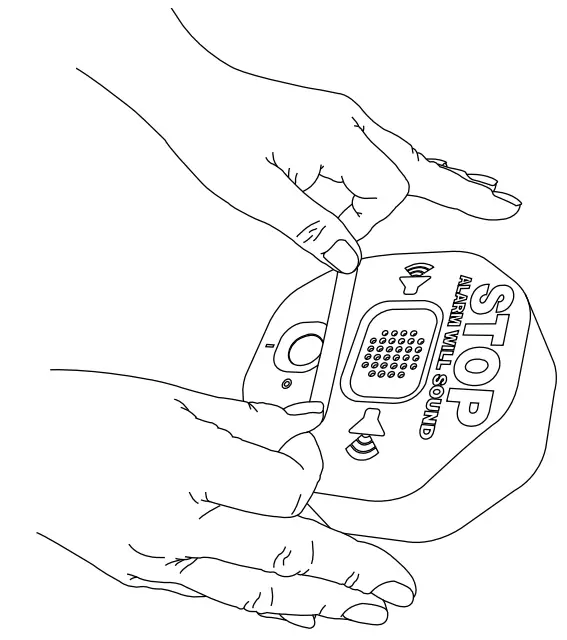
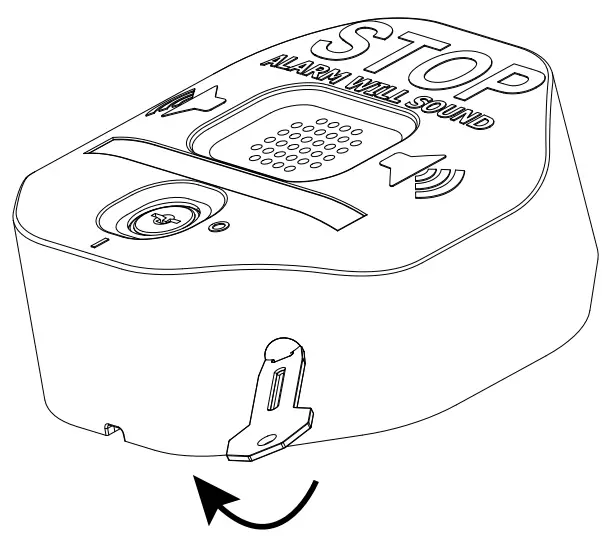
- Remove cover from base, push on lock to separate

- Choose setting – refer to switch table, default settings shown side 2

- Unwrap battery and connect

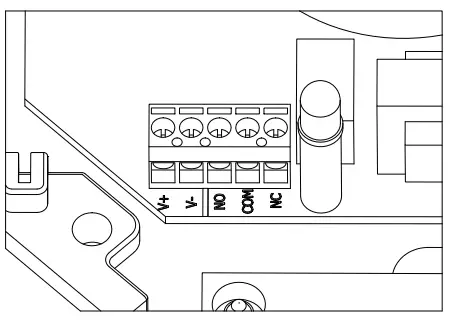
- Terminal block (remote power and relay options) – refer to full install online for wiring connections

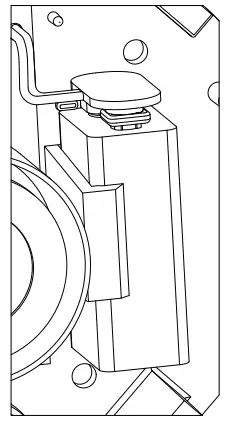
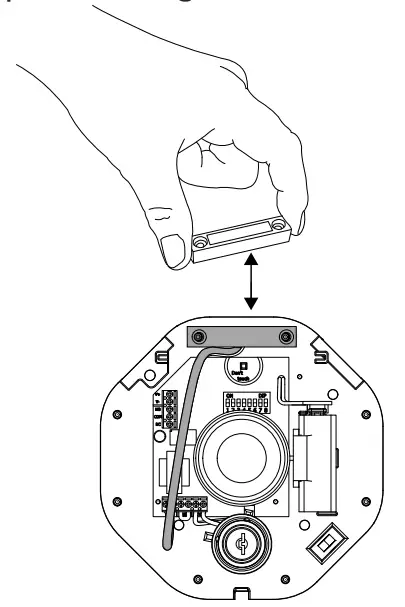
- Test – place magnet next to reed, turn key switch on, separate magnet from reed

- Apply language label if desired

MOUNTING
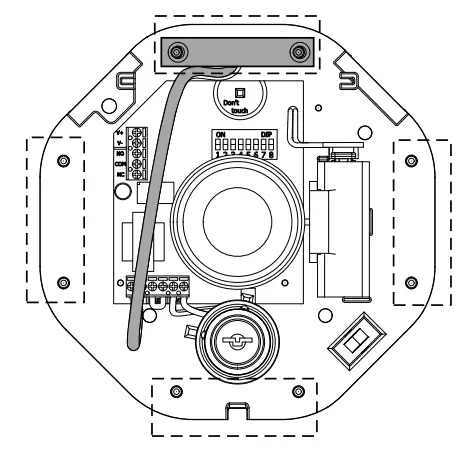
- Place reed at desired location (top, right, bottom or left)

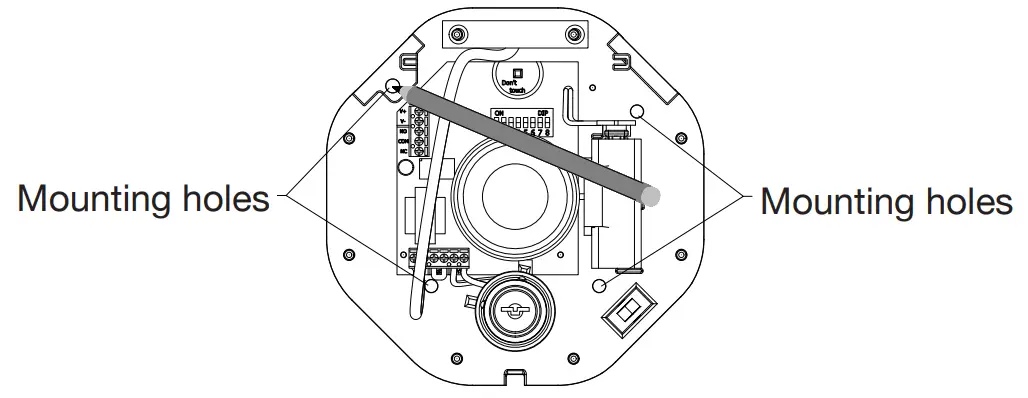
- Position base. Mark and drill four (4) holes 1” (25mm) deep. Using plastic anchor, drill 3/16” (4.5mm). Install into wood or steel: drill 9/64” (3.5mm). Mount using (4) M4 x 25mm screws. MOUNTING HOLES MOUNTING HOLES

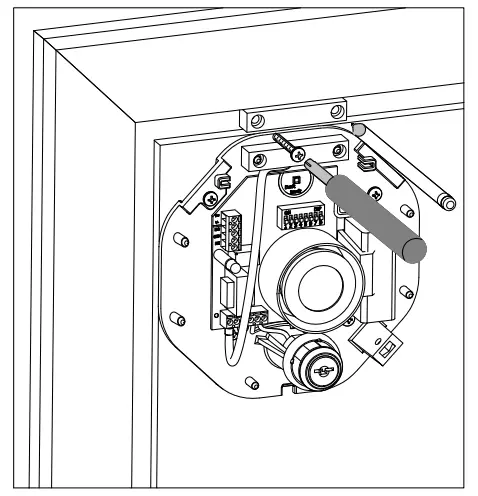
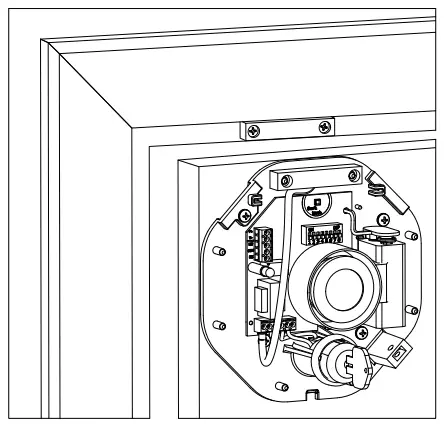
- Install reed magnet, mark with pencil, drill, install using plastic anchor, drill 3/16” (4.5mm). Install into wood or steel: drill 1/8” (3mm). Mount with (2) M3.5 x 32mm screws.

- Test, turn key on, open door

- Replace cover, snap lid from top, secure with security screw

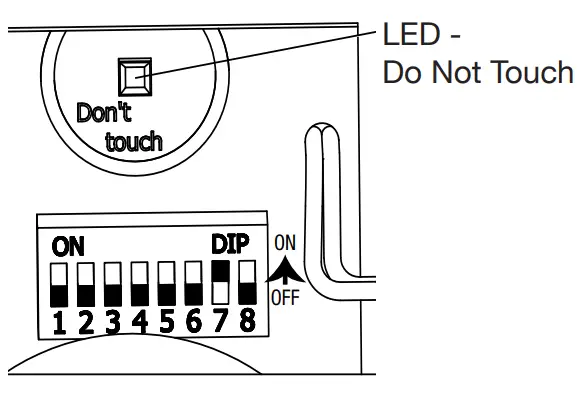
| SWITCH SETTINGS Arming – immediate | 1OFF* | 2 | 3 | 4 | 5 | 6 | 7 | 8 |
| Arming – 15 second delay | ON | |||||||
| inp – immediate | OFF’ | |||||||
| Tnp – 15 second delay | ON | |||||||
| Shut-ott based on duration (switches 4 & 5) | OFF* | |||||||
| Shut-off approx. 3 sec. after door closes | ON | |||||||
| Duration – 30 second alarm | OFF* | OFF’ | ||||||
| Duration -180 second alarm | OFF | ON | ||||||
| Duration – continuous alarm | ON | OFF | ||||||
| Duration – 30 second annunciator mode | ON | ON | ||||||
| Low battery detection on – Turn switch off | OFF’ | |||||||
| Low battery detection off – Turn switch on | ON | |||||||
| Volume – high | ON’ | |||||||
| Volume – low | OFF | |||||||
| Turn switch on | OFF’ | |||||||
Dry contact relay function  OFF OFF | ||||||||
| Dry contact relay function ON | ON |
*default
NOTE: Disconnect all power sources before changing switch settings.
Warranty
Three year warranty or a one year limited warranty (from date of purchase) on most products. See website for details.
Electronic warranty form at www.sti-usa.com/wc14. WARNING: This product can expose you to chemicals including Dichloromethane, which is known to the State of California to cause cancer, and Bisphenol A (BPA), which is known to the State of California to cause birth defects or other reproductive harm.
For more information go to www.P65Warnings.ca.gov.
 https://www.sti-usa.com/series/sti-exit-stopper/
Subject to change without notice.
 2306 Airport Rd • Waterford, MI 48327, USA
Phone: 248-673-9898 • [email protected] • www.sti-usa.com
Taylor House • 34 Sherwood Road • Bromsgrove, Worcestershire • B60 3DR • England
Tel: +44 (0)1527 520 999 • [email protected] • www.sti-emea.com
Unit 7A • Lockhead Avenue • Airport Business Park • Waterford • X91 HWF2 • Ireland
[email protected] • www.sti-emea.com
 https://www.sti-emea.com/series/exit-stopper/
6400 QUICK INSTALL
March2021
 emea.com
 USA Location information - USA.com
 P65Warnings.ca.gov
 Home - STI EMEA
 Security & Safety Device Protection | Safety Technology International