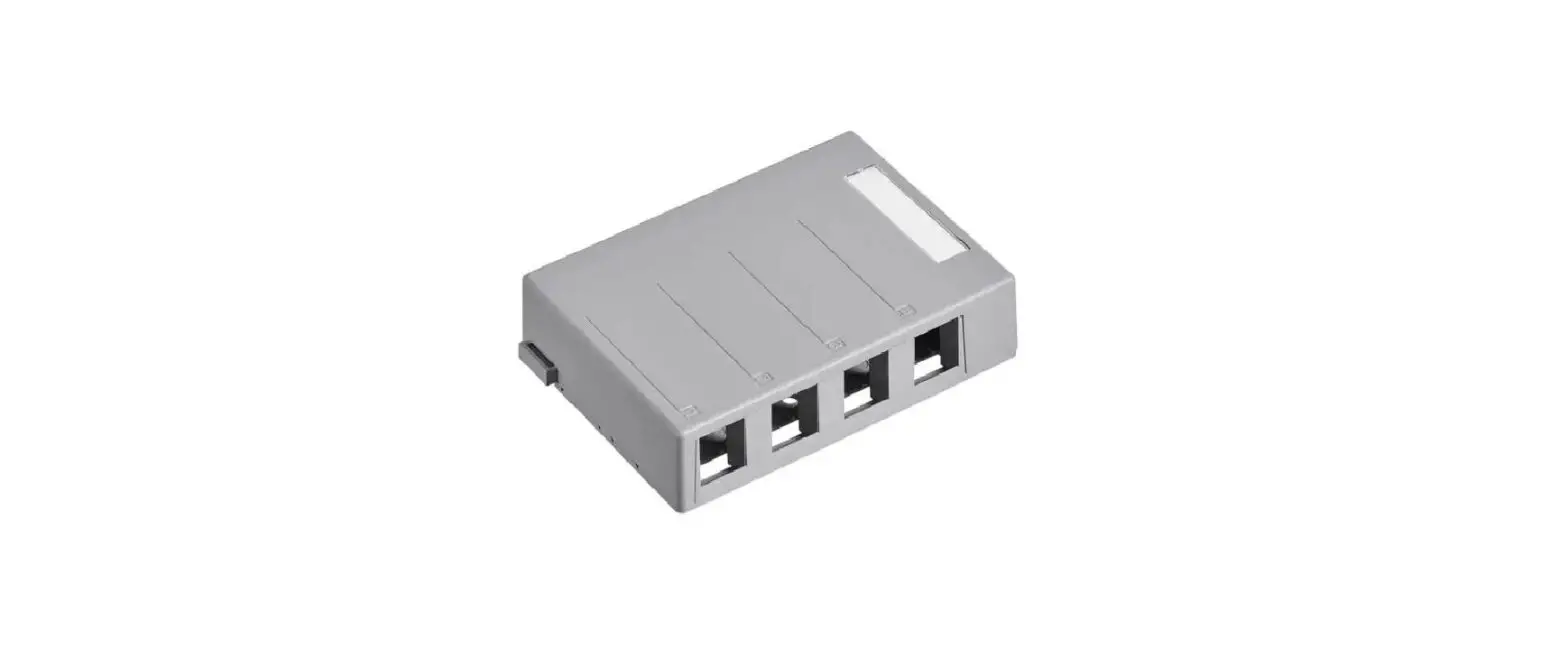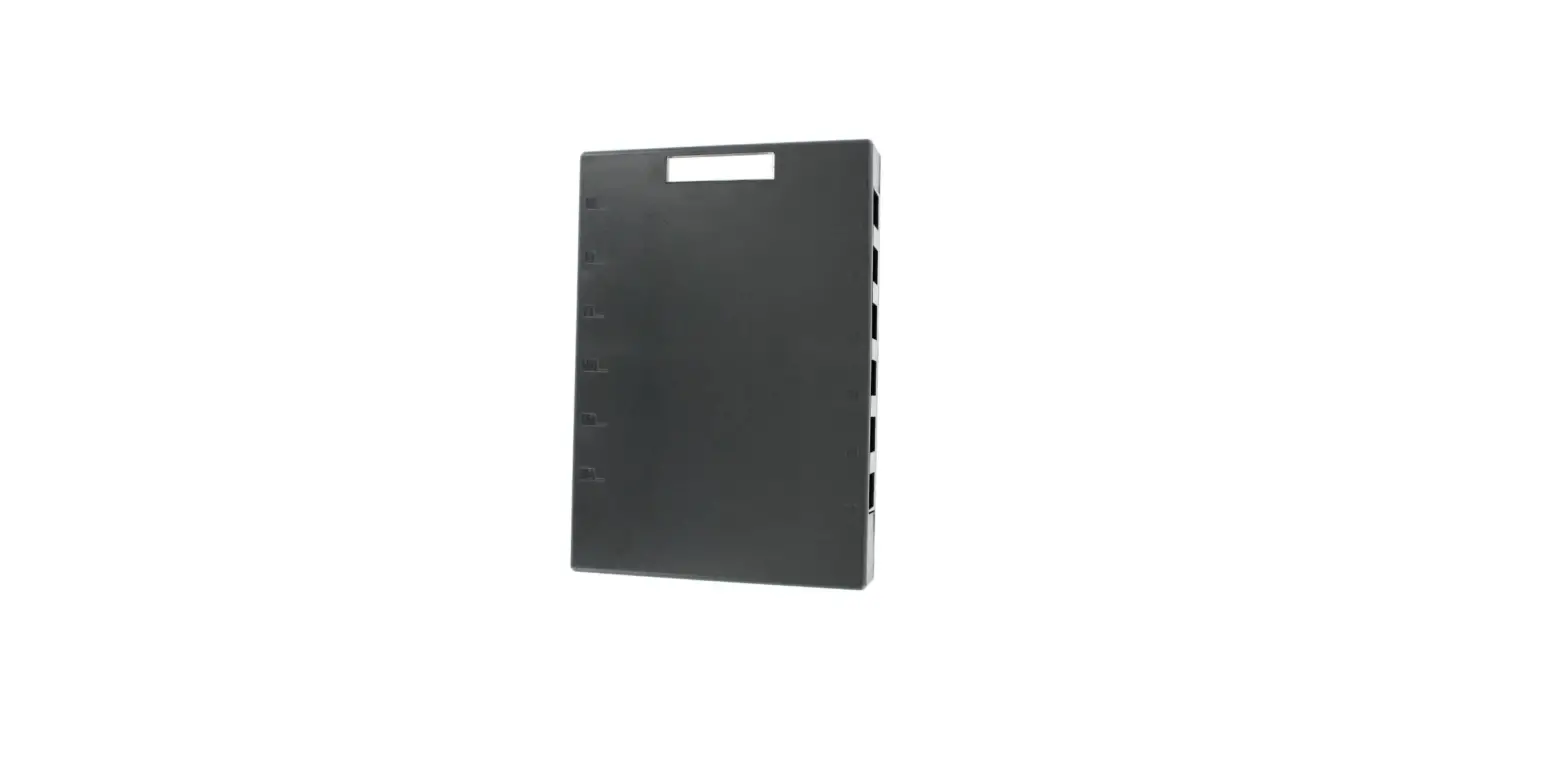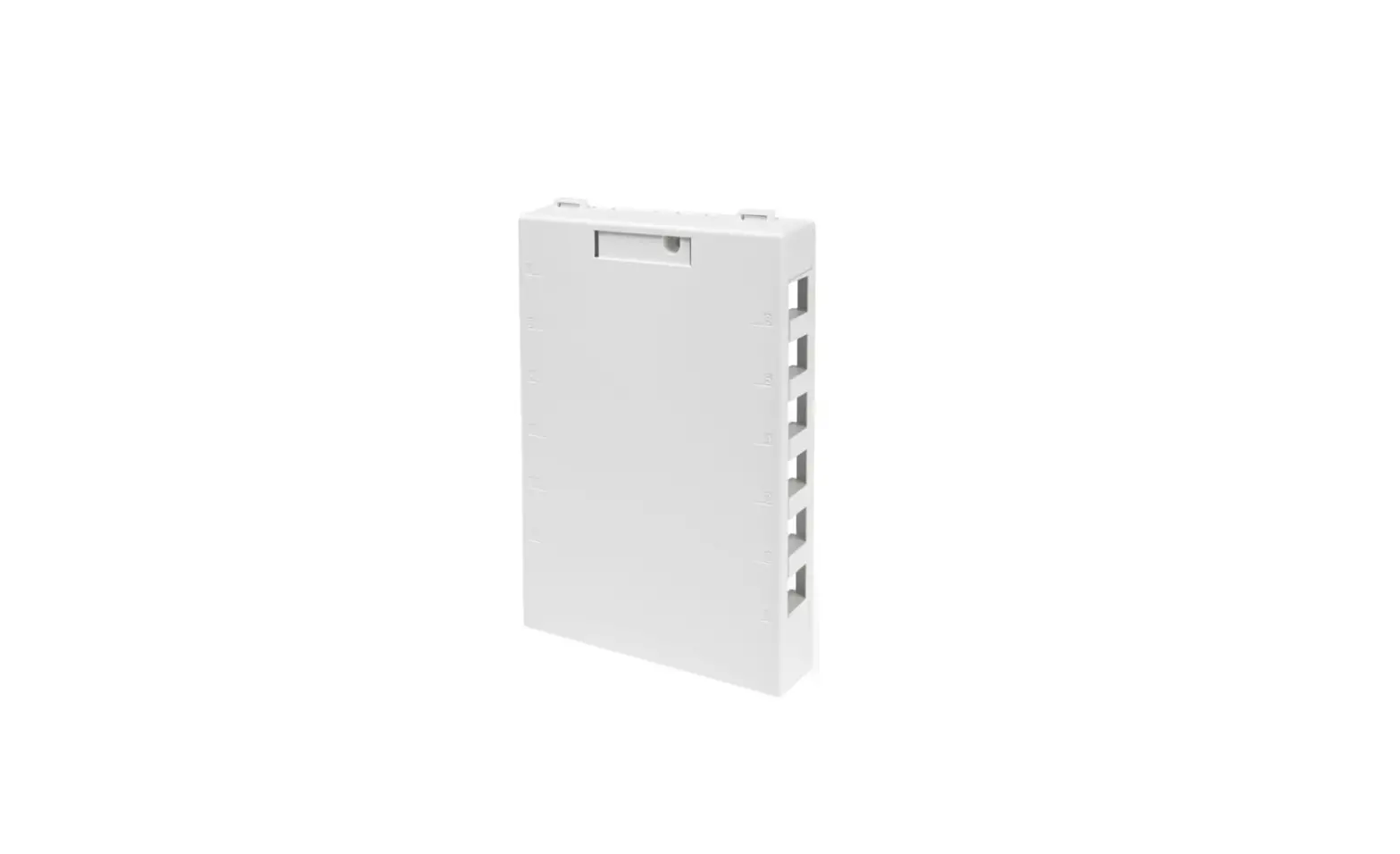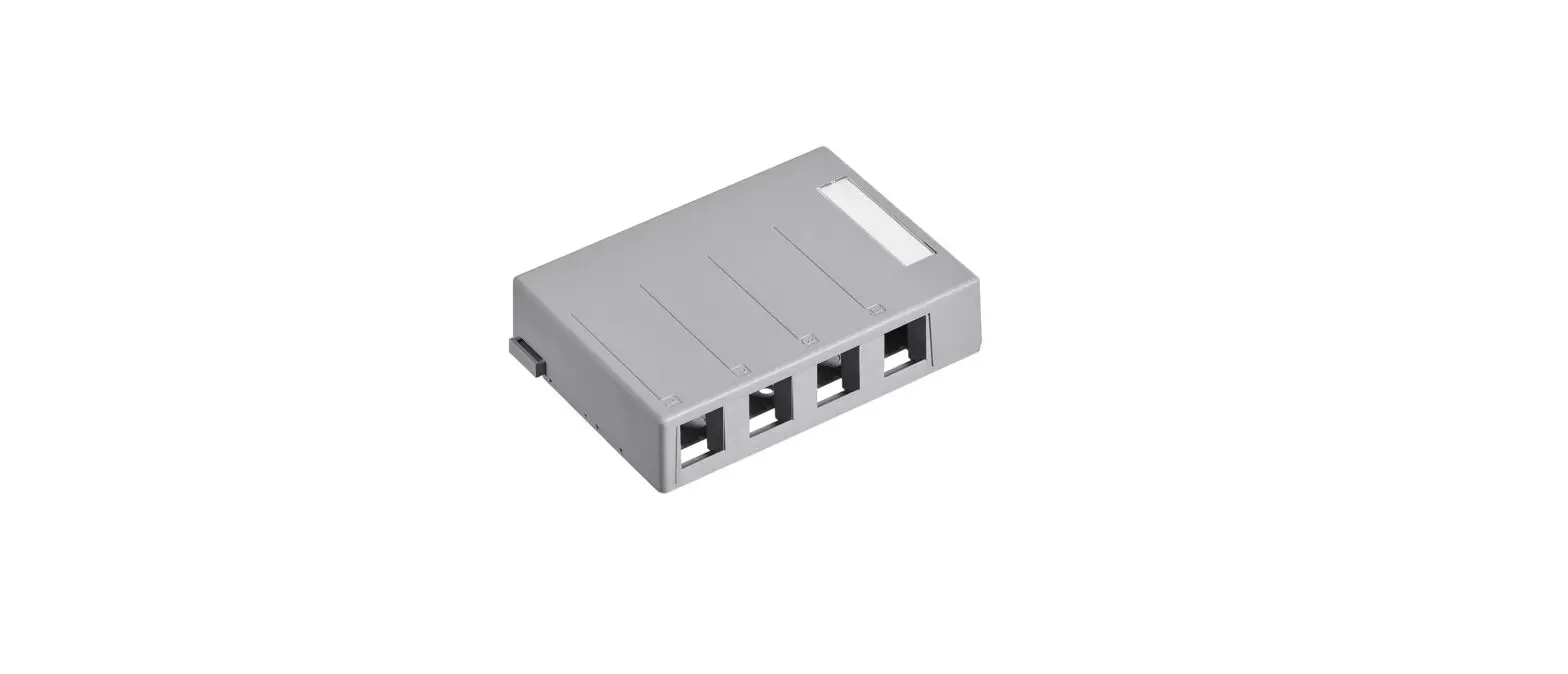

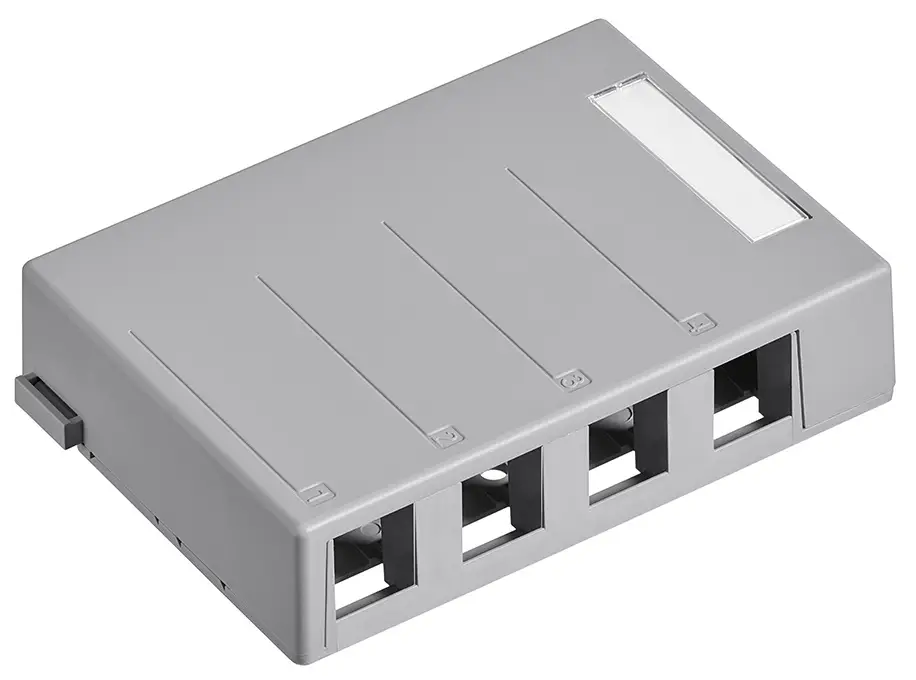
Leviton 41089-4GP QuickPort Surface Mount Housing
Instructions for Use
IMPORTANT INSTRUCTIONS
- Read and understand all instructions. Follow all warnings and instructions marked on the product.
- Do not use this product near water e. g., near a tub, wash basin, kitchen sink, or laundry tub, in a wet basement, or swimming pool.
- Never push objects of any kind into this product through openings, as they may touch dangerous voltages.
- SAVE THESE INSTRUCTIONS.
SAFET Y INFORMATION
- Never install communications wiring or components during a lightning storm.
- Never install communications components in wet locations unless the components are designed specifically for use in wet locations.
- Never touch uninsulated wires or terminals unless the wiring has been disconnected at the network interface.
- Use caution when installing or modifying communications wiring or components.
Leviton and Leviton Block & Design are trademarks of Leviton Manufacturing Co., Inc. and are registered trademarks in many countries throughout the world.
© 2012 Leviton Manufacturing Co., Inc.
- Customer Support: 800.824.3005
- International: +1.425.486.2222
- Web: www.leviton.com
DESCRIPTION
Leviton’s QuickPort Surface Mount Housings are field-configurable for most QuickPort Snap-in connectors and adapters. The housing features port identification windows, and the ability to snap an optional security screw to prevent removal of the cover. (Screw not included)
INSTALLATION
- Noting the port side and the cable entry side of the base, use double back tape, self-adhesive hook, and loop strips, or the 1˝ screws provided to mount the base to the wall.
- Terminate the wire onto the QuickPort snap-in adapter or connector per that product’s instructions.
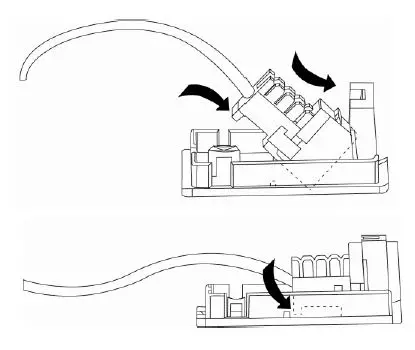
- Insert the connector into the housing at a steep angle, rotate, and push the connector into the base. (Figure 1)
- Swing the back part of the jack down and forward until it fully locks behind the retention ledge on the base.
Removing the jack
- Place a small flat screwdriver in the retention ledge slot on the base. Pry upward to release.
FREQUENTLY ASKED QUESTIONS
Download the PDF Link: Leviton 41089-4GP QuickPort Surface Mount Housing Instruction Manual