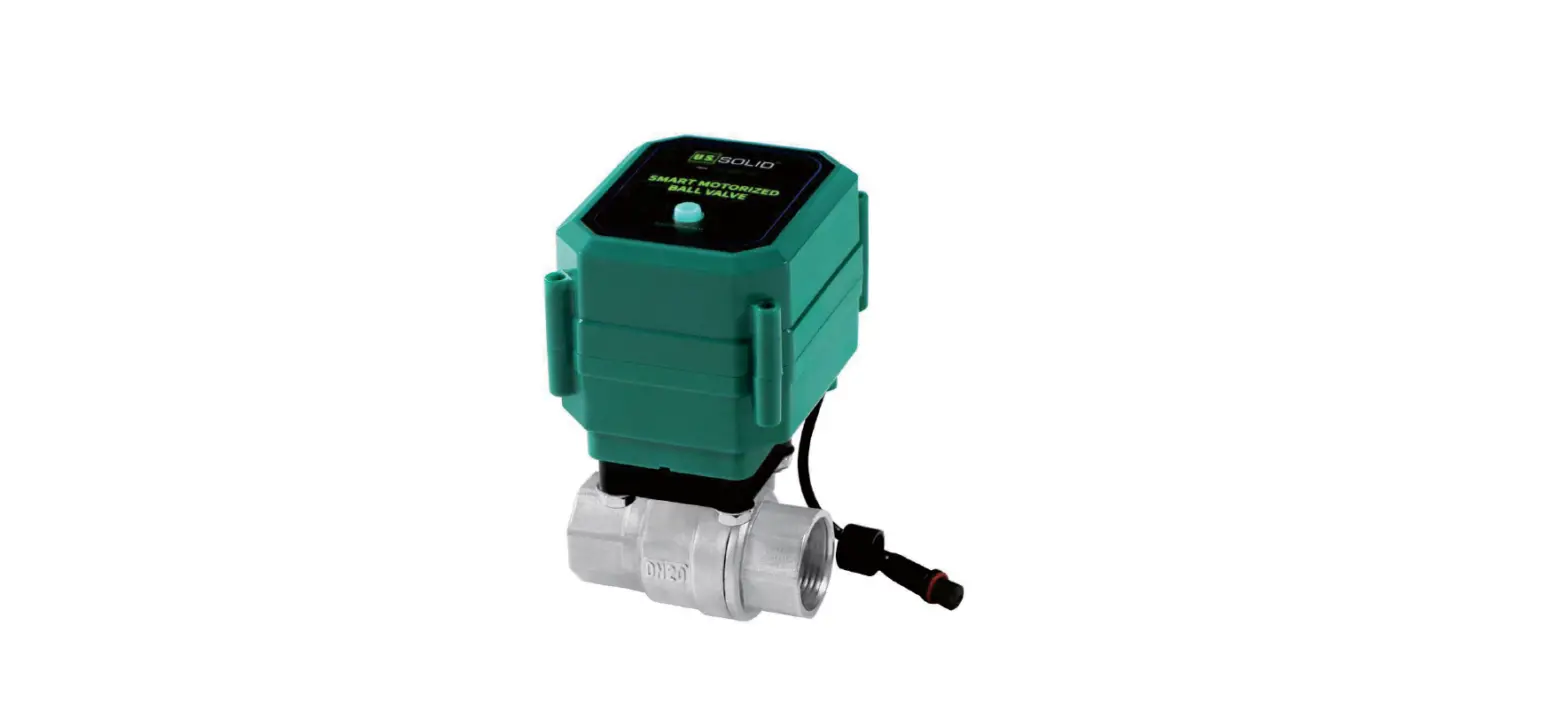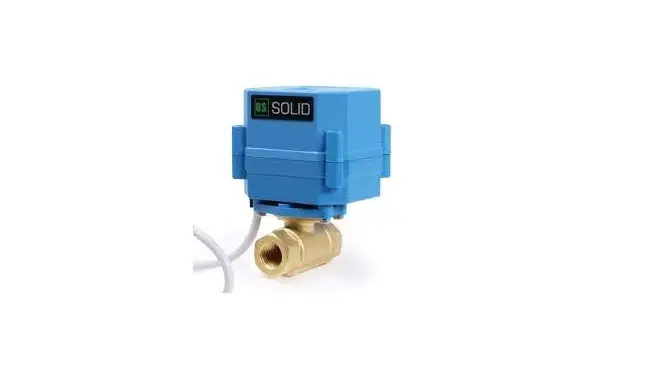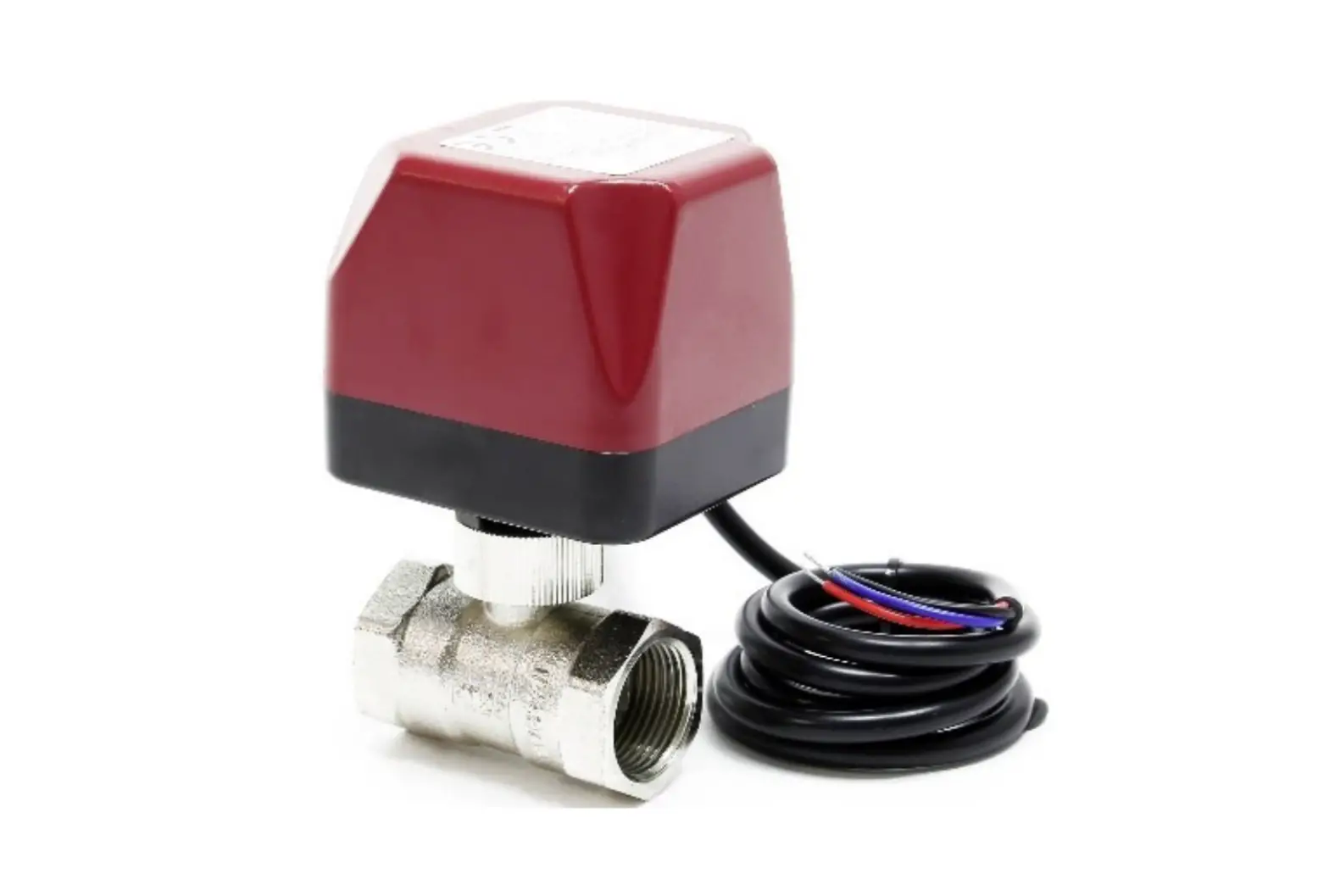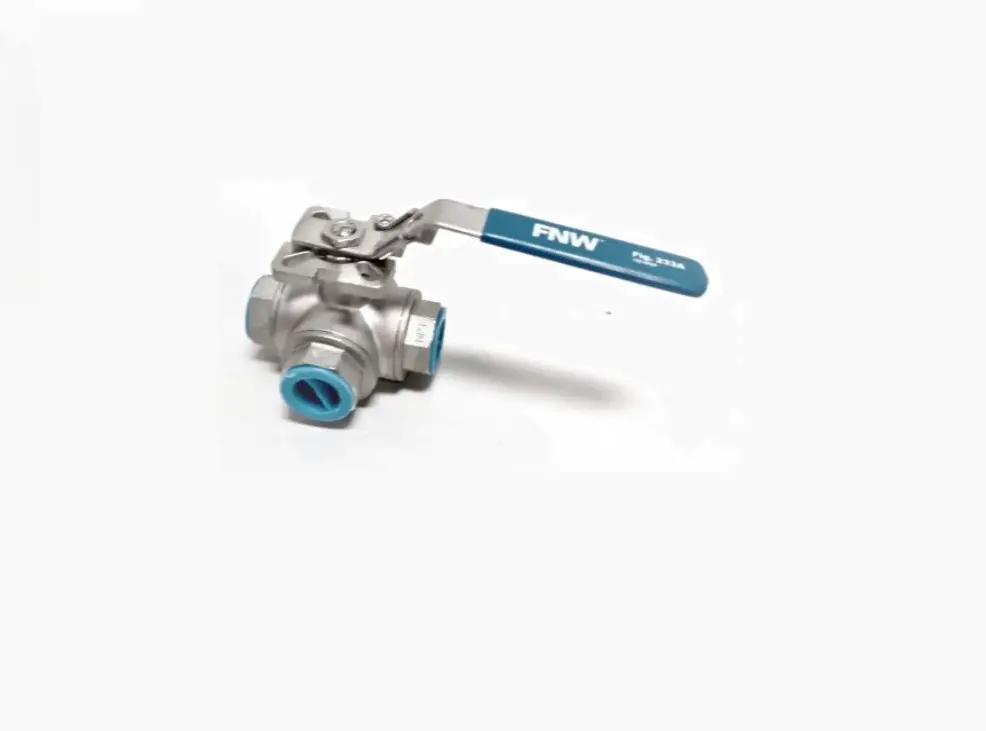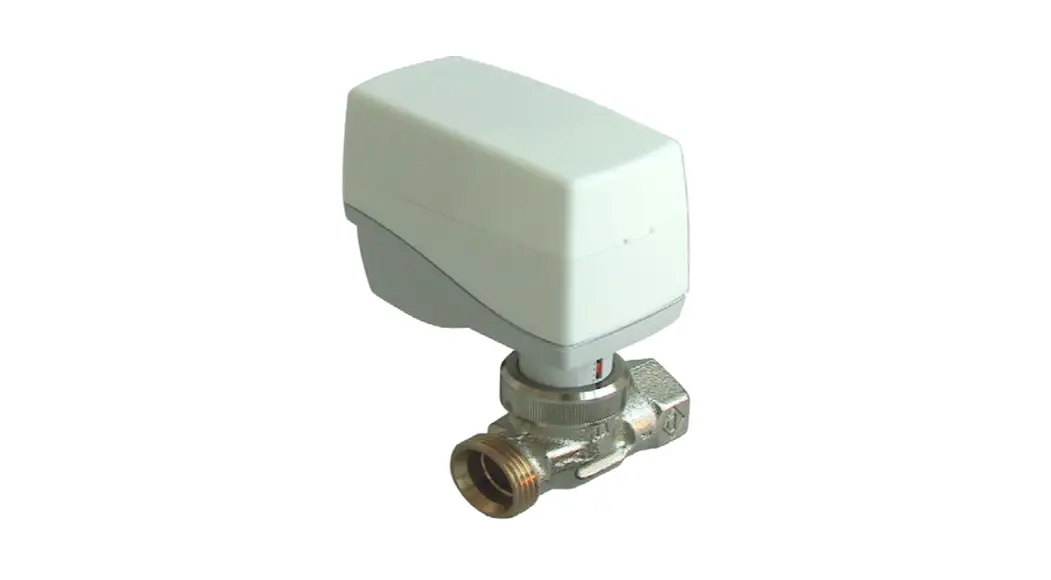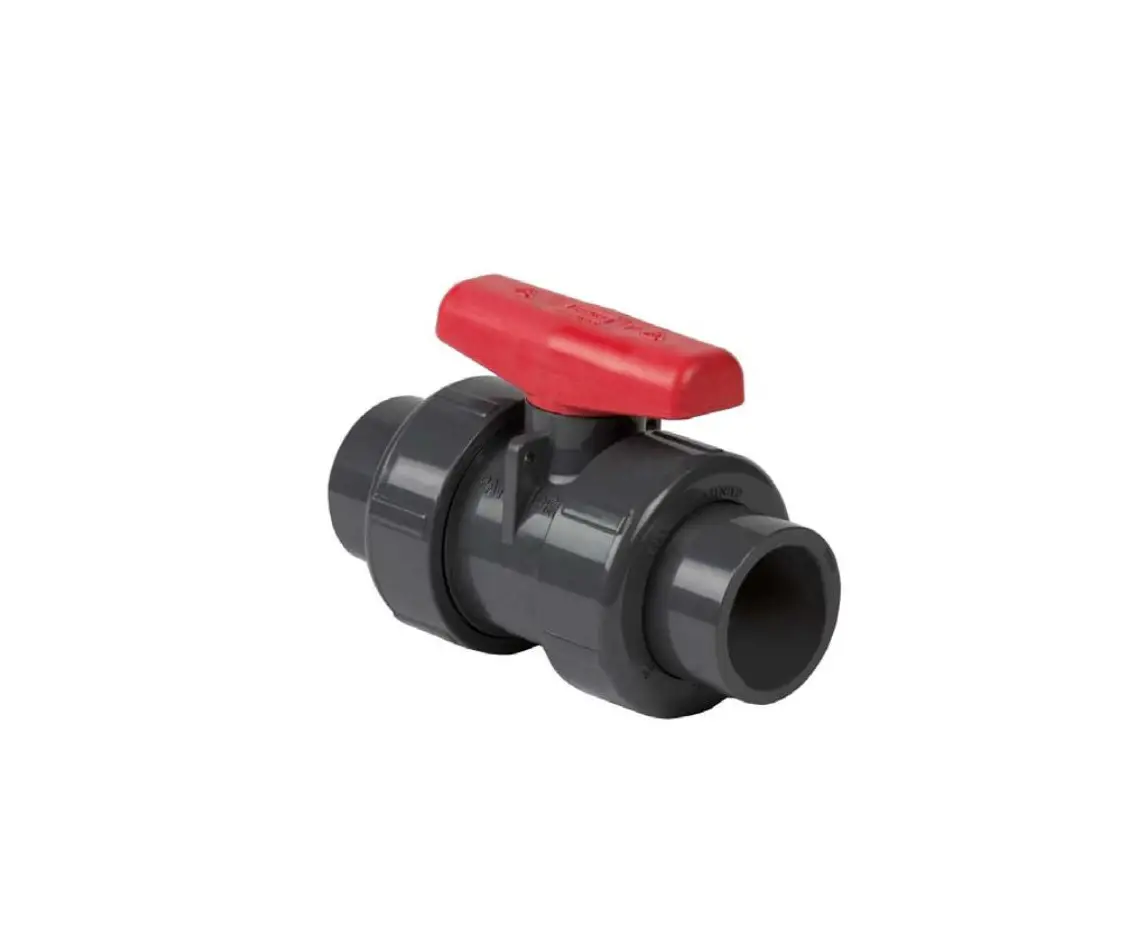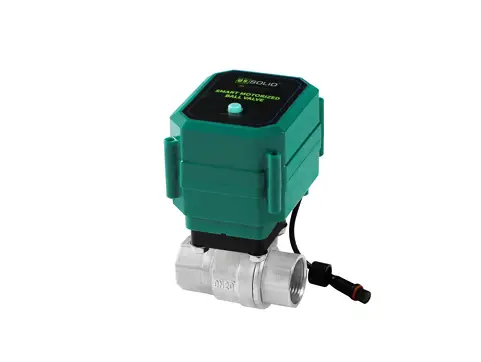

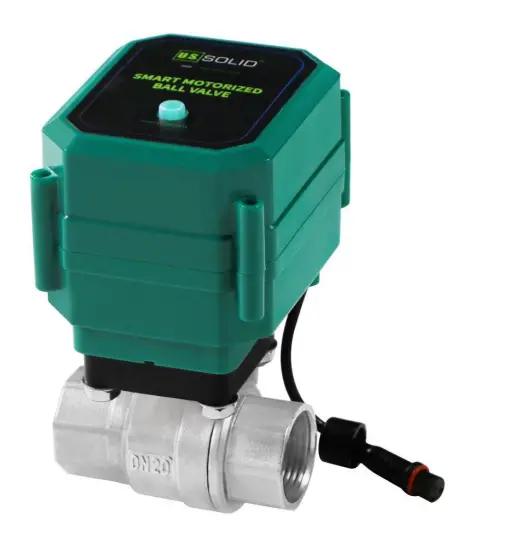
U S SOLID JFMS 00085 Smart Motorized Ball Valve
INSTRUCTION
U.S. Solid Smart Motorized Ball Valve is a new type of motorized ball valve that comes with a smart control function. The smart valve can be controlled by mobile devices after the network distribution for connection to Wi-Fi via an application on a mobile device. It is a revolutionary product in intelligence and convenience as compared to a traditional motorized ball valve. * Manual Switch: Apart from the smart control method, the smart valve provides a manual switch to control its opening and close. * Power Failure Protection: If the power is suddenly cut off, the smart valve will automatically close within 2 seconds.
Specifications
- Material: 304SS / Brass, UPVC
- Thread Type: NPT
- Max Pressure: 1.0 Mpa
- Wiring Type: USB
- Input Voltage: 5V DC
- Ambient Temperature Range: -20℃-45℃
Connection and Operation
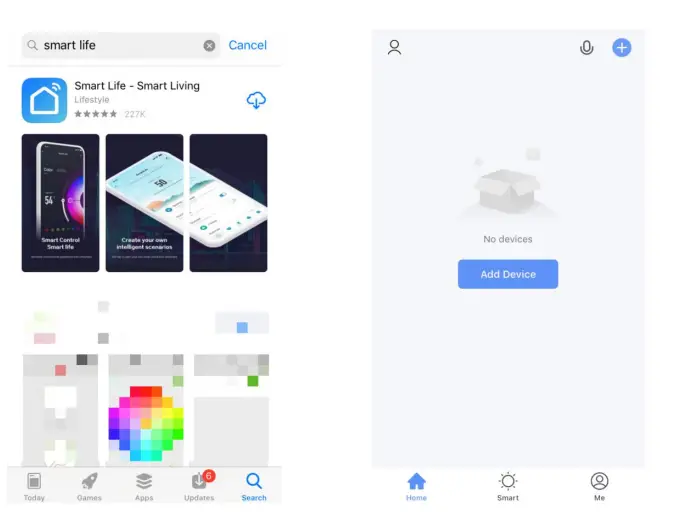
- Download the “Smart Life” application from the Apple Store or Google Play. Sign up and log in.
- Tap “Add Device” or the “+” at the upper-right corner

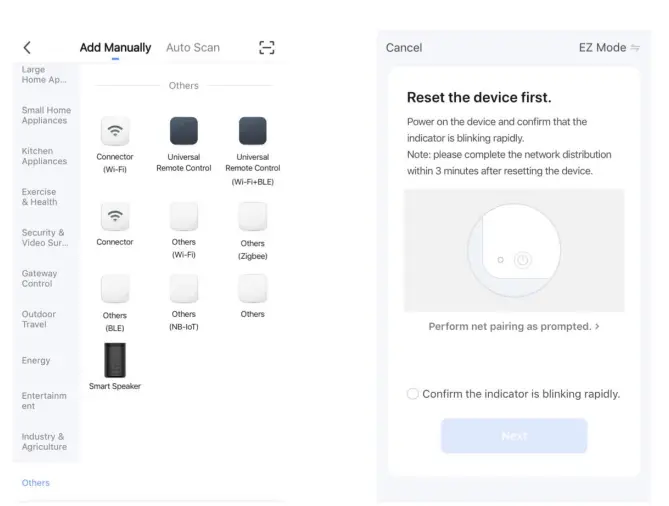
- Swipe to the bottom and tap “Others”, then tap “Connector (Wi-Fi)”.
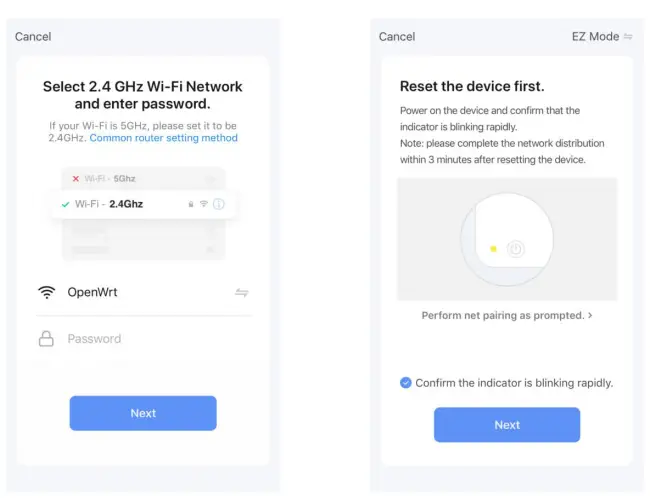
- Select the Wi-Fi you want to connect to, fill in the password and tap “Next”.

- Connect your U.S. Solid Smart Motorized Ball Valve to the power.
- Tap “Confirm the indicator is blinking rapidly” and then tap “Next”

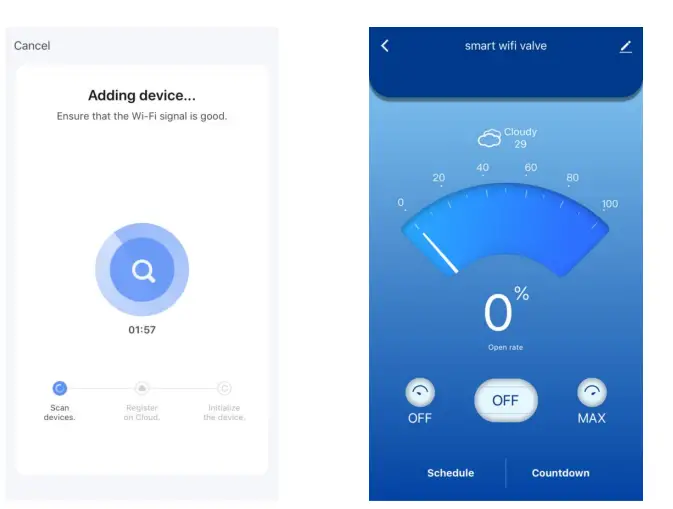
- The network distribution will be performed automatically.
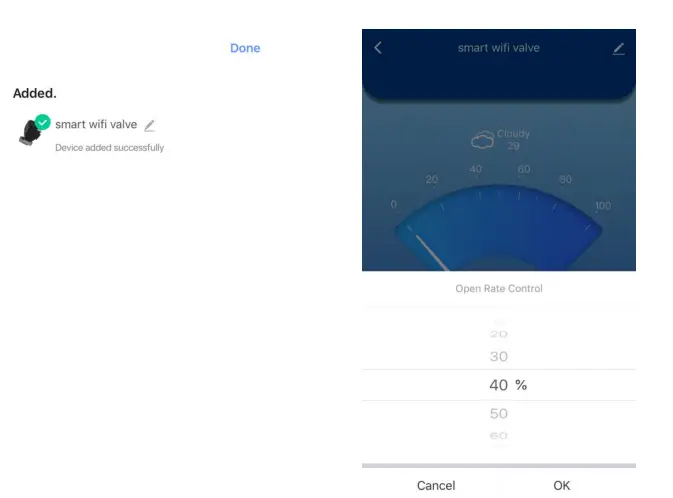
- After the valve has been added, tap “Done” at the upper-right corner.

- Then operation interface has beenentered.
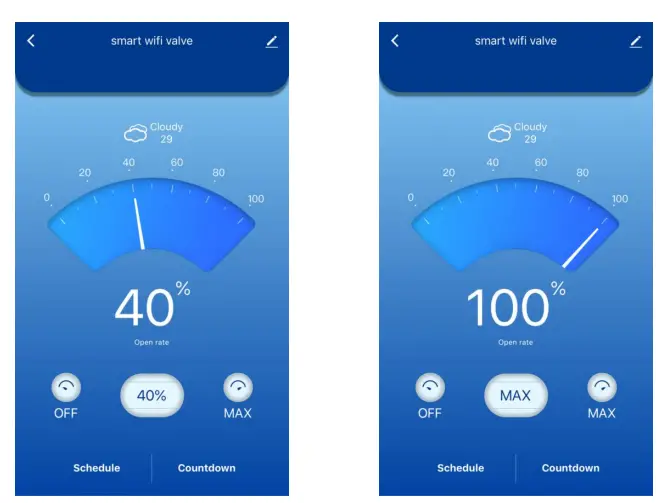
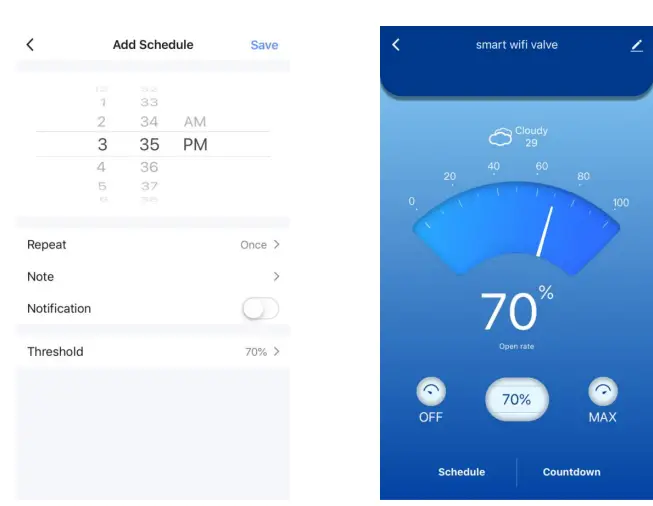
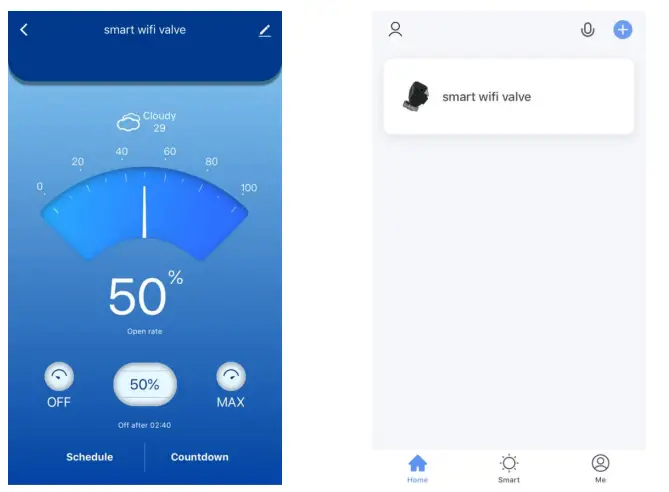
- Tap “OFF” in the center and swipe to select the open rate, then tap “OK”.

- The valve will open to the open rate selected.
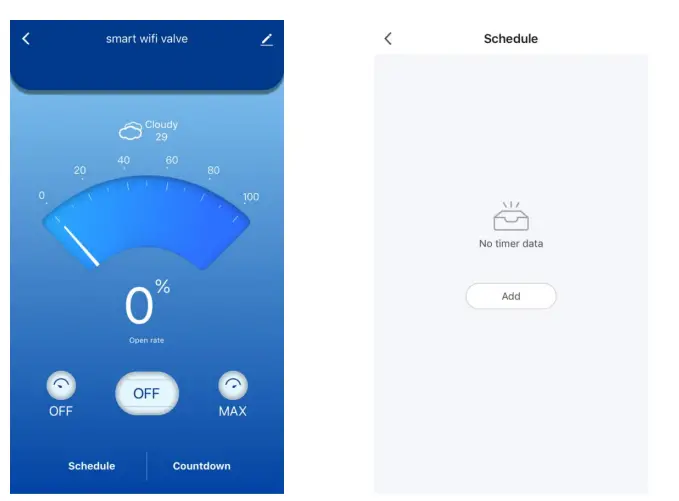
- Tap “OFF” on the left side. The valve will close completely.

- Tap “MAX” on the right side. The valve will open completely.
- Tap “Schedule” to set the scheduled automatic switch. Tap “Add”.

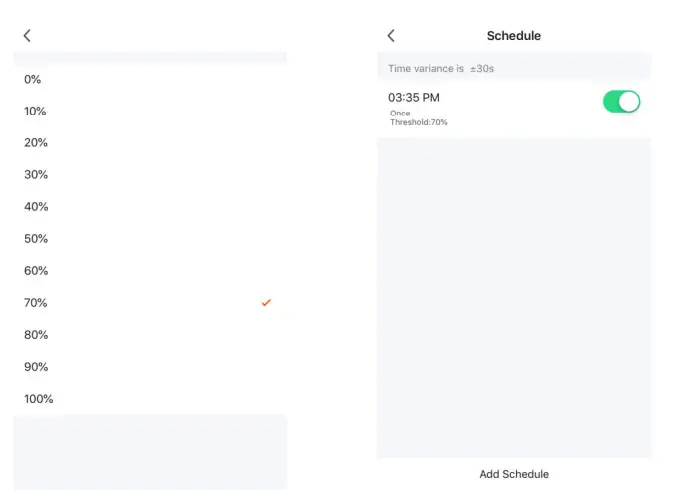
- 15. Tap “Threshold” to select the open percentage.
- Swipe to select the scheduled time and tap “Save” to save the schedule.

- The schedule has successfully been set.
- The smart valve will open or close the selected open rate when the scheduled time is up.

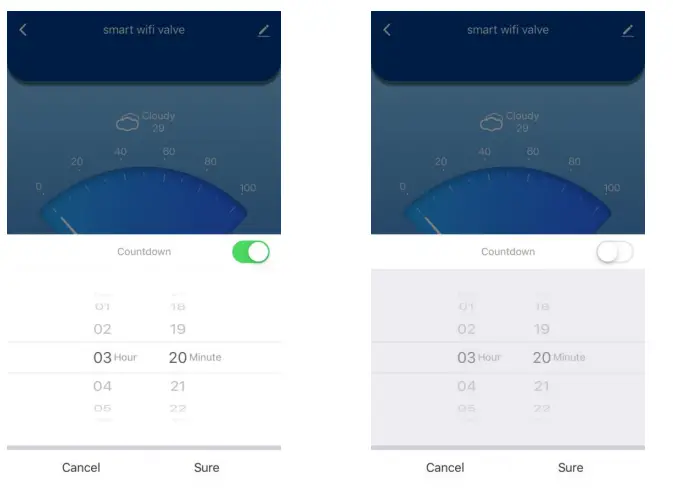
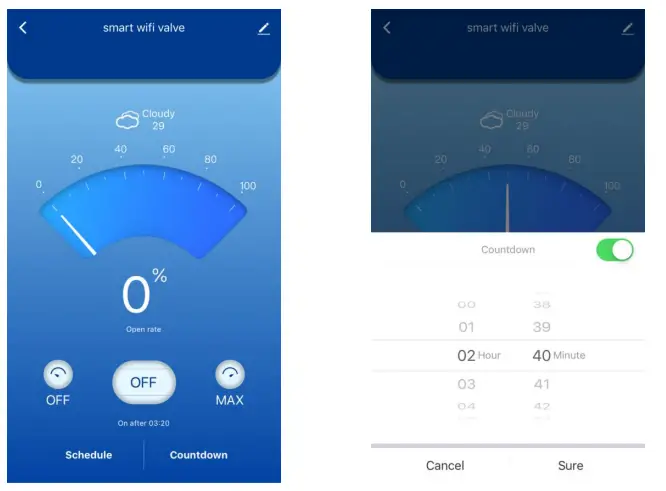
- Tap “Countdown” to set the countdown automatic switch, then tap “Sure”.
- The smart valve will automatically open to max when the countdown is over.

- The countdown can be canceled by tapping the white dot.
- When the smart valve is open, tap the “Countdown” to set a time.

- The smart valve will close automatically when the countdown is over.
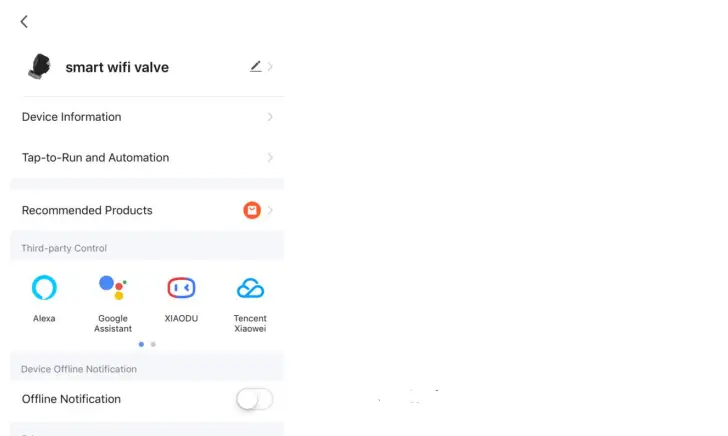
- Tap the upper-right icon to perform other settings.

- Next time, the operation interface can be accessed directly by tapping the smart valve.
Contact
Feel free to visit our website: solid.comYou can email us at [email protected] You can call one of our friendly customer service representatives at +1(800) 209-4177
 ussolid.com: Online Shopping for Motorized Ball Valves, Solenoid Valves, Cryogenic Containers, Analytical Balances, Lab Equipments, Medical Products & more