
Installation
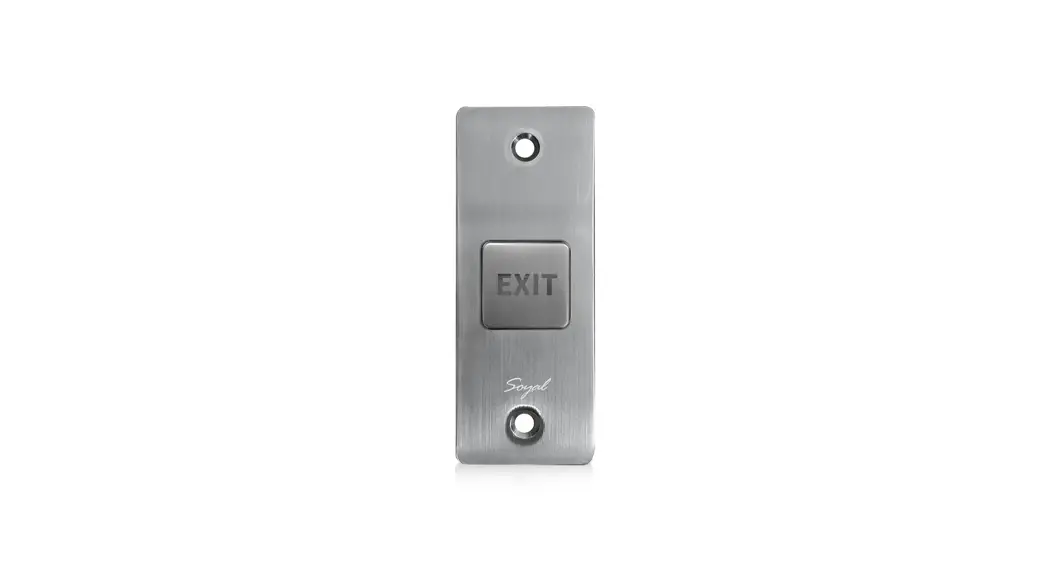
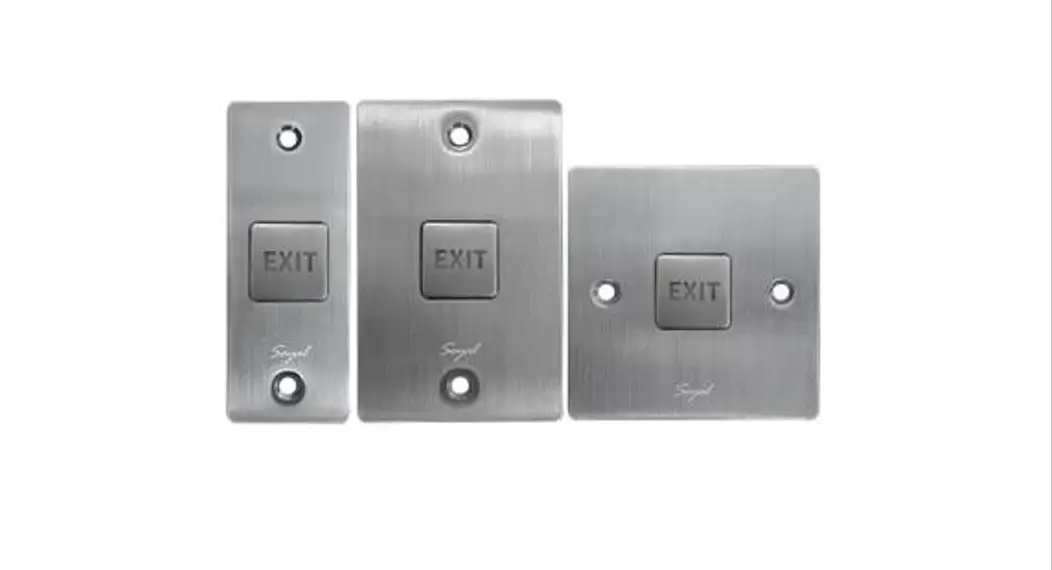
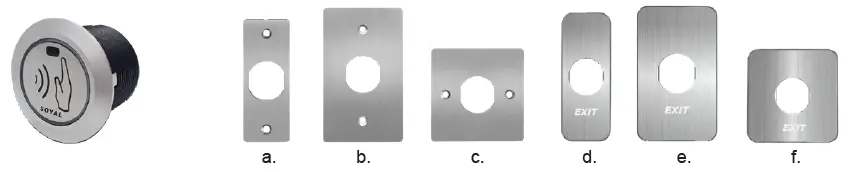
The shape of mounting plate is optional on demands.
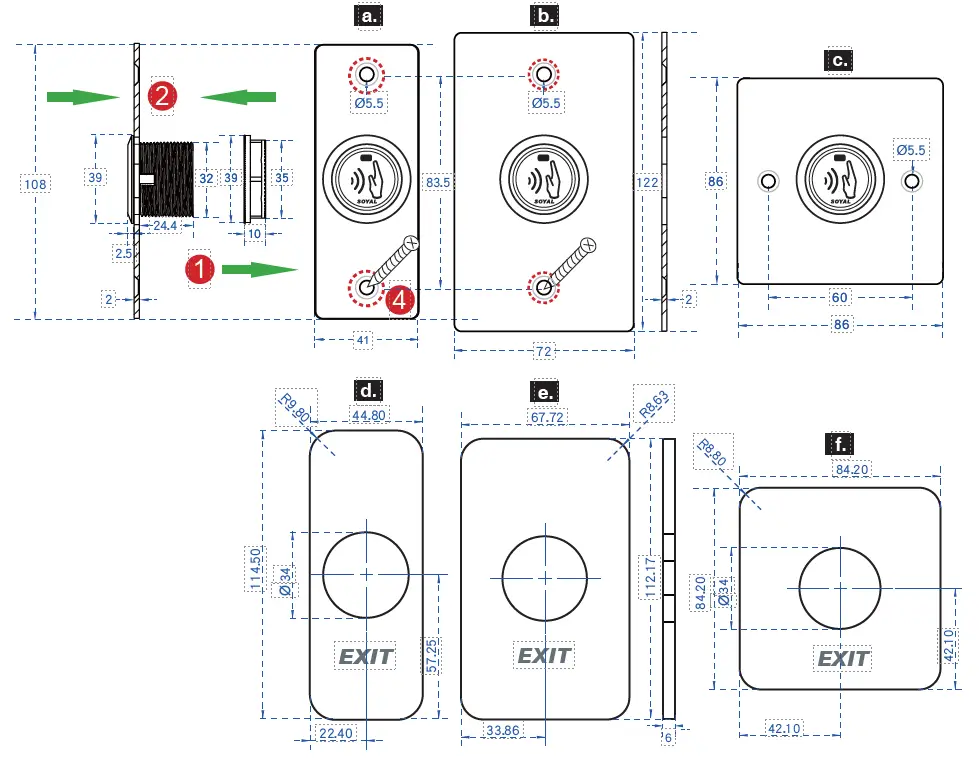
DIMENSIONS
Adjusting infrared detection range
Turn RIGHT: Longer / Turn LEFT: ShorterTurn
Installation
- Remove the black ABA Screw Nut from Button
- Install Button to the selected mounting plate.
- Adjust detection range of infrared sensor
- Use a screwdriver to screw the mounting plate on the wall.
Model:
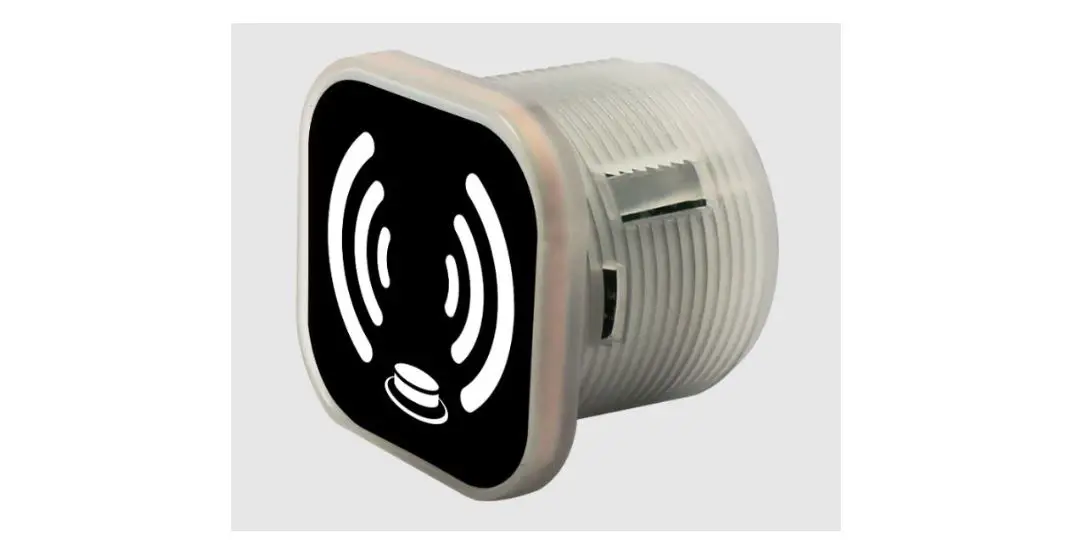
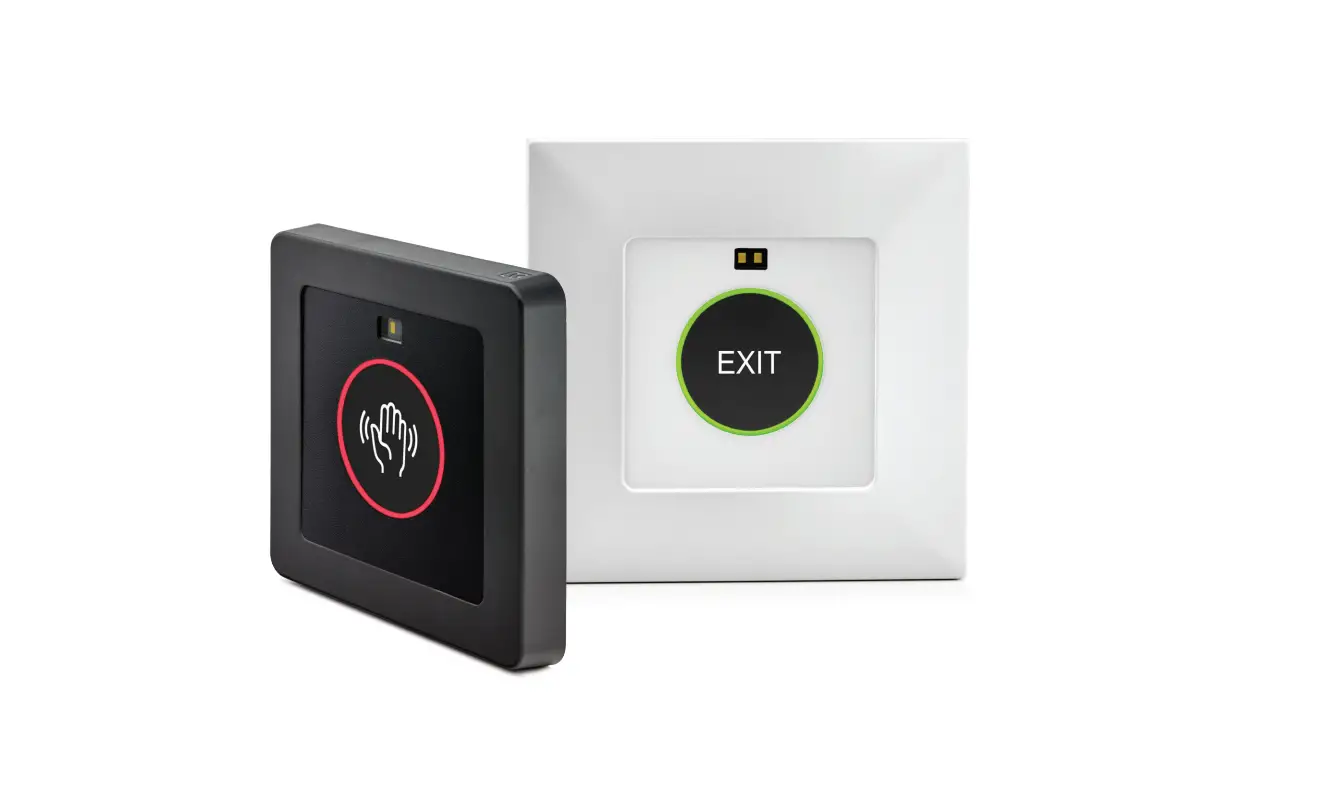
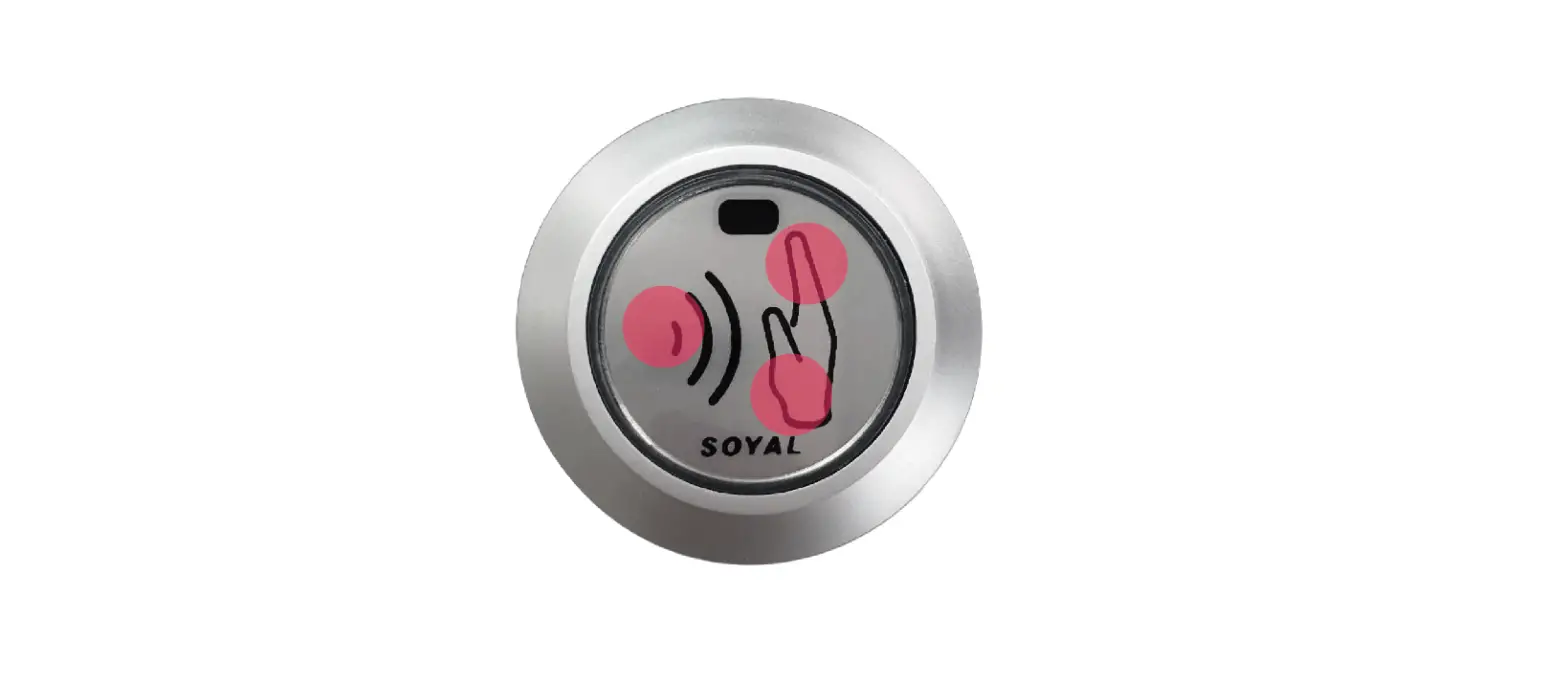
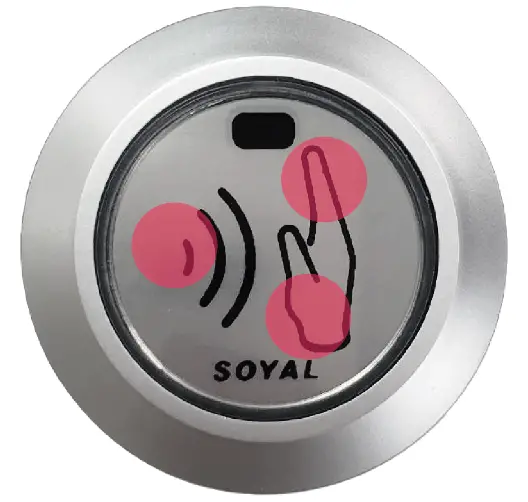
AR-101-PBI-L Touch-less Infrared Sensor Push Button (Anti-Interference)
- a.DMET-101PJ01 (Stainless steel plate)
- b.DMET-101PJ05 (Stainless steel plate)
- c.DMET-101PJ03 (Stainless steel plate)
- d.AR-PB-6A ( plastic panel)
- e.AR-PB-7A ( plastic panel)
- f.AR-PB-8A ( plastic panel)
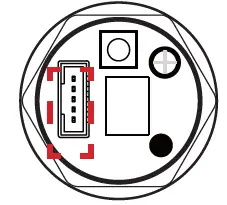
Connector Table
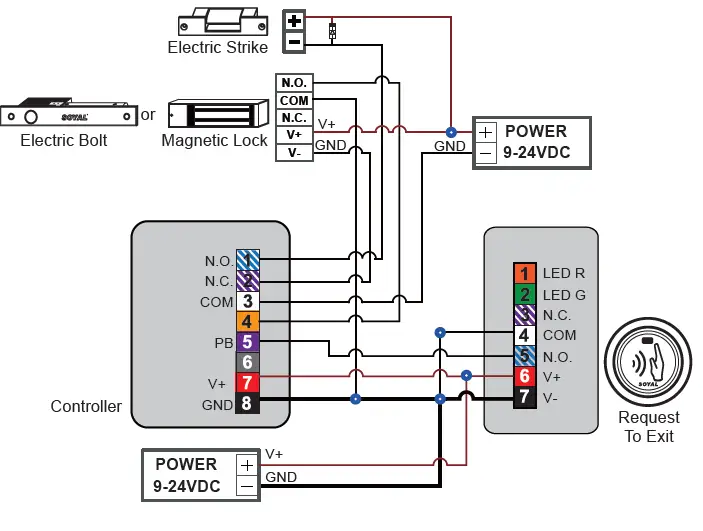
- When POWER is not wired, AR-101-PBI-L become powerless, it can still open door by hard press it.
- When powering on, the sensing area could not be shielded to avoid affecting the sensing distance.
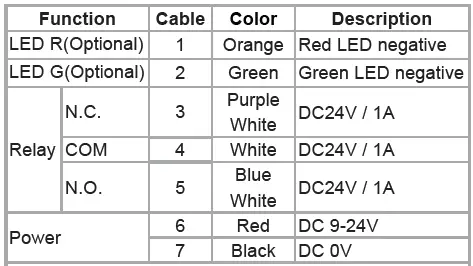
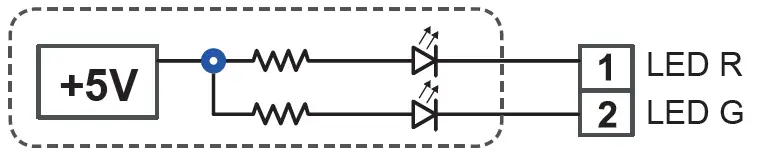
Controller has built-in resistor and connected to +5VDC, external power supply current must be exceeding 20mA
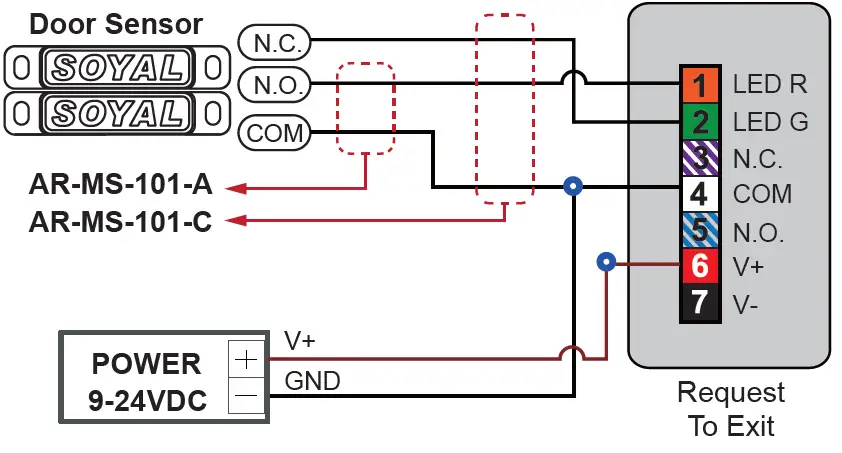
Wiring Diagram
 The Wiring Diagram of LED R/G Door Status Indication