
Microphone
BY-WM3T1-RXU
User Manual
 1F0300300432
Introduction
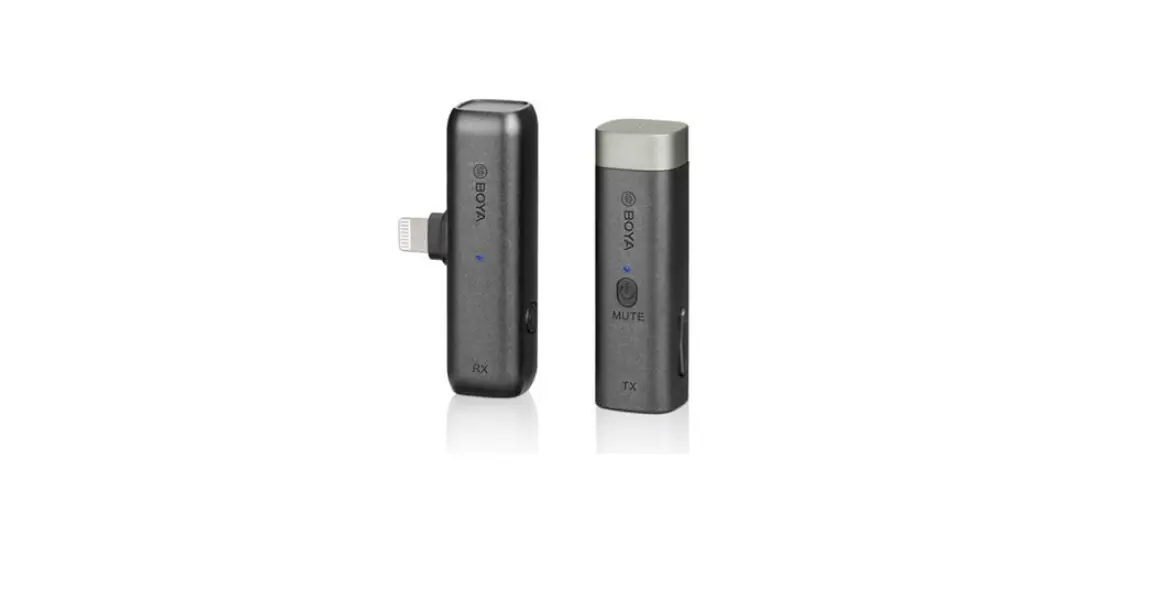
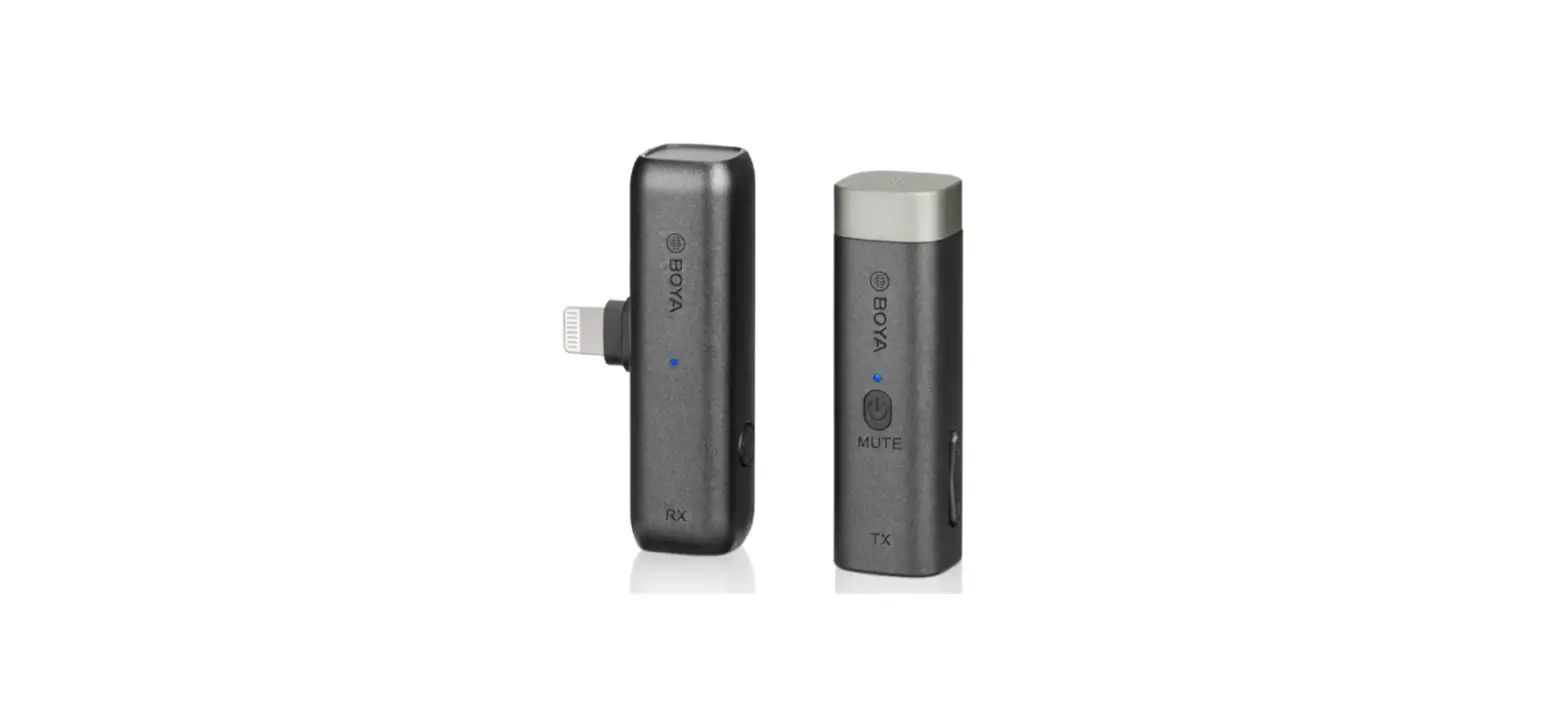
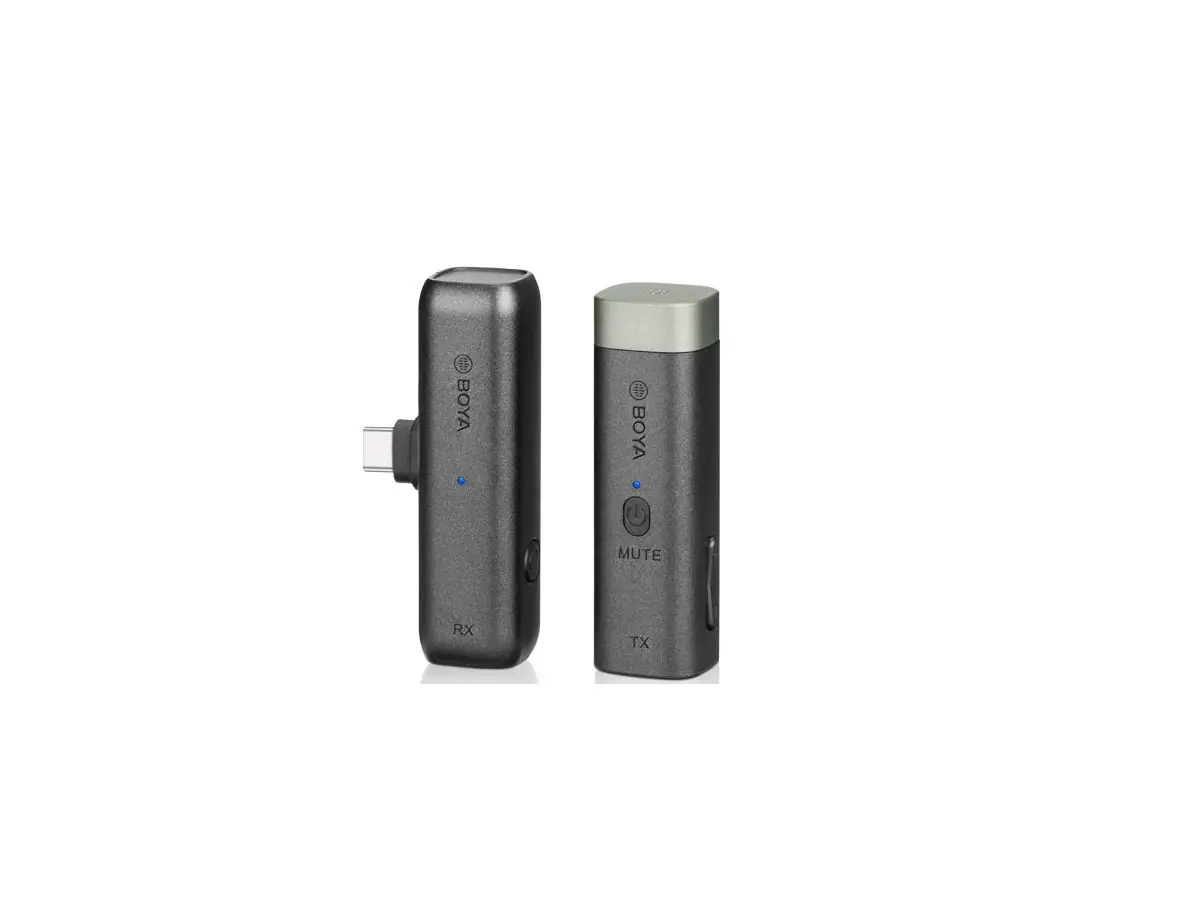
The BOYA BY-WM3T1-U is an ultracompact and portable 2.4GHz wireless microphone system, compatible with Android phones, tablets, and other USB-C devices. It features automatic pairing and selectable noise cancellation. The BY-WM3T1-U is ideal for live streaming, Vlogging, and other audio capturing applications.
Cautions
- Don’t place this unit close to heat sources such as heater, oven, or other devices that produce heat.
- When using and storing, please pay attention to dust and moisture.
- For optimal sound pickup, please do not cover the microphone head with your hand.
Packing List
- BY-WM3T1-TX transmitter
- BY-WM3T1-RXU receiver
- USB-C charging cable
- Foam windscreen
Product Structure
By-WM3T1-TX
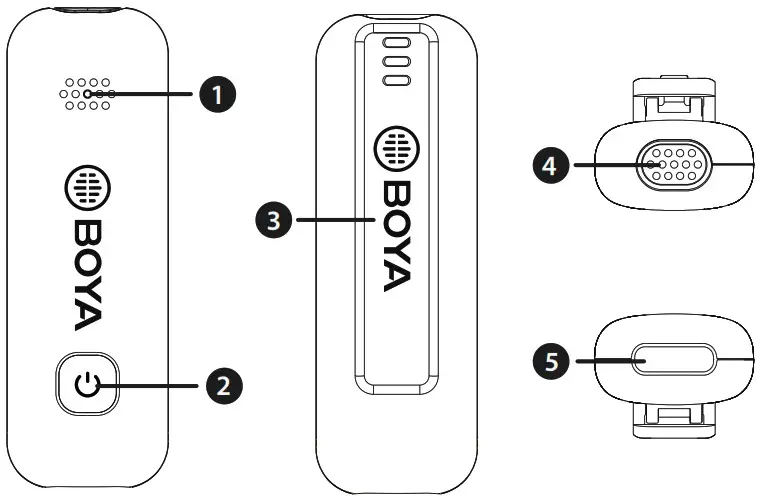
- Status indicator
Status Indicator Unpaired Blinks blue and red alternately Successfully paired Solid blue light Mute ON Blinks blue quickly (per second) Low battery Blinks red every 5 seconds Noise Cancellation ON Blinks blue slowly (every 2.5 seconds) Noise Cancellation OFF Solid blue light Charging Solid red light Fully charged Light off Note: If charging the unit when it is ON, the indicator will display the current working status instead of charging status.
- Power/Mute button
Long press the button to turn on/off the unit.
Short press the button to mute/unmute the microphone.
Double click the button to turn on/off noise cancellation - Belt clip
- Built-in mic
- USB-C charging port
Use the supplied USB-C charging cable to charge the unit.
BY-WM3T1-RXU
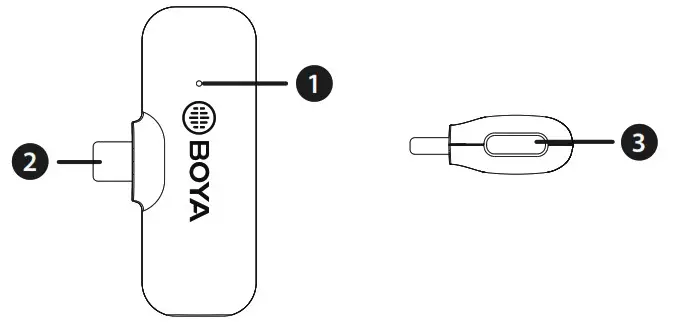
- USB-C connector
It can be connected to an Android phone, tablet or other
USB-C devices. - Status indicator
Status Indicator Unpaired Flashing blue light Successfully paired Solid blue light - USB-C charging port
When the BY-WM3T1-RXU is plugged into an external device, the external device can be charged via this charging port.
Note: most USB-C devices can be charged through this port, which also supports QC2.0, PD2.0 fast charging protocols.
How to Use
- Press and hold the power button for 2 seconds to turn on the transmitter.
- Plug the BY-WM3T1-RXU into a USB-C device. Transmitter and receiver will be automatically paired within 10 seconds.
- You are ready to record.
Note: Due to 2.4GHz wireless frequency, signal can be easily attenuated. Please try to avoid obstacles, such as walls and buildings, and avoid close proximity to devices with 2.4GHz signal, such as high-power wifi antennas, smartphones with wifi in use, radios, etc.
Specifications
| Transmission Type | 2.4GHz |
| Polar Pattern | Omnidirectional |
| Frequency Response | 20Hz-16kHz |
| SNR | 77 dB |
| Sensitivity | -42 dB |
| Sampling Rate | 48kHz |
| Bit Depth | 16bit |
| Transmission Range | 50m (without obstacle) |
| RF Output Power | 6dbm |
| TX’s Battery Life | 10 hours |
| Battery Capacity | 95mAh |
| Charging Port | USB-C |
| Dimensions | TX: 52×17.5×16.1 mm |
| RXU: 46×26.2×10 mm | |
| Weight | TX: 8.5g (0.30 oz) |
| RXU: 542 (0.18 oz) |
FCC Warning
This device complies with part 15 of the FCC Rules. Operation is subject to the following two conditions:
- This device may not cause harmful interference, and
- this device must accept any interference received, including interference that may cause undesired operation.
Any Changes or modifications not expressly approved by the party responsible for compliance could void the user’s authority to operate the equipment.
This equipment has been tested and found to comply with the limits for a Class B digital device, pursuant to part 15 of the FCC Rules. These limits are designed to provide reasonable protection against harmful interference in a residential installation. This equipment generates uses and can radiate radio frequency energy and, if not installed and used in accordance with the instructions, may cause harmful interference to radio communications. However, there is no guarantee that interference will not occur in a particular installation. If this equipment does cause harmful interference to radio or television reception, which can be determined by turning the equipment off and on, the user is encouraged to try to correct the interference by one or more of the following measures:
- Reorient or relocate the receiving antenna.
- Increase the separation between the equipment and receiver.
- Connect the equipment into an outlet on a circuit different from that to which the receiver is connected.
- Consult the dealer or an experienced radio/TV technician for help.
The device has been evaluated to meet general RF exposure requirement. The device can be used in portable exposure condition without restriction.