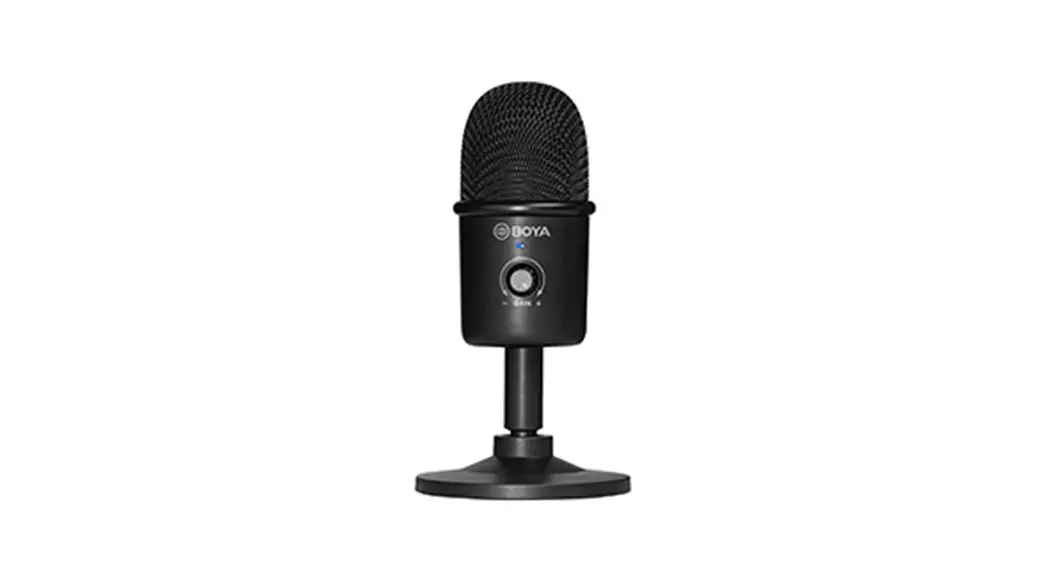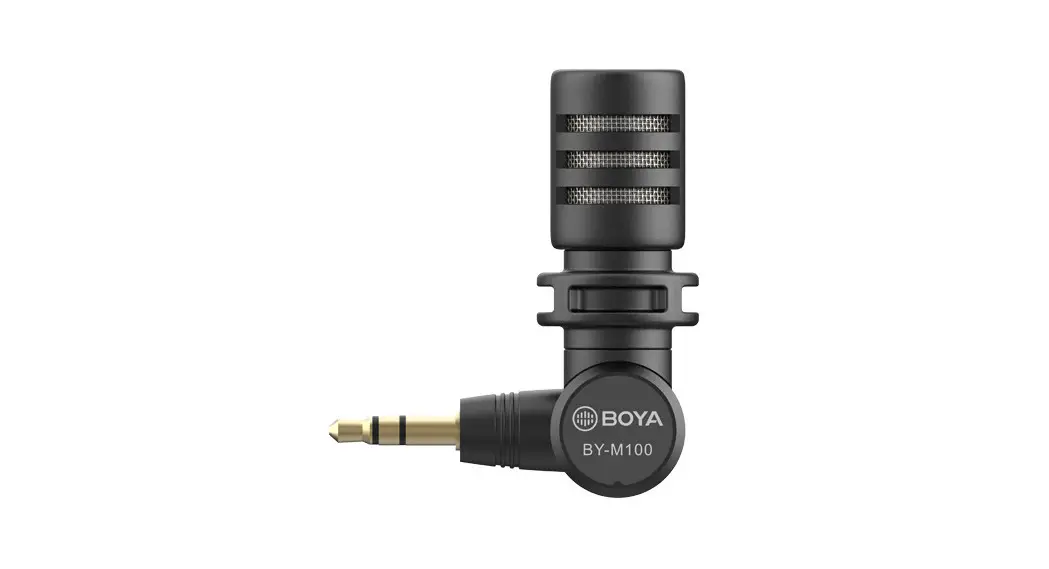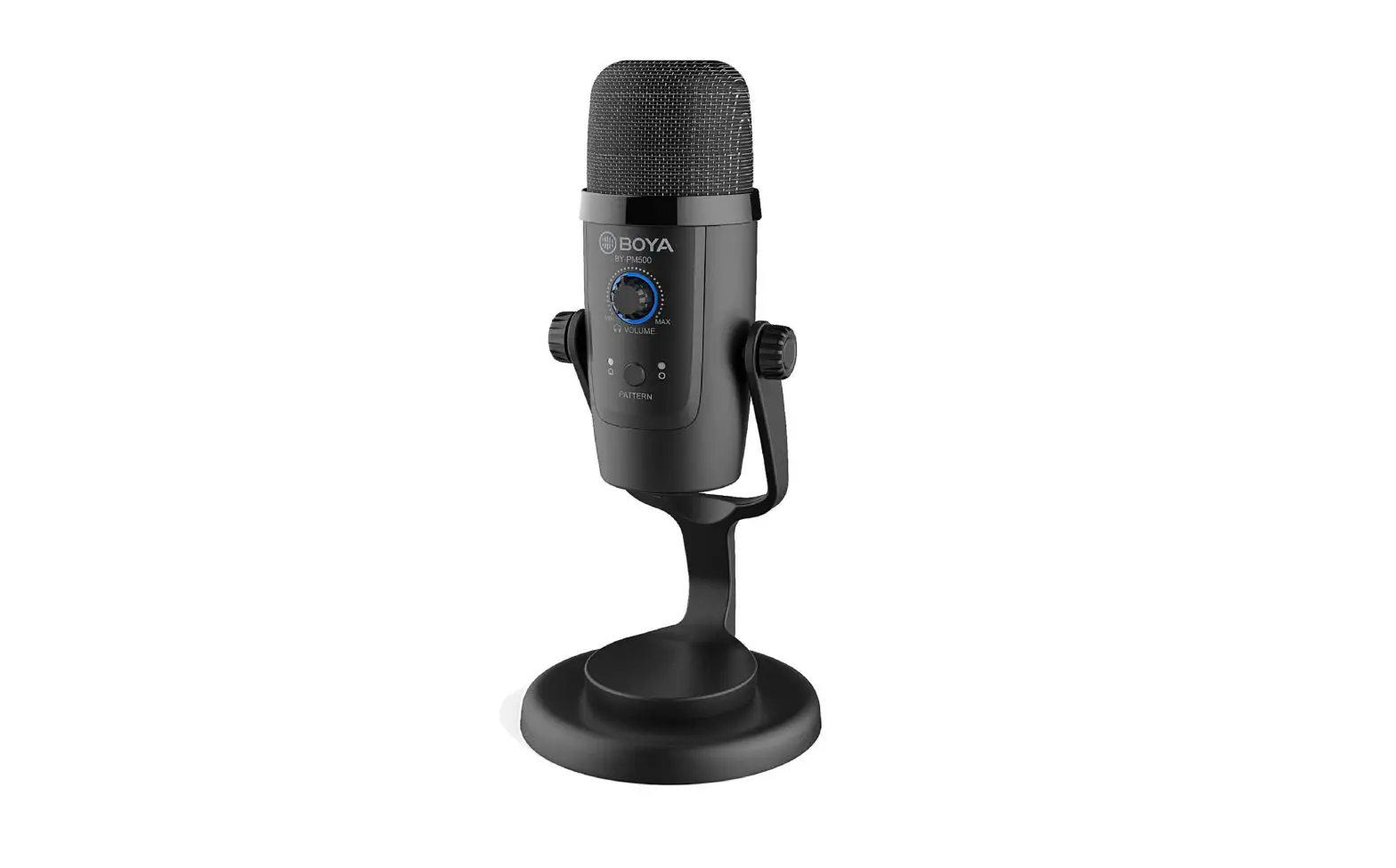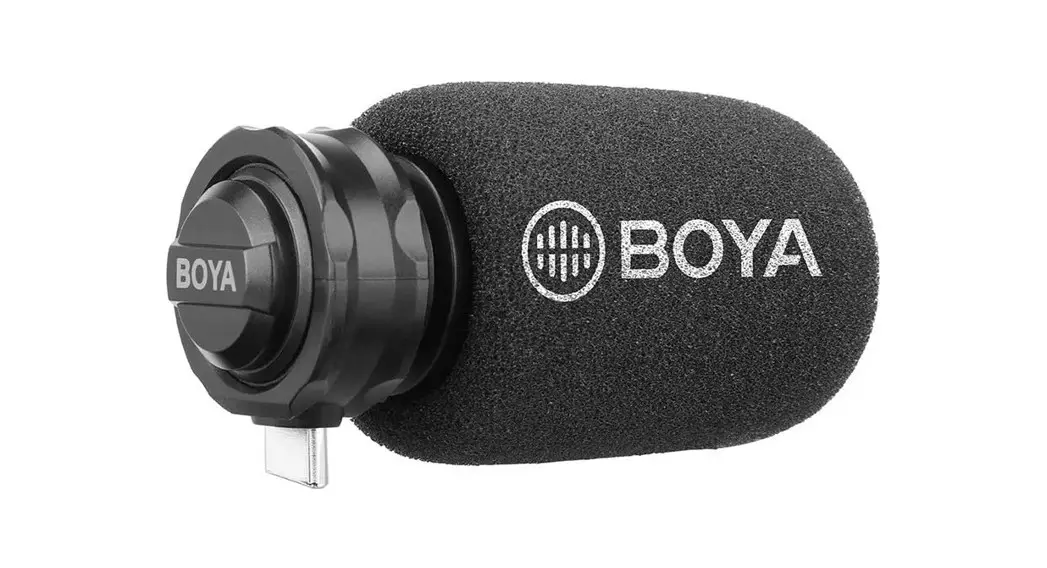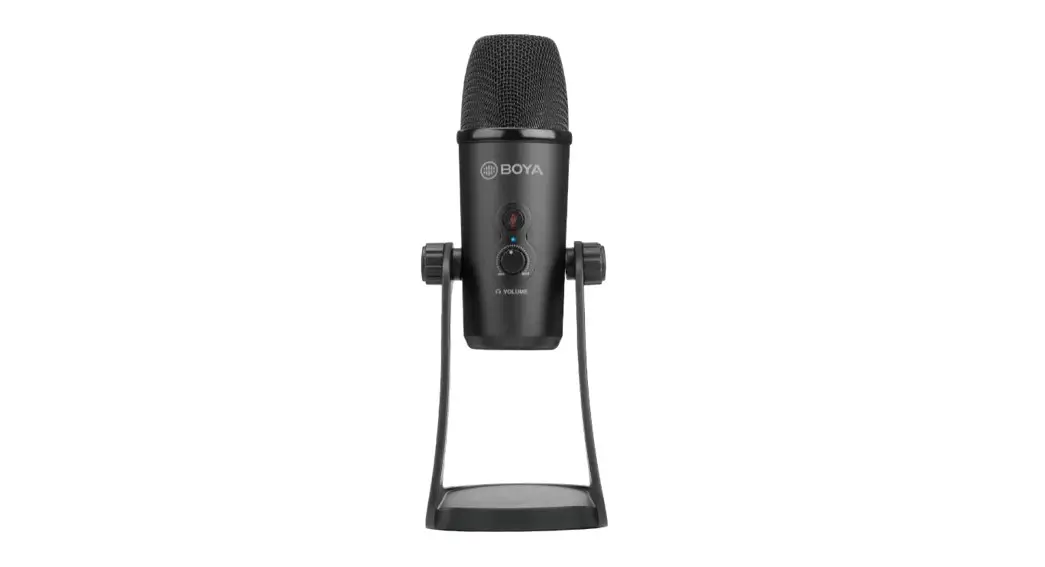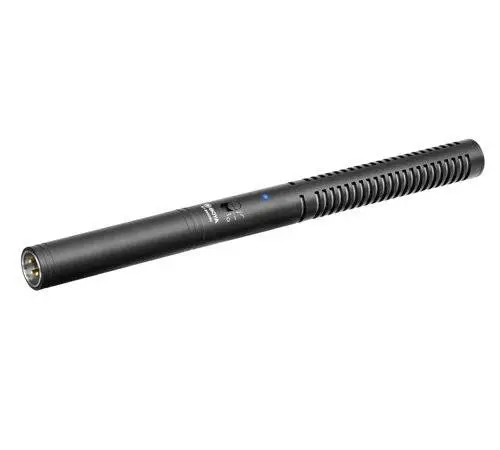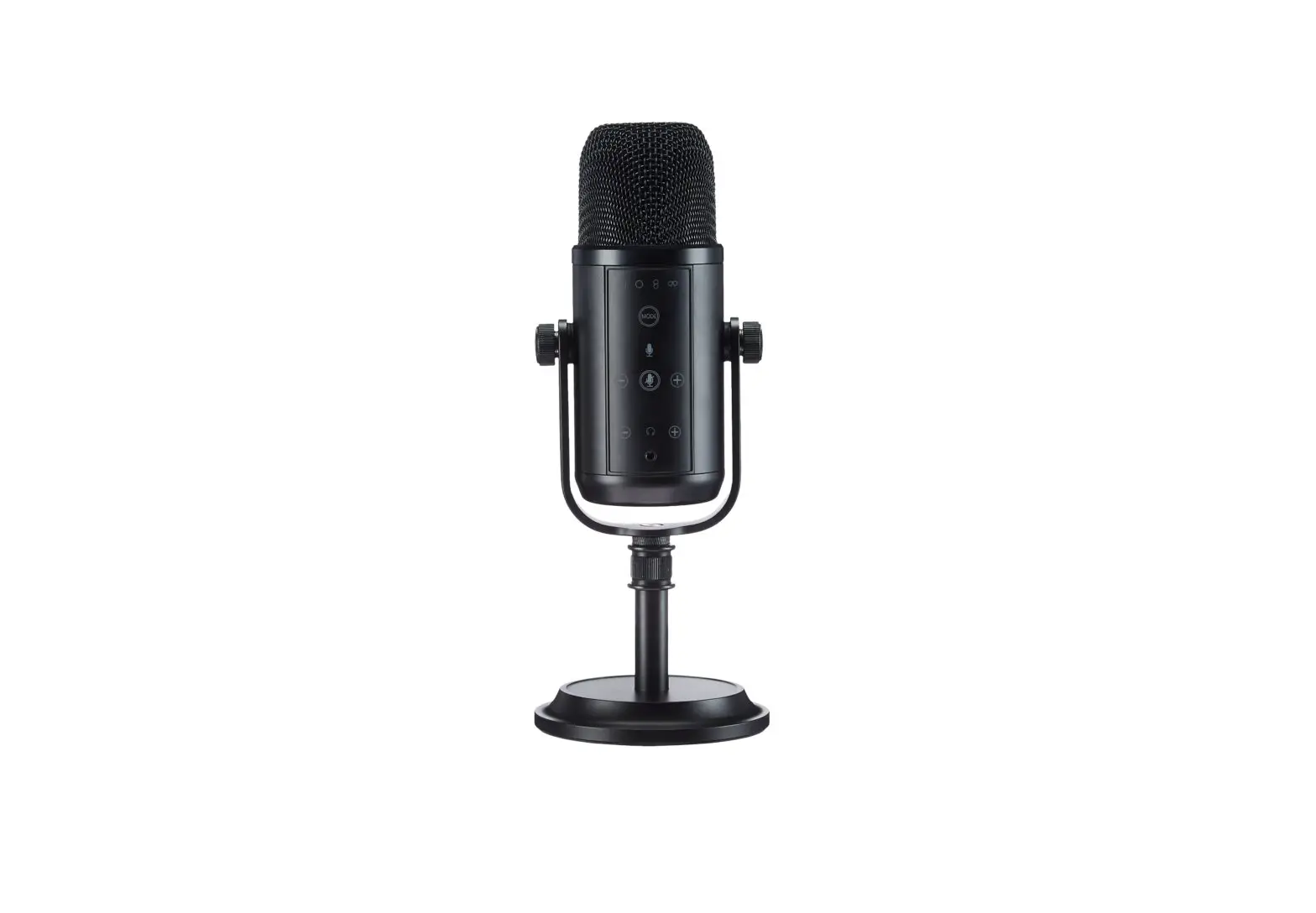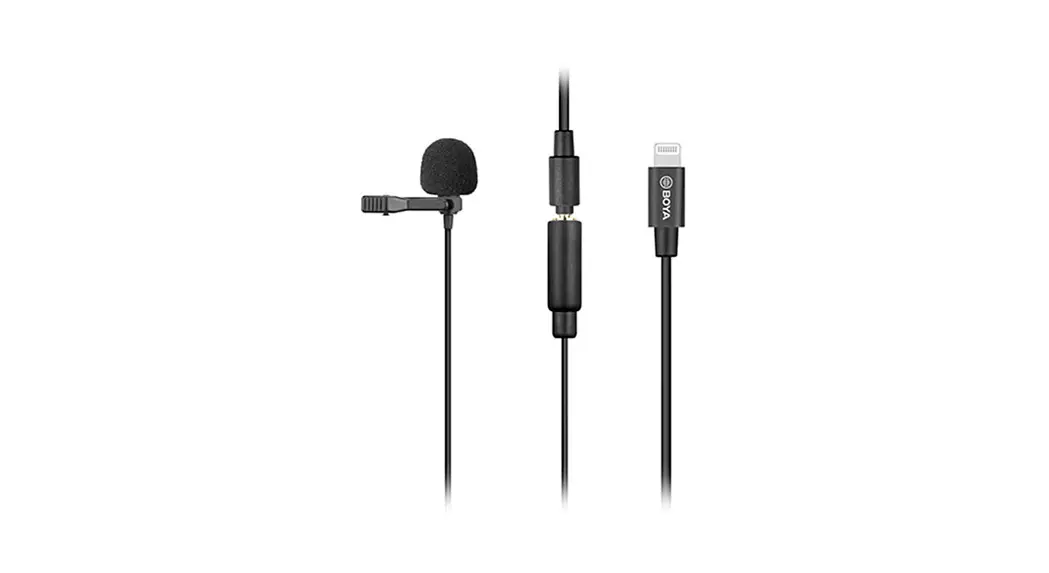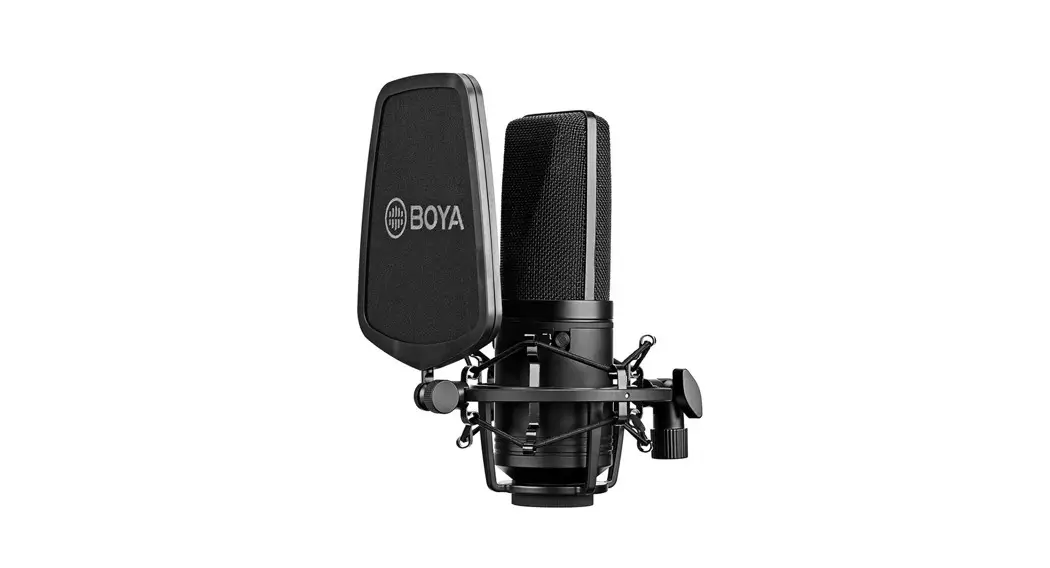
 BY-M100
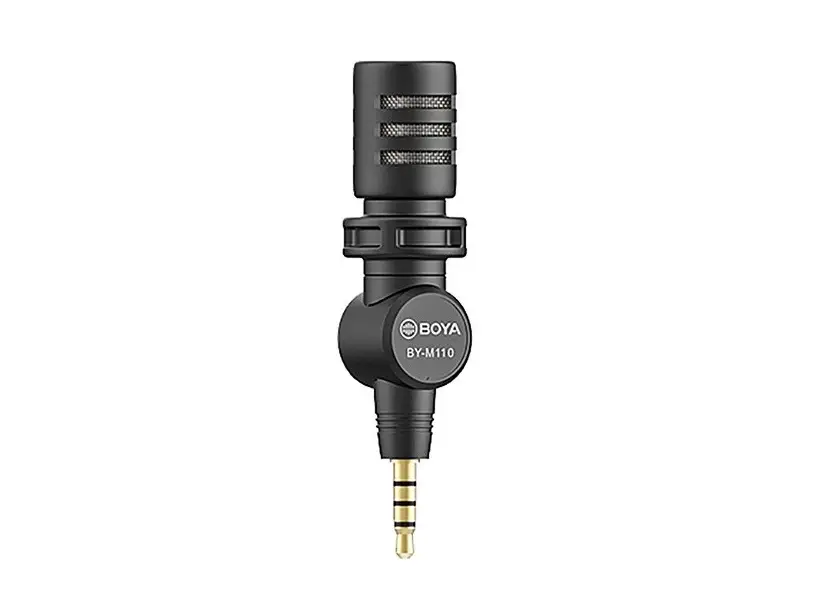
BY-M110
BY-M100D
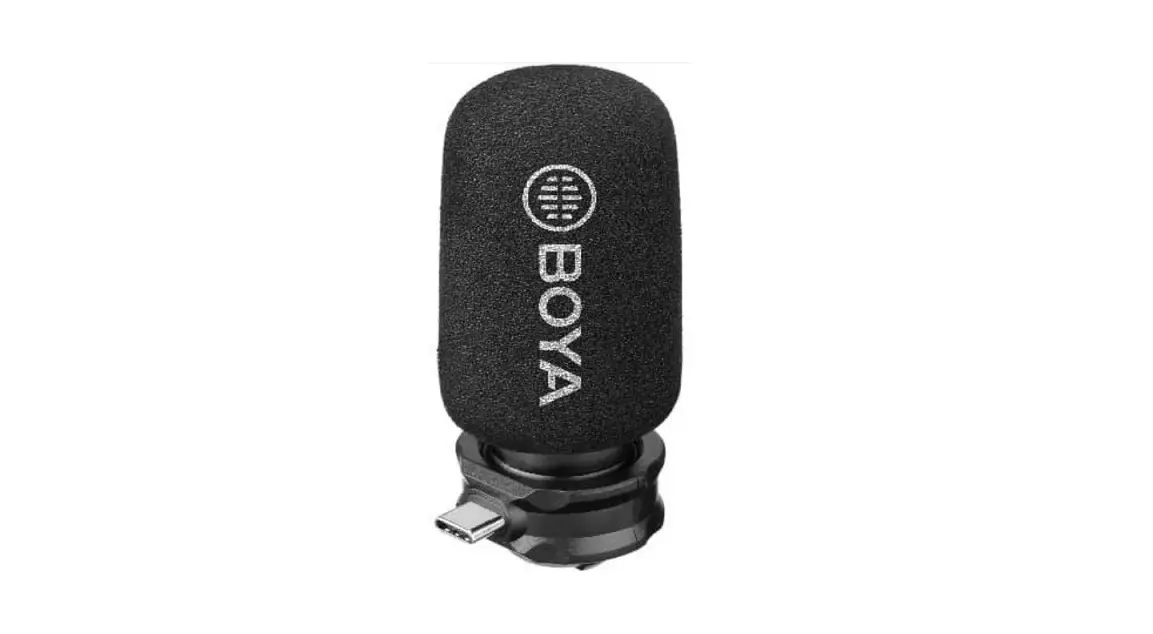
BY-M100UC
BY-M100UA
Miniature Condenser Microphone
Introduction
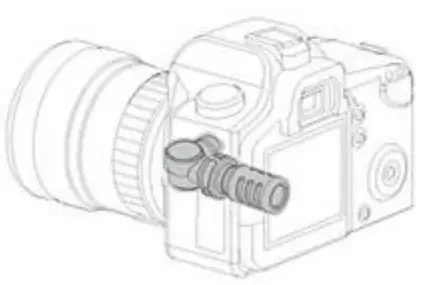
BY-M100 is a miniature size, omnidirectional 3.5mm TRS microphone for DSLR, camcorder, recorder.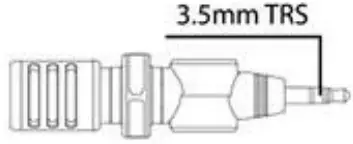 BY-M110 is miniature size, omnidirectional 3.5mm TRRS for smartphones, laptops, tablets,s, and others.
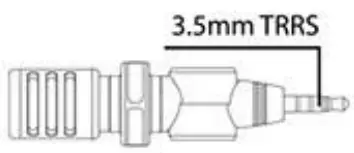 BY-M1000 is a miniature size, omnidirectional MFi certificated Lightning microphone for iPhone, iPad, iPod.
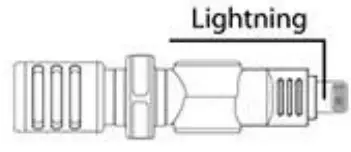 BY-M100UC is a miniature size, omnidirectional microphone for most Type-C devices.
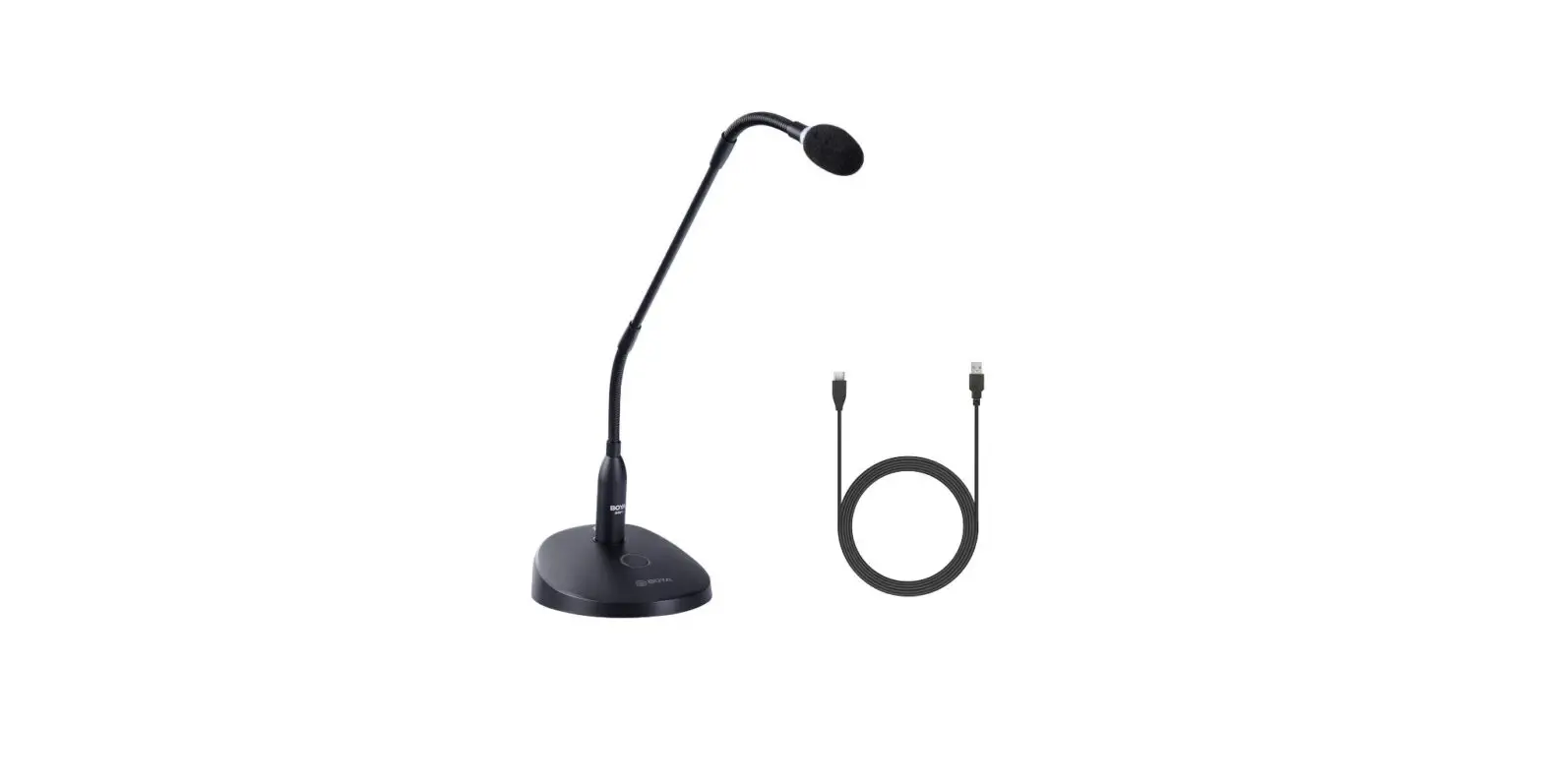
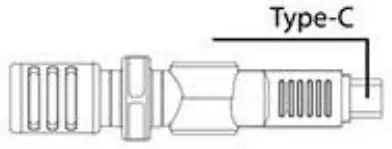 BY-M100UA is miniature size, omnidirectional microphone for USB devices, such as Windows and Mac computers.
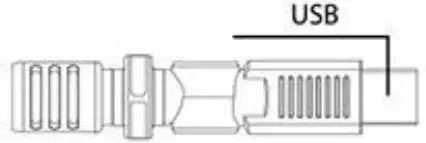
Quick Setup Guide
BY-M 100
- Plug the 3.5 mm TRS connector into your recording device’s audio input jack.
- Rotate and turn the microphone towards the subject you want to record.
- Turn on your recording device, then record a short audio segment to make sure that the microphone is working correctly:
• If the sound is too quiet, move the microphone closer.
• If the sound is distorted, the audio is too loud. Move the microphone farther away. - Use your recording device to record the audio you need.
 BY-M110
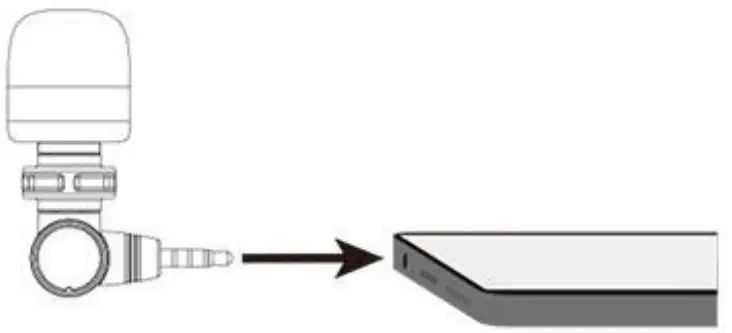
- Plug the 3.5 mm TRRS connector into your recording device’s audio input jack.
- Tilt and turn the microphone towards the subject you want to record.
- Turn on your recording device, then record a short audio segment to make sure that the microphone is working correctly:|
• If the sound is too quiet, move the microphone closer.
• If the sound is distorted, the audio is too loud. Move the microphone farther away. - Use your recording device to record the audio you need.
BY-MlOOD
- Plug the Lightning connector into your recording device’s audio input jack.
- Tilt and turn the microphone towards the subject you want to record.
- Turn on your recording device, then record a short audio segment to make sure that the microphone is working correctly:
• If the sound is too quiet, move the microphone closer.
• If the sound is distorted, the audio is too loud. Move the microphone farther away. - Use your recording device to record the audio you need.
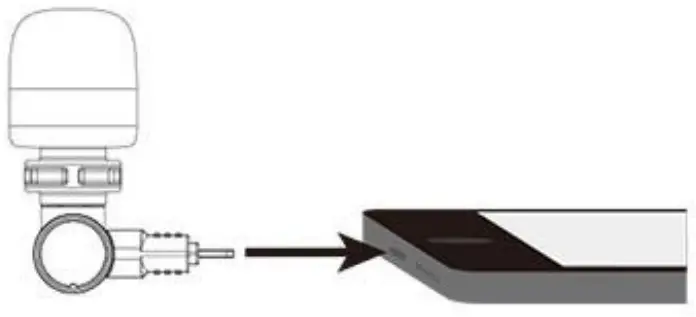
BY-M100UC
- Plug the Type-C connector into your recording device’s audio input jack.
- Tilt and turn the microphone towards the subject you want to record.
- Turn on your recording device, then record a short audio segment to make sure that the microphone is working correctly:
• If the sound is too quiet, move the microphone closer.
• If the sound is distorted, the audio is too loud. Move the microphone farther away. - Use your recording device to record the audio you need.
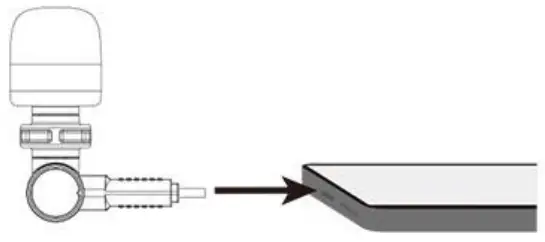
BY-M100UA
- Plug the USB connector into your recording device’s audio input jack.
- Tilt and turn the microphone towards the subject you want to record.
- Turn on your recording device, then record a short audio segment to make sure that
- Use your recording device to record the audio you need.
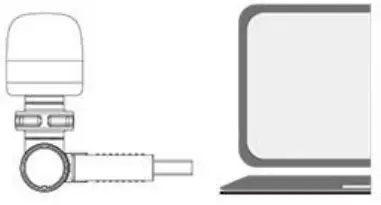
Attach BY-M100UA to computer or laptop with USB-A port.
Set up for Windows
- Connect the microphone to the computer with the supplied charge cable.
- Select the microphone as the default device and click Start Menu >Control Panel >Sounds and Audio Devices.

- Select BY-M100UA and click OK.

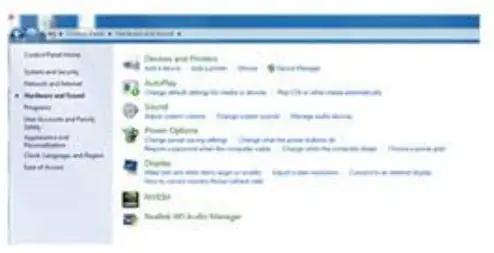
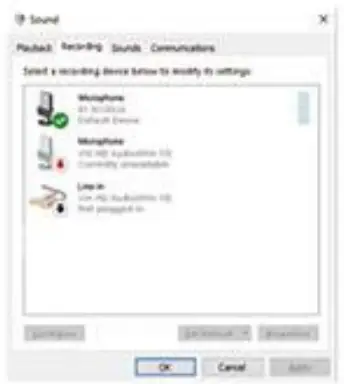
Monitoring and adjust the microphone to gain control.
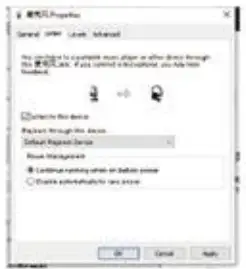
If you want to hear microphone feedback from the computer, please follow the step below:
- Plug the headphone into the headphone jack of your computer.
- Open the microphone’s control panel and click “Listen to this device”.

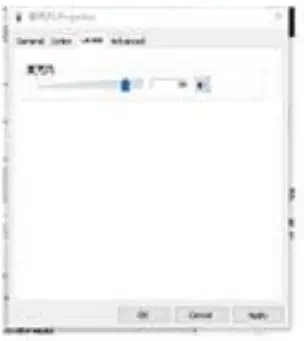
- Adjust the “BY-M100UA” microphones’ gain to a proper level.
Features
BY-M100
– 3.5mm TRS microphone for DSLR, camcorder, recorder
– 50Hz to 18kHz frequency response
– Plug and play operation
– 180° rotating head, convenient for capturing audio
– Includes foam windscreen
BY-M110
– 3.5mm TRRS microphone for smartphone, laptop, tablet, and others
– 50Hz to 18kHz frequency response
– Plug and play operation
– 180° rotating head, convenient for capturing audio
– Includes foam windscreen
BY-M1000
– Miniature microphone for iPhone, iPad, iPod ( MFi certificated Lightning connector )
– 50Hz to 18kHz frequency response
– Plug and play operation
– 180° rotating head, convenient for capturing audio
– Includes foam windscreen
BY-M100UC
– Miniature microphone for most Type-C devices
– 50Hz to 18kHz frequency response
– 16Bit/48kHz resolution
– Plug and play operation
– 180° rotating head, convenient for capturing audio
– Includes foam windscreen
BY-M100UA
– Omnidirectional microphone for Windows and Mac computers
– 50Hz to 18kHz frequency response
– 16Bit/48kHz resolution
– Plug and play operation
– 180° rotating head, convenient for capturing audio
– Includes foam windscreen
Specifications
| Sensitivity | -36±dB(OdB=1V/ Pa,at 1KHz) |
| Polar Pattern | Omnidirectional |
| Signal to Noise Ratio | 65 dB 5: (f=1KHz,S.P.L=1Pa) N: (A-Weighted curve) |
| Frequency Response | 50Hz-18kHz |
| Power Requirement | BY-MlOOD: Supplied by iOS device |
| BY-M100UC: Supplied by Android Devices | |
| Connector | BY-M100: TRS |
| BY Available on all devices with lightning | |
| ports that support iOS 10 or later | |
| BY-M100UC: Type-C Connector | |
| BY-M100UA: USB Connector | |
| BY-M110:TRRS | |
| Weight | BY 9g (0.3 oz) |
| BY-M100D: 9.5g (03 oz) | |
| BY-M100UC: 10.5g (0.4 oz) | |
| BY-M100UA: 14.5g (0.51 oz) | |
| BY -M110:9g (0.3 oz) | |
| Cable Length | BY g)18x74mm (00.7×2.91 |
| BY-M100D: φ18)(72mm @Ann, | |
| BY-M100UC: φ18x8Omm 00.7×3.11 | |
| BY-M100UA: φ18x75mm (90.7×2.951 | |
| BY (08x74mmφ (90.7×2.9″) | |
| Sampling Frequency | BY-M100UC/UA: φ48 kHz |
| Bitrate | BY-M10OUGUA: 16 Bit |
SHENZHEN JIAYZ PHOTO INDUSTRIAL., LTD.
The SOYA logo is a trademark that is registered and owned by
Shenzhen Joyz Photo Industrial., Ltd.
COPYRIGHT 2010-2020
TEL: 400 6131096
Email: [email protected]
www.boya-mic.com / www.jiayz.co