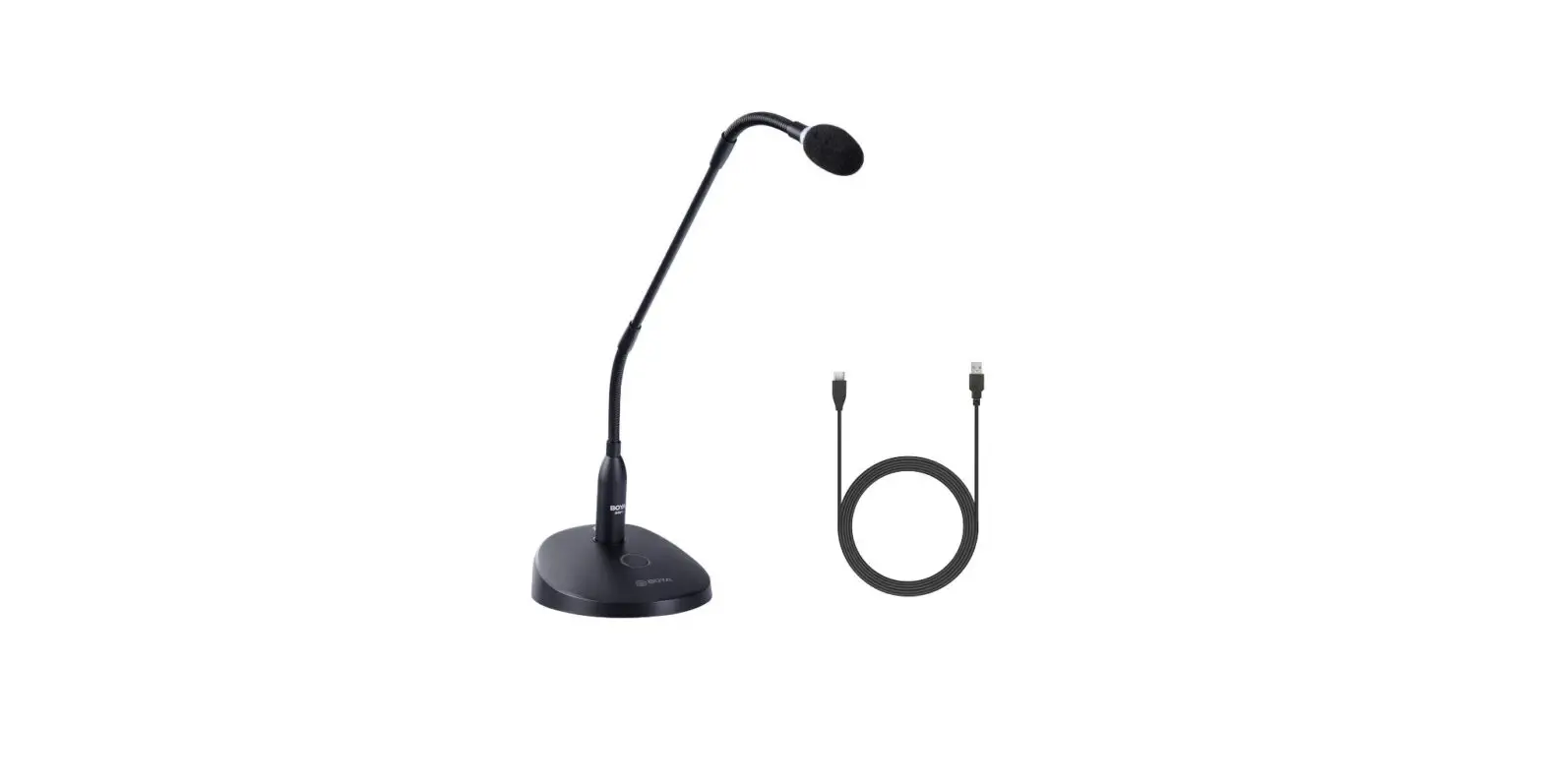
BOYA BY-GM18CU Desktop Gooseneck Condenser Microphone User Manual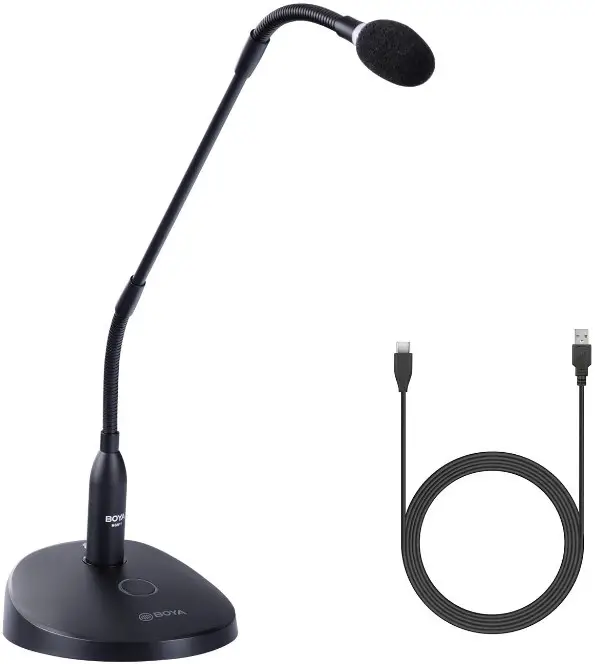
Introduction
Thanks for choosing BOYA!
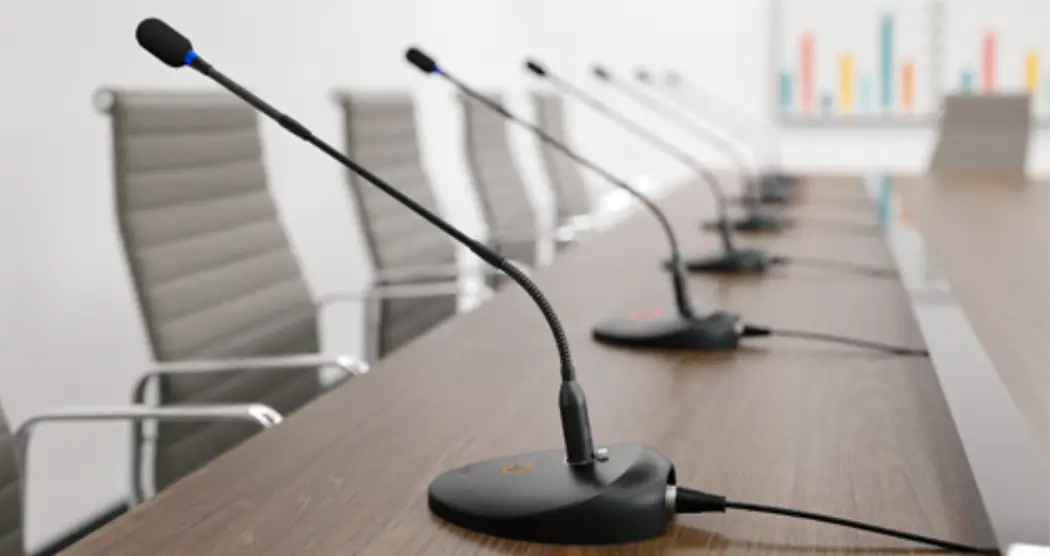
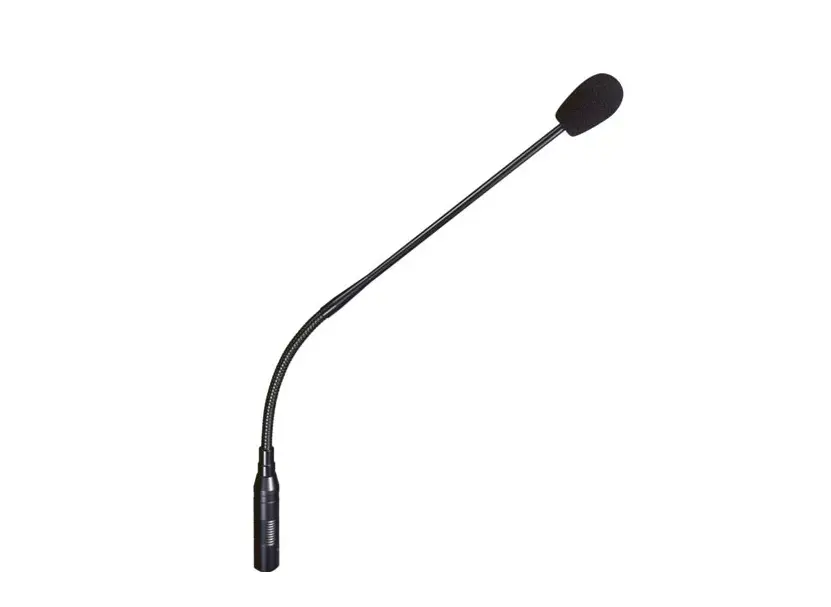
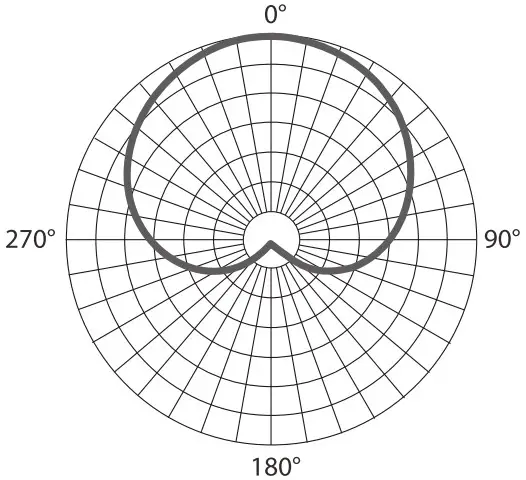
BOYA BY-GMI80.1 is a cardioid gooseneck condenser microphone. It’s an ideal choice for lectures, conferences, and meetings. With the excellent cardioid polar pattern, the BY-GM18CU can clearly capture the voice in front of the mic, designed to provide clear and intelligible speech reproduction for lectures, video conferences, meetings, and more.
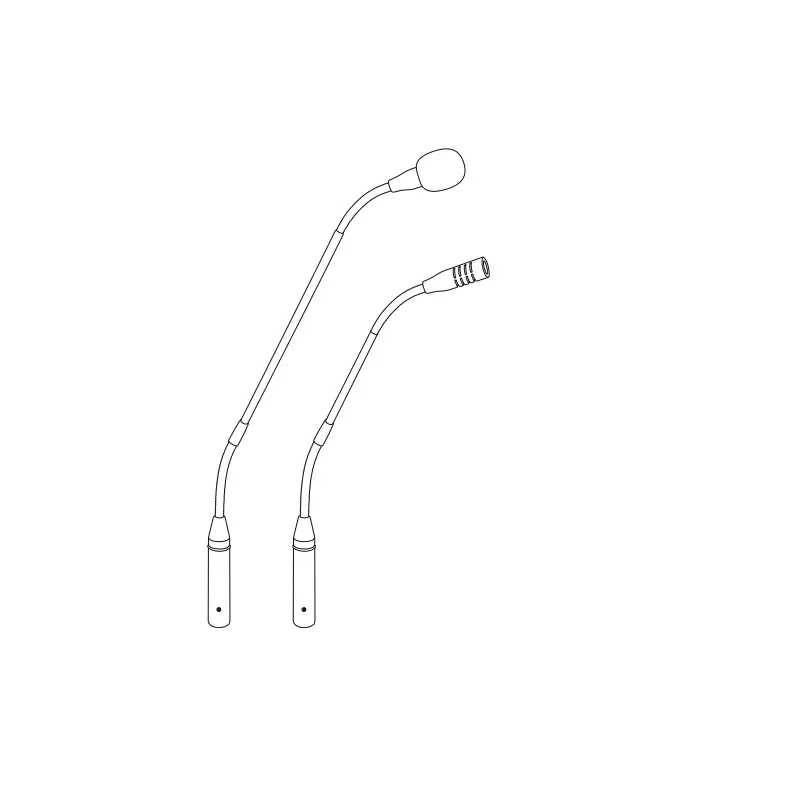
The BY-GM18CU’s shaft features upper and lower gooseneck sections that enable you to precisely position the capsule in front of the speaker for optimal sound. Talk/ Mute status is clearly indicated by the LED indicator on the mic base and capsule. Featuring capabilities of mute and real-time audio monitoring, the BY-GM18CU can plug and play, not requiring batteries.
Safety Instructions
- Please read this user manual carefully and completely before using the product and keep it for future reference.
- Warning: improper installation could irreparably damage the unit.
- Place the unit in a location protected from weather and far from water and moisture.
- Keep all liquids away from the product. Liquids entering the product can short-circuit the electronics or damage the mechanics.
- Don’t place this unit close to heat sources (radiators, spotlights, etc.)
Product Structure
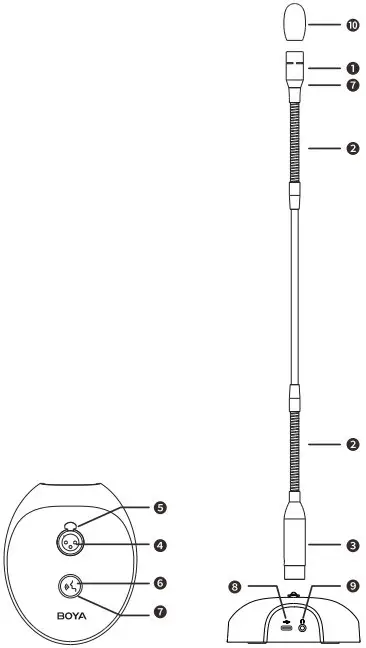
- Cardioid microphone capsule
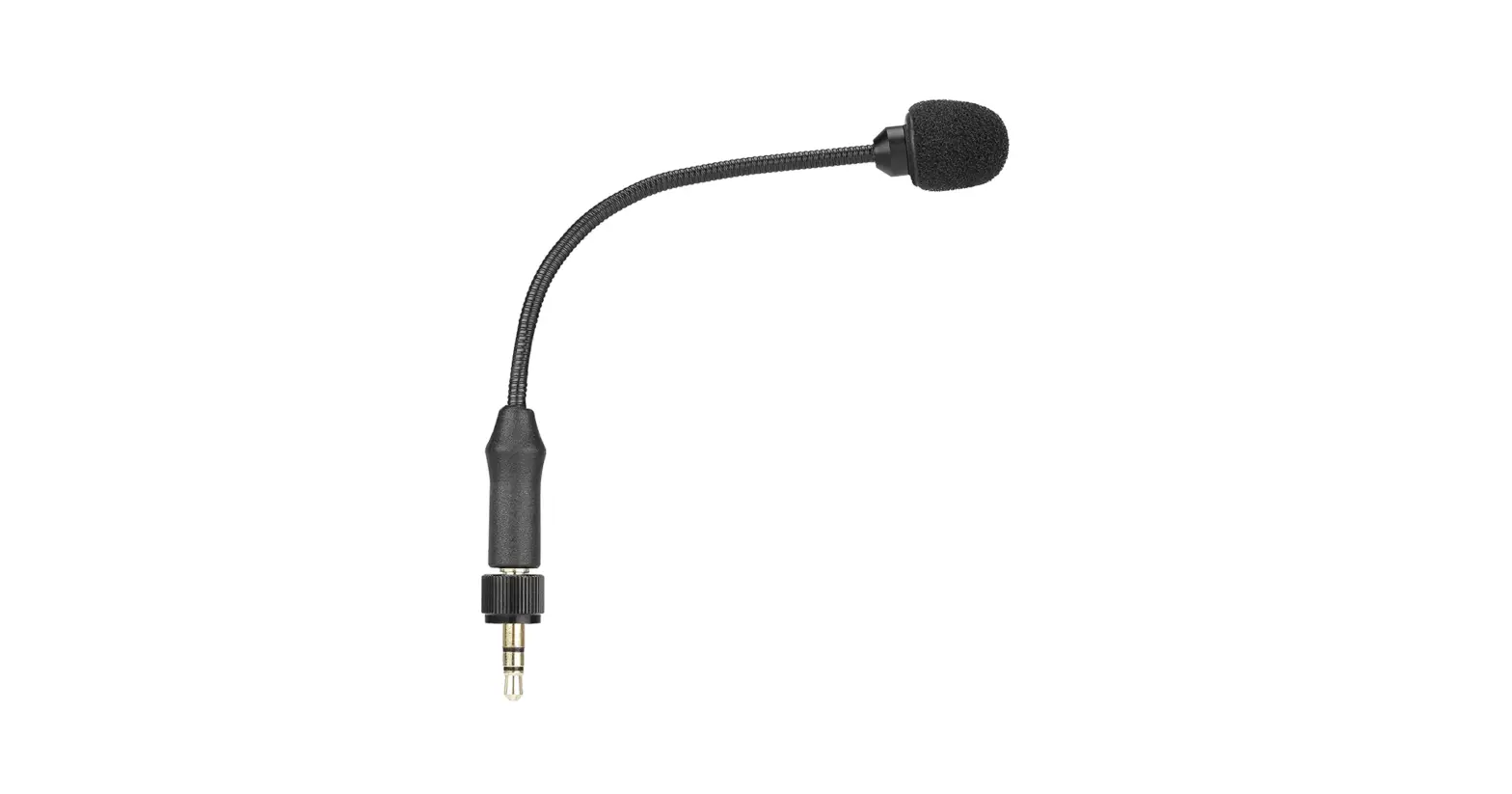
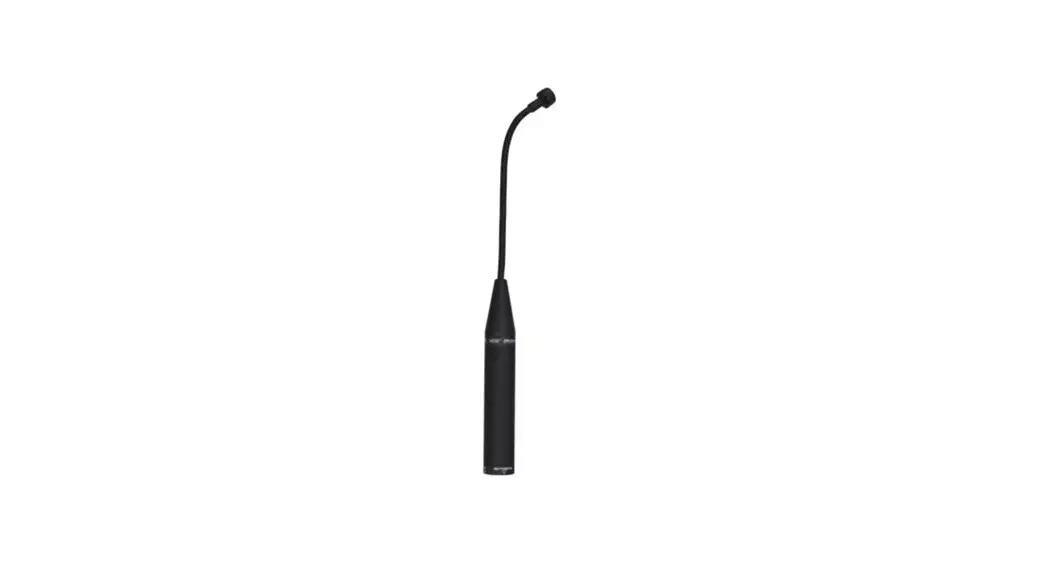
- 18″ dual-section gooseneck
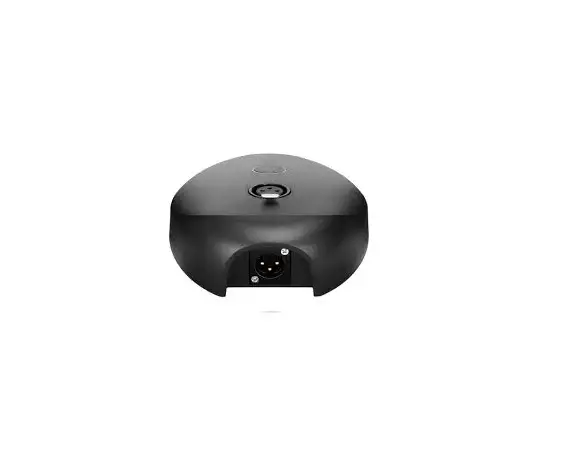
- XLR male connector
- XLR female connector
- PUSH button
- Talk/ Mute button Press the button to mute/ activate the microphone.
- LED Indicator
Mode
Mute OFF
Mute ON
Indicator status
Static Orange
Light off - Type-C audio output
- 3.5 mm headphone jack Connect headphones for audio monitoring.
- Foam windscreen
Operation Guide
- Insert the gooseneck connector into the XLR connector on the surface of the microphone base as shown.
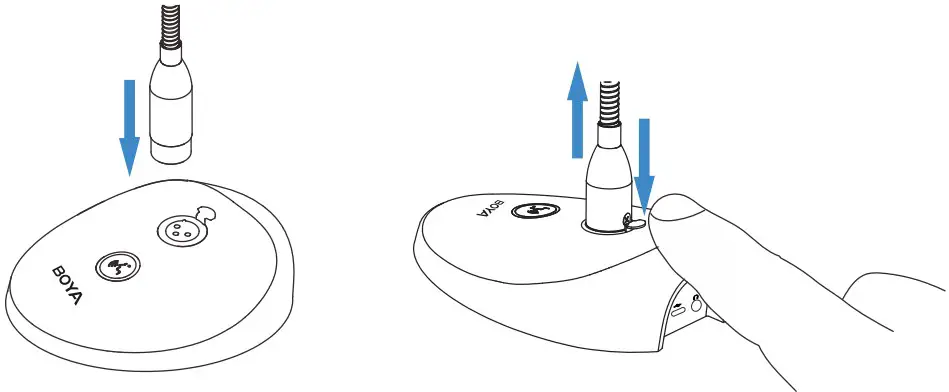
NOTE: Please press the PUSH button to remove. - Connect the microphone to your computer with the included USB-A to Type-C cable. Mic is activated, and the indicators light on (default state).

- Press the”
 “button to mute the microphone, and the indicators will turn off. Press the”“button again to activate the microphone, and the indicators will turn orange.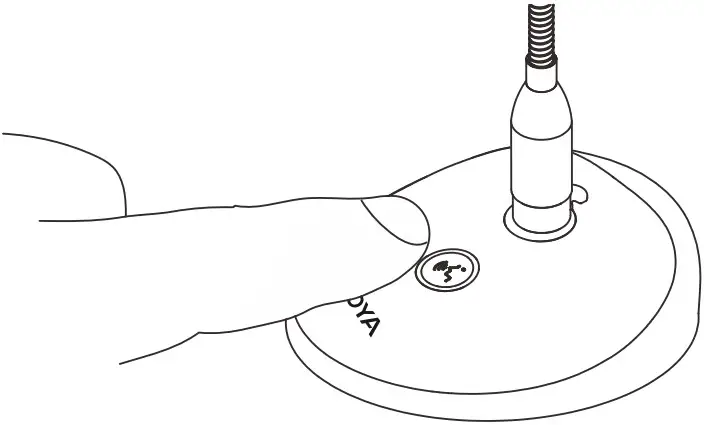
- Connect headphones for audio monitoring
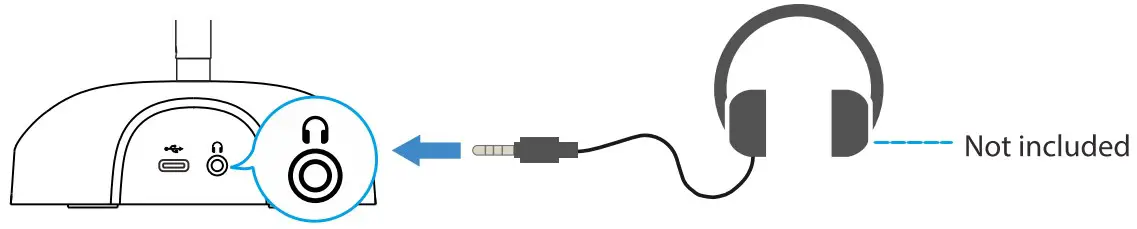
- You are ready to record.
Procedure Setup
Set up for Mac
- Connect the BY-GM18CU to your computer with the included USB-A to Type-C cable.
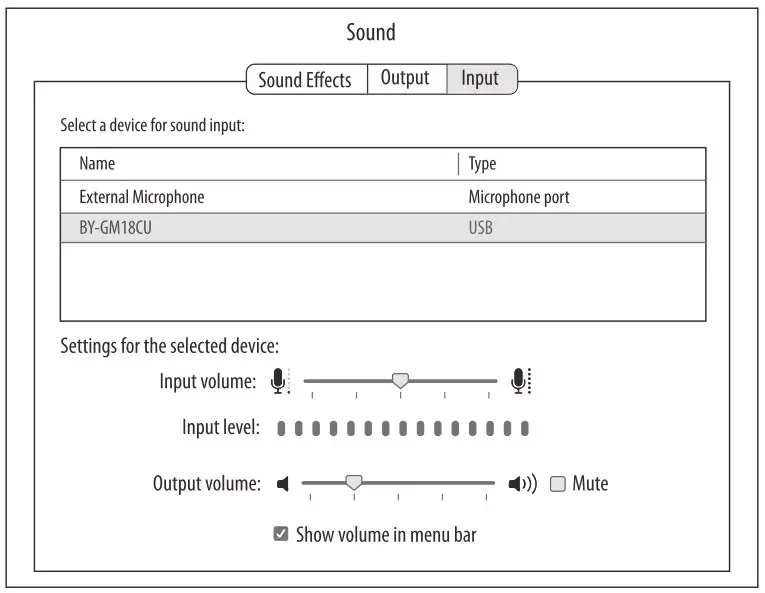
- Open System Preferences and select the Sound icon.
- Select “BY-GM18CU” under the “Input” tab.
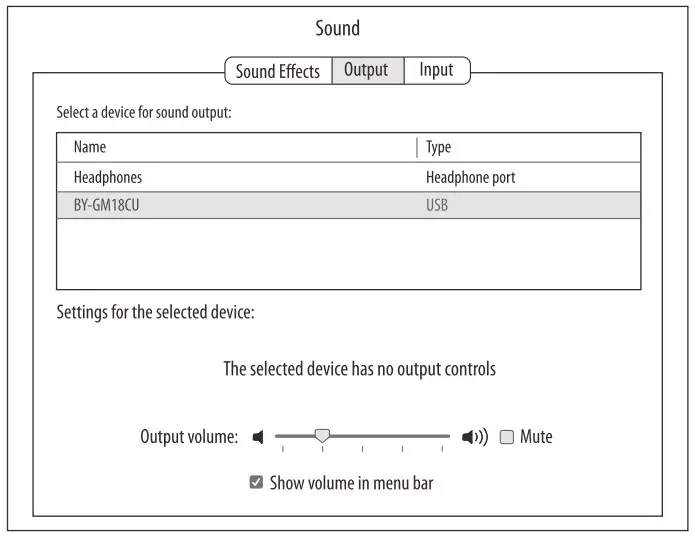
- Select “BY-GM18CU” under the”Output”tab.
Set up for Windows
- Connect the BY-GM18CU to your computer with the included USB-A to Type-C cable.
- Go to the Control Panel—>Hardware and Sound-Manage audio devices.
- Select “BY-GM18CU” as the default device under the “Playback”tab.
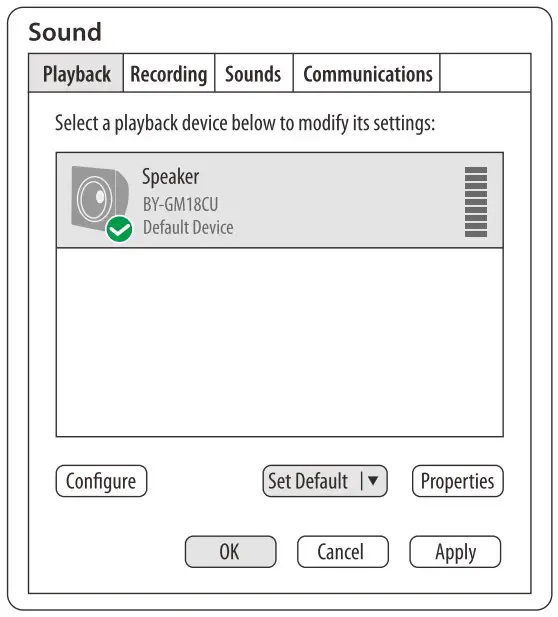
- Select “BY-GM18CU” as the default device under the “Recordingirtab.
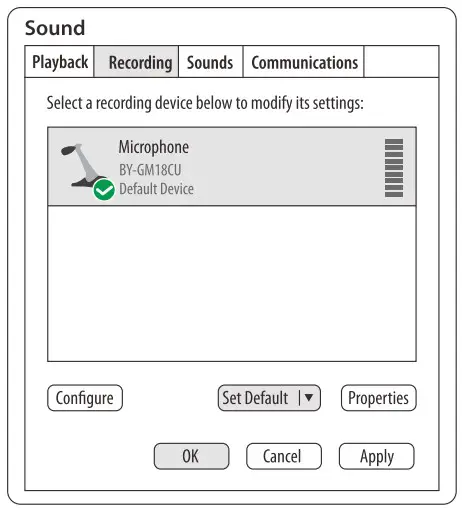
Packing Contents
- Microphone Base
- 18″ Gooseneck Microphone
- Foam Windscreen
- 6.6′(2 m) USB-A to Type-C Cable
- User Manual
- Warranty Card
Specifications
Acoustic Principle: Condenser
Polar Pattern: Cardioid
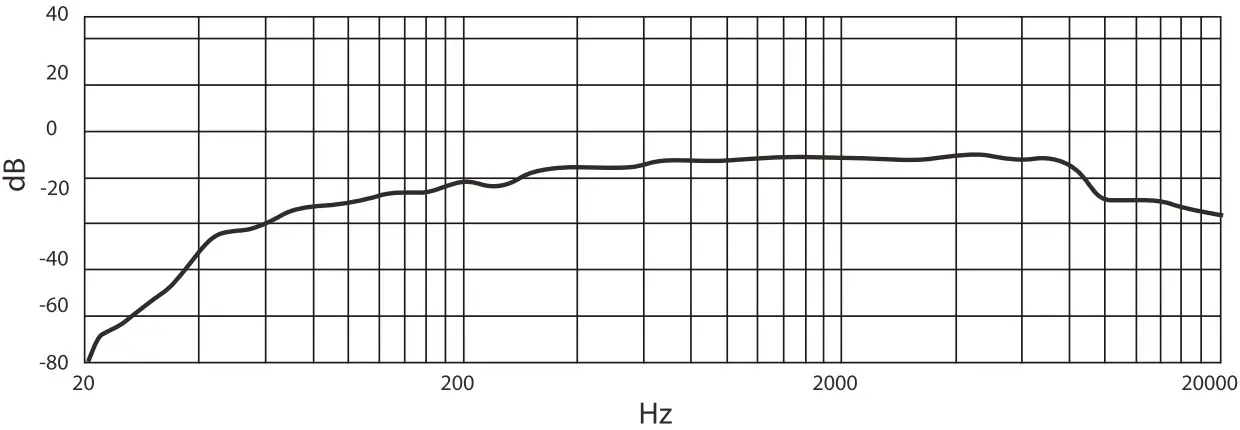
Frequency Response: 45Hz-18kHz
Sensitivity: -36d6t2dB (0c113=1V/Pa @ 1kHz)
Sampling Rates: 48kHz
Bitrate: 24bit
| Signal-to-Noise Ratio | ?;80dB |
| Maximum SPL | 110dB SPL |
| Headphone Gain | 30dB |
| Mic Gain | 30dB |
| Audio Input | XLR connector |
| Audio Output | Type-C audio port |
| 3.5 mm headphone jack | |
| Dimensions | Gooseneck Mic:p13 mm x 492 mm (0.51 x 19.37″) |
| Mic Base:141 mm x 116 mm x 41 mm(5.55 x 4.57 x 1.61″) | |
| Weight | Approx. 20.09 oz (569.5 g) |
| Operating Temperature | 0°C to 50°C |
| Storage Temperature | -20°C to +55°C |
Polar Pattern
Frequency Response
SHENZHEN JIAYZ PHOTO INDUSTRIAL., LTD.
The BOYA logo is a trademark which is registered and owned by Shenzhen Jiayz Photo Industrial., Ltd.
TEL: 400 6131096
Email [email protected]
www.boya-mic.com / www.iiayz.com