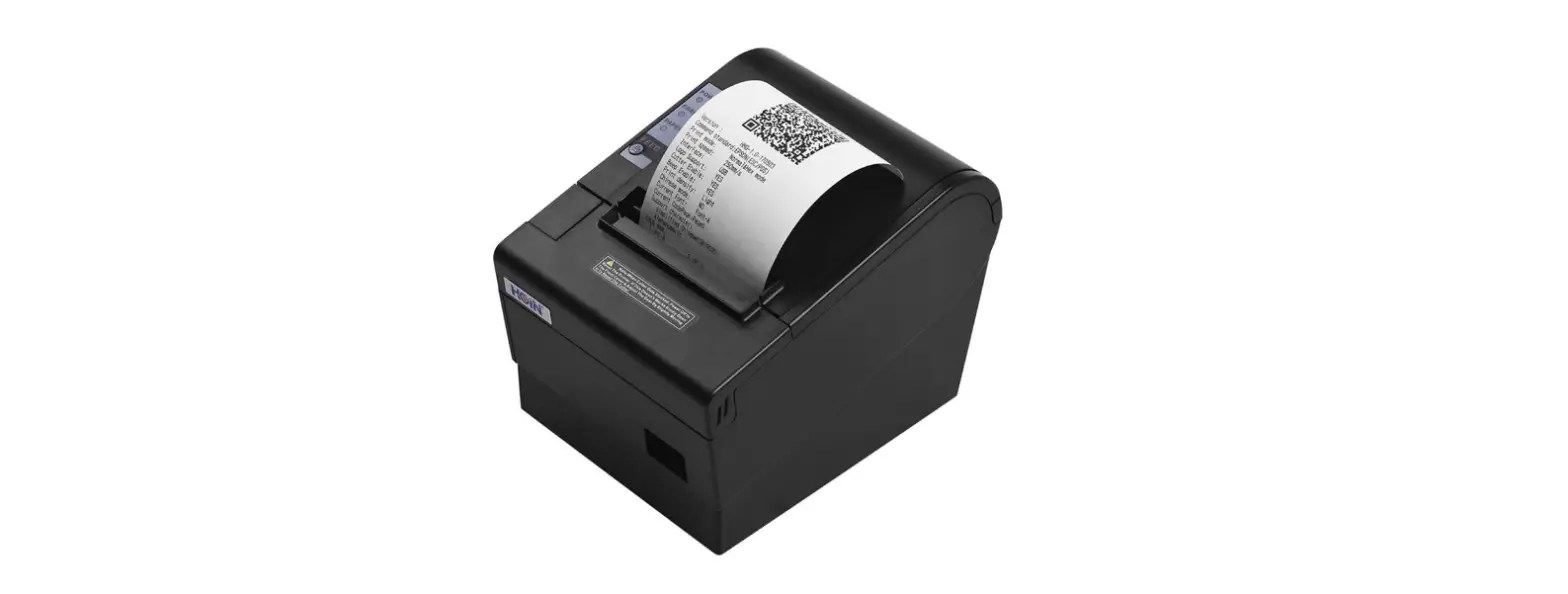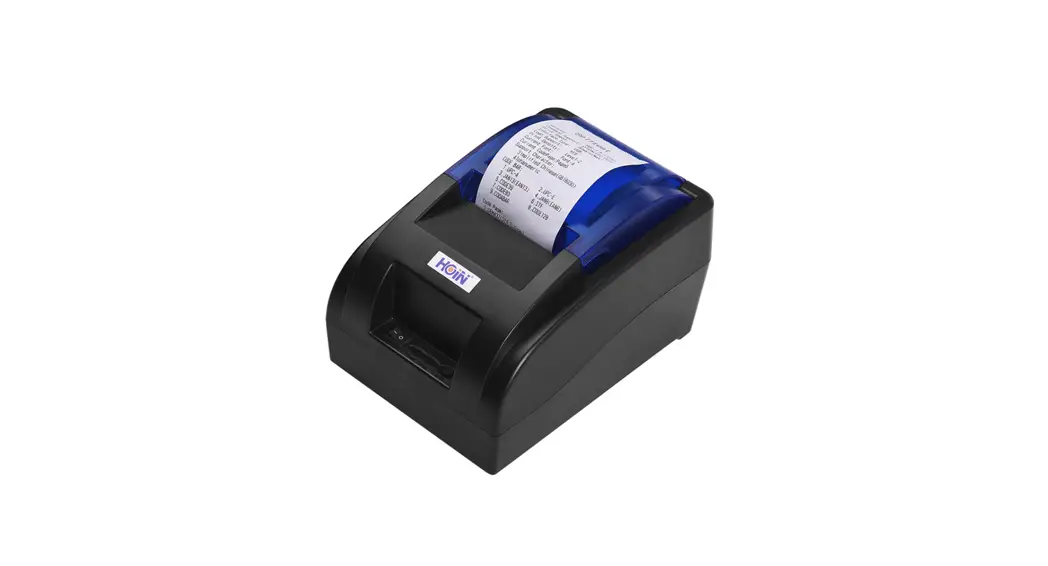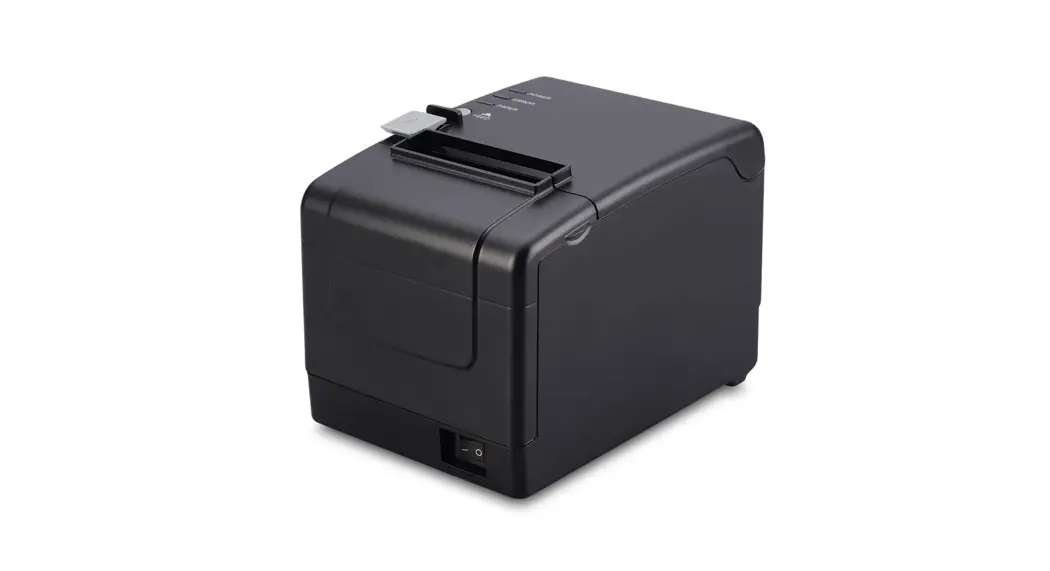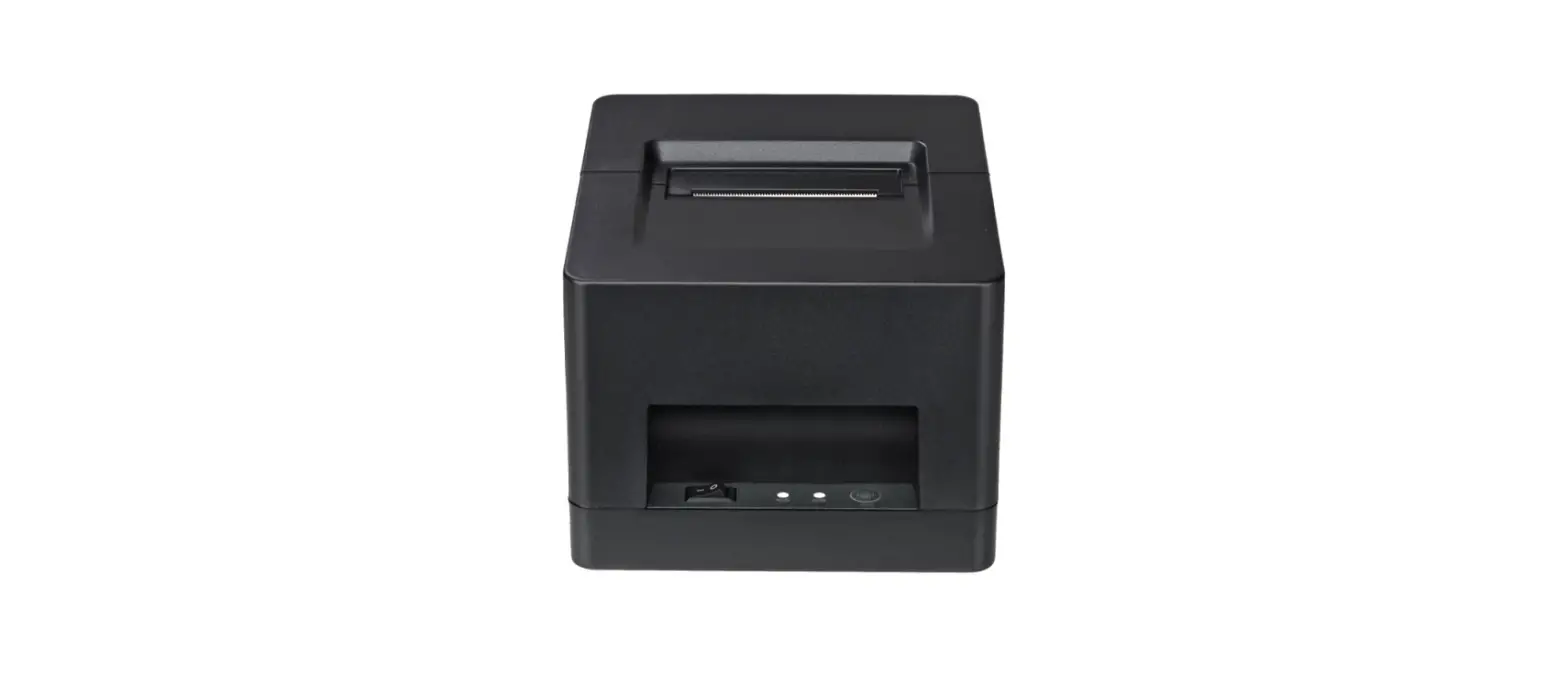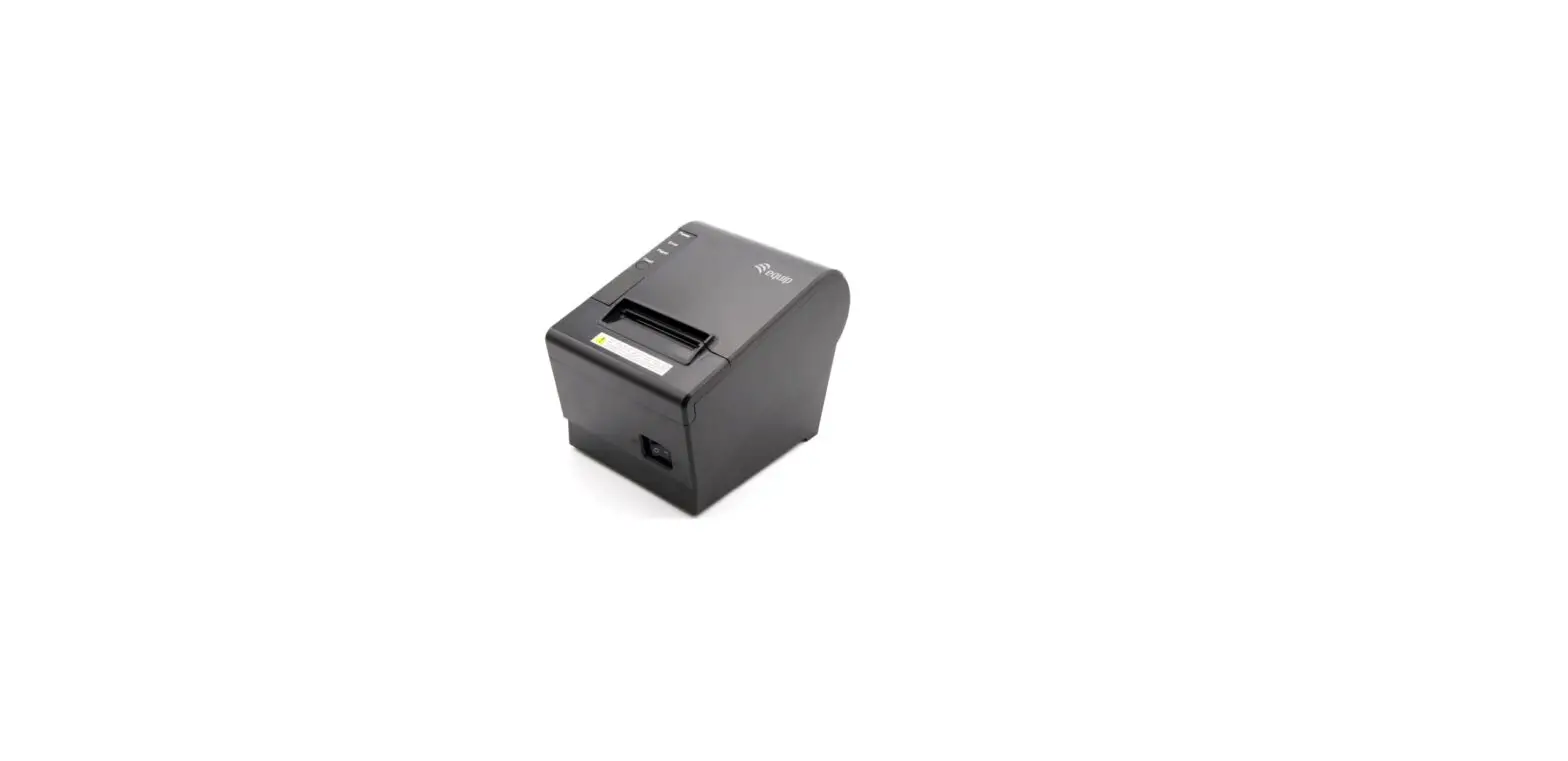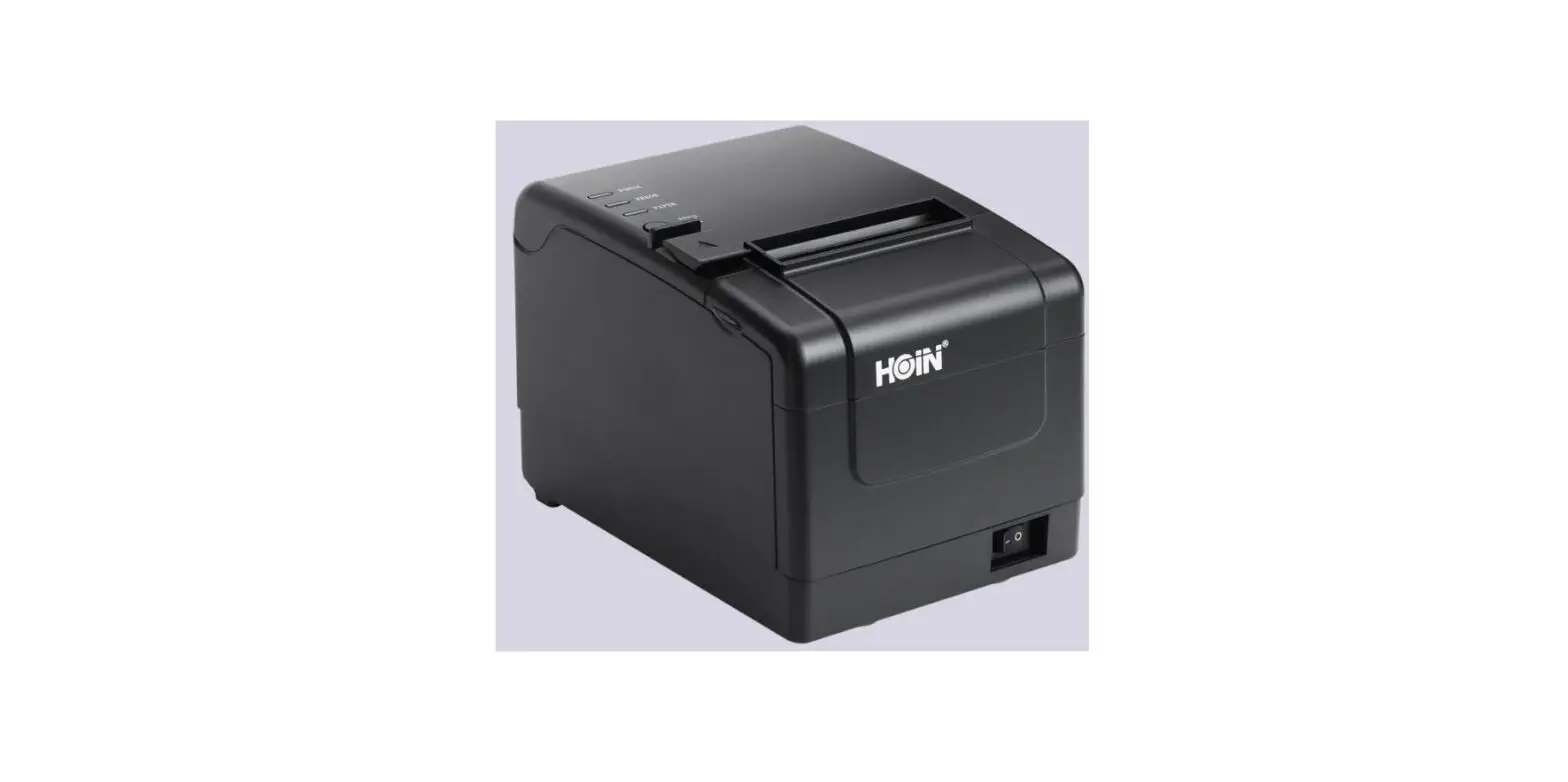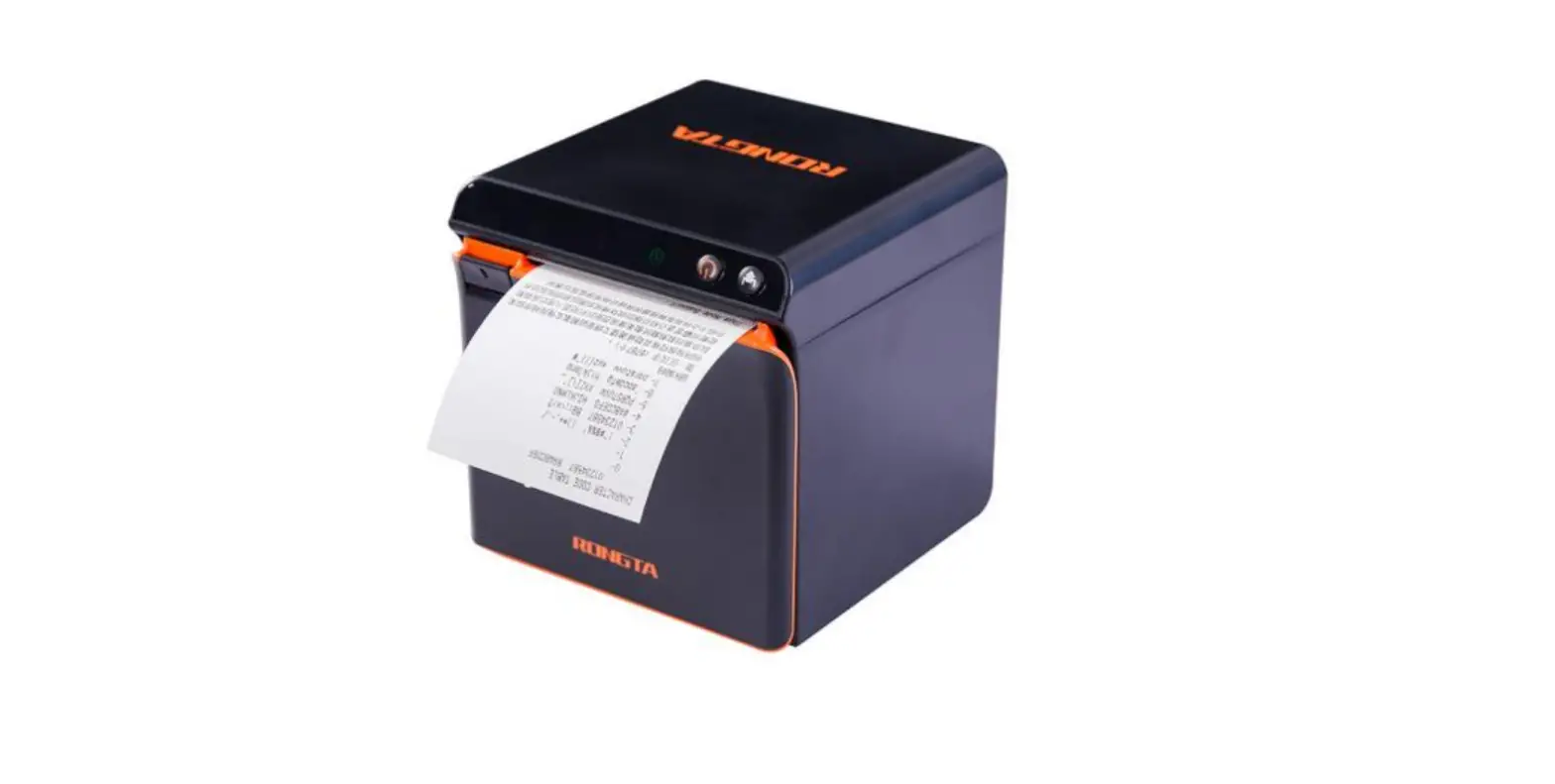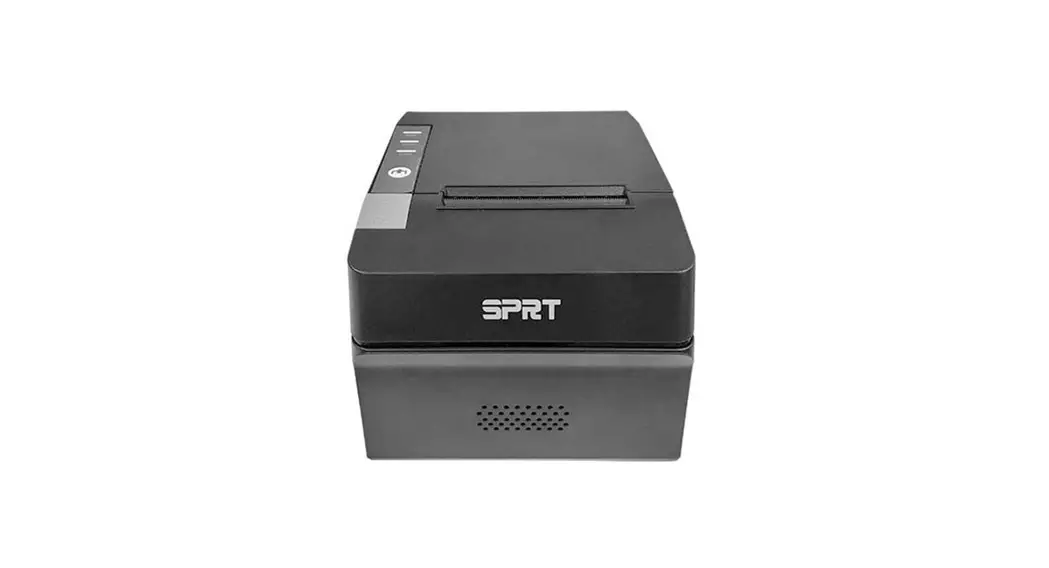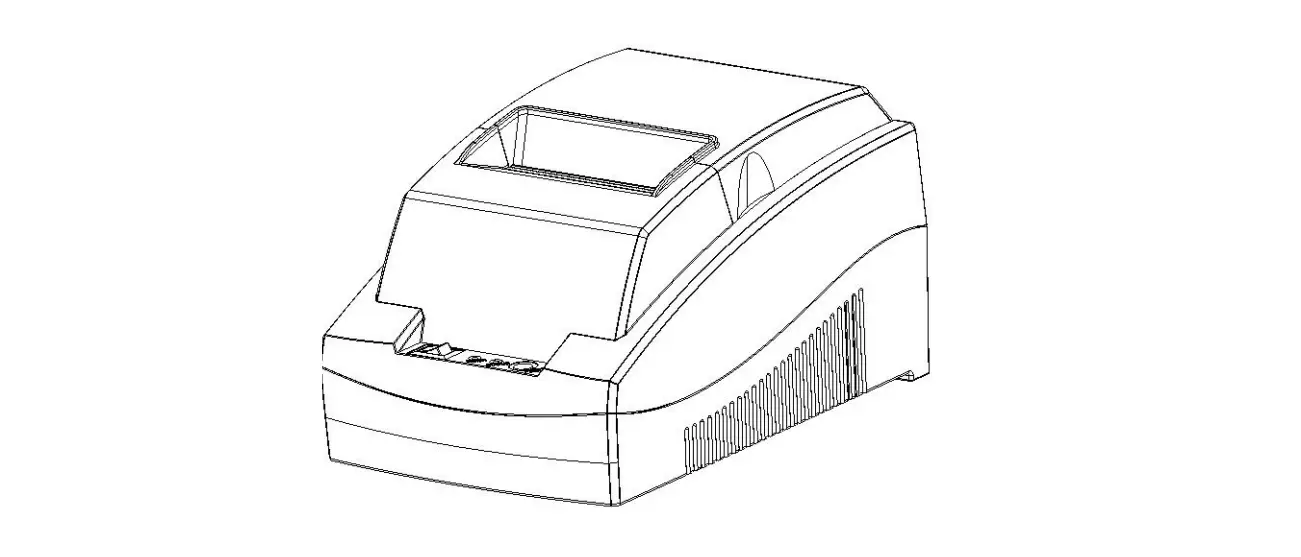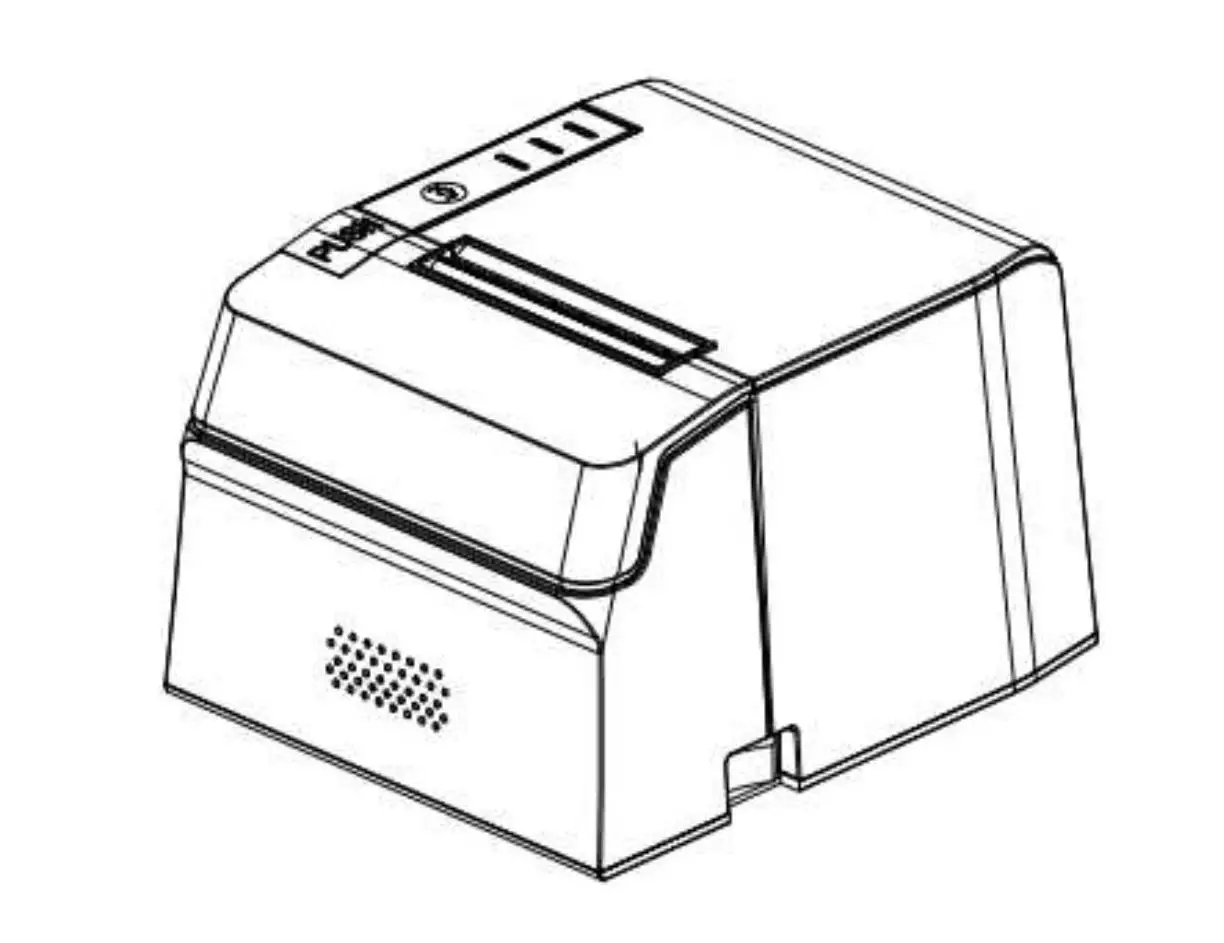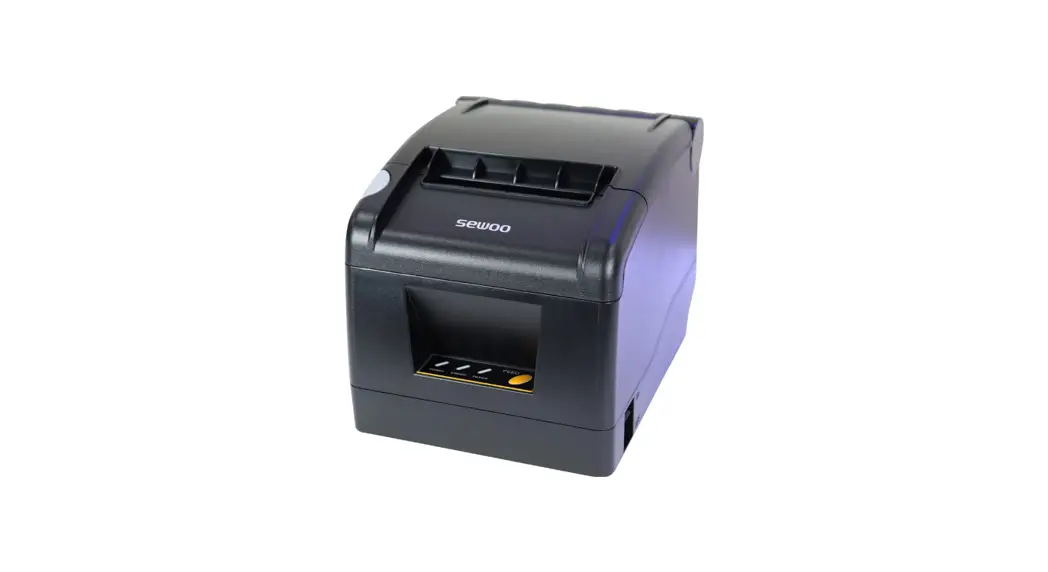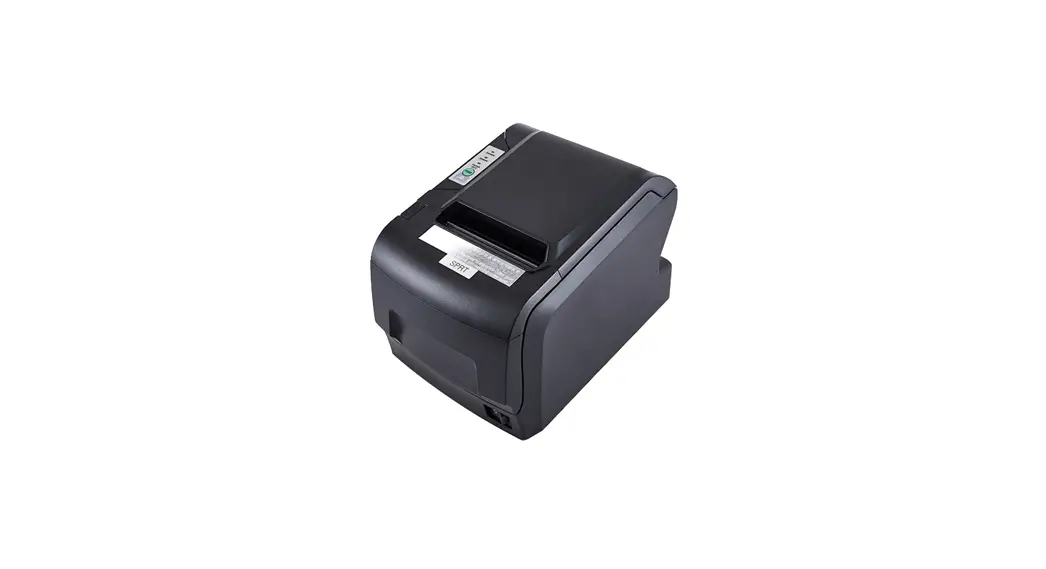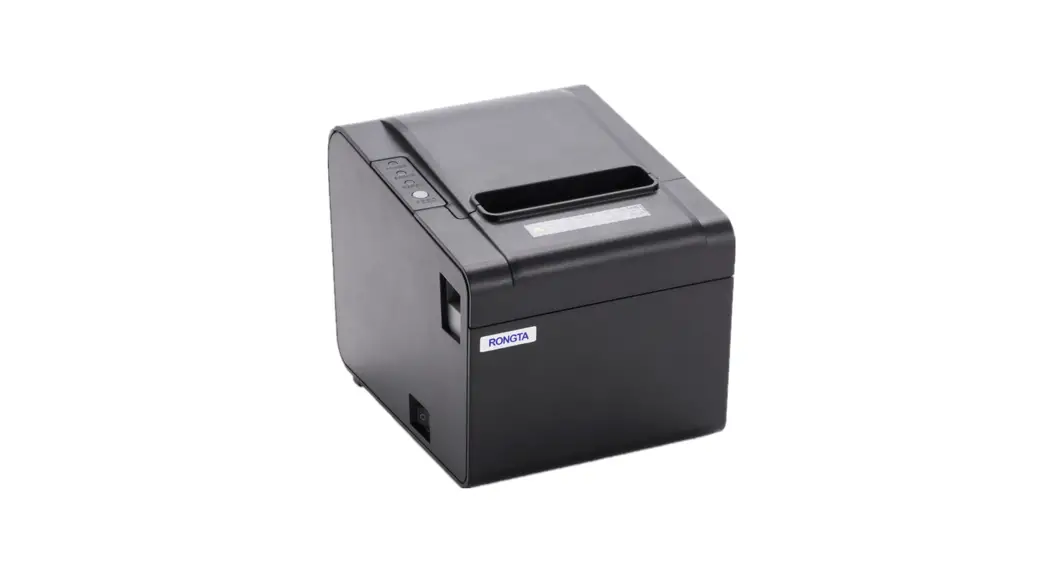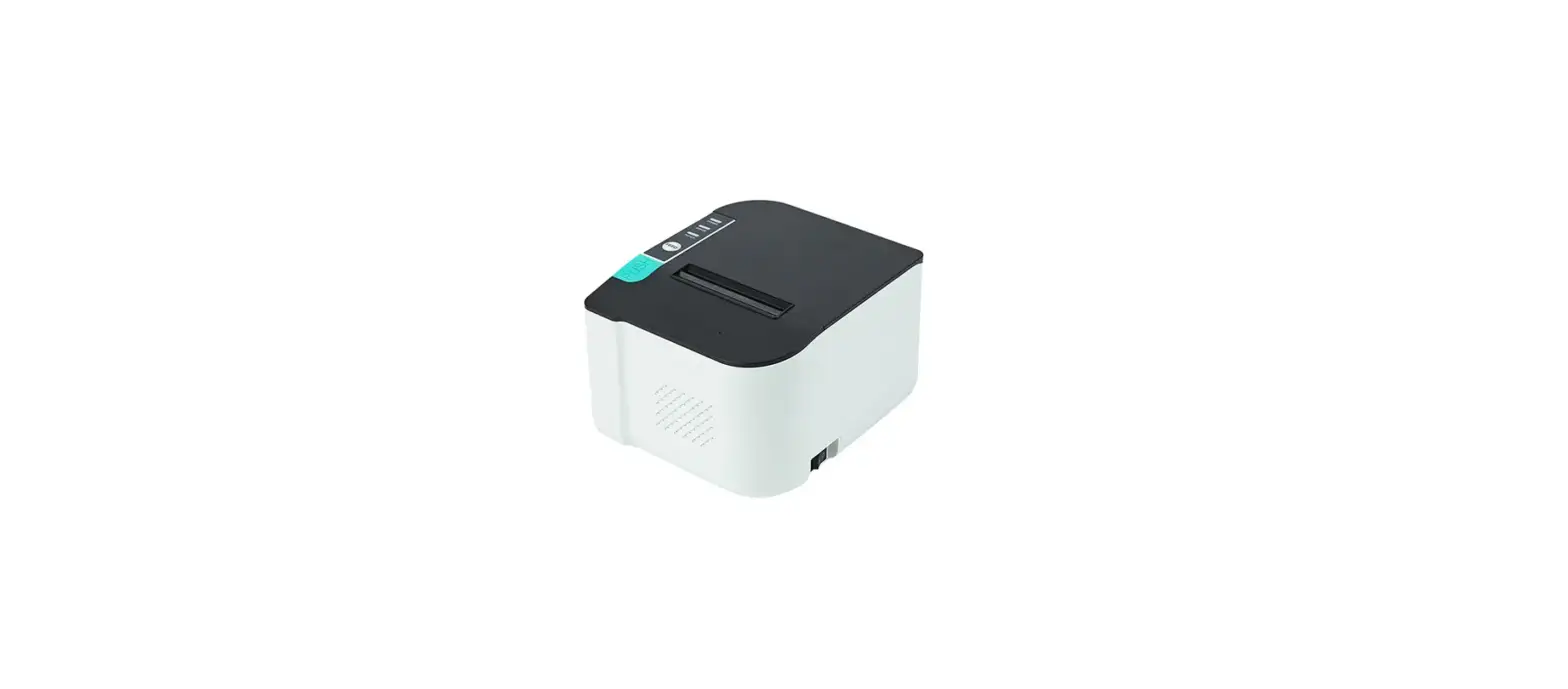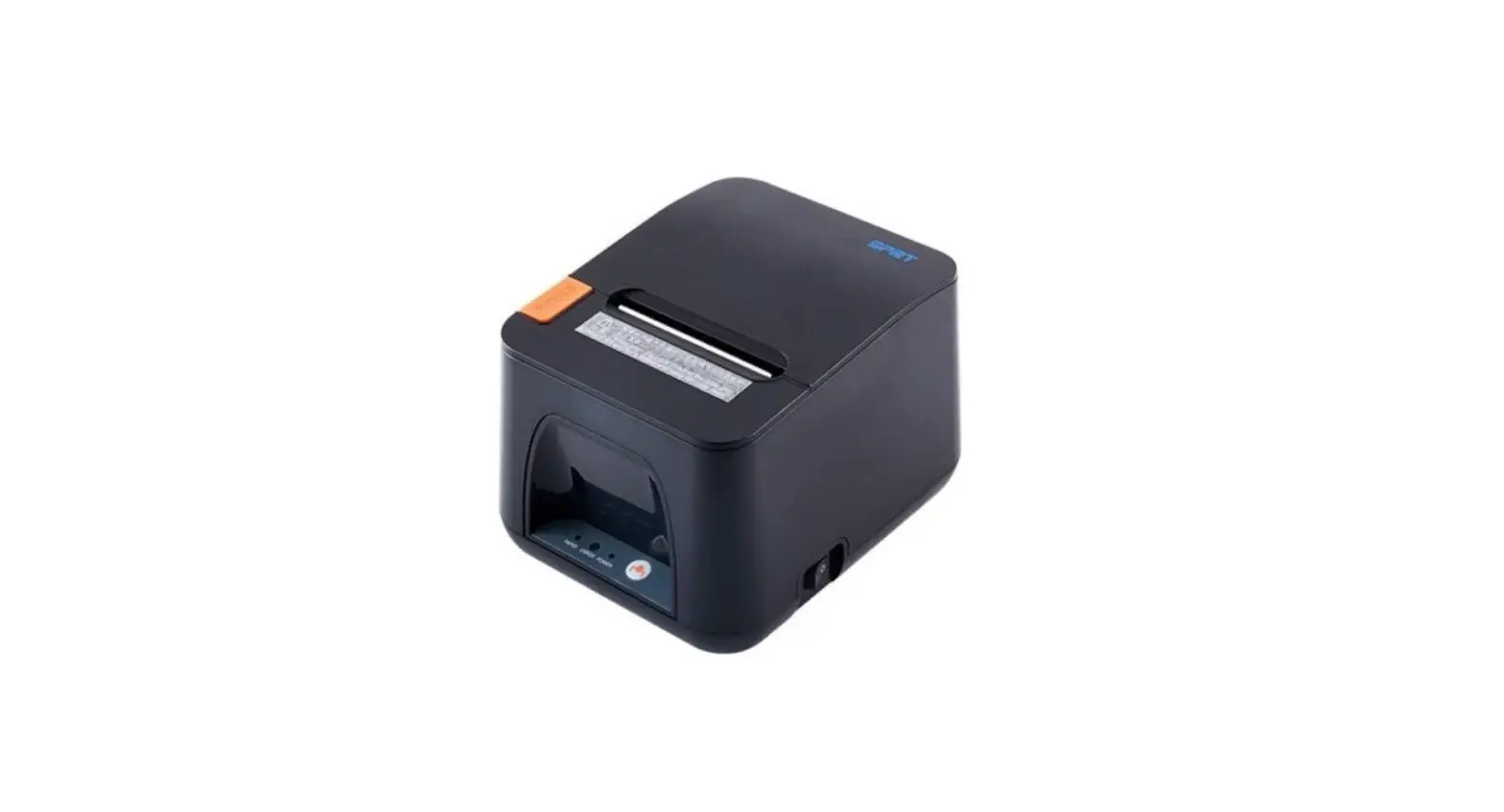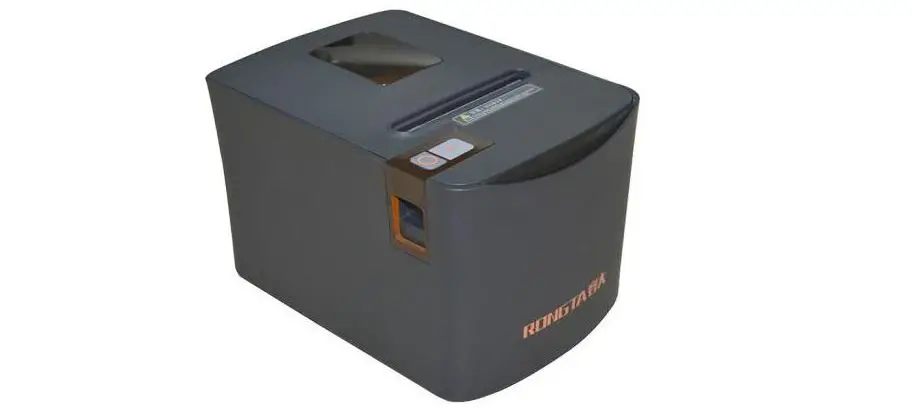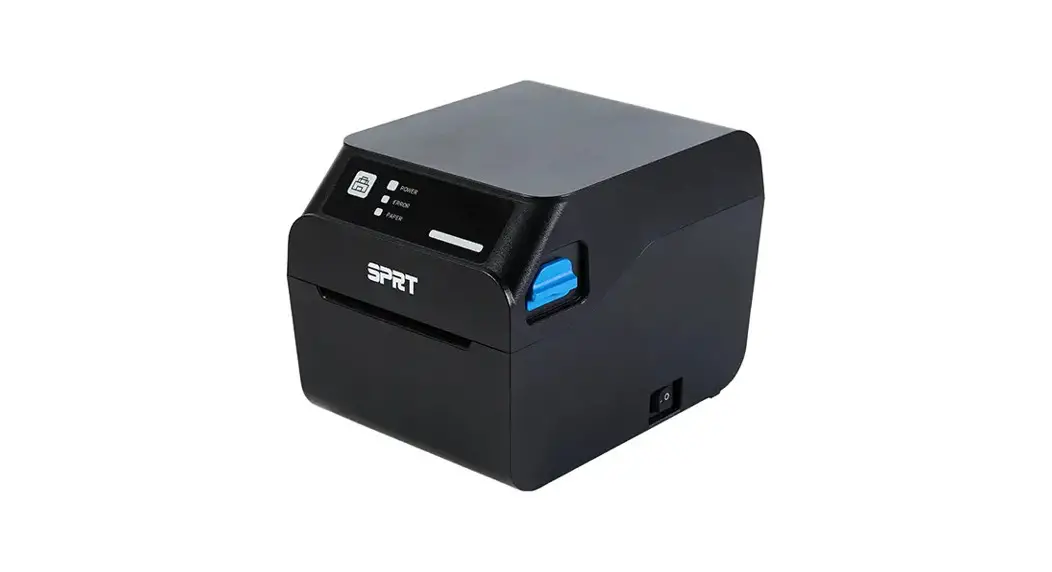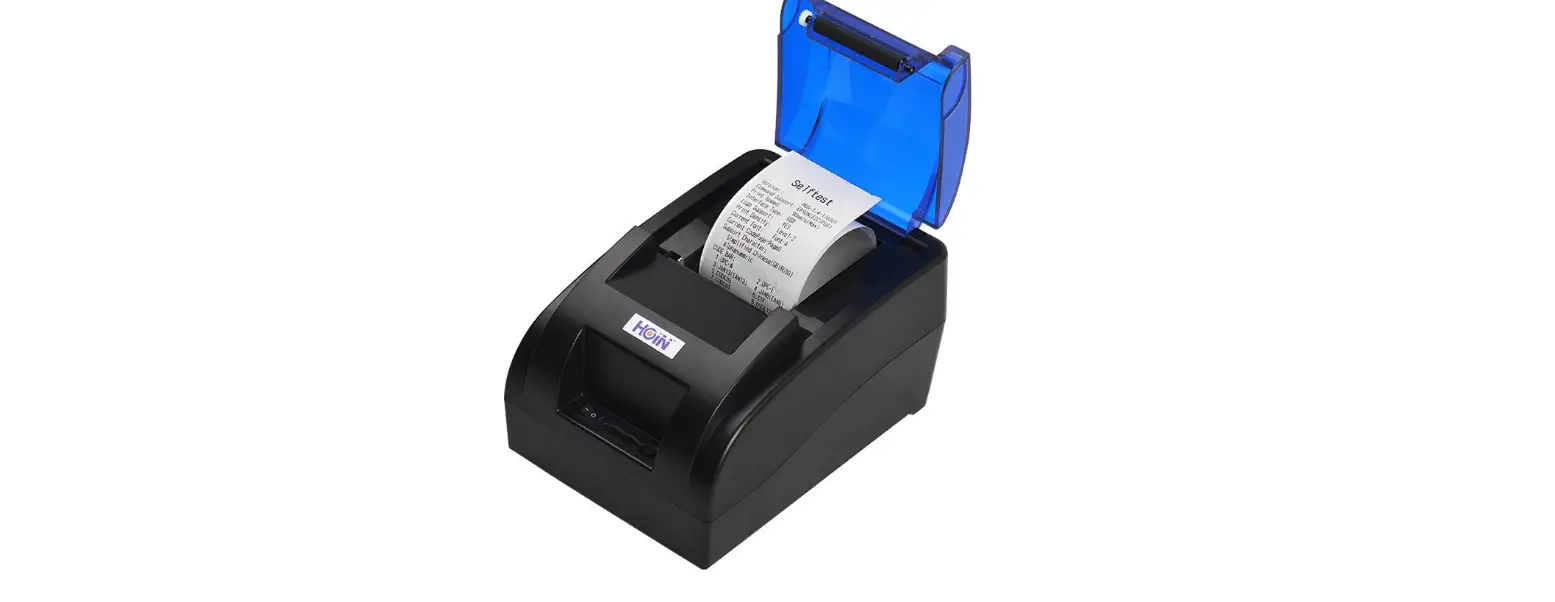

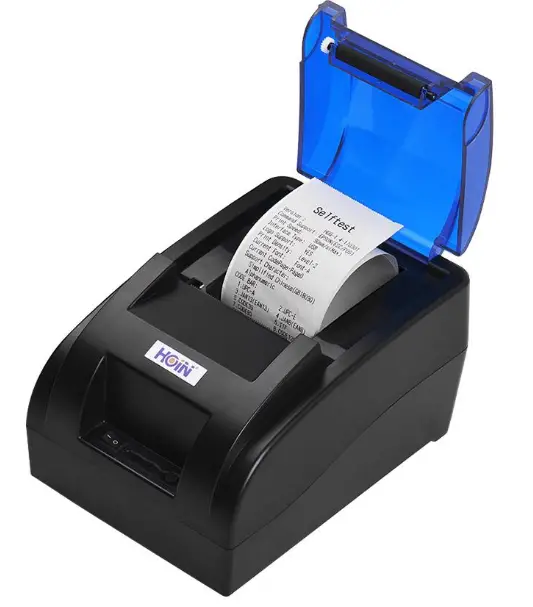
HOIN HOP-M581 58MM Thermal Receipt Printer
About this manual
Thank you for your purchase of our company’s 58MM thermal printer. This manual can help you learn to use this product. Please read this manual before use, and safekeeping, so that all the use of this product can read it.
Note
Due to our constant efforts to improve and upgrade the product’s function and performance, our company reserves the right to change the hardware and software specifications in the manual without prior notice. If you find any errors or missions in the contents of this manual, please tell us or our agent,thank you very much. Without the prior written permission of our company, the contents of the relevant manual attached to the product shall not be reproduced, transmitted, transcribed, stored, etc.
Statement
This product is type A product, may cause the radio interference in the living environment, in this case,the user need to protect the interference with effective protection measures.
Safety tips
- Do not disassemble the printer personally, pls read this manual before use.
- The printer should be installed in a solid place to avoid vibration or impact damage to the printer.
- Do not store and use the printer in the environment of high temperature, high humidity, and heavy pollution.
- The power adapter of the printer should be connected to the grounding socket, should be avoided to connected to the same socket with large motor or other can lead to voltage fluctuation equipments, or may lead abnormal to printer and even damage to the printer
- Pls use the standard power adapter to the printer.
- When plug connection line, please make sure the printer power is closed.
- When the printer is printing, please do not open the paper cover, otherwise it may cause unexpected situation, and even damage the printer.
- After printing, print head is still at high temperature, pls do not touch, to avoid burn.
- Pls do not use dissolved substances, such as: benzene, thinner or alcohol wipe to clean the printer casing. At the same time, please do not use corrosive chemicals and detergent to contact printer. To avoid damage to the printer.
- Pls use our company approved or regular factory produced printing paper, otherwise it may lead to poor print quality, and even damage the printer core.
- Thermal printing paper printing letter save time is related to thermal printing paper quality, if you want to print the long-term preservation bills, please choose a long-term thermal paper.
- The printer is only suitable for using in the altitude below 2000M.
- The printer is only suitable for use in non tropical climates.
Application Area
- Electronic cash register POS system printing
- Electronic transfer system printing
- Sports, postal, civil aviation bill printing
- Query, service system bill printing
- Tax bill printing
Package
- Printer 1PC
- Standard power adapter (including power line) 1 SET
- Paper roll 1 ROLL
- USB Data cable 1PC
- Use manual 1PC
- Driver CD 1PC
Printer Features
- Exquisite design high tech sense;
- Easy paper feed structure, simple and convenient operation;
- High reliability of large motor and large gear movement;
- 130 mm / s ultra high speed print, significantly improve the printing efficiency;
- Big paper warehouse design, the perfect support for 83MM large diameter rolls;
- Rich interface optional: USB, COM, Internet (100M), WIFI, Bluetooth.(Combination optional);
- Support GB18030 large font and multi language ;
- Supports LOGO and graphics downloads and print;
- Supports Windows, Linux, Android and IOS system print;
Printer Parameters
| Items | Parameters | |
|
Print parameters | Printing Method | Thermal Line |
| Effective Printing Width | 48MM | |
| Resolution | 384dots/Line(8dots/mm,203dpi) | |
| Printing Speed | 130mm/Second | |
| Interface Optional | USB,COM,Internet(100M),WIFI,Bluetooth (Combination optional) | |
| Line Spacing | 3.75 mm(Can adjust line spacing by command) | |
| Line No. | Font A-32 lines/Font B-42 lines/ Simple,traditional chinese-16 Lines | |
| Character | Standard GB18030 simplified / traditional Chinese Fonts | |
|
Character Size | ANKcharacter,Font A:1.5×3.0mm(12×24 dots);Font B:1.1×2.1mm(9×17 dots); Simplified/Traditional Chinese:3.0×3.0mm (24×24 Dots) | |
| Bar code Character | Extended character set | PC437/Katakana/PC850/PC860/PC863/ PC865/WestEurope/Greek/Hebrew/ EastEurope/Iran/WPC1252/PC866/PC852/ |
| PC858/IranII/Latvian/Arabic/PT151,1251/ PC737/WPC/1257/ThaiVietnam/PC864/ PC1001/(Latvian)/(PC1001)/(PT151,1251)/ (WPC1257)/(PC864)/(Vietnam)/(Thai) | ||
| Bar code | 1D bar code:UPC-A/UPC-E/JAN13(EAN13)/ JAN8(EAN8)CODE39/ITF/CODABAR/ CODE93/CODE128 2D bar code:QRCODE | |
| Graphics printing | Graphics printing | Supports bitmap download and print |
|
Paper | Type | Thermal Line |
| Width | 57.5±0.5mm | |
| Diameter | ≤83mm | |
|
Power | Power Adaptor | Input:AC 110V/220V,50-60Hz Output:DC 12V/2A |
| Casher Drawer output | DC 12V/1A | |
| physical characterist ics | Weight | 0.75kg |
| Dimension | 180*115*127(MM) | |
| Environme nt | Working | Temp:5 ~ 45℃, Humidity:10 ~ 80% |
| Storage | Temp:-10 ~ 50℃,Humidity:10 ~ 90%(No dew |
| ) | ||
| Reliability parameter | Print Head Life | 50KM(print density≤12.5) |
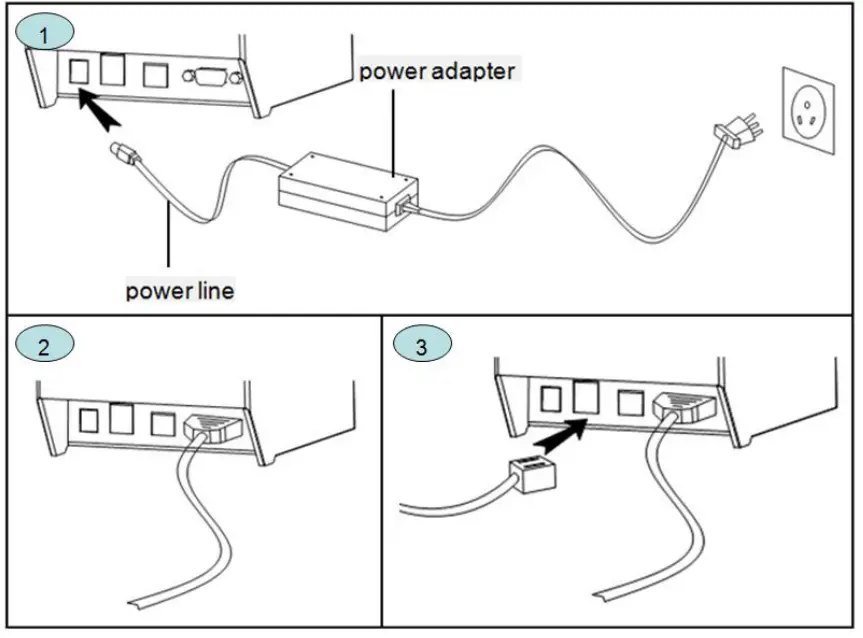
Printer connection:
- connect the power adapter cable to the printer power supply interface.
- connect the data cable to the printer’s interface.
- the cashier drawer cable connected with printer interface .

Install the print paper
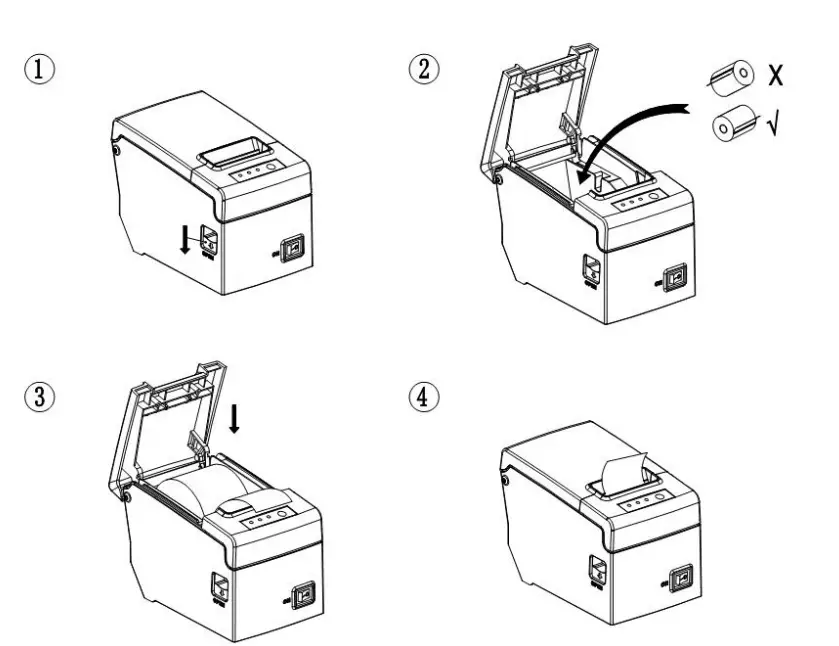
58MM series thermal printer using 58MM thermal paper, using easy paper structure, convenient to install paper.
- Pressing down the cover open button, open the printer cover.
- Put thermal print paper in the paper holder according to the pic below.
- Pull a little paper out of the warehouse.
- tear excess printing paper.
Note: take care of the roll direction, if reverse direction, the content won’t be print out.
Switch, key name, indicator and function:
- power switch
The switch can turned on and off the printer power supply. - (feed) key (FEED)
Press the button can feed, if keep on press this button will continued to feed. - (short paper) light (Paper)
This indicator and the Error lamp flashing at the same time indicates that the printer is short of paper, this indicator and the Error lamp off means the printer has paper. - (power) lamp (power)
The indicator light on indicates that the printer is connected to the power supply, this light off indicates that the printer power is off. - (error) light (Error)
When the printer is missing paper, print head overheating, the lid is not closed well etc., the indicator lights will flashing. - Self test:
Printer self-test method are as follows: when the printer connected to the power adapter, press (feed) key and open the printer power at the same time, released the button after approximately 2 seconds, printers will print out current printer status and settings.
Printer Repair and maintenance:
- printer external and warehouse cleaning: please use a wet cloth gently wipe the printer surface and internal paper warehouse.
- Printer core clean: printer core must be clean on time, especially the quality of printing is decline, cleaning methods are as follows: put cotton dipped in anhydrous alcohol and gently wipe the printer core ceramic parts as shown in the picture below until clean enough.
- If find water inside printer, please immediately disconnect the printer power, and dry the printer naturally.
Failure Analysis
| Failure phenomenon | Failure cause | Solution |
| Printer feed indicator and Error indicator flashing at same time,and make a Di Di… beep sound | Printer lack of paper | Install paper correctly |
| Printer error flashing and make a Di Di…beep sound | 1. The printer head is too hot 2. The flip not closed well | 1. Open the cover and dissipate heat fully then go on printing. 2. Cover the flip well |
| When the printer prints only paper run but not | Print paper install reverse | Pls install the print paper for a opposite direction |
| The printer print fuzzy | The print head not clean for a long time | Put cotton dipped in anhydrous alcohol and gently wipe the printer core ceramic parts until clean enough |
| The character colour in thermal paper no good | Pls choose high quality thermal paper | |
| There is no response of printer | The power adaptor not connected | Pls check power adaptor is connected well or not,power switch is turn on or not |
| Printer can self test, but can not print online | Driver port selection error | Pls select the correct print driver port based on the actual connection port |
| Printer serial port does | Bit rate slection error | Pls set the COM baud rate |
| not print or print garbled | accoridng to the COM info on self | |
| test page |