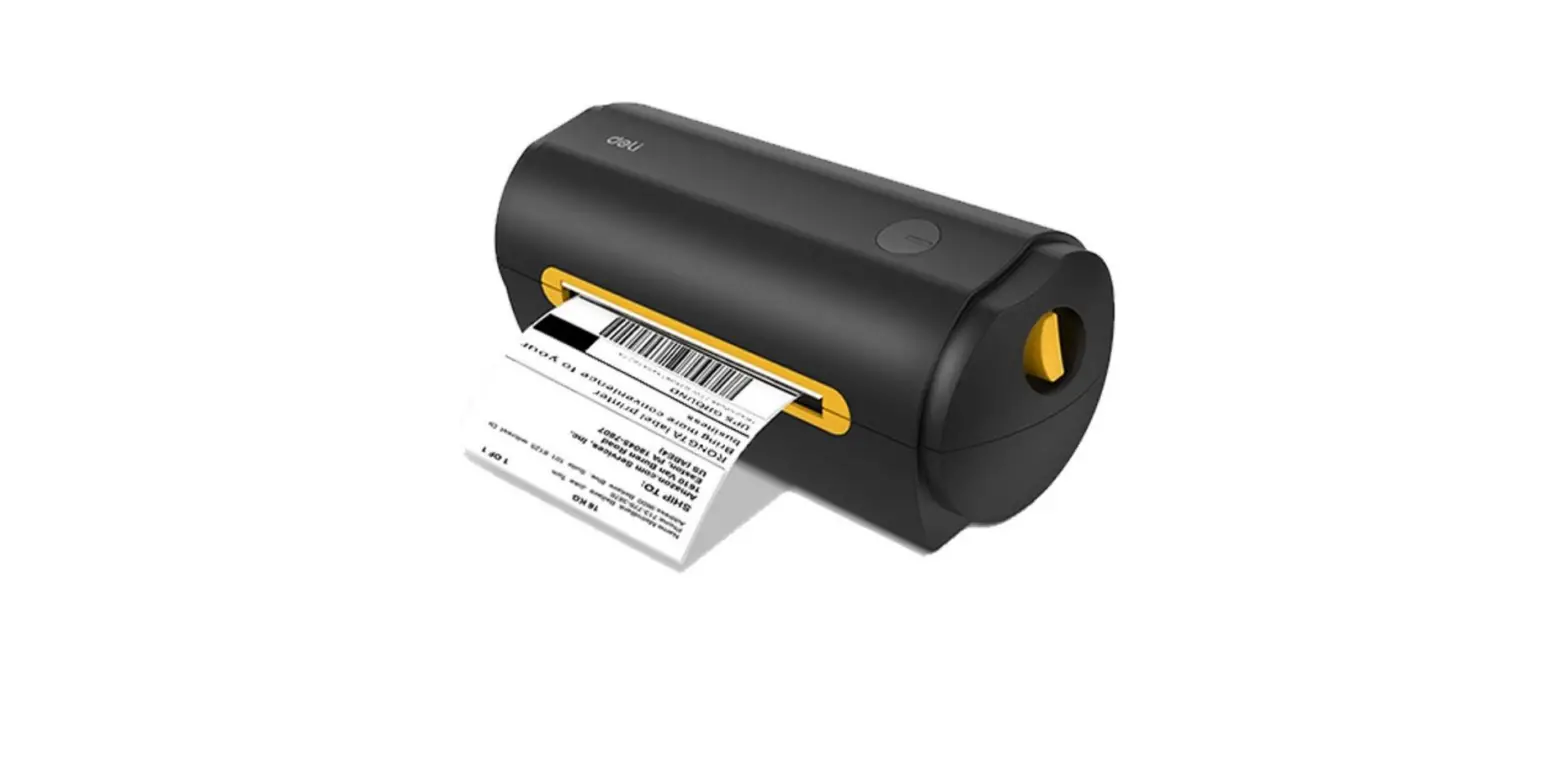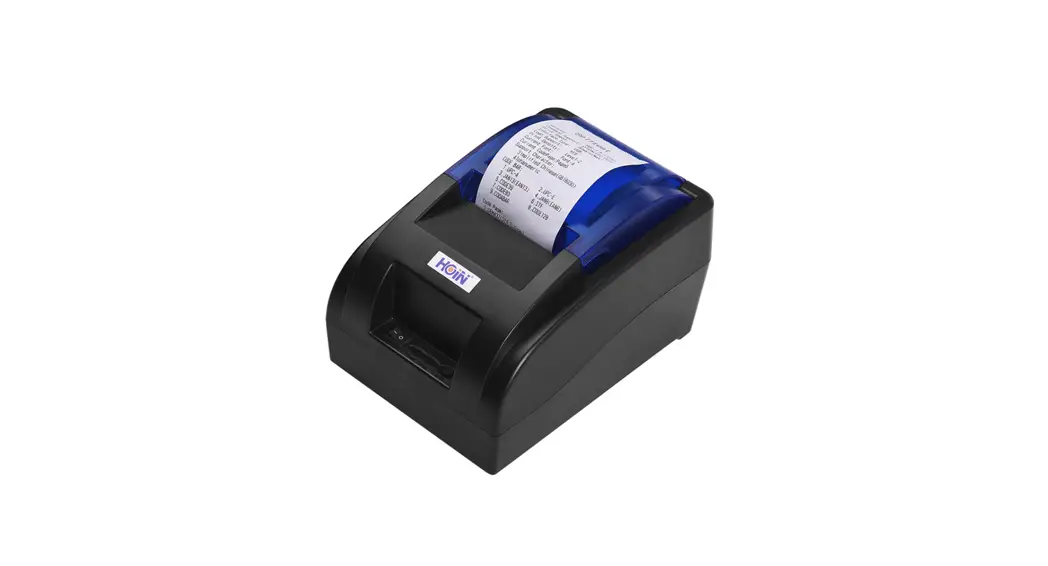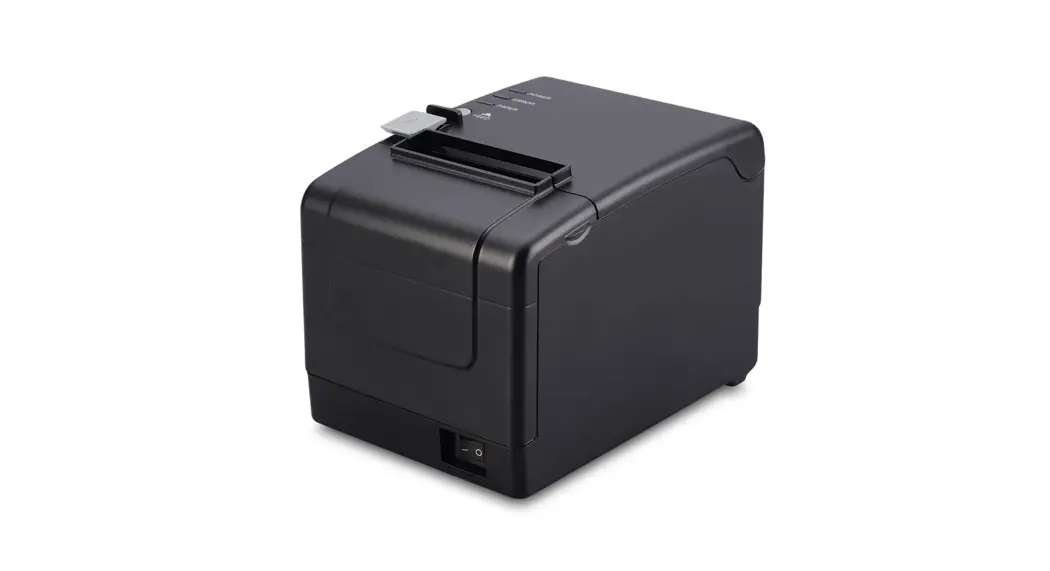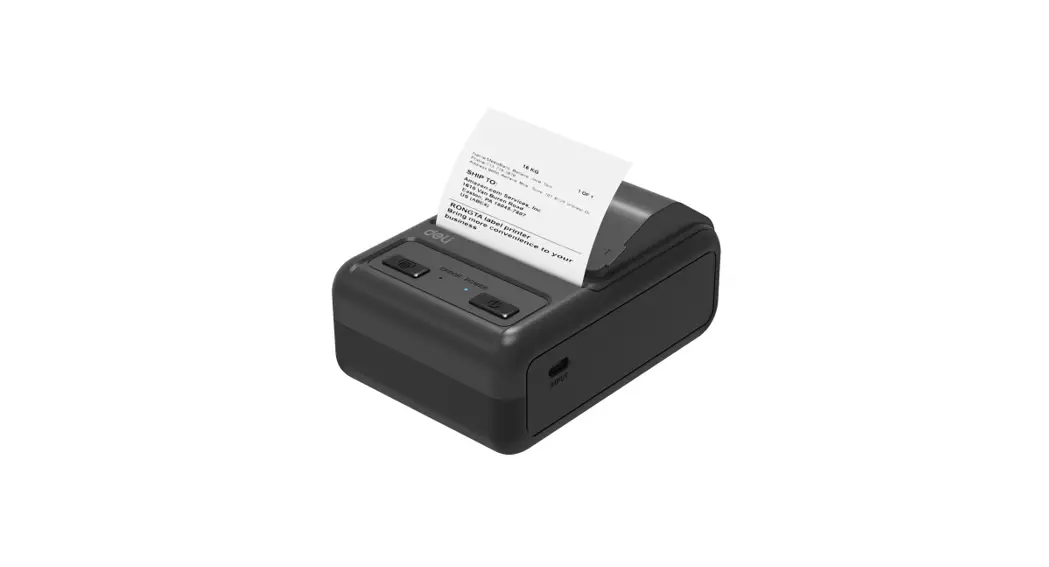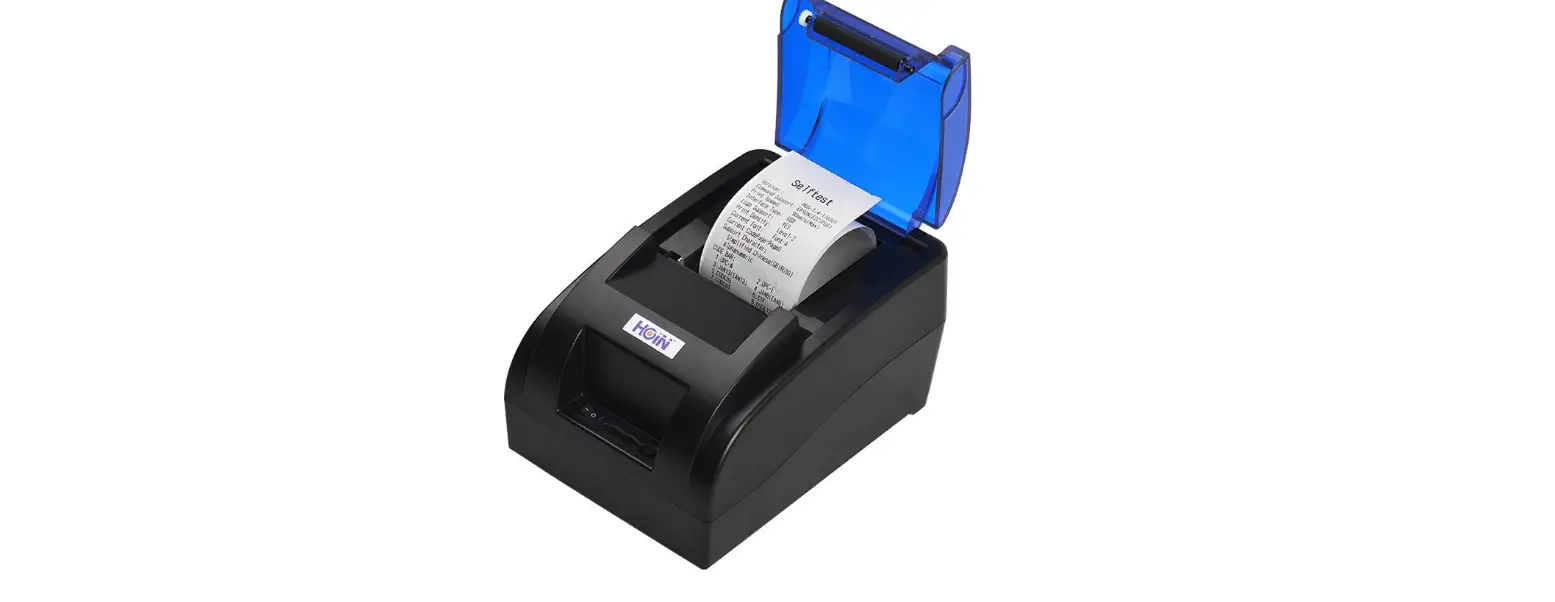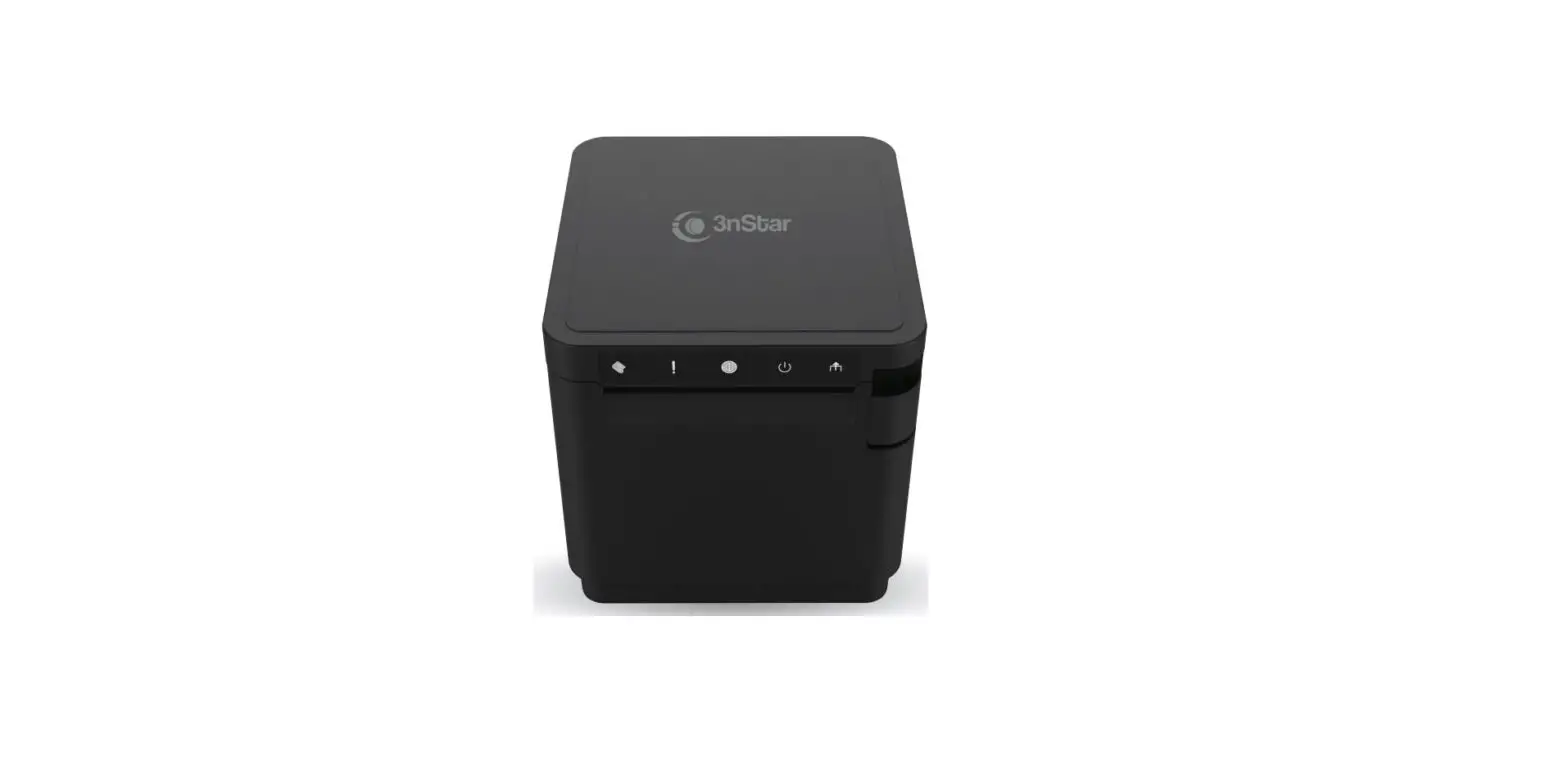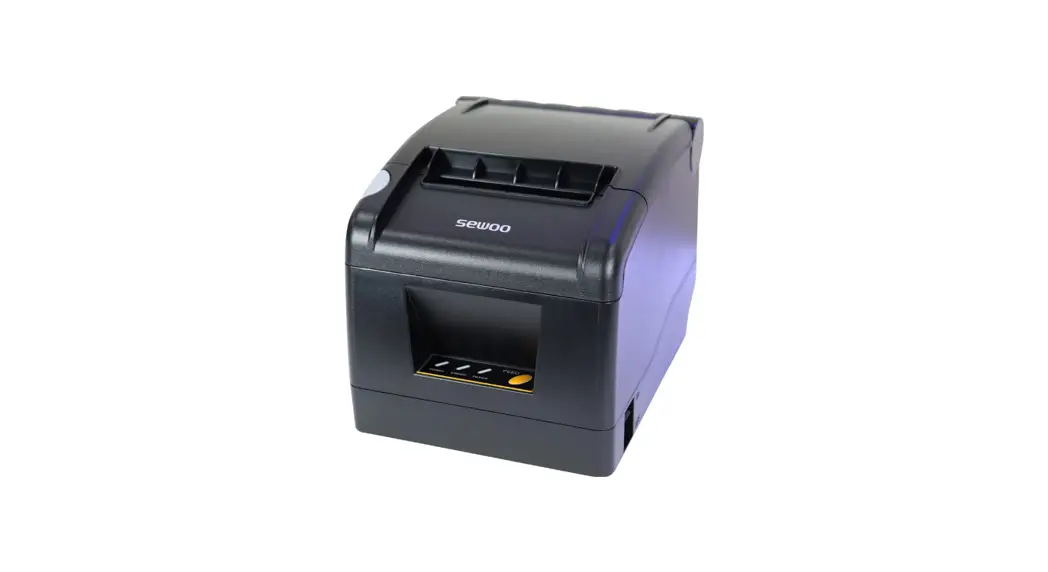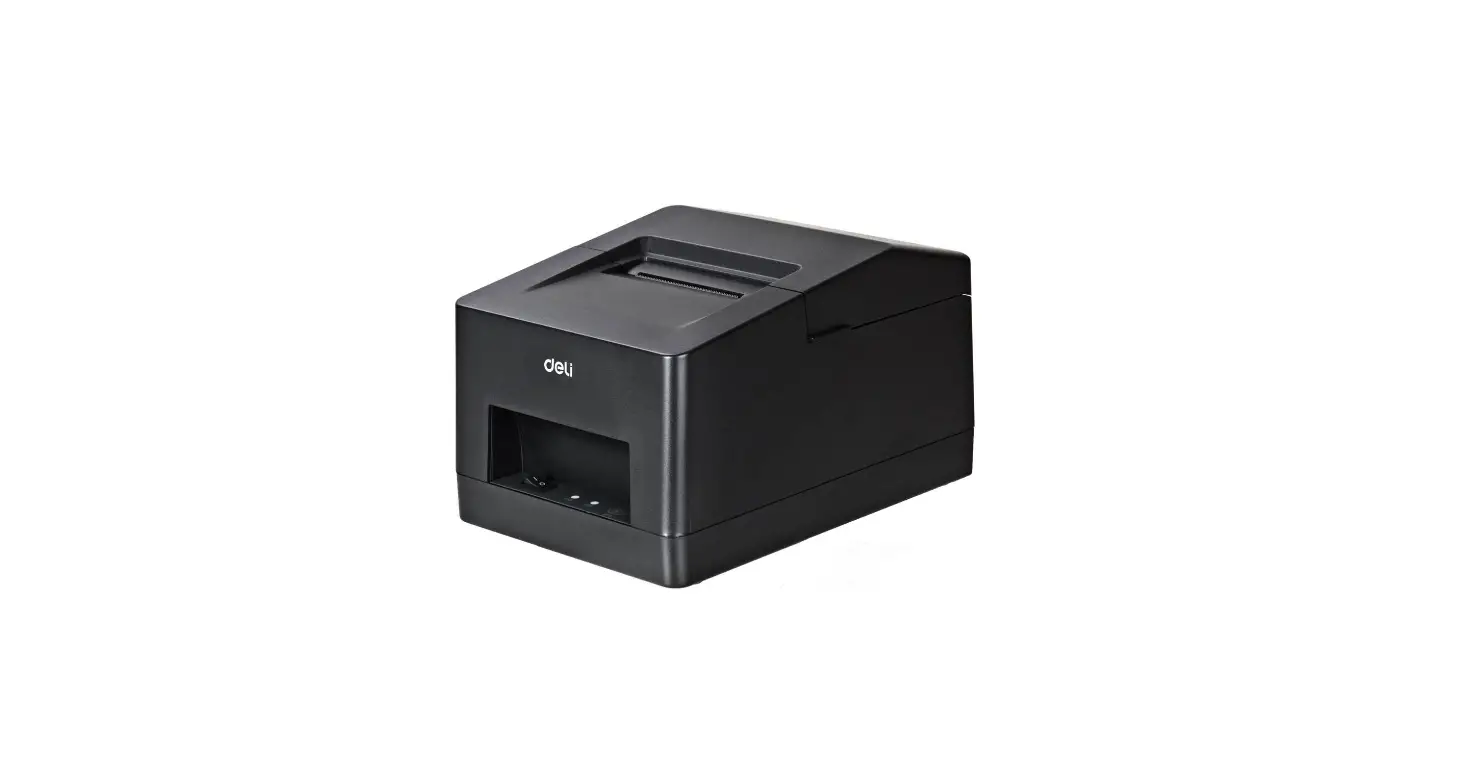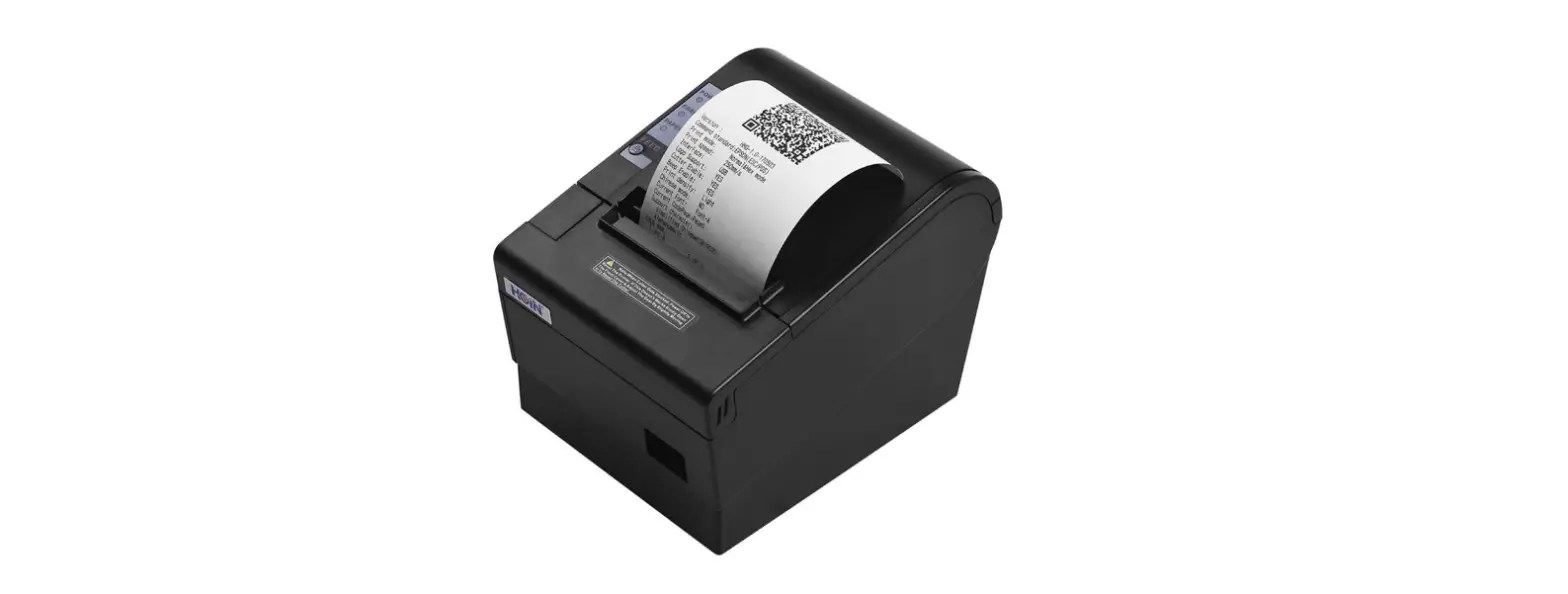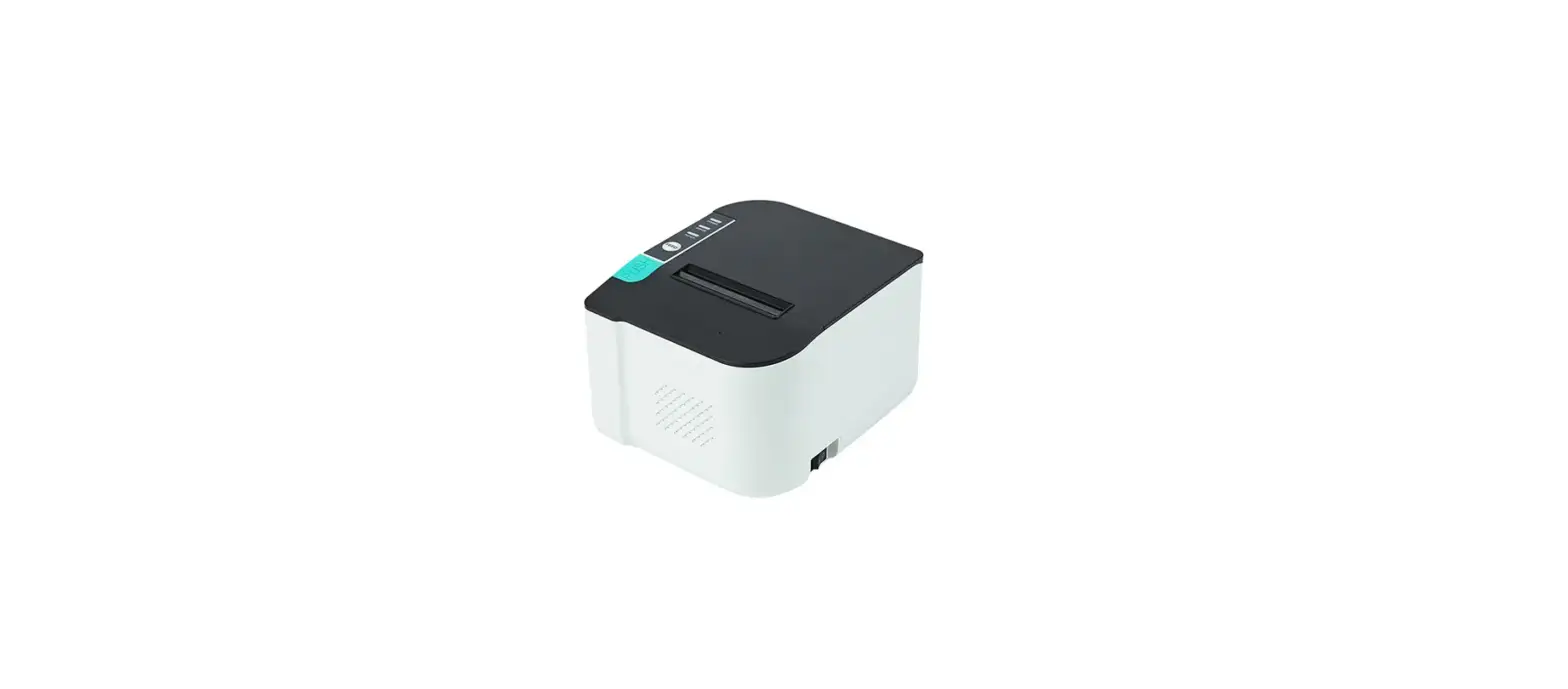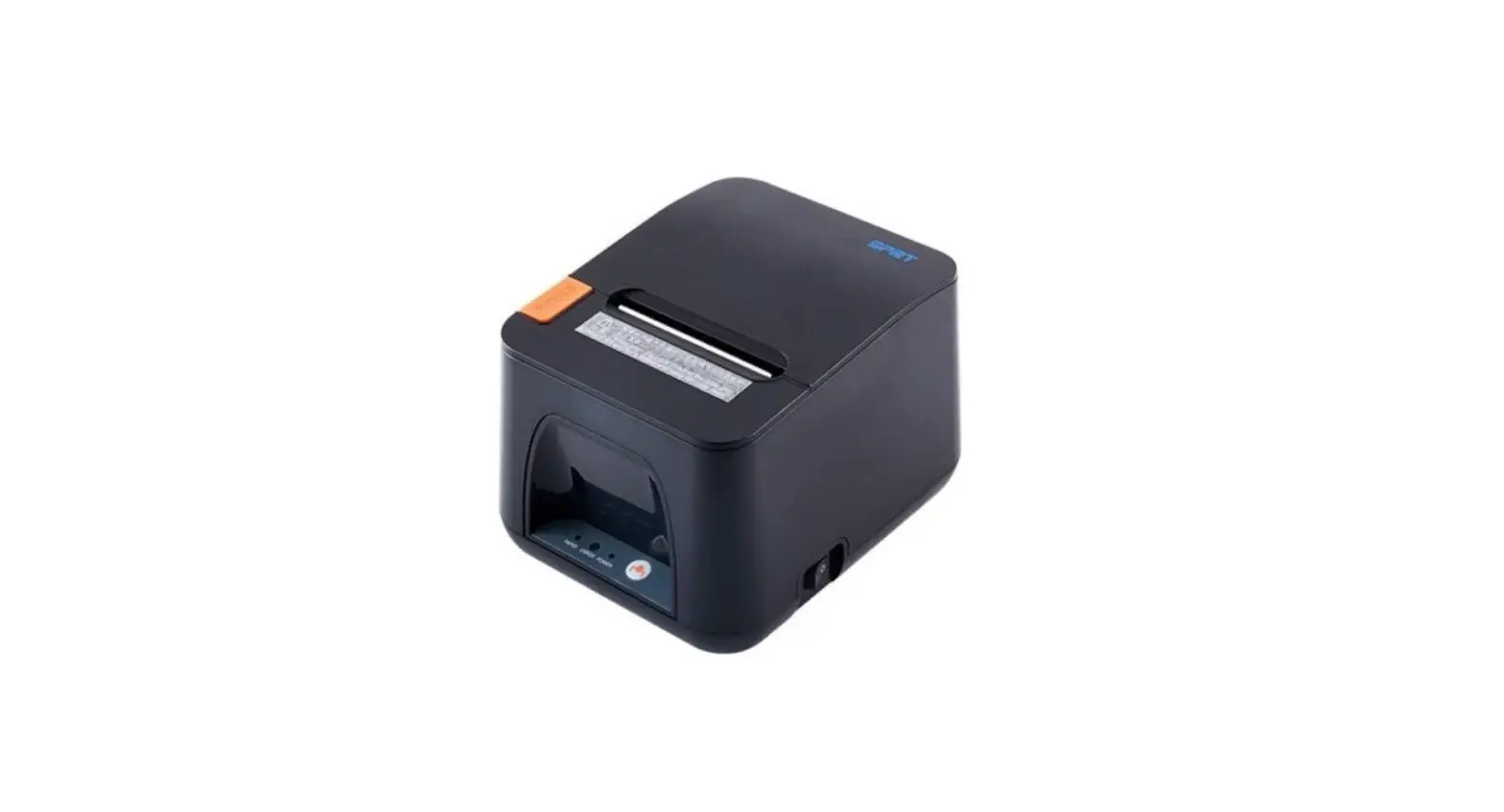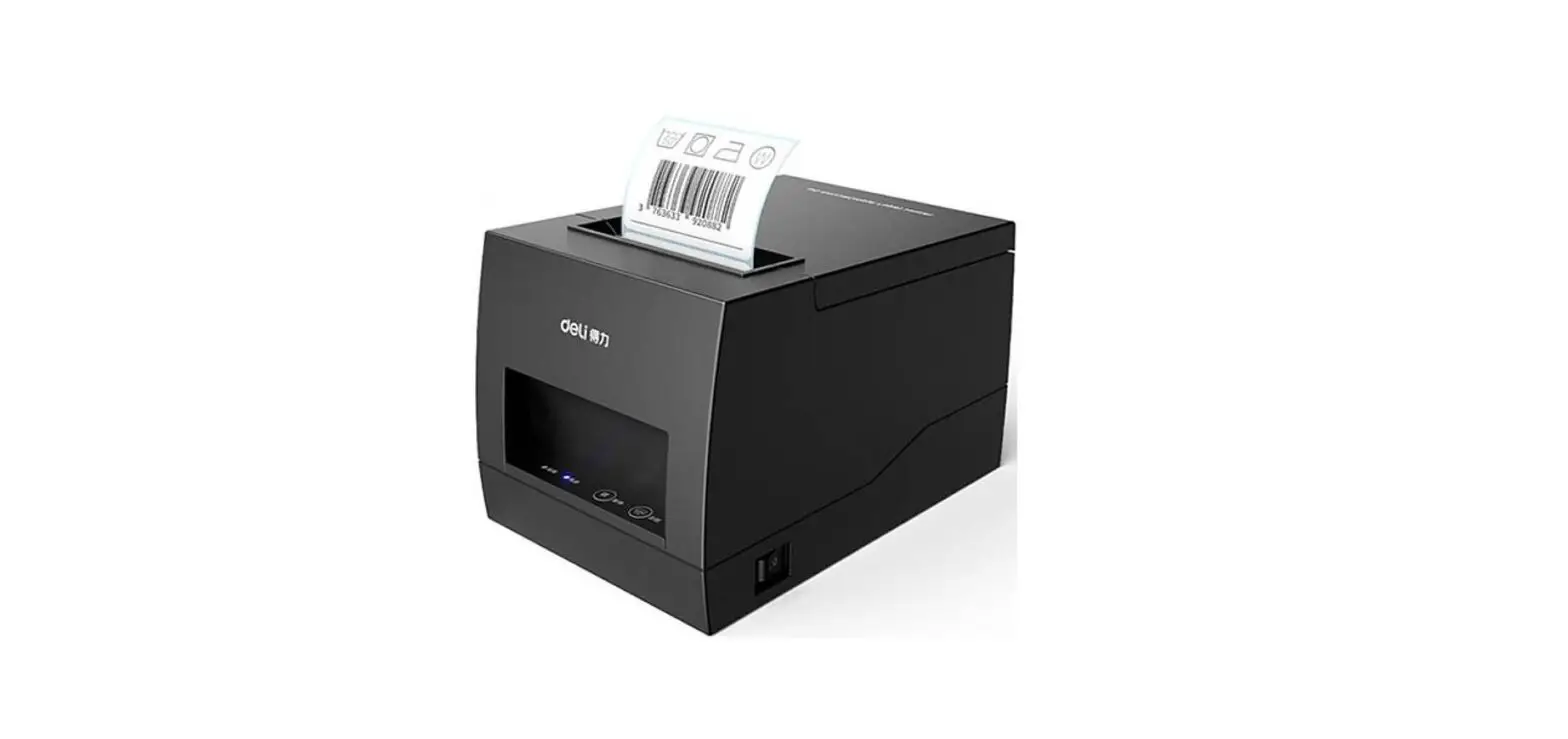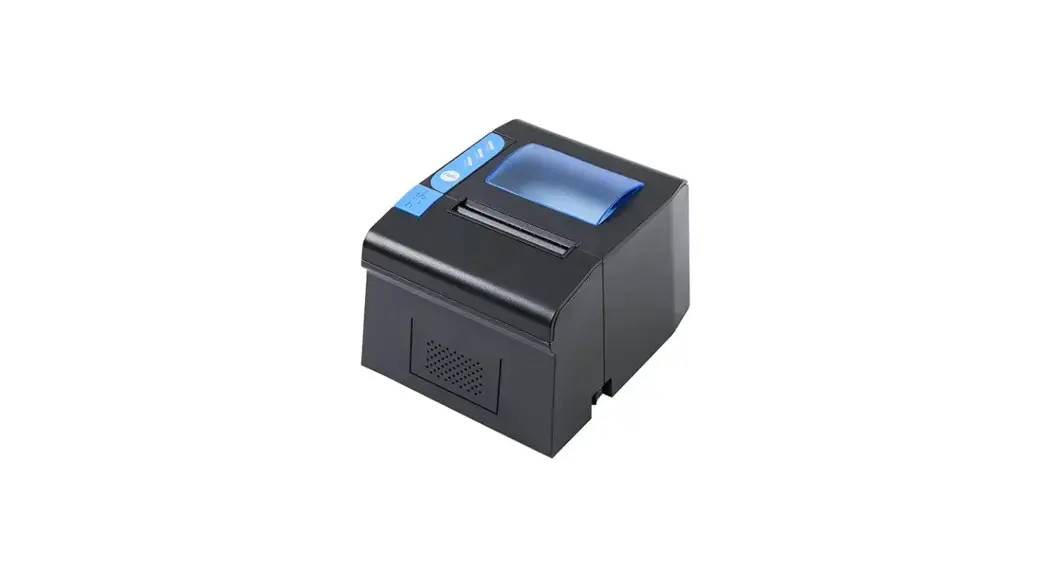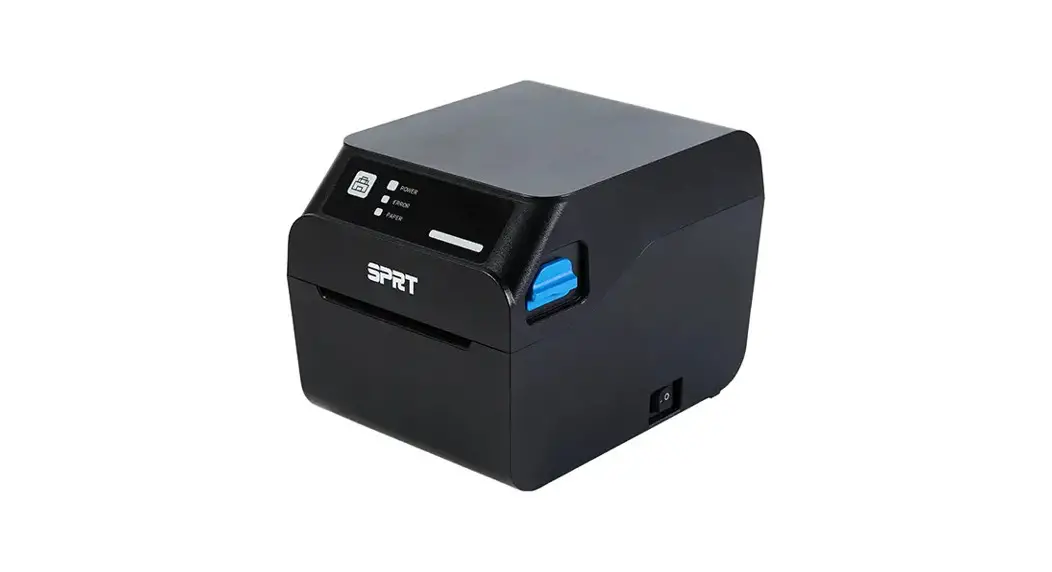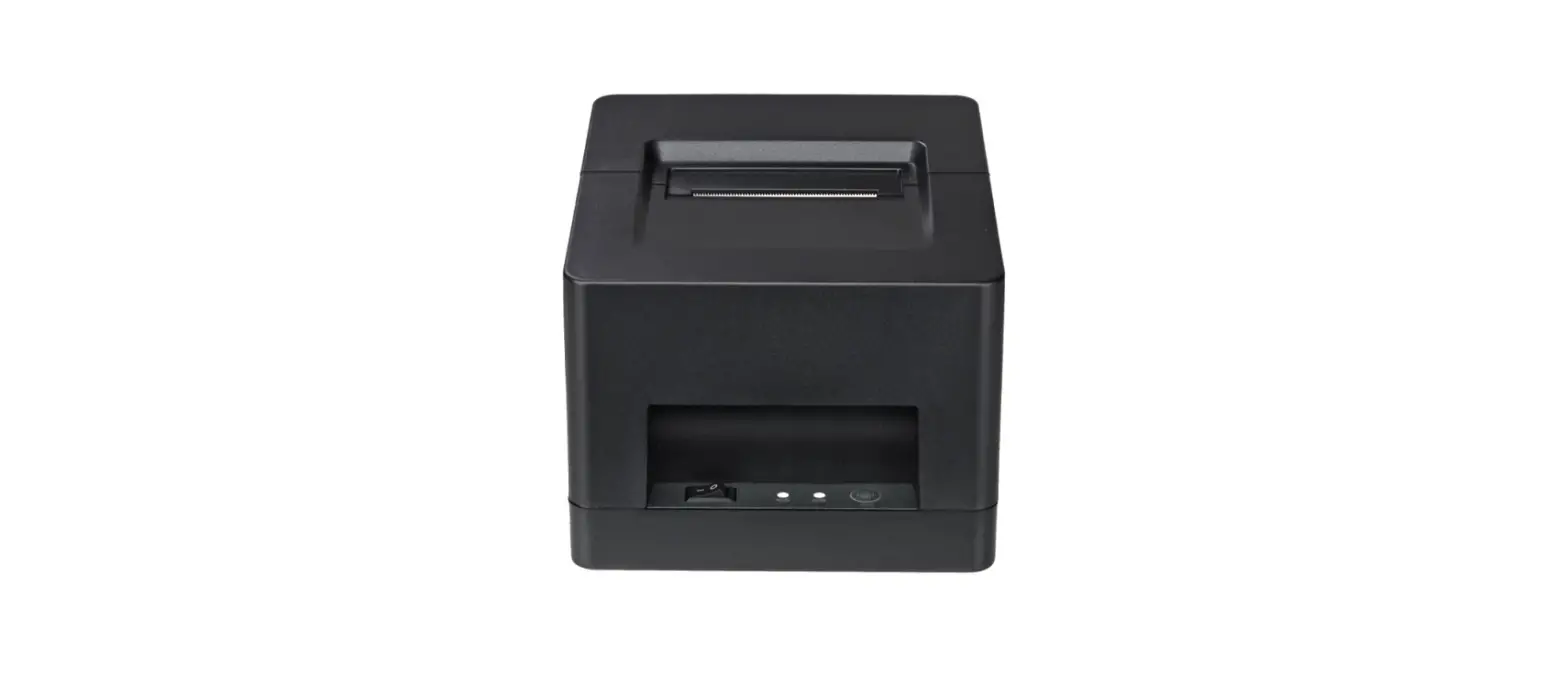

deli DL-581PW Thermal Receipt Printer
packing checklist
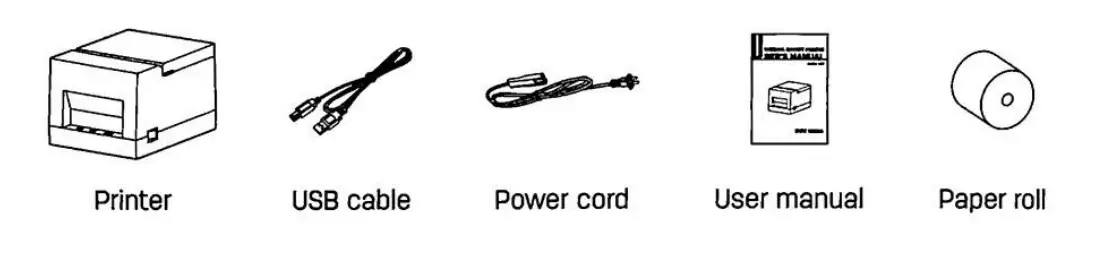
Please check if the product is intact after unpacking and verify that all the accessories have been received. Please contact the dealer for any defect and/or missing of accessory.
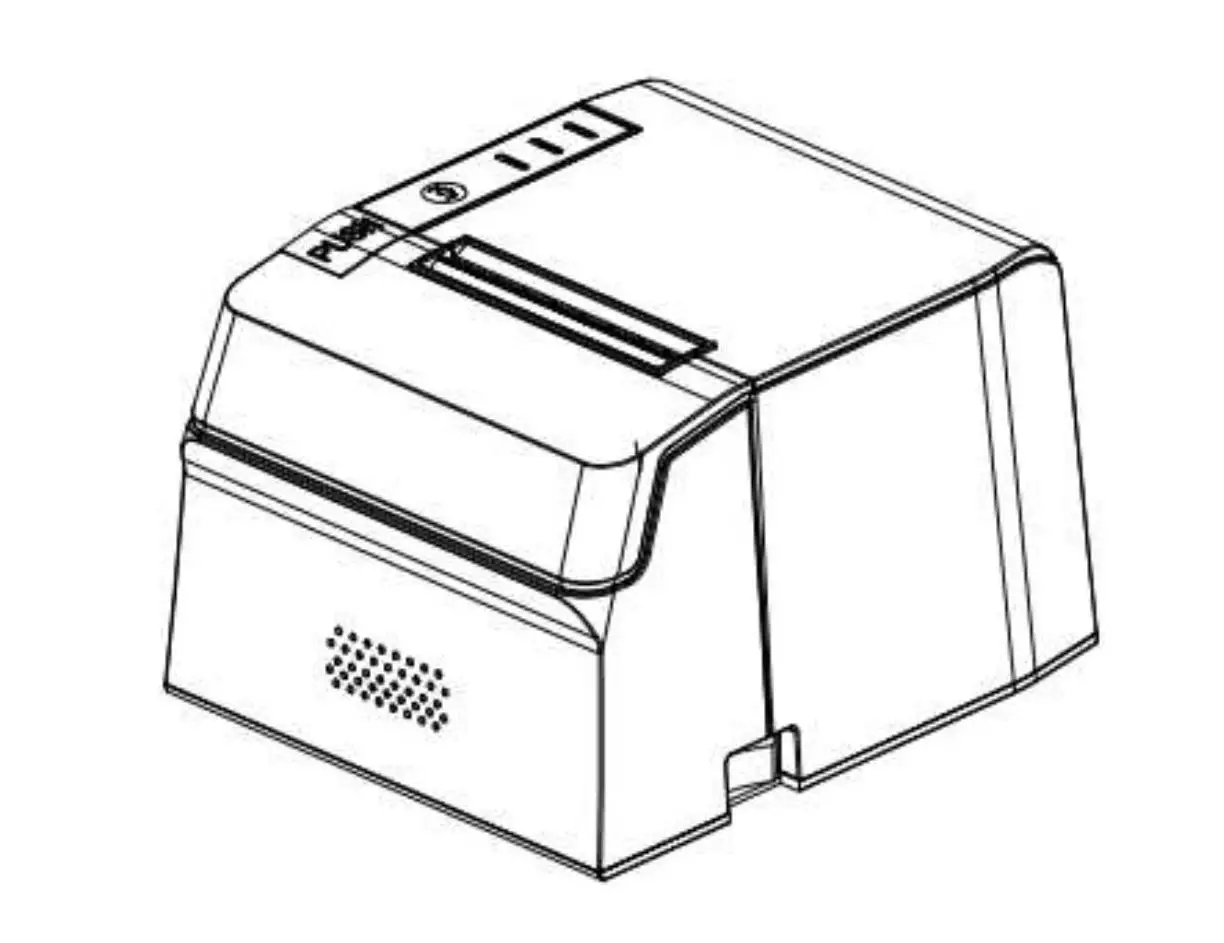
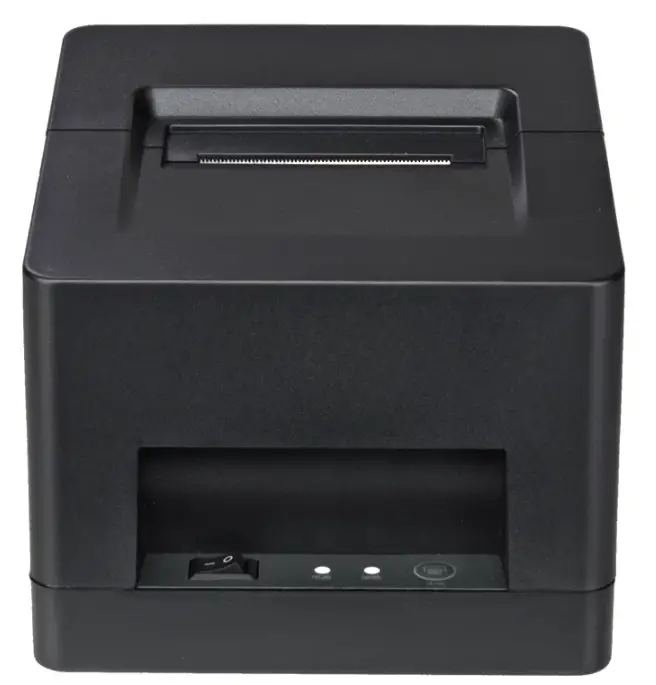
Physical appearance and components
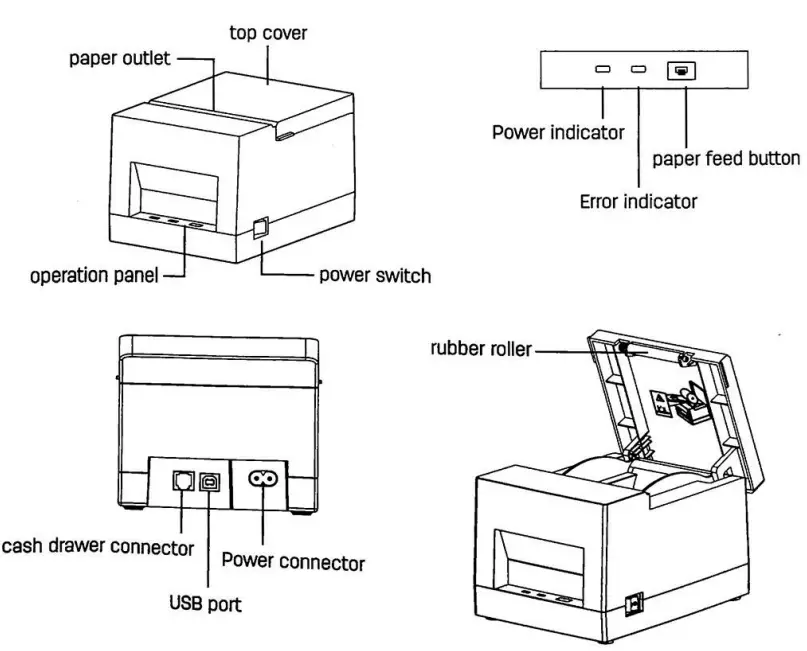
Loading the paper roll
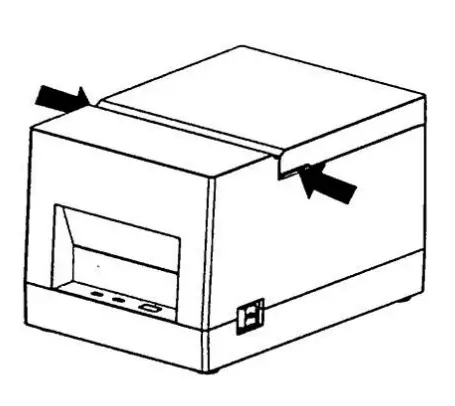
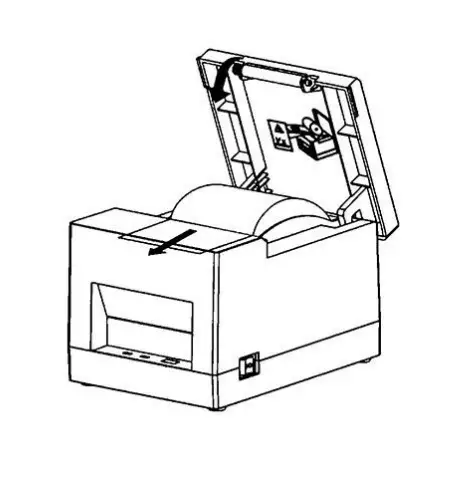
- Follow the arrow to open the printer top cover by pushing it up.
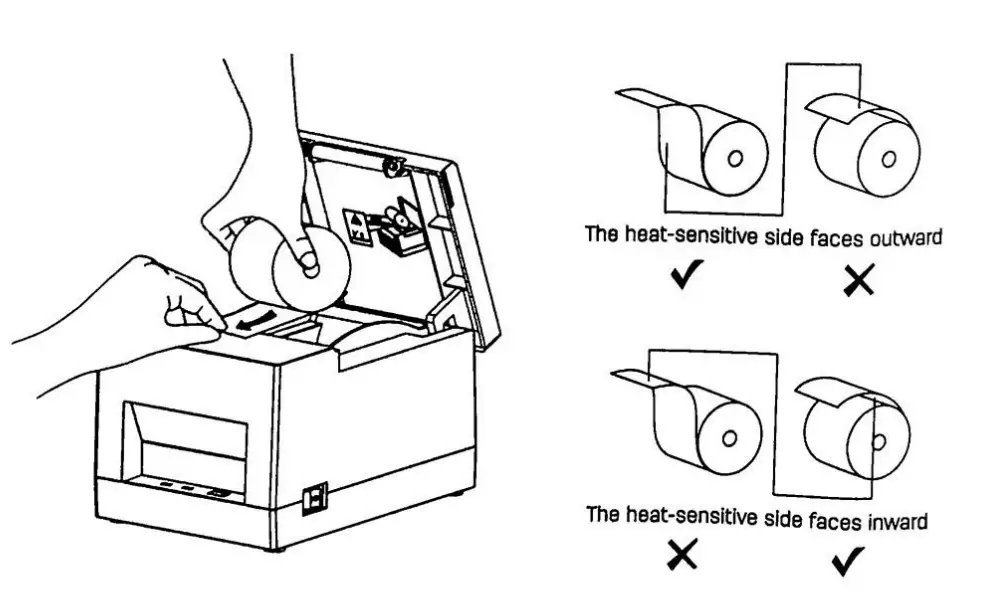
- Please remove the paper roll inside the paper compartment if there are any,

- Place the paper roll into the paper compartment In the right direction.

- Please pull out a small amount of paper in the front, and then close the printer top cover

- Tear off the excess paper


Connecting the power cord

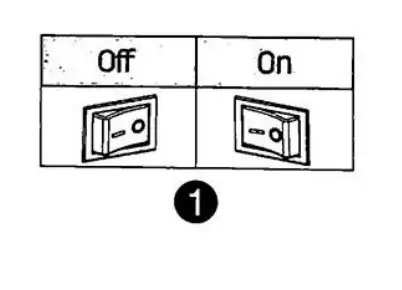
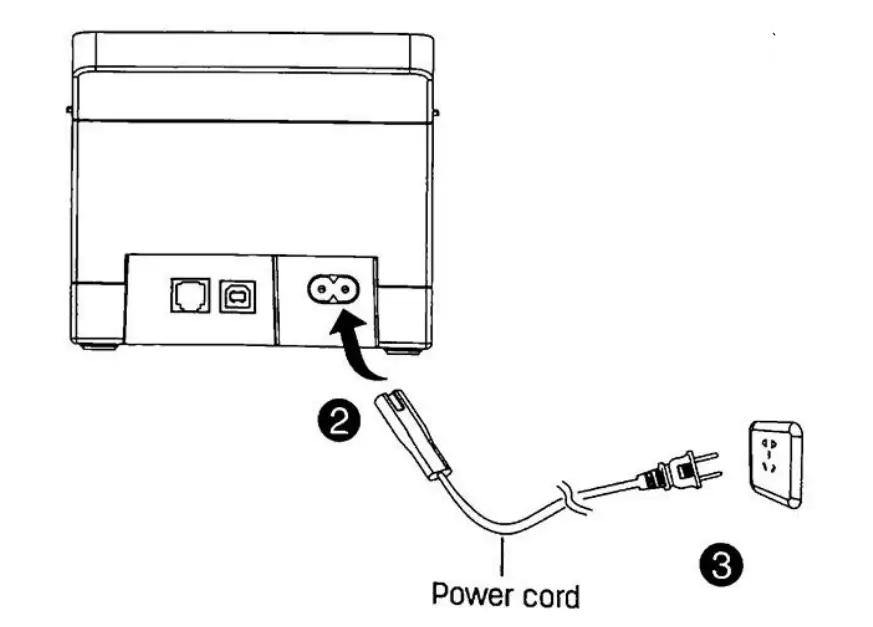
- Make sure the printer’s power switch is off (0).
- Connect the power adapter to the printe[
- Plug the power cord into the other end of the power supply:
Tips:
- To download the driver and editing software, please go to Deli’s official website www.deliworld.com
- Do not touch the cutter
DELI GROoUP CO.,LTD.
www.deliworld.com