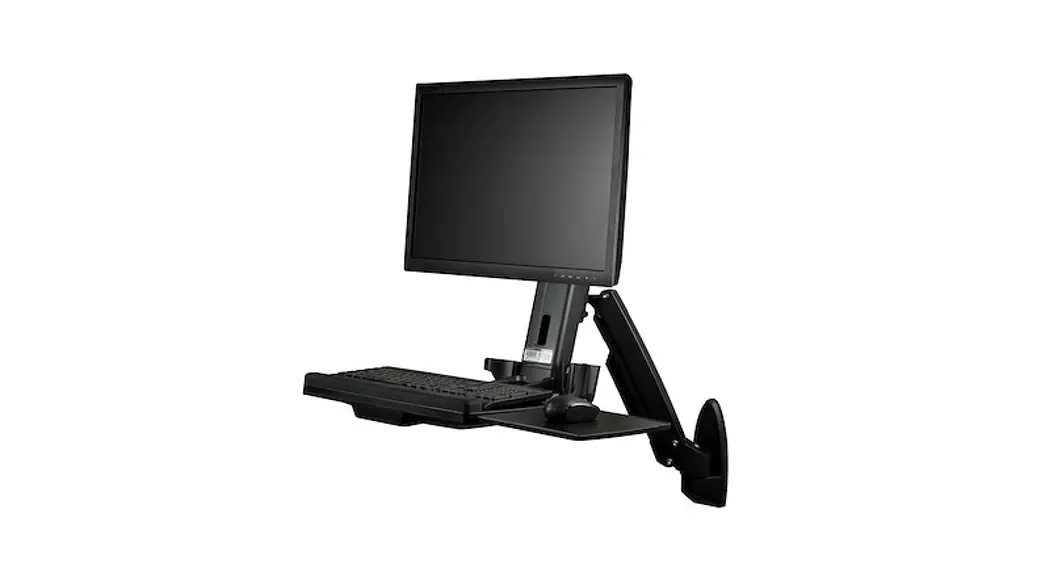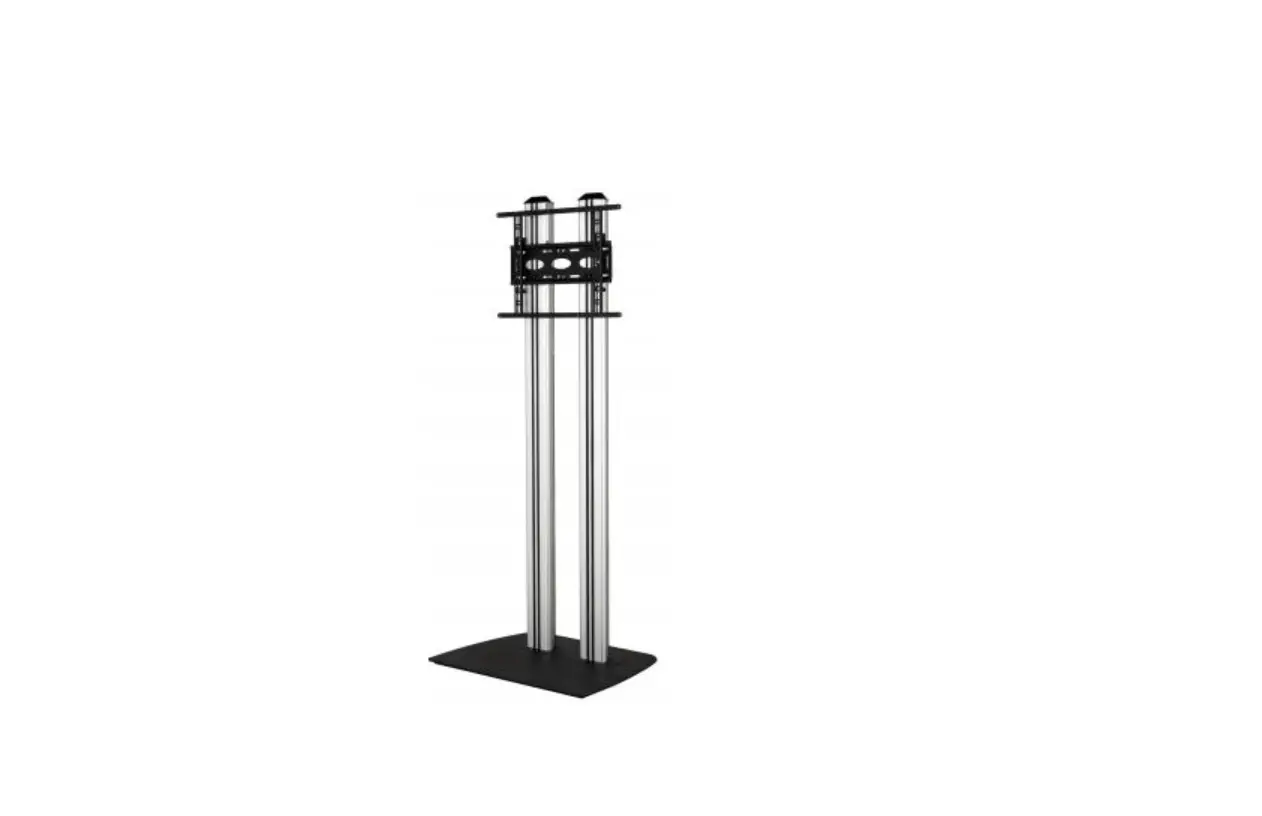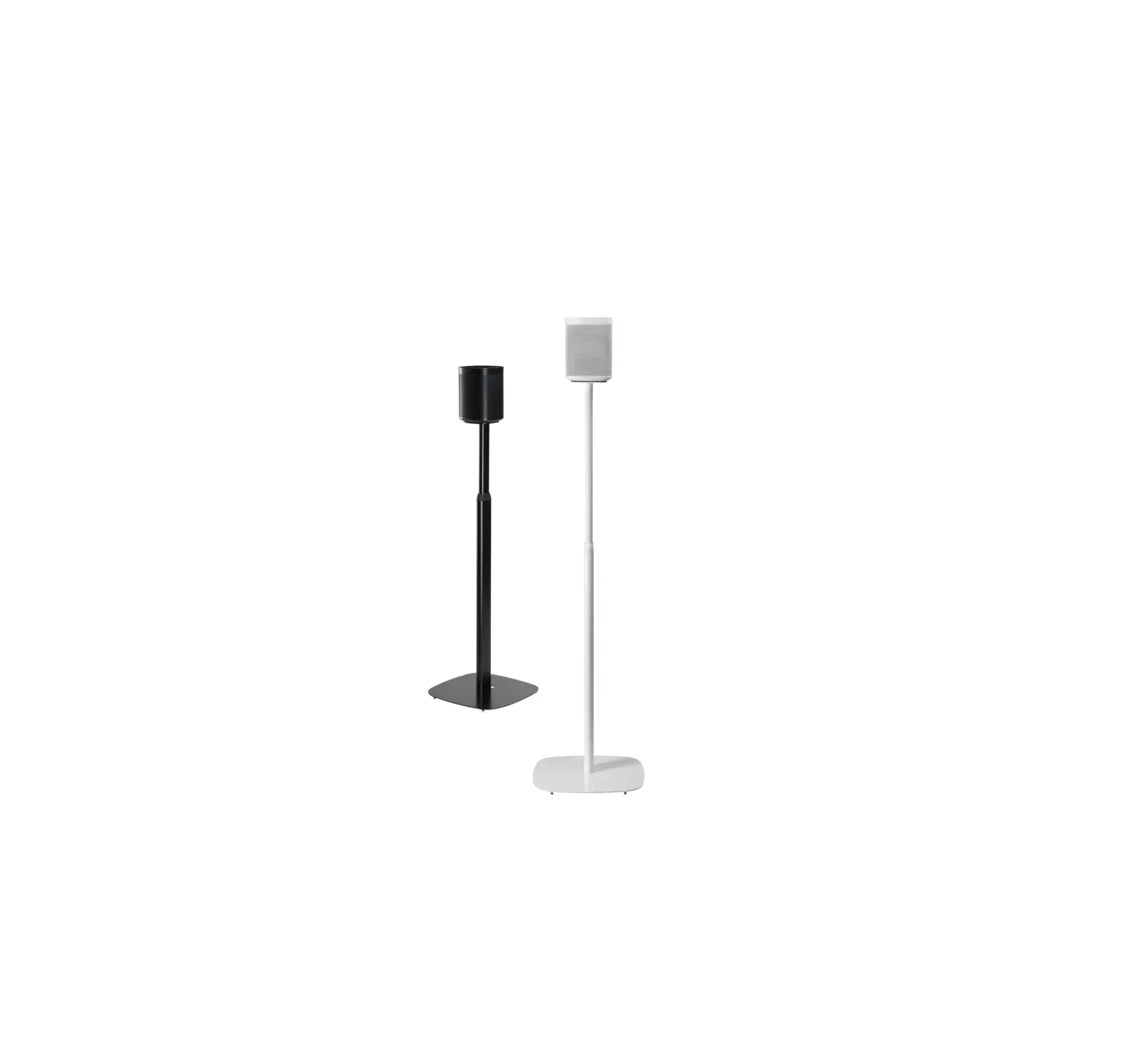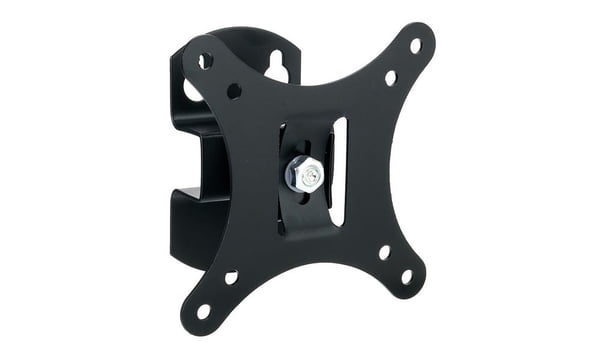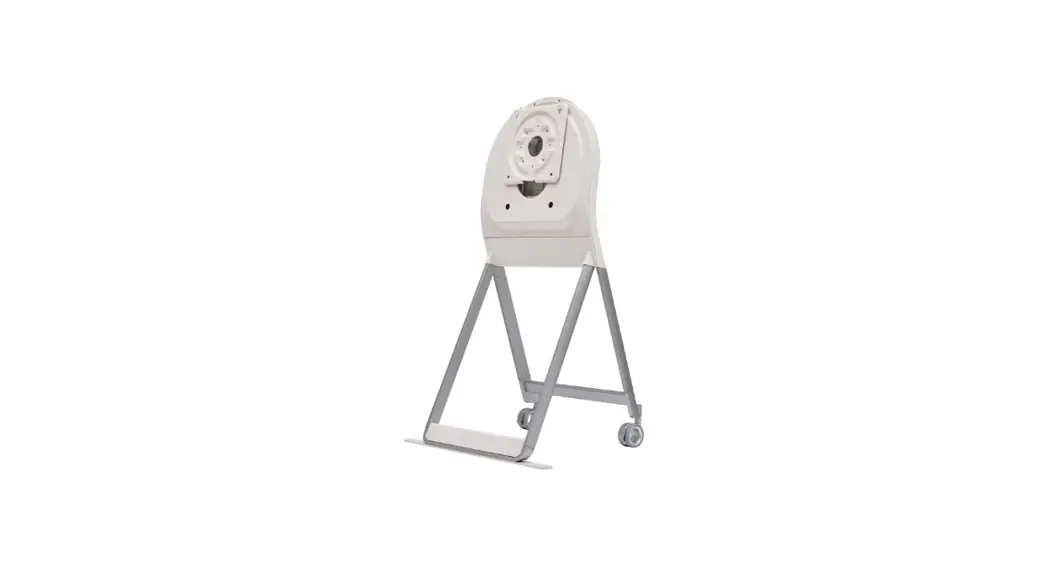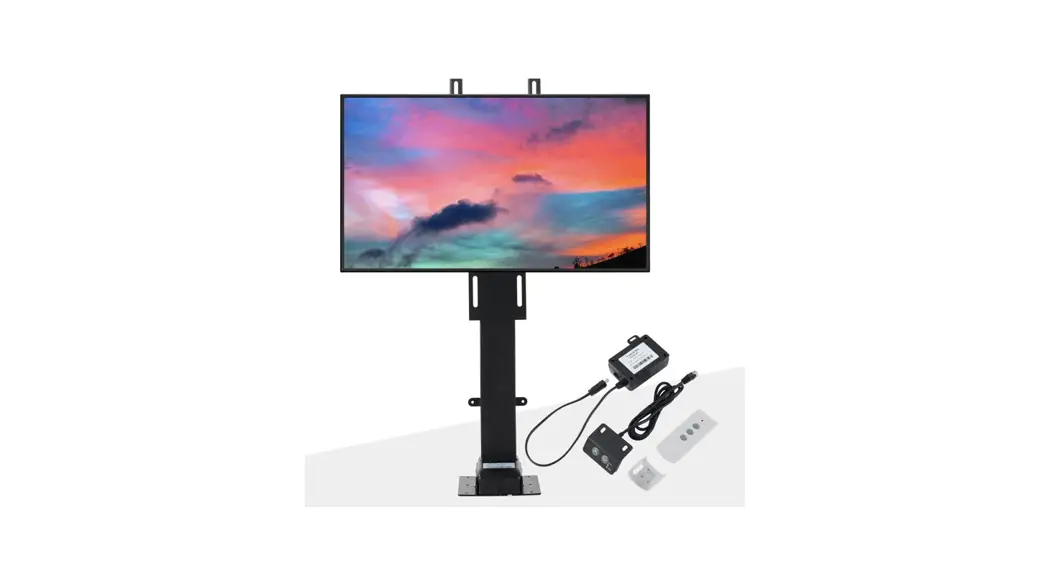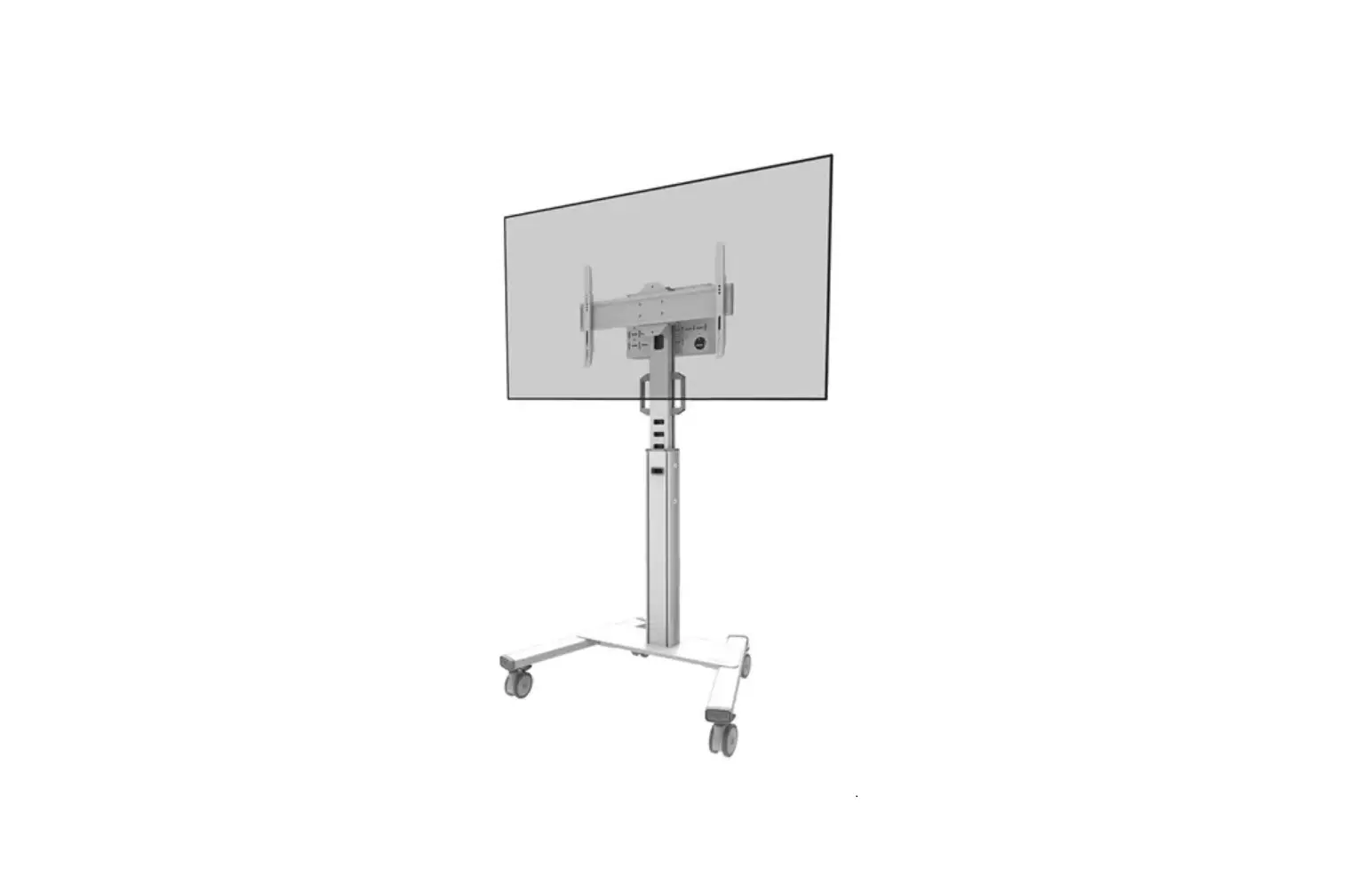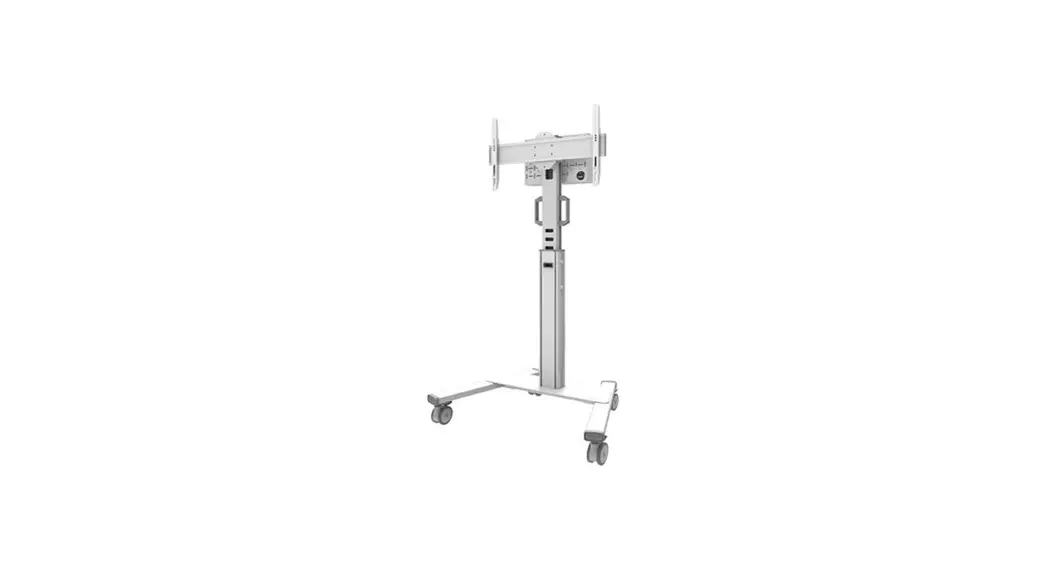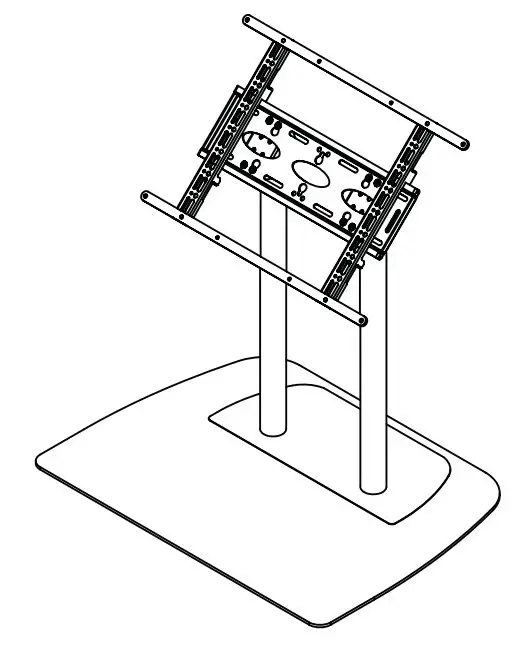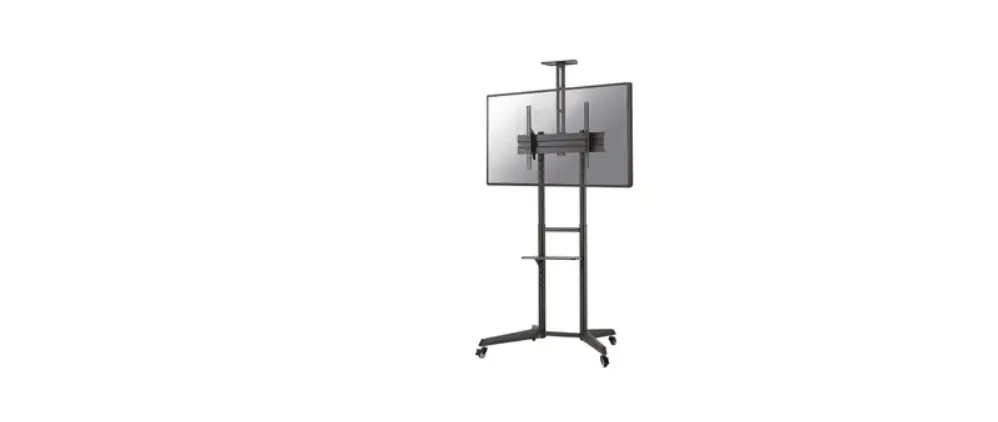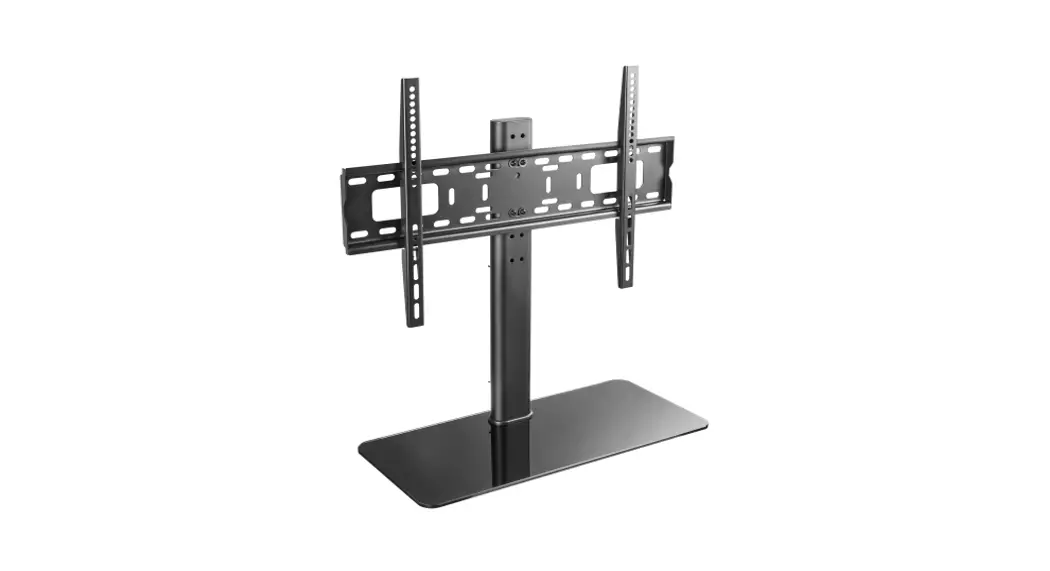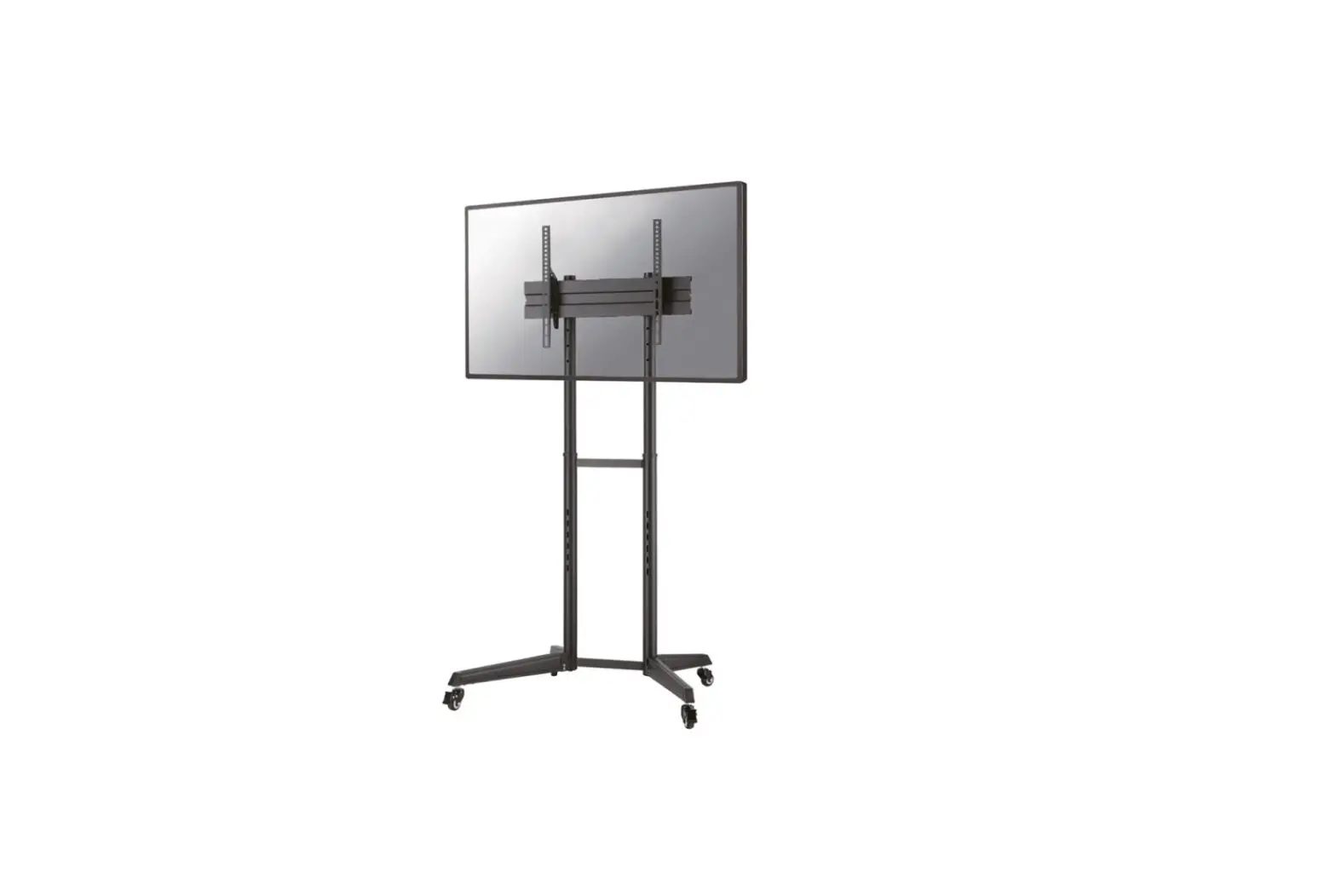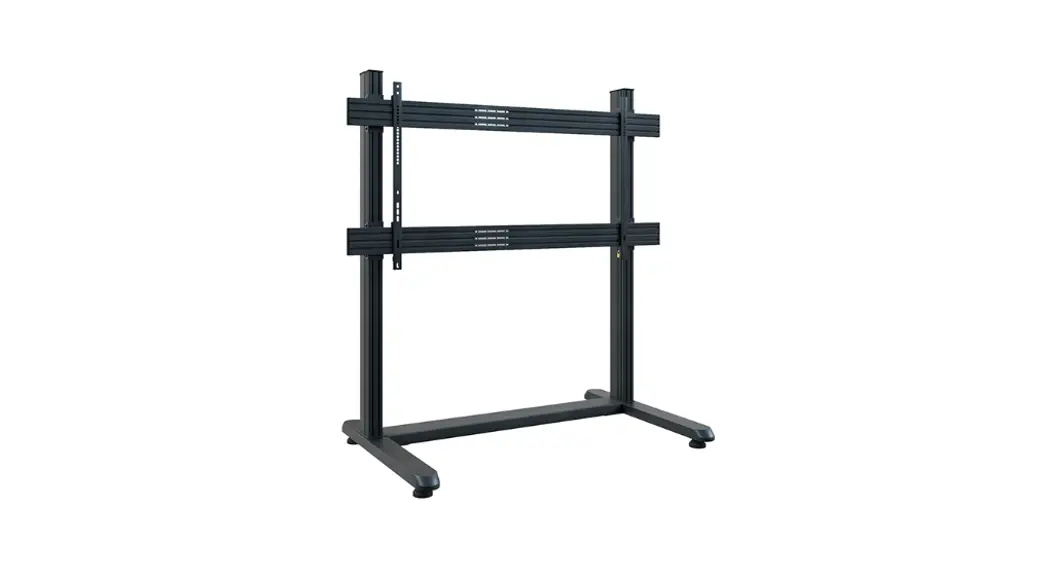

B-TECH BT8390-WFK1 System X Wall Mount or Floor Stand
Product Information
System X Wall/Floor Mounting Guide
The System X range is a component-based system designed for multi-screen and digital signage applications. It offers greater flexibility and convenience, as components can be supplied individually and can be used to create custom installations to suit any application. The System X range includes mounting rails, screen interface kits, floor bases, wall mounts, columns, and column extension kits, among others.
Step-by-Step Usage Instructions
Step 1: Choose Floor or Wall Mounted Setup
- Choose either wall mounts or floor bases for your setup
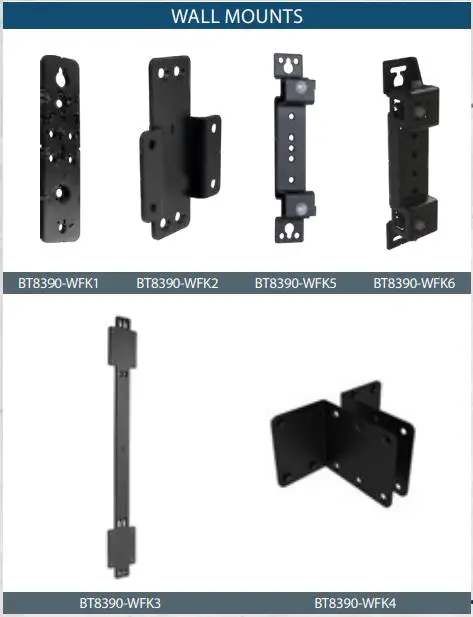
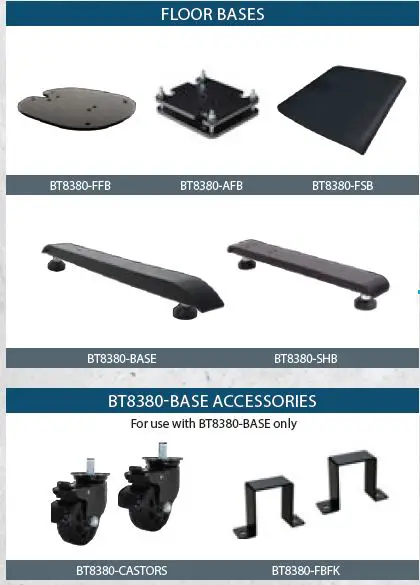
Step 2: Choose Height of Column
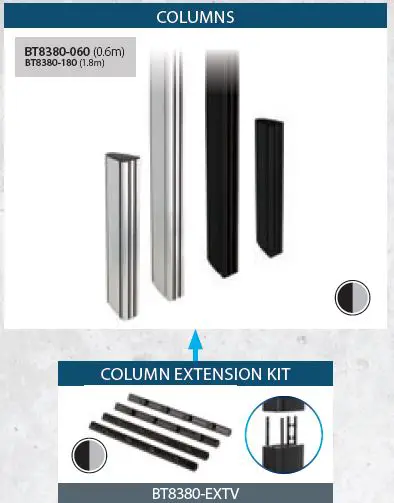
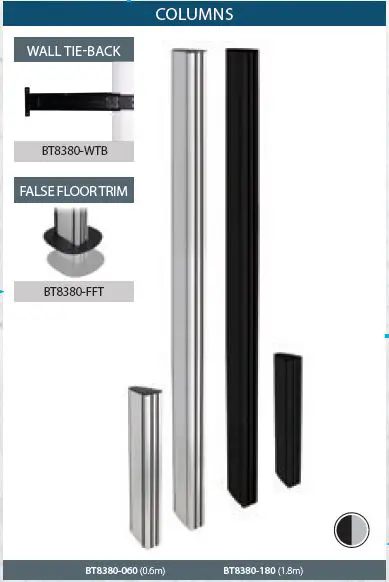
- Choose the height of column that you need from the following options:
- BT8380-060 (0.6m)
- BT8380-180 (1.8m)
- Choose the column that you need from the following options:
- BT8390-WFK1
- BT8390-WFK2
- BT8390-WFK5
- BT8390-WFK6
- Choose the column extension kit that you need from the
following options:- BT8390-WFK3
- BT8390-WFK4
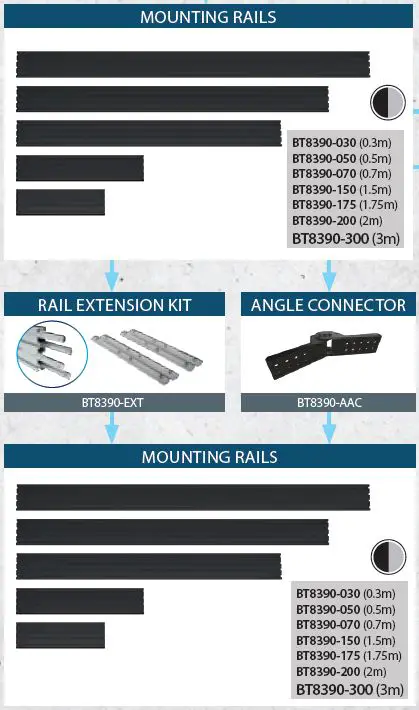
Step 3: Choose Length of Mounting Rail
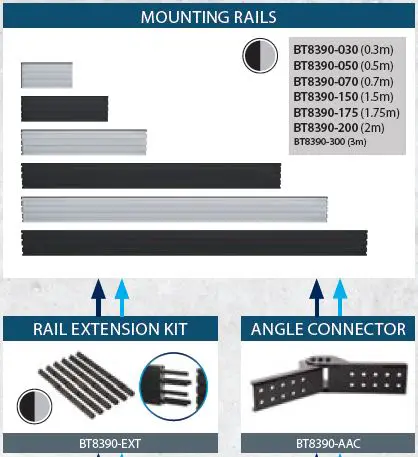
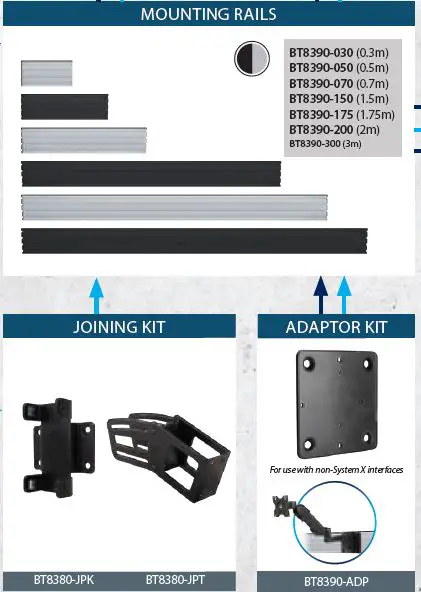
- Choose the length of mounting rail that you need from the following options:
- BT8390-030 (0.3m)
- BT8390-050 (0.5m)
- BT8390-070 (0.7m)
- BT8390-150 (1.5m)
- BT8390-175 (1.75m)
- BT8390-200 (2m)
- BT8390-300 (3m)
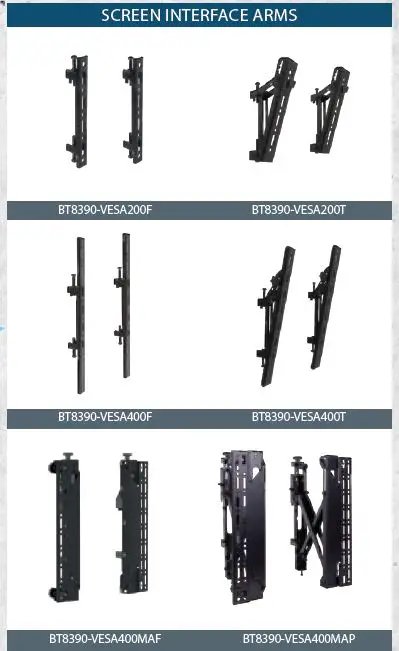
Step 4: Choose Screen Interface Kit
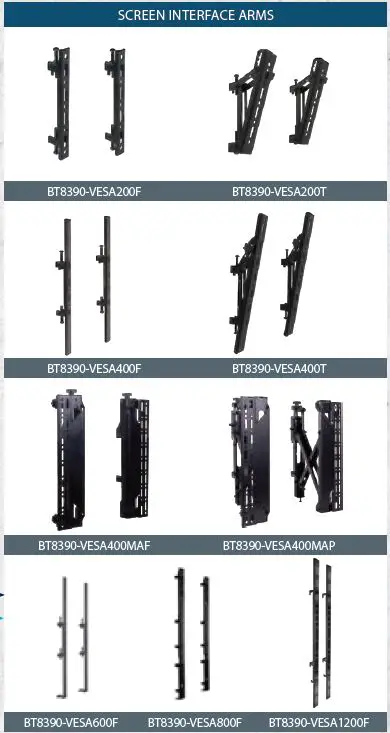
- Choose the screen interface kit that you need from the following options:
- BT8390-VESA200F
- BT8390-VESA200T
- BT8390-VESA400F
- BT8390-VESA400T
- BT8390-VESA400MAF
- BT8390-VESA400MAP
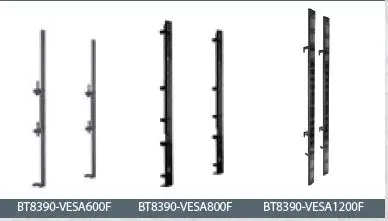
- BT8390-VESA600F
- BT8390-VESA800F
- BT8390-VESA1200F
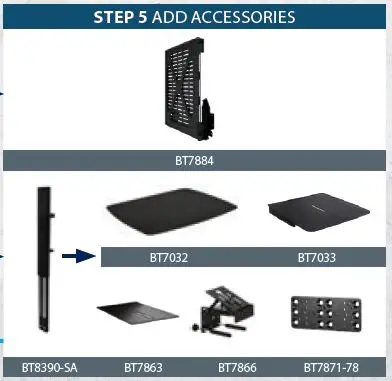
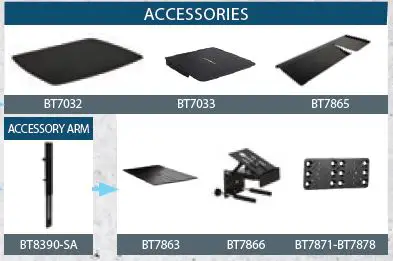
Step 5: Add Accessories
- Add accessories if needed, such as BT7884, BT8380-JPK,BT8380-JPT, BT8390-ADP, BT7032, BT7033, BT8390-SA, BT7863, and BT7866.
SYSTEM X MOUNTING GUIDE: POLE MOUNTS
Create a Custom System X Ceiling Mount in 4 Simple Steps
The System X range is a component based system designed for multi-screen and digital signage applications. For greater flexibility and convenience, components can be supplied
individually and can be used to create custom installations to suit any application. System X is compatible with the System 2 range for pole mounted applications such as ceiling mounts.
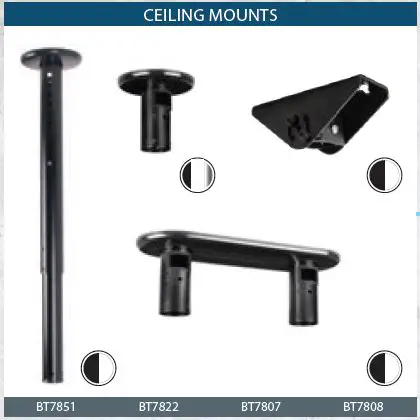
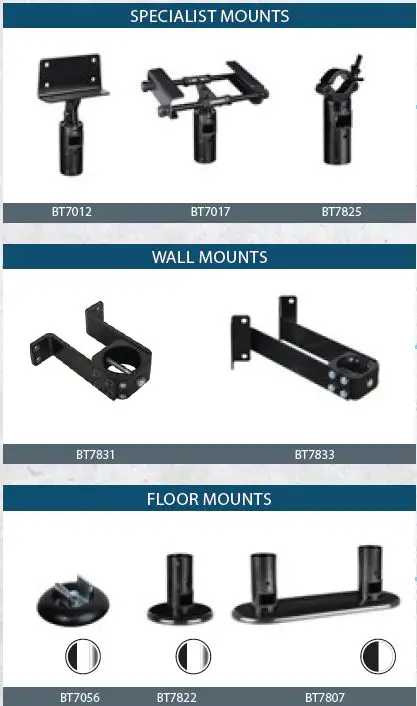
STEP 1
CHOOSE A CEILING, WALL OR FLOOR MOUNT
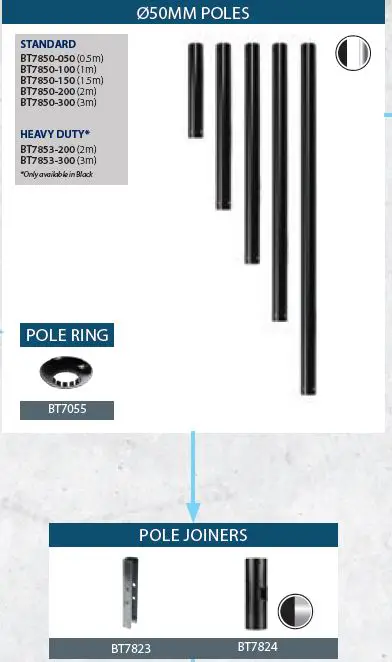
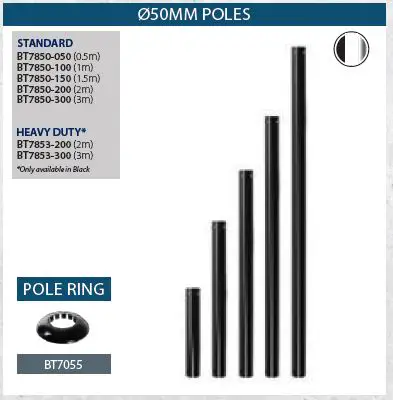
STEP 2
CHOOSE LENGTH OF POLE
STEP 3
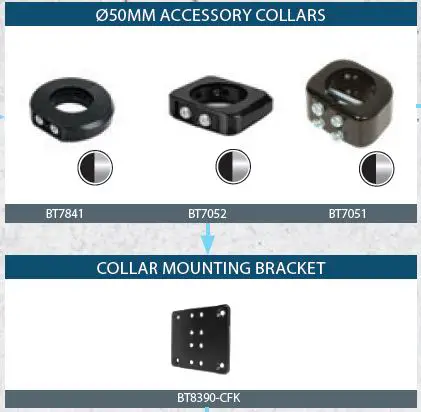
CHOOSE LENGTH OF MOUNTING RAIL
STEP 4
CHOOSE A INTERFACE KIT & ACCESSORY
WWW.BTECHAVMOUNTS.COM
[email protected]
 B-Tech AV Mounts - B-Tech International