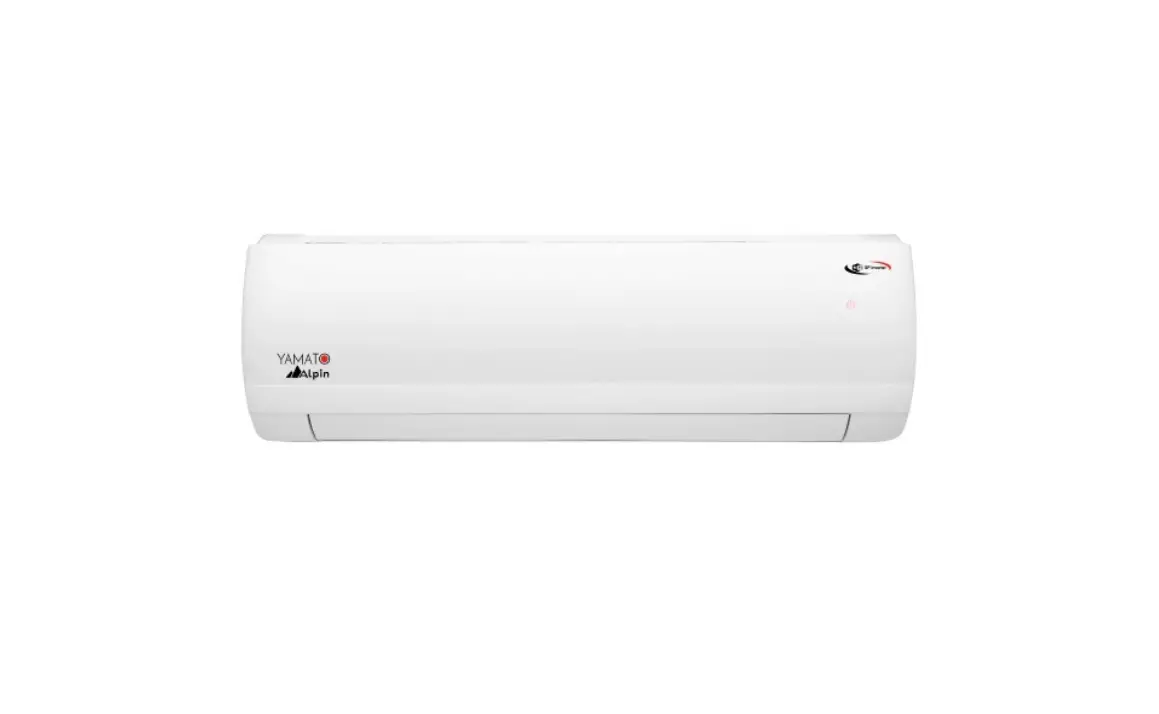
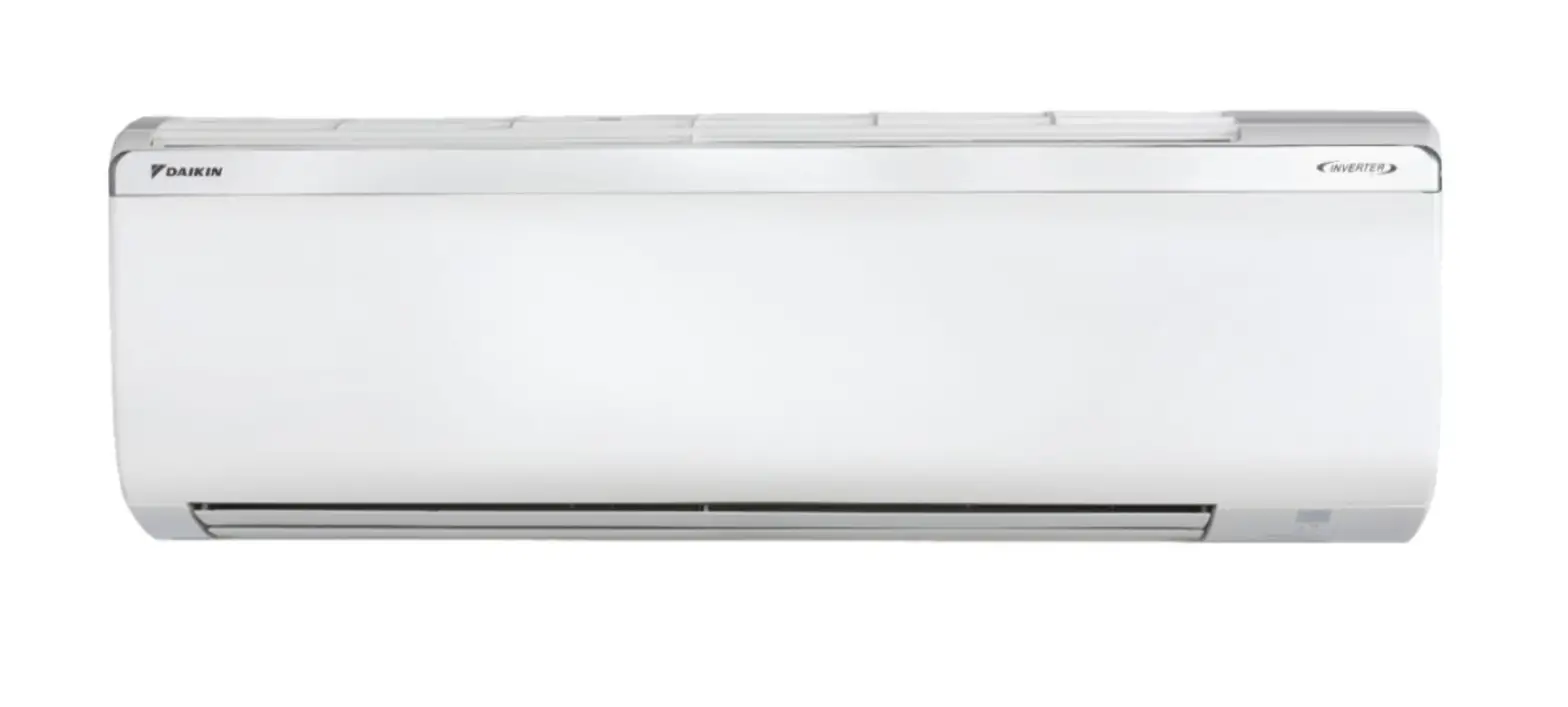
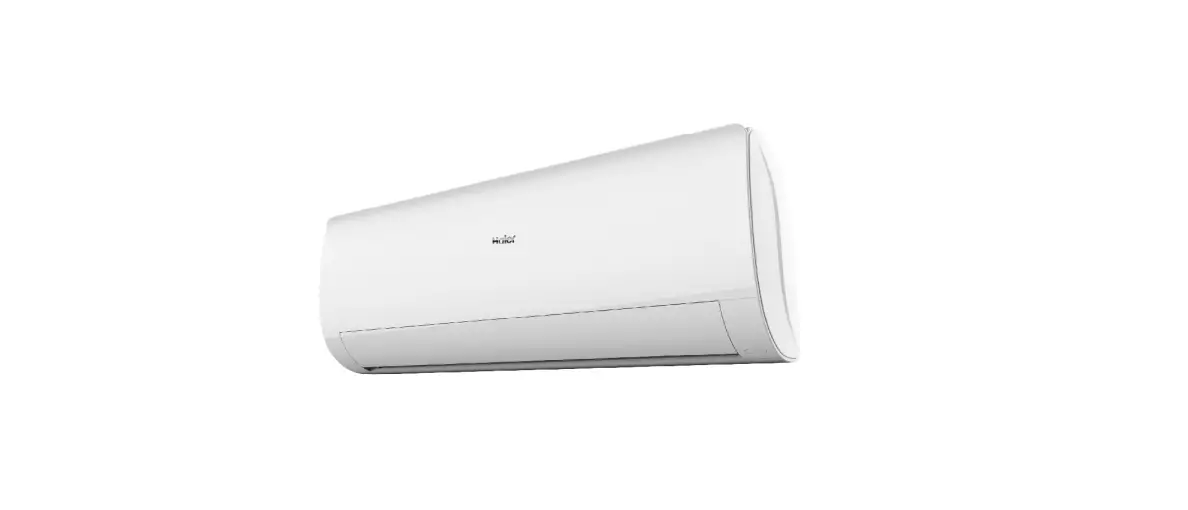
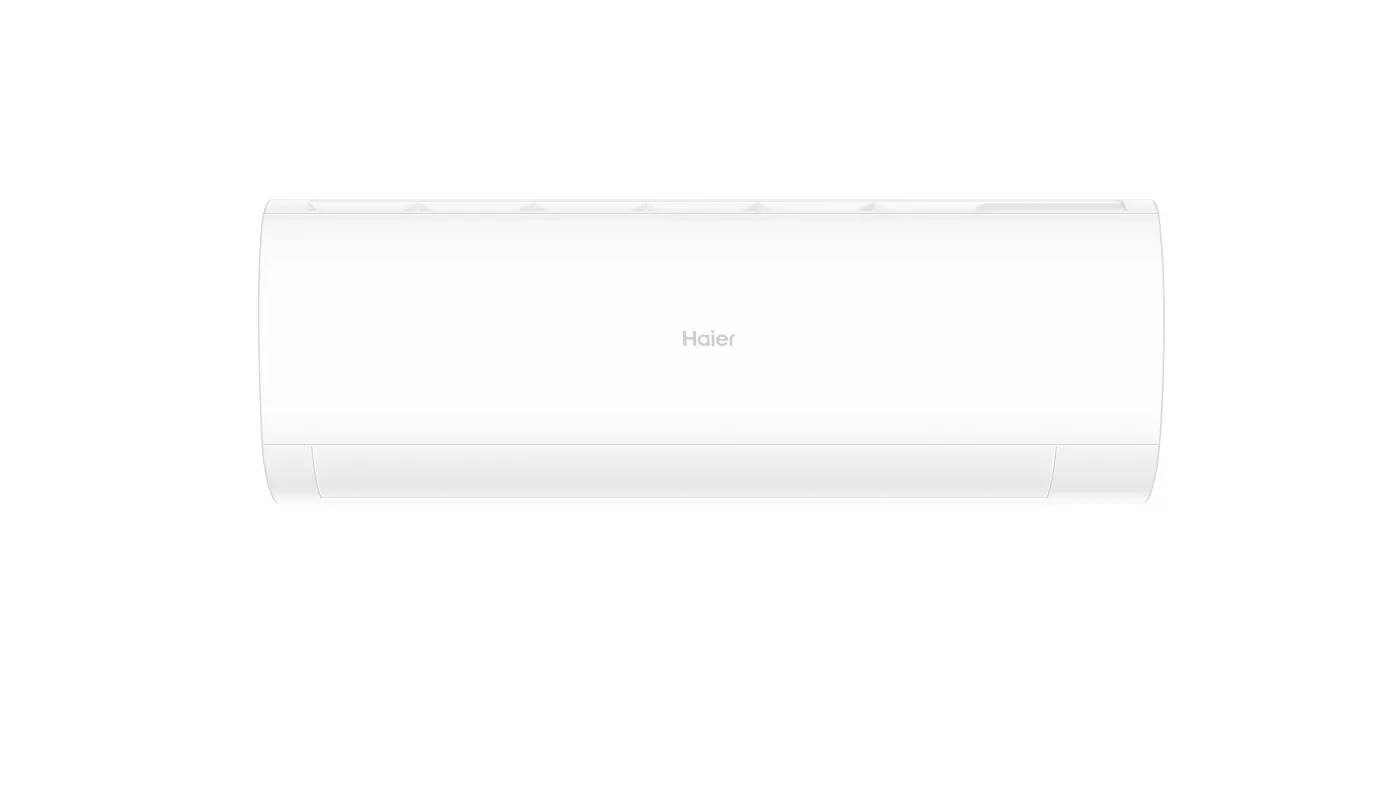
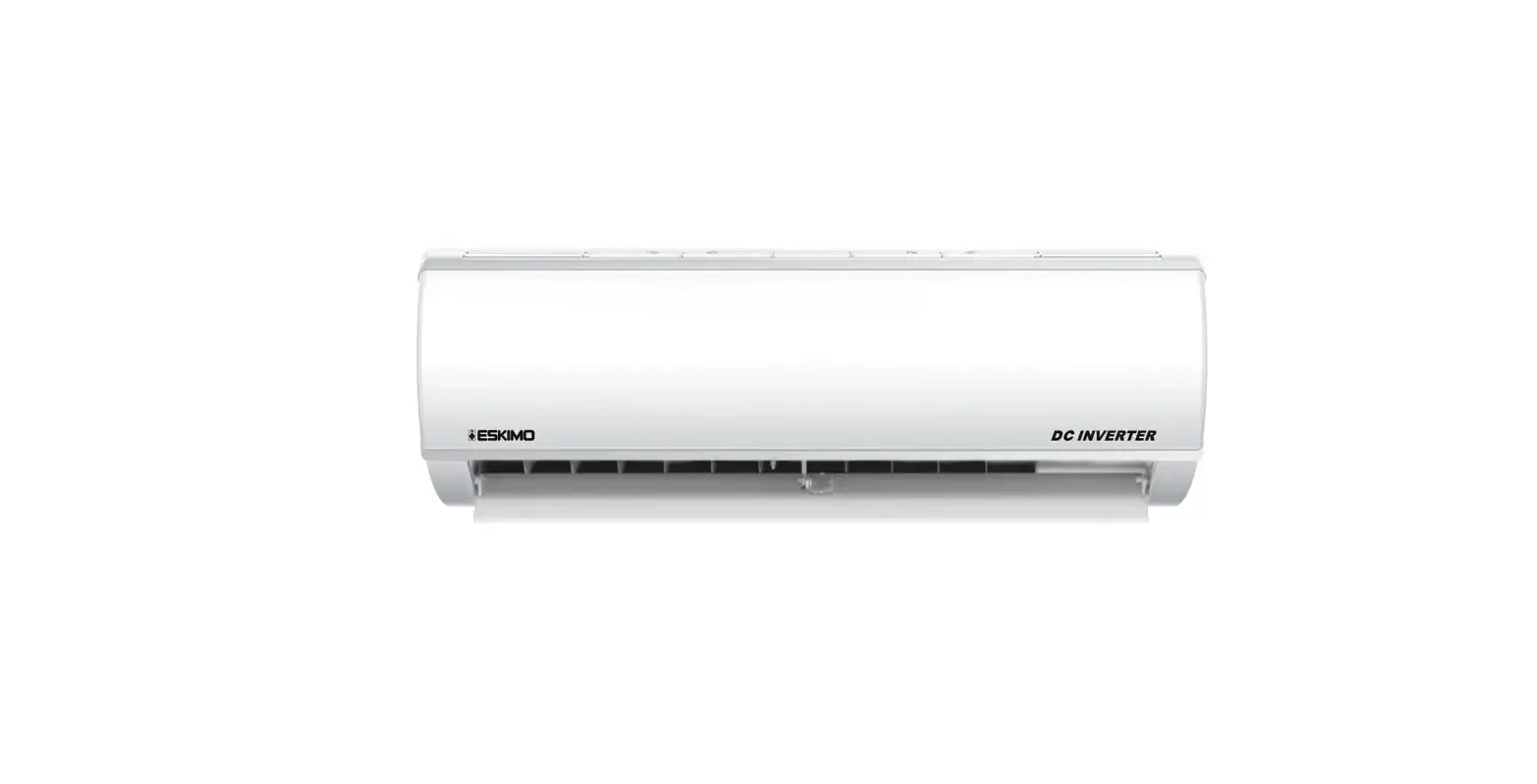
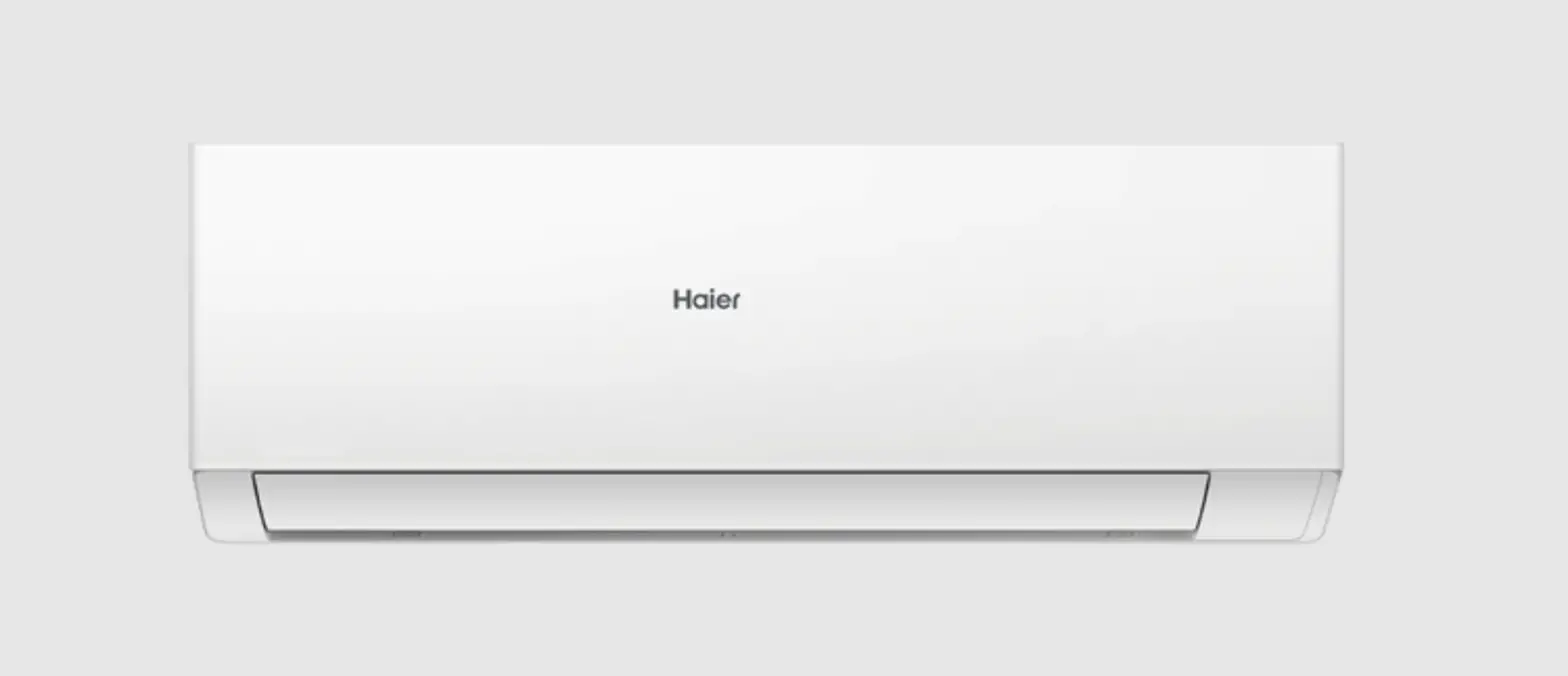
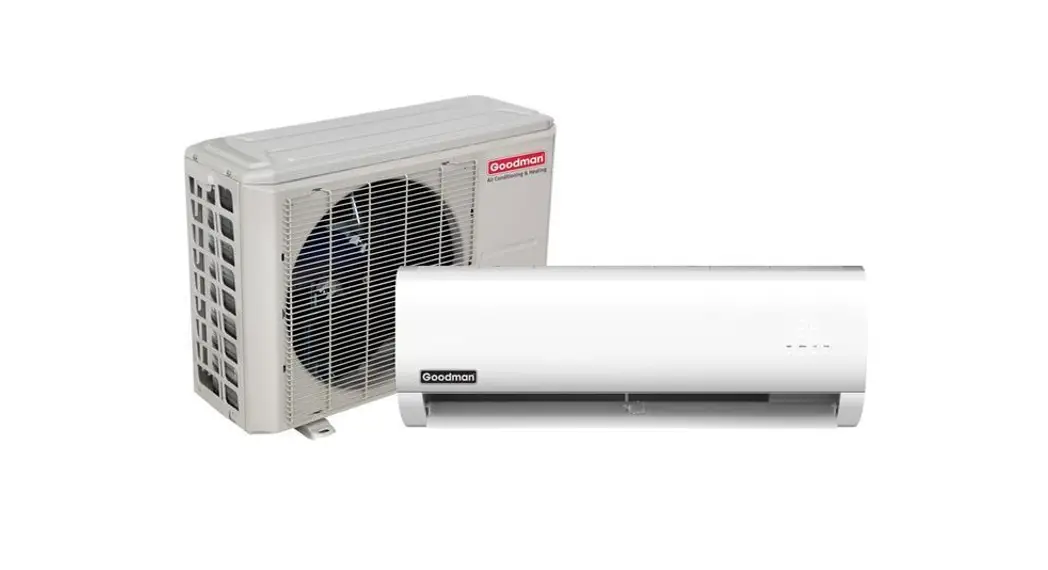
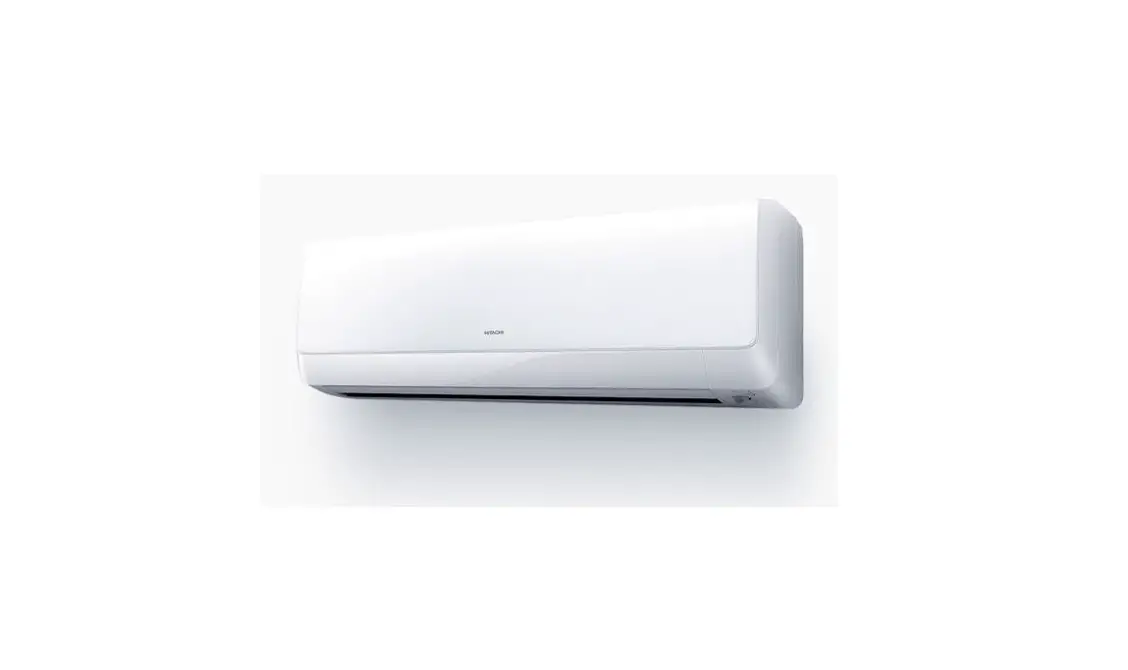
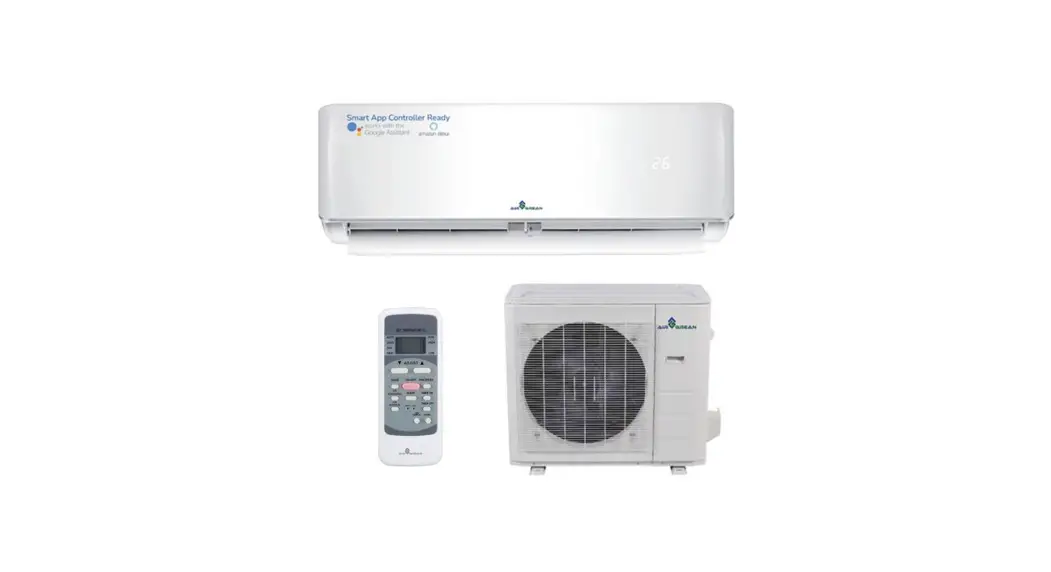
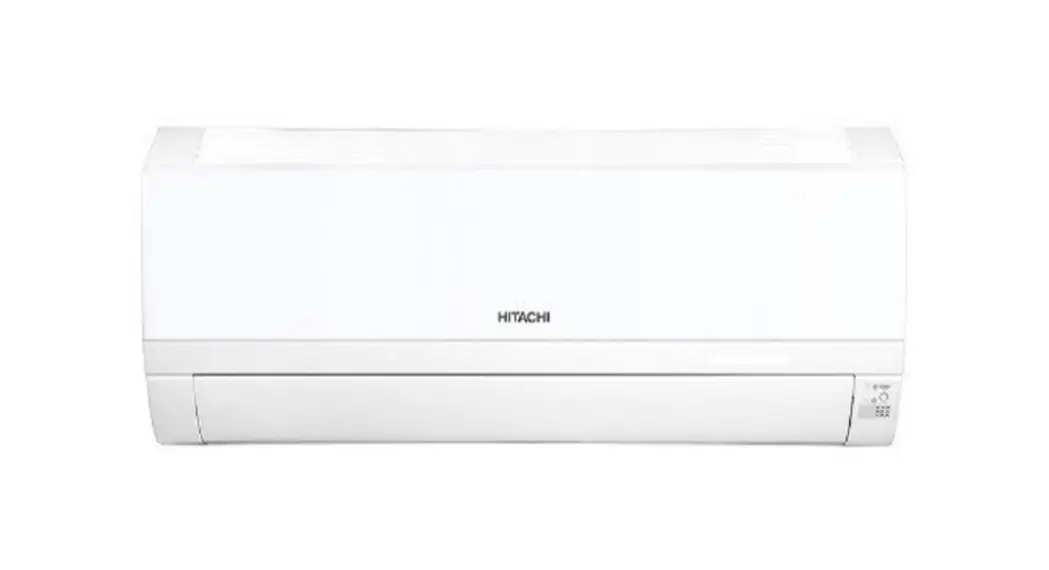
YW09H2-I Split Type Room Air Conditioner
SPLIT TYPE ROOM AIR CONDITIONER OPERATION MANUAL
This split type room air conditioner comes in four sizes:
YW09H2/I, YW12H2/I, YW18H2/I, and YW24H2/I. The appliance is filled
with R32 refrigerant. Please read the precautions in this manual
carefully before operating the unit. Keep this manual where the
user can easily find it.
Parts and Functions
The indoor unit of the air conditioner has several parts and
functions. The inlet grille has a vertical blade to adjust the up
and down air flow. The horizontal flap adjusts the left and right
air flow. The air purifying filter is on the inside, and there is
an anion generator to generate negative ions. The display board
shows the operation mode, signal receiver, setting temperature
display, operation mode indicator, Wi-Fi, swing display, fan speed
display, and additional function display. The remote controller has
buttons for mode display, signal sending display, swing display,
and fan speed display.
Operation
Before using the air conditioner, read the operation manual
carefully. The appliance is filled with R32 refrigerant. Do not use
a refrigerant other than R32 when installing. Use only means to
accelerate the defrosting process or to clean that are recommended
in this manual. Do not pierce or burn the appliance. If the supply
cord is damaged, it must be replaced by the manufacturer or its
service agent. Children shall not play with the appliance. Cleaning
and user maintenance shall not be made by children without
supervision. The wiring method should be in line with the local
wiring standard.
Indoor Unit Installation
Professional persons should install the air conditioner
according to local wiring regulations. The explosion-proof breaker
of the air conditioner should be an all-pole switch. The distance
between its two contacts should not be less than 3mm. Such means
for disconnection must be incorporated in the wiring.
Maintenance
Read the precautions in this manual carefully before performing
any maintenance on the unit. Keep the air purifying filter clean.
Do not use any means to accelerate the defrosting process or to
clean that are not recommended in this manual.
Cautions
Keep this operation manual for future reference. Do not use
means to accelerate the defrosting process or to clean, other than
those recommended in this manual. Do not pierce or burn the
appliance. If the supply cord is damaged, it must be replaced by
the manufacturer, its service agent or a similarly qualified person
in order to avoid a hazard. Children shall not play with the
appliance. Cleaning and user maintenance shall not be made by
children without supervision. The wiring method should be in line
with the local wiring standard.
Troubleshooting
If you experience any issues with your air conditioner, refer to
the troubleshooting section of this manual.
Wi-Fi Function Description
The air conditioner has a Wi-Fi function that allows you to
control it using a smart mobile phone and wireless router. The
wireless router must be able to connect to the internet, and the
smart mobile phone requires IOS or Android system. To use the Wi-Fi
function, download the Intelligent Air APP from App Store (IOS) or
Google Play (Android), register, connect the air conditioner, and
enjoy using Intelligent Air APP to manage your device.
SPLIT TYPE ROOM AIR CONDITIONER OPERATION MANUAL
YW09H2/I YW12H2/I YW18H2/I YW24H2/I
Please read this operation manual before using the air conditioner. Keep this operation manual for future reference This appliance is filled with R32.
Read the precautions in this manual carefully before operating the unit.
This appliance is filled with R32.
Keep this manual where the user can easily nd it.
WARNING:
Do not use means to accelerate the defrosting process or to clean, other than those
·recommended by the manufacturer. ·The appliance must be stored in a room without continuously operating ignition sources (for
example: open flames, an operating gas appliance or an operating electric heater). Do not pierce or burn.
·Be aware that refrigerants may not contain an odour. ·The appliance must be installed, operated and stored in a room with a floor area larger than ·3 .
If the supply cord is damaged, it must be replaced by the manufacturer,its service agent or
·similarly qualified persons in order to avoid a hazard. ·This appliance can be used by children aged 8 years and above and persons with reduced
physical, sensory or mentao capabilities or lack of experience and knowledge if they have been given superivision or instruction concering use of the appliance in a safe way and understand the hazards involved. Children shall not play with the appliance. Cleaning and user maintenance shall not be made by children without supervision. The wiring method should be in line with the local wiring standard.
·All the cables shall have got the European authentication certificate. During installation, when the ·connecting cables break off, it must be assured that the grouding wire is the last one to be broken off.
The explosion-proof breaker of the air conditioner should be all-pole switch. Distance between its two contacts should not be no less than 3mm. Such means for disconnection must be incorporated in the wiring. Make sure installation is done according to local wiring regulation by professional persons.
·Make sure ground connection is correct and reliable. ·A leakage explosion-proof breaker must be installed.
Do not use a refrigerant other than the one indicated on the outdoor unit(R32) when installing,
·moving or repairing. Using other refrigerants may cause trouble or damage to the unit, and ·personal injury.
The type of connecting wire is H07RN-F.
Contents
PARTS AND FUNCTIONS
1
OPERATION
2
INDOOR UNIT INSTALLATION
5
MAINTENANCE
8
CAUTIONS
9
TROUBLE SHOOTING
10
Parts and Functions
Wi-Fi function description
The system architecture diagram
The application environment
Smart mobile phone and wireless router are necessary for the appliacation. Wireless router must be able to connect to the Internet. Smart mobile phone requires IOS or Android system:
IOS system must support IOS 9.0 or above
Android system must support Android 5.0 or above
Configuration method
Scan the QR code below to download “Intelligent Air” APP OtherDownload options: Please search Intelligent Air APP on:
·
App Store (IOS)
·
Google Play (Android)
After App Download, please register, connect the air conditioner and enjoy using “Intelligent Air” APP to manage your device.
Parts and Functions
Indoor Unit
Remote controller
1
6
1 Inlet
4 Air Purifying Filter
2
(inside)
7
3
2 Inlet grille
4
8
5
8
3 Outlet
Emergency
Switch
15
5 Anion generator (inside)
7 Horizontal flap
6 Vertical blade
(adjust left and
right air flow)
(adjust up and down air flow
Don’t adjust it manually)
Display board
17
13
FAN
12
SMART
10
TIMER
CONFIRM CANCEL
14 20
11
COOL
HEAT
DRY
16
Display board
1
4
1 Signal receiver
2
3
2 Setting temp.display
3 Operation mode indicator
(lights up when the compressor is on.)
4 WIFI
Actual inlet grille may vary from the one shown in the manual according to the product purchased
21
SLEEP
EXTRA FUNCTION
SWING
18
19
9
TURBO/QUIET
1. Mode display
Operation mode SMART COOL DRY FAN HEAT Remote controller
2. Signal sending display
3. SWING display
4. FAN SPEED display
LO MED
HI
Display circulated
AUTO
5. LOCK display
6. TIMER OFF display TIMER ON display
7. TEMP display
8. Additional functions display
Supplemented
Operation mode QUIET SLEEP
electrical heating
HEALTH TURBO
Remote controller
9. TURBO/QUIET button
10. HEAT button
11. COOL button
12. SMART button
13. FAN SPEED button
14. TIMER button
15. POWER ON/OFF button
16. DRY button
17. TEMP/HOUR button
18. SWING button
19. EXTRA FUNCTION button
Function: Air sending—
Health— Healthy airflow position1
— Healthy airflow position 2–standard position —/¥ transform–10¥ heating— A-B yard–up and down air flow– horizontal swing
20.CANCEL/CONFIRM button Function: Setting and cancel to the timer and other additional functions.
21. SLEEP button
Outdoor Unit
4
OUTLET INLET
CONNECTING PIPING AND ELECTRICAL WIRING DRAIN HOSE
Please be subject to the actual produce purchased the above picture is just from your reference
Loading of the battery
1 Remove the battery cover; 2 Load the batteries as illustrated.
2 R-03 batteries, resetting key (cylinder);
3 Be sure that the loading
4 is in line with the” + “/”-“; Load the battery,then put on the cover again.
Note: The distance between the signal transmission head and the receiver hole should be within 7m without any obstacle as well. When electronic-started type fluorescent lamp or change- over type fluorescent lamp or wireless telephone is installed in the room, the receiver is apt to be disturbed in receiving the signals, so the distance to the indoor unit should be shorter. Full display or unclear display during operation indicates the batteries have been used up. Please change batteries. If the remote controller can’t run normally during operation, please remove the batteries and reload several minutes later.
Hint: Remove the batteries in case won’t be in use for a long period.
1
Operation
Base Operation
Remote controller
FAN
4
SMART
1
TIMER
3 CONFIRM CANCEL
COOL
HEAT
DRY
2
SLEEP
EXTRA FUNCTION
SWING
TURBO/QUIET
1. Unit start Press ON/OFF on the remote controller, unit starts.
2. Select operation mode COOL button:Cooling mode HEAT button: Heating mode DRY button: Dehumidify mode
3.Select temp.setting
Press
button
Every time the button is pressed, temp.setting increase 1oC,if kept depressed, it will increase rapidly
Every time the button is pressed, temp.setting decrease 1oC,if kept depressed, it will
decrease rapidly Select a desired temperature.
4.Fan speed selection
Press FAN button. For each press, fan speed
changes as follows:
Remote controller:
Display circulated
LOW MED
HI
AUTO
Air conditioner is running under displayed fan speed. When FAN is set to AUTO, the air conditioner automatically adjusts the fan speed according to room temperature.
Operation Mode
SMART
COOL DRY HEAT
FAN
Remote Controller
Note
Under the mode of smart operation, air conditioner will automatically select Cool or Heat operation according to room temperature. When FAN is set to AUTO the air conditioner automatically adjusts the fan speed according to room temperature.
Cooling only unit do not have displays and functions related with heating
In DRY mode , when room temperature becomes lower than temp.setting+2o C, unit will run intermittently at LOW speed regardless of FAN setting.
In HEAT mode, warm air will blow out after a short period of the time due to cold – draft prevention function. When FAN is set to AUTO, the air conditioner automatically adjusts the fan speed according to room temperature.
In FAN operation mode , the unit will not operate in COOL or HEAT mode but only in FAN mode, AUTO is not available in FAN mode. And temp. setting is disabled. In FAN mode, sleep operation is not available.
Emergency operation and test operation
Emergency Operation:
Use this operation only when the remote controller is defective
or lost, and with function of emergency running, air conditoner
can run automatically for a while.
When the emergency operation switch is pressed, the ” Pi ”
sound is heard once, which means the start of this operation.
When power switch is turning on for the first time and
emergency operation starts, the unit will run automatically in
the following modes:
Pi
Room
Designated Timer Fan Operation
temperature temperature mode speed mode
Above 24oC Below 24oC
24oC 24oC
No AUTO COOL No AUTO HEAT
It is impossible to change the settings of temp. and fan speed,It is also not possible to operate in timer or dry mode.
Test operation:
Test ope ration switch is the same as emergency switch.
Use this switch in the test operation when the room temperature is below 16oC, do not use it in the
normal operation.
Pi Pi
Continue to press the test operation switch for more than 5 seconds . After you hear the “Pi” sound twice, release
your finger from the switch: the cooling
operation starts with the air flow speed “Hi”.
Under this operation mode,the fan motor of indoor unit will run in high speed.
Air Flow Direction Adjustment
1.Vertical flap Pos.1 Pos.2
Remote controller
COOL/DRY/AUTO(Initial state): HEAT(Initial state):
Pos.3
Pos.4 Pos.5
(Autoswing)
(no)
2.Press SWING button. changes as follows: Pos.4
Press SWING button again , vertical flap will stop over
present position,the swing function will be cancelled
3.Press
EXTRA FUNCTION
button
to
choose
the
Pos.2 and Pos.3.
When adjusting the flap by hand,turn off the unit. When humidity is high,condensate water might occur adjusted to left or at air outlet if all vertical louvers are right. It is advisable not to keep horizontal flap at downward position for a long time in COOLor DRY mode , otherwise, condensate water might occur. Note:
When restart after remote turning off, the remote controller controller will automatically memorize the previous set swing position.
2
Operation
Sleep Operation
Press SLEEP button to enter sleep function
4. In FAN mode
It has no SLEEP function.
5.Set the wind speed change when sleeping
If the wind speed is high or middle before setting for the sleep, set for lowing the wind speed after sleeping. If it is low wind, no change.
Note
When TIMER function is set, the sleeping function can’t be
set up .After the sleeping function is set up, if user resets
TIMER function, the sleeping function will be cancelled; the machine will be in the state of timing-on.
TURBO/QUIET Operation
Operation Mode
1. In COOL,DRY mode 1 hours after SLEEP mode starts,temp.will become 1OC higher than temp.setting.After another 1 hours,temp.rises by 1OC futher.The unit will run for further 6 hours then stops Temp. is higher than temp.setting so that room temperature won’t be too low for your sleep.
When you need rapid heating or cooling, you can use TURBO function. When silence is needed for rest or reading,you can use QUIET function
Press TURBO/QUIET button, the remote controller will show
,
and then achieve to the TURBO function. Press again this
TURBO/QUIET button, the remote controller will show
and then achieve to the QUIET function. Press again this
TURBO/QUIET button , the QUIET function will be cancelled.
SLEEP operation starts SLEEP operation stops
Approx.6hrs
1 hr
Rises 1OC
1 hr
Rises 1OC
Temp.setting
Unit stop
In COOL, DRY mode
Note During TURBO operation, in rapid HEAT or COOL mode , the room will show inhomogeneous temperature distribution. Long period QUIET operation will cause effect of not too cool or not too warm.
2. In HEAT mode
1 hours after SLEEP mode starts,temp will become 2OC lower than temp.setting.After another 1 hours,temp decrease by 2OC futher.After more another 3 hours,temp. rises by 1OC futher.The unit will run for further 3 hours then stops.Temp.is lower than temp. setting so that room temperature won’t be too high for your sleep.
HEALTH Operation
(This function is unavailable on some models.)
Press
EXTRA FUNCTION
button to enter additional options, when
cycle display to
,
will flash.
And then press
CONFIRM CANCEL
enter to health function.
Temp.setting
Unit stop
1 hr
Decreases 2OC
1 hr Decreases 2OC
3 hrs
3 hrs
Rises 1OC
SLEEP operation starts
SLEEP operation stops
In HEAT mode
3. In SMART mode
The unit operaters in corresponding sleep mode adapted to the automatically selected operation mode.
The anion generator in the airconditioner can generate a lot of anion effectively balance the quantity of position and anion in the air and also to kill bacteria and speed up the dust sediment in the room and finally clean the air in the room.
3
Operation
EUROPEAN REGULATIONS CONFORMITY FOR THE MODELS
Timer On/Off On-Off Operation
1.After unit starts, select your desired operation mode. 2.Press TIMER button to change TIMER mode. Every time the button is pressed, display changes as follows: Remote controller:
BLANK
0.5h
0.5h
0.5h
TIMER ON TIMER OFF TIMER ON-OFF
0.5h
TIMER OFF-ON
Climate:T1 Voltage:230V
CE
All the products are in conformity with the following European provision: 2014/53/EU(RED) 2014/517/EU(F-GAS) 2010/30/EU(ENERGY)
2009/125/EC(ENERGY) 2006/1907/EC(REACH)
RoHS
The products are fulfilled with the requirements in the
Then select your desired TIMER mode (TIMER ON or TIMER OFF or TIMER ON-OFF). ” “or ” “will flash.
3.Press / button to set time.
Press the button for each time, setting time in the first
12 hours increased by 0.5 hour every time, after 12
hours,increased by 1 hour every time.
Press the button for each time, settiing time in the first
12 hours decreased by 0.5 hour every time, after 12
hours,decreased by 1 hour every time. It can be adjusted within 24 hours.
4.Confirm timer setting
After adjust the time,press
CONFIRM CANCEL
button and confirm the
time ON or OFF button will not flash any more.
5.Cancel timer setting Press the timer button by times until the time display eliminated.
Hints: After replacing batteries or a power failure happens, time setting should be reset. According to the Time setting sequence of TIMER ON or
TIMER OFF, either Start-Stop or Stop-Start can be achieved.
Healthy airflow Operation
1.Press
to starting
Setting the comfort work conditions.
2.The setting of healthy airflow function
Press
EXTRA FUNCTION
button
to
enter
additional
options,Press
this
directive 2011/65/EU of the European p arliament and of council on the Restriction of the use of Certain Hazardous Substances in Electrical and Electronic Equipment (EU RoHS Directive)
WEEE
In accordance with the directive 2012/19/EU of the European
parliament, herewith we inform the consumer about the disposal requirements of the electrical and electronic products.
DISPOSAL REQUIREMENTS: Your air conditioning product is marked with this
symbol.This means that electrical and electronic products shall not be mixed with unsorted household waste. Do not try to dismantle the system yourself : the dismantling of the air conditioning system,treatment of the refrigerant, of oil and of other part must be done by a qualified installer in accordance with relevant local and national legislation. Air conditioners must be treated at a specialized treatment facility for reuse, recycling and recovery. By ensuring this product is disposed of correctly, you will help to prevent potential negative consequences for the environment and humen health. Please contact the installer or local authority for more information. Battery must be removed from the remote controller and disposed of separately in accordance with relevant local and nationl legislation.
Wi-Fi
-Wireless maximum transmit power (20dBm)
-Wireless operating frequency range (2400~2483.5MHz)
button continuously, the louvers location will cycle between
in the following three locations, to choose the swing location
what you needed,and then press
CONFIRM CANCEL
button to confirm.
IMPORTANT INFORMATION REGARDING THE REFRIGERANT USED
Healthy airflow upwarder
Healthy
Present
airflow
position
downwarder
Contains fluorinated greenhouse gases A
3.The cancel of the healthy airflow function
Press
EXTRA FUNCTION
button
to
enter
additional
options,Press
this
button continuously, the louvers location will cycle between
in
the
following
three
locations
again,and
then
press
CONFIRM CANCEL
button to cancel.
Notice: Do not direct the flap by hand. Otherwise, the grille will run incorrectly. If the grille is not run correctly, stop for a minute and then start, adjusting by remote
controller.
Note:
1.After setting the healthy airflow function, the position grill is fixed.
2.In heating, it is better to select the mode. 3.In cooling, it is better to select the mode. 4.In cooling and dry, using the air conditioner for a long time under the high air humidity, condensate water may occur at the grille .
4
R32
1=
2
2=
1
kg
B
kg
C
1+2=
kg
D
FE
This product contains fluorinated greenhouse gases.
Do not vent into the atmosphere. Refrigerant type:R32 GWP* value:675 GWP=global warming potential Please fill in with indelible ink,
and
on the refrigerant charge label supplied with the product. The filled out label must be adhered in the proximity of the product charging port (e.g. onto the inside of the stop value cover). A contains fluorinated greenhouse gases
B factory refrigerant charge of the product: see unit name plate C additional refrigerant amount charged in the field D total refrigerant charge E outdoor unit F refrigerant cylinder and manifold for charging
Indoor Unit Installation
Necessary Tools for Installation
Driver Nipper Hacksaw Hole core drill Spanner(17,19 and 26mm) Gas leakage detector or soap-and-water solution
Torque wrench (17mm,22mm,26mm) Pipe cutter Flaring tool Knife Measuring tape Reamer
Power Source
Before inserting power into receptacle, check the voltage without fail. The power supply is the same as the corresponding nameplate.
Install an exclusive branch circuit of the power. A receptacle shall be set up in a distance where the power cable
can be reached.Do not extend the cable by cutting it.
Selection of Installation Place
Place, robust not causing vibration, where the body can be supported sufficiently.
Place, not affected by heat or steam generated in the vicinity, where inlet and outlet of the unit are not disturbed.
Place, possible to drain easily, where piping can be conne-
cted with the outdoor unit. Place, where cold air can be spread in a room entirely. Place, nearby a power receptacle, with enough space around. Place where the distance of more than lm from televisions,
radios, wireless apparatuses and fluorescent lamps can be left. In the case of fixing the remote controller on a wall, place where the indoor unit can receive signals when the fluorescent lamps in the room are lightened.
Drawing for the installation of indoor units
The models adopt HFC refrigerant R32
more than 15 cm
Attention must be paid to the rising up of drain hose
more than 10cm
Arrangement of piping directions
Rear left
Left
Rear
right
Right Below
more than 10cm
The distance between the indoor unit and the floor should be more than 2m. Please be subject to the actual product purchased,the above picture is just for your reference.
If using the left side drain pipe, make sure the hole is got through.
5
Indoor Unit Installation
35mm
Fitting of the Mounting Plate and Positioning of the wall Hole
When the mounting plate is first fixed
1. Carry out, based on the neighboring pillars or lintels, a proper leveling for the plate to be fixed against the wall, then temporarily fasten the plate with one steel nail.
2. Make sure once more the proper level of the plate, by hanging a thread with a weight from the central top of the plate, then fasten securely the plate with the attachment steel nail.
3. Find the wall hole location A/C using a measuring tape
B=Ø60mm
B=Ø60mm
35mm
35mm
A=130mm
C=110mm
YW09H2/I
YW12H2/I
A=140mm B=Ø60mm
YW18H2/I
C=77mm B=Ø60mm
35mm
[ Left Left-rear piping ] In case of left side piping, cut away, with a nipper, the lid for left piping.In case of left-rear piping, bend the pipes according to the piping direction to the mark of hole for left-rear piping which is marked on heat insulation materials.
1. Insert the drain hose into the dent of heat insulation materials of indoor unit.
2. Insert the indoor/outdoor electric cable from backside of indoor unit, and pull it out on the front side, then connect them.
3. Coat the flaring seal face with refrigerant oil and connect pipes.
Cover the connection part with heat insulation materials closely, and make sure fixing with adhesive tape
Lid for right piping
Lid for under piping pipe
Heat insulation material
Lid for left piping Drain hose
Indoor/outdoor electric cable
Piping Pipe supporting plate
Fix with adhesive tape
Indoor/outdoor electric cable and drain hose must be bound with efrigerant piping by protecting tape.
[ Other direction piping ]
Cut away, with a nipper, the lid for piping according to the piping direction and then bend the pipe according to theposition of wall hole. When bending, be careful not to crash pipes. Connect beforehand the indoor/outdoor electric cable, and then pull out the connected to the heat insulation of connecting part specially.
A=195mm B=Ø60mm
YW24H2/I
C=165mm B=Ø60mm
41.5mm
41.5mm
When the mounting plate is fixed side bar and lintel
Fix to side bar and lintel a mounting bar, Which is separately sold, and then fasten the plate to the fixed mounting bar. Refer to the previous article, ” When the mounting plate is fi rst fixed “, for the position of wall hole.
Fixing the indoor unit body
Hang surely the unit body onto the upper notches of the mounting plate. Move the body from side to side to verify its secure fixing.
In order to fix the body onto the mounting plate,hold up the body aslant from the underside and then put it down perpendicularly.
mounting plate
Unloading of indoor unit body
When you unload the indoor unit,please use your hand to arise the body to leave agraffe,then lift the bottom of the body outward slightly and lift the unit aslant until it leaves the mounting plate.
Making a Hole on the Wall and Fitting the Piping Hole Cover
Make a hole of 60 mm in diameter, slightly descending to outside the wall Install piping hole cover and seal it off with putty after installation
Wall hole
Ø60mm
Indoor side
(Section of wall hole)
Outdoor side Thickness of wall
G Piping hole pipe
Installation of the Indoor Unit
Drawing of pipe
agraffe mounting plate
Connecting the indoor/outdoor Electric Cable
Removing the wiring cover
Remove terminal cover at right bottom corner of indoor unit, then take off wiring cover by removing its screws.
6
When connecting the cable after installing the indoor unit
Correct
Incorrect
1. Insert from outside the room cable into left side of the wall
hole, in which the pipe has already existed. 2. Pull out the cable on the front side, and connect the cable
making a loop.
Lean Damage of flare Crack Partial Too outside
On Drainage
When connecting the cable before installing the indoor unit
Please install the drain hose so as to be downward slope without fail. Please don’t do the drainage as shown below.
Insert the cable from the back side of the unit, then pull it out on the front side. Loosen the screws and insert the cable ends fully into terminal block, then
tighten the screws.
Pull the cable slightly to make sure the cables have been properly inserted and
tightened.
After the cable connection, never fail to fasten the connected cable with the
wiring cover.
Indoor unit
Less than 5cm
It becomes The end is imm- It waves. The gap with the There is the bad
high midway. ersed in water.
ground is too small. smell from a ditch
Please pour water in the drain pan of the indoor unit, and confirm that
drainage is carried out surely to outdoor.
In case that the attached drain hose is in a room, please apply heat
insulation to it without fail.
To Outdoor unit
Note:
When connecting the cable, confirm the terminal number of indoor and outdoor units carefully. If wiring is not correct, proper operation can not
be carried out and will cause defect.
Connecting wiring
4G1.0mm 2
1. If the supply cord is damaged, it must be replaced by the manufacturer or its service agent or a similar qualified person. The type of connecting wire is H07RN-F.
2. If the fuse on PC board is broken please change it with the type of T.3.15A/250VAC (Indoor).
3. The wiring method should be in line with the local wiring standard.
4. After installation, the power plug should be easily reached. 5. A breaker should be incorporated into fixed wiring. The breaker should
be all-pole switch and the distance between its two contacts should be not less than 3mm.
Power Source Installation
On Drainage
Code indication
E1 E2
E4
Trouble description
Room temperature sensor failure H e a t-e xc h a n g e sensor failure
Indoor EEPROM error
Analyze and diagnose
Faulty connector connection; Faulty therm istor; Faulty PCB;
Faulty EEPROM data; Faulty EEPROM ; Faulty PCB;
Com m unication Indoor unit- outdoor unit signal
fault between
transm ission error due to wiring
E7
indoor and outdoor error;
units
Faulty PCB;
Operation halt due to breaking
of wire inside the fan m otor;
E14
Indoor fan m otor m alfunction
Operation halt due to breaking of the fan m otor lead wires;
Detection error due to faulty
indoor unit PCB;
The power source must be exclusively used for air conditioner. In the case of installing an air conditioner in a moist place, please install
an earth leakage breaker. For installation in other places, use a circuit breaker as far as possible.
Cutting and Flaring Work of Piping
Pipe cutting is carried out with a pipe cutter and burs must be removed. After inserting the flare nut, flaring work is carried out.
Flare tool for R410A
Conventional flare tool
Clutch-type clutch-type(Rigid-type) Wing-nut type (Imperial-type)
A
0~0.5mm
1.0~1.5mm
1.5~2.0mm
Flare tooling die
1.Cut pipe
2.Remove burs
3.Insert the flare nut
4.Flare pipe
Check for Installation and Test Run
Please kindly explain to our customers how to operate through the instruction manual.
Check Items for Test Run
Put check mark in boxes
Gas leak from pipe connecting? Heat insulation of pipe connecting? Are the connecting wirings of indoor and outdoor firmly inserted to the terminal block? Is the connecting wiring of indoor and outdoor firmly fixed? Is drainage securely carried out? Is the earth line securely connected? Is the indoor unit securely fixed? Is power source voltage abided by the code? Is there any noise? Is the lamp normally lighting? Are cooling and heating (when in heat pump) performed normally? Is the operation of room temperature regulator normal?
7
Maintenance
For Smart Use of The Air Conditioner
Setting of proper room temperature
Do not block the air inlet or outlet
Remote Controller
Indoor Body
Proper temperature
Close doors and windows Use the timer effectively during operation
During cooling operation prevent the penetration
of direct sunlight with curtain or blind
If the unit is not to be used for a long time, turn off the power supply main switch.
Use the louvers effectively
OFF
Do not usewater,wipe the controller
with a dry cloth.Do not use glass cleaner or chemical cloth.
wipe the air conditioner by using a
soft and dry cloth.For serious stains, use a neutral detergent diluted with water.Wring the water out of the cloth before wiping,then wipe off the detergent completely.
Do not use the following for cleaning
Gasoline,benzine, thinner or cleanser Hot water over 40OC(104OF) may may damage the coating of the unit. cause discoloring or deformation.
Air Filter cleaning
Open the inlet grille by pulling it upward.
Remove the filter.
Push up the filter’s center tab slightly until it is released from the stopper, and remove the filter downward.
Clean the filter.
Use a vacuum cleaner to remove dust, or wash the filter with water.After washing, dry the filter completely in the shade.
Attach the filter.
Attach the filter correctly so that the “FRONT” indication is facing to the front.Make sure that the filter is completely fixed behind the stopper.If the right and left filters are not attached correctly, that may cause defects.
Once every two weeks
Close the inlet grille.
Replacement of Air Purifying Filter
1.Open the lnlet Grille
Prop up the inlet grille by using a small device named grille-support which located in the right side of the indoor unit.
2.Detach the standard air filter
Slide the knob slightly upward to release the filter, then withdraw it.
Detach old Air Purifying Filter
3.Attach Air Purifying Filter
Put air purifying filter appliances into the right and left filter frames.
4.Attach the standard air filter
(Necessary installation)
ATTENTION:
The white side of the photocatalyst air purifying filter face outside,and the black side face the unit The green side of the bacteria-killing medium air purifying filter face outside,and the white side face the unit.
5.Close the Inlet Grille
Close the Grille surely
NOTE:
The photocatalyst air purifying filter will be solarized in fixed time. In normal family, it will be solarized every 6 months.
The bacteria-killing medium air purifying filter will be used for a long time,no need for replacement. But in the period of using them ,you should remove the dust frequently by using vacuum cleaner or flaping them lightly,otherwise , its performance will be affected.
Please keep the bacteria-killing medium air purifying filter in the cool and dry conditions avoid long time directly sunshine when you stop using it,or its ability of sterilization will be reduced.
8
Cautions
WARNING
Please call Sales/Service Shop for the Installation. Do not attempt to install the air conditioner by yourself because improper works may cause electric shock, fire, water leakage.
When abnormality such as burnt-small found, immediately stop the operation button and contact sales shop.
WARNING
Use an exclusive power source with a circuit breaker
Check proper installation of the drainage securely
OFF
Connect power supply cord to the outlet completely
STRICT ENFORCEMENT
Use the proper voltage
STRICT ENFORCEMENT
Do not use power supply cord in a bundle.
STRICT ENFORCEMENT
Take care not to damage the power supply cord.
STRICT ENFORCEMENT
1.Do not use power supply cord extended or connected in halfway
2.Do not install in the place where there is any possibility of inflammable gas leakage around the unit. 3.Do not get the unit exposed to vapor or oil steam.
PROHIBITION Do not insert objects into the air inlet or outlet.
PROHIBITION
Do not start or stop the operation by disconnecting the power supply cord and so on.
PROHIBITION
Do not channel the air flow directly at people, especially at infants or the aged.
Do not try to repair or reconstruct by yourself.
PROHIBITION
Connect the earth cable.
PROHIBITION
PROHIBITION
Do not use for the purpose of storage of food, art work, precise equipment, breeding, or cultivation.
CAUTION
Take fresh air occasionally especially when gas appliance is running at the same time.
earthing
Do not operate the switch with wet hand.
PROHIBITION
Do not install the unit near a fireplace or other heating apparatus.
STRICT ENFORCEMENT
Check good condition of the installation stand
PROHIBITION
Do not pour water onto the unit for cleaning
PROHIBITION
Do not place animals or plants in the direct path of the air flow
PROHIBITION
Do not place any objects on or climb on the unit.
PROHIBITION
Do not place flower vase or water containers on the top of the unit.
PROHIBITION
PROHIBITION 9
PROHIBITION
Trouble shooting
Before asking for service, check the following first.
Phenomenon The system does not restart immediately.
Noise is heard
Normal Performance inspection
Smells are generated. Mist or steam are blown out.
Cause or check points
When unit is stopped, it won’t restart immediately until 3 minutes have elapsed to protect the system. When the electric plug is pulled out and reinserted, the protection circuit will work for 3 minutes to protect the air conditioner.
During unit operation or at stop, a swishing or gurgling noise may be heard.At first 2-3 minutes after unit start, this noise is more noticeable. (This noise is generated by refrigerant flowing in the system.) During unit operation, a cracking noise may be heard.This noise is generated by the casing expanding or shrinking because of temperature changes. Should there be a big noise from air flow in unit operation, air filter may be too dirty.
This is because the system circulates smells from the interior air such as the smell of furniture, paint, cigarettes.
During COOL or DRY operation, indoor unit may blow out mist. This is due to the sudden cooling of indoor air.
In dry mode,fan speed can’t be changed.
Multiple check
Poor cooling
In DRY mode, when room temperature becomes lower than temp. setting+2 oC,unit will run
intermittently at LOW speed regardless of FAN setting.
Is power plug inserted? Is there a power failure? Is fuse blownout?
Is the air filter dirty? Normally it should be cleaned every 15 days. Are there any obstacles before inlet and outlet? Is temperature set correctly? Are there some doors or windows left open? Is there any direct sunlight through the window during the cooling operation?(Use curtain)
Are there too much heat sources or too many people in the room during cooling operation?
Cautions
Do not obstruct or cover the ventilation grille of the air conditoner.Do not put fingers or any other things into the inlet/outlet and swing louver.
This appliance is not intended for use by persons (including children) with reduced physiced, sensory or mental capabilities or lack of experience and knowledge, unless they have been given supervision or instruction concerning use of appliance by person responsible for their safety. Children should be supervised to ensure that they do not play with the appliance.
Specifications
The refrigerating circuit is leak-proof.
The machine is adaptive in following situation
1.Applicable ambient temperature range:
Maximum:D.B Indoor Minimum:D.B
Cooling
Maximum:D.B
Outdoor Minimum: D.B
Maximum:D.B Indoor Minimum: D.B Heating Outdoor Maximum:D.B
Minimum:D.B
35oC 21oC
43oC -10 oC 27oC 10oC
24oC -15oC
2. If the power supply cord is damaged, it must be replaced by the manufacturer or its service agent or a similar qualified person.
3.If the fuse of indoor unit on PC board is broken,please change it with the type of T. 3.15A/ 250V. If the fuse of outdoor unit is broken,change it with the type of T.25A/250V
4. The wiring method should be in line with the local wiring standard.
5. After installation, the power plug should be easily reached.
6. The waste battery should be disposed properly.
7. The appliance is not intended for use by young children or infirm persons without supervision.
8. Young children should be supervised to ensure that they do not play with the appliance.
9. Please employ the proper power plug,which fit into the power supply cord.
10.The power plug and connecting cable must have acquired the local attestation.
11.In order to protect the units,please turn off the A/C first, and at least 30 seconds later, cutting off the power.
10
ASTON COM S.A. Sos. Pipera nr. 55C, Dep. 4, Sector 2, 020308 Bucuresti
c b
0011527449
 heard.at is available for purchase - Sedo.com
 stops.Temp.is