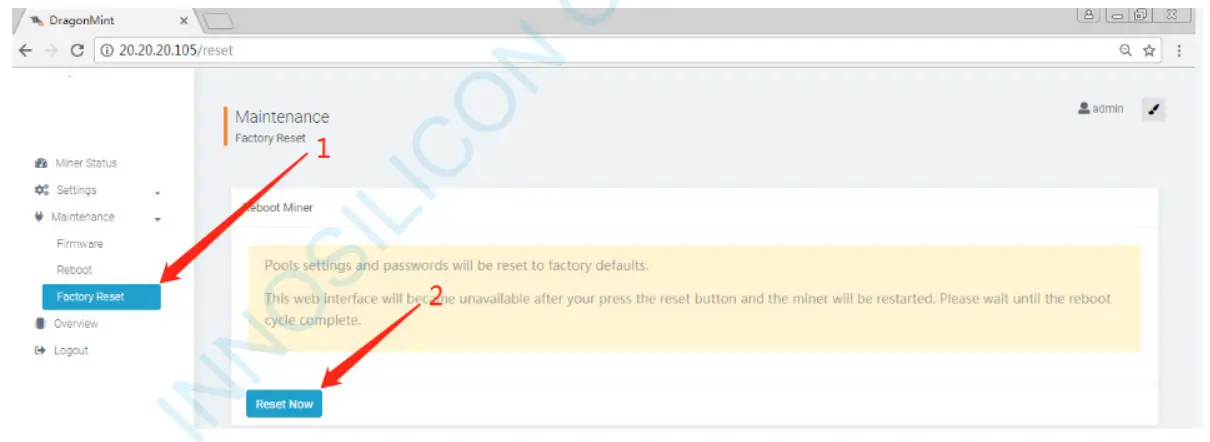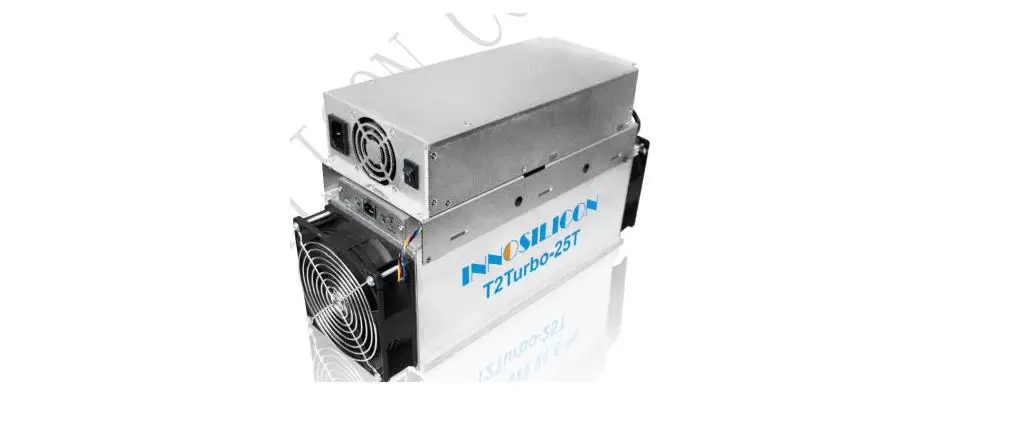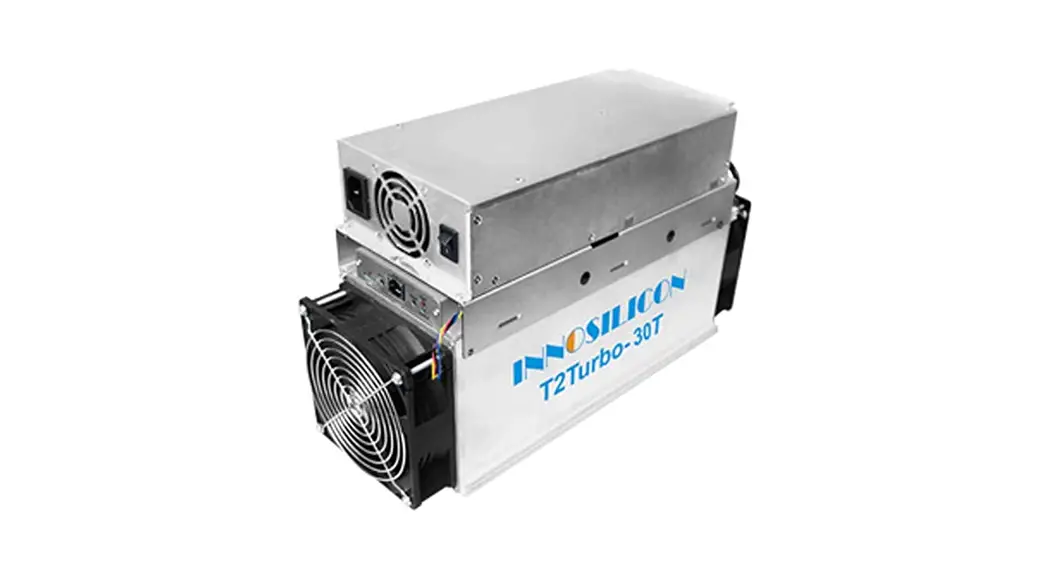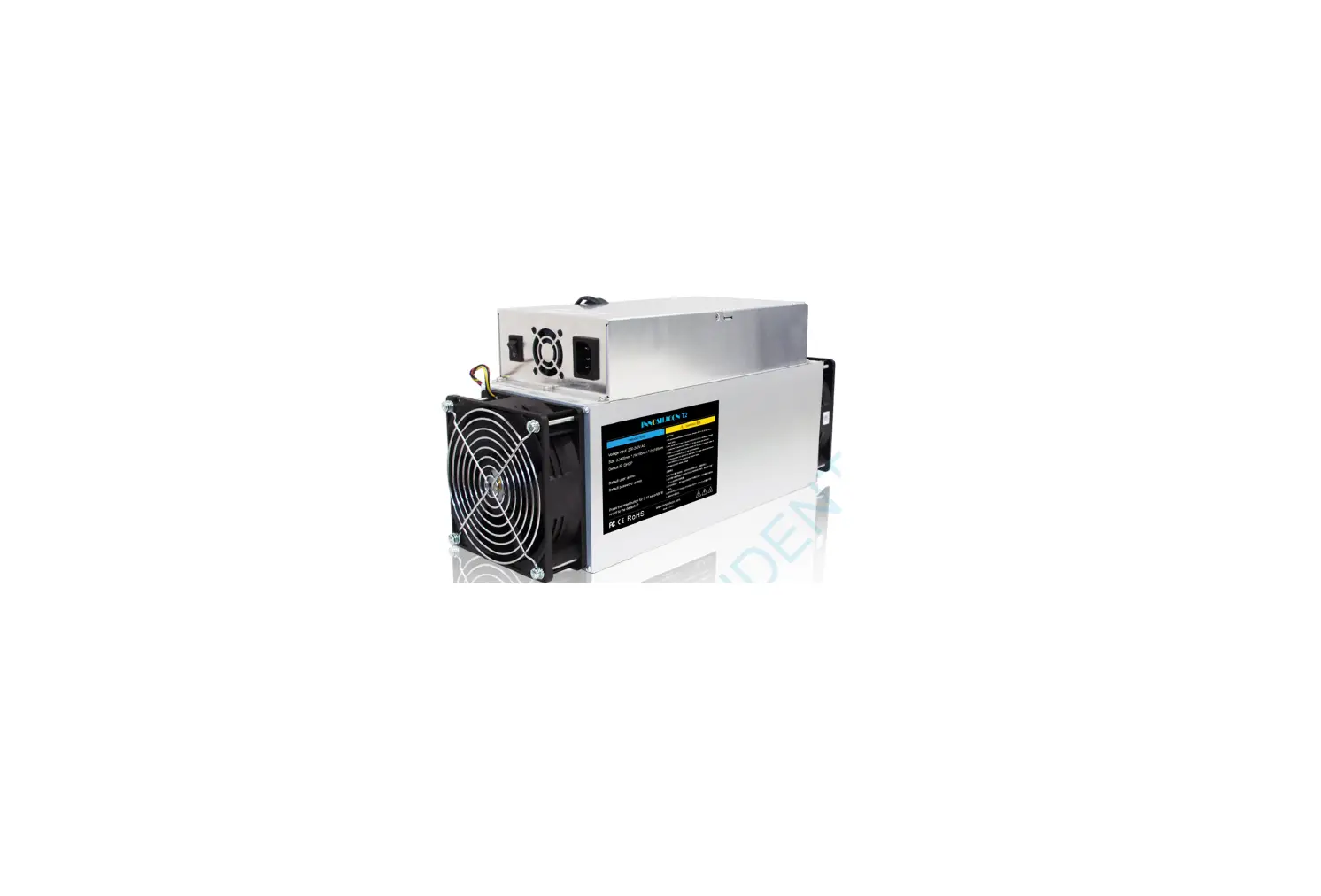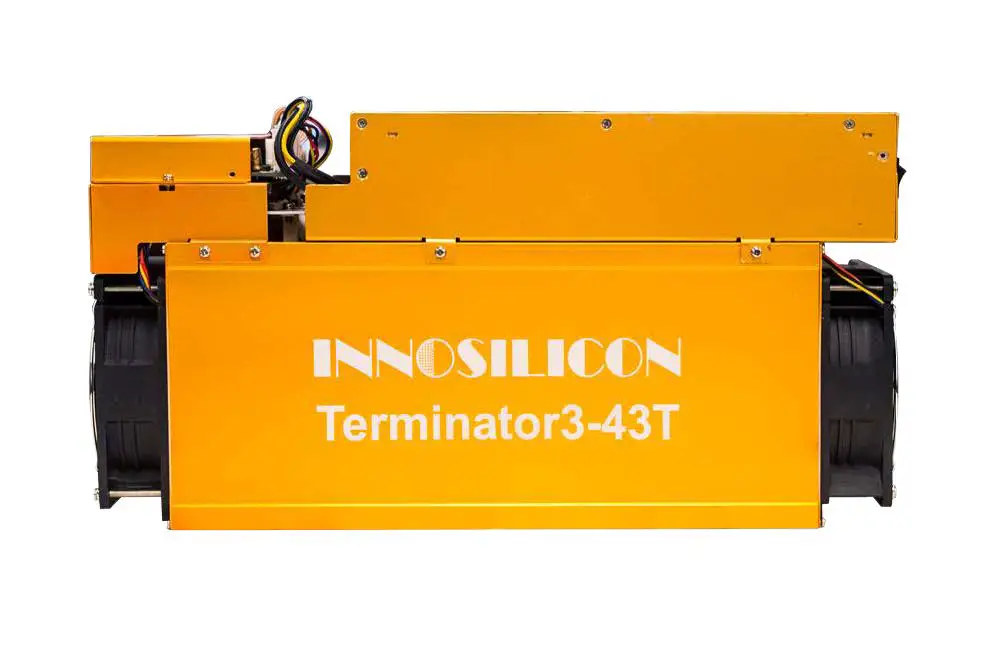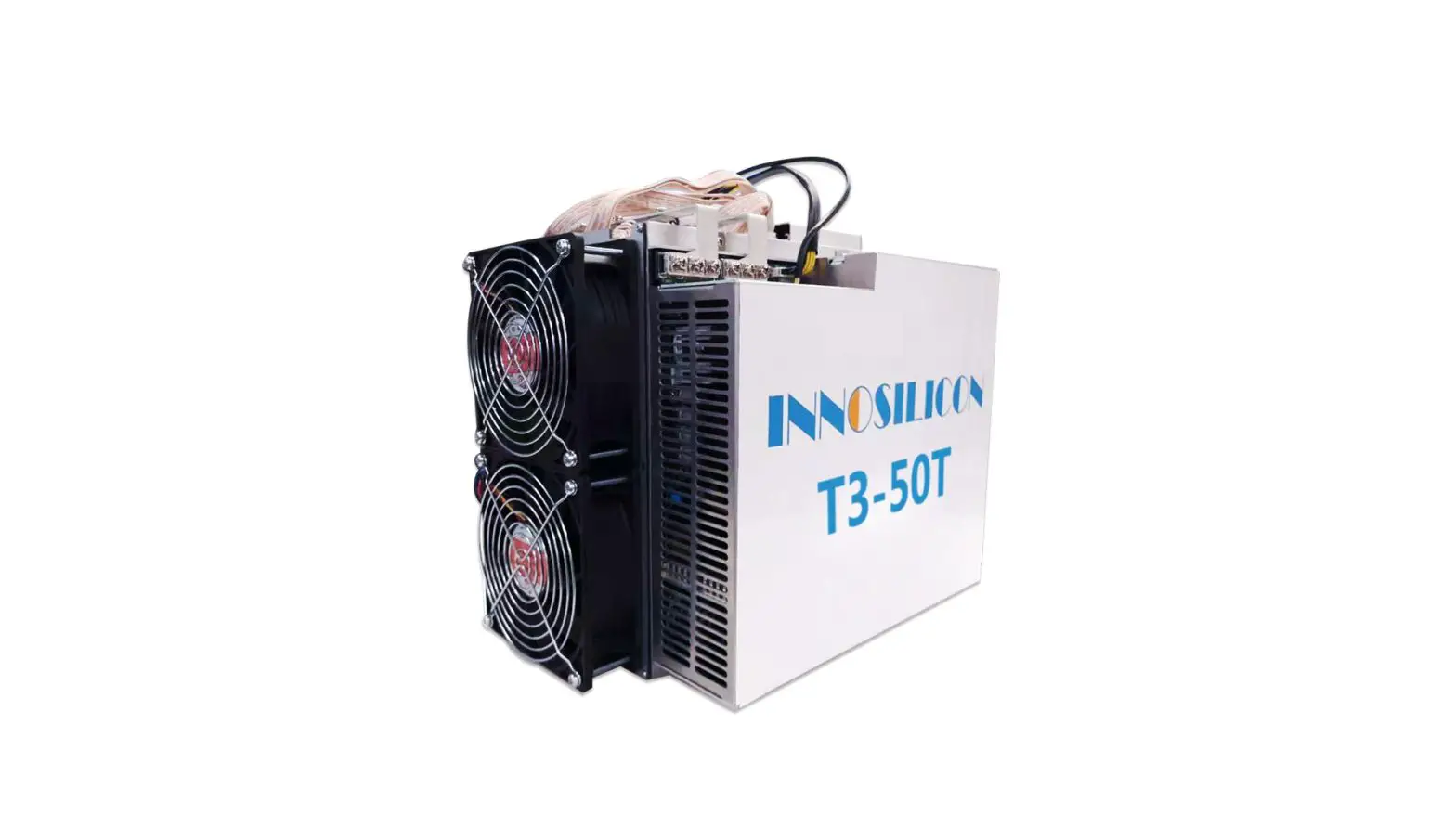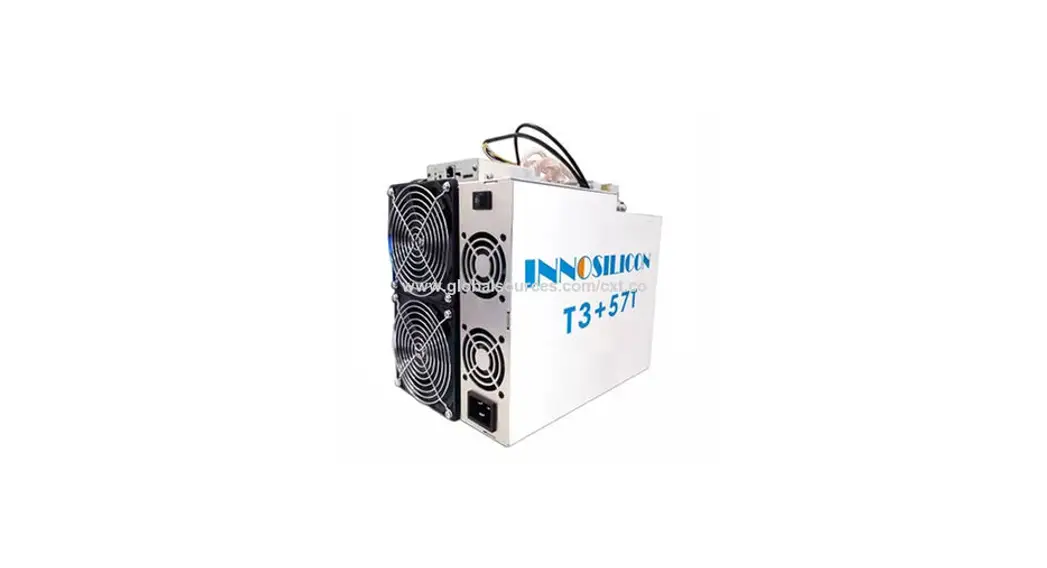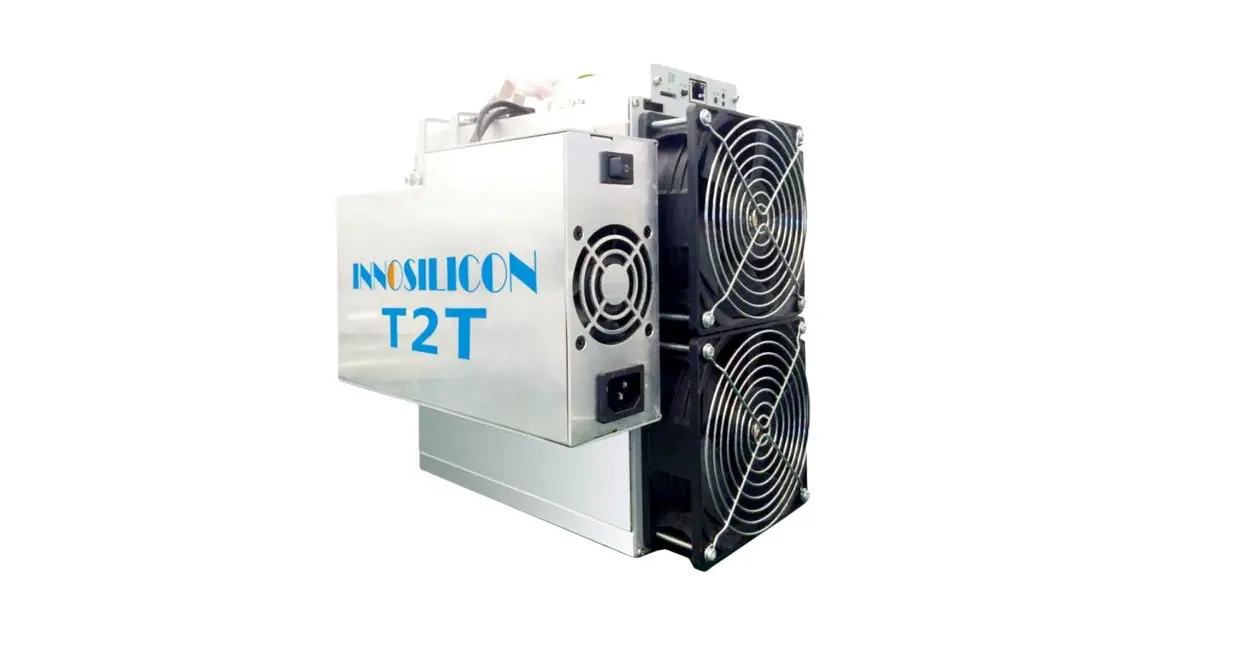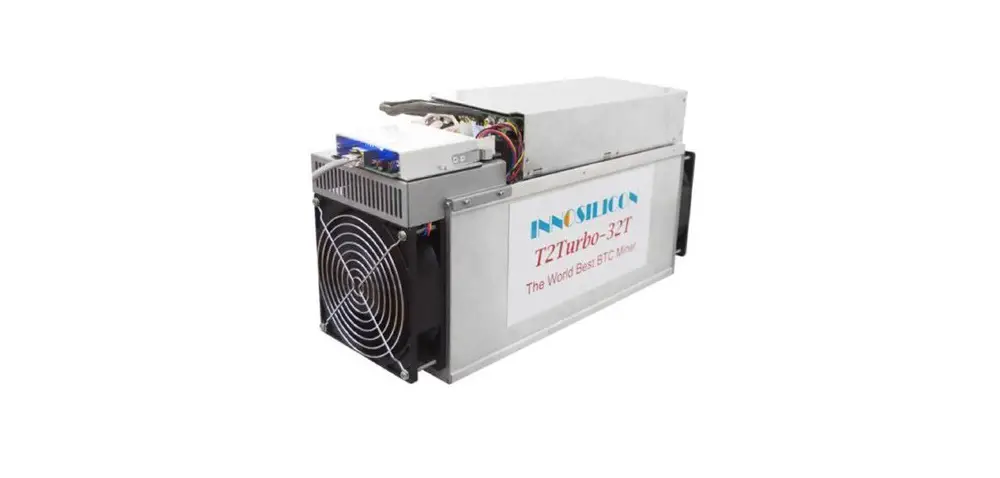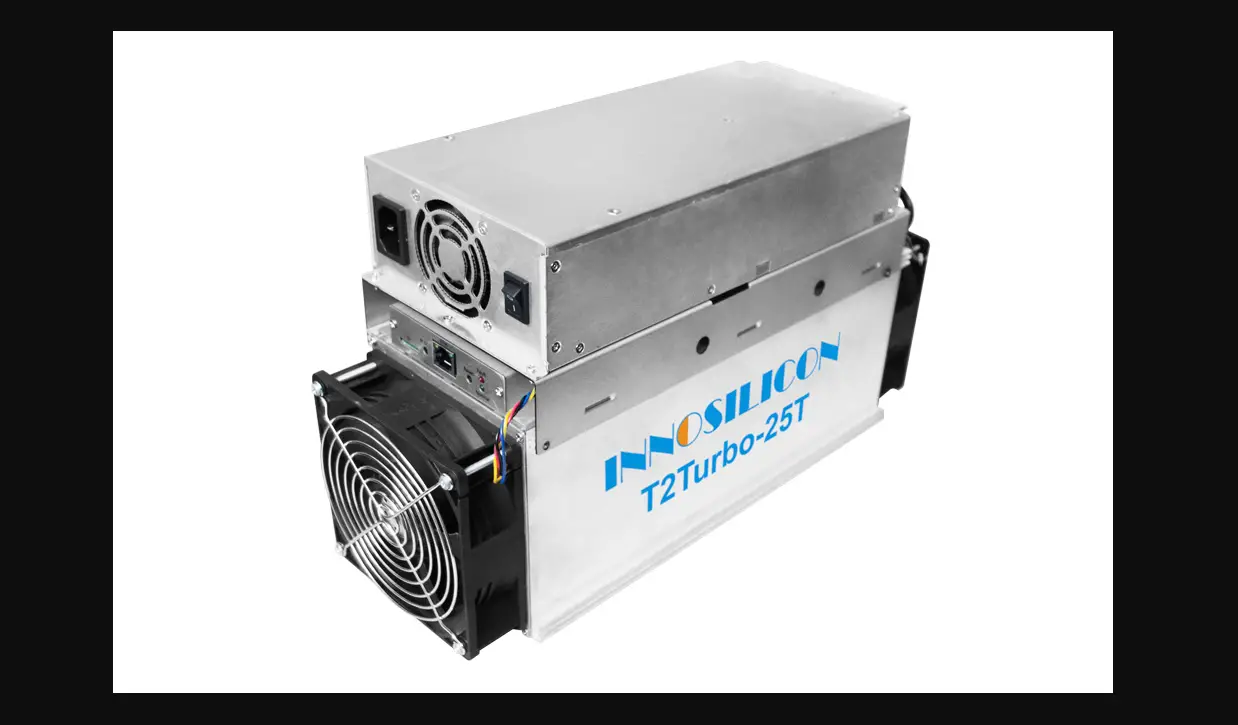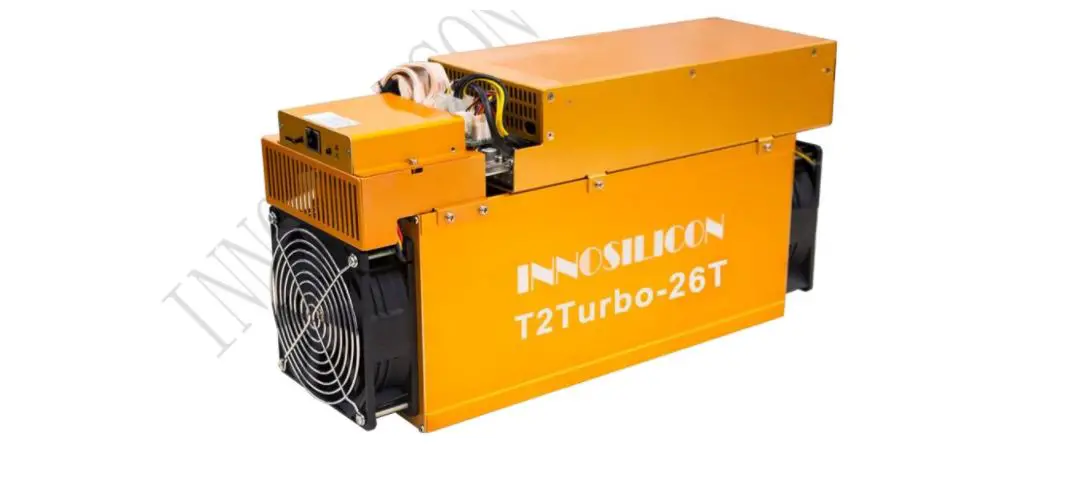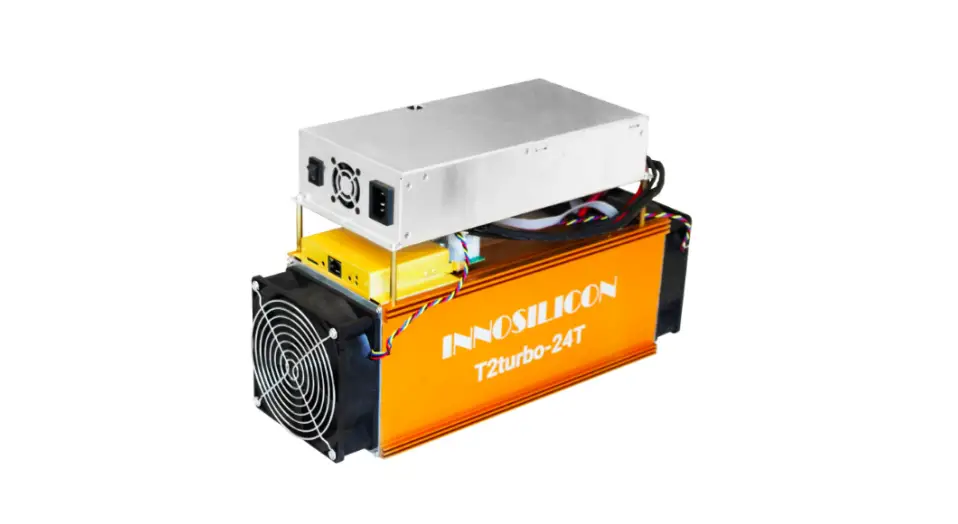

T2T-24T BTC
USER MANUAL
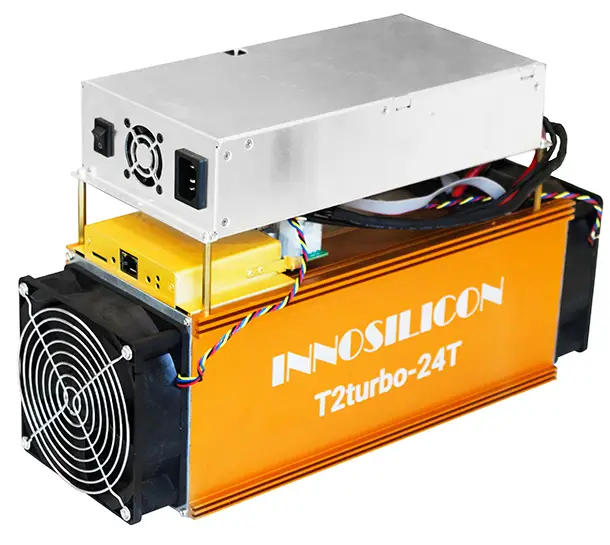
INNOSILICON CONFIDENTIAL
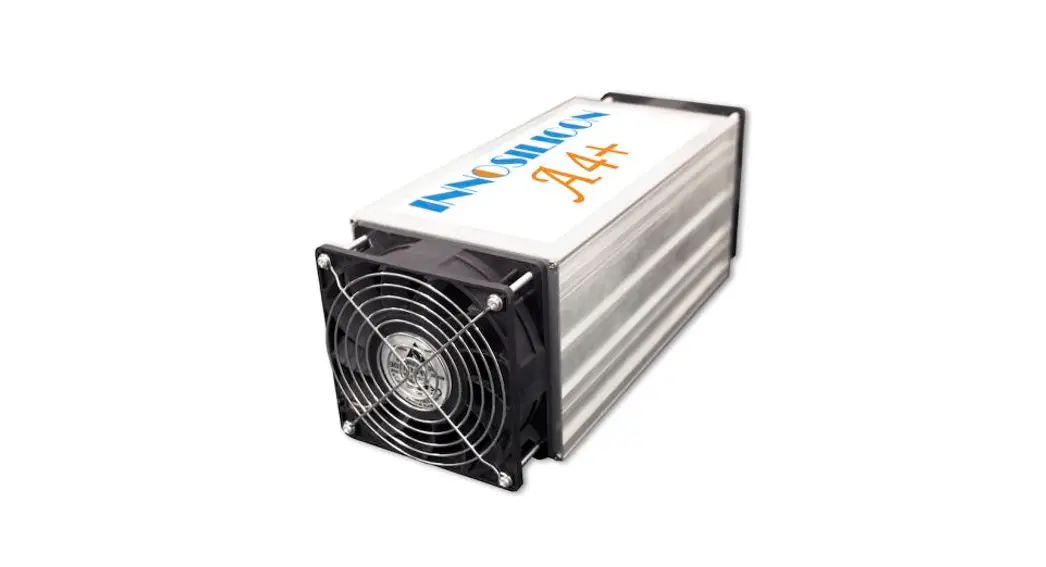
INNOSILICON T2T-24T BTC
OVERVIEW
| Part Number | T2T-24T |
| Algorithm | Sha256 |
| Size (L×W×H) | 408mm(L)*135mm(W)*232mm(H) |
| Net Weight | 8.82KG (with PSU) |
| Operating Temperatur | 0-40 ℃ |
| Network Connection | Ethernet |
Typical Hashrate and Power Dissipation of the Four Mode:(You can set the mode following the manual 3.5.1)
| Mode | Performance | Factory | Balance | Efficient |
| Hashrate | 24TH±5% | 22TH±5% | 20TH±5% | 18TH±5% |
| Power dissipation | 1980+10% | 1760W+10% | 1530W+10% | 1240W+10% |
ASSEMBLE THE MINER
CHECK THE MINER BEFORE POWER ON
- Check the warranty sticker is well or not, especially the hash boards PSU port side. If the warranty sticker is damaged when you received the miner, please contact our After-sales.
- Before you power on the miner, shake the miner softly, if you can hear the sound of metal banging on metal, please contact our After-sales.
- Check if the fans work well if you find the fans broken please contact our After-sales.
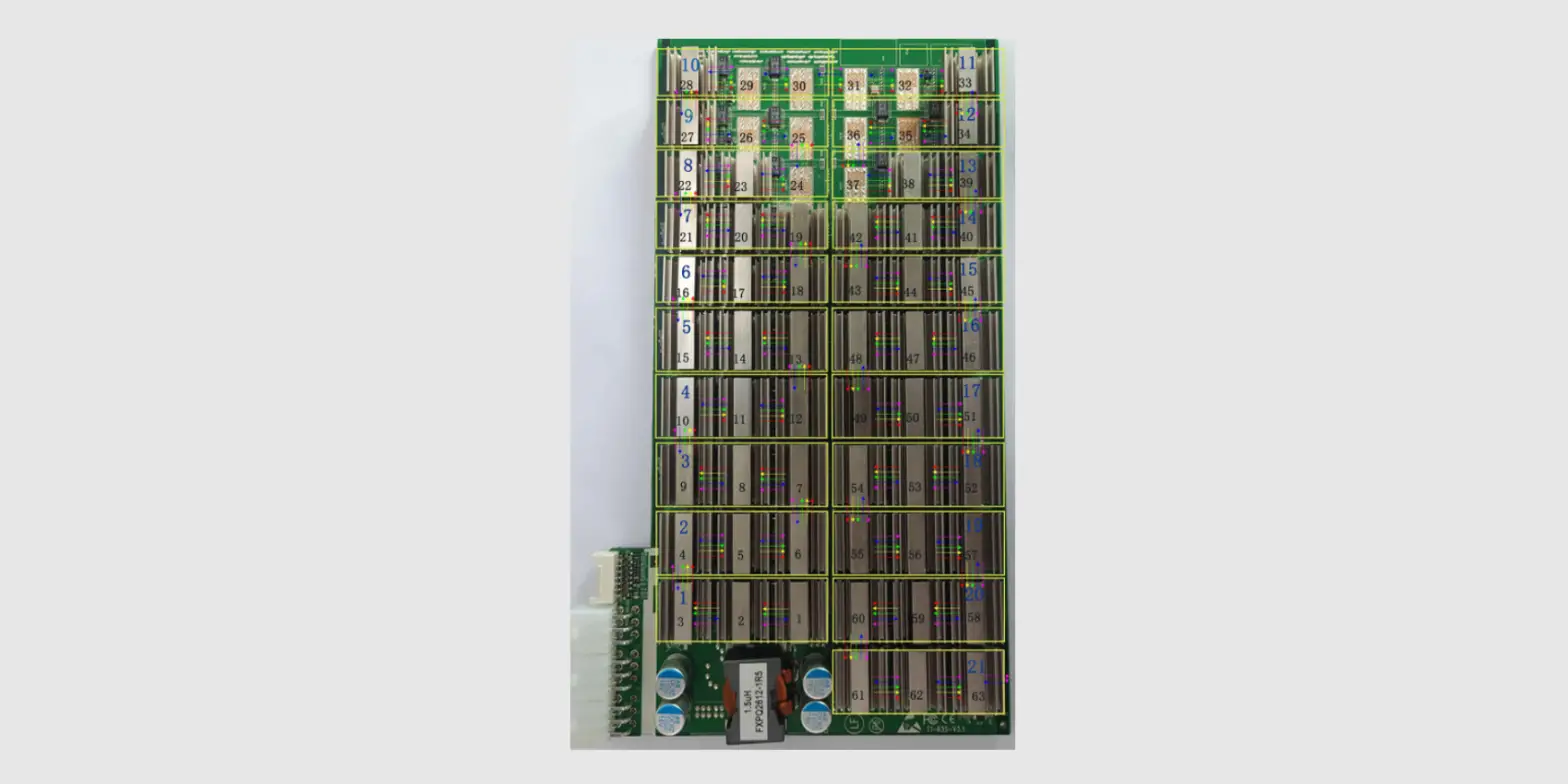
- The cable connection should be the same as in the following picture.

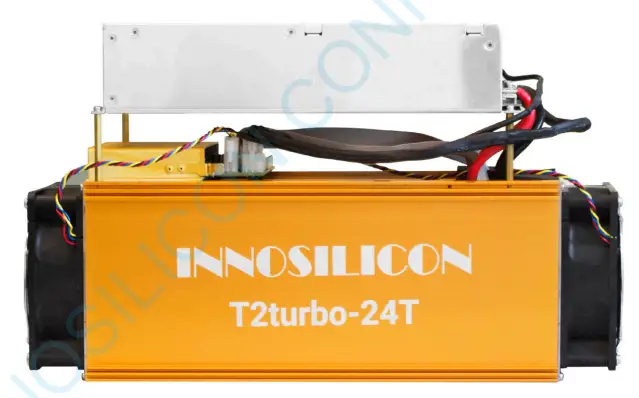
Note:
There is a led on each dashboard, which can show the work status of the dashboard.
When the miner start to work, they led
Solid—working well
Blink—the dashboard overheat, please check the fans of the miner and the room temp
Off—the dashboard doesn’t work, please try to reboot the miner or change the data cable. You can contact our after-sales team if the problem still exists.
CONNECT THE PSU
Note: The sequence of the PSU cable should be the same as the following picture(Changing the sequence of the PSU cable will void the warranty.
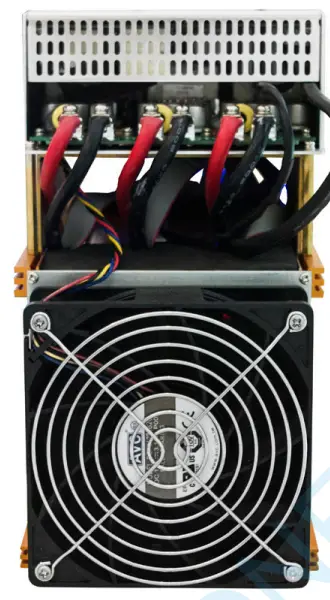
Connect the miner and the router by the Ethernet cable, then the miner can start to run after power on the miner.
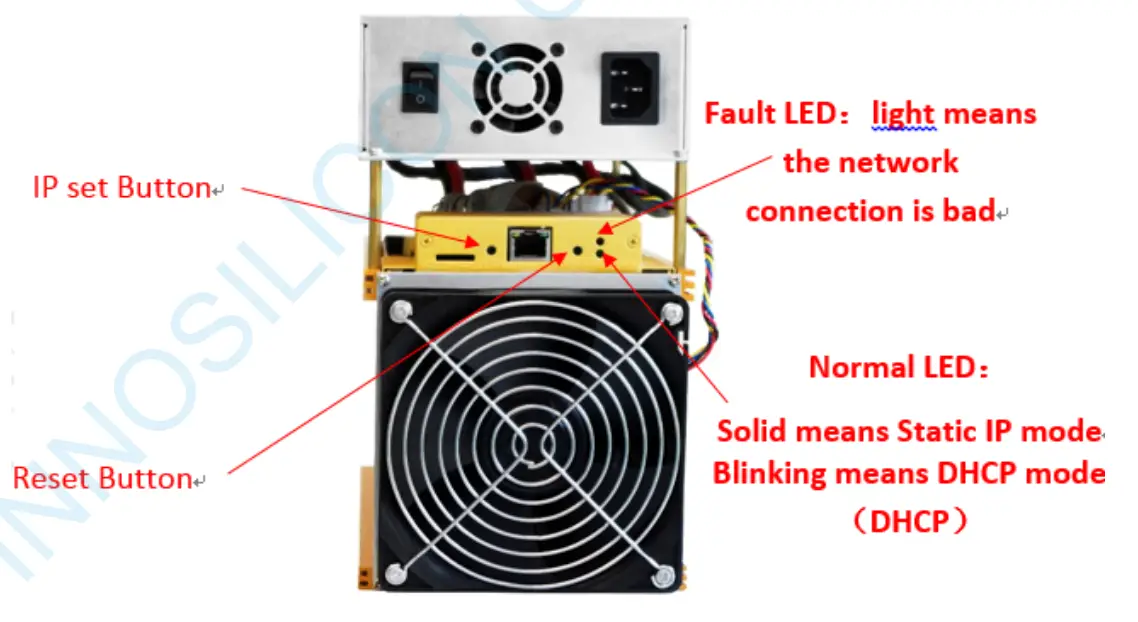
IP SET button:
Press it 1—4 seconds, it will (1) show the IP of the miner in the “Set IP” tool; (2) change the miner to Static IP mode and modify the IP to the IP range you set in the “Set IP” tool
Press it 4—15 seconds, the miner will become to DHCP and the settings of the miner should be restored to default.
Press it for more than 20 seconds to switch the Dynamic (Static) IP to Static (Dynamic)
RESET button: Your miner will restart if you press it..
OPERATE THE MINER
ENTER THE MINER CONSOLE
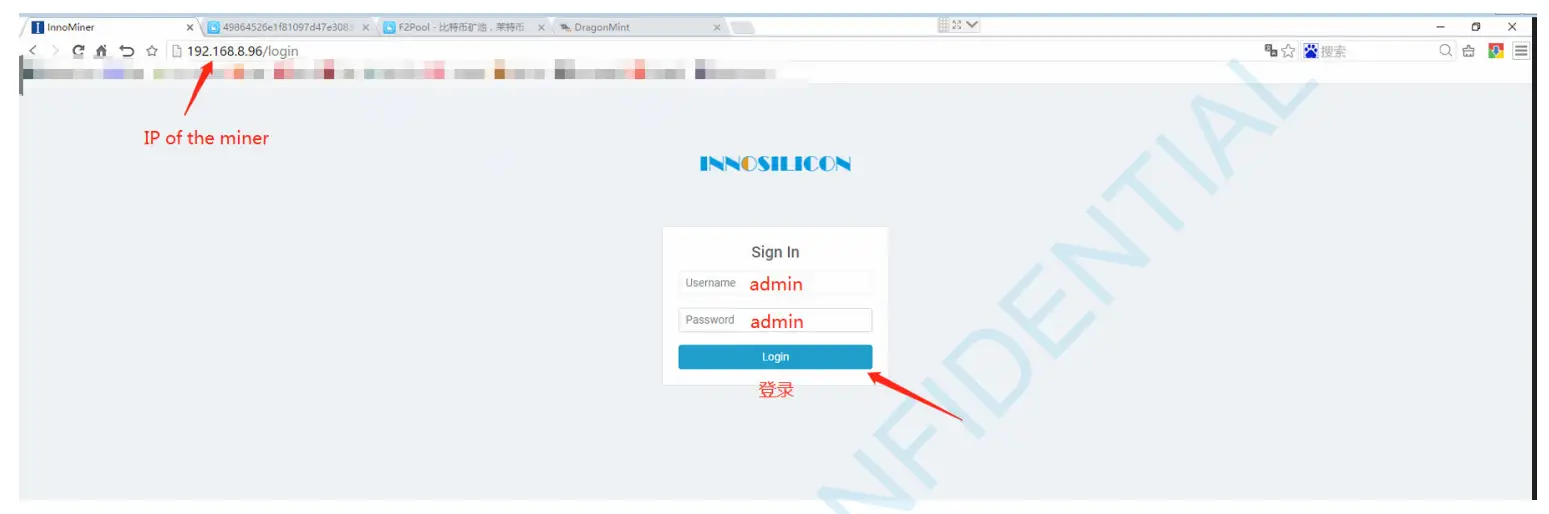
DHCP(the Normal led on the control board should be blinking) is the default IP mode of the miner, find the IP via the router or the IP scanner. Enter the IP of the miner on the browser and press the Enter button.
Chrome is the suggested browser.
SET UP THE POOL
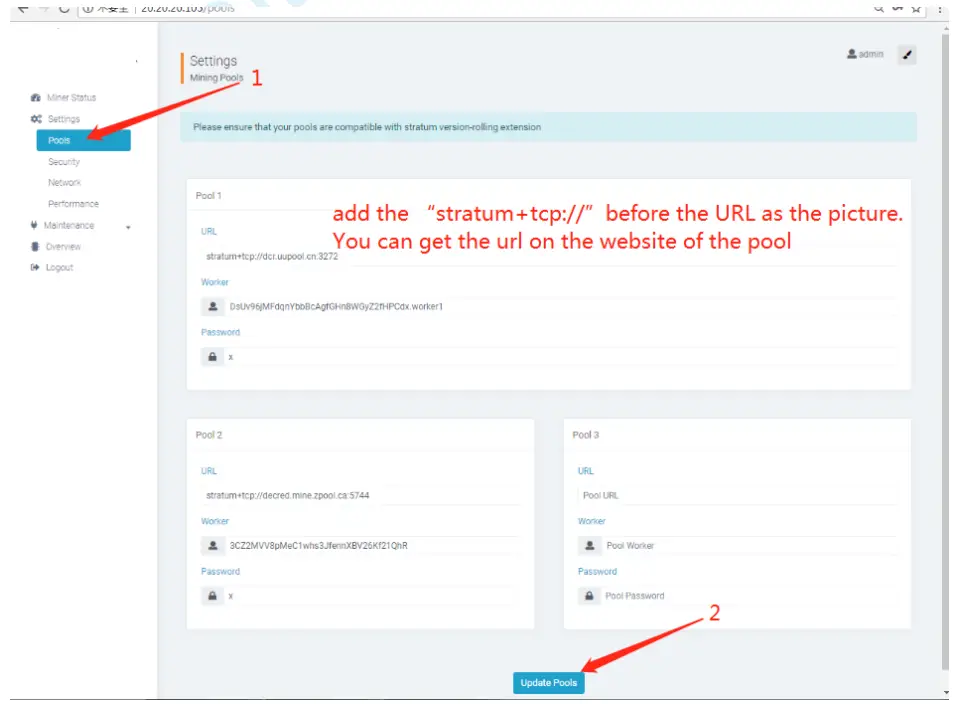
Please use the suggested pool as below:
- ckpool: cn.ckpool.org:443 or pool.ckpool.org:3333
- slushpool: stratum.slushpool.com:3333
- f2pool: btc-65536.f2pool.com:3333
- btc.top: t2.btc.top:8888 or bak.t2.btc.top:3333
- poolin: stratum+tcp://btc-bj.ss.poolin.com:1800 or stratum+tcp://btc-sz.ss.poolin.com:1800
- bitfury: hashrate of the pool maybe low.
CHECK THE HASHRATE OF THE MINER
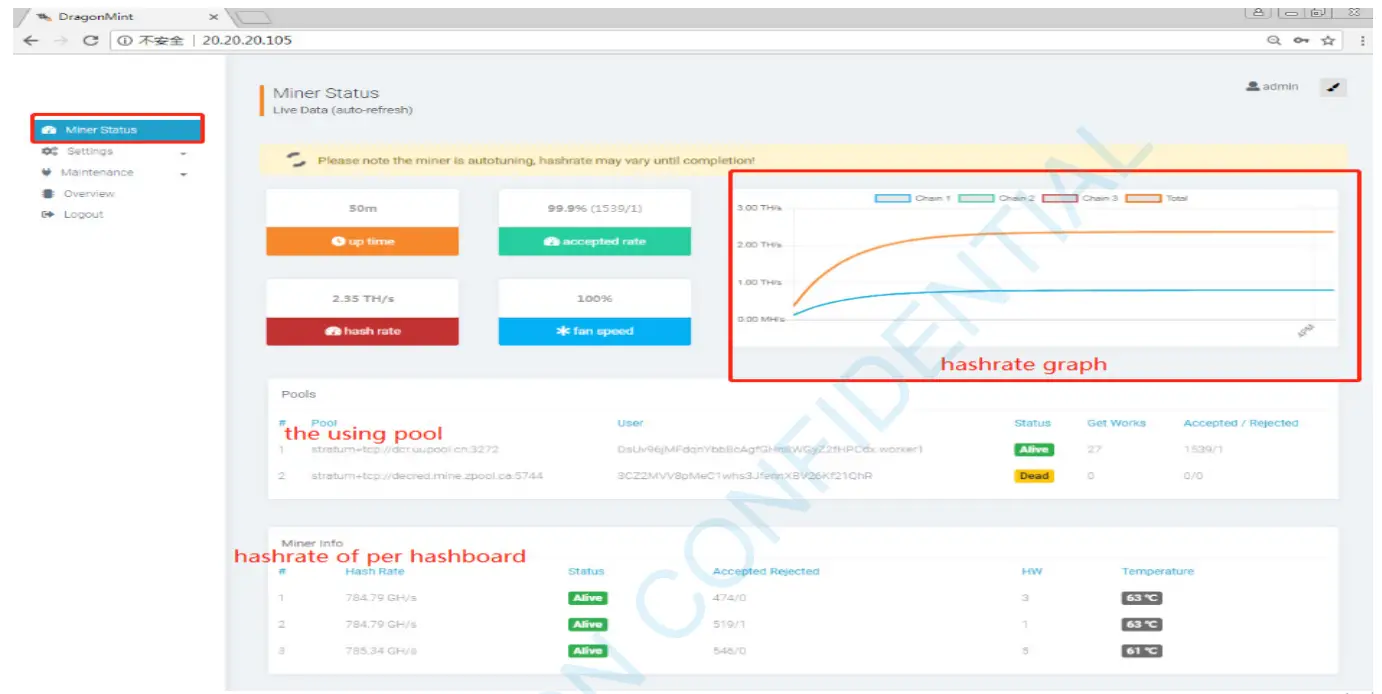
After setting up the pool, the miner will mine for you.
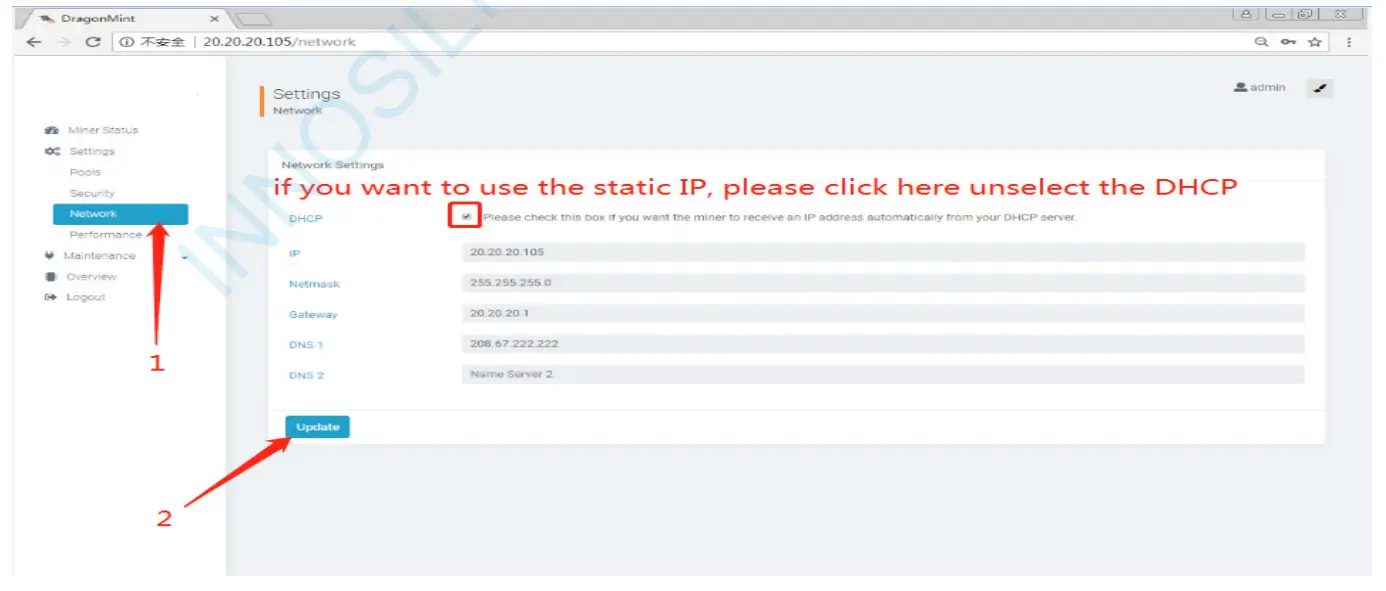
NETWORK CONFIGURATION
 OTHER PAGES
 OTHER PAGES
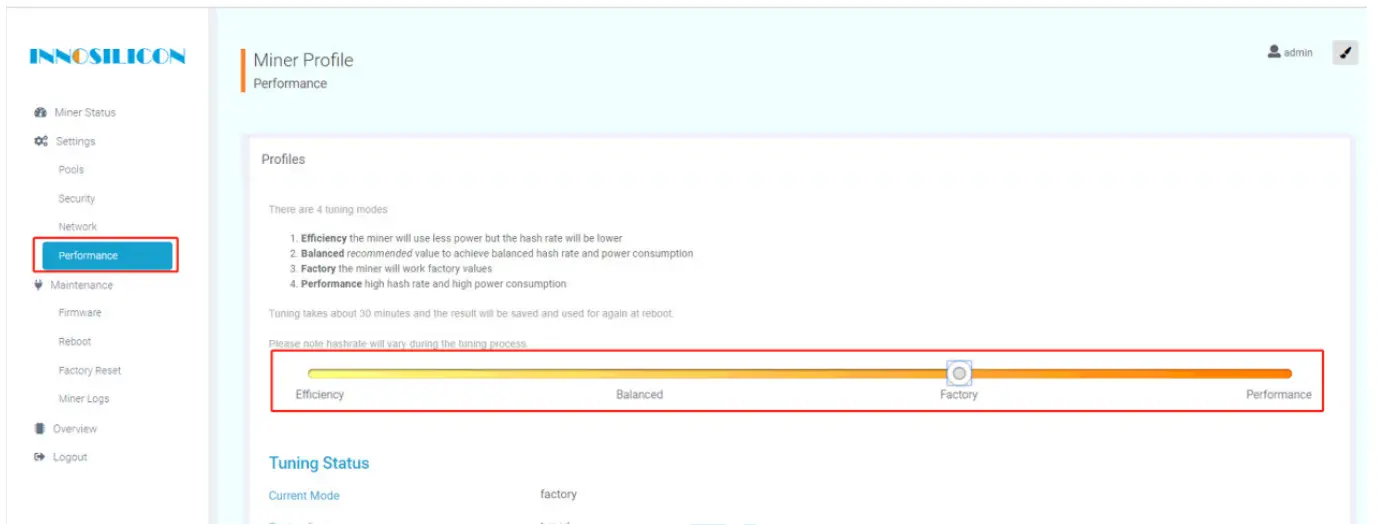
CHANGE THE OPERATE MODE
There are 4 modes that can be chosen, please click the “Save” after you set the mode.
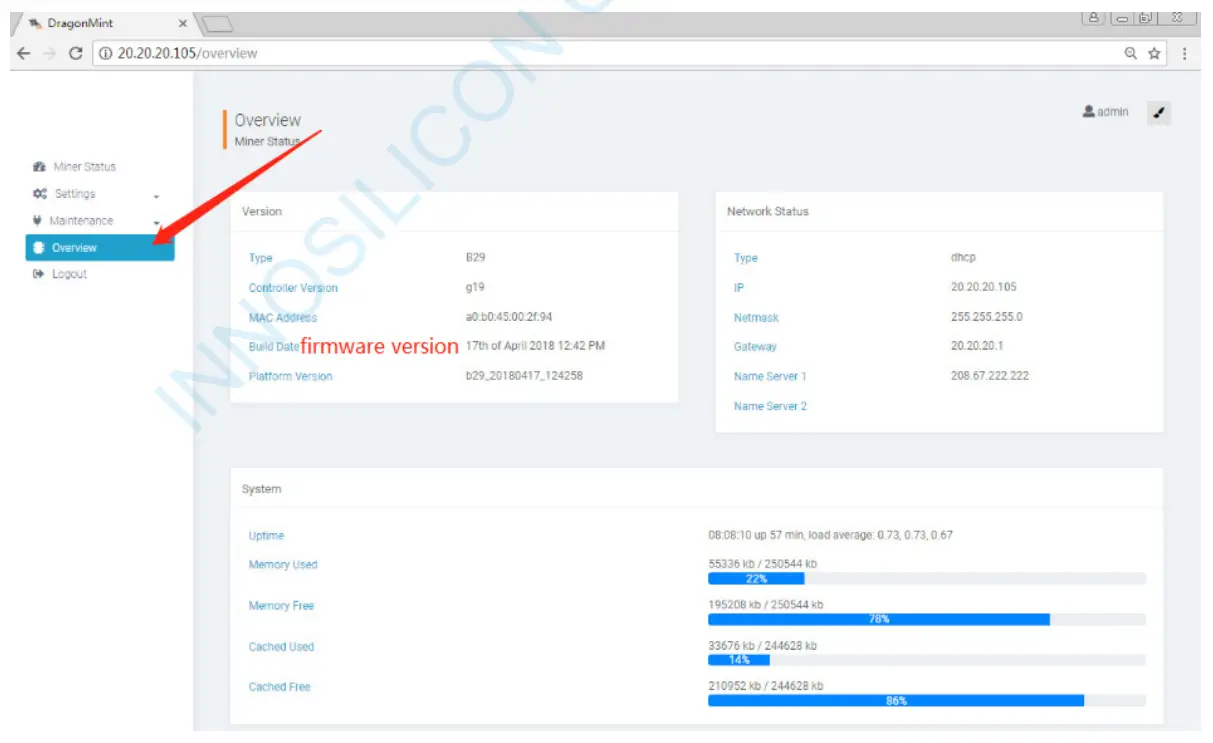
OVERVIEW
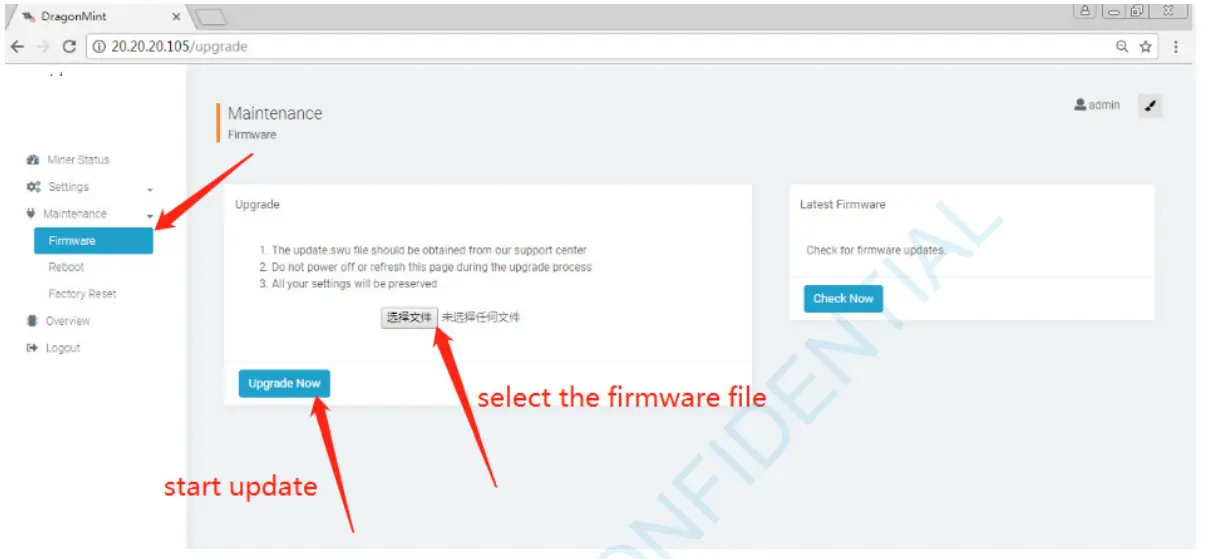
UPGRADE
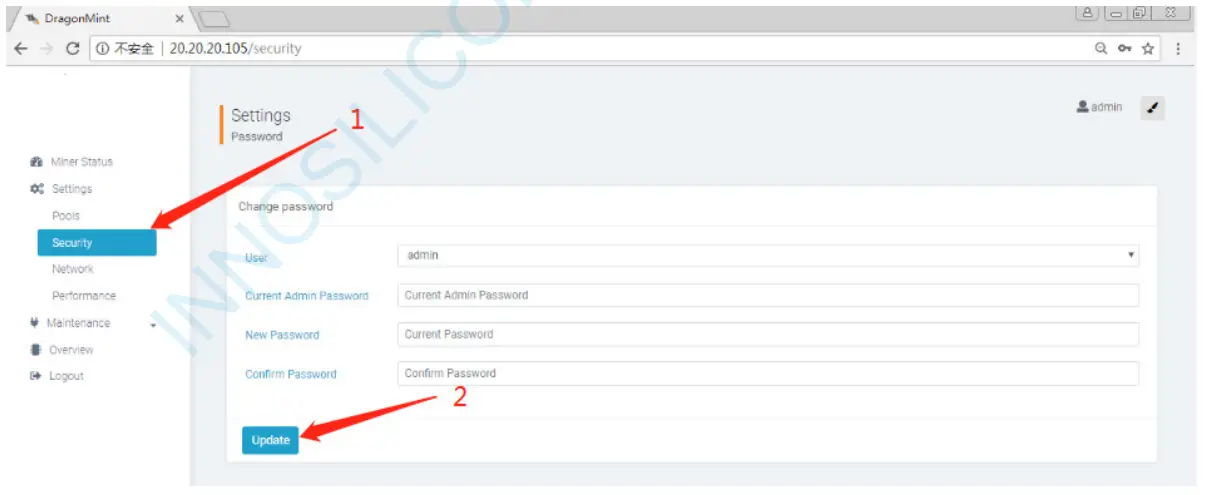
MODIFY THE PASSWORD
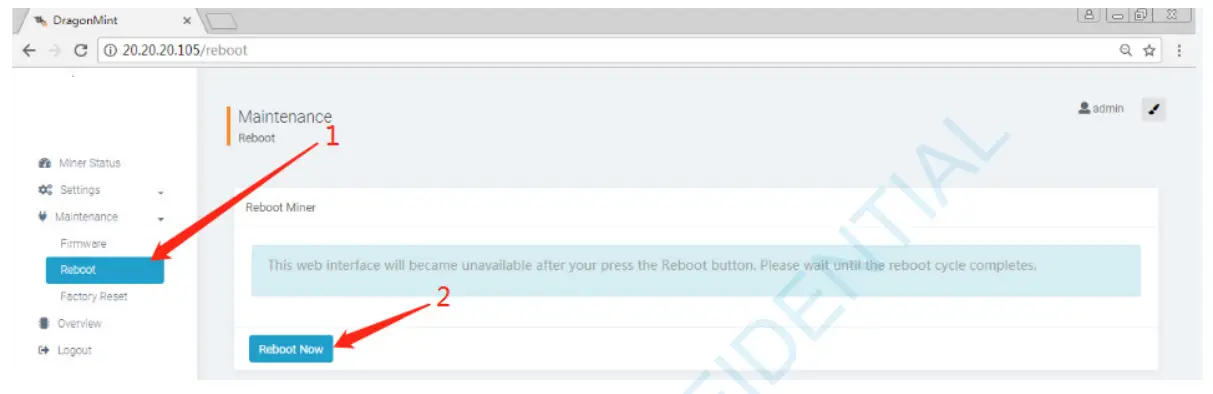
REBOOT
FACTORY RESET