
INSTALL DEVICE
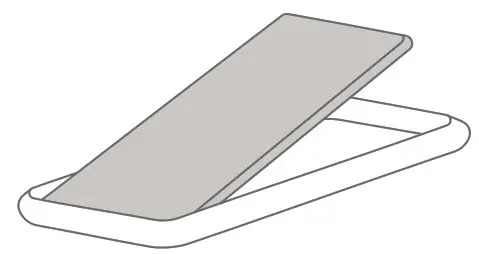 1 – Fit phone into case bottom first | 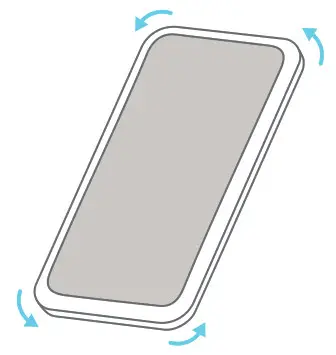 2 – Press all the way around until seated |
REMOVE DEVICE
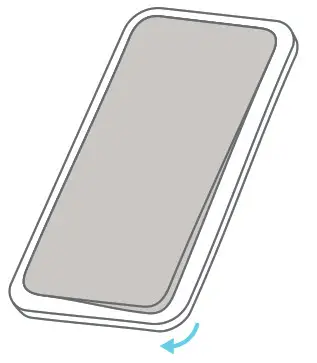 1 – Starting at the bottom, peel back one corner | 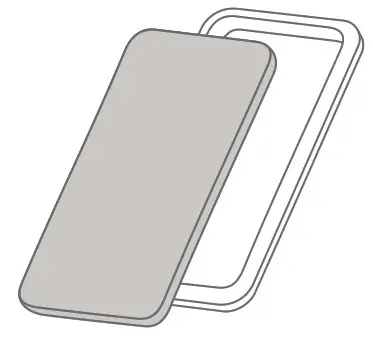 2 – Continue peeling around case until phone is free |
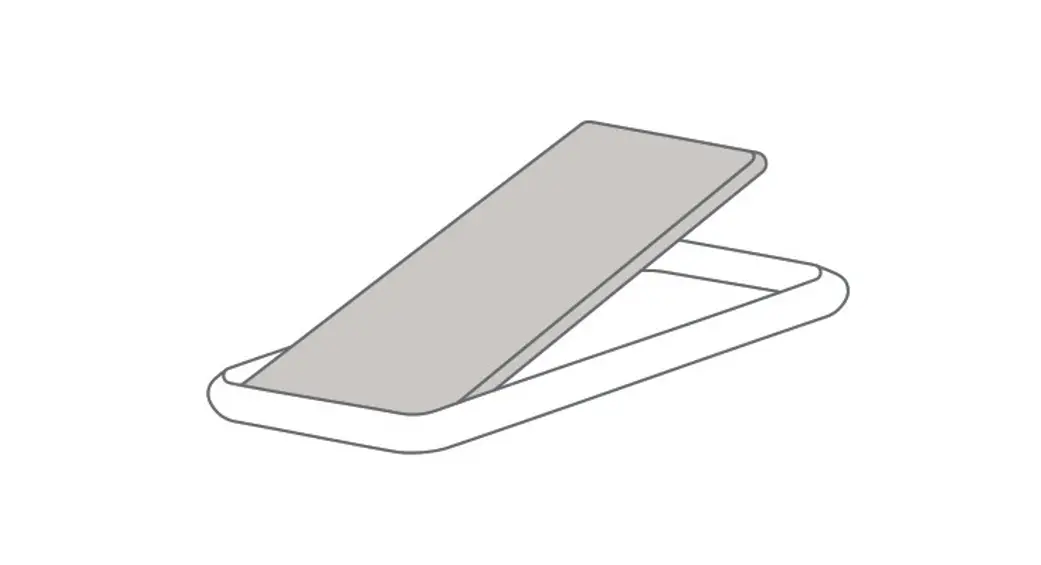
QI WIRELESS CHARGING
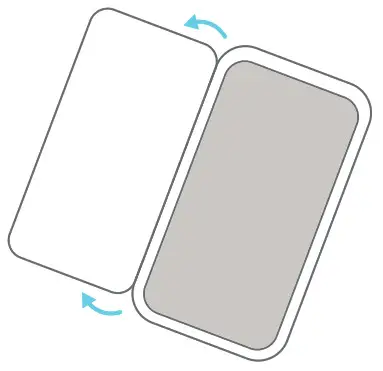 1 – Flip open rear flap | 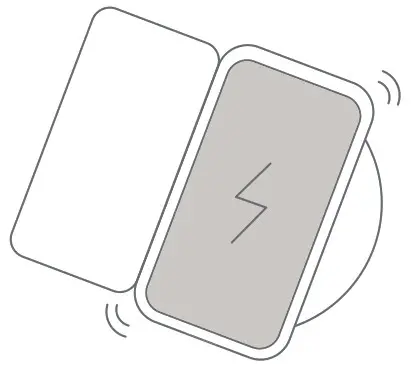 2 – Set phone on Qi-compatible charger |
COMPLETE USER MANUAL
 WARNING: CHOKING HAZARD Small parts. Not for children under 3 yrs.
FOR MORE LANGUAGES GO TO LIFEPROOF.COM/SUPPORT
20-54483_B