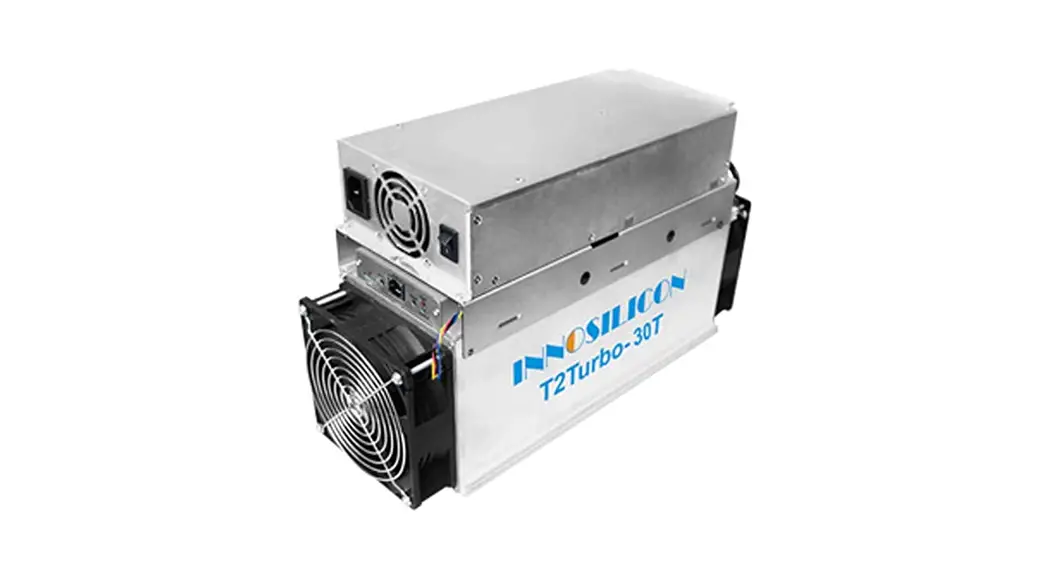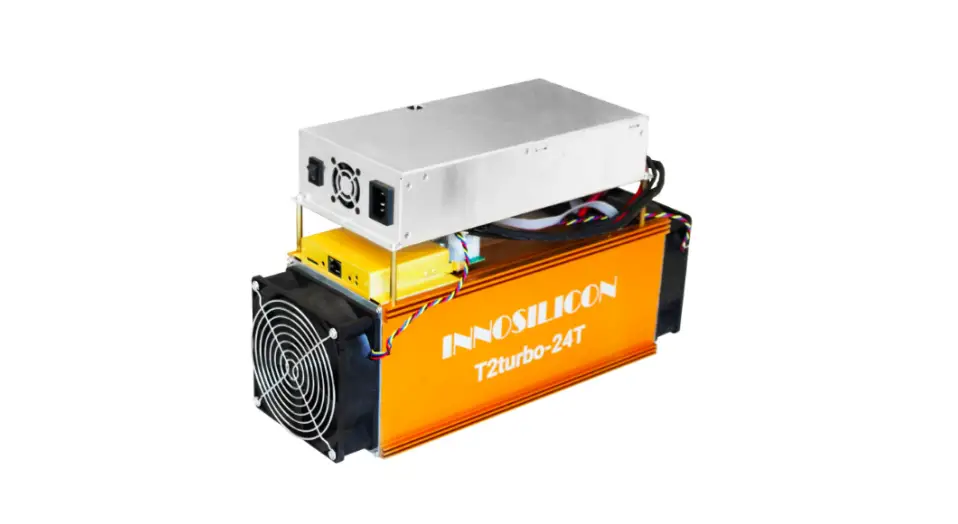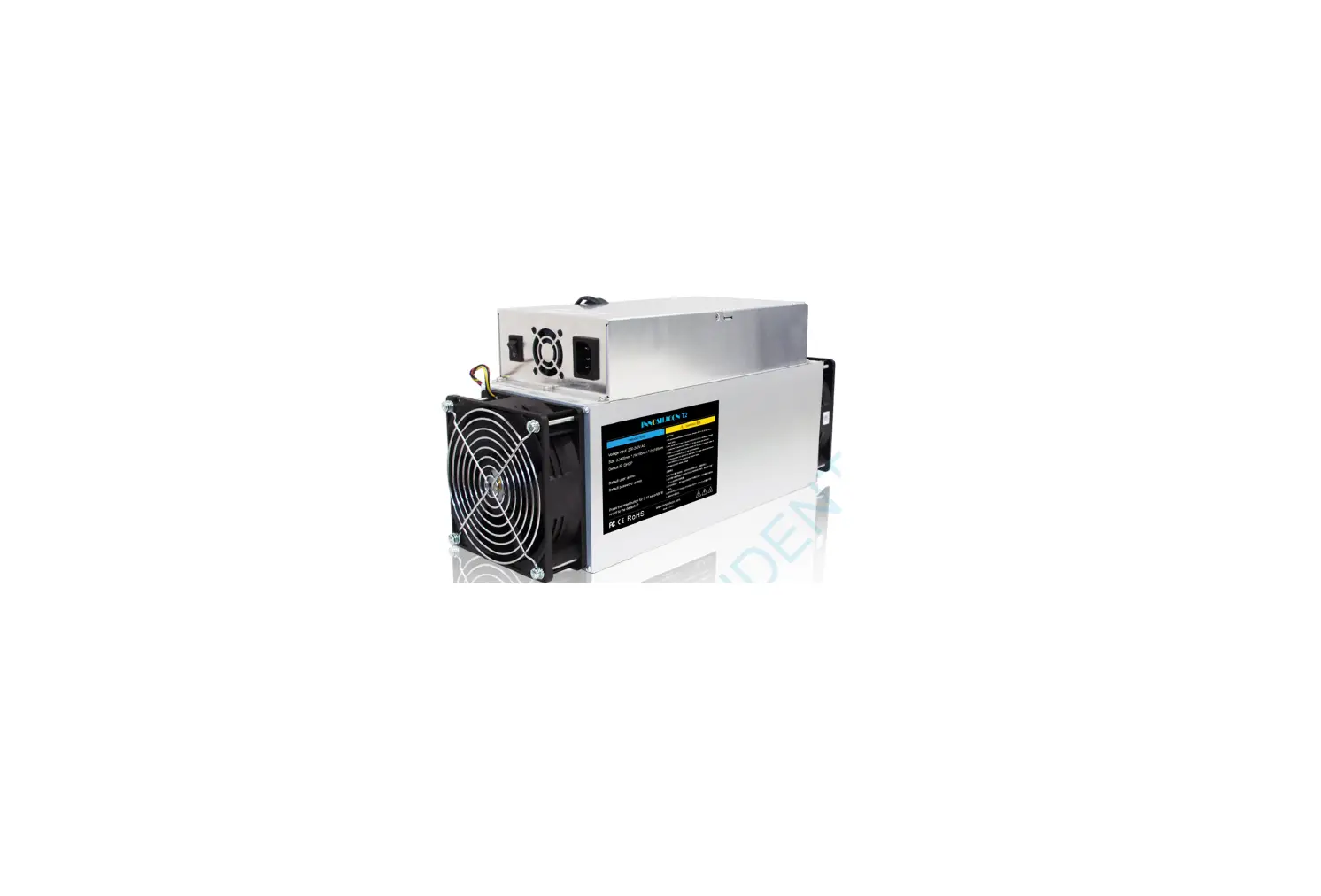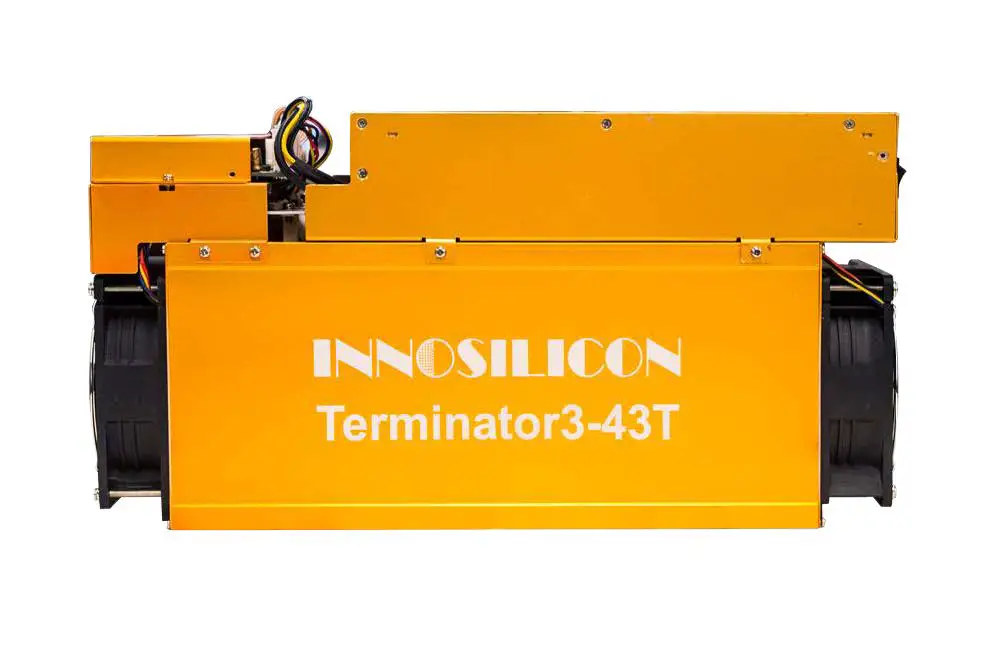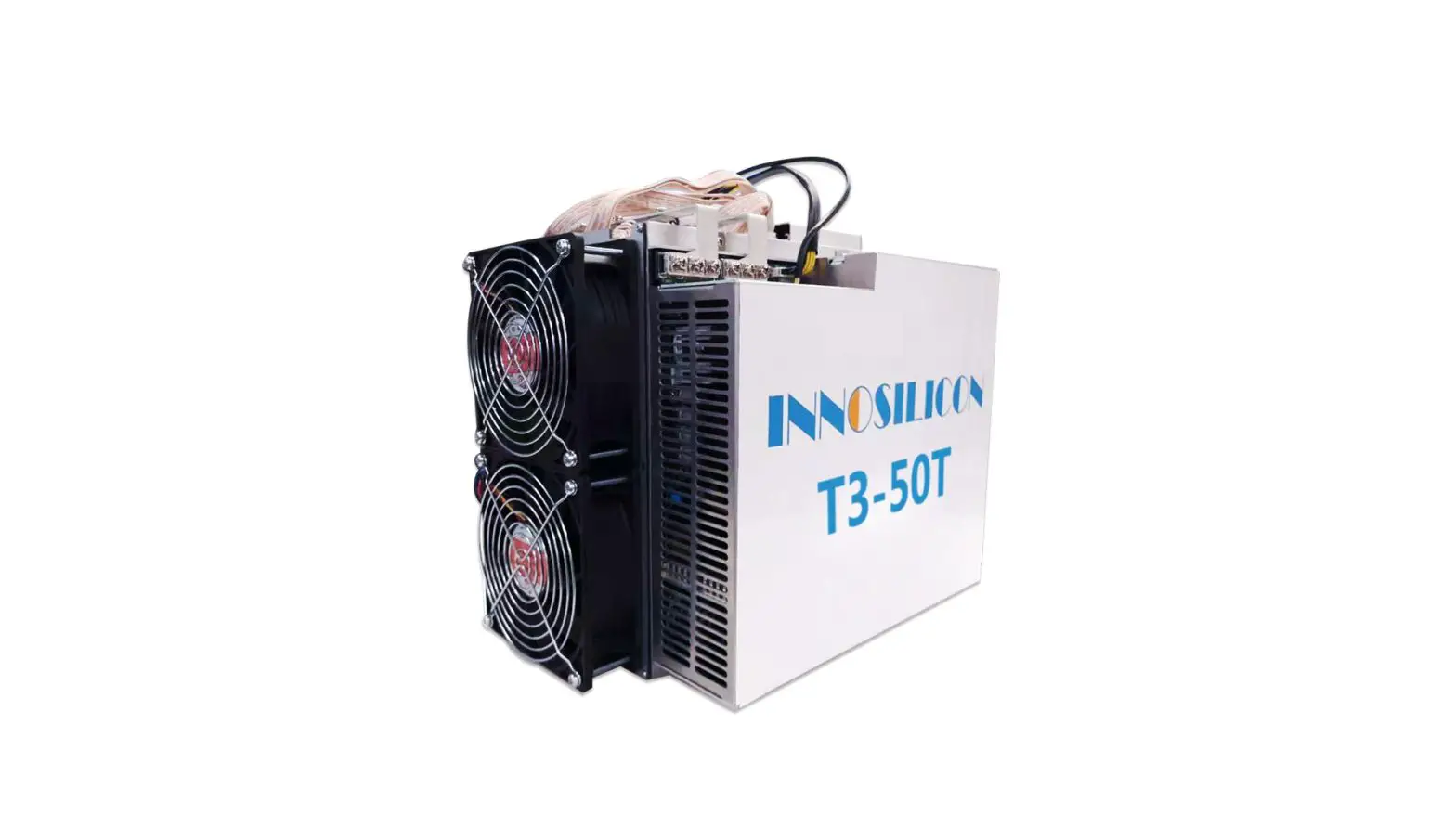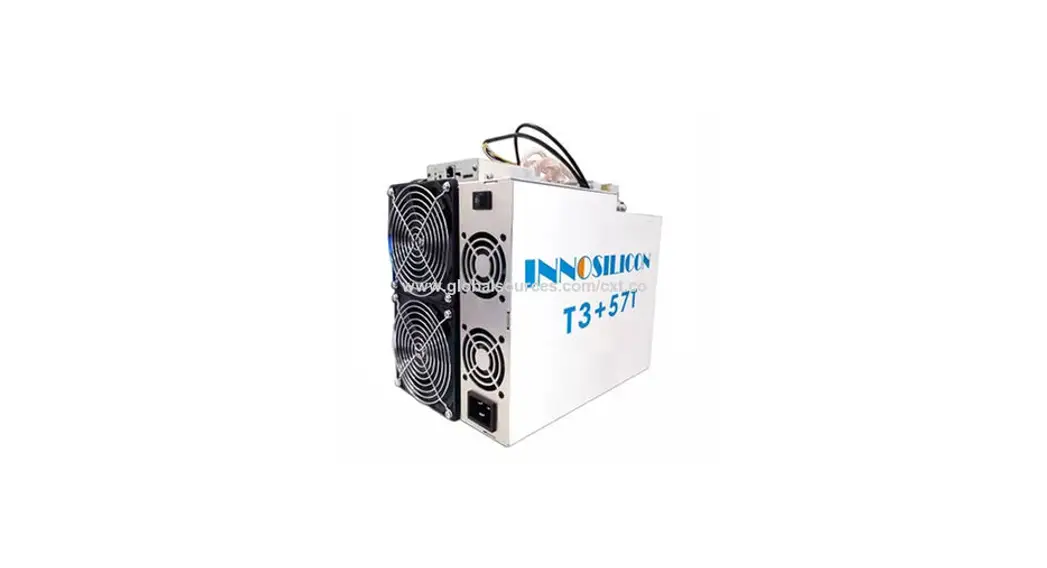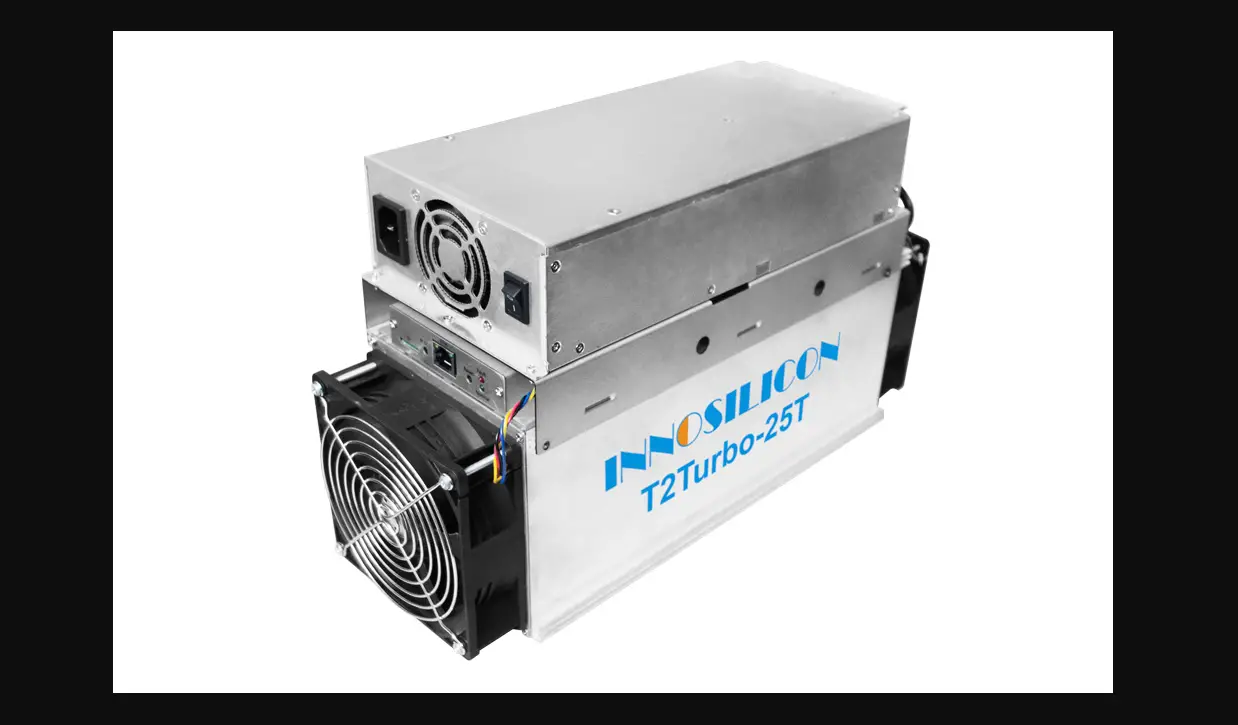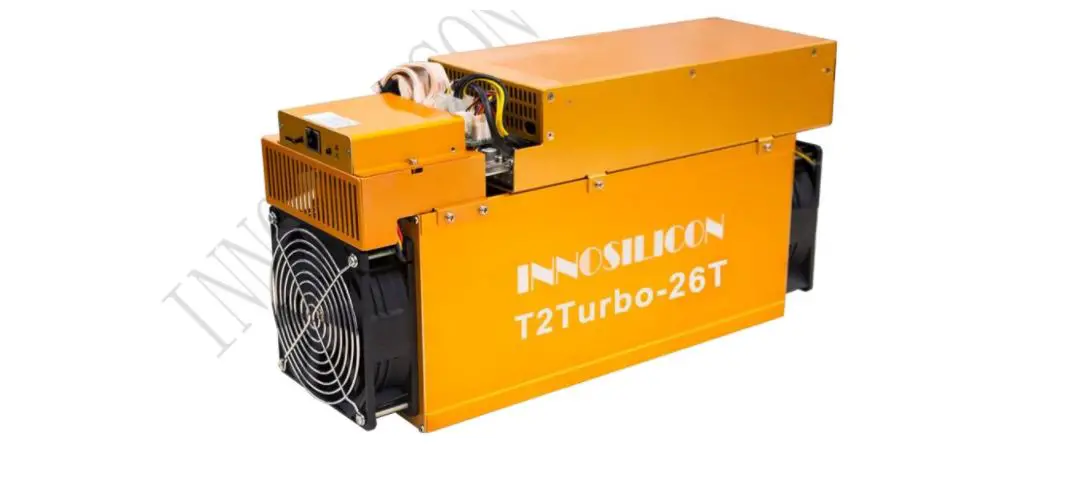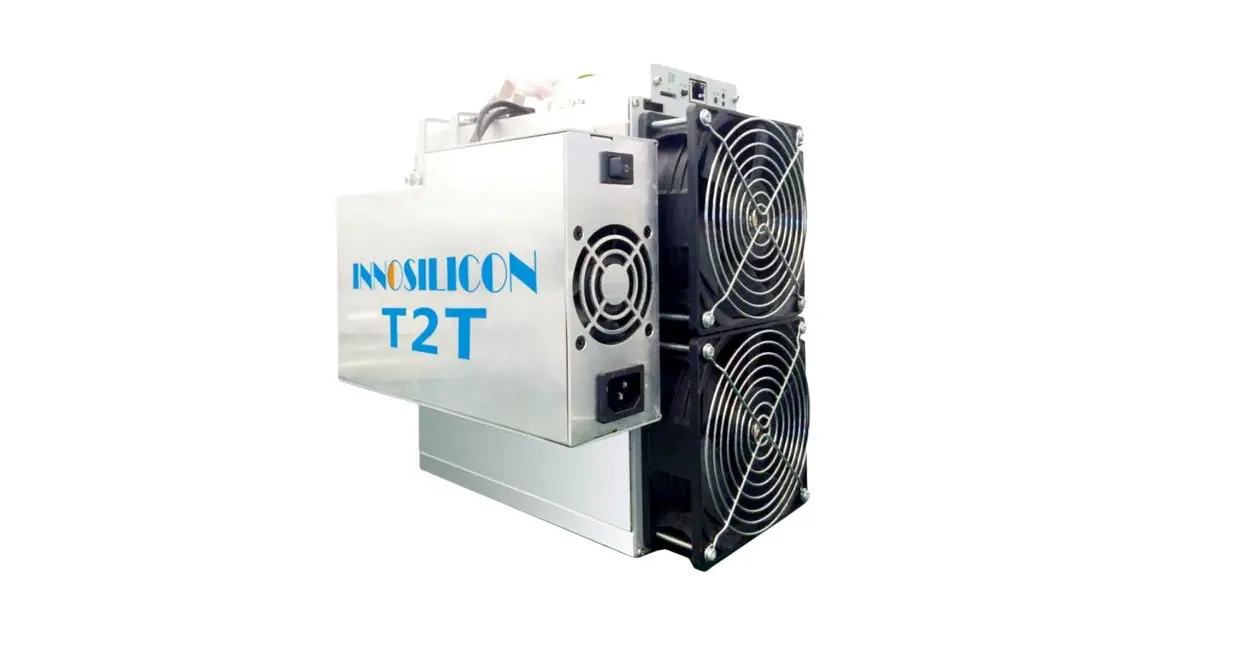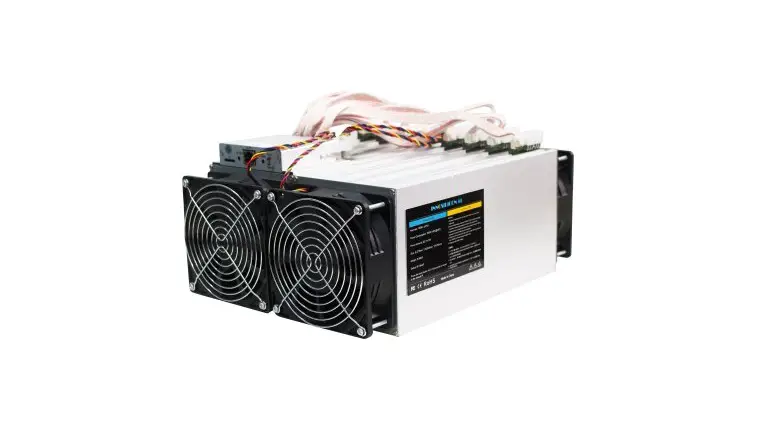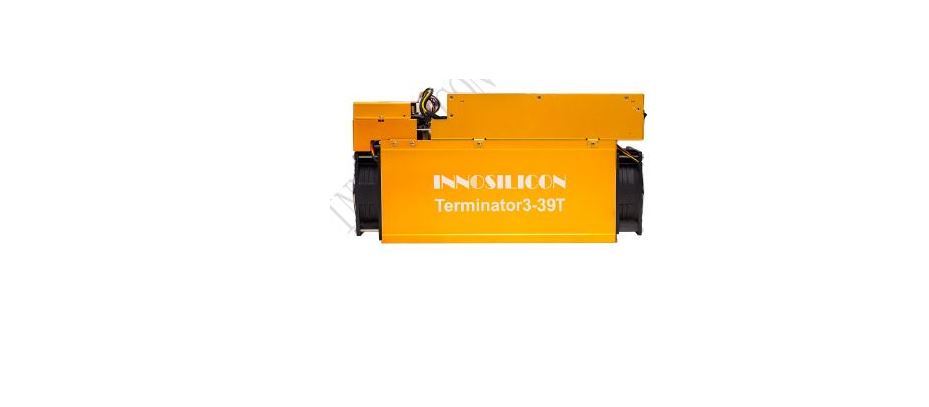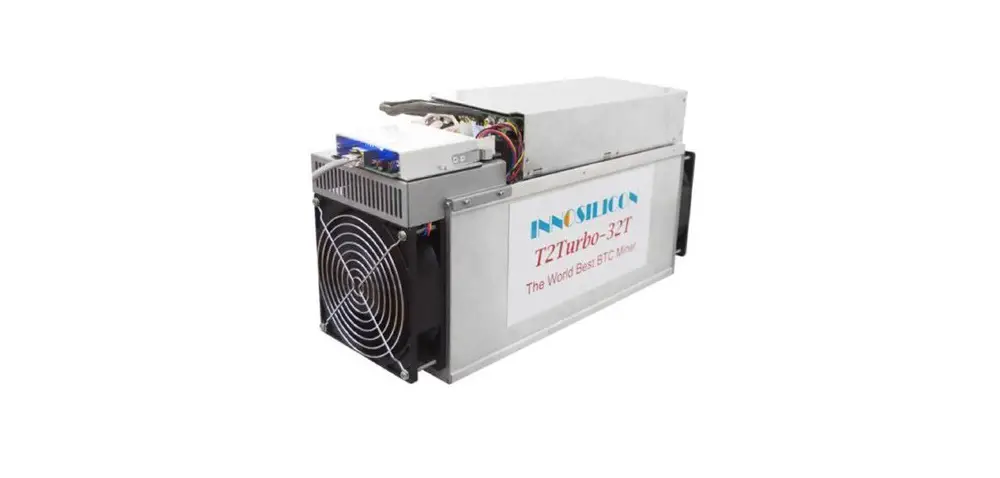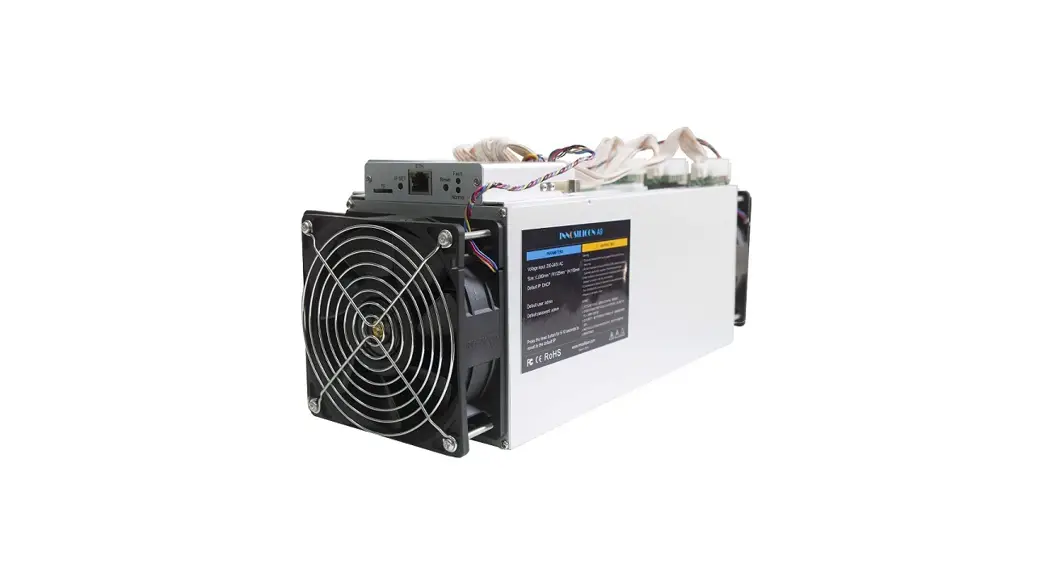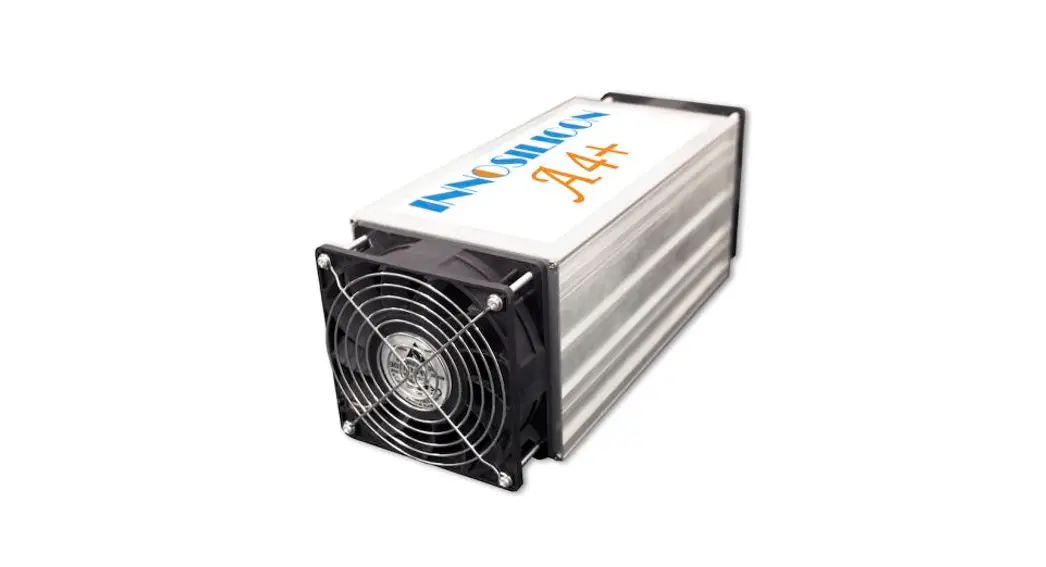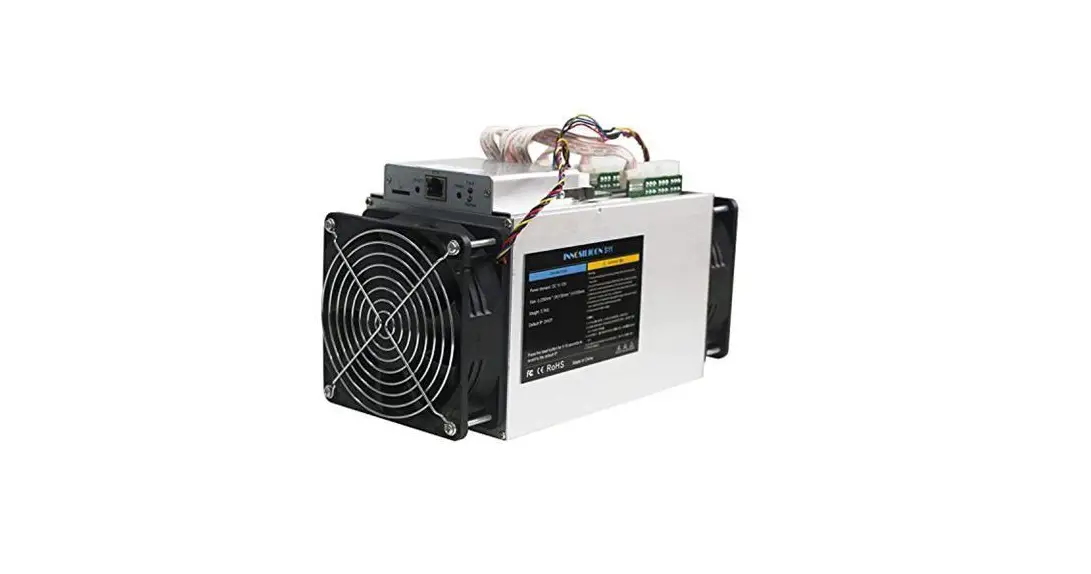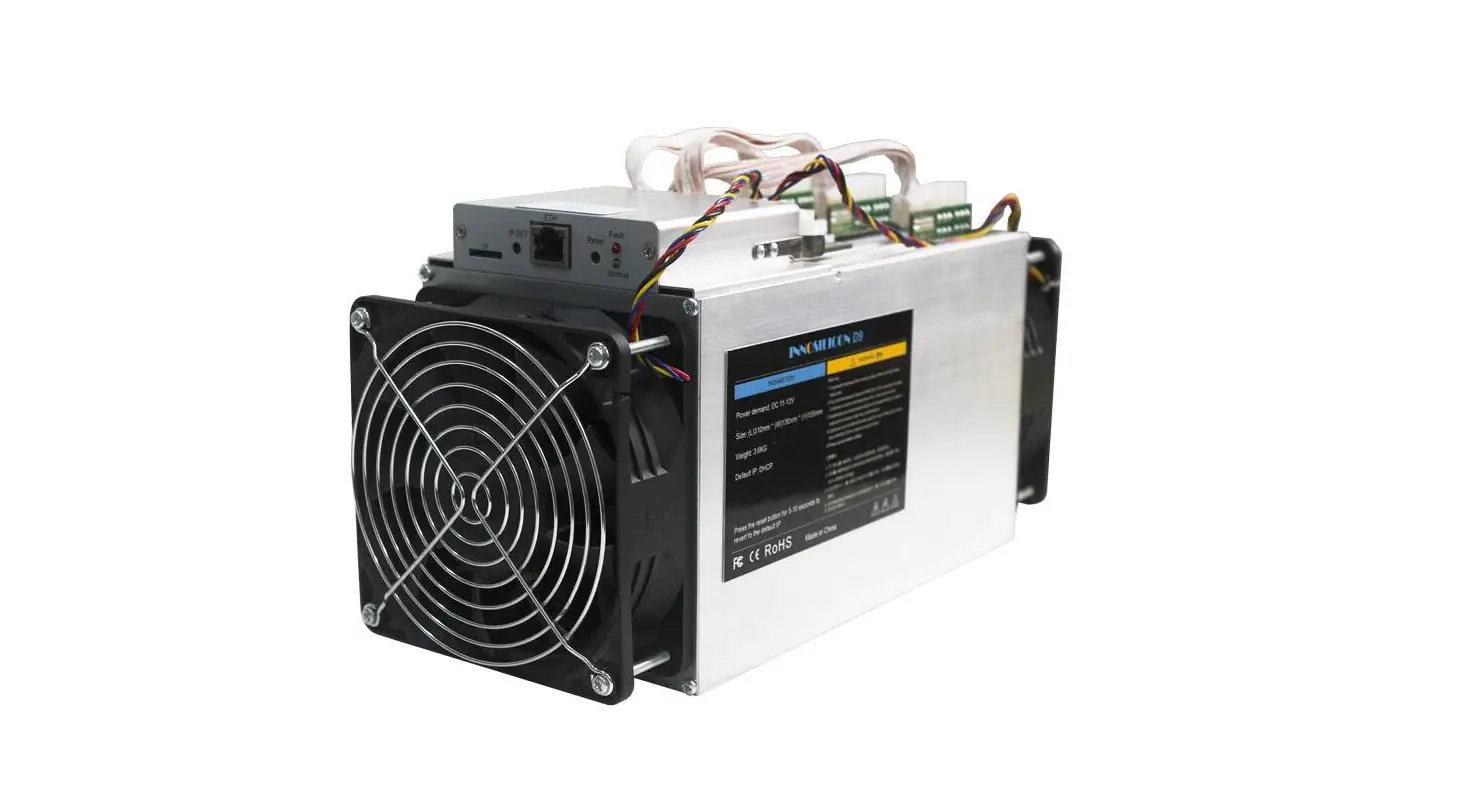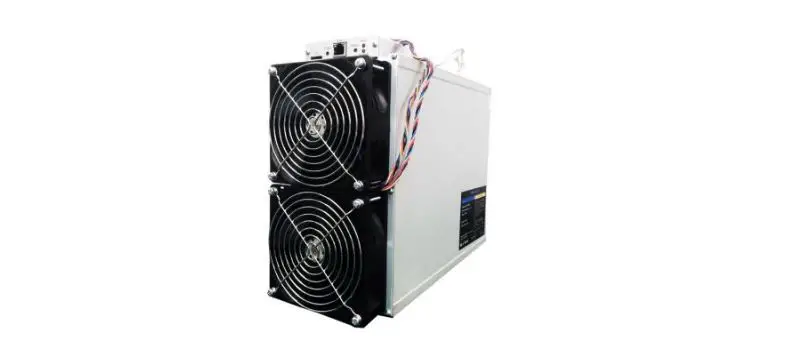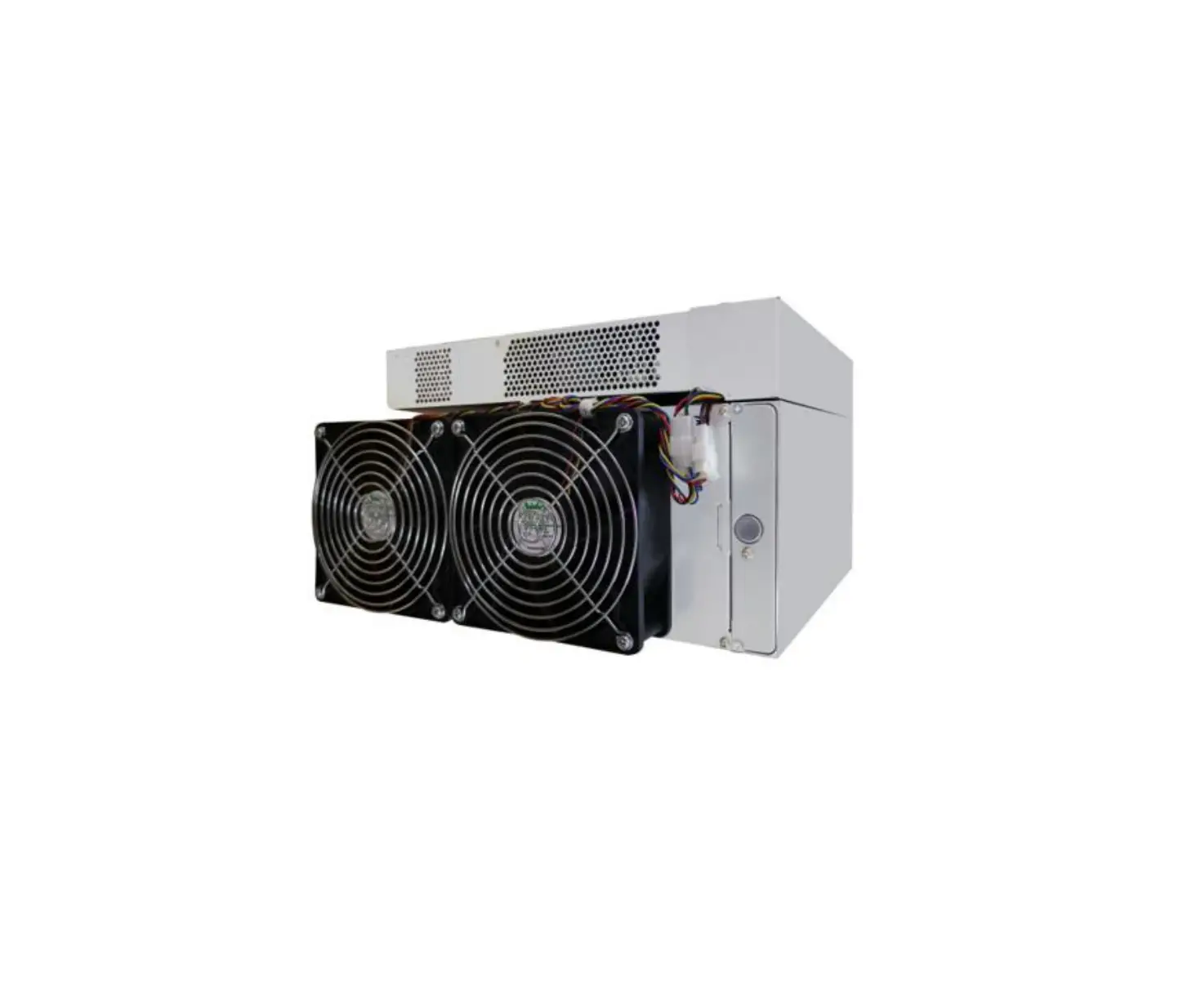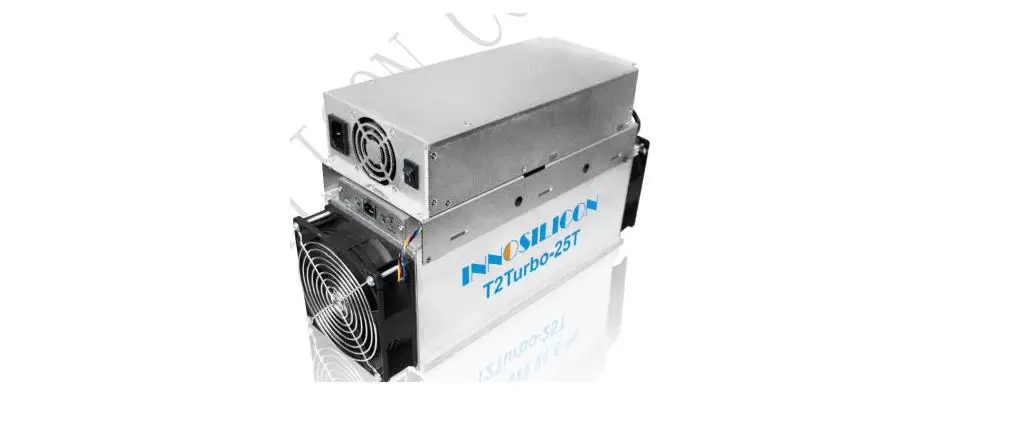

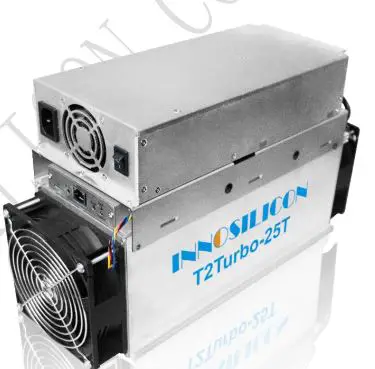
INNOSILICON T2Ti-25T BTC Bitcoin Crypto Miner
Overview
Specifications
| Part Number | T2Ti-25T |
| Algorithm | Sha256 |
| Size (L×W×H) | 391mm(L)*141mm(W)*220mm(H) |
| Net Weight | 9.0KG |
| Operating Temperature | 0–45 ℃(device junction temperature) |
| Network Connection | Ethernet |
Typical Hash rate and Power Dissipation parameters under the four Modes:(Pls refer to 3.5.1 in the manual for mode modification)
| Mode | Performance | Factory | Balance | Efficient |
| Hash rate | 25TH±5% | 23TH±5% | 21TH±5% | 20TH±5% |
| Power dissipation | 2050W+10% | 1880W+10% | 1550W+10% | 1360W+10% |
Assemble the miner
Open the package to check the miner
- Check whether the warranty sticker is damaged, especially the one on hash boards PSU port side. If the warranty sticker is damaged when you receive the miner, please contact our after-sales personnel in time.
- Before assembling the miner, pls shake the miner gently. Please contact our after-sales personnel immediately if there is metallic collision sound.
- Check whether the two fans work well, if you find the fans broken please contact our after-sales personnel.
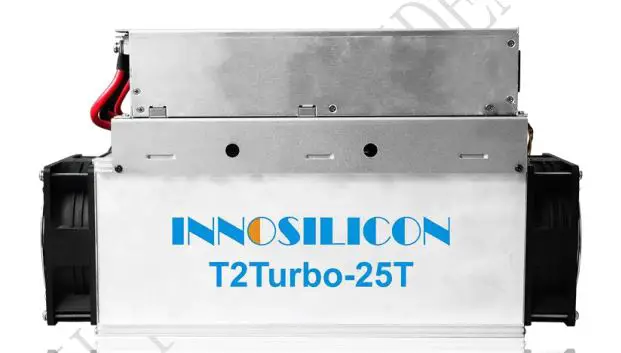
- The wiring of the miner shall not be changed including the power cable and data cable interface as shown in the figure below.
Notes:
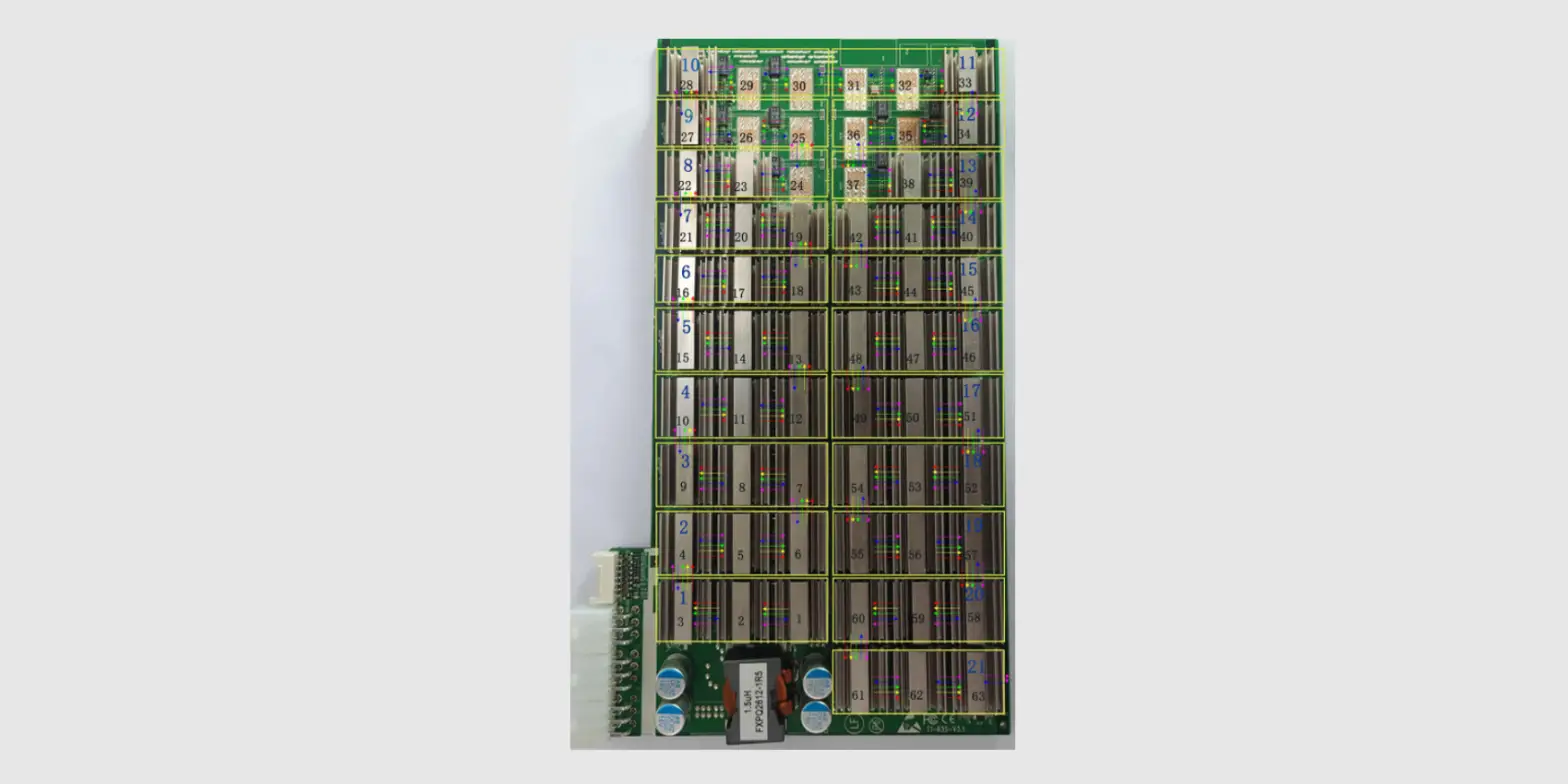
There is an indicator on each hash board, which shows the work status of the hash board. Being constantly lit means the hash board works properly. Flickering represents the overtemperature of the hash board. Please check the fans of the miner,
environment temperature and ventilation conditions. Being off means the hash board doesn’t work. Please try to reboot the miner or change the data cable. Pls contact our after-sales team if the problem still exists.
Assemble & Operate
Notes: The sequence of the PSU cable must be the same with that in the picture below. Damage caused by any private change is not covered by the warranty.
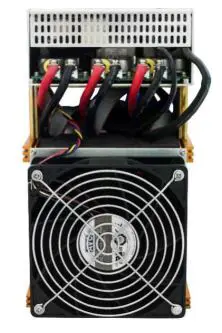
Connect the miner and the router by the Ethernet cable and then the miner can start to run after being powered on.
Notes: T2T-25T miners consume much more power under some modes. Pls choose proper sockets.
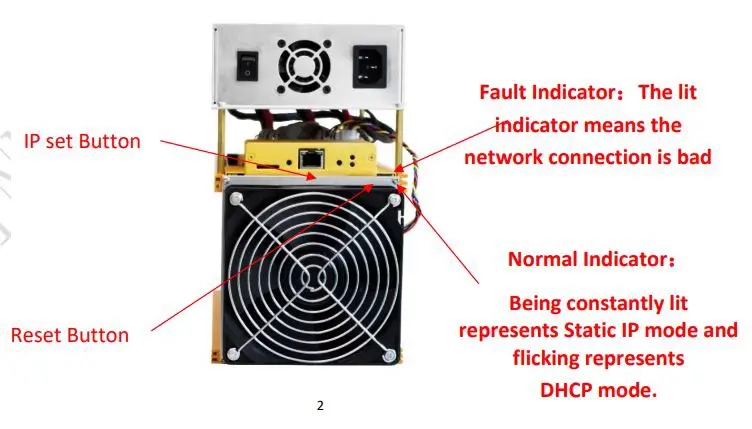
IP SET button:
Press it for 1 to 4 seconds and the following functions can be realized:
- Sending the IP miner to the “Set IP” tool;
- Changing the miner to a Static IP within the specified range with the IPset tool
Press it for 4 to 15 seconds, the miner IP will be switched to DHCP and the pool settings will be restored to default settings. Press it for 15 to 30 seconds to switch the Dynamic (Static) IP to Static (Dynamic). RESET button: Press the “Reset” button to restart the miner.
- Changing the miner to a Static IP within the specified range with the IPset tool
Operate the miner
Enter the miner console
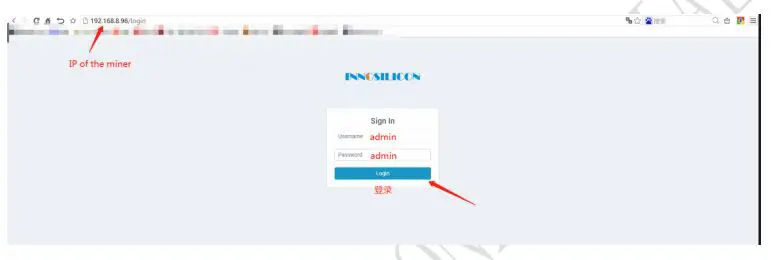
DHCP is the default IP mode of the miner (The normal indicator now is flickering in green when the DHCP service of the router is enabled.). Find the IP via the router or the IP scanner. Enter the IP of the miner in the browser and press the Enter button. Chrome is the suggested browser. (Please try with dragonadmin if the password admin is invalid.)
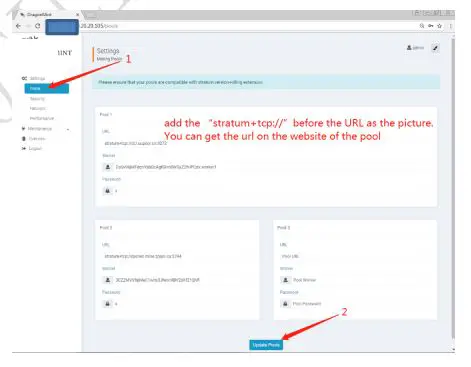
Configure the pool
Pls configure the pool to start mining after login.
Please use the suggested pool as below:
- ckpool:stratum+tcp://cn.ckpool.org:443 or stratum+tcp://pool.ckpool.org:3333
- slushpool:stratum+tcp://stratum.slushpool.com:3333
- f2pool:stratum+tcp://btc-65536.f2pool.com:3333
- btc.top:stratum+tcp://t2.btc.top:8888 or stratum+tcp://bak.t2.btc.top:3333
- poolin: stratum+tcp://btc-bj.ss.poolin.com:1800 or stratum+tcp://btc-sz.ss.poolin.com:1800
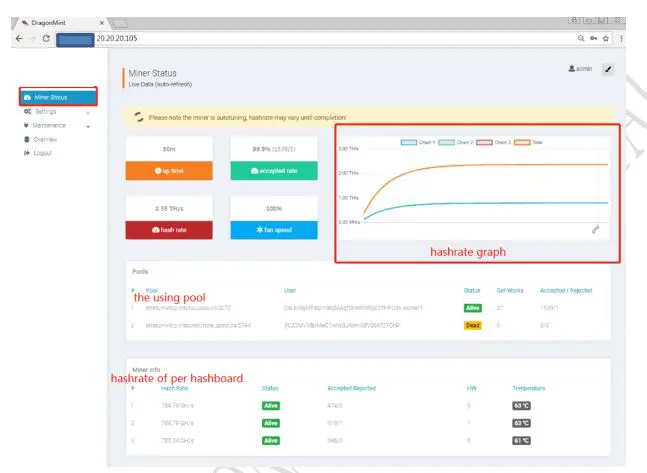
View the hash rate of the miner
After configuring the pool, the miner will mine for you. You can view the hash rate in the Miner Status screen.
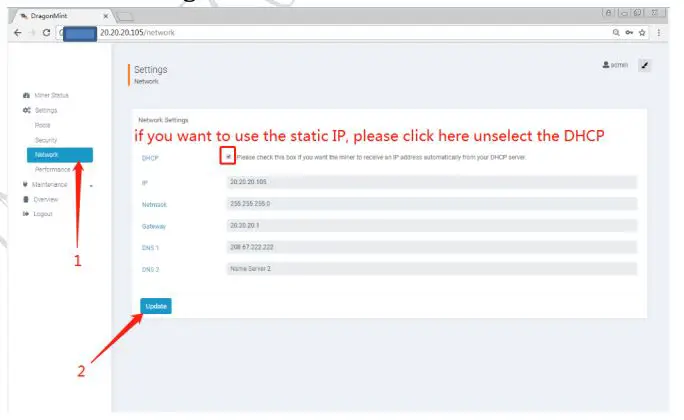
Network configuration
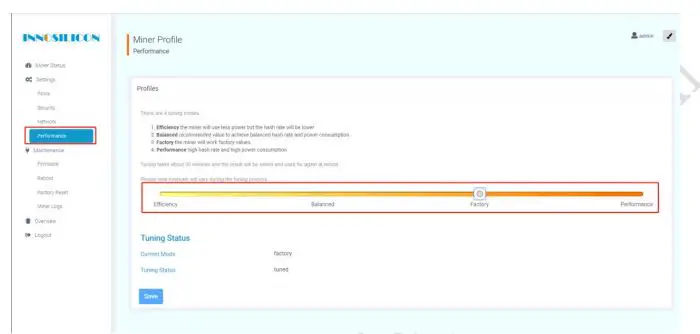
Other pages
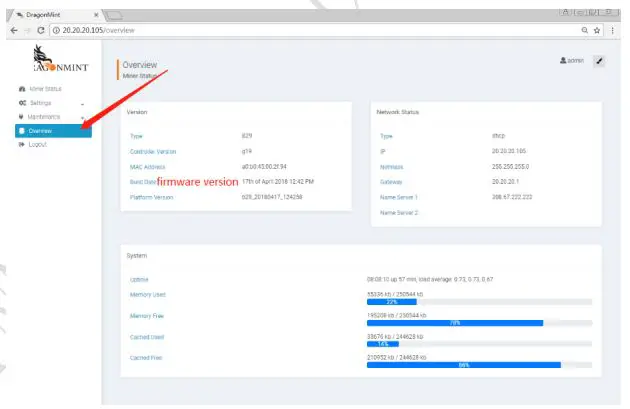
Overview
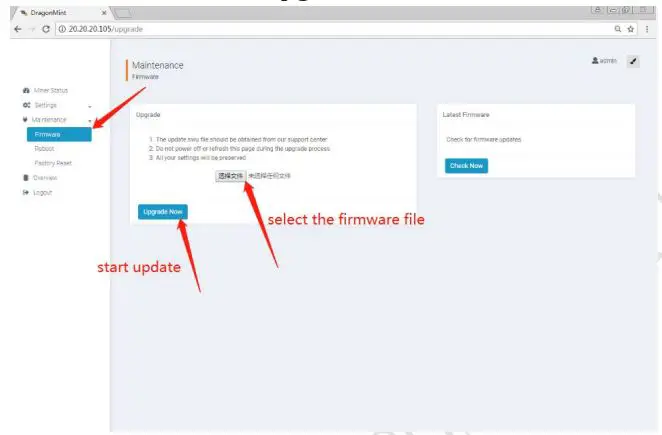
Firmware upgrade
Modify the login password
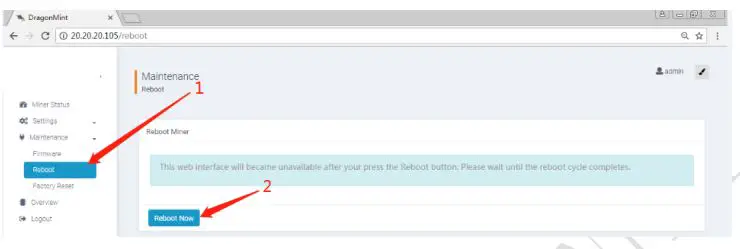
Reboot
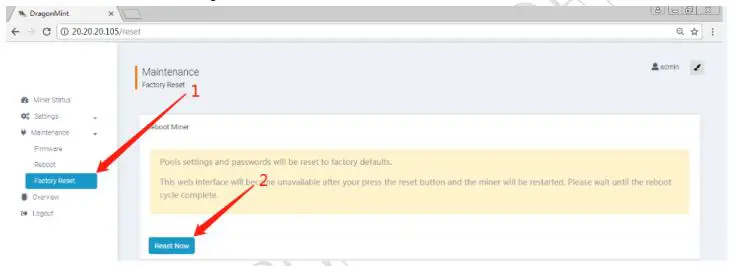
Factory reset