
S11-Sia
USER MANUAL
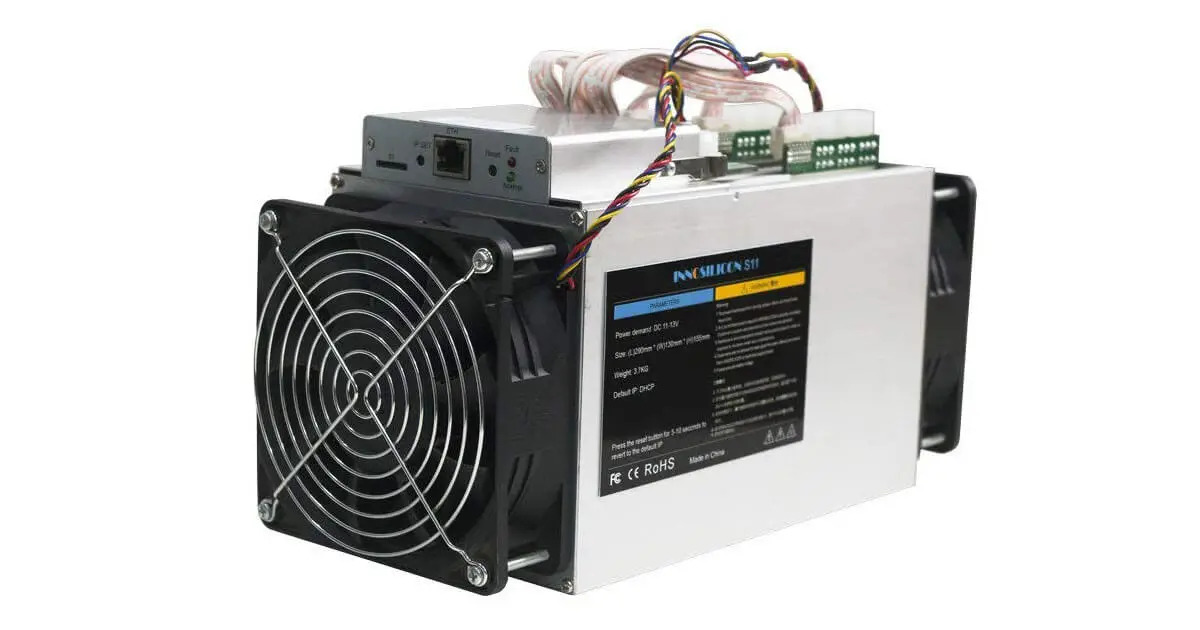
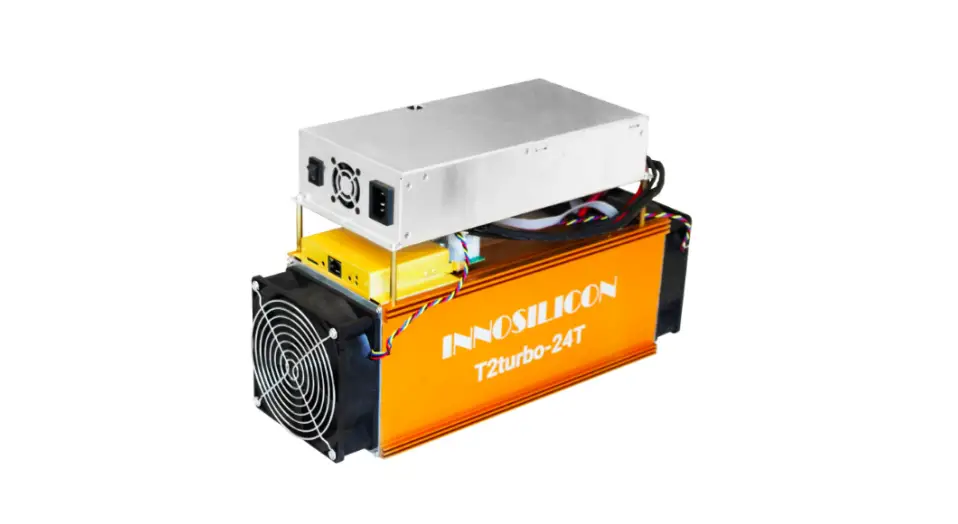
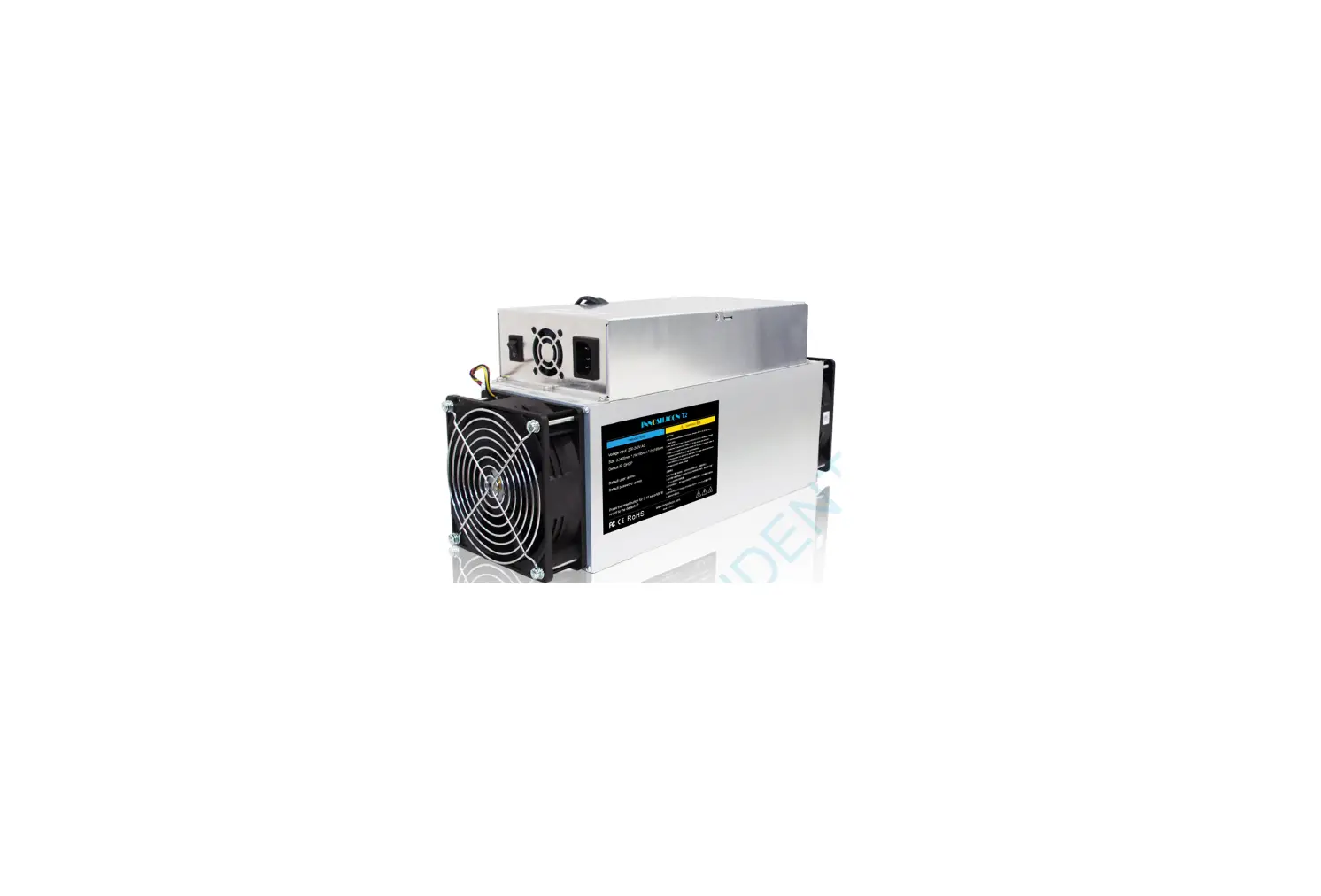
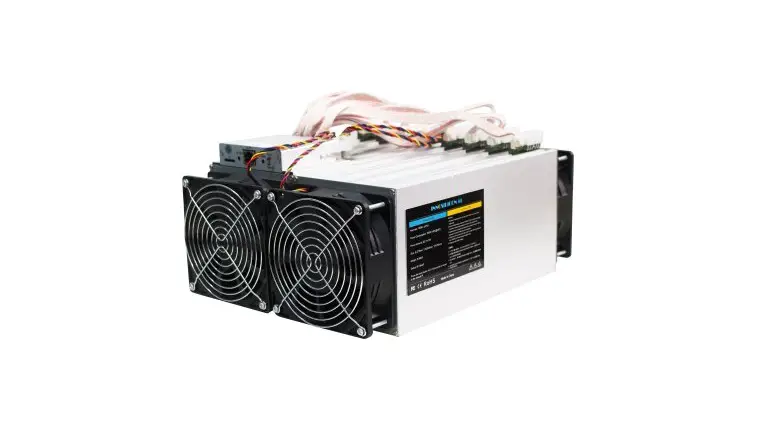
INNOSILICON S11-Sia
VERVIEW
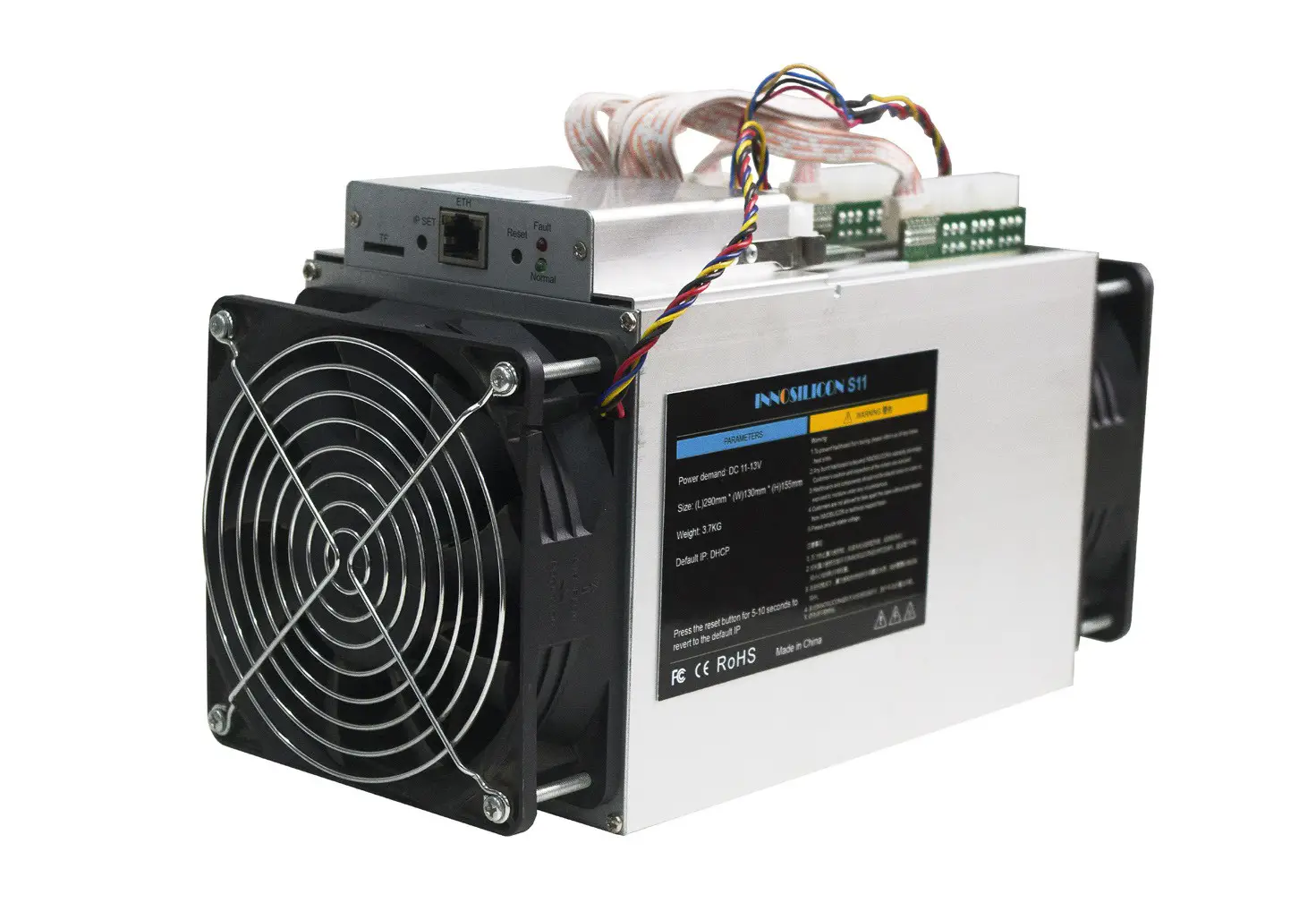
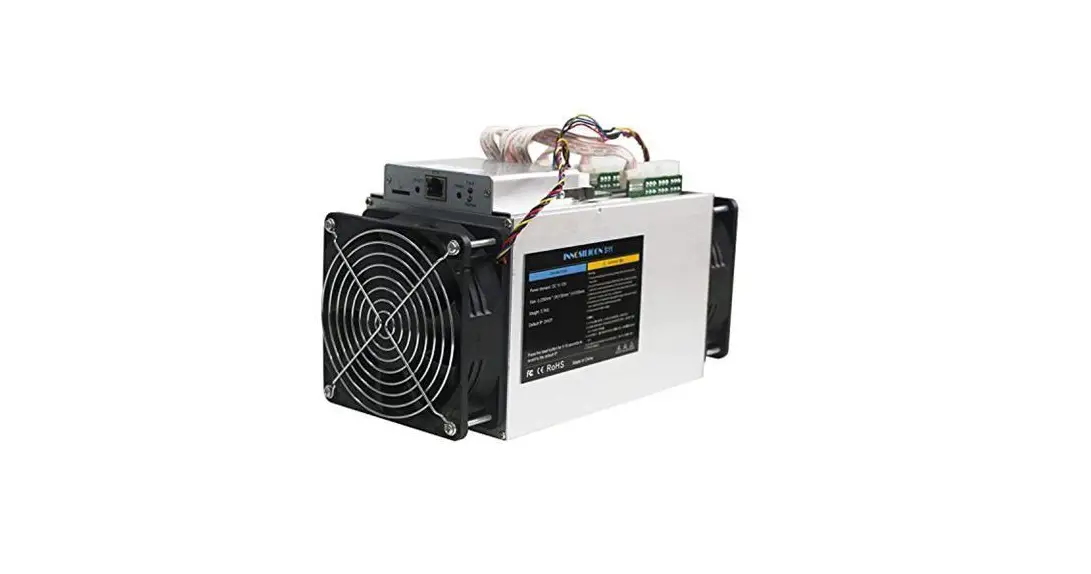
| Part Number | S11 |
| Algorithm | Blake2b |
| Hash Rate | 3.83Th/s (+-8% ) |
| Power | 1380W +/-8% |
| Size (L×W×H) | (L)290mm*(W)130mm*(H)155mm |
| Net Weight | 3.7KG (without PSU) |
| Operating Temperature | 0-85 ℃ |
| Required rated PSU | 1600W or above, 10 * PCI-E 6Pin |
| Network Connection | Ethernet |
ASSEMBLE THE MINER
CHECK THE MINER BEFORE POWER ON
- Check the warranty sticker is well or not, especially the hashboards PSU port side. If the warranty sticker is damaged when you received the miner, please contact our After-sales.
- Before you power on the miner, shake the miner softly, if you can hear the sound of metal banging on metal, please contact our After-sales.
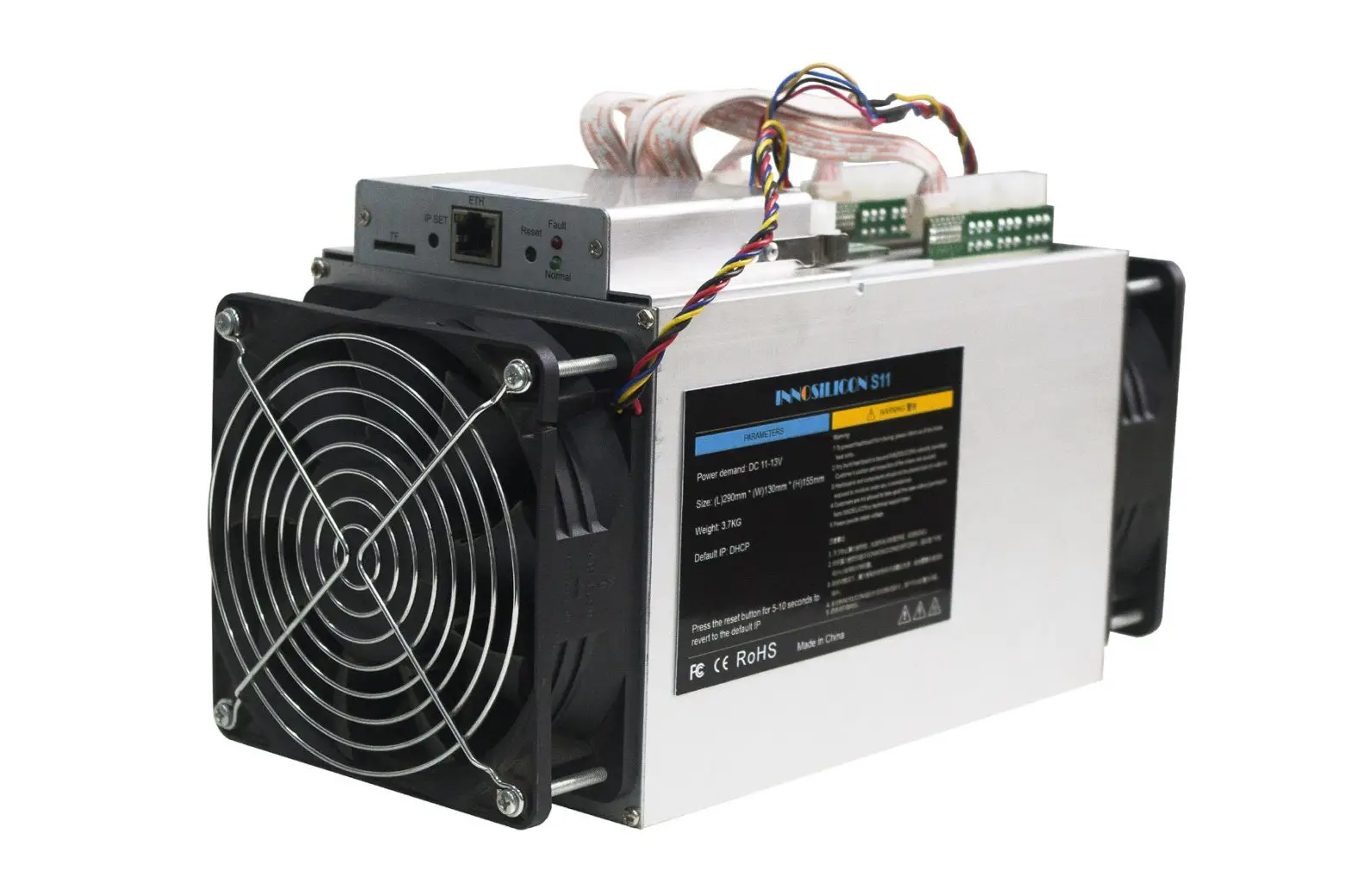
- Check if the fan work well, if you find the fans broken please contact our After-sales. · Check the cable connection, if it is different from below picture, please connect the cables as below.
CONNECT THE PSU
Every hash board needs to be inserted with 2 PSU cables, controller only needs 1 PSU cable according to the following image.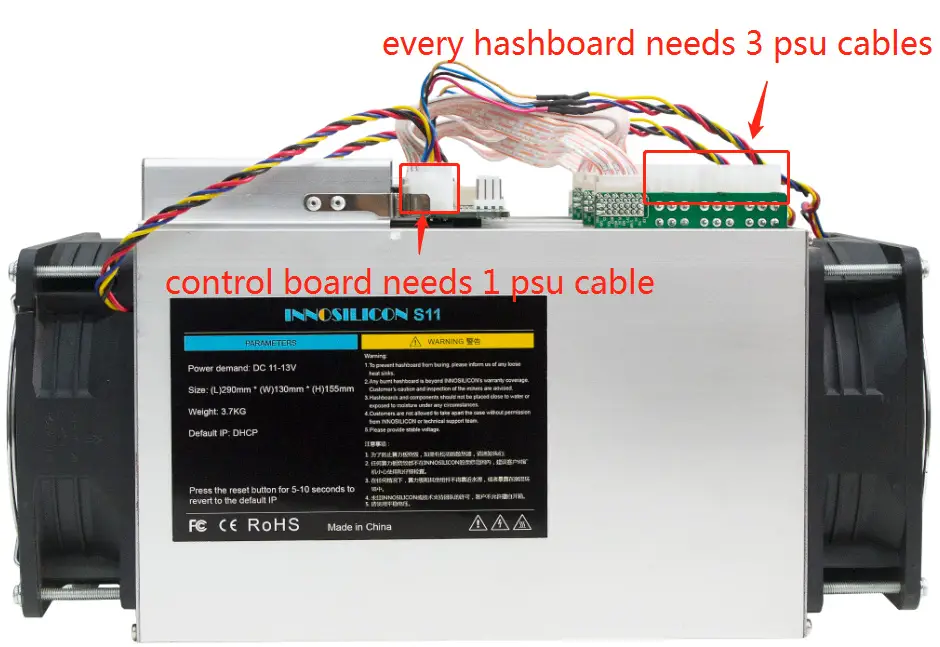
CONNECT THE ETHERNET CABLE
Insert one end of the Ethernet cable into the router and the other end into the slot shown in the following image, you should plug in the miner one by one, only when you have accomplished IP Setting of the previous one you can plug in another miner.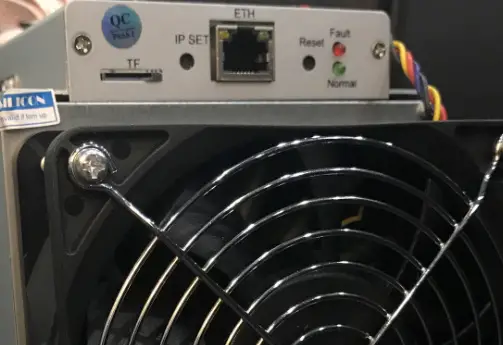 IP SET button: Press it more than 5 seconds to recover the IP to 192.168.1.25 Press it more than 20 seconds to switch the Dynamic (Static) IP to Static (Dynamic) RESET button: Your miner will restart if you press it. It wont recover your settings to the default.
OPERATE THE MINER
ENTER THE MINER CONSOLE
DHCP(the Normal led on the control board should be blinking) is the default IP mode of the miner, find the IP via the router or the IP scanner.Enter the IP of the miner on the browser and press the Enter button. The chrome is the suggested browser.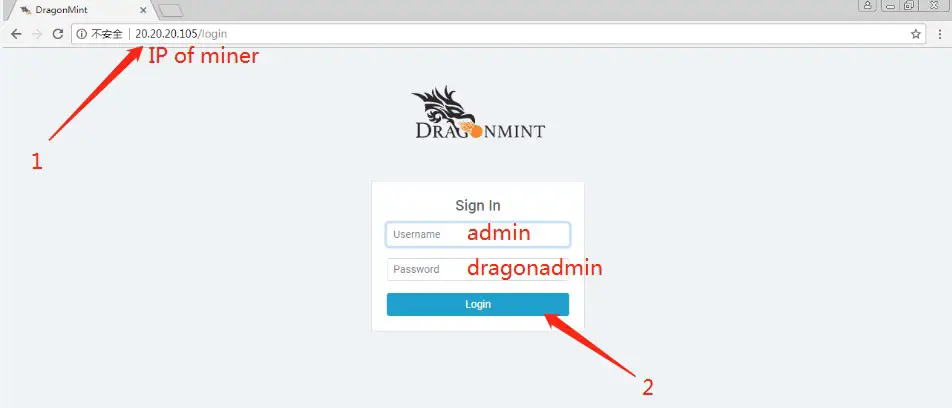
SET UP THE POOL
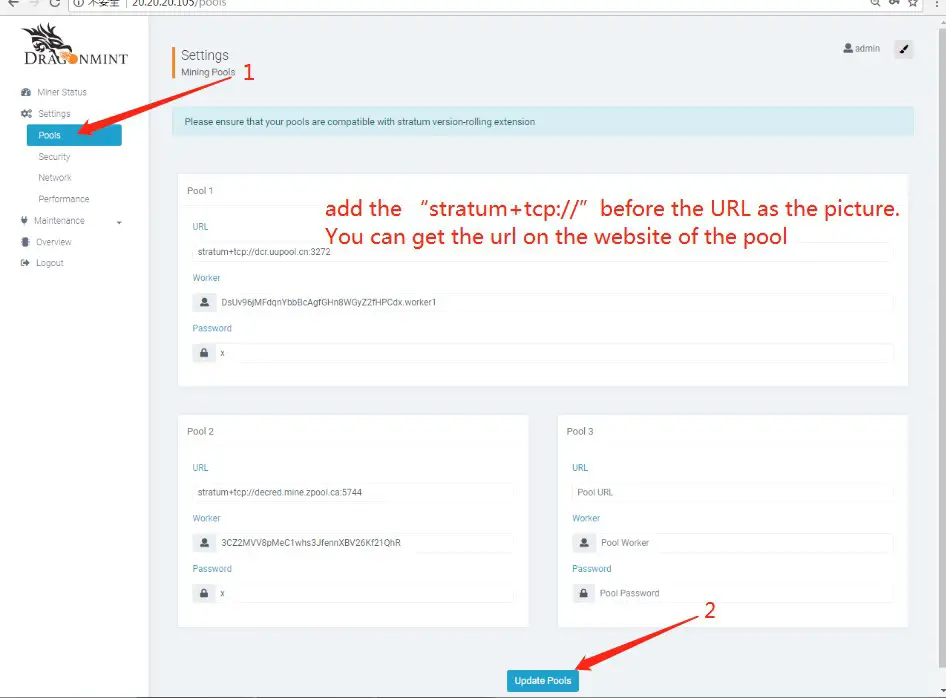
CHECK THE HASHRATE OF THE MINER
After set up the pool, the miner will mine for you.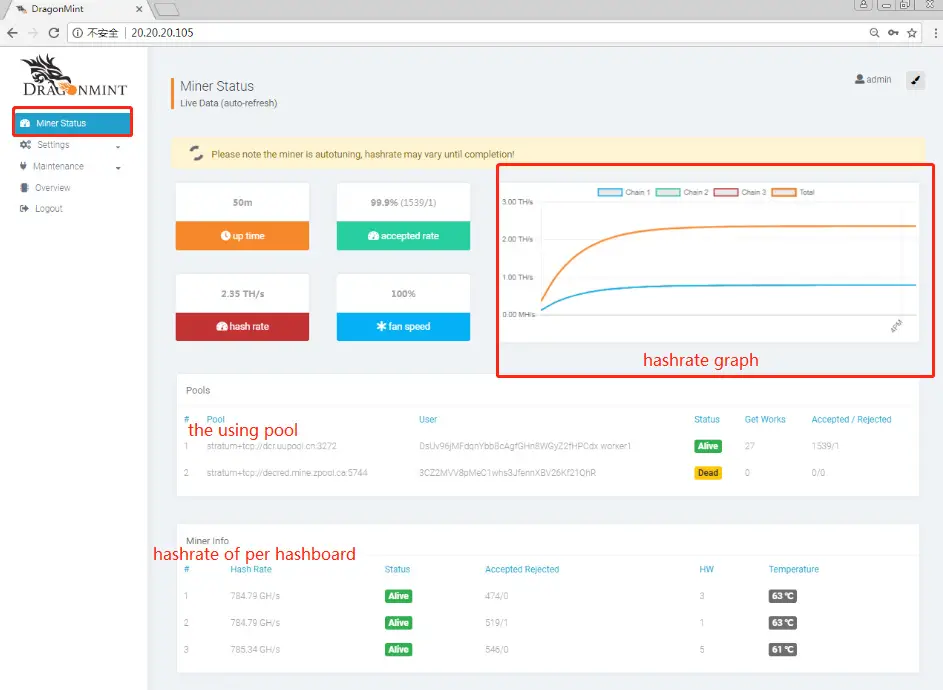
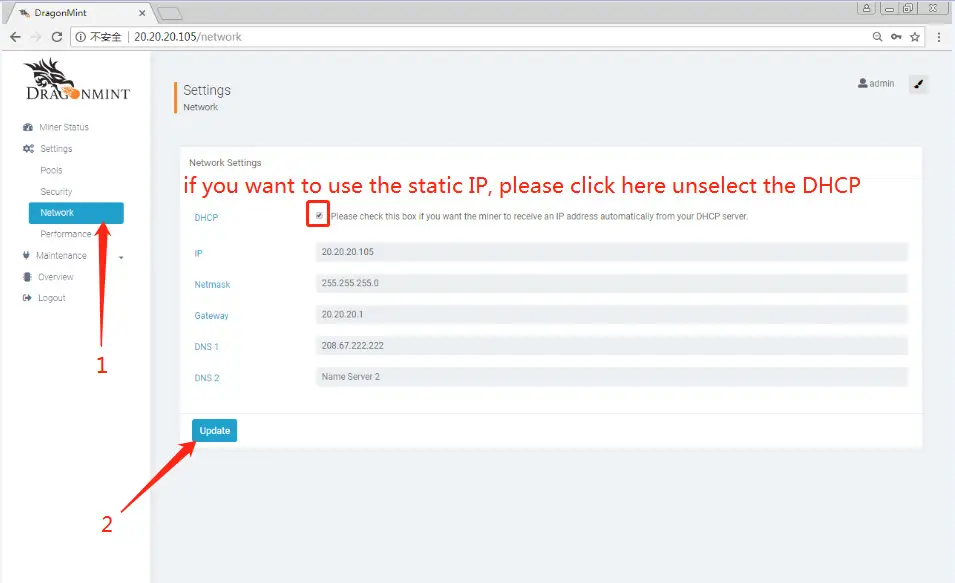
NETWORK CONFIGURATION
OTHER PAGES
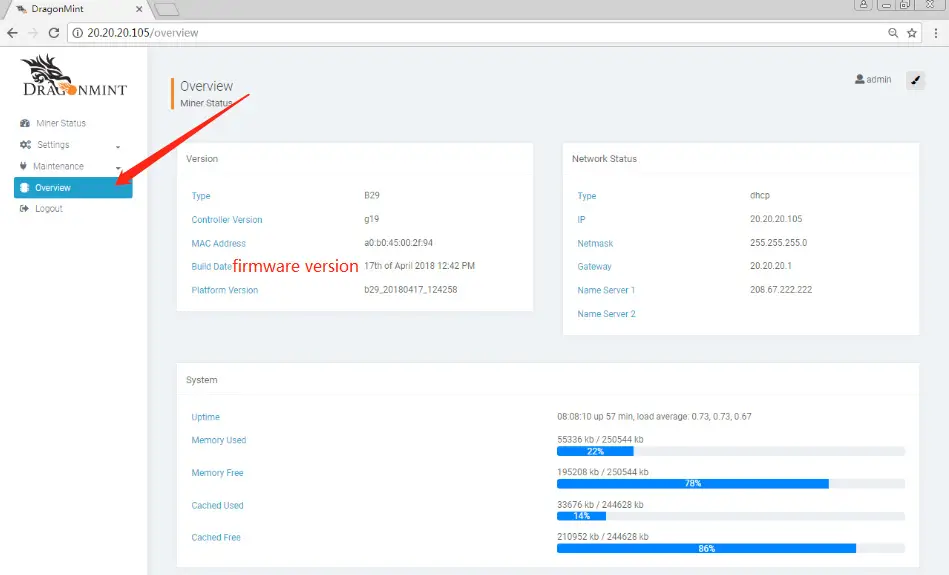
OVERVIEW
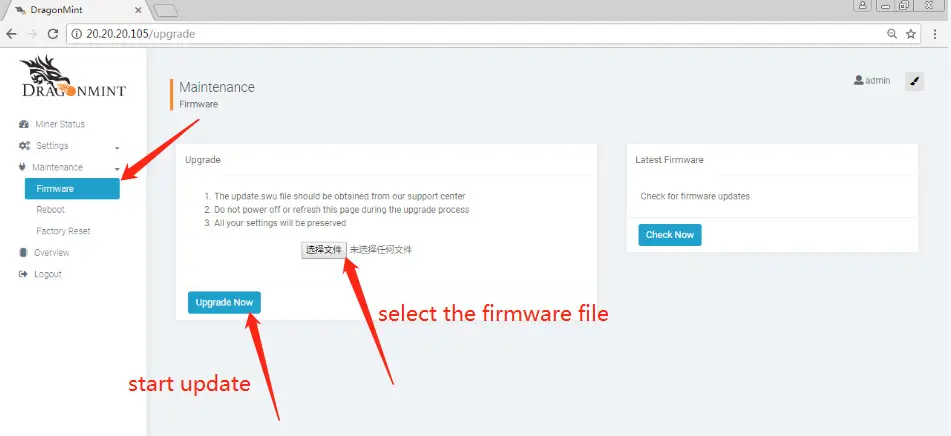
UPGRADE
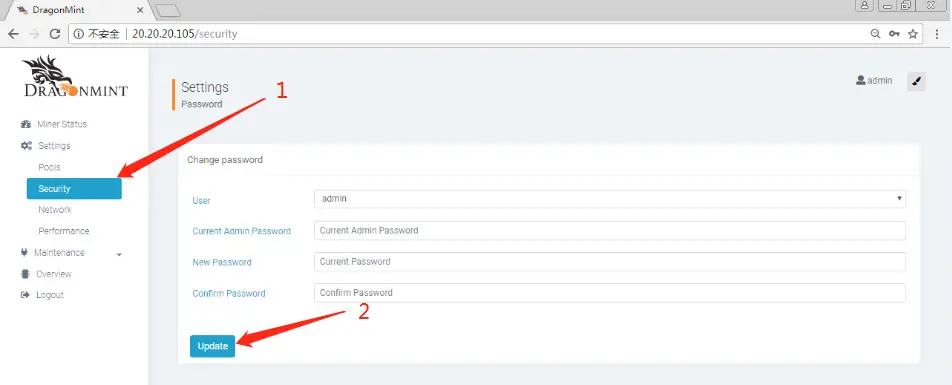
MODIFY THE PASSWORD
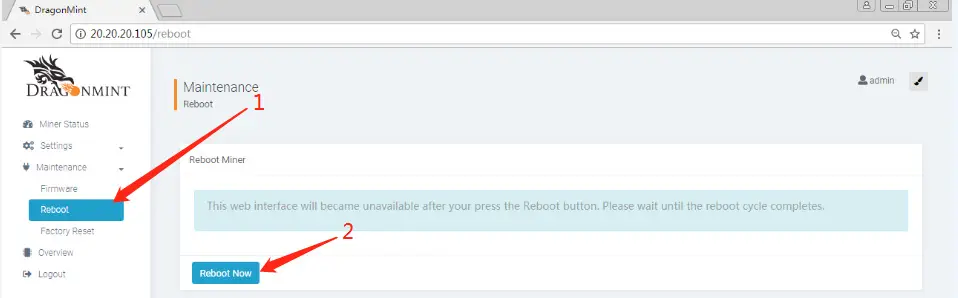
REBOOT
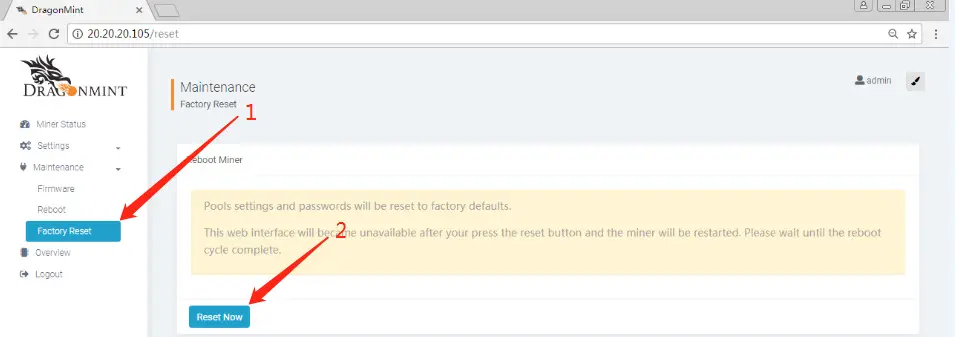
FACTORY RESET
INNOSILICON CONFIDENTIAL