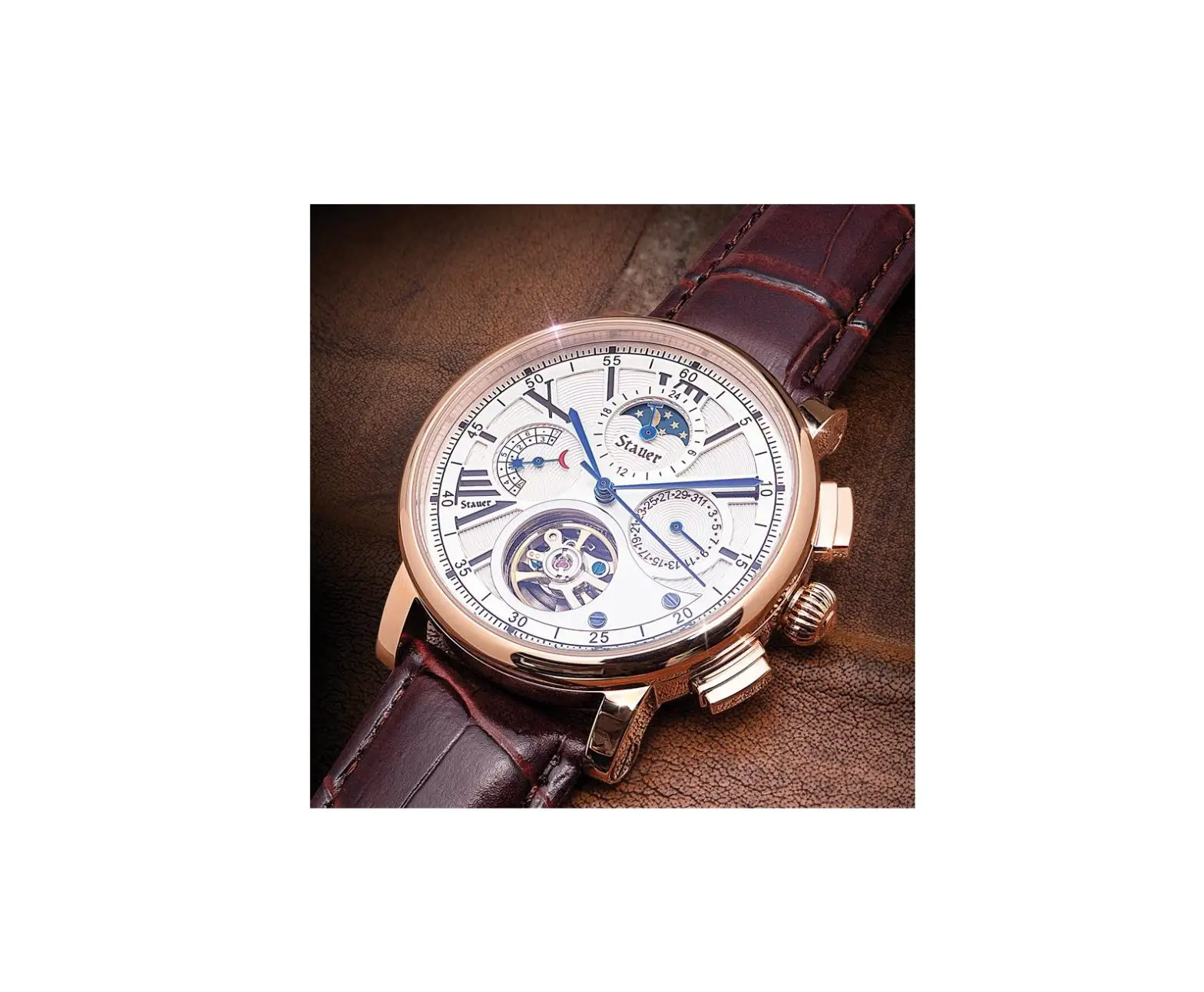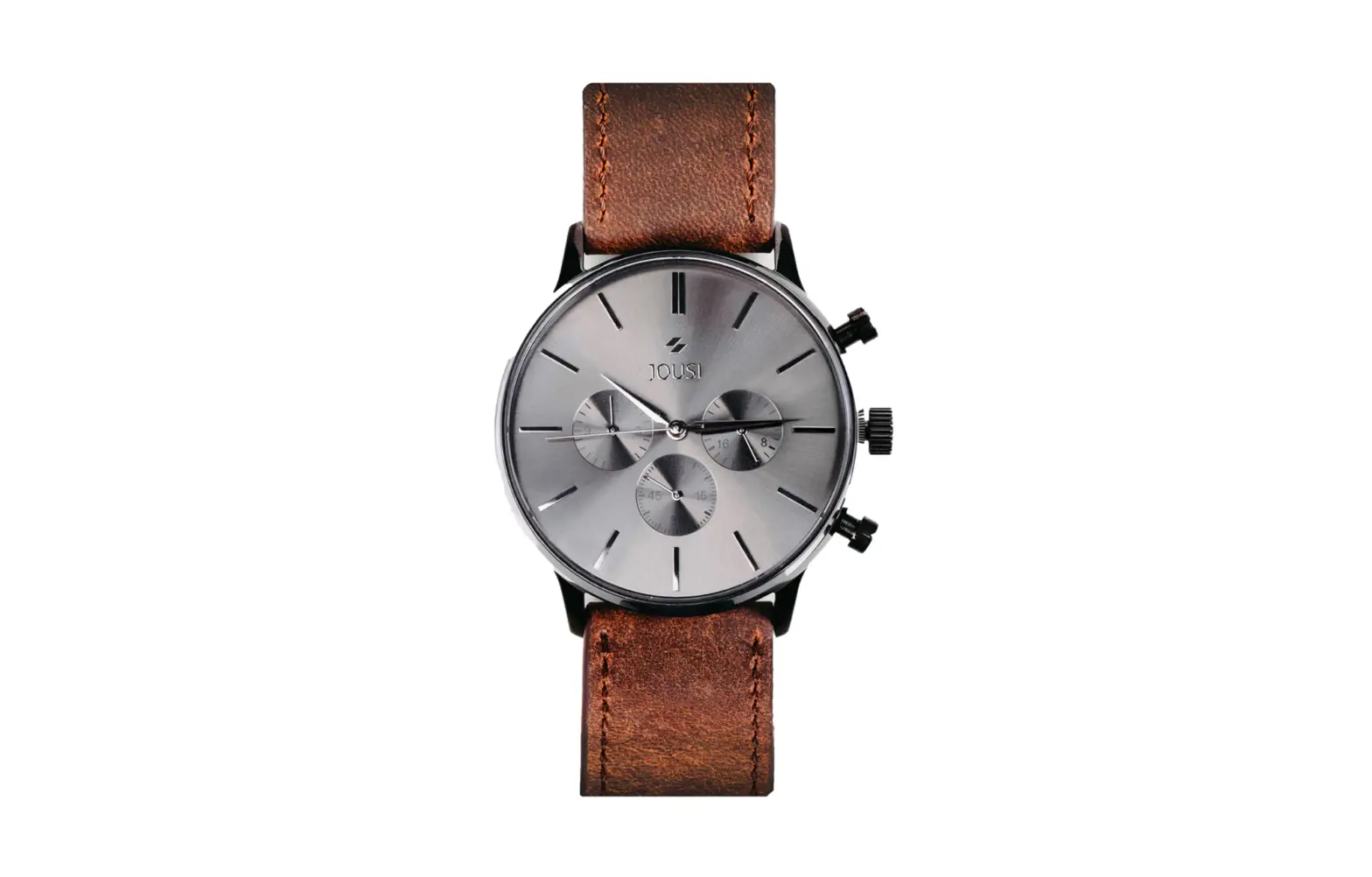
1255 Eminence Collection Men’s Watch
Operation Manual
Eminence Collection
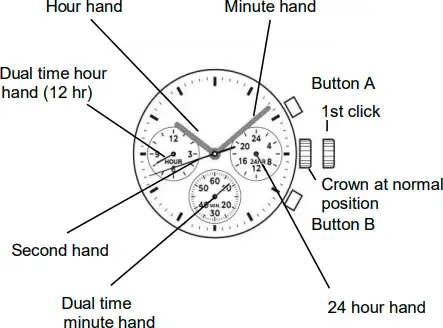
Local Time | Time Indication | Hour hand | Center hour hand |
Minute hand | Center minute hand | ||
Second hand | Center second hand | ||
24 hour hand | 3H subdial hand | ||
Time setting (by turning CROWN ) | Crown at : | ||
1st click | Time setting | ||
Dual Time | Time Indication | Hour hand | 9H subdial hand (12 hr) |
Minute hand | 6H subdial hand | ||
Time setting (by pushing BUTTONS ) | |||
Button A : -1 hour / push Button B : +1 hour / push | |||
1st click | Button A : -1 minute / push Button B : +1 minute / push | ||
Note : The dual time minute hand rotates one revolution at every quarter (15 minutes). There is no problem as it is typical function of the movement.
ADJUSTING DUAL TIME HANDS POSITION
* After setting or changing the battery, before setting the time, check if the dual time hour hand and dual time minute hand are at the “0” (12 o’clock) position.
* If either the dual time hour hand or the dual time minute hand is not at the “0” position, reset it/them following the procedure shown below :
English 
Operation Manual
Eminence Collection
- Pull out the crown to the rst click.
- Keep the buttons A & B pressed at the same time for more than 2 seconds, then release the buttons.
* Dual time minute hand moves and returns to where it was - Press button A or B to reset the dual time hands to “0” position.
* Button A : dual time hour hand and dual time minute hand move counter-clockwise
* Button B : dual time hour hand and dual time minute hand move clockwise
* The dual time hour hand moves correspondingly with the dual time minute hand
* The dual time hour hand and dual time minute hand move quickly if the respective buttons are kept pressed. - Push the crown back in the normal position.
Note : The dual time minute hand rotates one revolution at every quarter (15 minutes). There is no problem as it is typical function of the movement.
LOCAL TIME SETTING
- Pull out the crown to the rst click when the second hand is at the 12 o’clock position
- Turn the crown to set the hour and minute hands. (make sure 24 hour hand is set correctly).
- Push the crown back in the normal position in accordance with a time signal.
Note :
* The 24 hour hand moves correspondingly with the hour hand.
* The moment the date changes is midnight. When setting the hour hand, make sure that AM/PM is correctly set by using the 24 hour hand as an AM/PM indicator.
DUAL TIME SETTING
* When moving to a country or area in a di erent time zone, adjust the dual time hour hand to that country / area :
[ Quick set the dual time ]
- Crown at normal position.
- Adjust the time by pressing the button A or B.
Button A : – 1 hour / push
Button B : +1 hour / push
[ Precise adjustment of the dual time ]
1) Pull out the crown to the rst click when the second hand is at the
12 o’clock position.
2) Adjust the time by pressing the button A or B.
Button A : -1 minute / push
Button B : +1 minute / push
3) Push the crown back in the normal position in accordance with a time signal.
Note : The dual time minute hand rotates one revolution at every quarter (15 minutes). There is no problem as it is typical function of the movement.