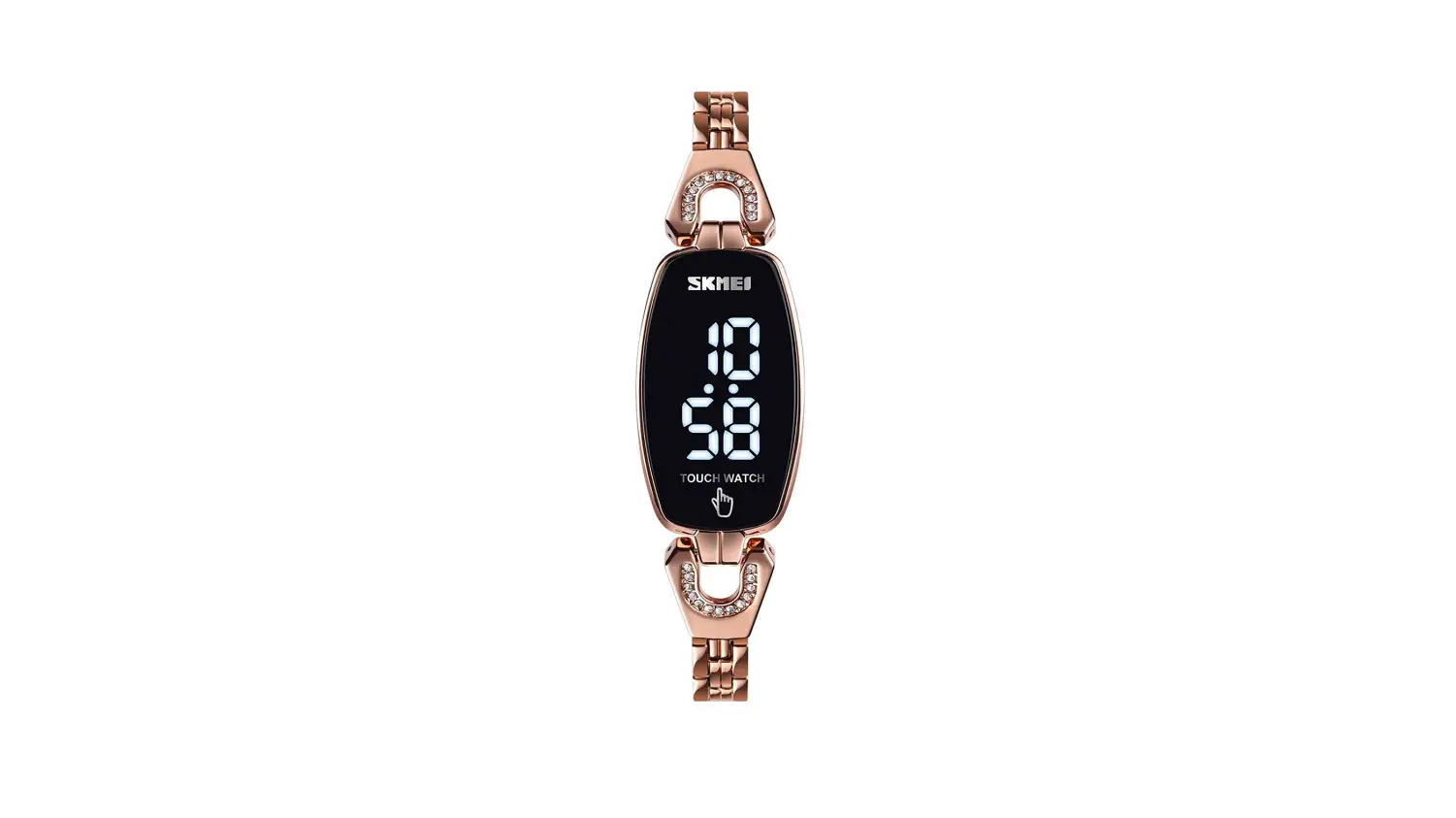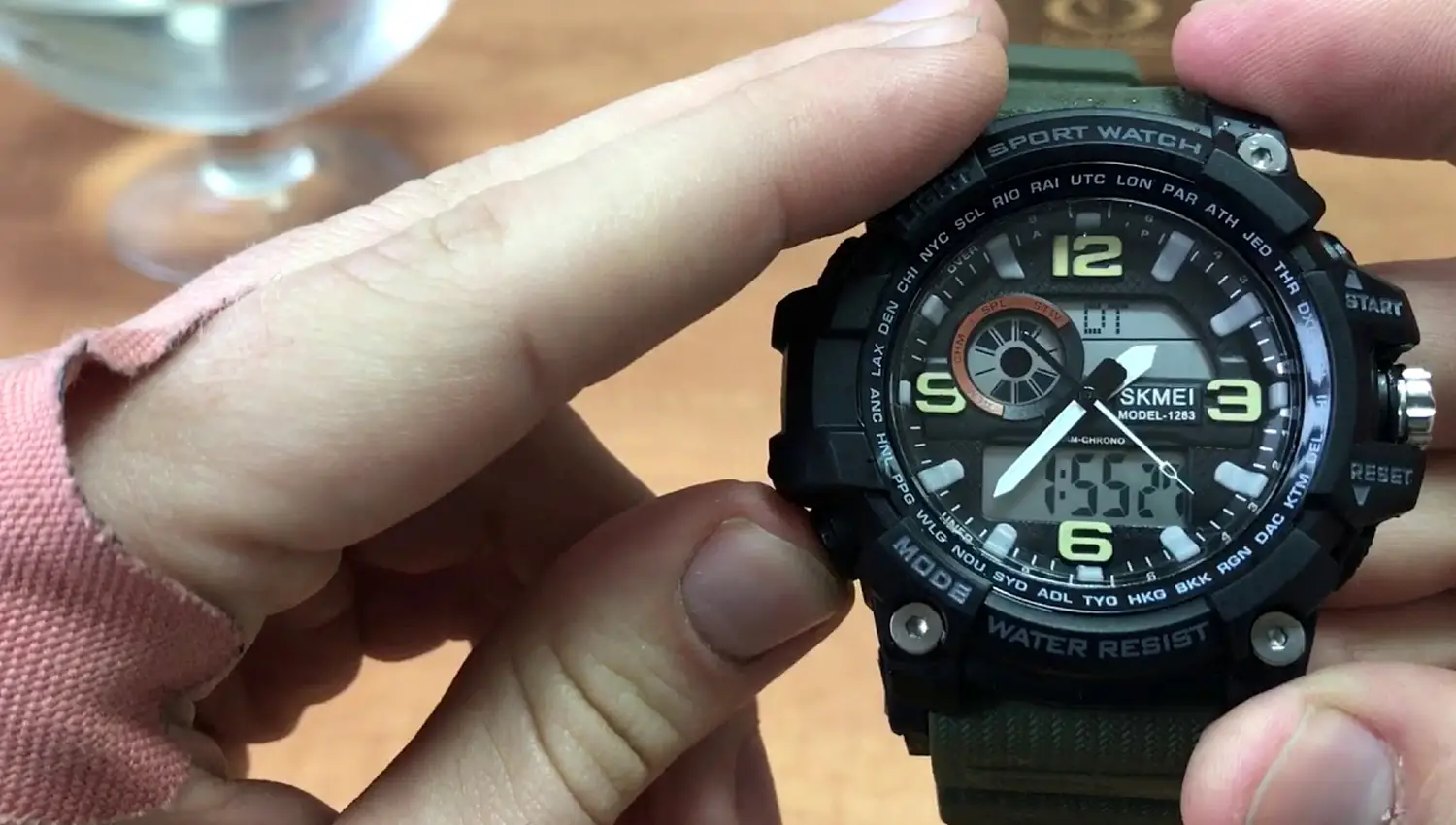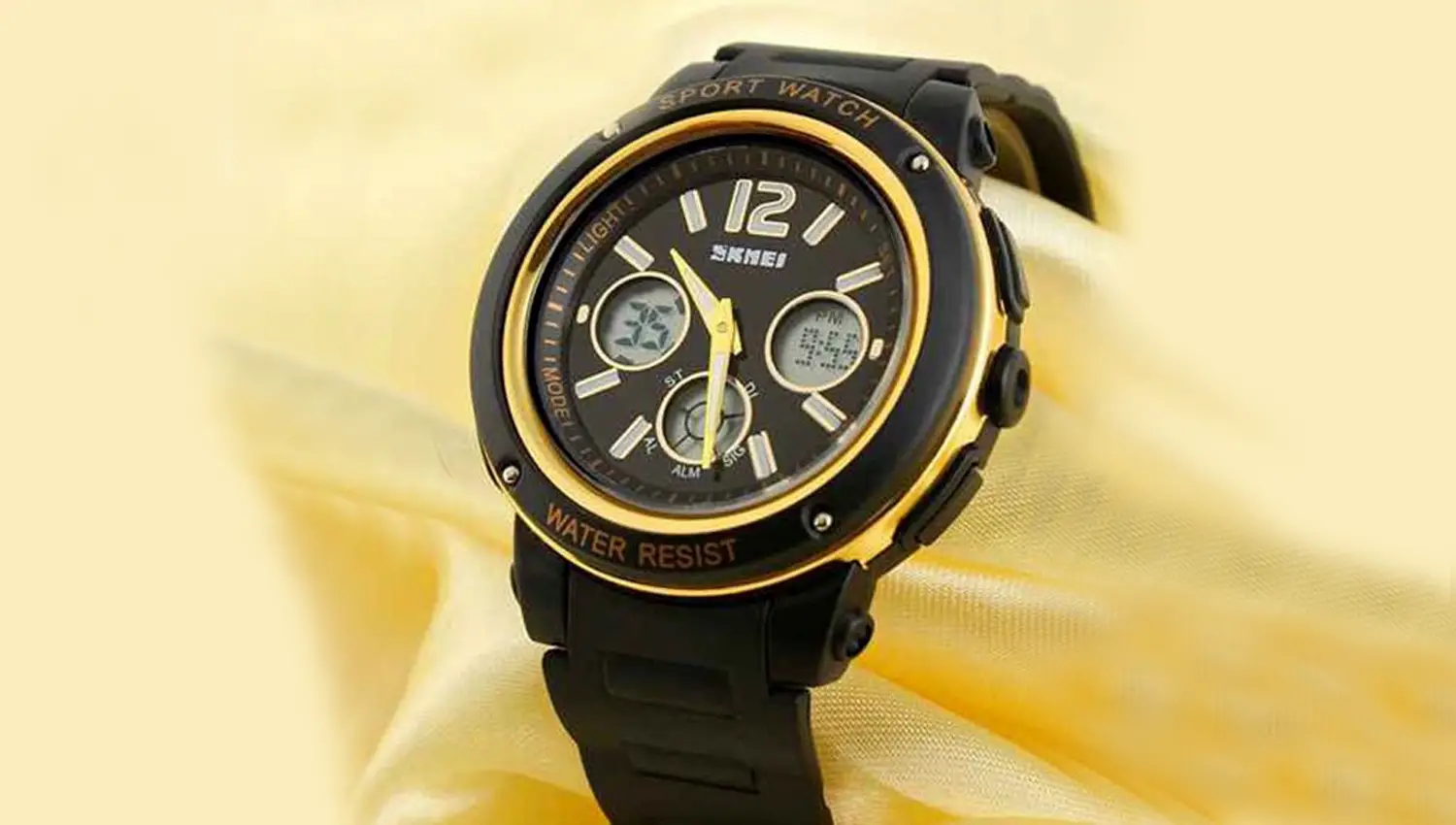

SKMEI 1265 LED Watch

Function
In Standby Mode, watch in blank screen for save battery consume.
Press S1 to show the time
LED lights can show hour ,minutes, month, day seconds.

Mode convert:
In Standby Mode , Press S1 to convert Mode as following

Time &Date Setting
In Standby Mode, Press S1 to show time ,
- Hold S1 for 3s enter into Time Setting Mode, the Hour flashing, press S1 again to adjust the Hour.
- Hold S1 again for 3s the Minute flashing , press S1 to adjust the Minute
- Hold S1 again for 3s the Year flashing , press S1 to adjust the Year
- Hold S1 again for 3s the Month flashing , press S1 to adjust the Month
- Hold S1 again for 3s the Day flashing , press S1 to adjust the Day
- If there have no any operation for 5s will back to Standby Mode automatically.