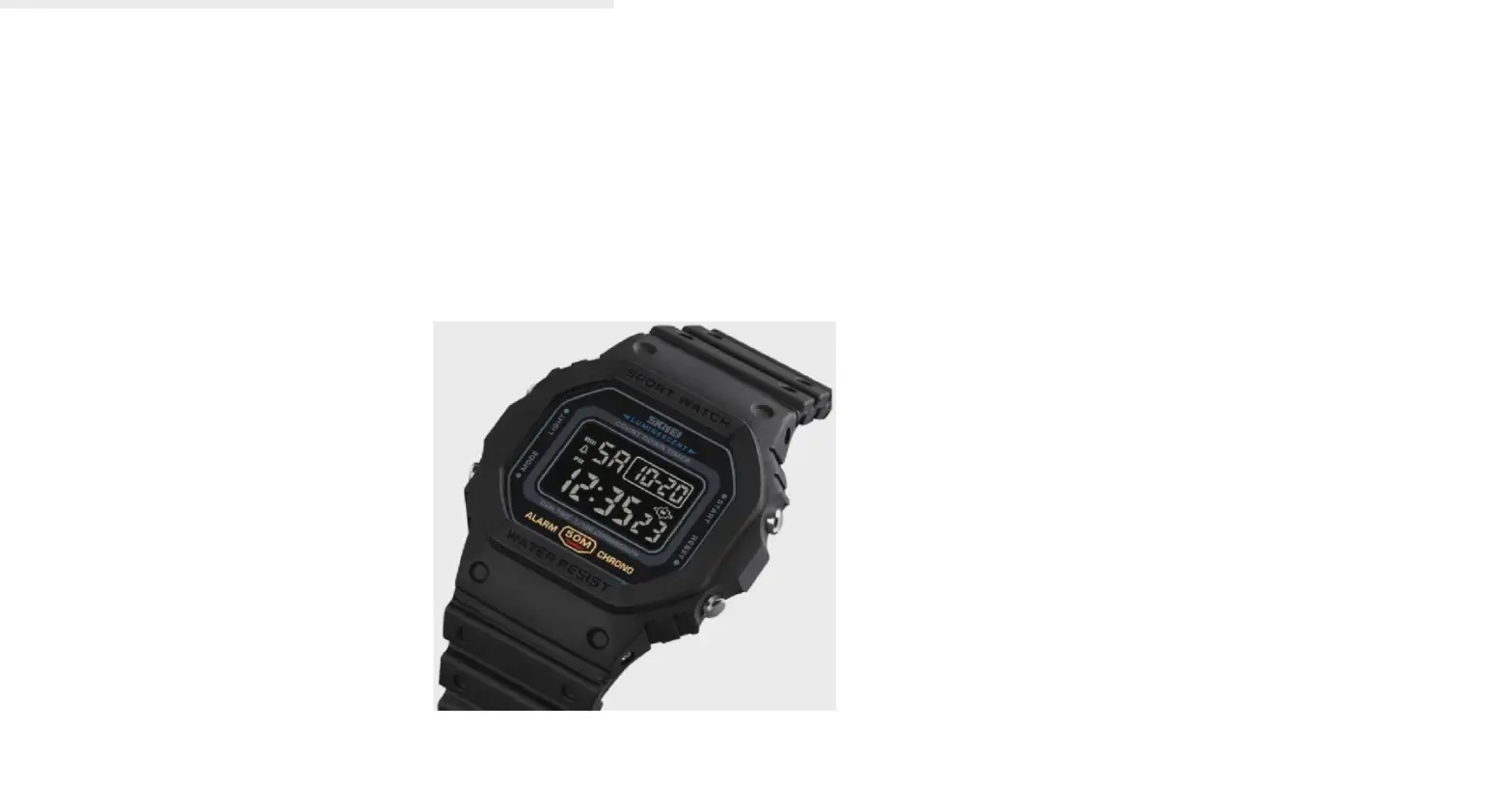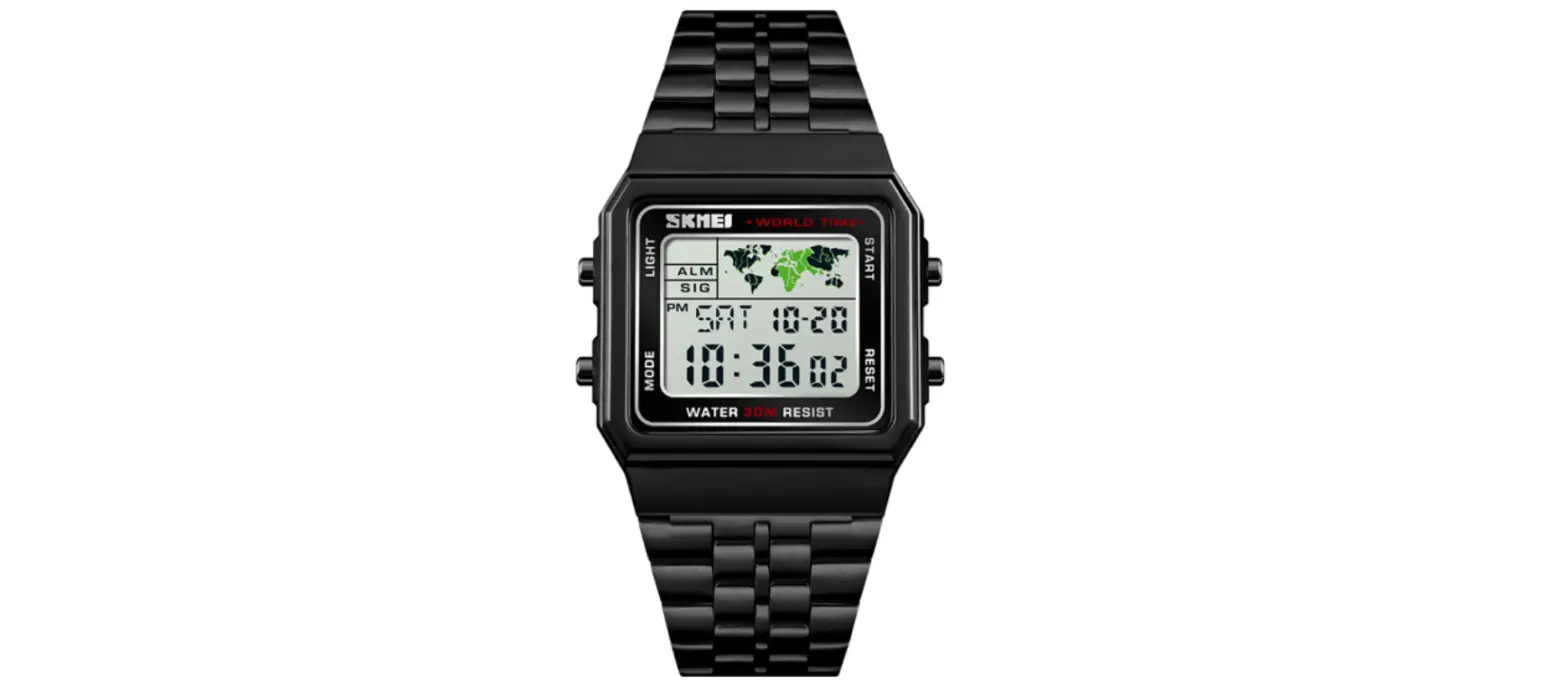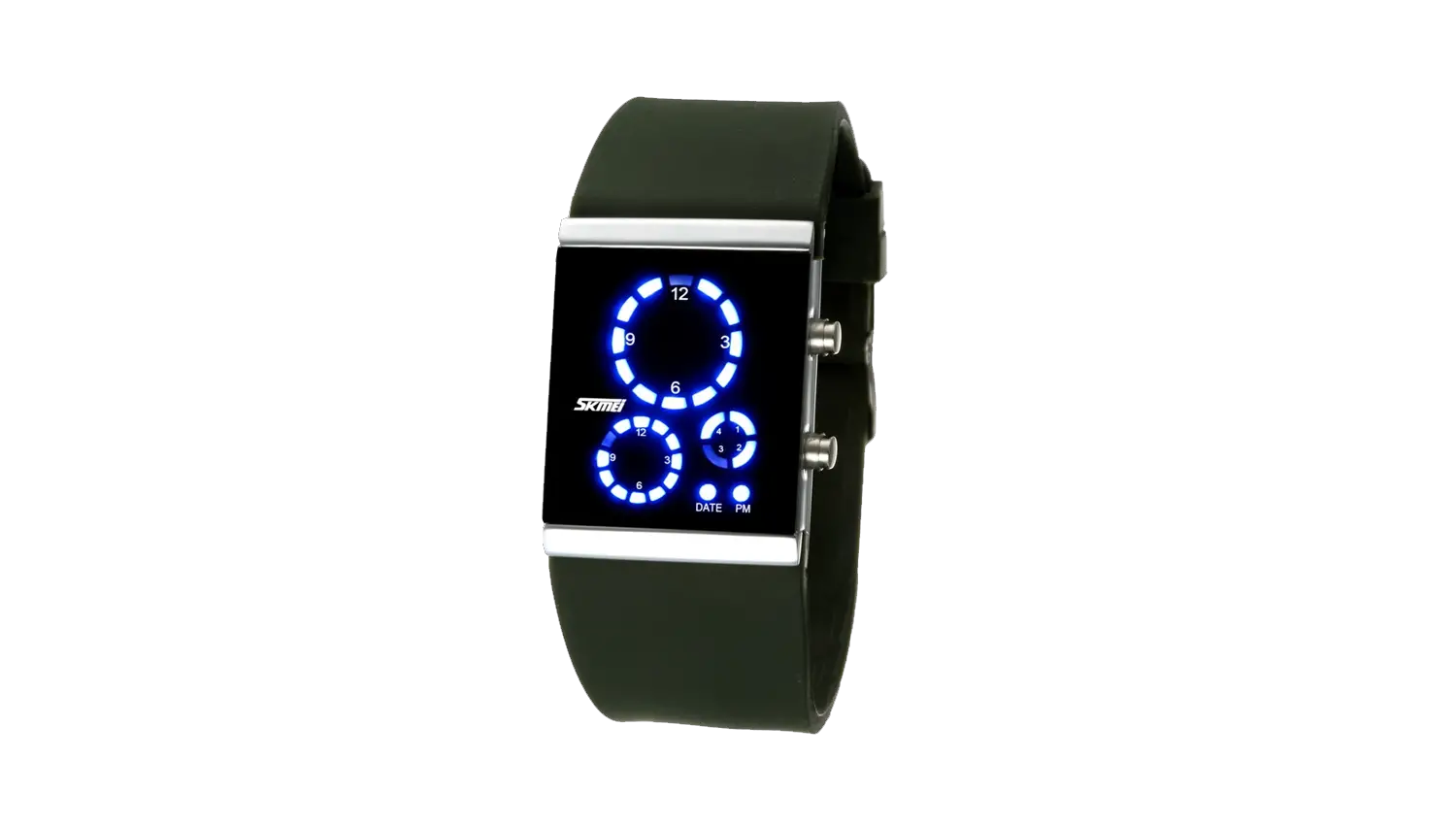

SKMEI 1588 LED Watch

Display and Button Functions
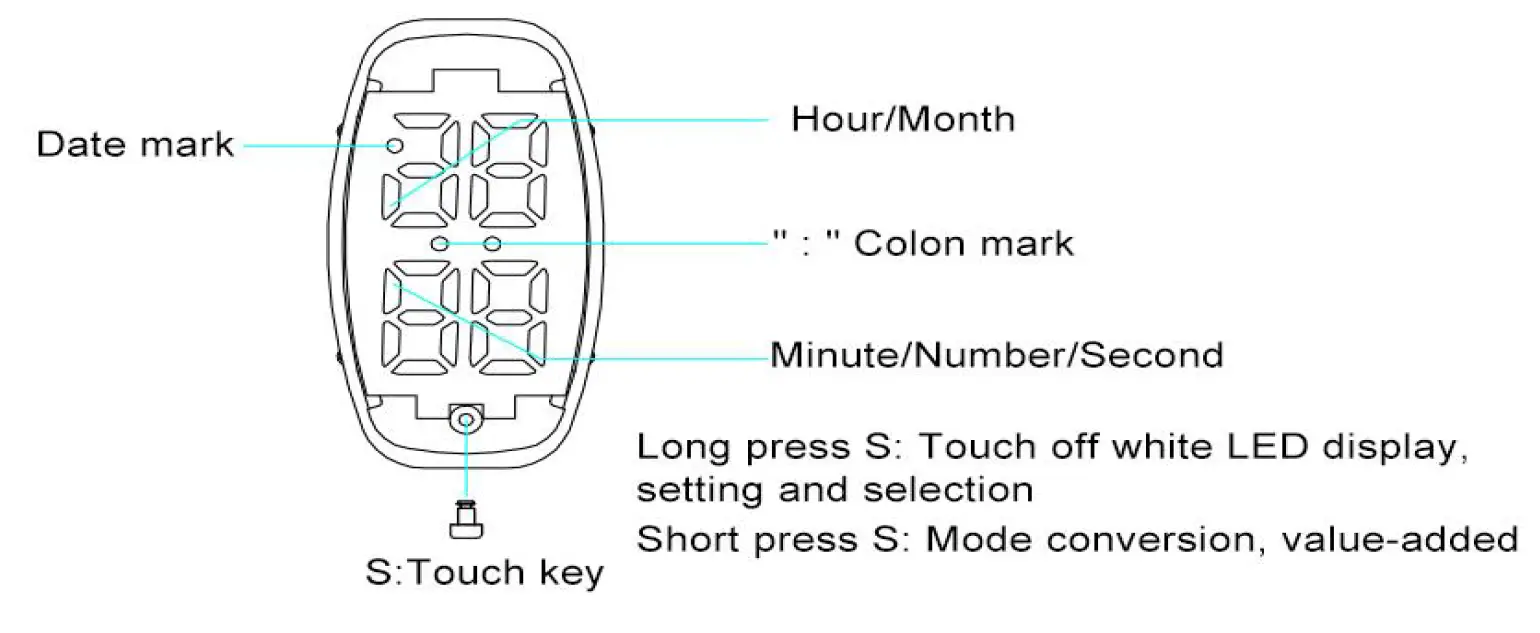
Functions instructions:
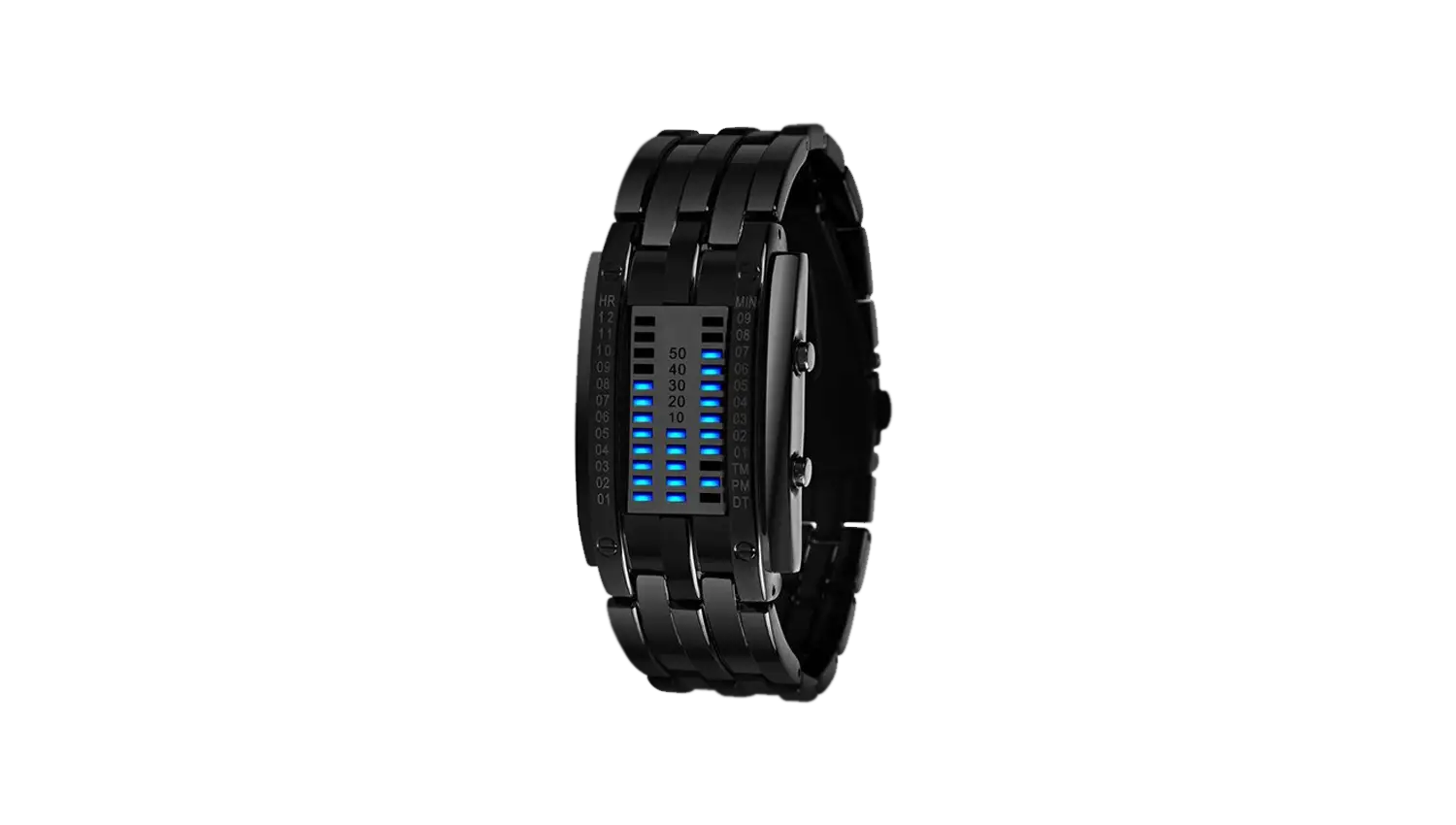
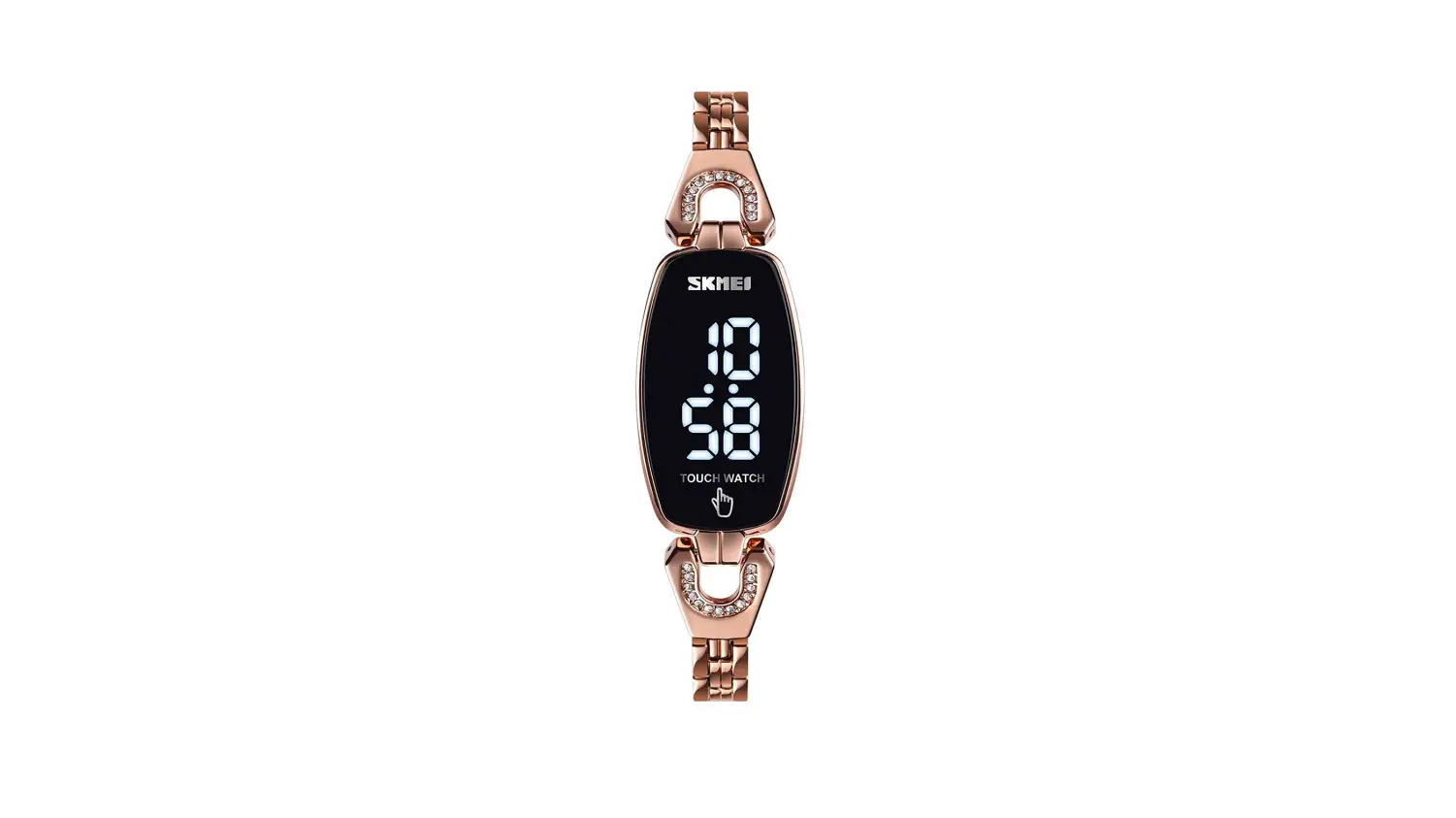
- 4-digit white LED display, normal time display: Hour, minute.
- One-touch key operation.
- Three modes display normal time display(hour/minute), date display(month/day) and second display.
- 24 hours format.
- Long press 1 second to wake up white LED to flash for 7 seconds.
- Animation full display and reset full display test functions.
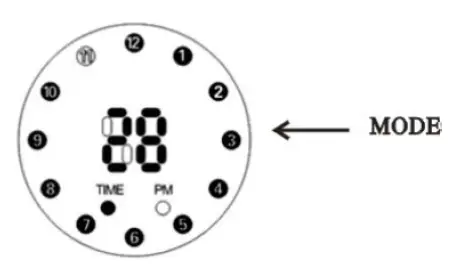
Mode Conversion
Operation icon: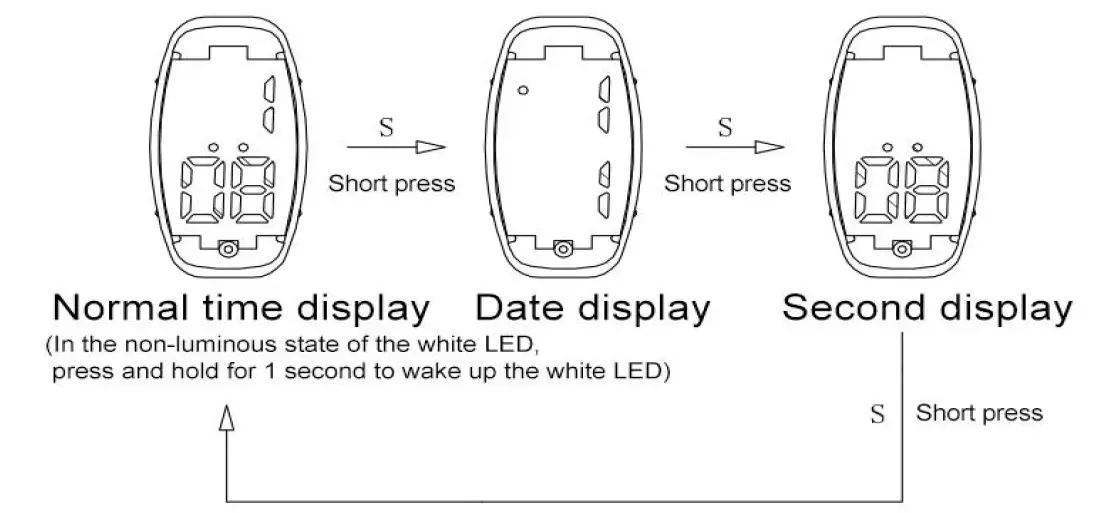
LED Light
In the non-luminous state of the white LED, press and hold the S key for 1 second to wake up the white LED to flash for 7 seconds.
Full Display
When waking up or entering dormancy, there is an animation full display function; when reset, it has a full display function.
Normal Time Date Setting Mode
Settings icon: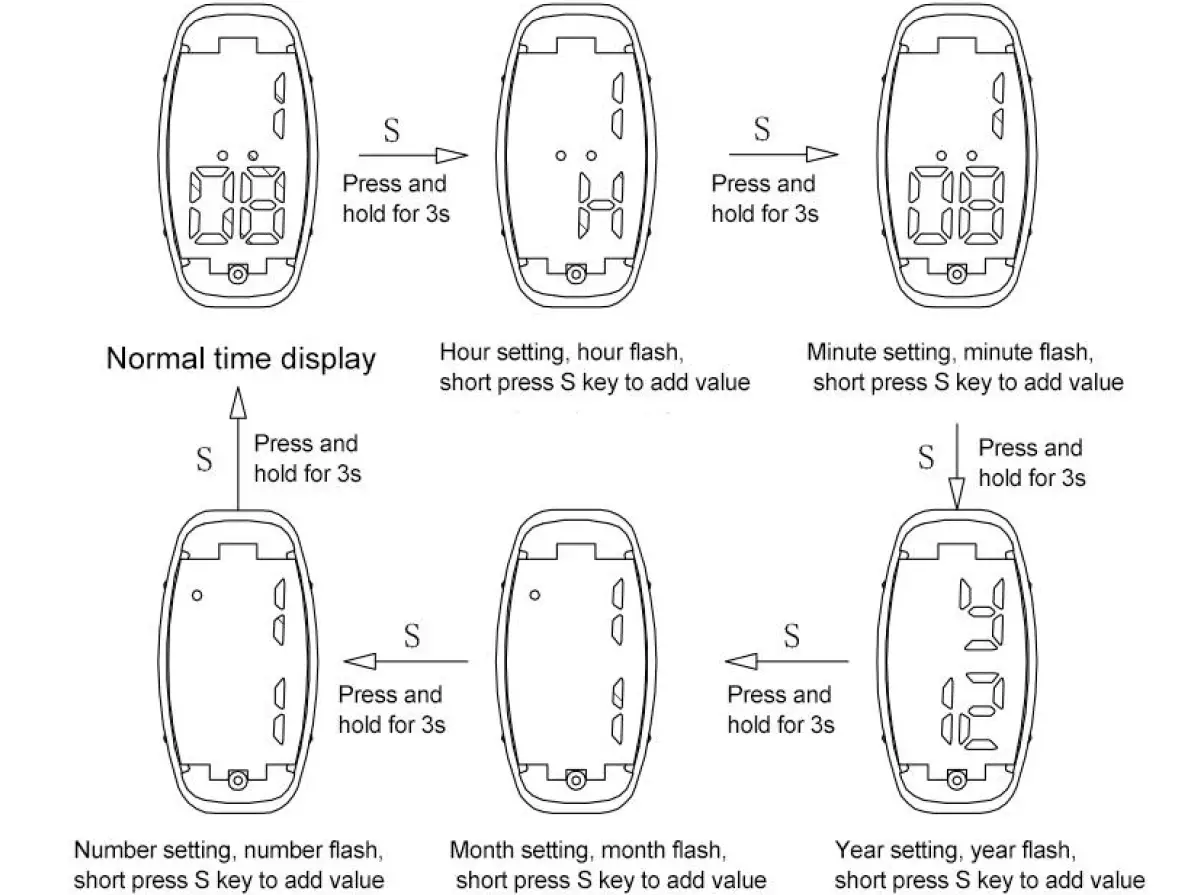
Remarks:
During the setting process, without any key operation for 7 seconds, it will automatically save and return to normal time display.