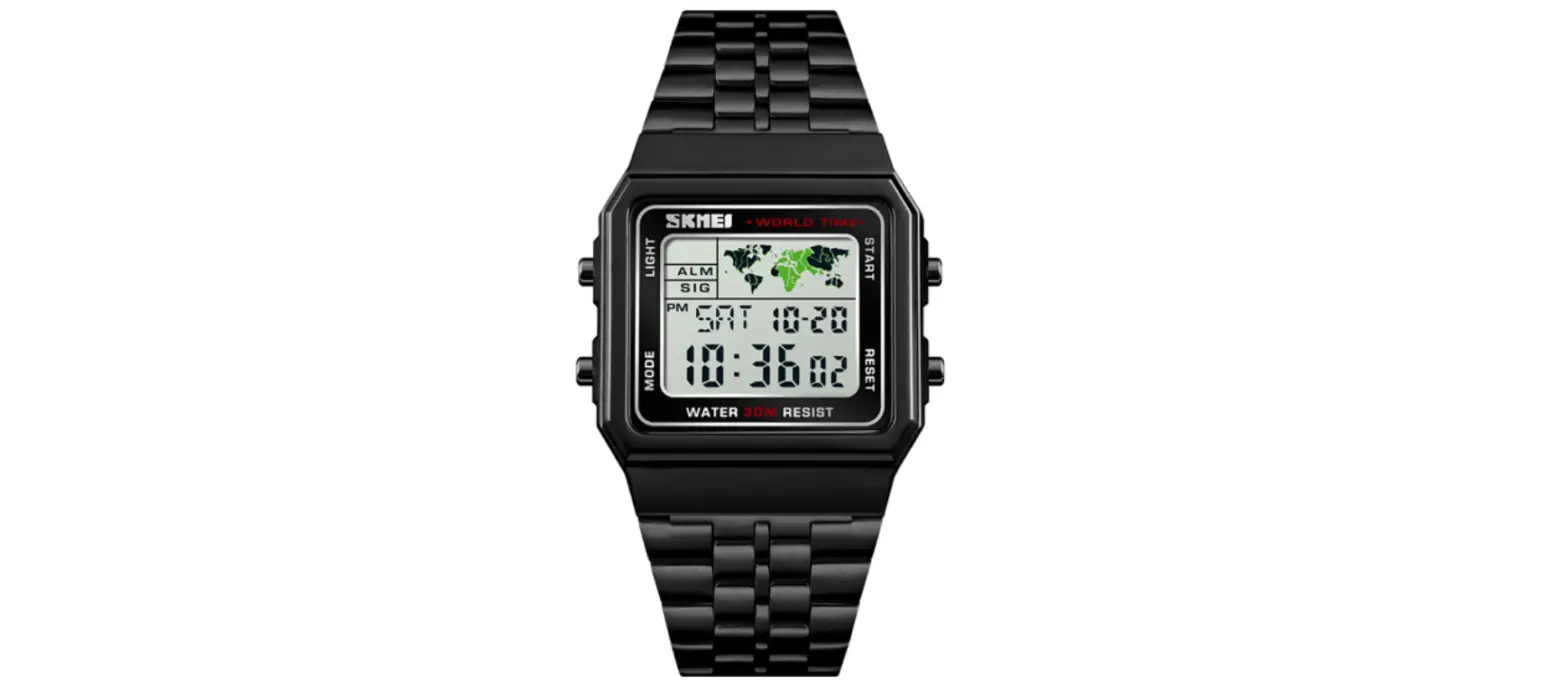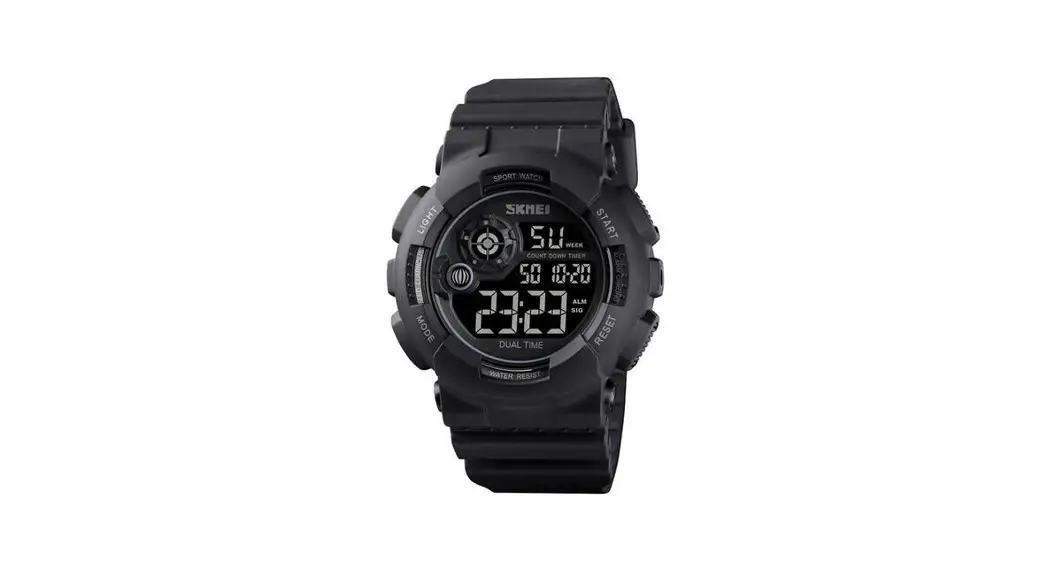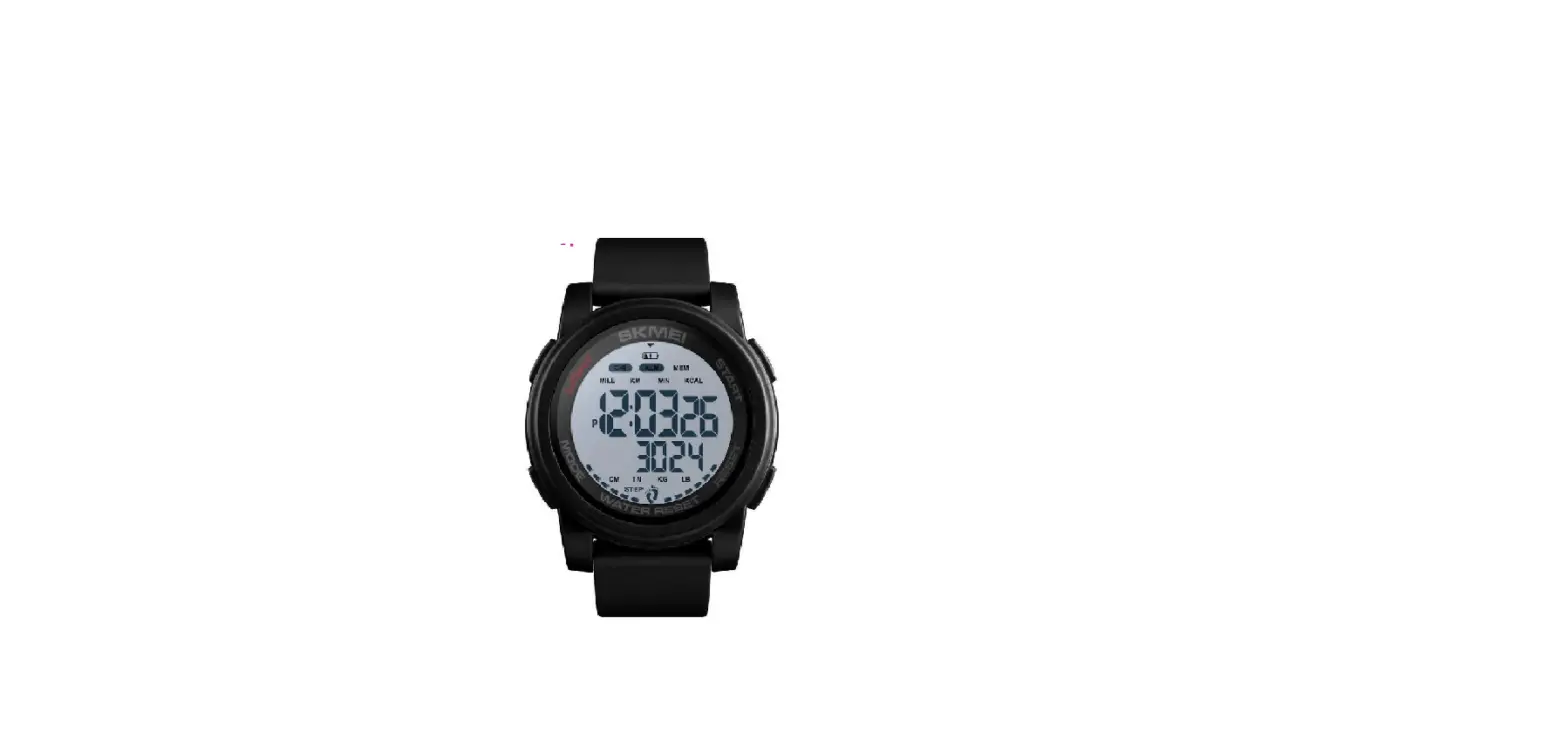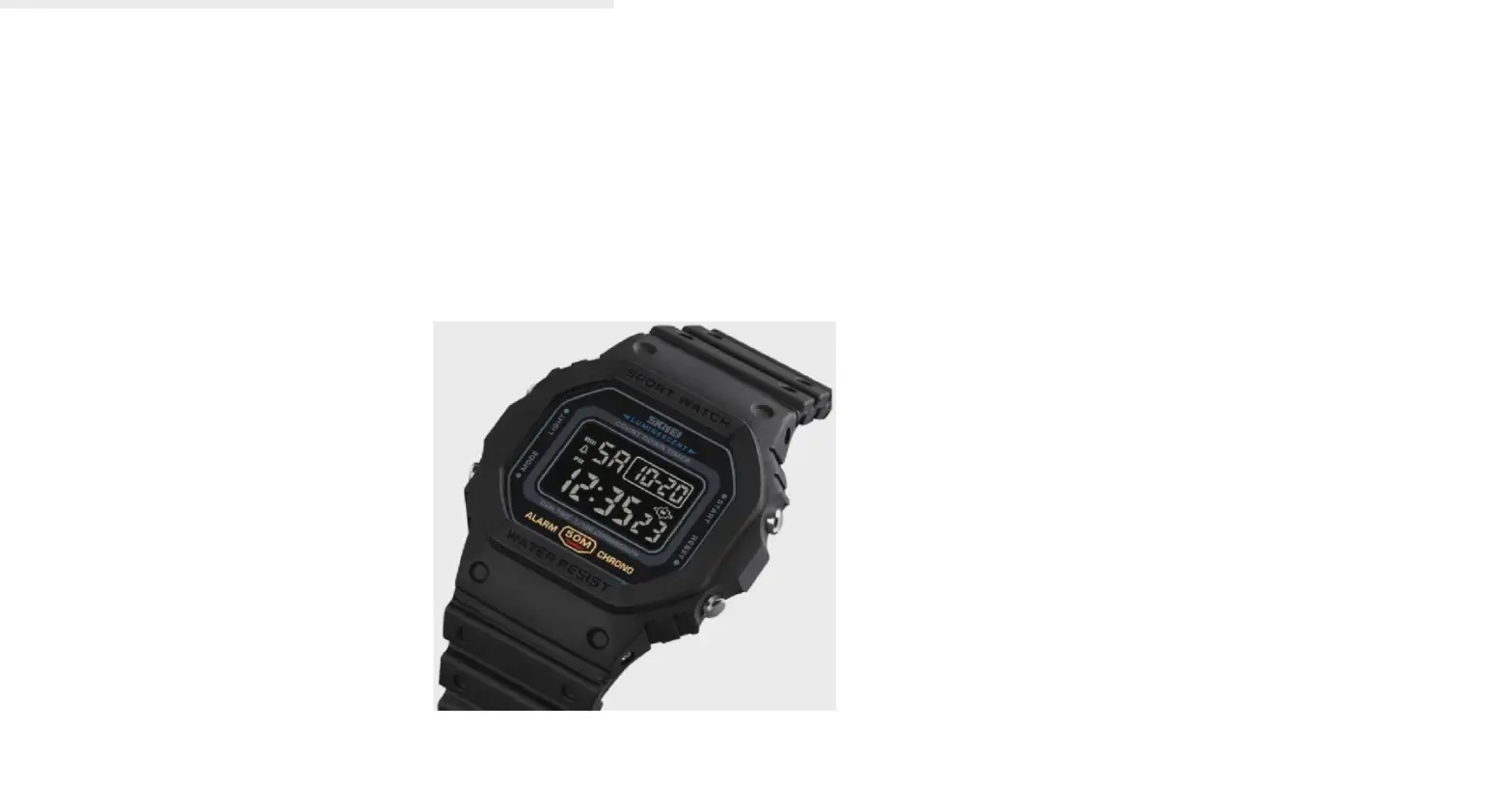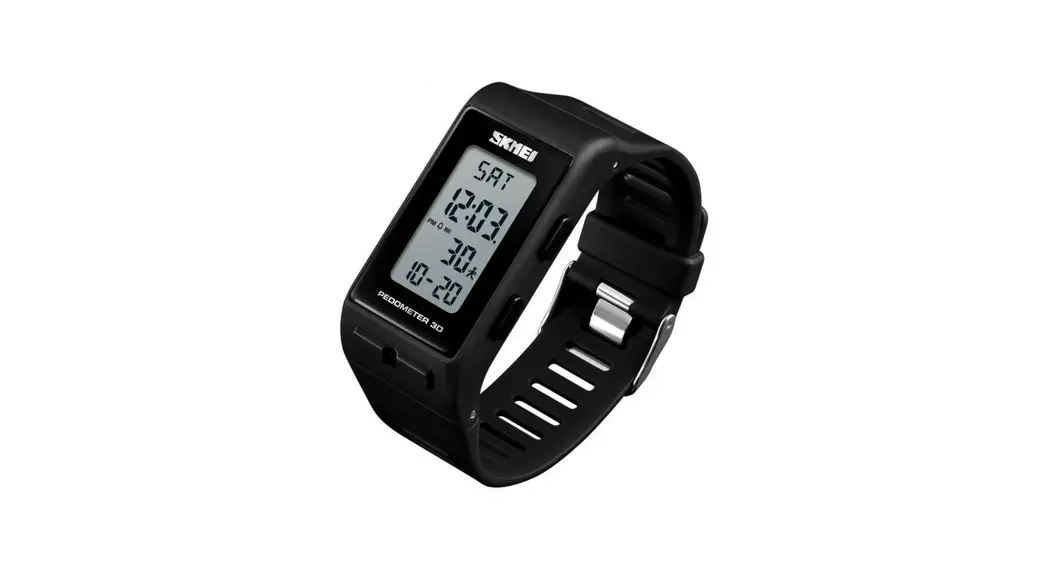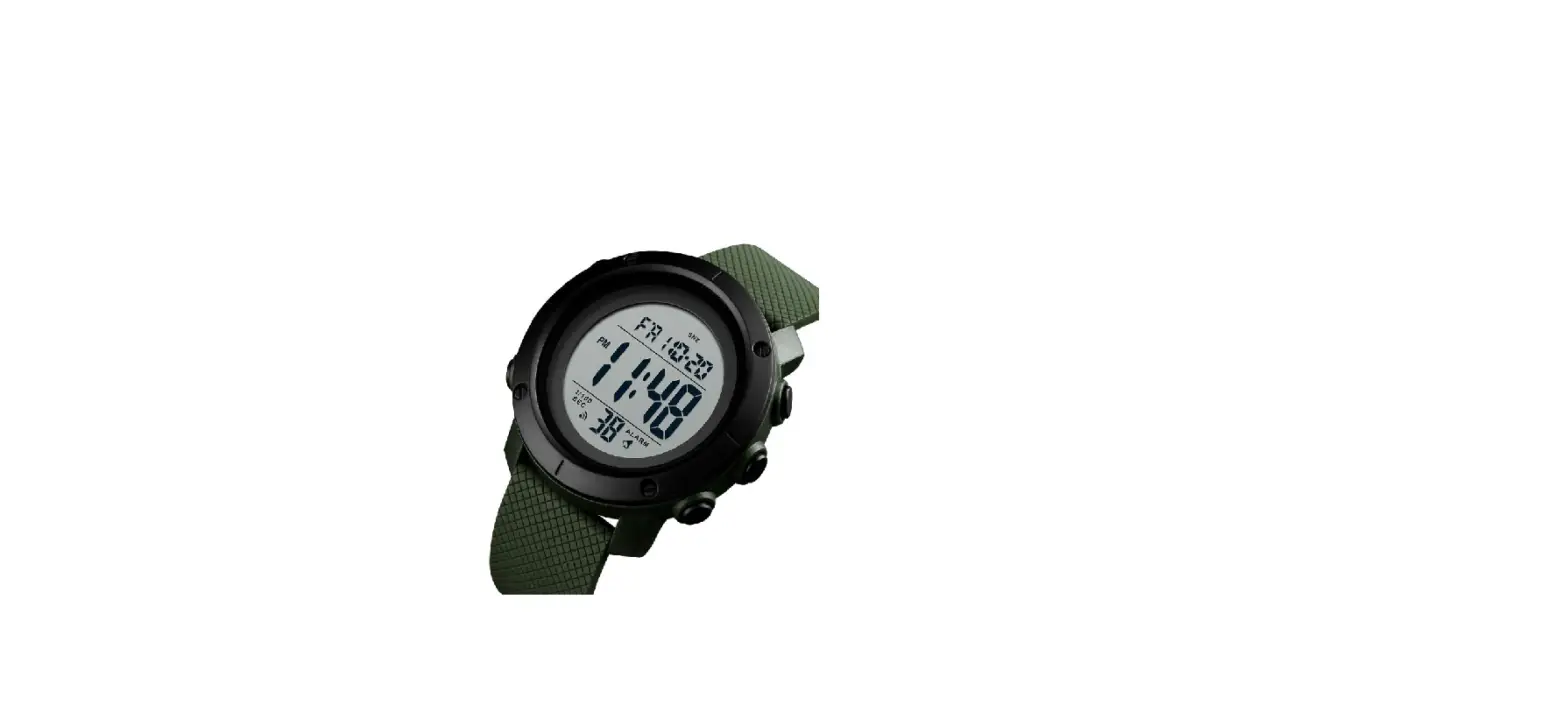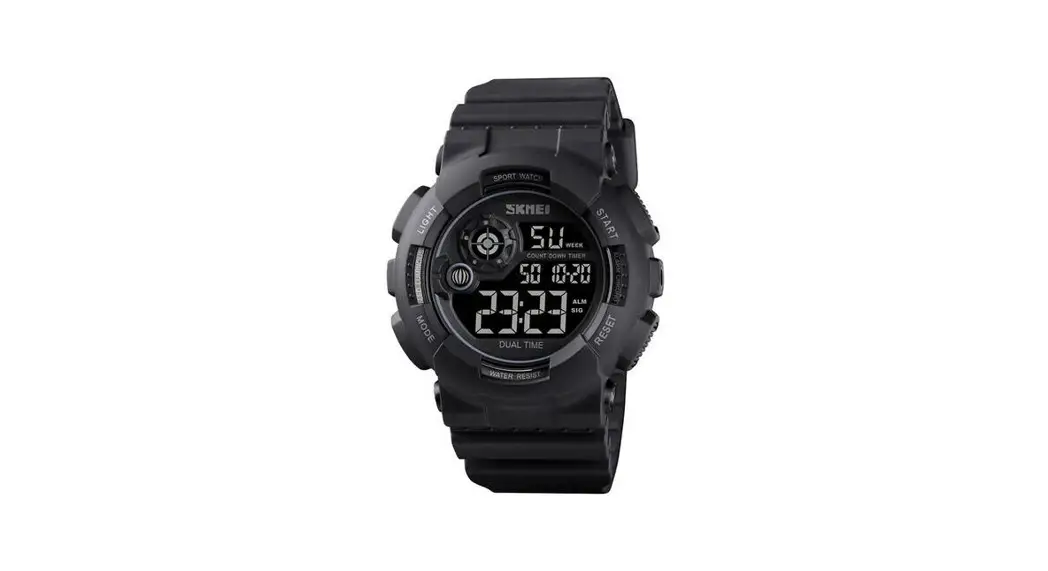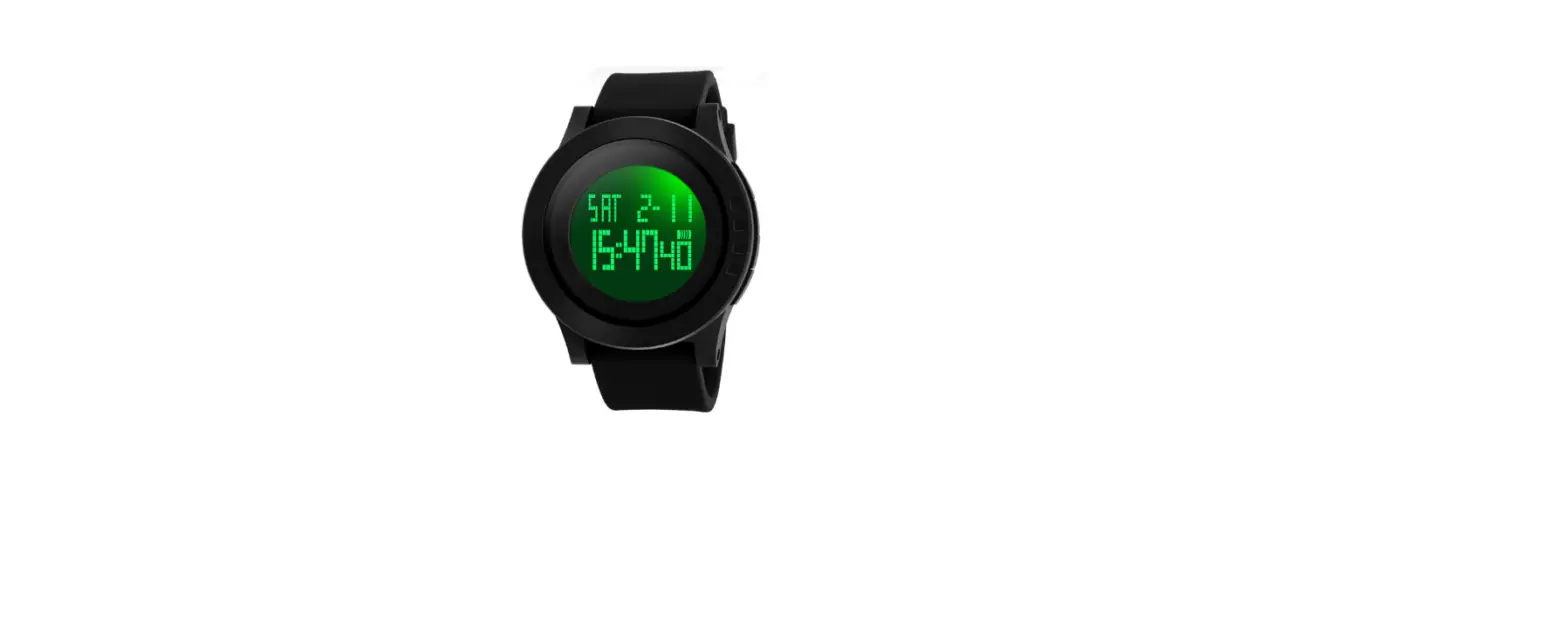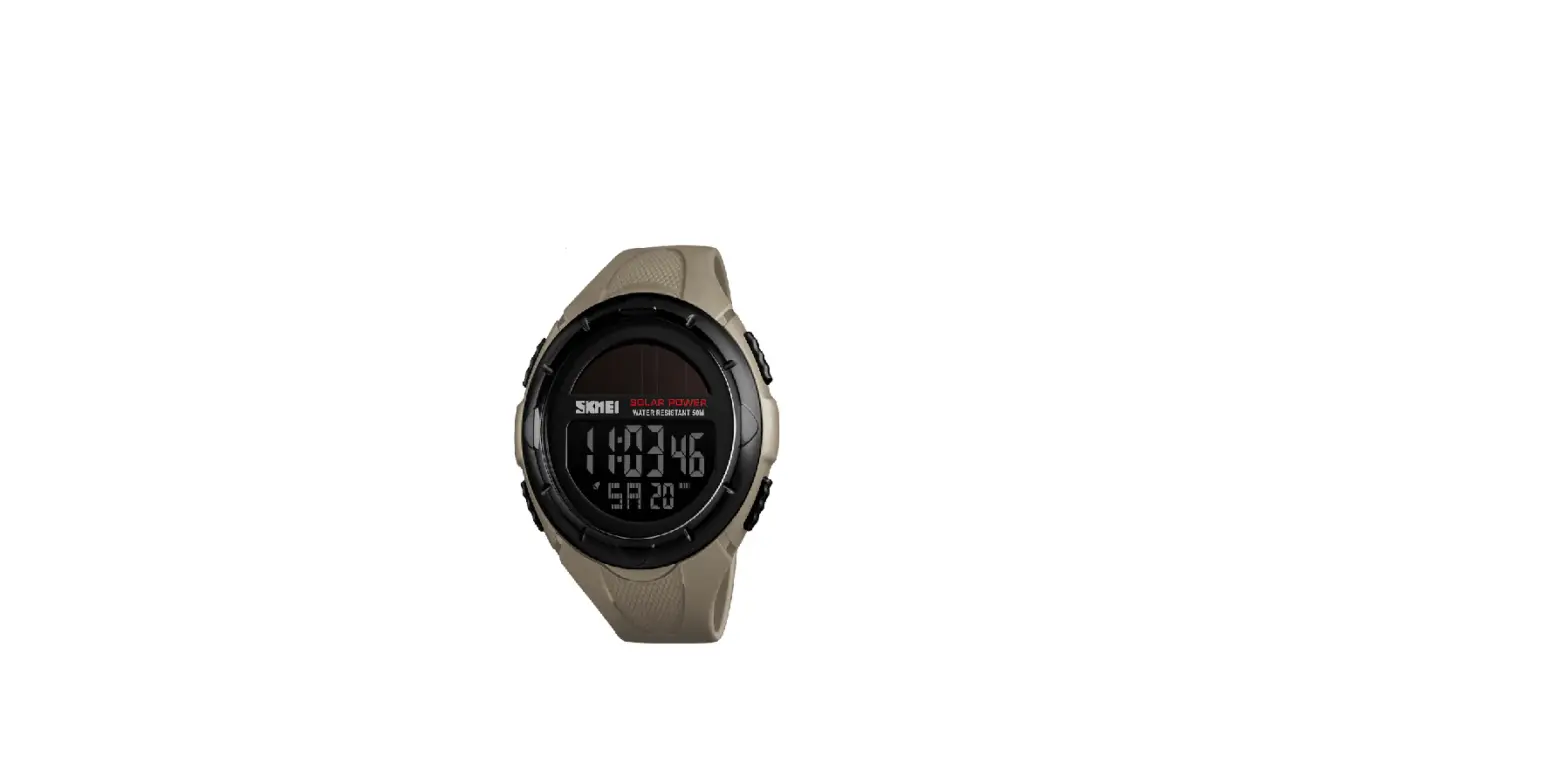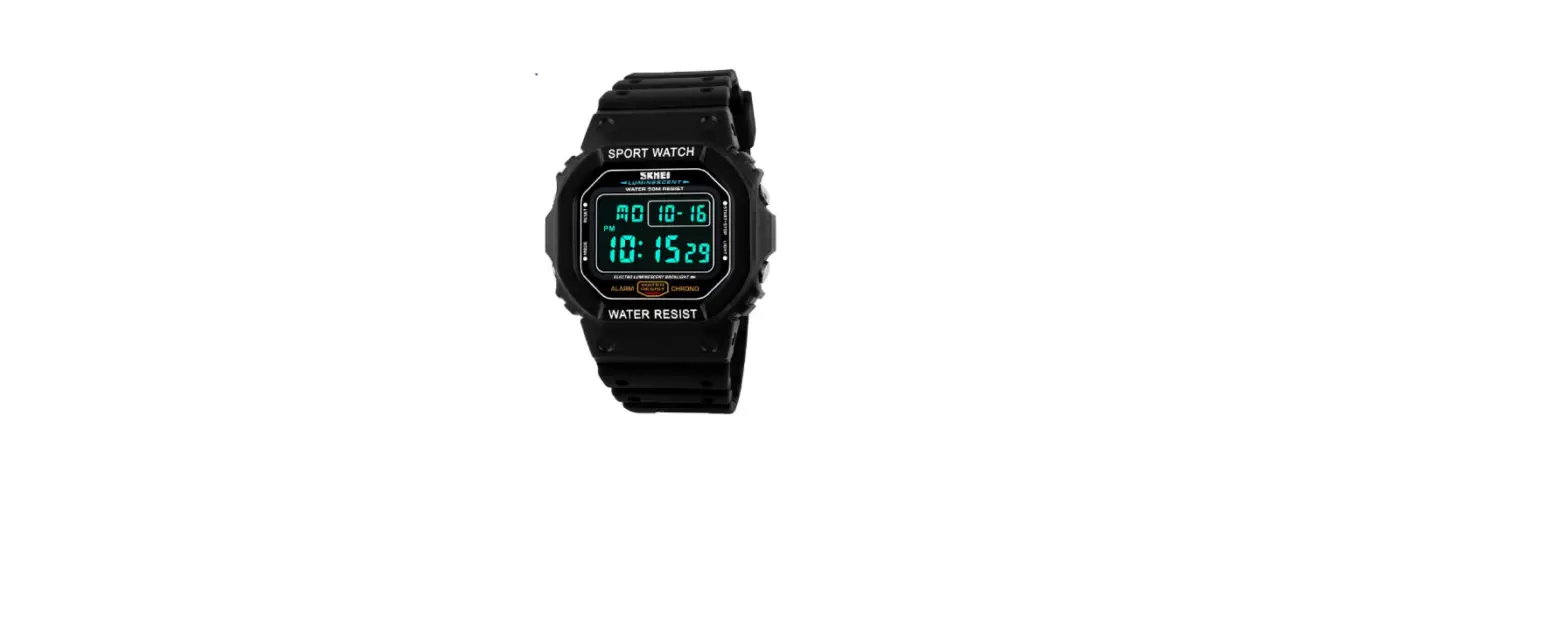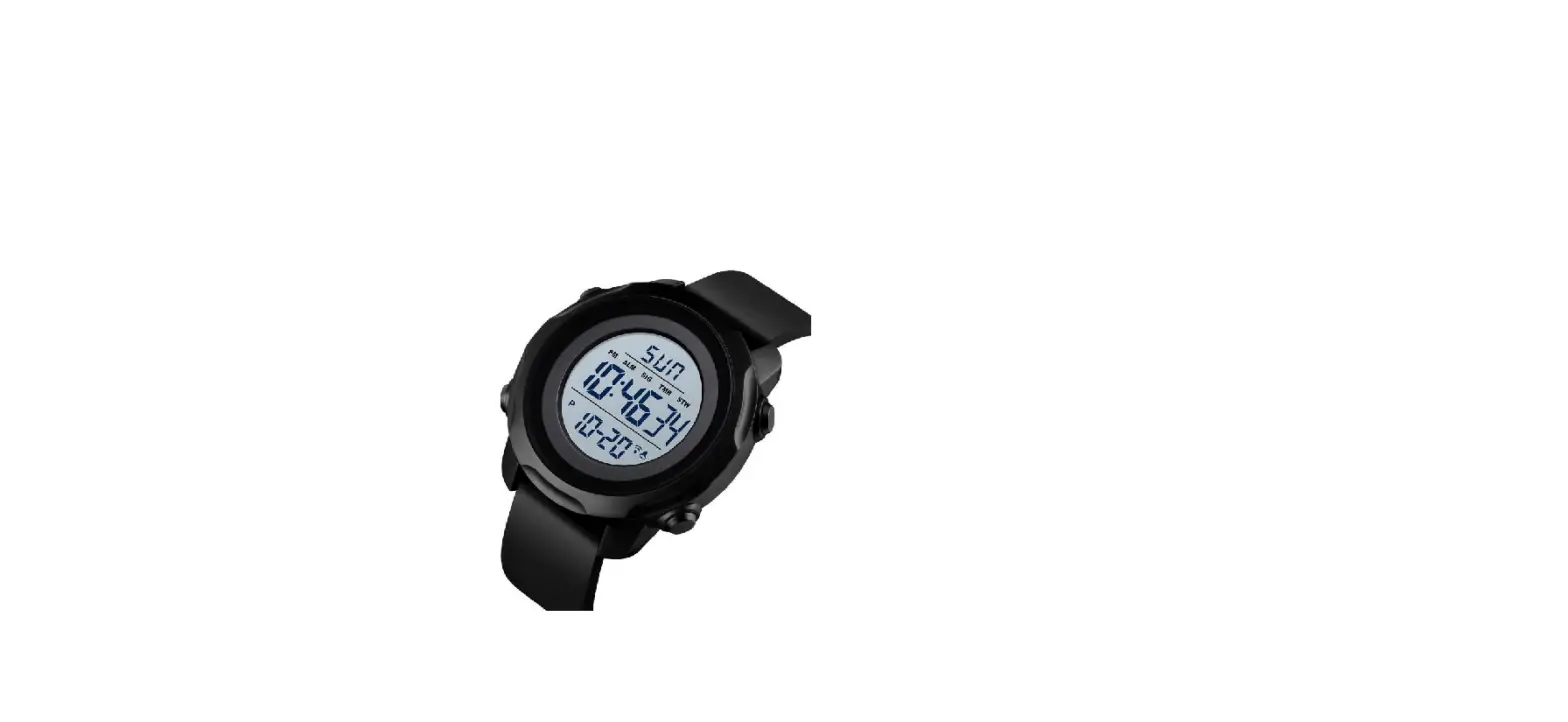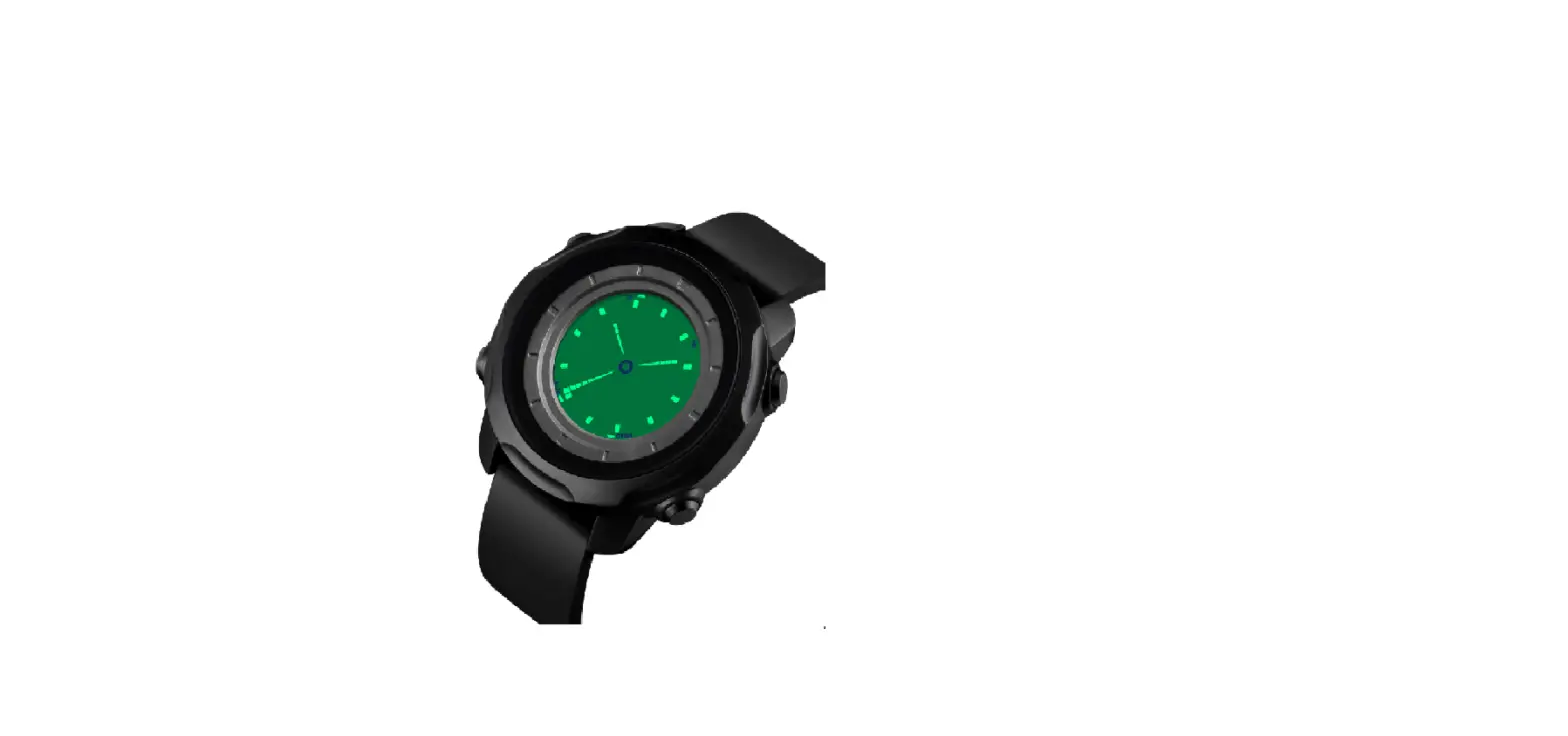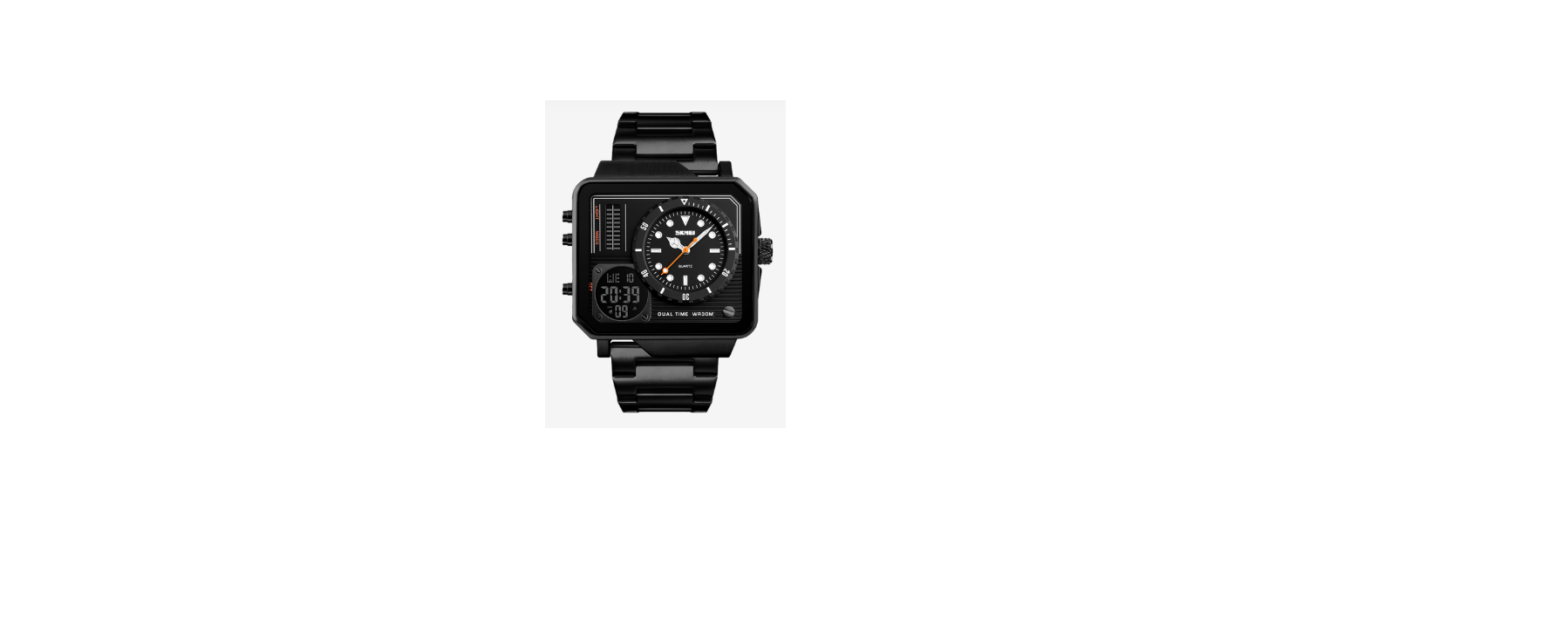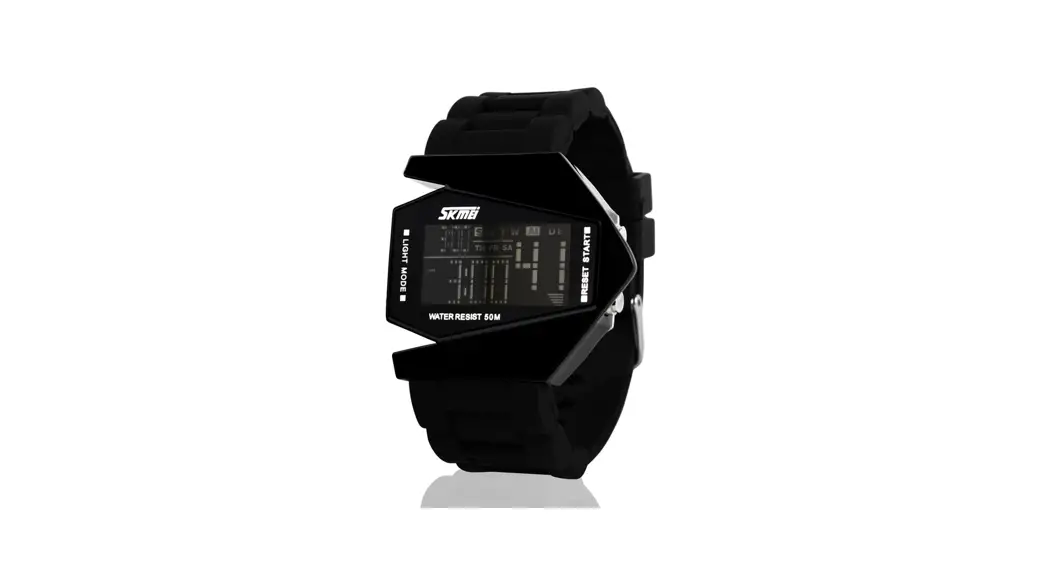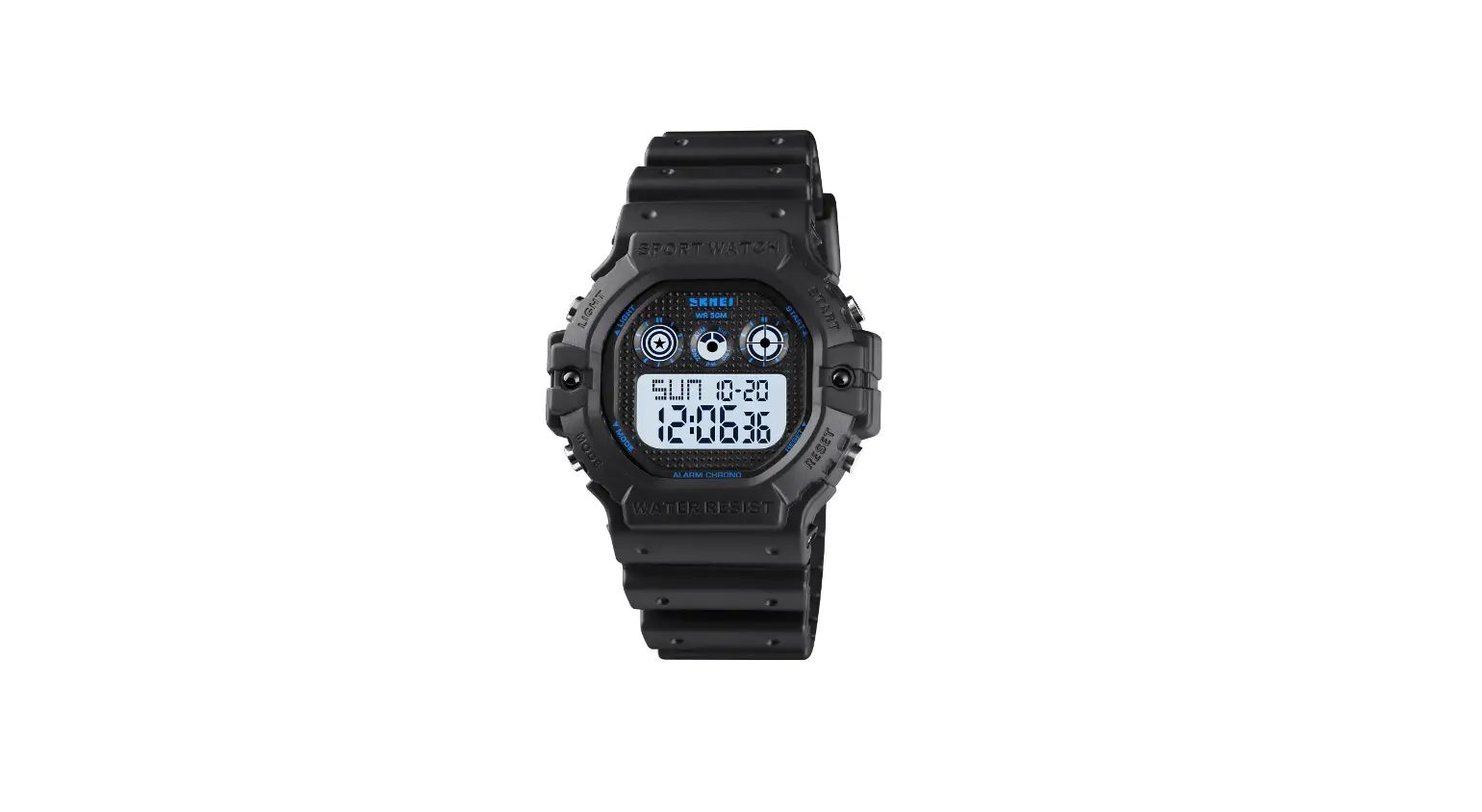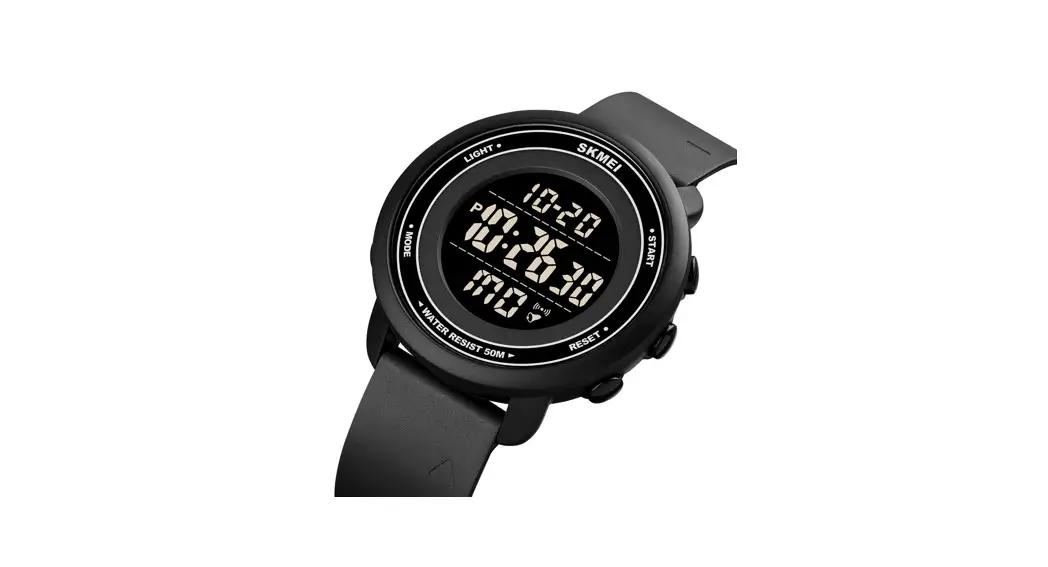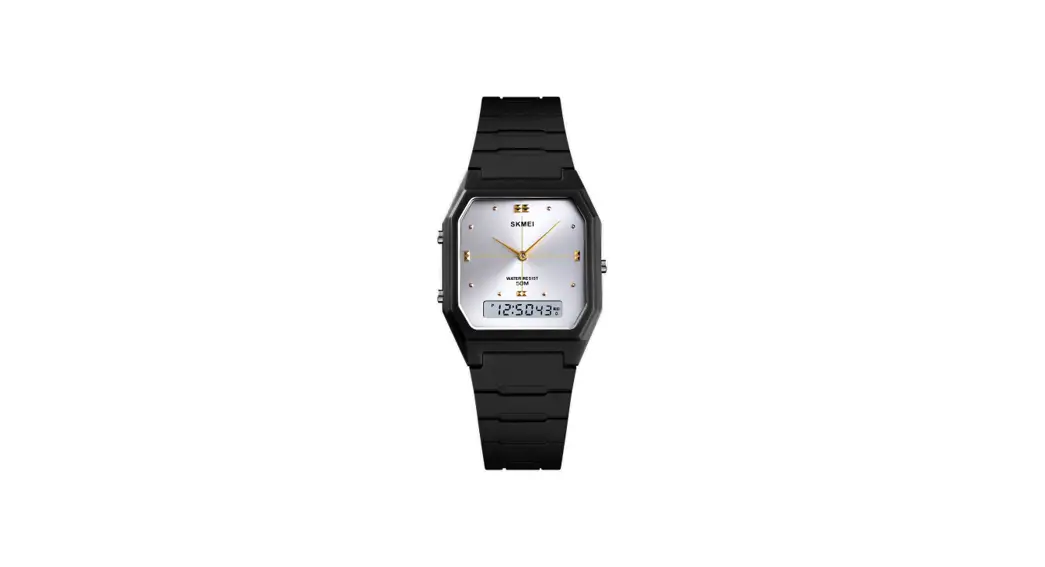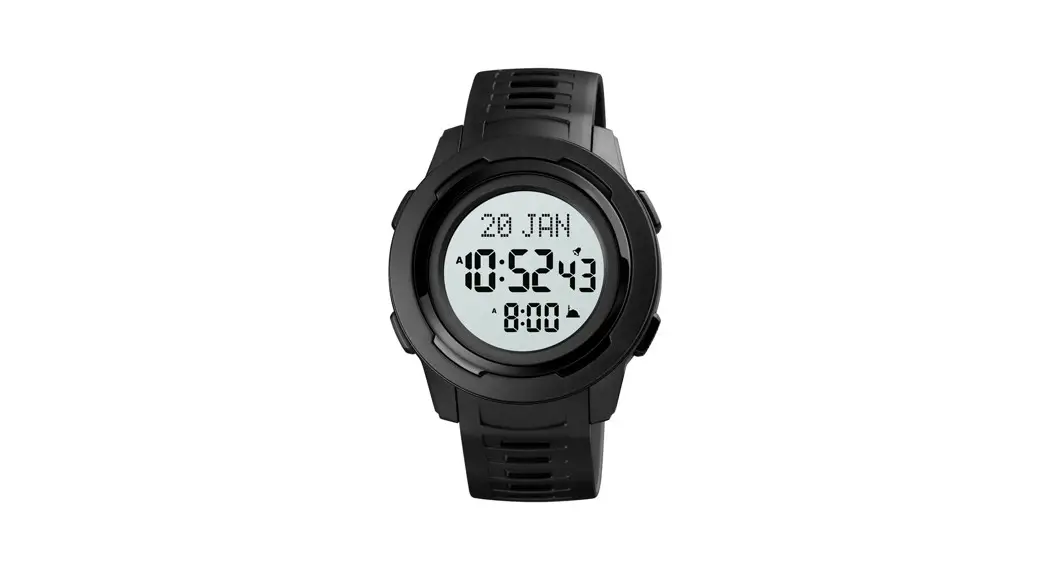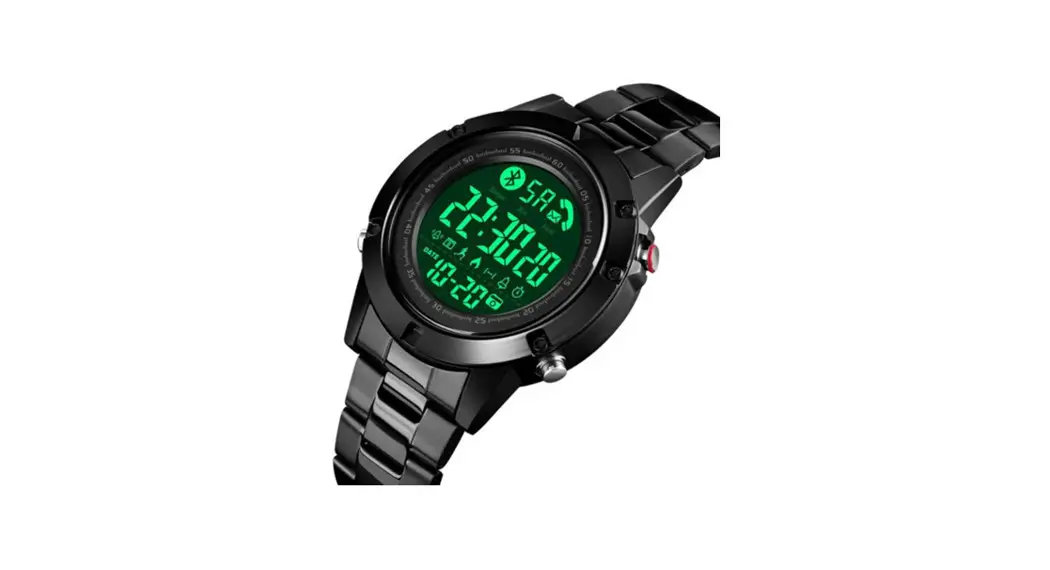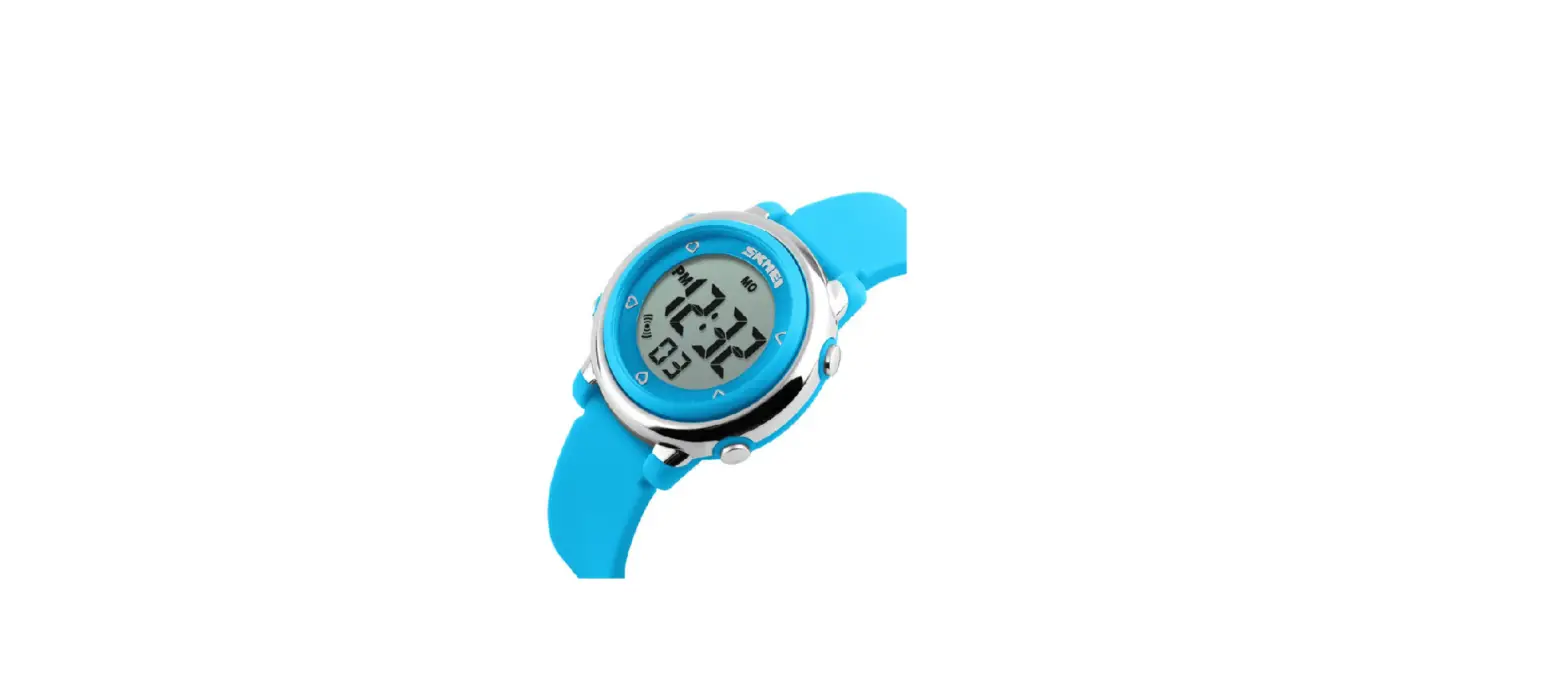

SKMEI 1100 DIGITAL WATCH

DIGITAL WATCH INSTRUCTIONS
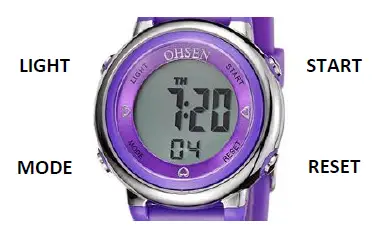
Four buttons on this watch are known as: LIGHT, MODE, RESET, and START
TO SELECT THE DISPLAY MODE
Push the Mode Button in order to select one of the following four display modes in the following order: Normal Time -> Stop Watch -> Alarm Set, -> Time Reset In the Normal Time Mode, the Day of the Week, the Hour, Minute and Second are displayed (none flash). If the alarm icon at the bottom left is displayed, the alarm is turned on.
TO DISPLAY THE DATE
In Normal Time Mode, Press the START button.
TO DISPLAY THE ALARM TIME
In Normal Time Mode, push the RESET button.
A P indicates PM, an A indicates AM. H indicates a 24-hour clock.
If the time is set as a 24-hour clock, the alarm will also show only as 24 hours with an H.
TO STOP/START THE ALARM
In Normal Time Mode, hold the RESET button while pressing the START button to toggle the Alarm icon on and off.
TO STOP/START THE HOURLY CHIME
In Normal Time Mode, hold the RESET button while pressing the MODE button to toggle the hourly chime on and off. When all the days of the week are displayed, the hourly chime is on.
TO SET THE TIME
Press the MODE button x 3 until the hour is flashing.
To set the Minute press the RESET button x 1. Press the START button to increase the minutes. Press the RESET button again to toggle through Hours -> Date -> Month -> Day of Week -> Seconds Press the START button to increase the setting you are on.
TO SET THE ALARM
Note: The alarm is turned on every time the Alarm is set.
- Press the MODE button x 2 until the hour is flashing.
- Press the START button to increase the hours
- Press the RESET button to select minutes.
- Press the START button to increase the minutes
- A P indicates PM, an A indicates AM. H indicates a 24-hour clock.
- If the time is set as a 24-hour clock, the alarm will also show only as 24 hours with an H.
- Press the MODE button to finish and return to the time.
TO USE THE STOPWATCH
- Press the MODE button x 1
- Press the START button to start timing.
- Press the RESET button to reset the stopwatch to zero.
- To record a LAP time, press the RESET button when the stopwatch is running. Press RESET again to return to the live stopwatch.