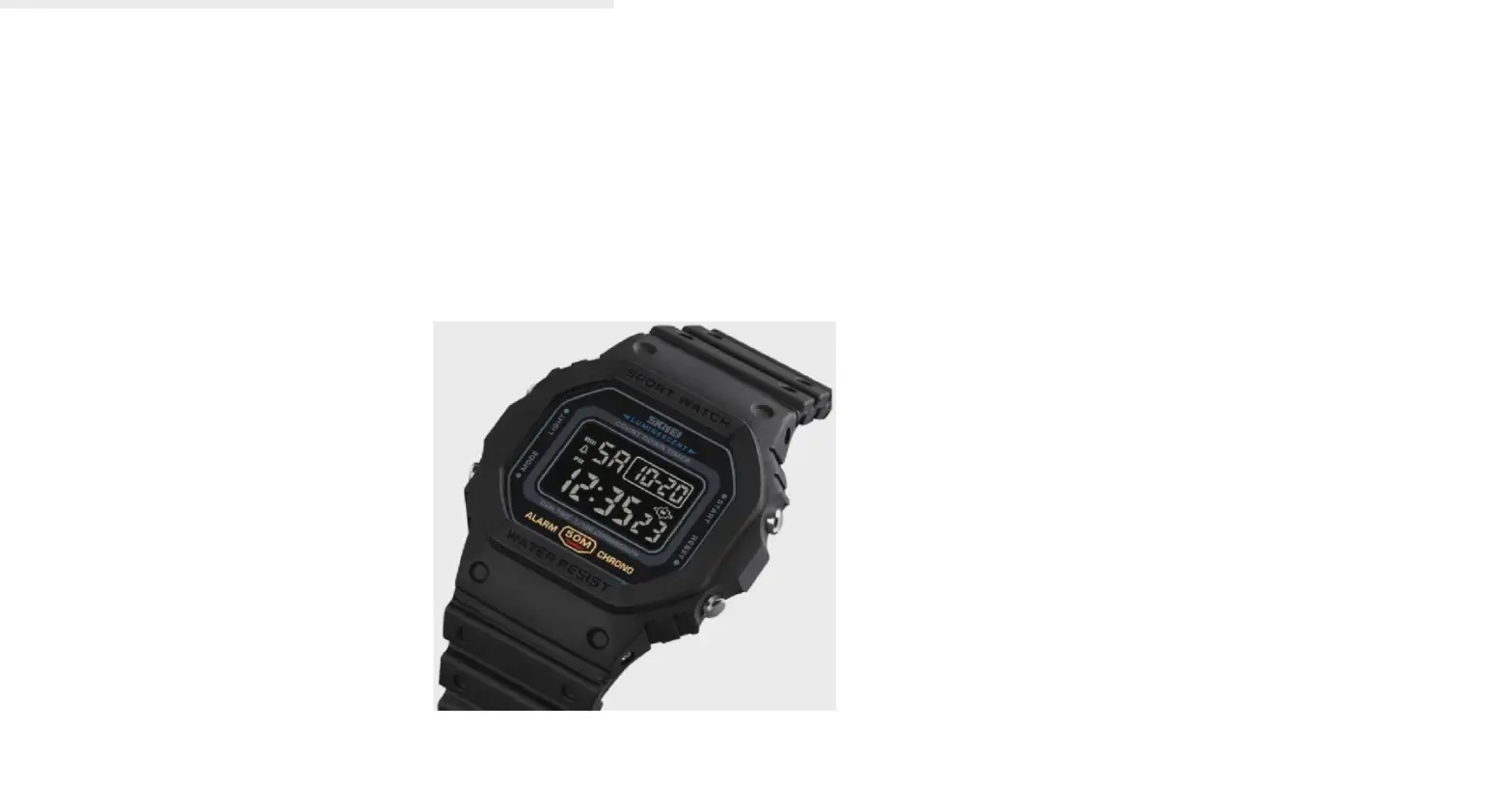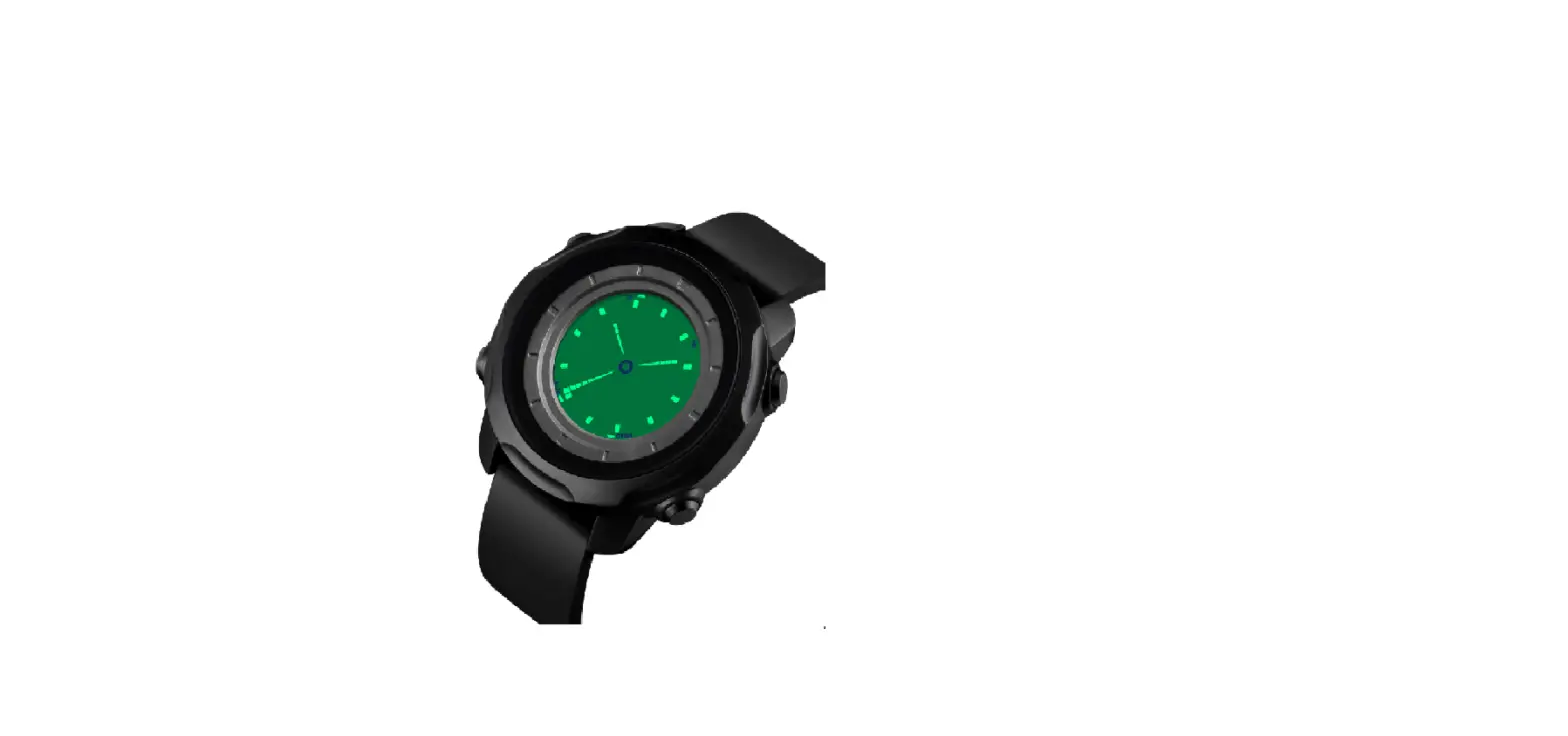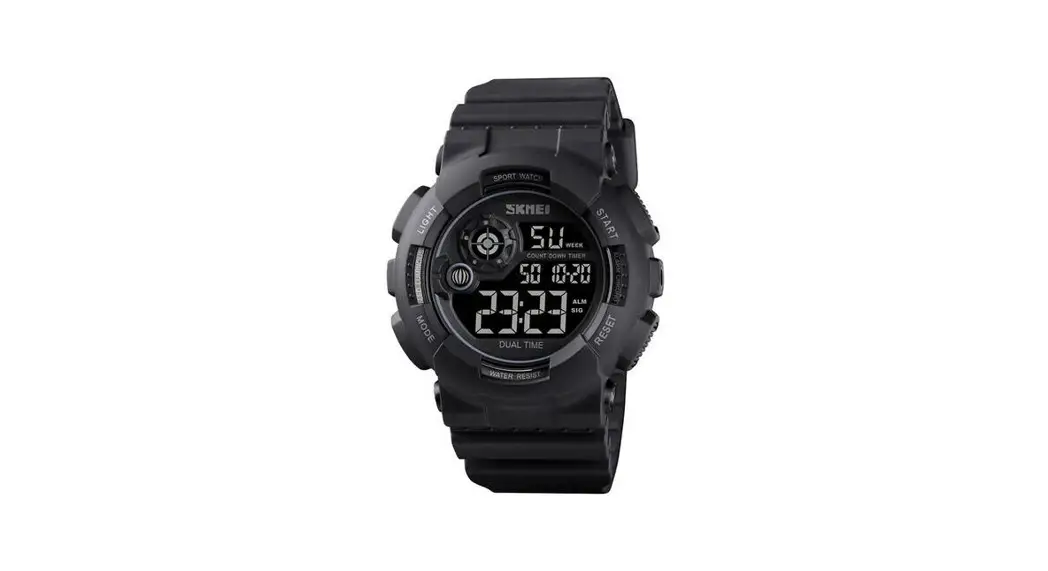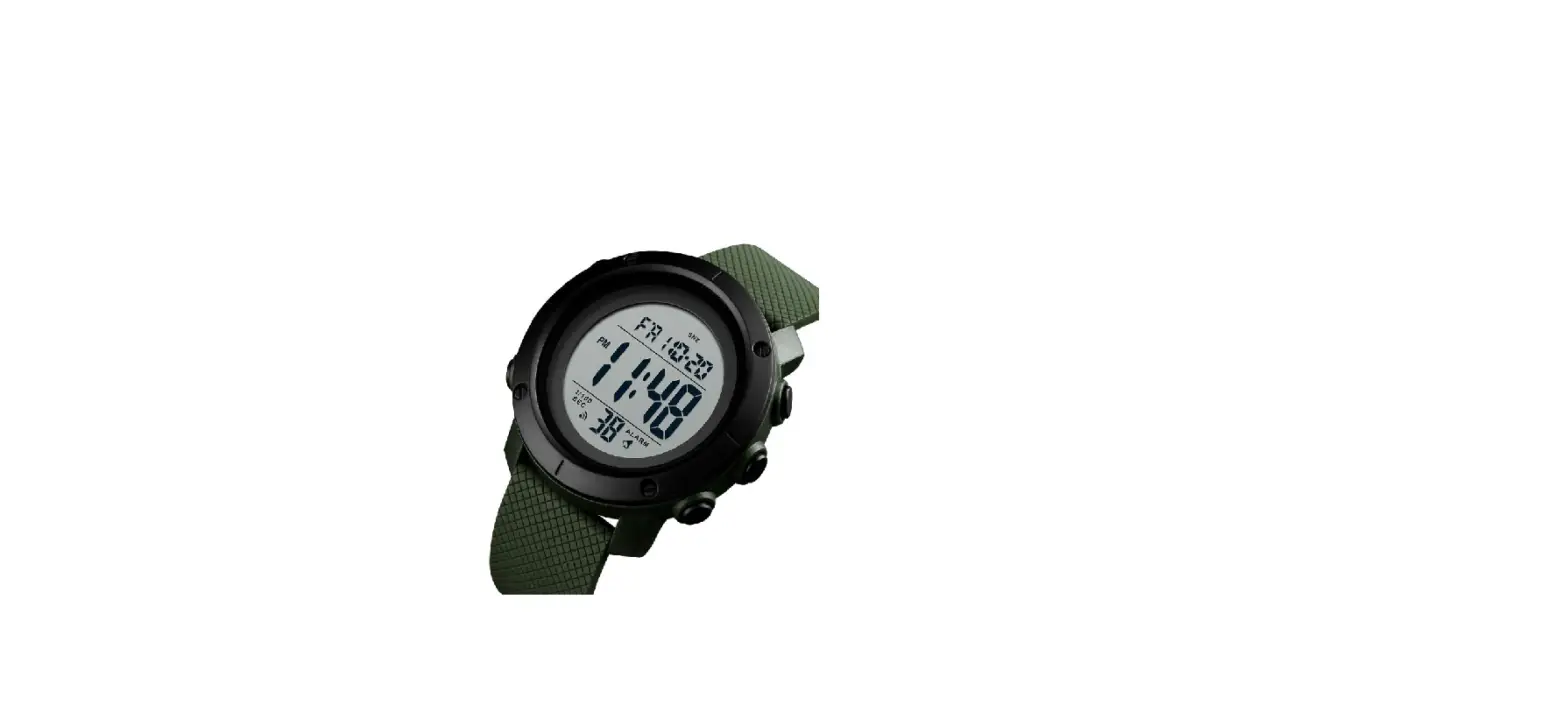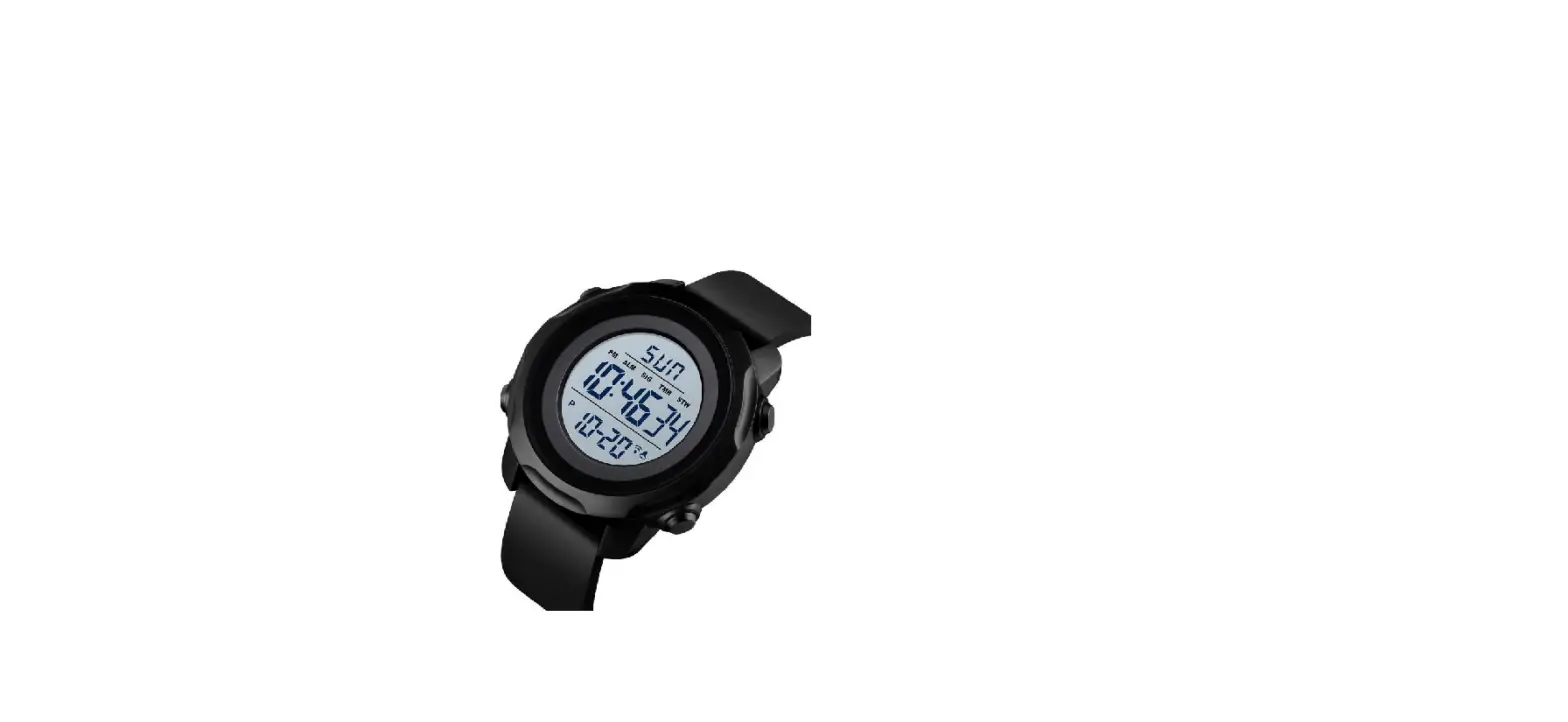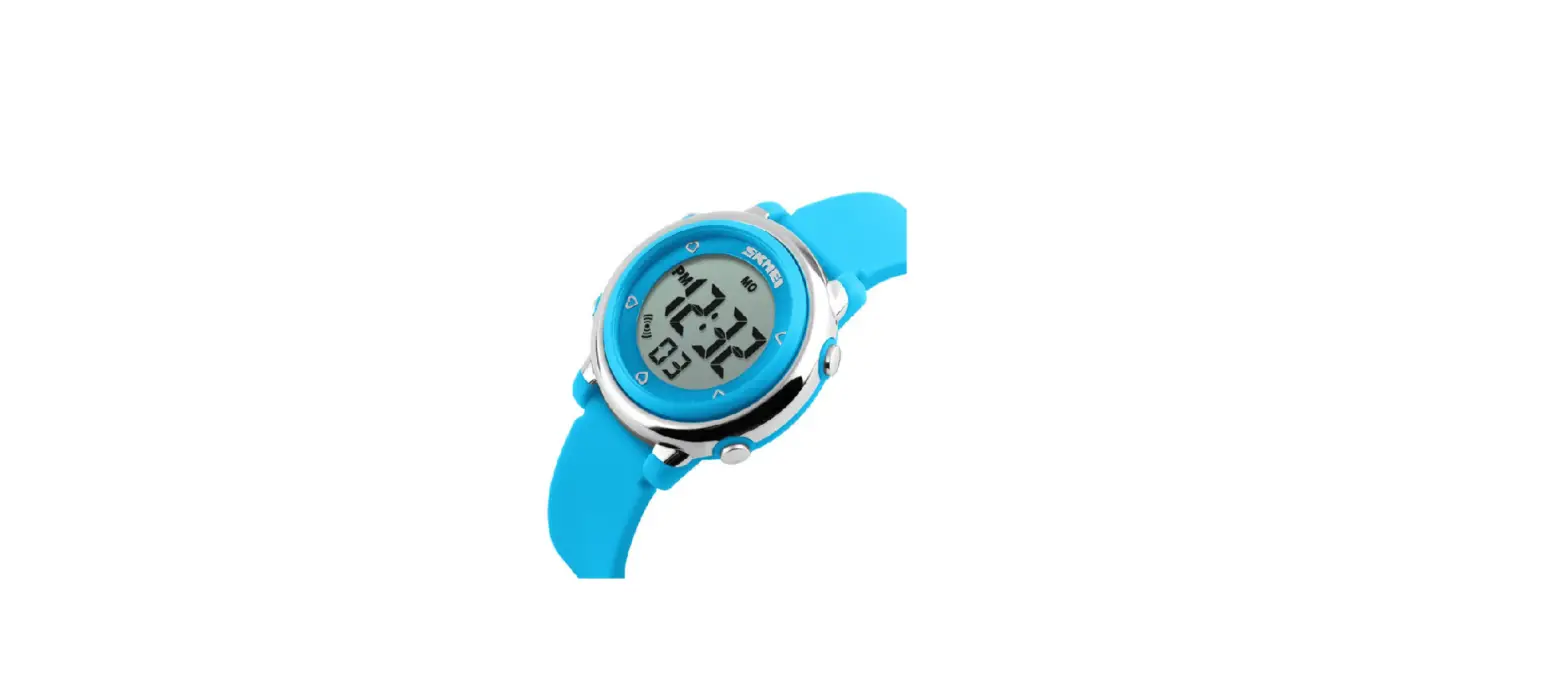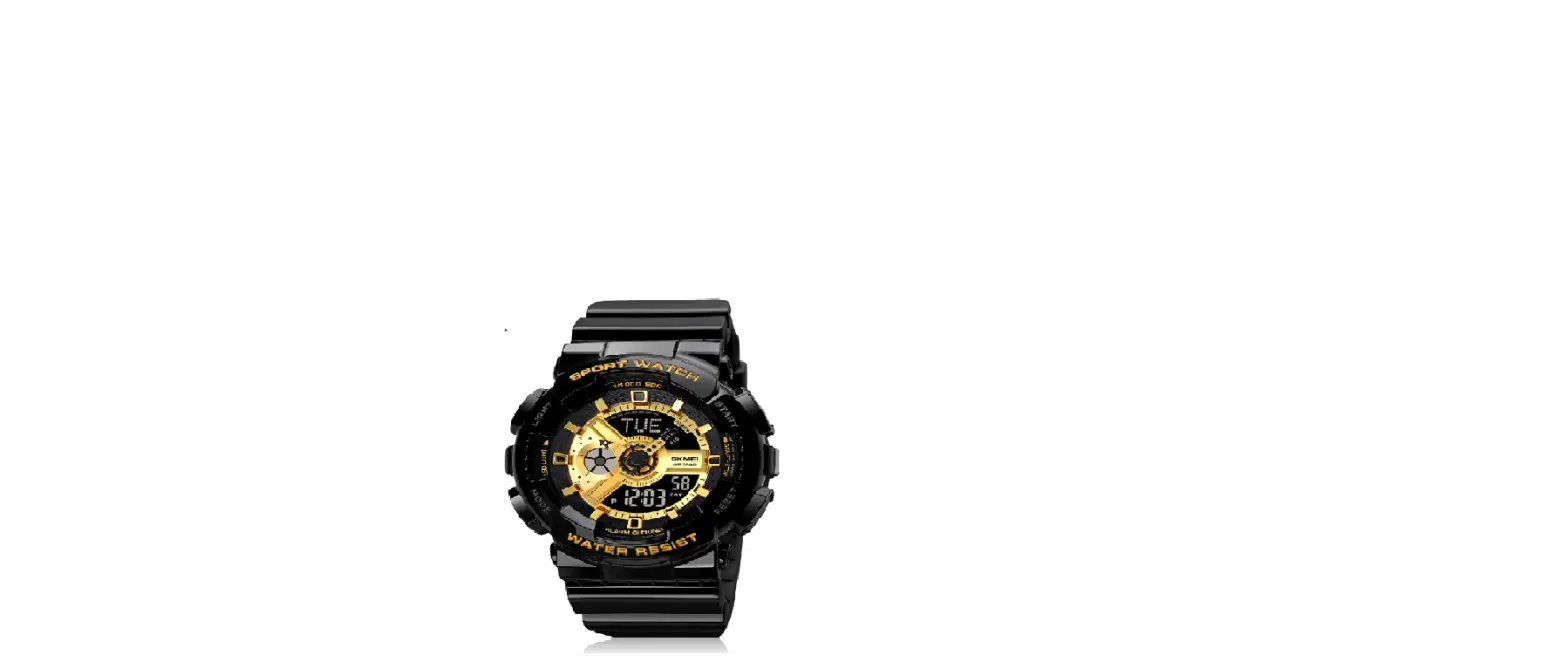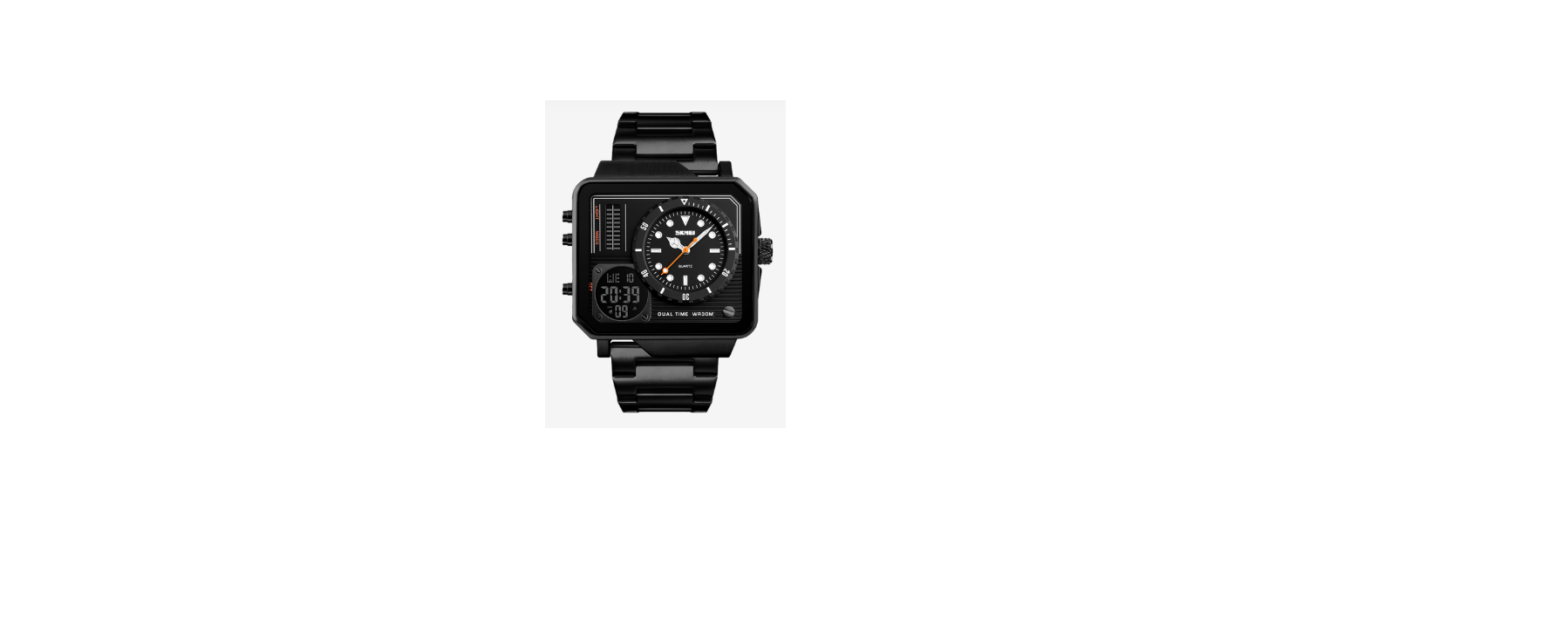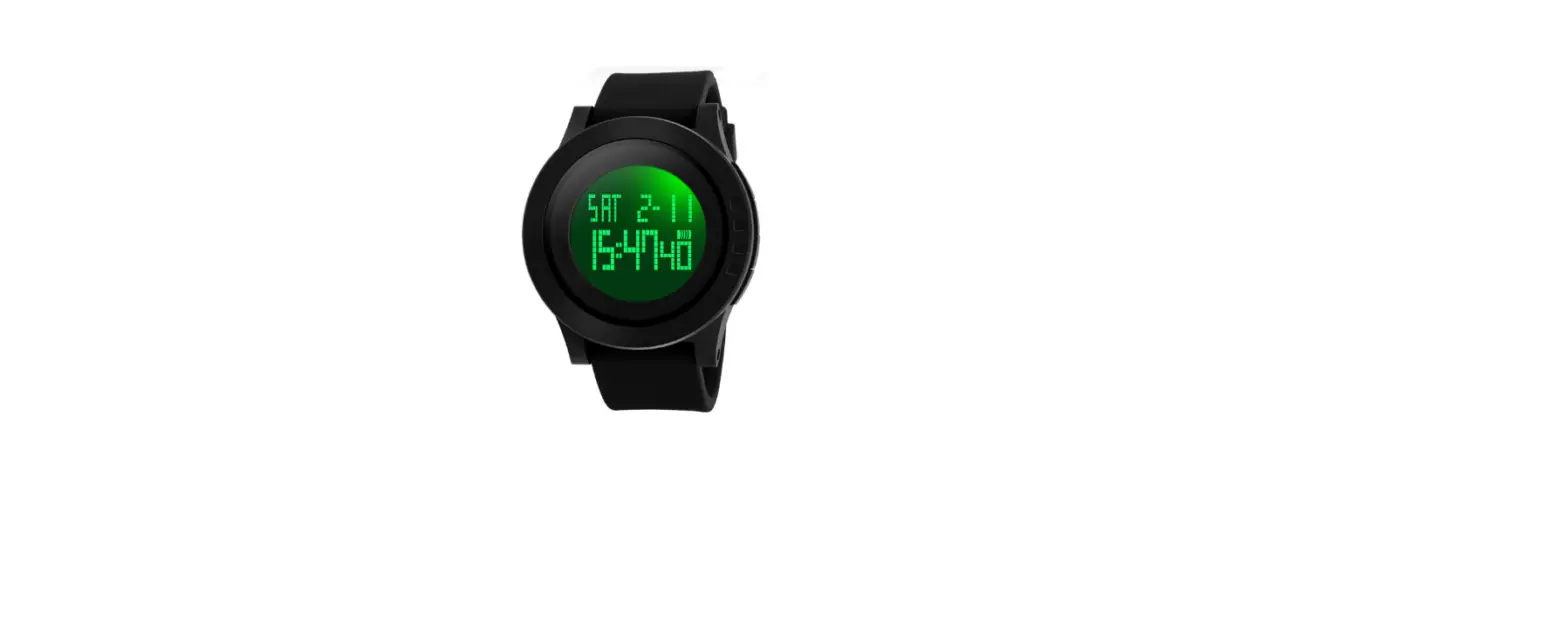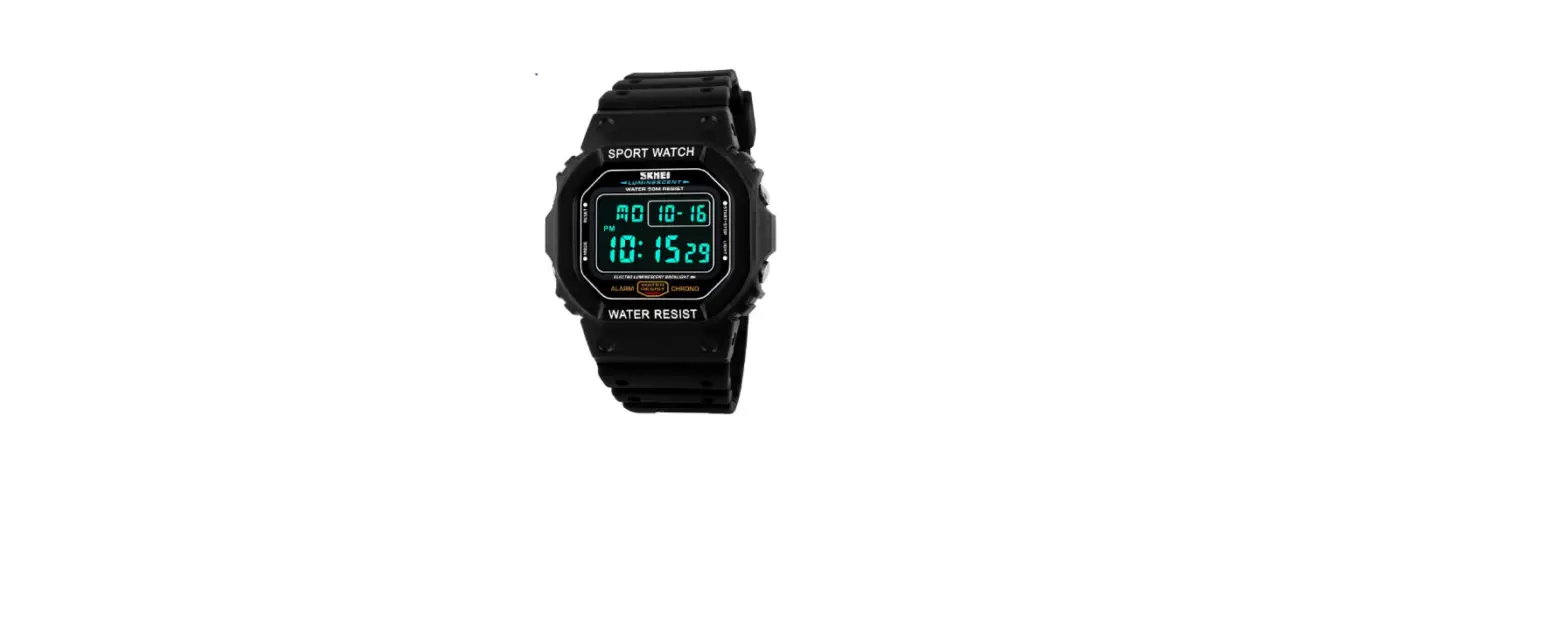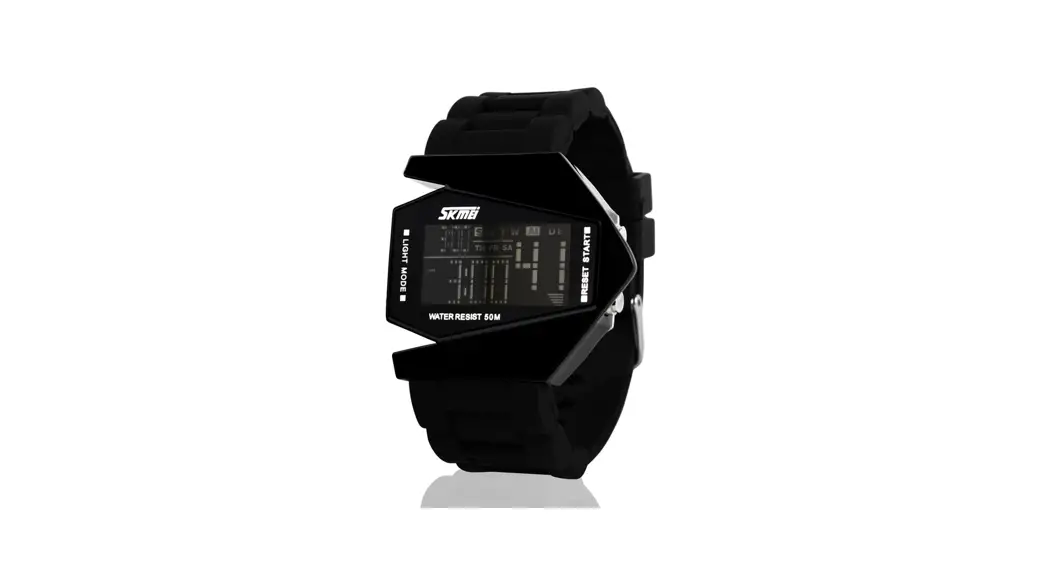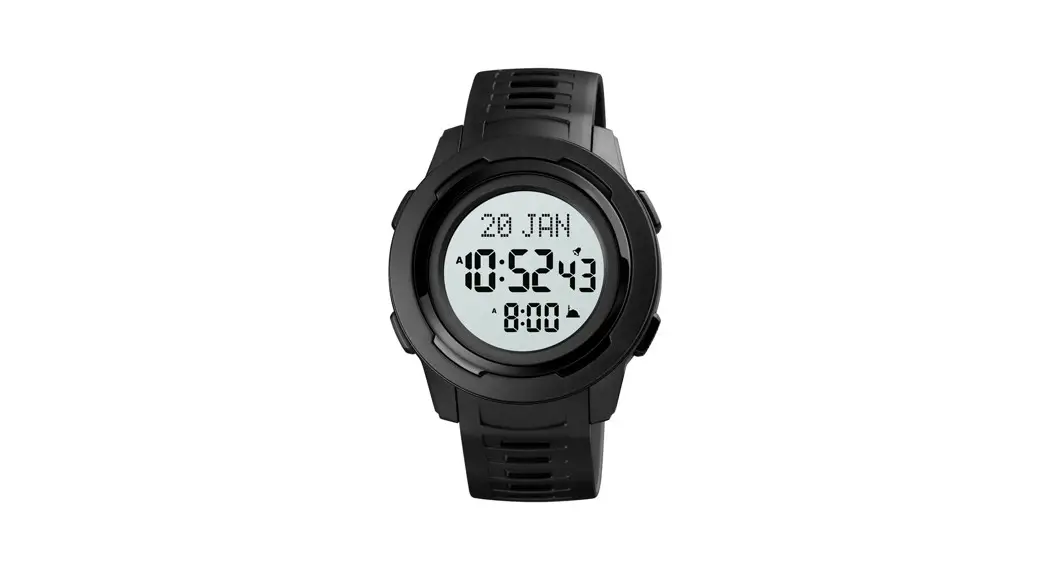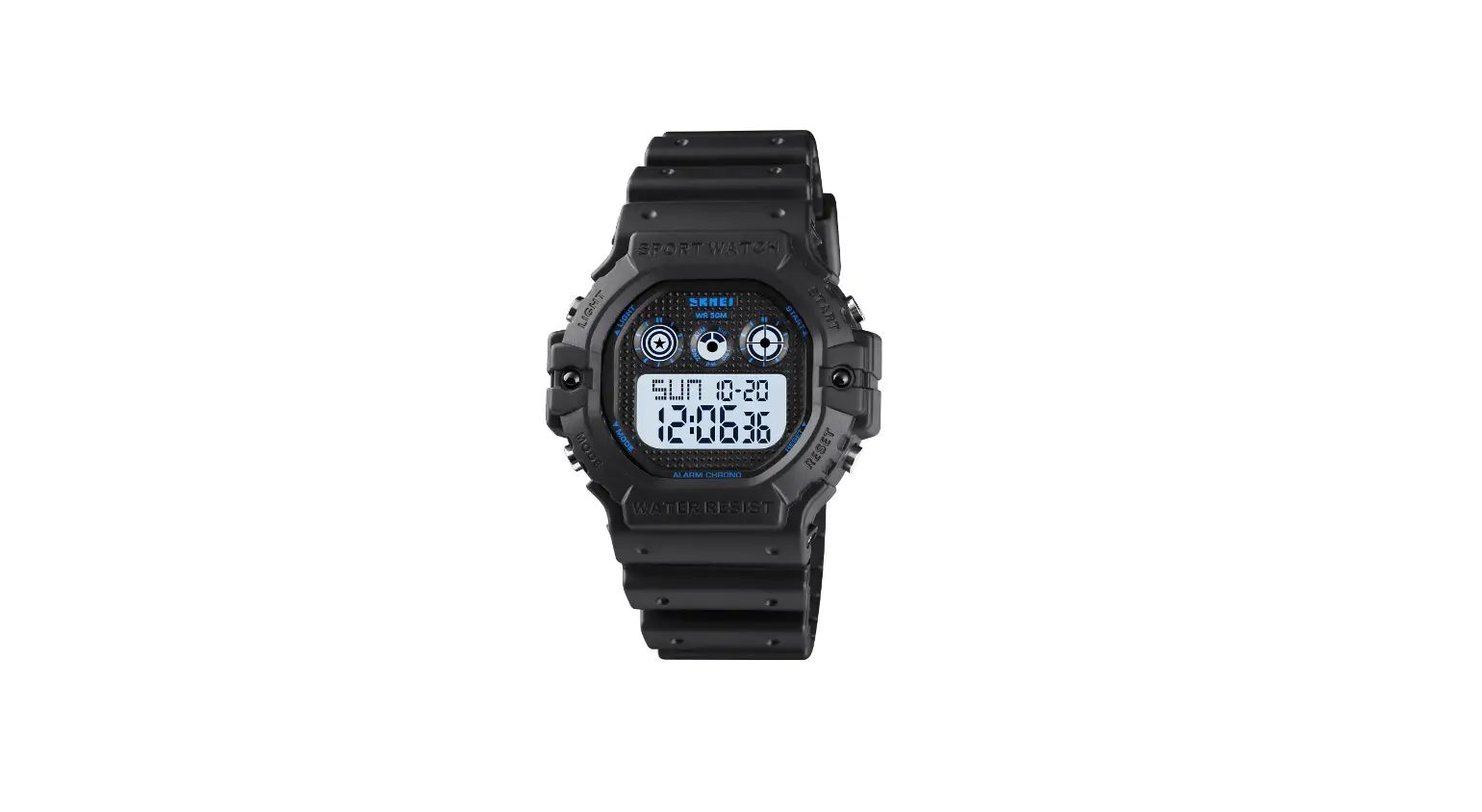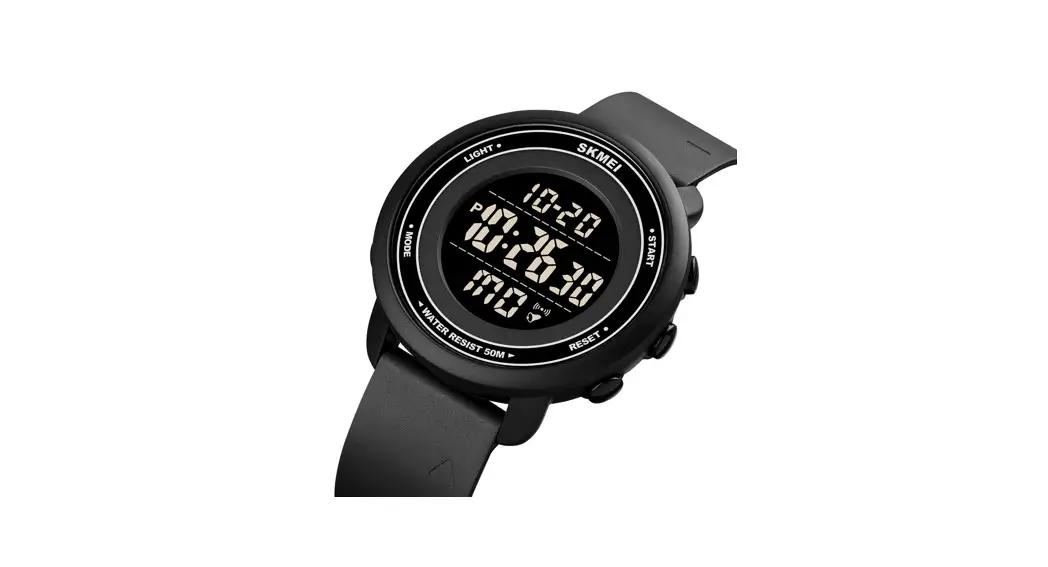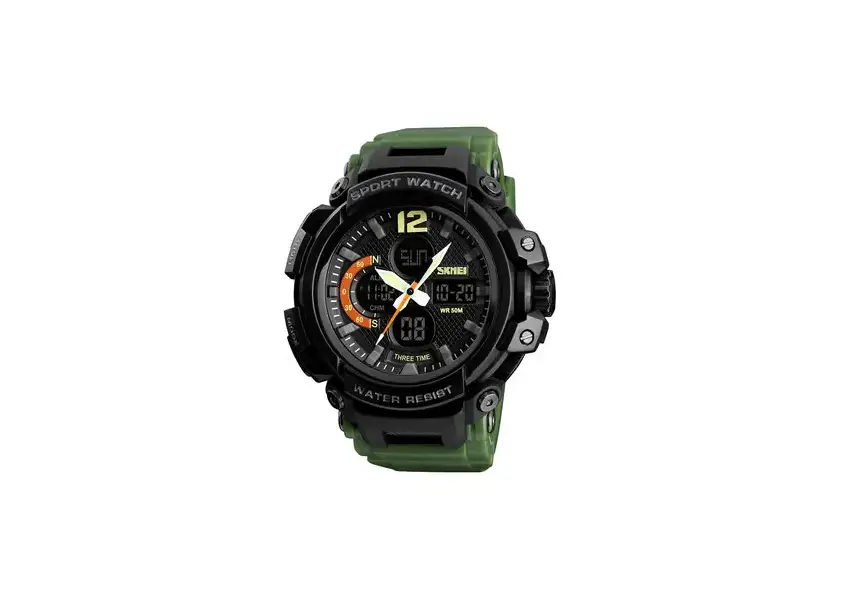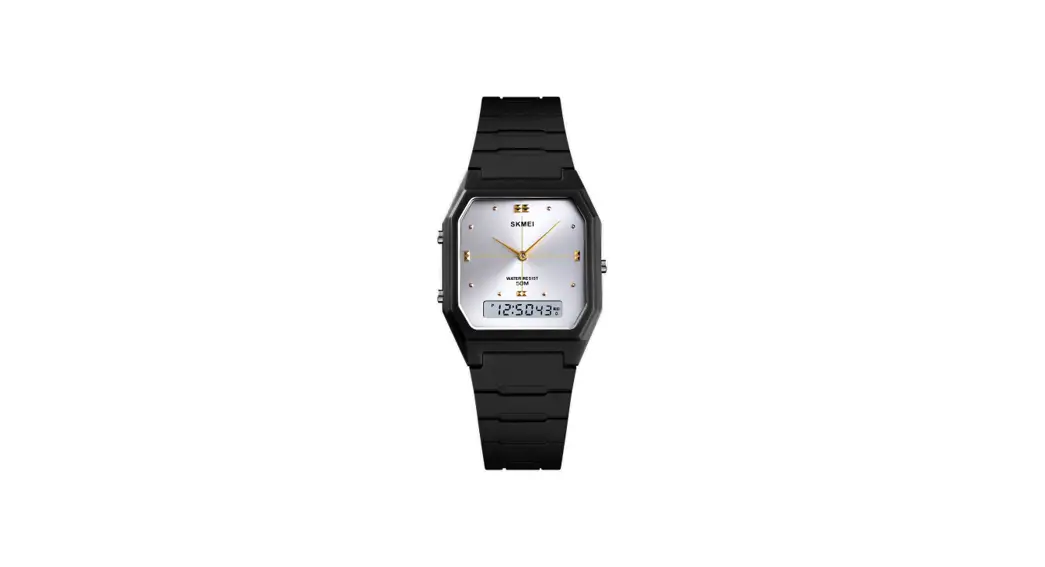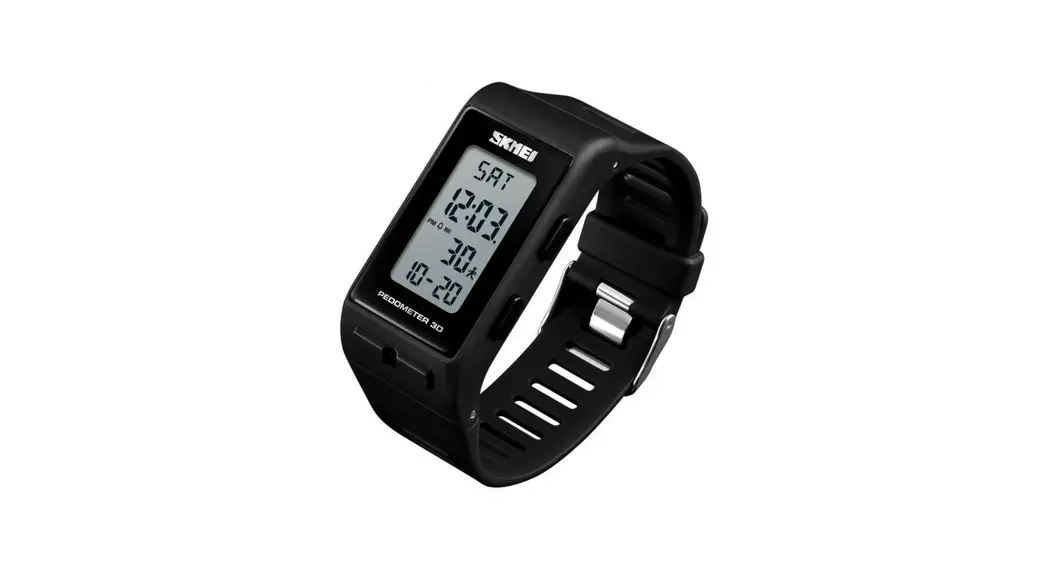
 1363 Digital Watch
User Manual
1363 Digital Watch
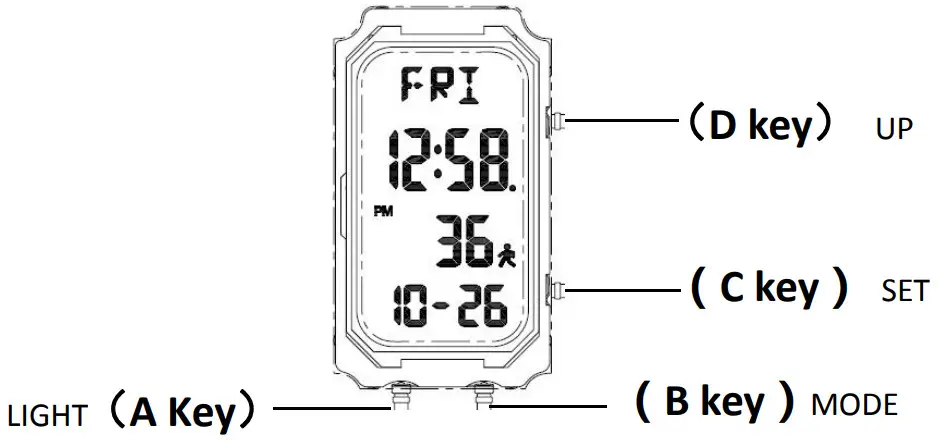
Features
- 13 Digital LCD Display : Date,Month,Week,hour, Minute,Second;
- Pedometer,21 days data storage;
- Alarm and Hourly chime;
- 12/24 hours,date;
- 1/100 sec Stopwatch;
- EL Light;
- Low battery alert;
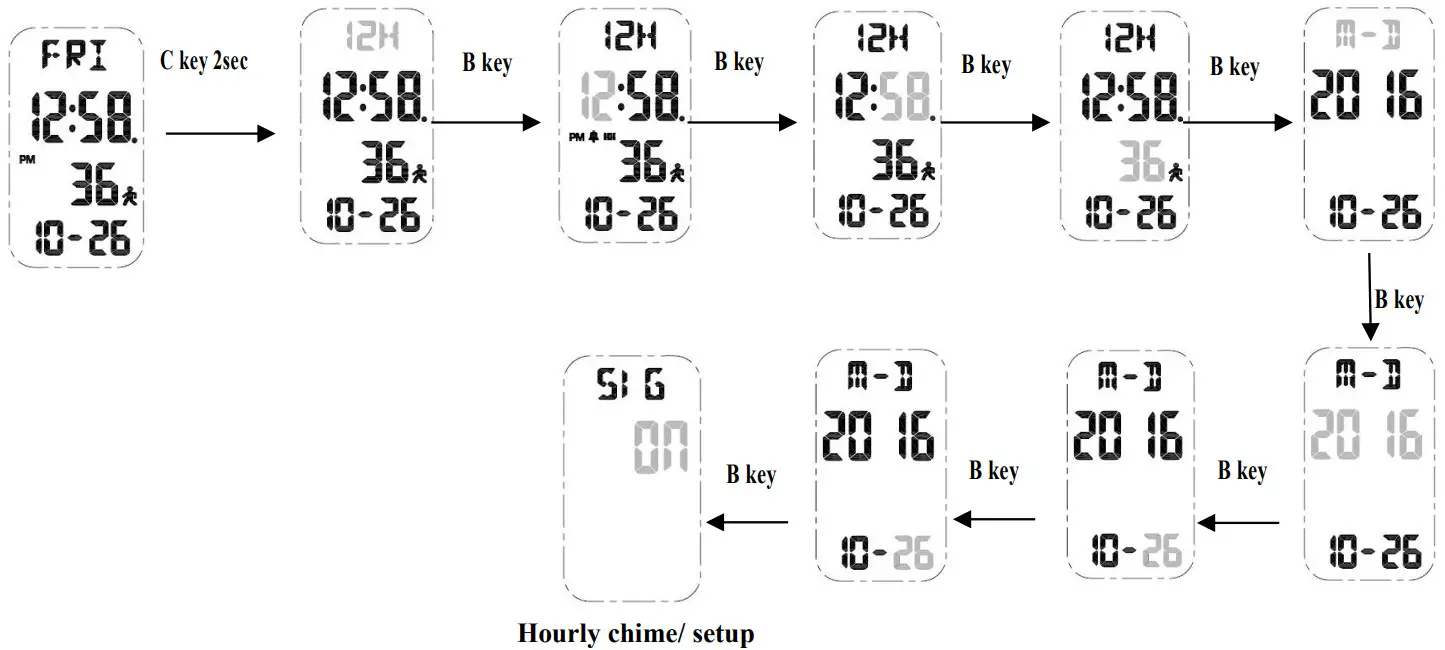
Time and hourly chime setup
- In normal time mode, press C key for 2 seconds enter into time setting, The Grey part will be flashing;
- Click B key to switch cycling setting mode;
- Click D key to adjustment the “flashing” setting;
- Press C key to confirm and automatically return to normal time mode after 30 seconds,if no operations are made;
Alarm Function
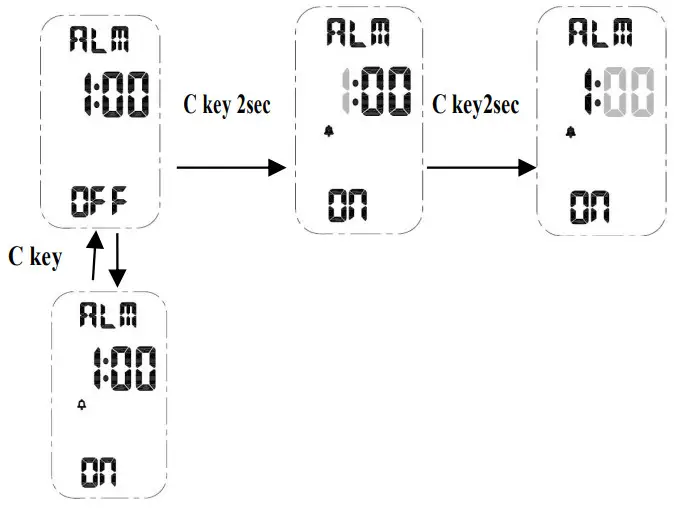
- In normal time mode press D key into Alarm mode;
- Alarm activate/ deactivate and alarm time setting

- Click D key to adjustment the “flash” setting
- Press C key to confirm and automatically return to normal time mode after 30 seconds,if no operations are made;
Chronograph mode
- In normal time model click D key for 2 times enter into stop watch mode

- Stopwatch maximum 99’99’99’,will restart to 00’00’00 when arrive maximum
- In SPL state, switch it to other function display, SPL will be cancel automatically.chronograph,alarm,hourly chime will keep working.
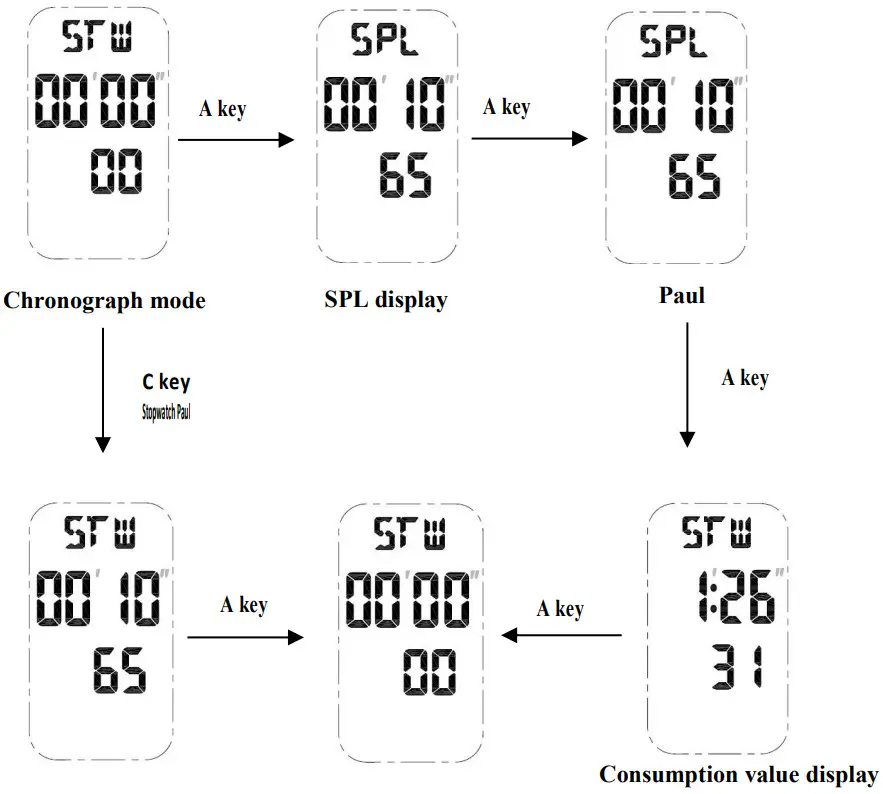
Calories/ kilometer mode
● pedometer switch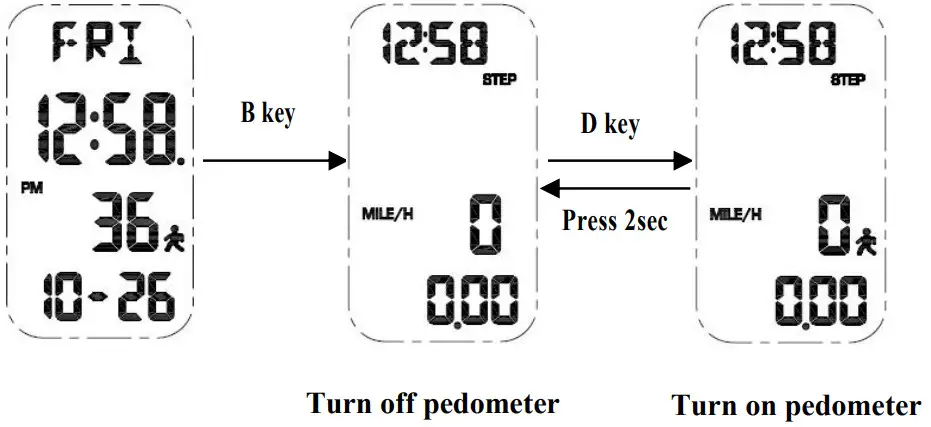
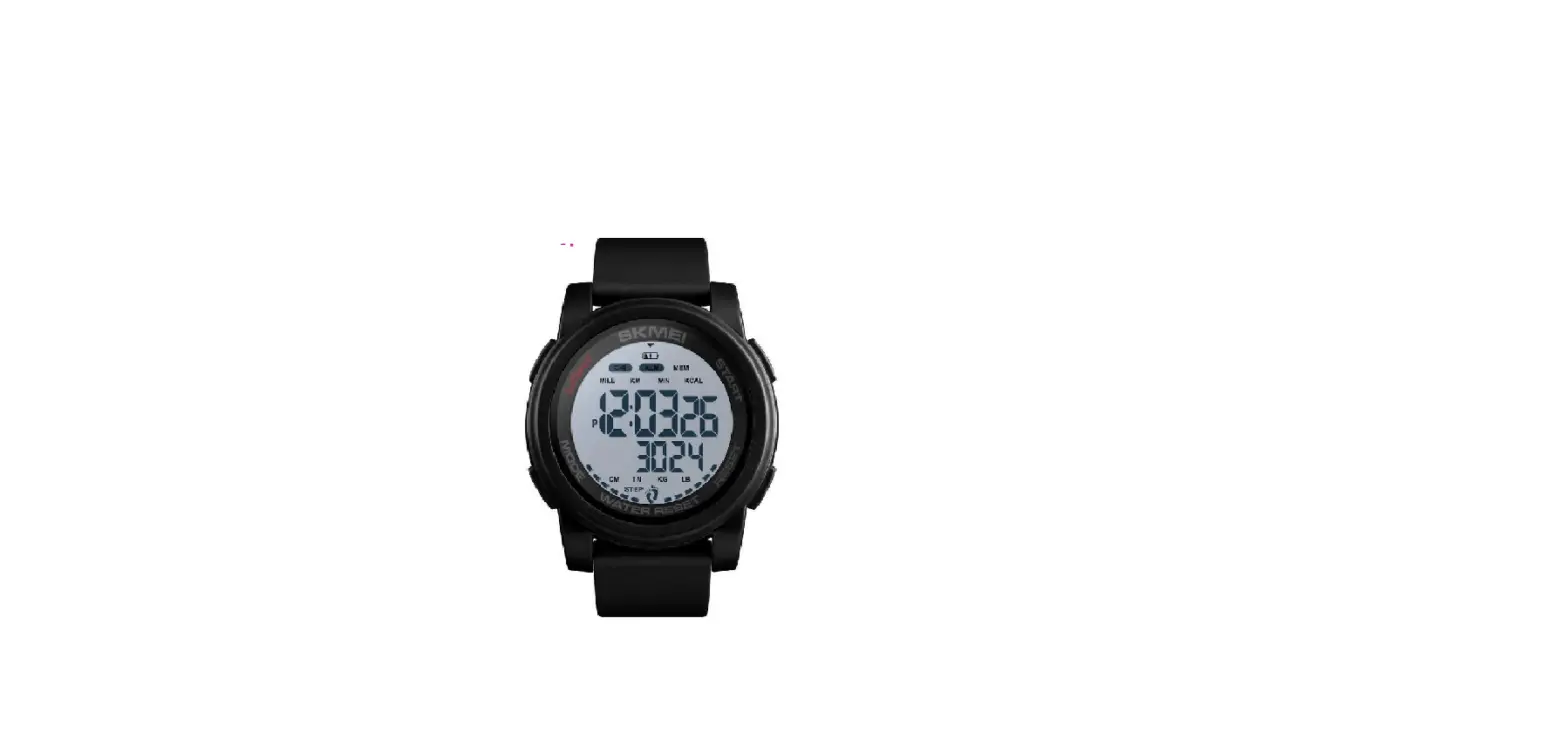
- In normal mode click B key then press D key for 2seconds to on/ off step record function,click it switch to double display mode: time-step- average speed or running time- calories- kilometers;
- Display time, step and average speed ;
- Display running time- calories- kilometers in screen
- Max steps: 999999 steps
- Max speed: 99.99KM/H or 99.99MILE/H;
- Max minutes: 1999MIN;
- Max calories: 99999.9KCAL;
- Max distance: 999.9KM or 999.99MILE;
- Two mode for steps recording;
- In pedometer mode, press A key for 2 second,steps, calories,distance will return to Zero;
- Records will be back to Zero at 12:00 AM of every day;
● Pedometer mode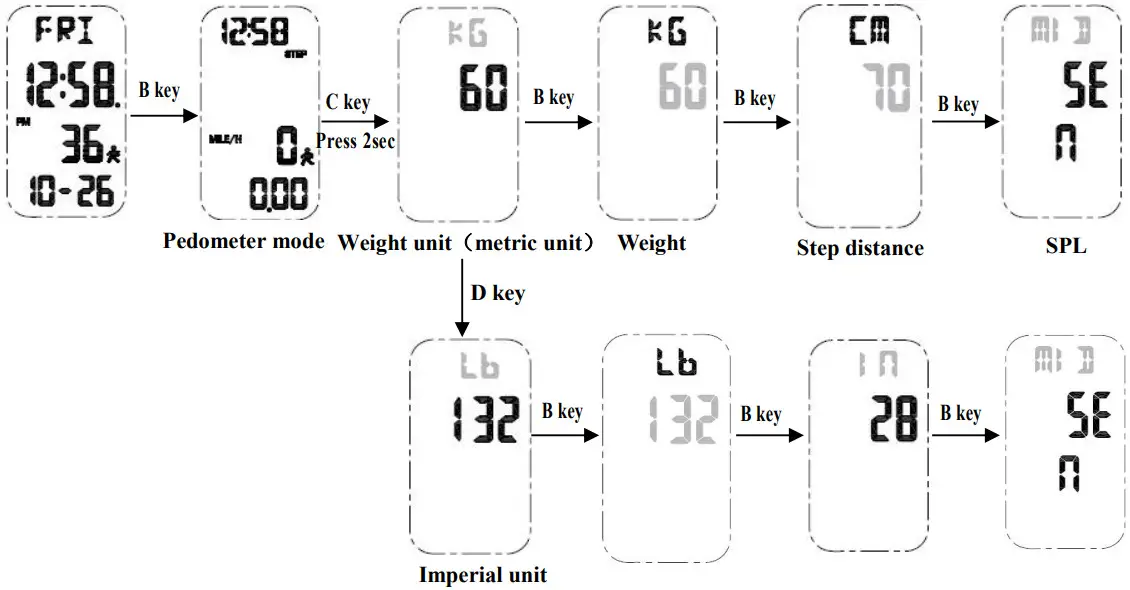 ● Step memory storage mode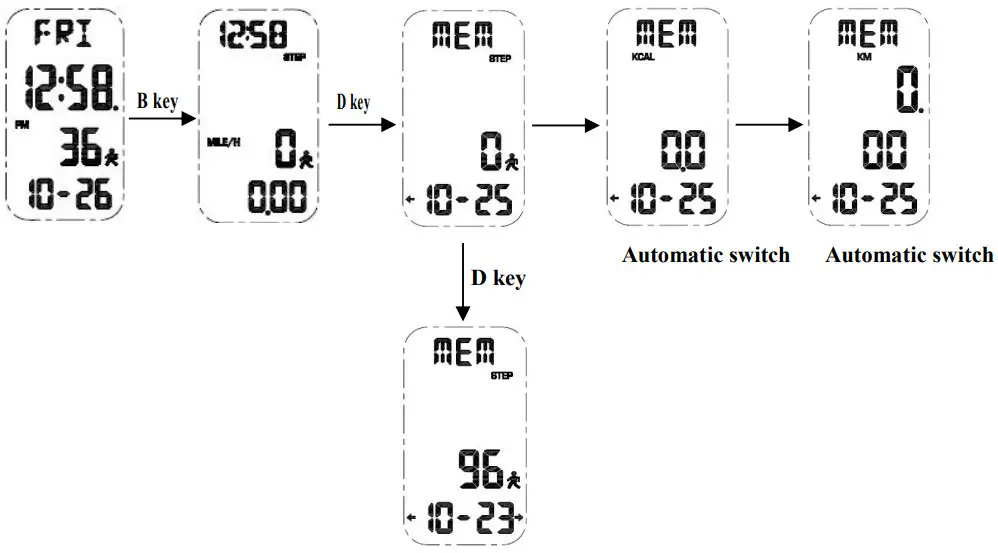
Low voltage detection
- Low voltage detecting in every one minutes
- When battery voltage≤2.5V,LCD will show up

- Please change the battery when it is low power

Specification
| * Operational Temperature Range | :0℃~+50℃ |
| * Operational Voltage | :3.0V |
| * Accuracy | :±60sec/month |
| * Battery Code | :CR2025 |
| * Static Maximum current | :≤6.5 u A(T=25℃) |
| * Static average current | :≤2.5 u A(T=25℃) |
| * Meter average current | :≤50 u A(T=25℃) |
| * Alarm average current | :≤2.5 m A |
| * EL lighten average current | :≤10 m A |
| * Battery life | :18 month(Japan Battery) |
( Battery life calculate according to EL lighten 2 time each day for 3 second each time , alarm for 20 seconds each day)
2018-04-14
Model:CH1642
Edition : A