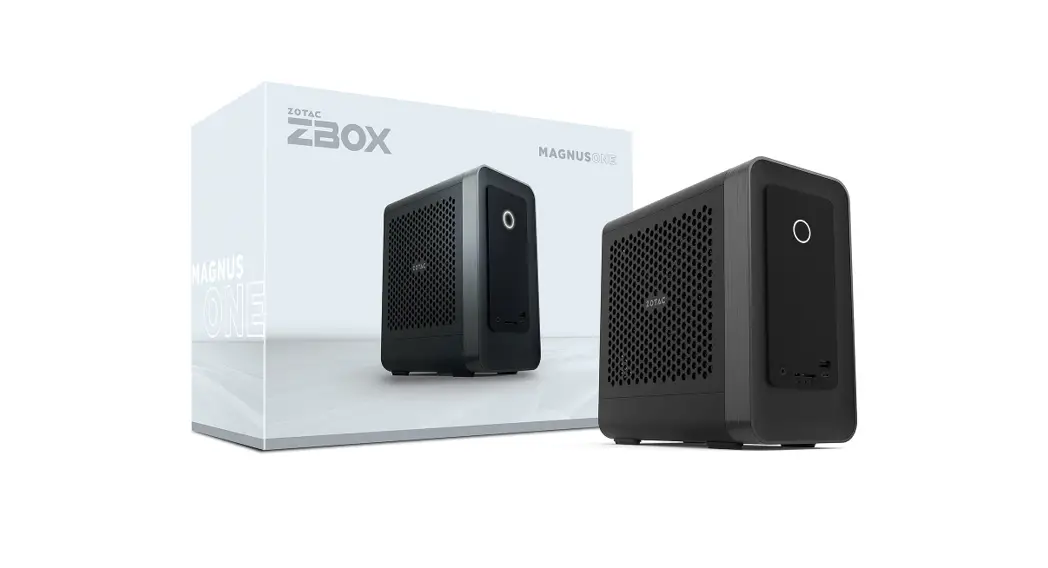

 Quick start guide
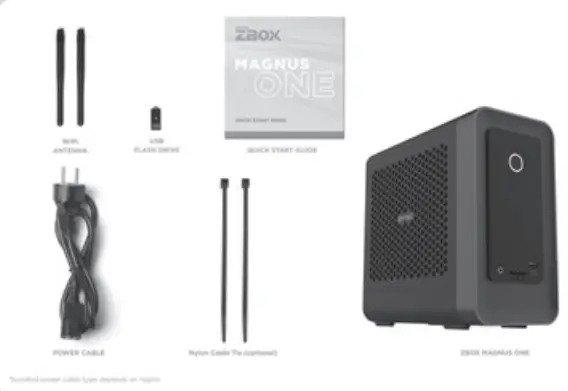
package contents
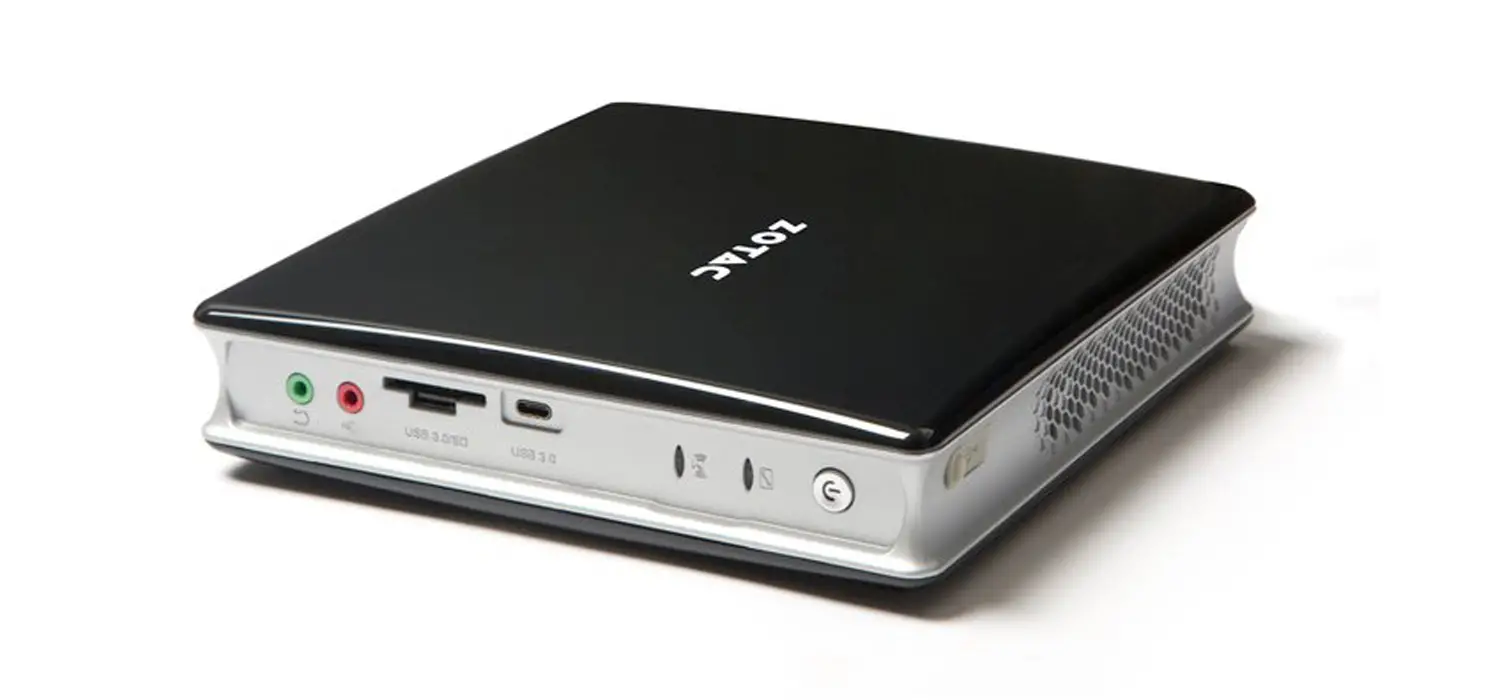
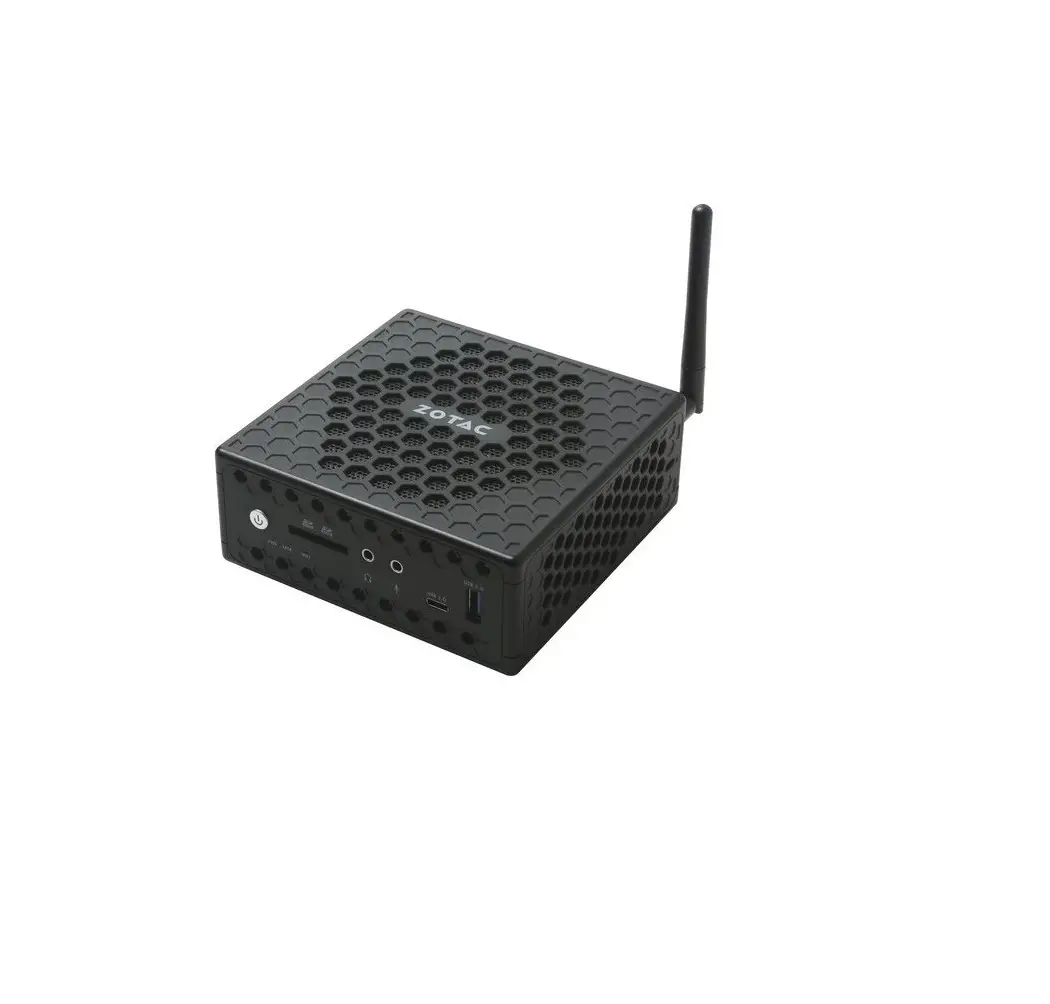
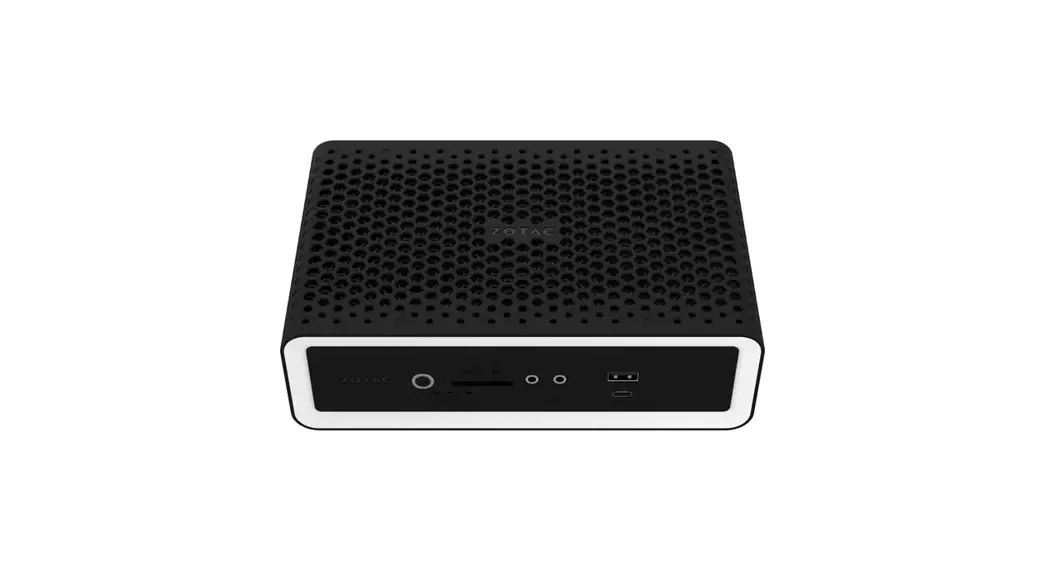
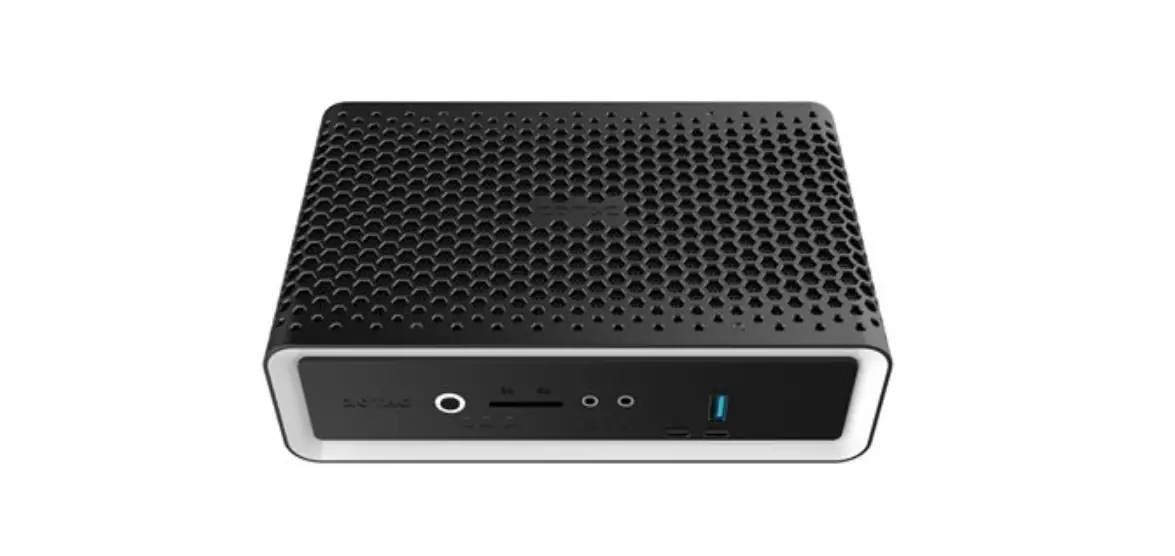
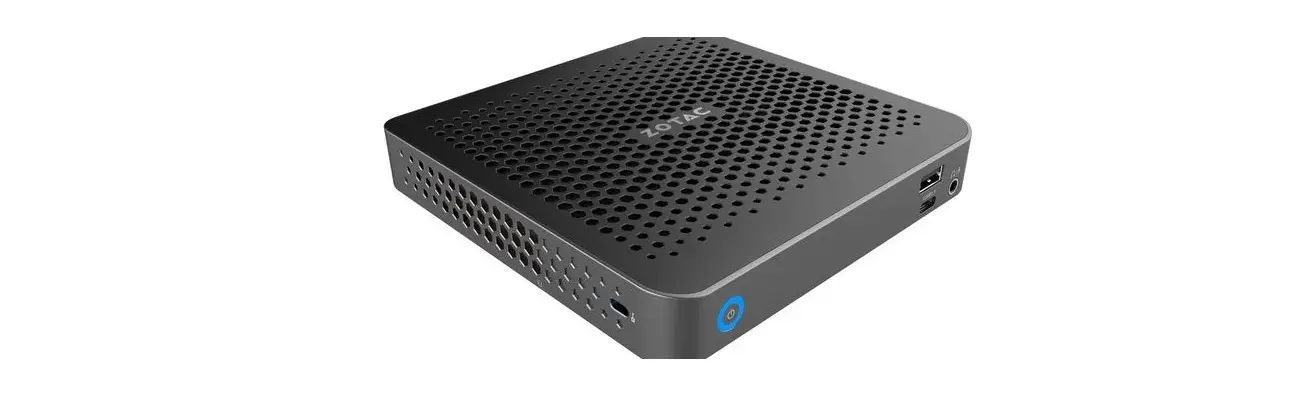
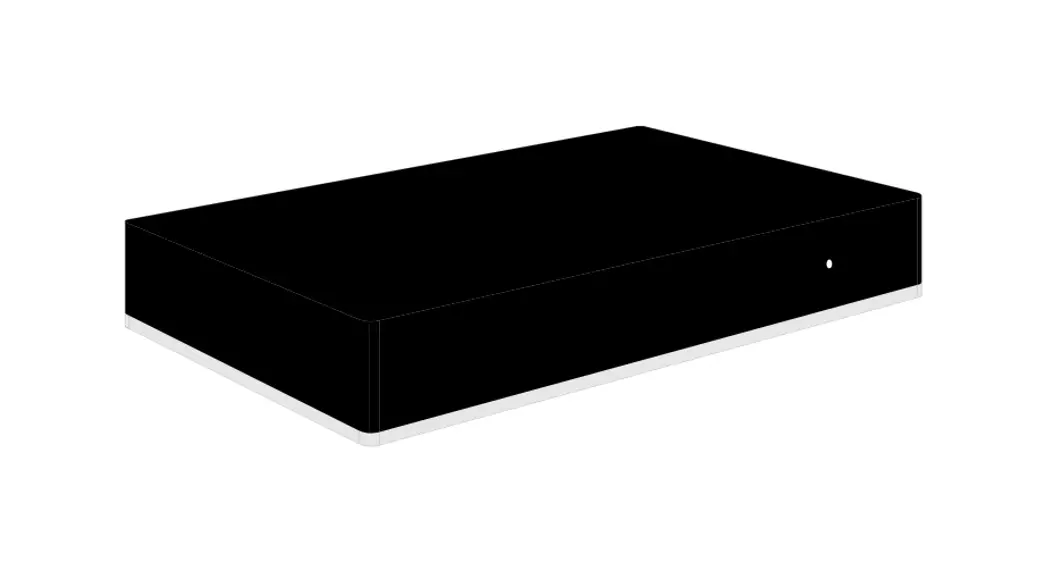
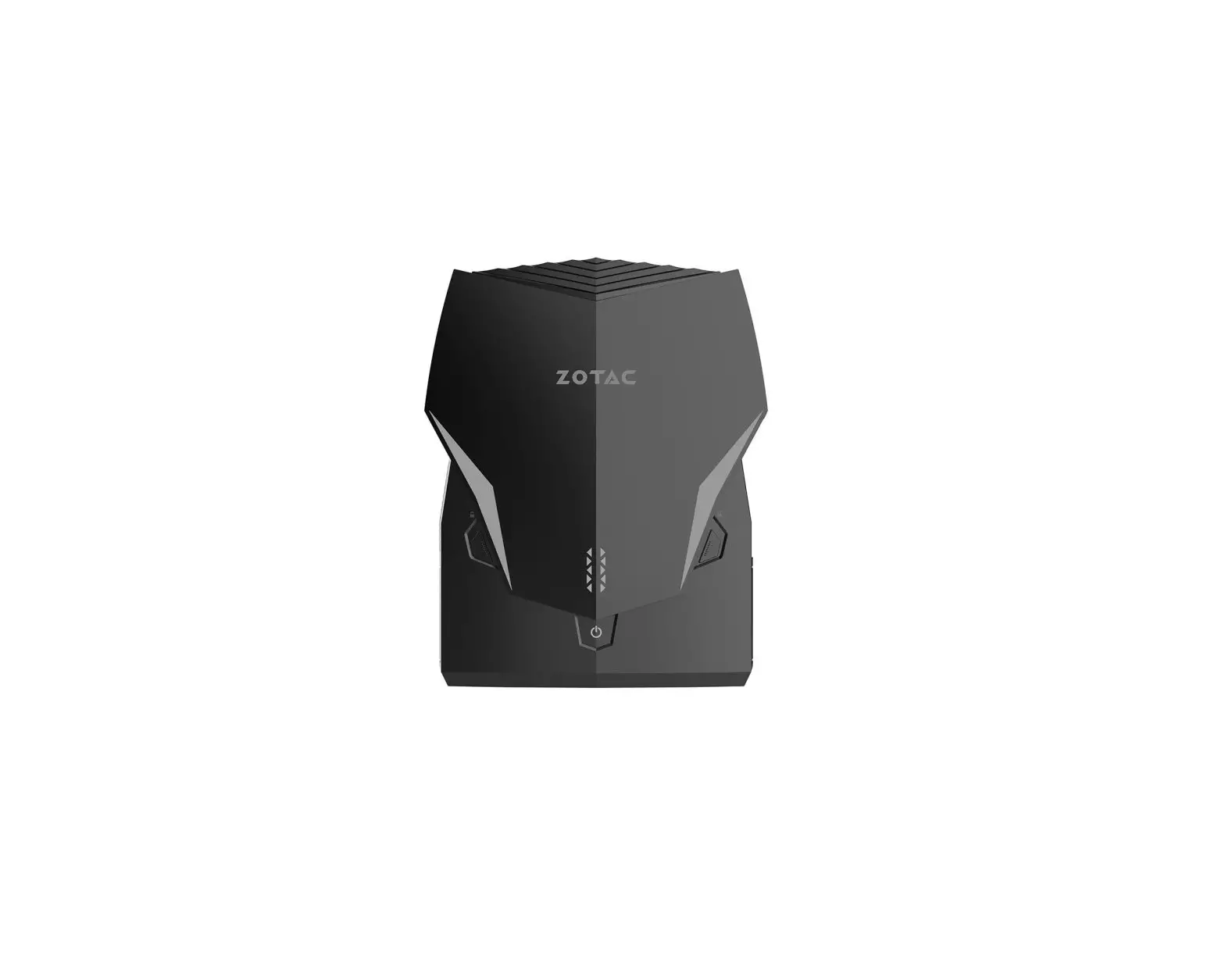
- 1 x zotac zBoX
- 1 x power cord
- 2 x nylon cable tie (optional)
- 1 x Warranty card
- 1 x user manual (optional)
- 1 x usB flash drive with Windows drivers
- 2 x antenna
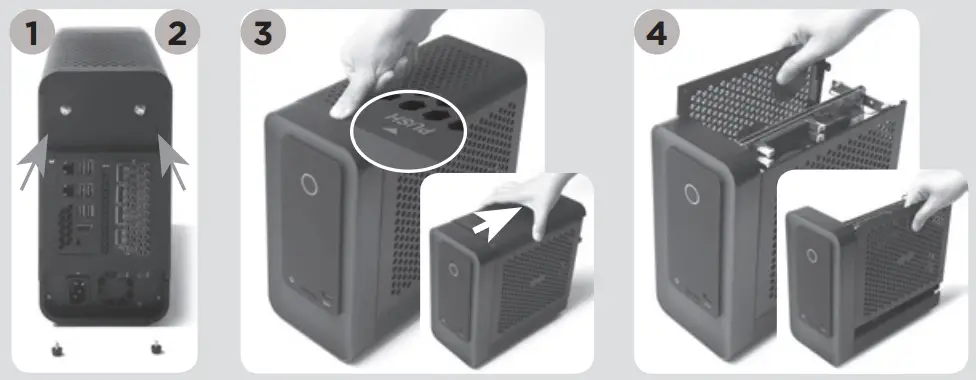
customizing your zotac zBoX
- Lay the zotac zBoX on a flat surface.
- Locate the two thumb screws and remove.
- press down on the arrow of top cover and remove the top cover off the zotac zBoX in the direction of the arrow.
- push up and remove the two side covers.
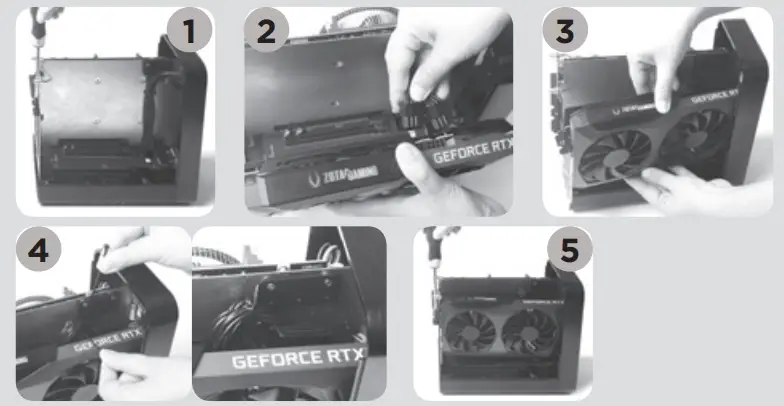
instaLLing grapHics card (optionaL)
- remove the screw from the pcB bracket.
- connect the cables to the graphics card.
- insert the graphics card to the slot.
- Bind the cables to the small bracket with a nylon cable tie.
- install the screw securing the graphics card.
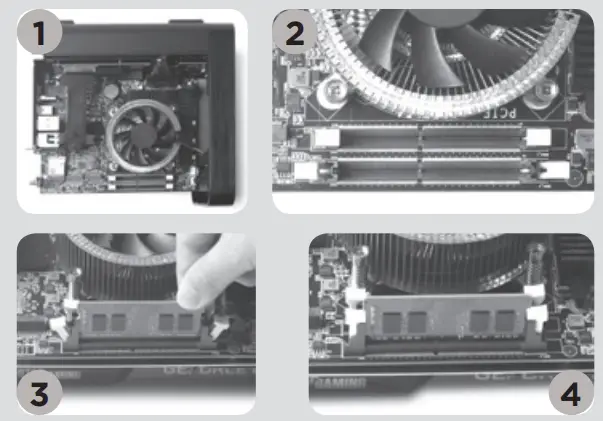
instaLLing memory moduLes
- Lay the zotac zBoX on a flat surface with the right side upwards.
- gently push down on the memory retainer clips to the open position.
- insert a so-dimm memory module into the slot.
- gently push the so-dimm memory module down into the slot until the retainer clips lock into place.
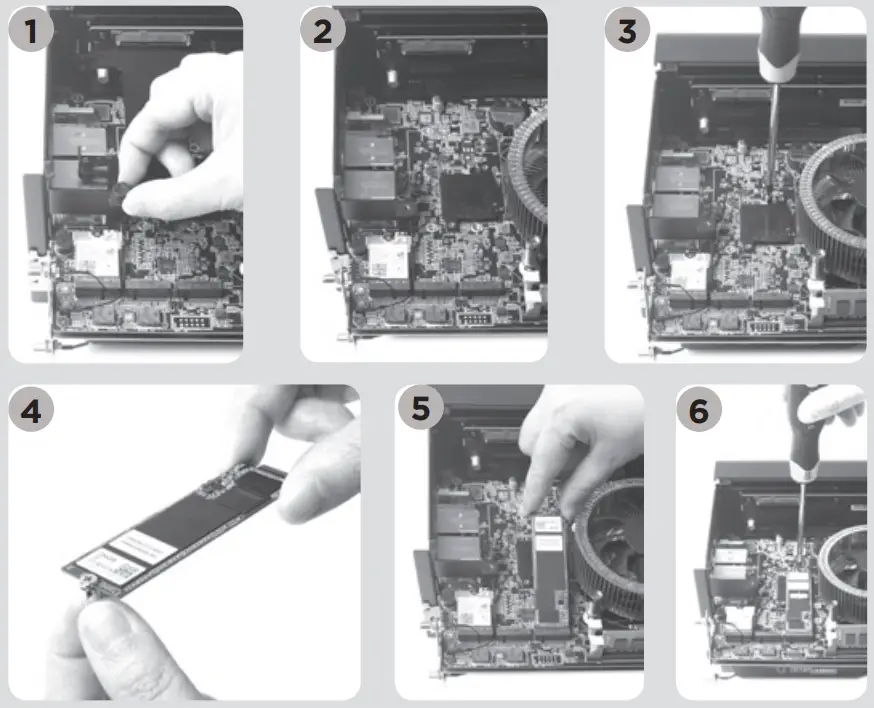
instaLLing m.2 ssd moduLe
- remove the screw securing the hard disk bracket.
- remove the hard disk bracket.
- Locate the m.2 ssd slot and remove the screw from the screw bolt.
- attach the screw to the m.2 ssd module.
- insert the m.2 ssd module into the slot at a 45 degree angle.
- gently press down on the m.2 ssd module, andinstall the screw.
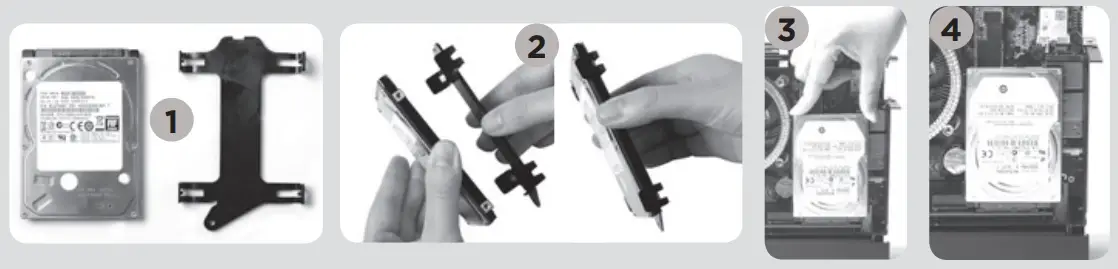
instaLLing Hard disks/ssd
- Locate the 2.5-inch sata hard disk/ssd and the hard disk bracket.
- install the hard disk/ssd to the hard disk bracket.
- insert the hard disk bracket into the sata slot.
- reinstall the thumb screw.
setting up your zotac zBoX
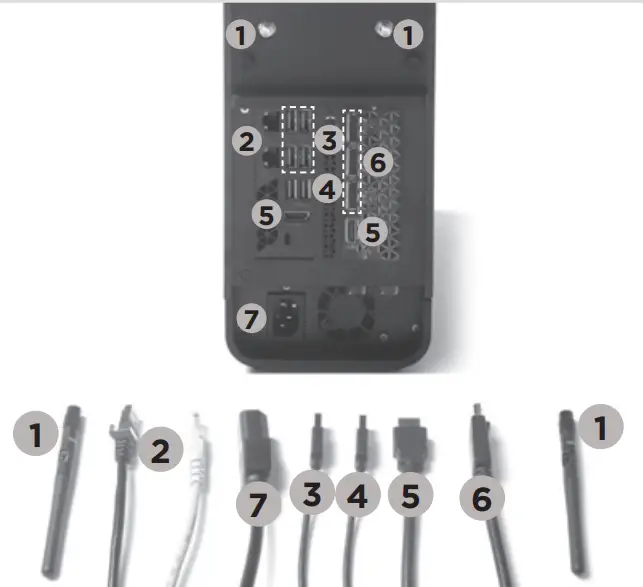
- connect antennas for WiFi
- connect to home networks
- connect usB 3.1 devices
- connect usB 3.0 devices
- connect Hdmi displays
- connect dp displays
- connect power cable
- turn on the system
 facebook.com/zotac
 twitter.com/zotac
 youtube.com/zotacofficial
 virneo.com/zotat
 instagran.com/zotac_official