 QUICK START GUIDE
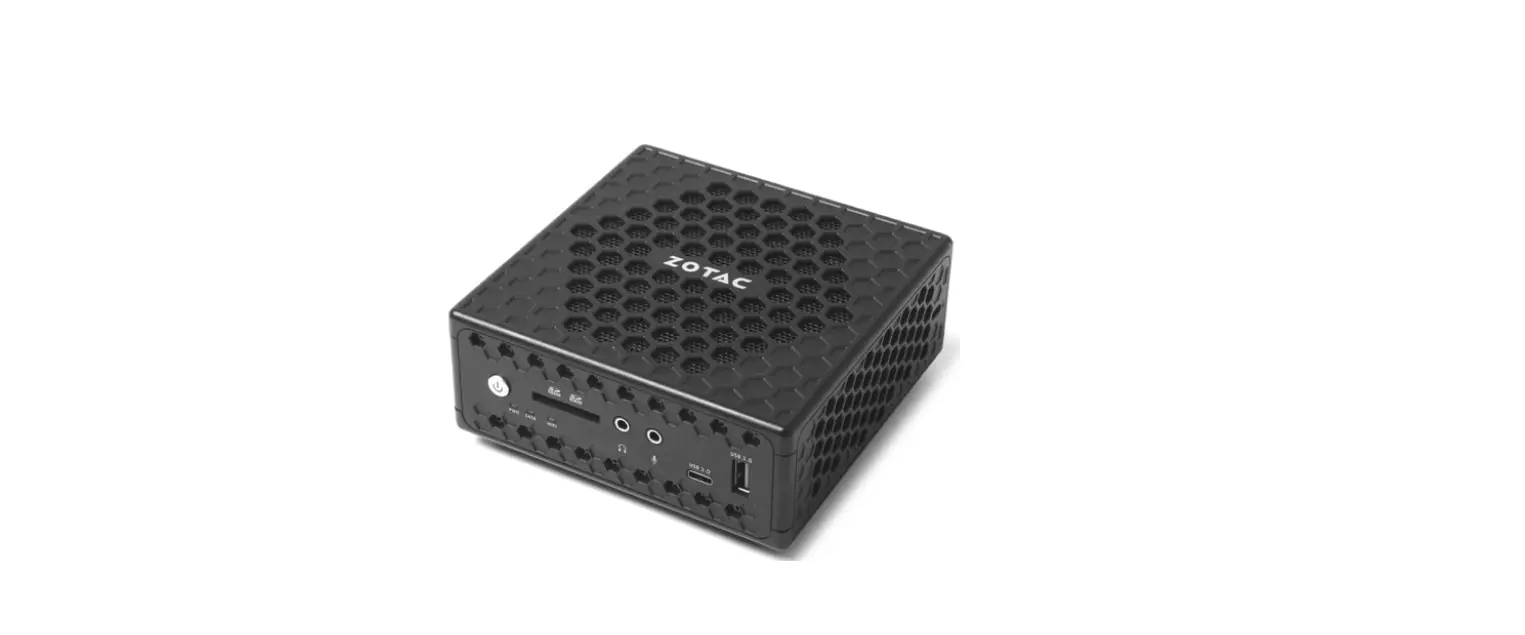
C SERIES NANO
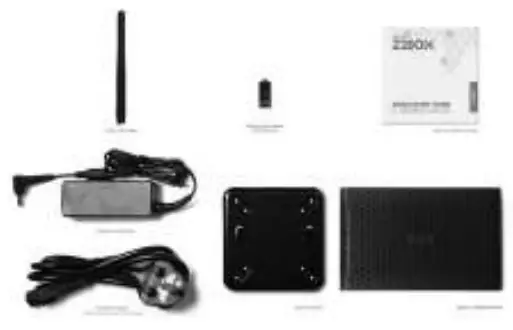
PACKAGE CONTENTS
- 1 x ZOTAC ZBOX nano
- 1 x VESA mount
- 1 x AC Adapter (optional)
- 1 x Power Cord (optional)
- 1 x Warranty Card
- 1 x Quick Start Guide
- 1 x USB drive with O/S driver
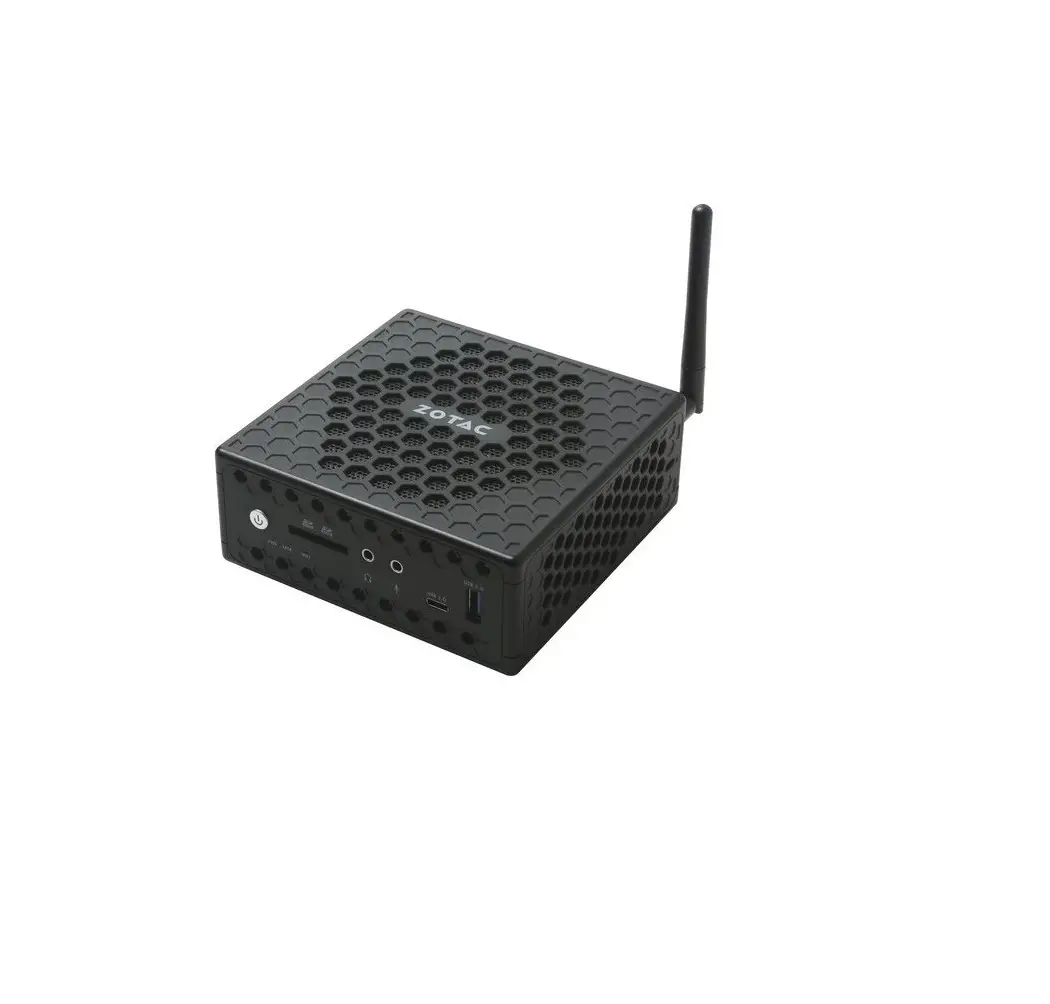
- 1 x Antenna
CUSTOMIZING YOUR ZOTAC ZBOX NANO
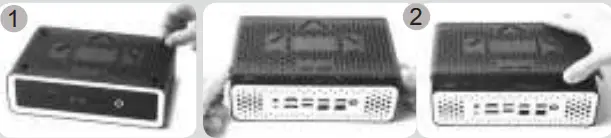
- Loosen and remove the 4 thumb screws securing the bottom cover.
- Remove the cover.
INSTALLING MEMORY MODULES
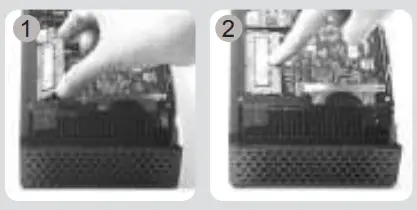
- Locate the SO-DIMM memory slots and insert a SO-DIMM memory module into the slot at a 45 degree angle.
- Gently press down on the memory module until it locks into place by the arms of the memory slot.
INSTALLING A HARD DISK
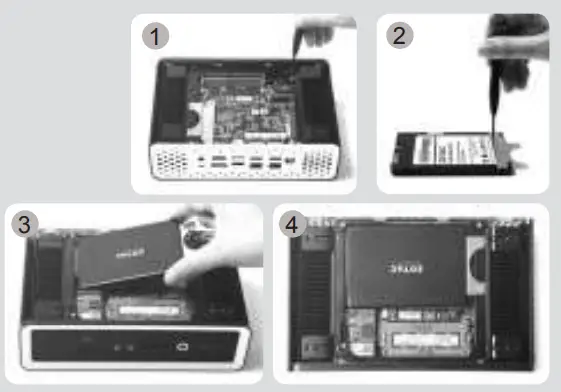
- Locate the hard disk bracket, remove the 2 screws, and remove the hard disk bracket.
- Install the hard disk bracket to a 2.5-inch SATA hard disk /SSD with 2 screws.
- Insert the hard disk /SSD into the socket and gently slide into the connector.
- Reinstall the screws of the hard disk bracket.
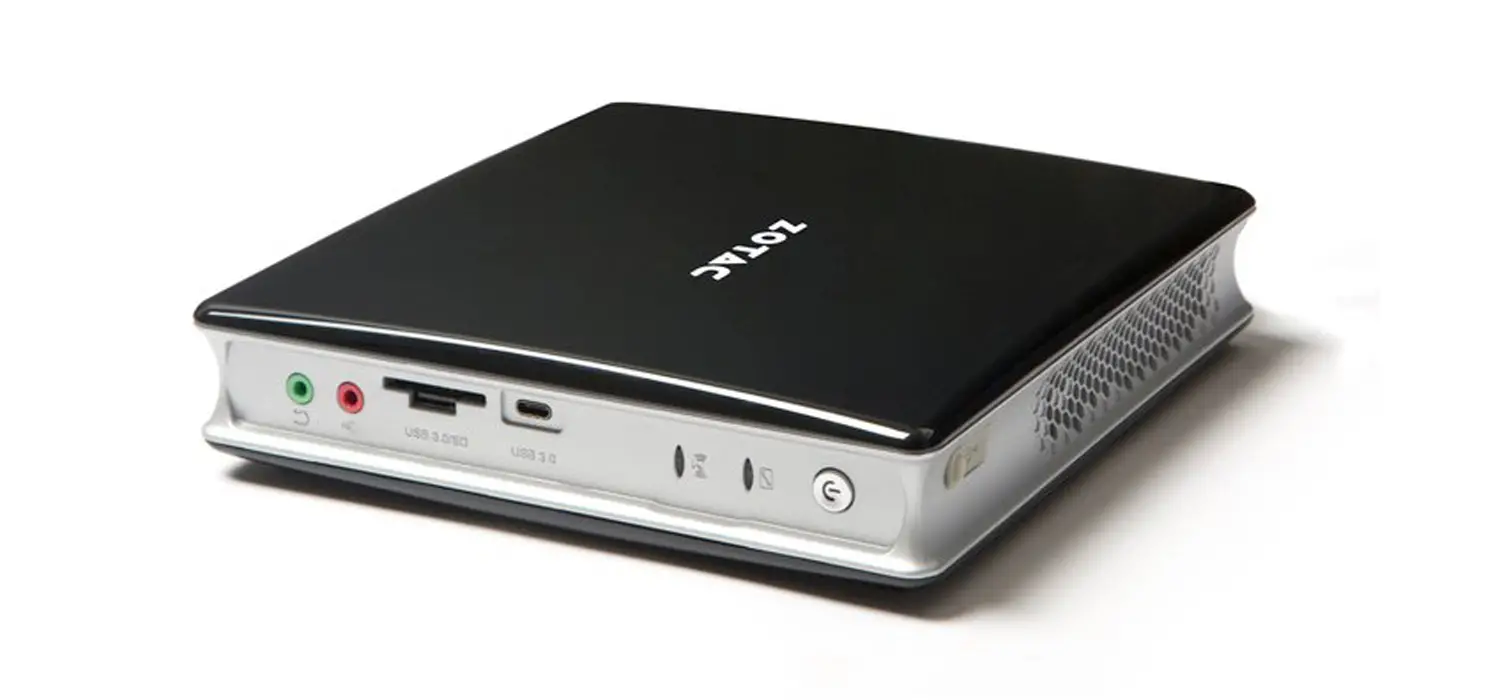
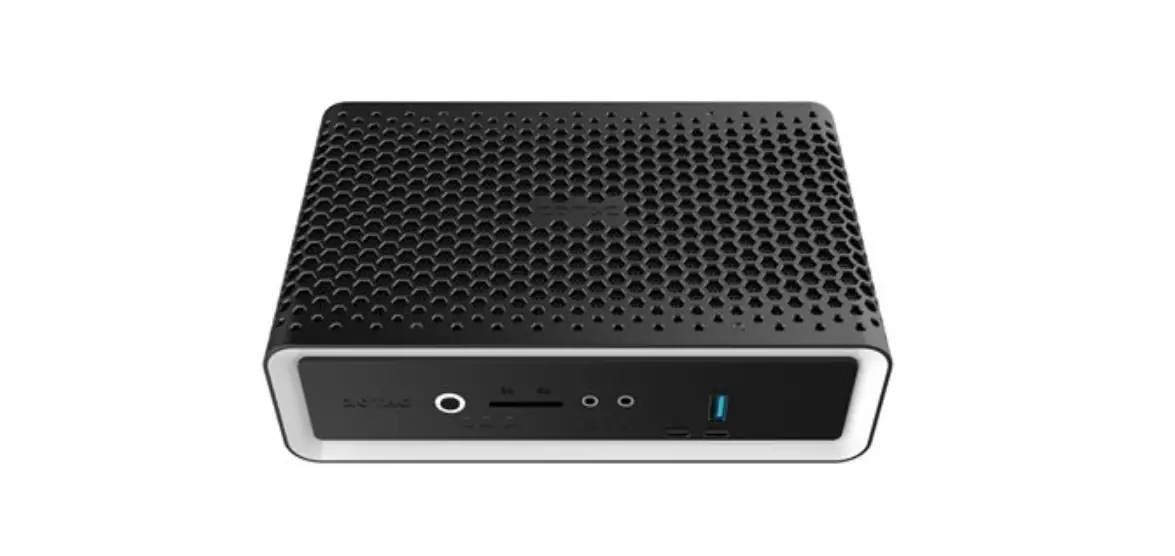
FRONT PANEL
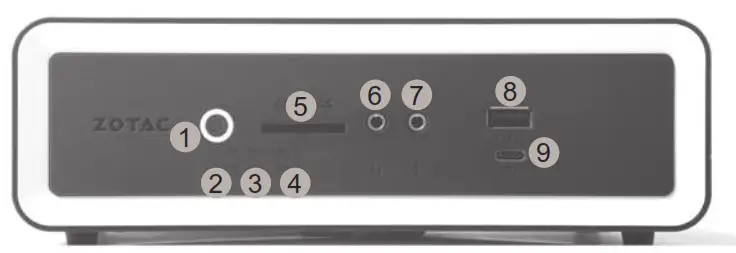
- Power button
- Power LED
- SATA LED
- WiFi LED
- Memory card reader (SD/SDHC/SDXC)
- Headphone/Audio Out jack
- Microphone jack
- USB 3.1 port
- Thunderbolt 4 port
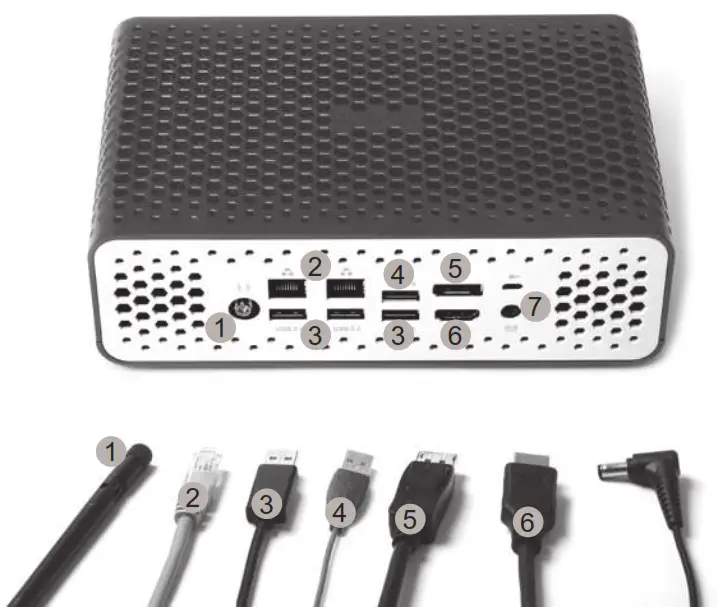
REAR PANEL
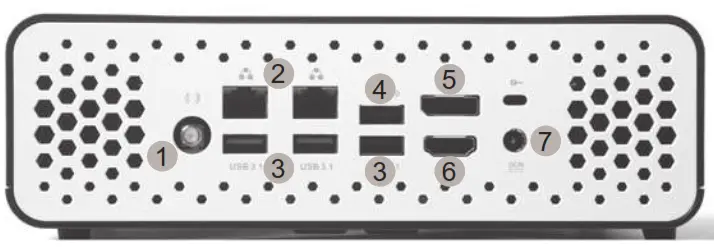
- WiFi antenna connector
- LAN (RJ45) ports
- USB 3.1 ports
- USB 2.0 port
- DisplayPort
- HDMI port
- Power input (DC19V)
SETTING UP YOUR ZOTAC ZBOX NANO
- Connecting antenna for Wi-Fi
- Connecting to a wired home network
- Connecting USB 3.1 devices
- Connecting USB 2.0 devices
- Connecting a DisplayPort display
- Connecting an HDMI display
- Connecting the power adapter and turning on the system
THE STRONG
SILENT TYPE
 | facebook.com/zotac |
 | twitter.com/zotac |
 | youtube.com/zotacofficial |
 | vimeo.com/zotac |
 | instagram.com/zotac_official |
 ZOTAC.COM
291-SB448-01

![Zkteco Elite Series [ti] Instruction Manual](https://static-data1.manualsee.com/1/img/320/5146398/2022/11/fb4f414223137c521cec43028c1d4580.jpg "Zkteco Elite Series [ti] Instruction Manual")