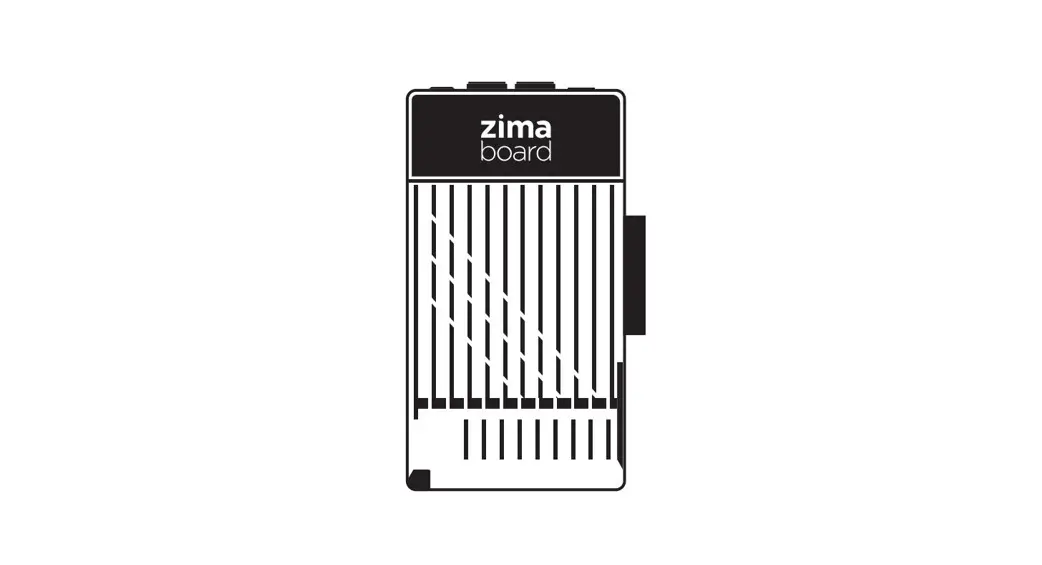
 ZMB-216 Single Board Server
User Manual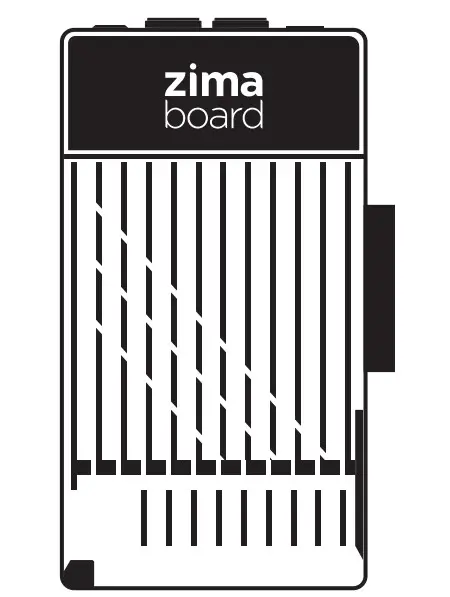
This manual is for
ZMB-216 ZMB-432 ZMB-832
- Please read this manual carefully before using it.
- Retain it for future reference.
Safety Precautions
 WARNING!
Contents marked with that symbol are related to the safety of the product and the personal safety of the users. Please operate in strict conformity to the contents, otherwise, it may cause damage to the machine or injure the personal safety of the user.
 Prohibit
Contents marked with that symbol are actions forbidden to perform. Performing of those actions may result in damage of the machine or injure the personal safety of the user.
Always completely disconnect the power before working on the SATA or PCIe equipment.
- No connections should be made when the system is powered as a sudden rush of power may damage sensitive electronic components.
- Do not cover the heat sink to ensure optimal heat dissipation.
- Never pour any liquid into the openings or on the board.
This could cause fire or electric shock. - Do not leave this device in an uncontrolled environment where the storage temperature is below -20°c (-4°f) or above 60°c (140°f) to prevent damage.
- Position the power cord/ethernet cable so that people cannot step on it. Do not place anything over the power cord/ethernet cable.
- If the device is not to be used for a long time, disconnect it from the power supply to avoid damage by transient over-voltage.
- Avoid hot swapping/hot plugging the PCIe or SATA interface on ZimaBoard while it is powered. Only handle by the edges to minimize the risk of electrostatic discharge damage.
- Avoid touching the heat sink when the system is running.
- As most electronic components are sensitive to static electrical charge, be sure to ground yourself to prevent static charge when installing the internal components.
Use a grounding wrist strap and contain all electronic components in any static-shielded containers. - Always disconnect this device from any power supply before cleaning.
- Make sure the device is installed near a power outlet and is easily accessible.
- Keep this device away from humidity.
- Place the device on a solid surface during installation to prevent falls.
- Watch out for high temperatures when the system is running.
- If any of the following situations arise, please contact our support:
1: Damaged power cord or plug
2: Liquid intrusion into the device
3: Exposure to moisture
4: The device is not working as expected or in a manner as described in this manual
5: The device is crashed or damaged
6: Any obvious signs of damage displayed on the device - Any peripheral or equipment used with the ZimaBoard should comply with relevant standards for the country of use and be marked accordingly to ensure that safety and performance requirements are met. Such equipment includes, but is not limited to hard drives, monitors, and PCIe cards.
Packing List
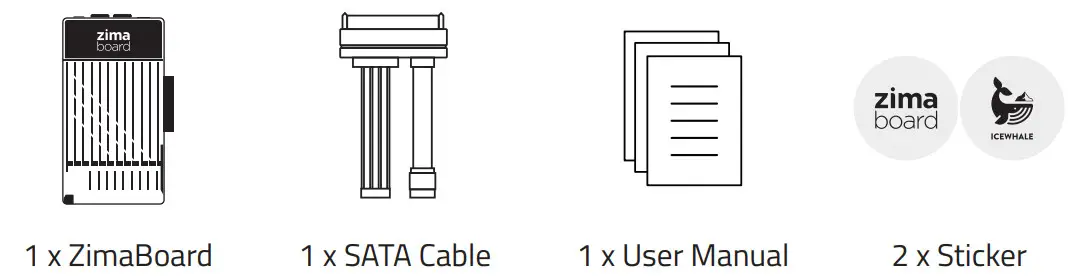
Quick Start Guide
- GETTING STARTED
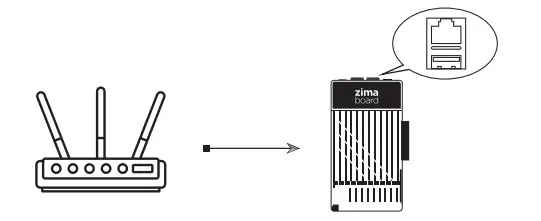
Connect ZimaBoard with a router or cable modem through an ethernet cable.
- POWER
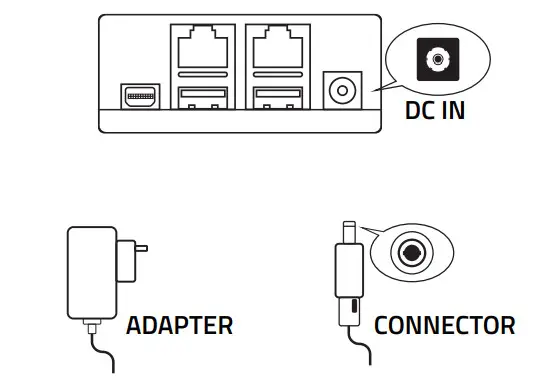
Plugin the power cable and see the light indicator for network flash. We recommend using the 12V 3A Adapter for powering ZimaBoard.
- SETTING UP CasaOS
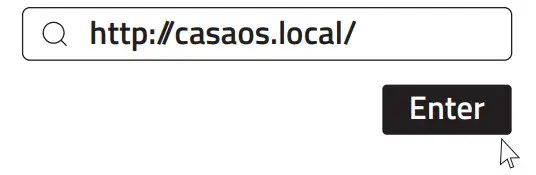
Open a new tab in the browser and type in http://casaos.local/, hit enter
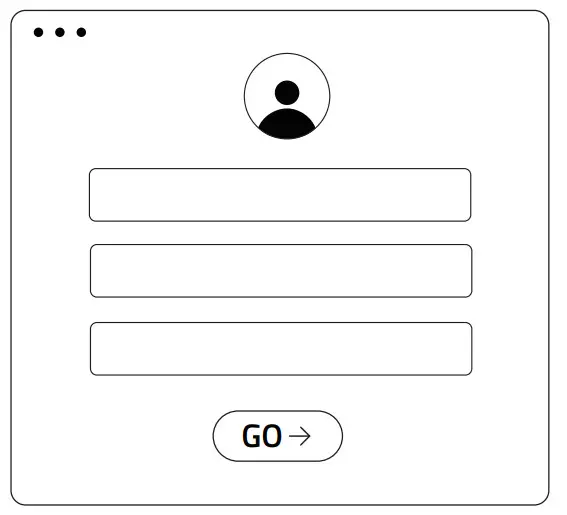
- CREATE YOUR ACCOUNT

TIPS
Make sure your PC and ZimaBoard are in the same network/router.
If you can’t discover casinos local, visit docs.zimaboard.com/jump/zb-mdns for help.
The default account for Pre-installed Apps
Username: cacaos Password: cacaos
Visit docs.zimaboard.com for more tutorials.
Know Your Ports

Name of the Parts
Hardware Information
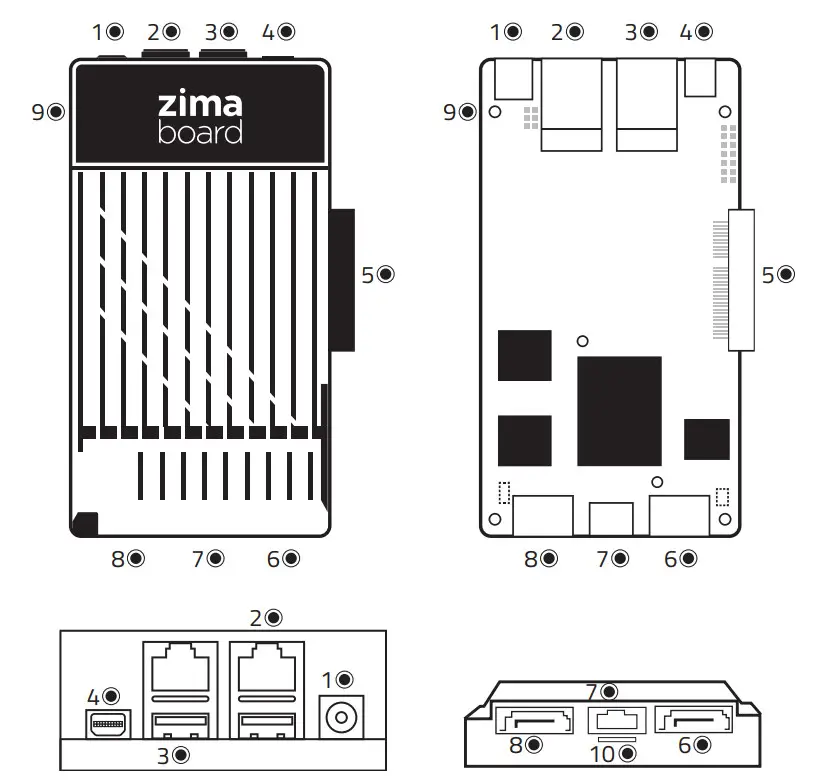
Interface Sheet
 ——————DC 12V 5.5×2.5mm
- ——————Gigabit Ethermet LAN
- ——————USB 3.0
- ——————Mini-DisplayPort 1.2, Support 4K@60Hz
- ——————PCle 2.0 x4 Slot
- ——————SATA 3.0 Port
- ——————SATA Power
- ——————Power Indicator
- ——————SATA Indicator
 ——————DC 12V 5.5×2.5mm
Troubleshooting
| Situation | Reason | How to Solve |
| Fail to boot | Wrong AC Adapter or loose connection | We recommend using the ZimaBoard official 12V/3A DC power adapter. Make sure the connection is tight. |
| Can’t reach the page: casinos. local | Not on the same network; Operation system does not support mDNS; Router compatibility issues | Make sure PC and ZimaBoard are connected to the same router. Visit docs.zimaboard.com/jump/zb-mdns for help. |
| My monitor only has HDMI or VGA port | / | Use a MiniDP to HDMI or a MiniDP to VGA adapter. |
| No screen on/after boot | Loose connection; Power adapter failure | Make sure the connection is tight. Try with another DC power adapter; Try to power off ZimaBoard first, re-plug the MiniDP and reboot. |
| The system not responding/hanging | System failure | Reboot ZimaBoard. Unplug and reconnect the power adapter. |
Visit docs.zimaboard.com for more information about common problems and corresponding solutions.
If you need further support, contact us via: [email protected]
For 24/7 forum tech support, please visit https://zimaboard.com/discord
Did you enjoy CasaOS? Please leave your review and click the star on Github:
https://github.com/IceWhaleTech/CasaOS
Specification
SOFTWARE
| Pre-installed OS | CasaOS (Based on Debian) |
| Compatible OS | Linux / Windows / OpenWrt / pfSense / Android / Libreelec |
PERFORMANCE
| Model | ZimaBoard 216 | ZimaBoard 432 | ZimaBoard 832 |
| Processor | Intel Celeron Processor ‘Apollo Lake’ | ||
| N3350 2 Cores 1.1GHz-2.4GHz 2MB L2 cache | N3450 4 Cores 1.1GHz-2.2GHz 2MB L2 cache | N3450 4 Cores 1.1GHz-2.2GHz 2MB L2 cache | |
| Graphics | Intel® HD Graphics 500 | ||
| 200MHz-650MHz | 200MHz-700MHz | 200MHz-700MHz | |
| Memory | 2GB | 4GB | 8GB |
| Onboard Storage | 16GB | 32GB | 32GB |
| TDP | 6W | 6W | 6W |
CONNECTIVITY
| HDD/SSD | 2x SATA 3.0 6Gb/s Ports |
| LAN | 2x GbE LAN Ports |
| USB | 2x USB 3.0 |
| PC | 1x PCle 2.0 x4 |
| Display | 1x Mini-DisplayPort 1.2 4k@60Hz |
| Power | DC 12V 3A 5.5×2.5mm |
SIZE AND WEIGHT
| Dimensions | 138.7mm(W) x 81.4mm(H) x 34.9mm(D) |
| Weight | 278g |
 Hello from ZimaDocs | ZimaDocs
 GitHub - IceWhaleTech/CasaOS: CasaOS - A simple, easy-to-use, elegant open-source Home Cloud system.
 IceWhale