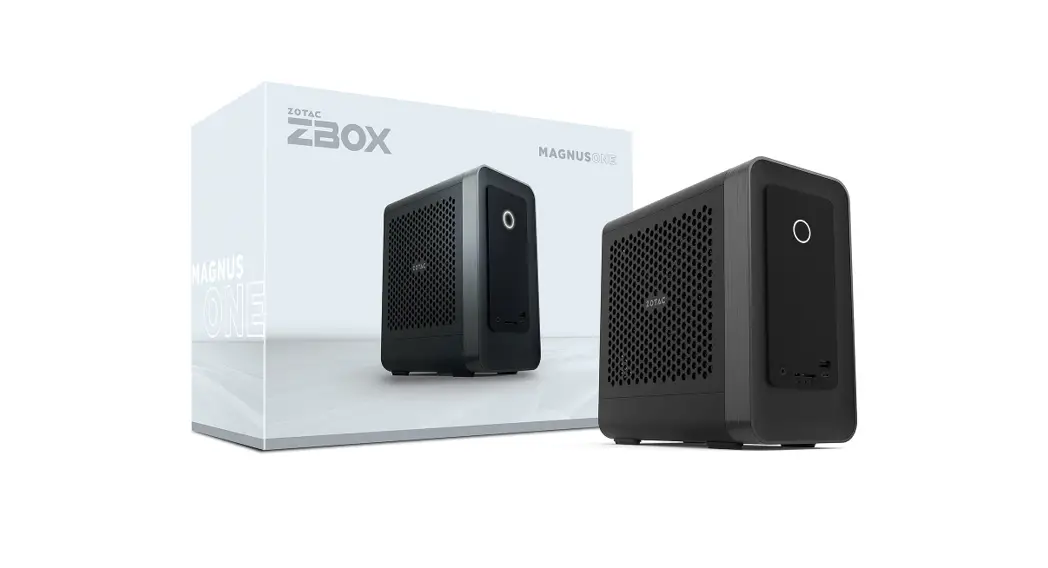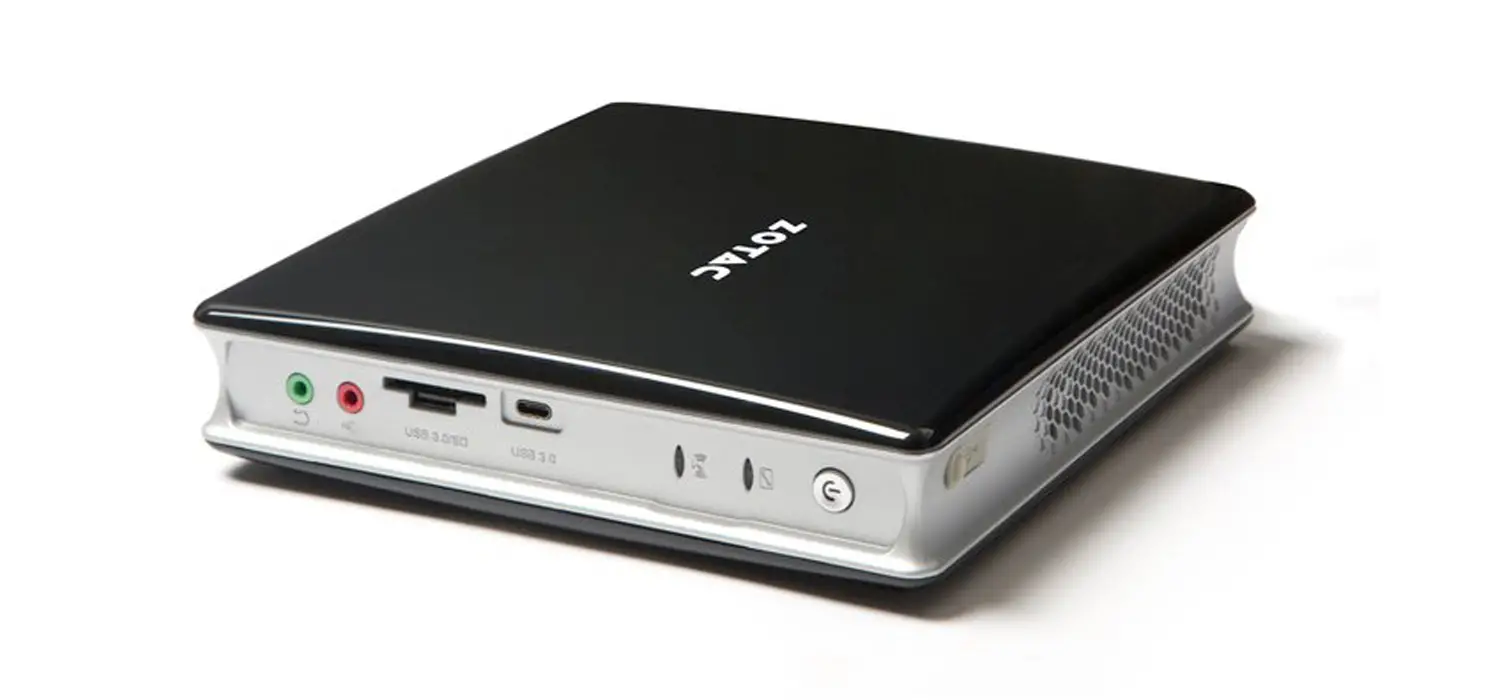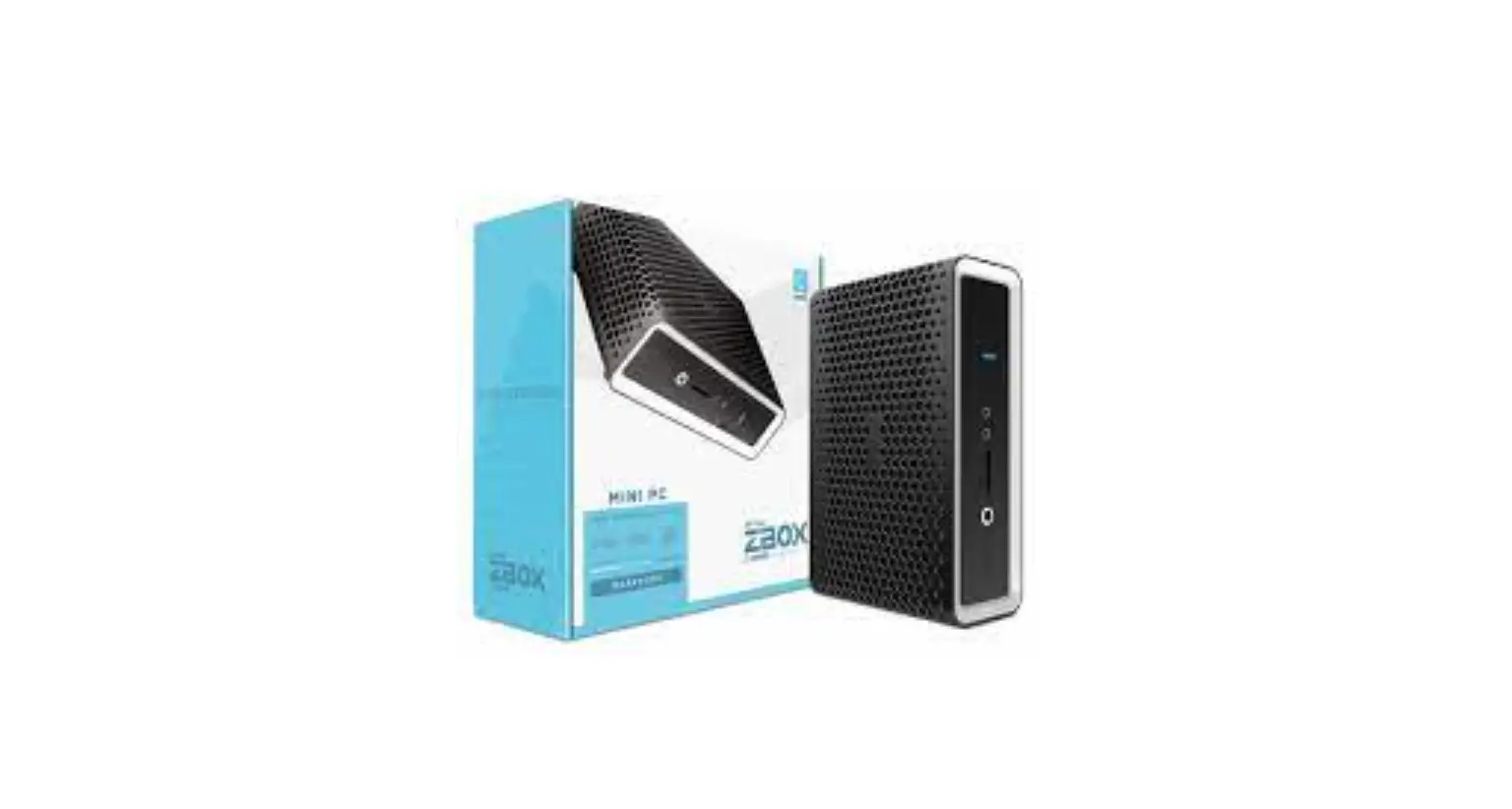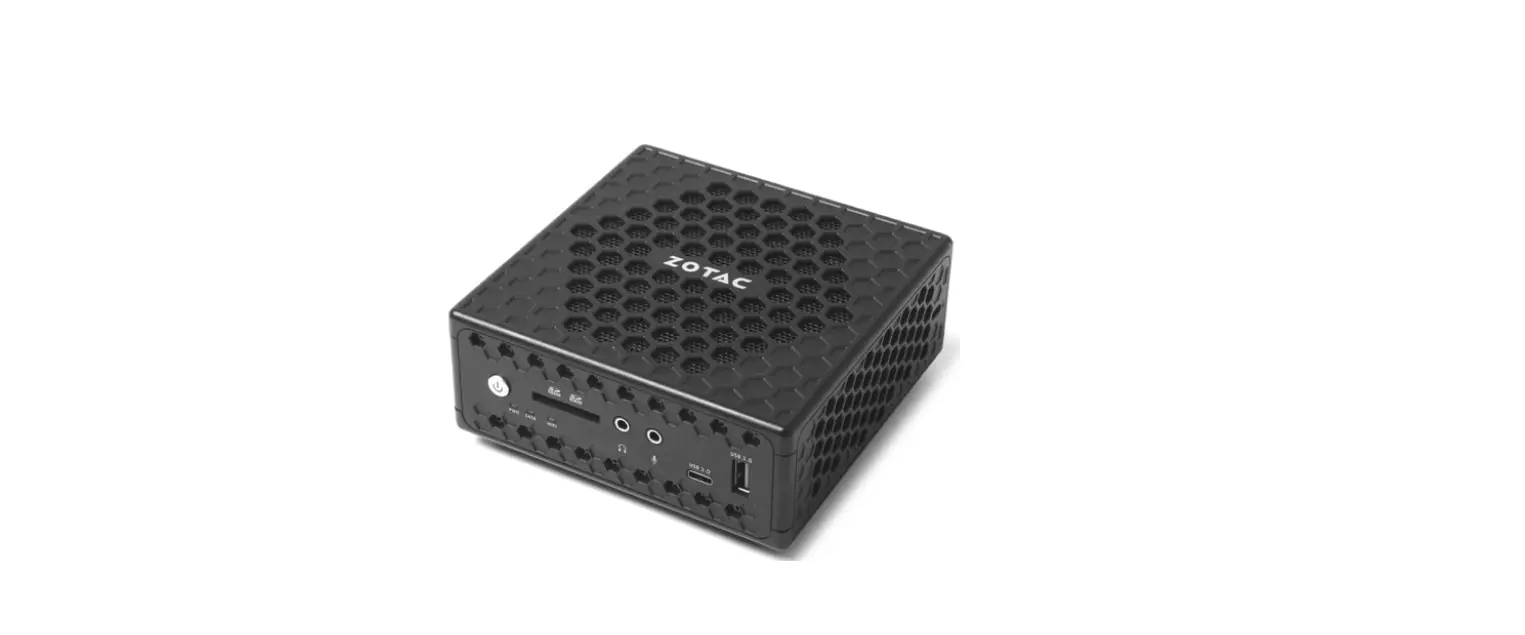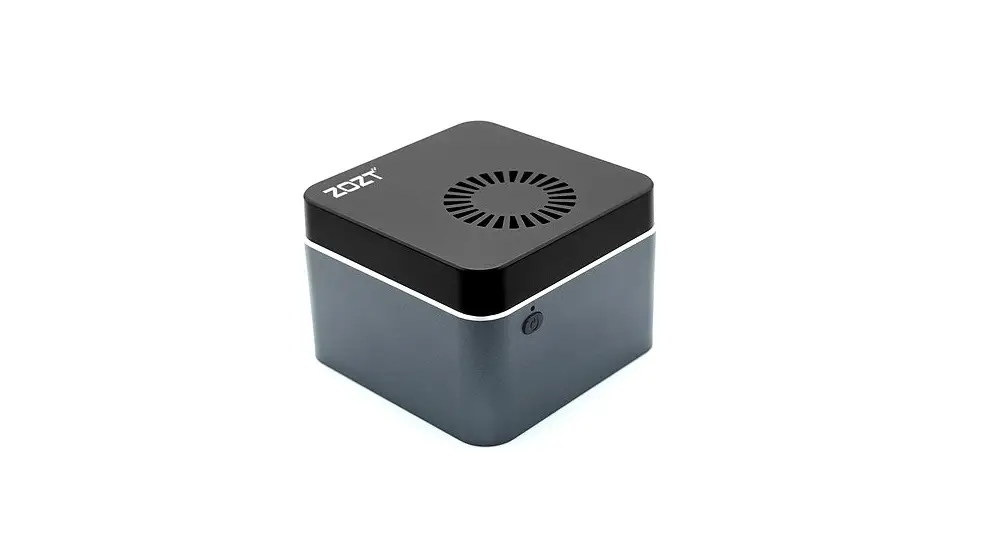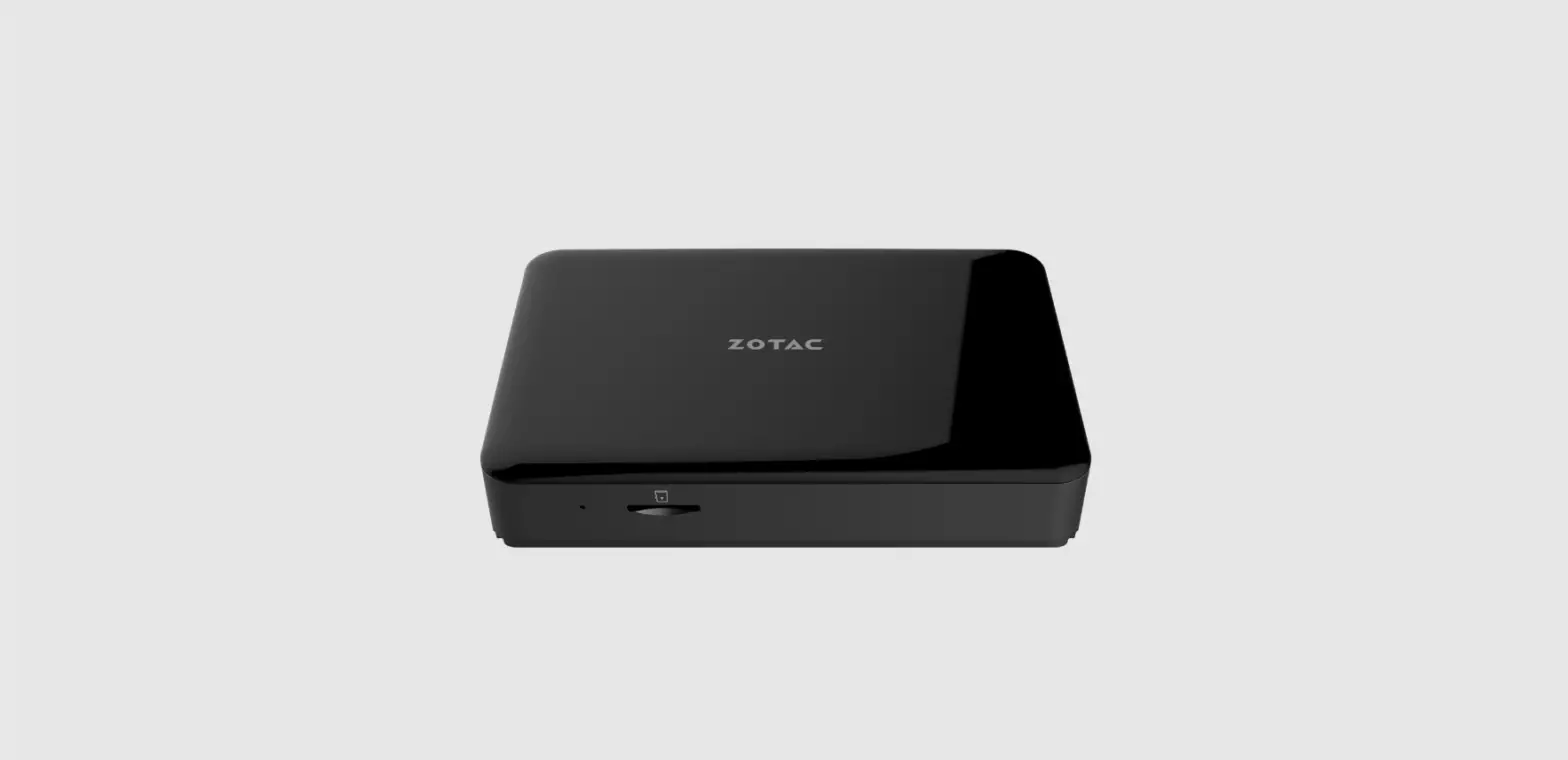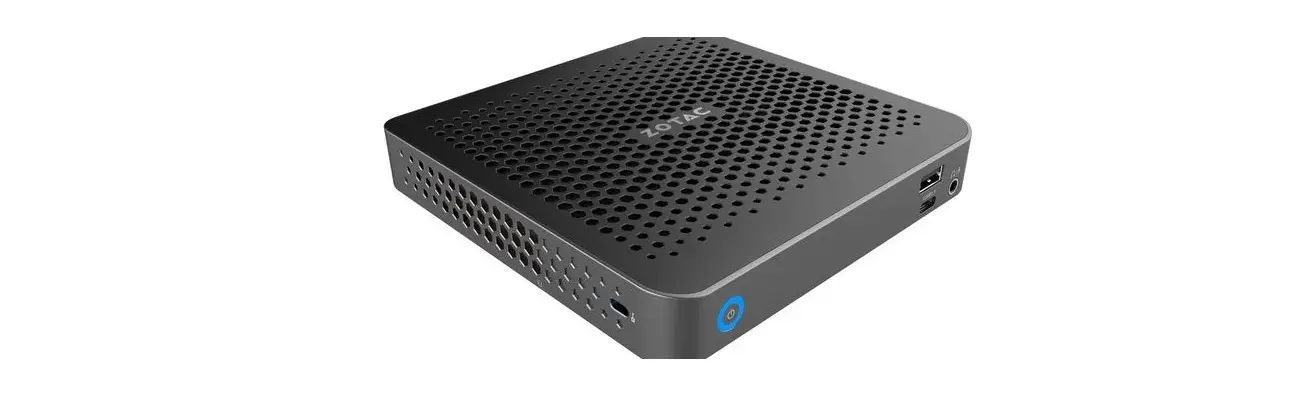

ZOTAC Zbox M Series Edge Mini PC Unboxing
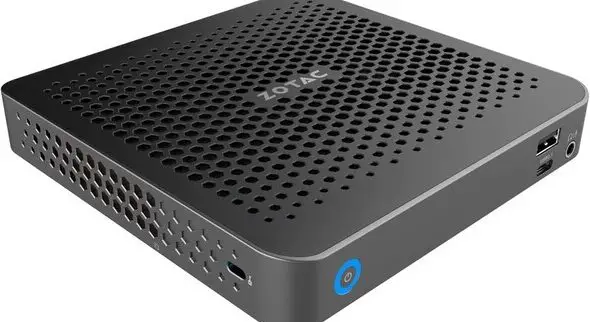
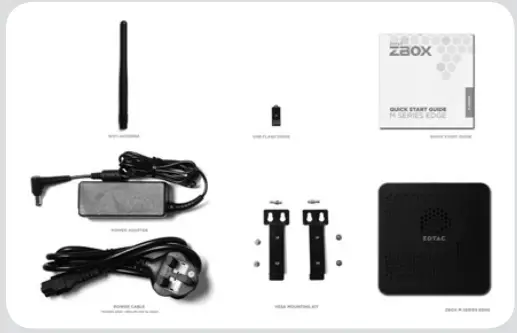
PACKAGE CONTENTS
- 1 x ZOTAC ZBOX
- 2 x VESA mount
- 1 x AC Adapter (optional)
- 1 x Power Cord (optional)
- 1 x Warranty Card
- 1 x Quick Start Guide
- 1 x USB drive with O/S driver
- 1 x Antenna

CUSTOMIZING YOUR ZOTAC ZBOX
- Loosen and remove the 3 screws securing the top cover.
- Gently remove the cover.

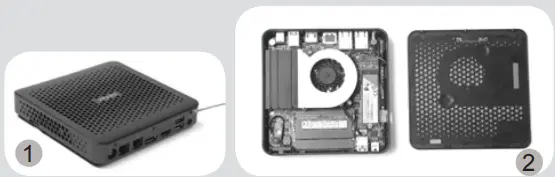
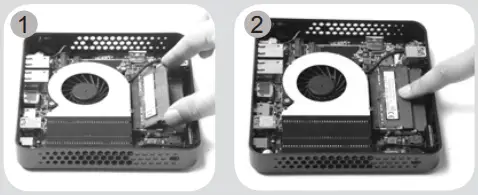
INSTALLING MEMORY MODULES
- Locate the SO-DIMM memory slots and insert a SO-DIMM memory module into the slot at a 45 degree angle.
- Gently press down on the memory module until it locks into place by the arms of the memory slot.

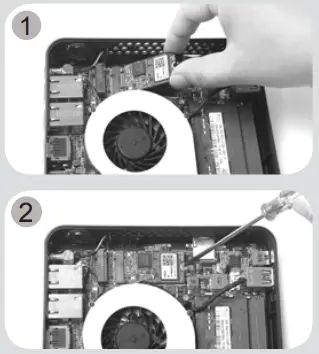
INSTALLING M.2 SSD MODULE
- Locate the M.2 SSD slot and insert an M.2 SSD module into the slot at a 45 degree angle.
- Gently press down on the M.2 SSD module, and install the screw.

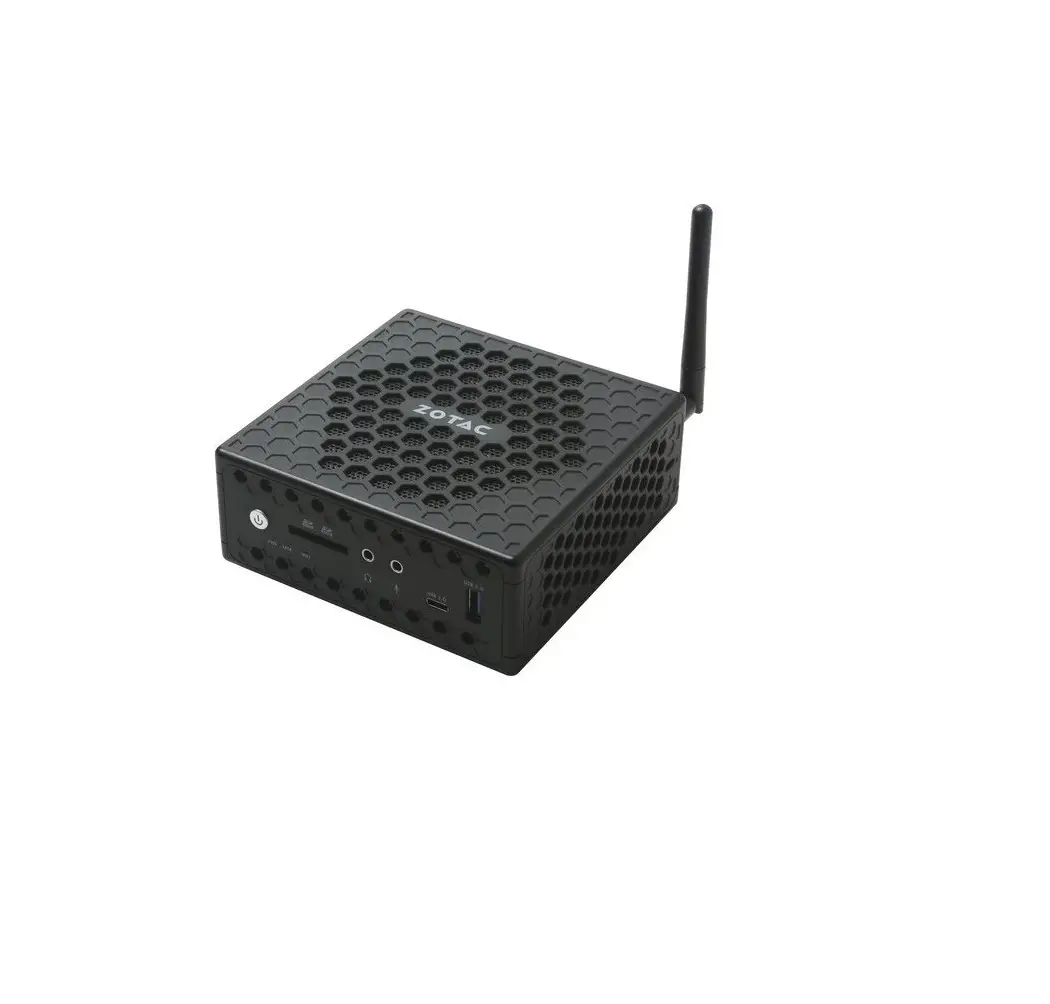
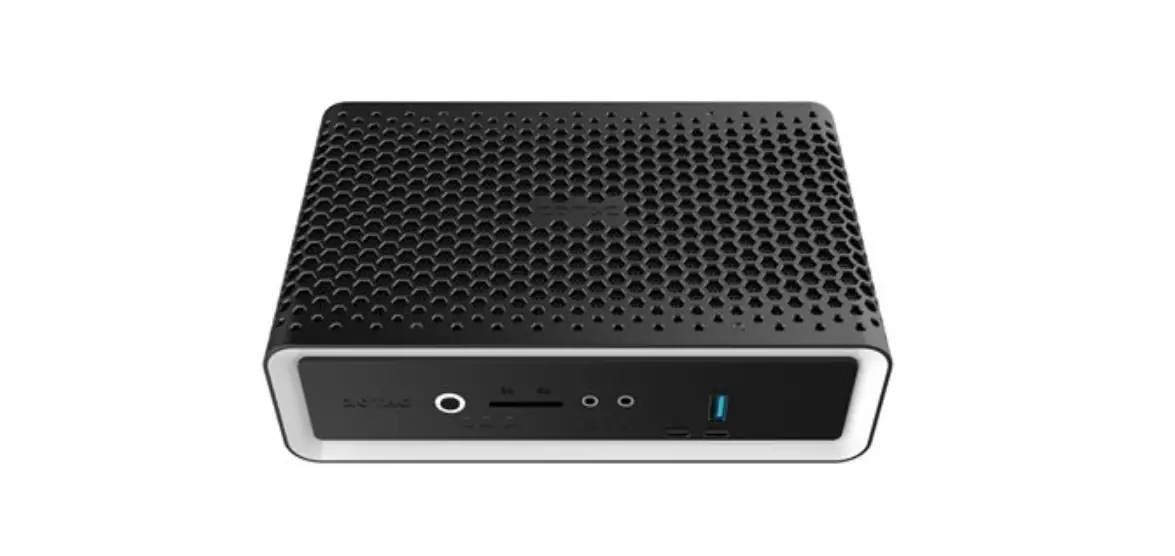
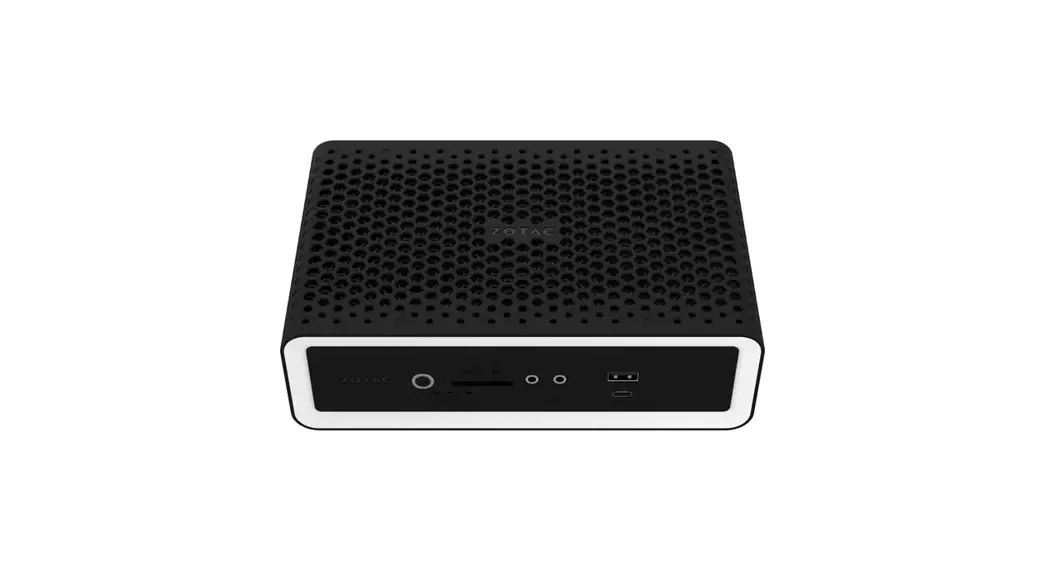
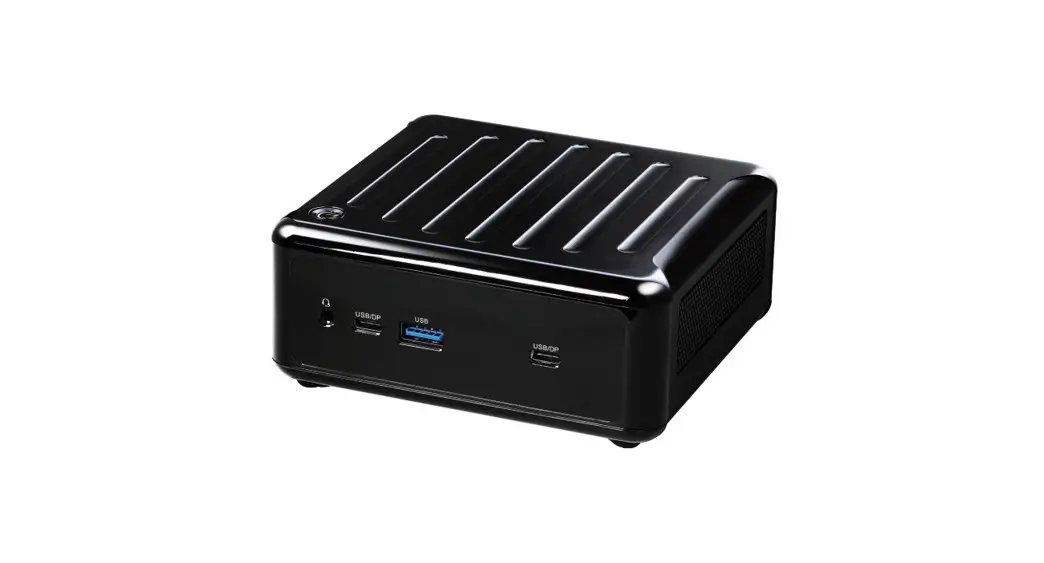
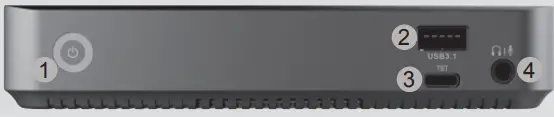
FRONT PANEL
- Power button
- USB 3.1 port
- Thunderbolt 4 port
- Analog audio jack (3.5mm)

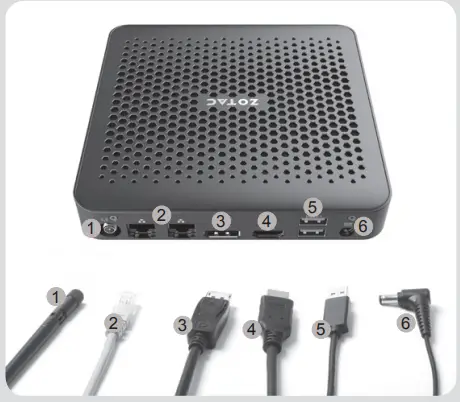
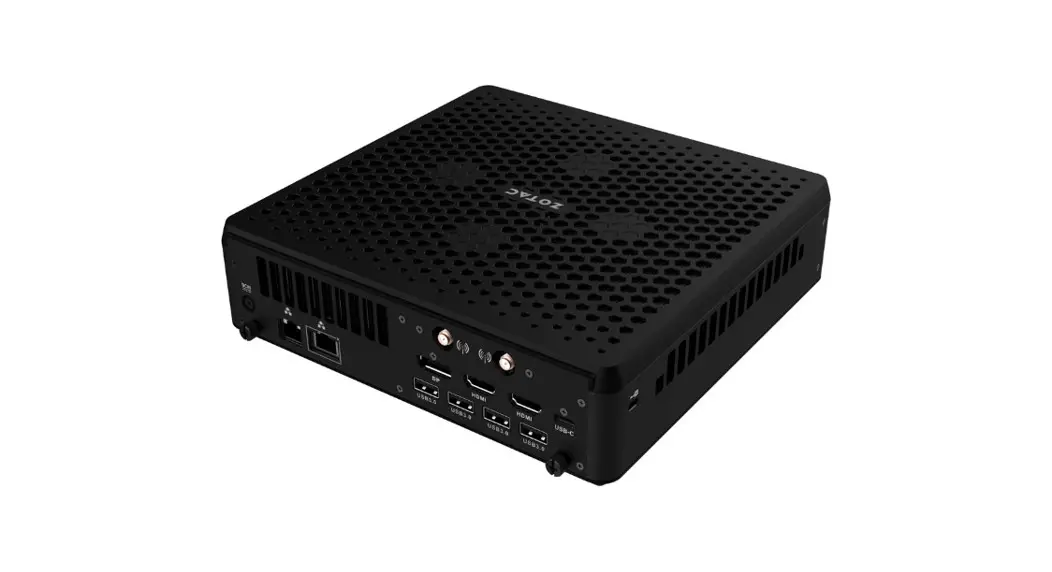
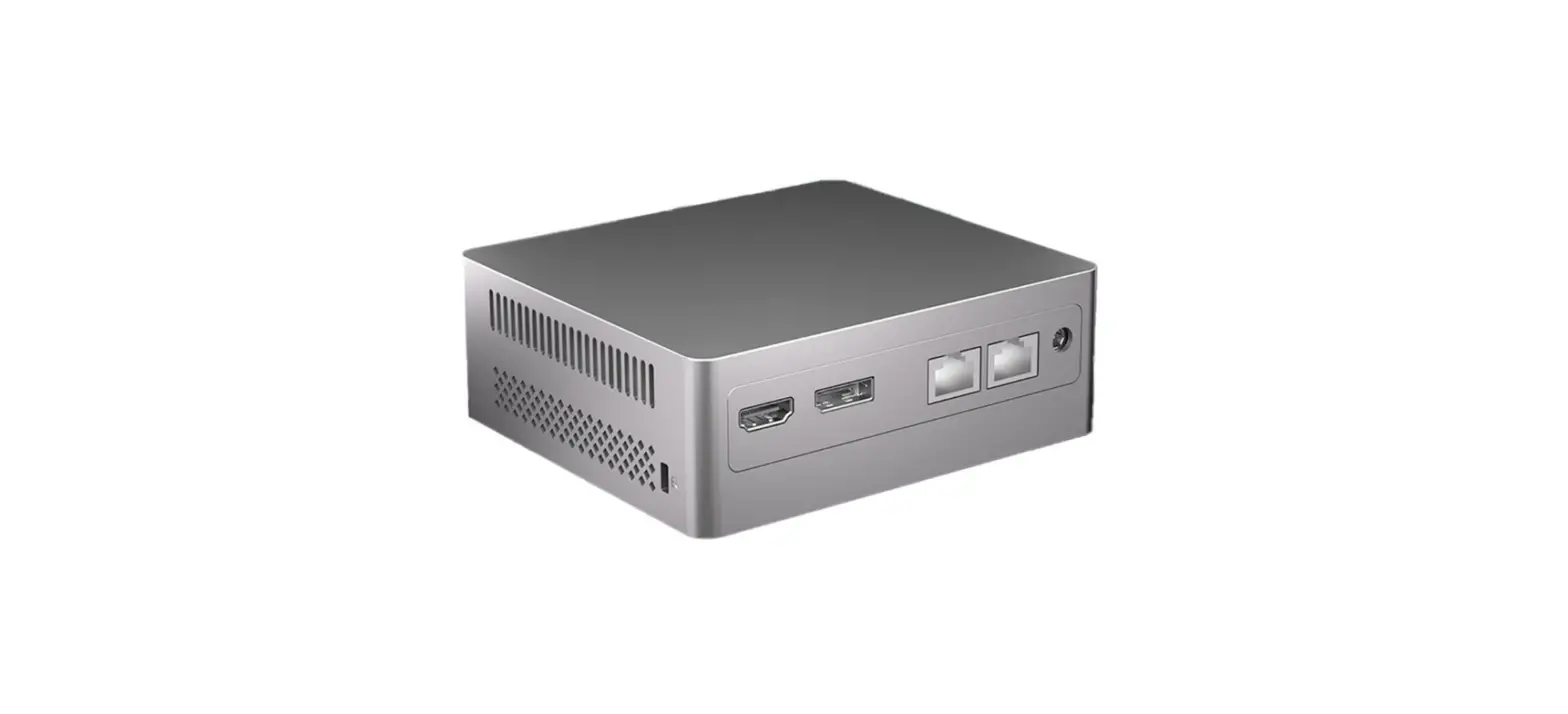
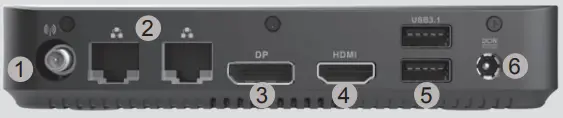
REAR PANEL
- WiFi antenna connector
- LAN (RJ45) ports
- DisplayPort
- HDMI port
- USB 3.1 ports
- Power input (DC19V)

SETTING UP YOUR ZOTAC ZBOX
- Connecting antenna for Wi-Fi
- Connecting to a wired home network
- Connecting a DisplayPort display
- Connecting an HDMI display
- Connecting USB 3.1 devices
- Connecting the power adapter and turning on the system