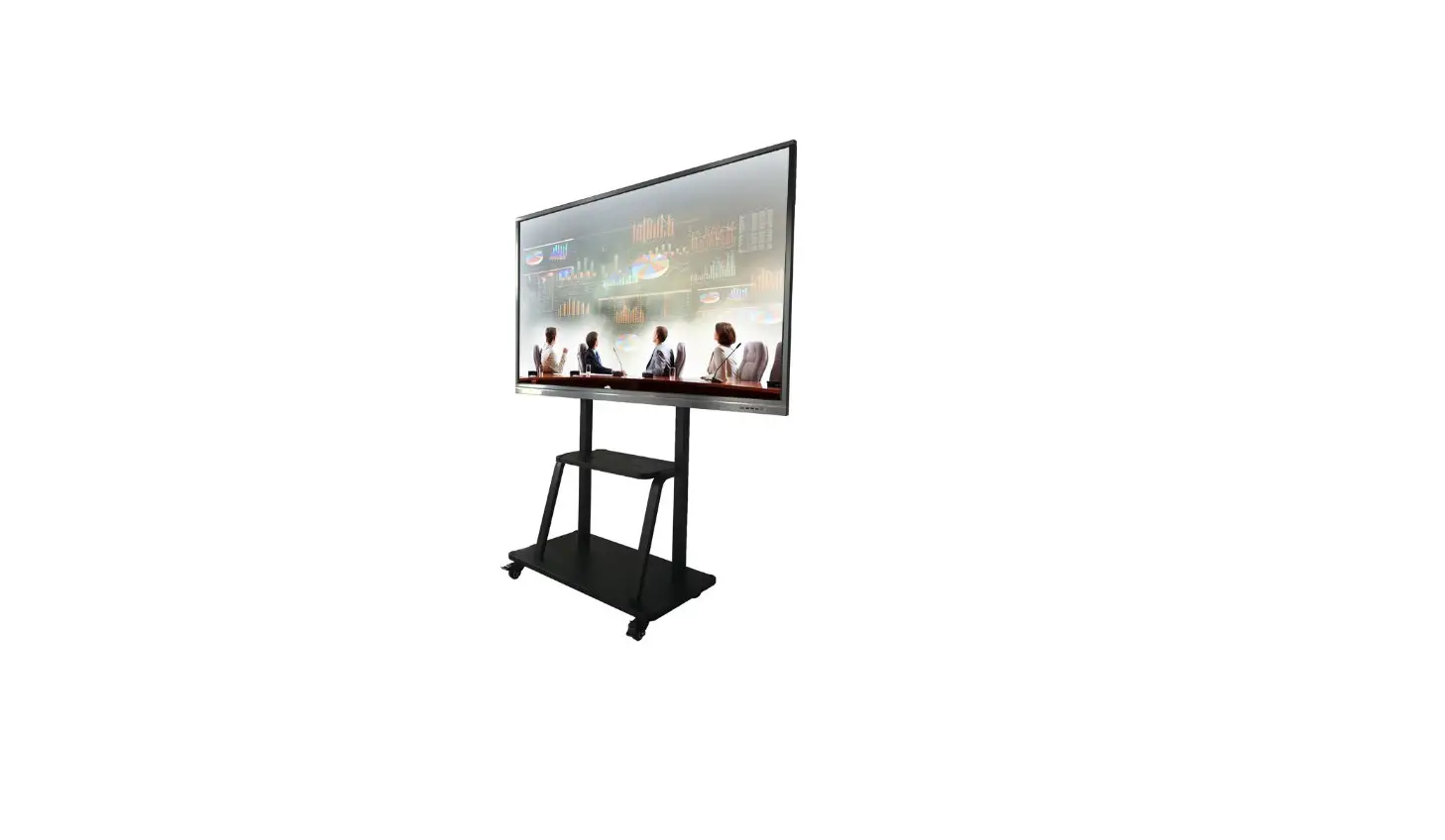
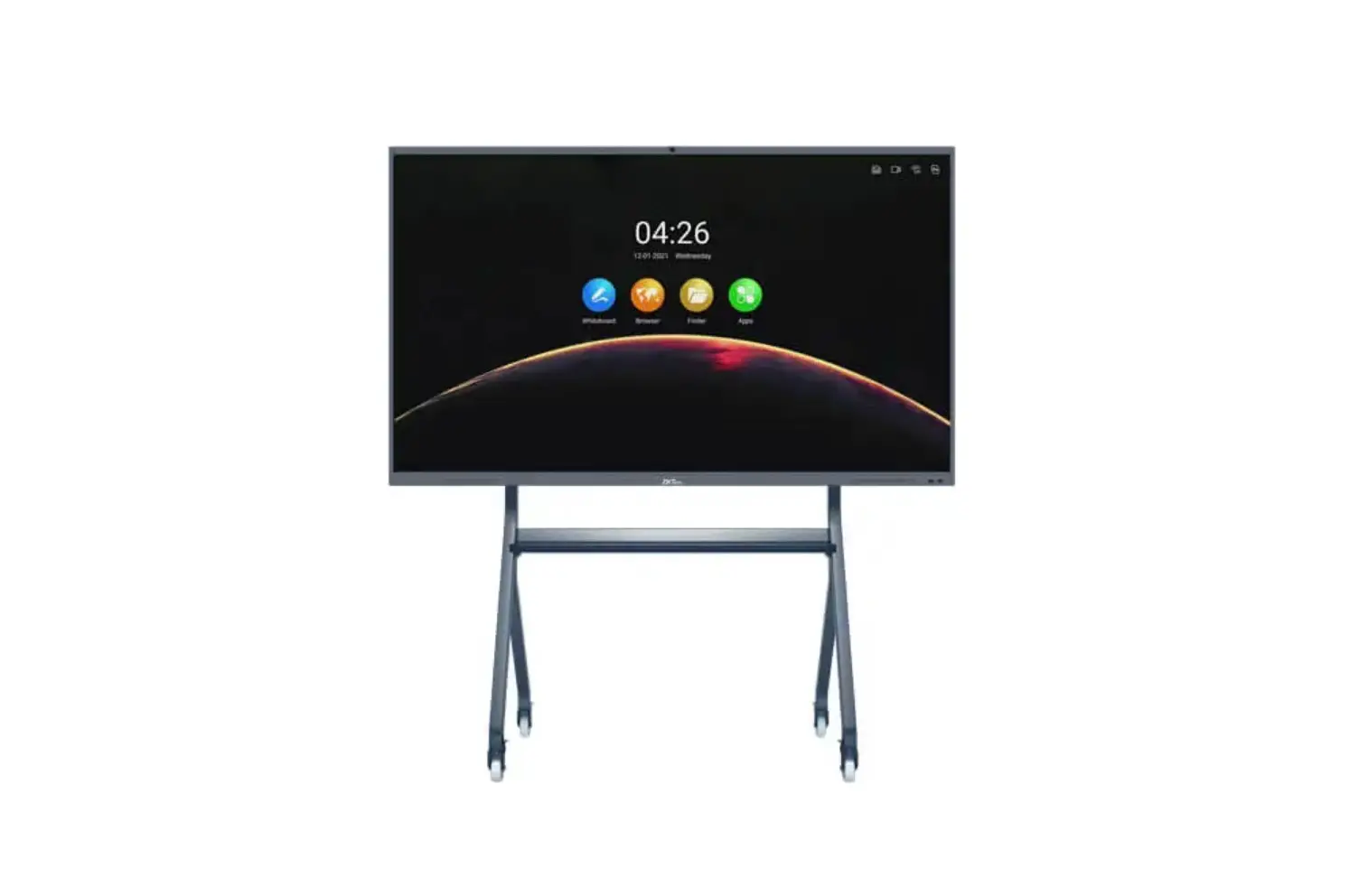
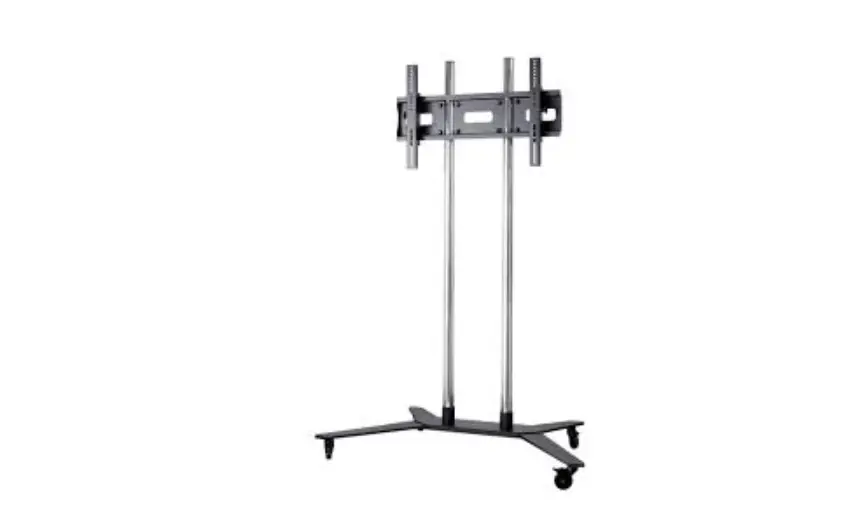
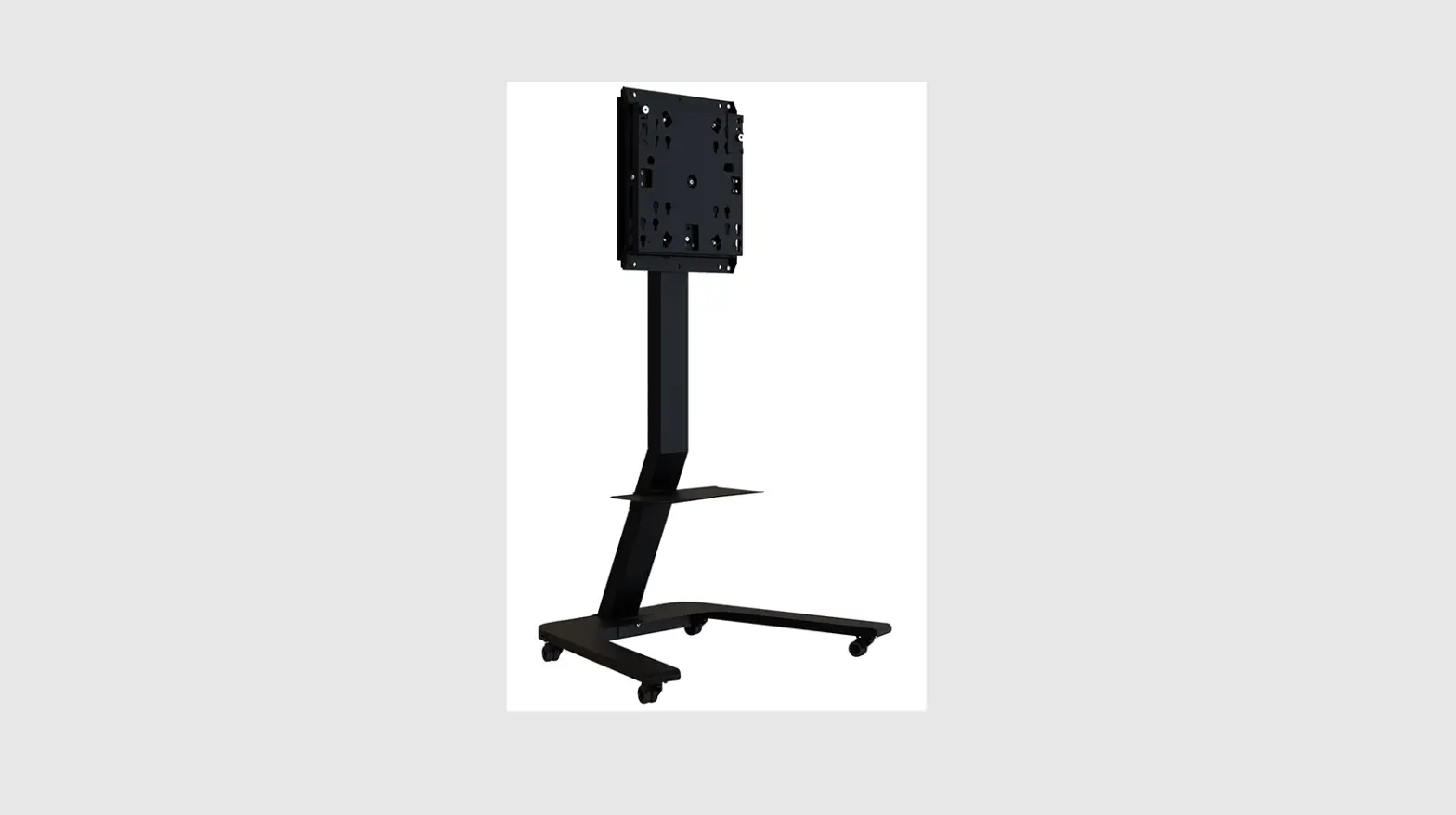
IWB65B Movable Stand
Movable Stand Installation Guide
Version: 1.1
Packing List
- A – Left Bracket 1pc
- B – Right Bracket 1pc
- C – Wall Bracket 1pc
- D – Tray 1pc
- E – Casters 4pcs
- F – Wall Hanging Bar 2pcs*
- M12 Spring Cushion 14pcs
- M6 Screw* 4pcs
- Phillips Screwdriver (Prepared by the user)
- Adjustable Wrench (Prepared by the user)
Note: * It indicates that due to differences in models, some
models include this accessory, please refer to the actual
prevail.
Installation Steps
Step 1: Adjust the caster to the brake state
and screw it into the brackets (as in Figure 1). Please adjust the
caster to the braking state before operation.
Step 2: Attach the Wall Bracket to the Left
Bracket (as in Figure 2), 3 sets of mounting heights (1 and 4, 2
and 5, 3 and 6), optional according to demand. See suggestions for
wall bracket holes and compatible models matching holes below:
| Hole position of bracket | Compatible Models | Matching Holes |
|---|---|---|
| 1 | 75 – 86 | Front, 4 |
| 2 | 65 – 70 | Front, 5 |
| 3 | 55 | Front, 6 |
Step 3: Attach the Right Bracket to the other
end of the Wall Bracket (as in Figure 3).
Step 4: Installing the Tray between the two
brackets (as in Figure 4). First insert the Tray into the
positioning bolt on the bracket. Fasten all the bolts. Then snap
the Tray into the positioning bolts.
Step 5: Fasten the Wall Hanging Bar to the
whole machine as needed (as in Figure 5).
Step 6: Hang the assembled whole machine onto
the Wall Bracket and lock the safety screw of the Wall Hanging Bar
(as in Figure 6). Make sure the brakes are locked, this step
requires at least 2 professionals to complete.
Step 7: Refer to the following picture for the
finished product.
Remarks
When the interactive whiteboard with its own hanging bar cannot
be effectively matched to the tripod, you should modify together
with the wall mount plate, as shown below:
1. Attach the wall mount plate on the wall
bracket.

Make sure the side of the wall plate with the locking holes is
the front side.
2. Hang the interactive whiteboard on the wall
mount plate and lock the safety bolt.
ZKTeco Industrial Park, No. 32, Industrial Road, Tangxia Town,
Dongguan, China. Phone: +86 769 – 82109991 Fax: +86 755 –
89602394
Movable Stand Installation Guide
Version: 1.1
· To ensure correct and safe use, please read this manual carefully before installation.
· This model is recommended to be equipped with 55 to 86-inch interactive whiteboard.
· Maximum bearing weight can support up to 100KG.
Packing List
Installation Steps
Step 1 Adjust the caster to the brake state and screw it into the brackets (as in Figure 1).
Please adjust the caster to the braking state before operation.
Step 2
Attach the Wall Bracket to the Left Bracket (as in Figure 2), 3 sets of mounting heights (1 and 4, 2 and 5, 3 and 6), optional according to demand.
1
2
Hole position of bracket
3
4
5
6
1
Suggestions for wall bracket holes Compatible Models Matching Holes
55″
3, 6
65″ – 70″
2, 5
75″ – 86″
1, 4
Front
A – Left Bracket 1pc
C – Wall Bracket 1pc
E – Casters 4pcs
B – Right Bracket 1pc
D – Tray 1pc
F – Wall Hanging Bar 2pcs*
Cross-slot Recessed Hexagon Head Screw M8×25mm
M12 Spring Cushion
20×13mm
M6 Screw*
M6×130mm
Phillips Screwdriver (Prepared by the user)
Adjustable Wrench (Prepared by the user)
14pcs 4pcs 2pcs 1pc 1pc
Note: “*” It indicates that due to differences in models, some models include this accessory, please refer to the actual prevail.
Figure 1 Step 3 Attach the Right Bracket to the other end of the Wall Bracket (as in Figure 3).
1
Figure 3
Front
Figure 2
Step 4 Installing the Tray between the two bracket(as in Figure 4).
First insert the Tray into the positioning bolt on the bracket
Fasten all 1
the bolts
Figure 4
Snap the Tray into the positioning bolts
Step 5
Fasten the Wall Hanging Bar to the whole machine as needed (as in Figure 5).
Step 6
Hang the assembled whole machine onto the Wall Bracket and lock the safety screw of the Wall Hanging Bar (as in Figure 6).
Make sure the brakes are locked, this step requires at least 2 professionals to complete.
F
Figure 5
Step 7 Refer to the following picture for the finished product.
Figure 6
REMARKS: When the interactive whiteboard with its own hanging bar cannot be effectively matched to the tripod, you should modify together with the wall mount plate, as shown below.
1 Attach the wall mount plate on the wall bracket.
1
Front
Front
Make sure the side of the wall plate with the locking holes is the front side.
2 Hang the interactive whiteboard on the wall mount plate and lock the safety bolt.
ZKTECO CO.,LTD. www.zkteco.com Copyright © 2020 ZKTECO CO., LTD. All rights reserved.
ZKTeco Industrial Park, No. 32, Industrial Road, Tangxia Town, Dongguan, China. Phone: +86 769 – 82109991 Fax: +86 755 – 89602394
 ZKTeco | Home Page