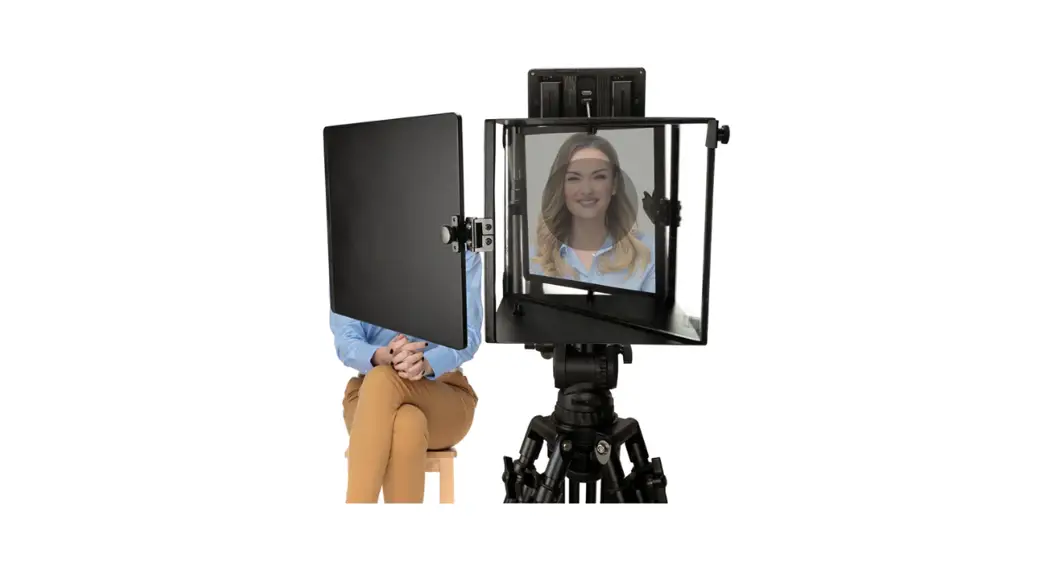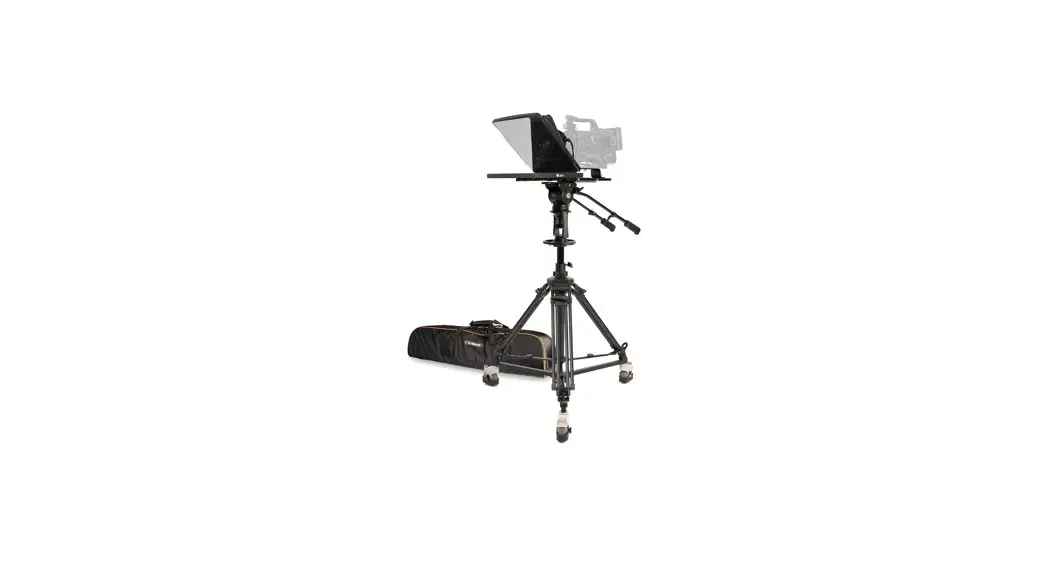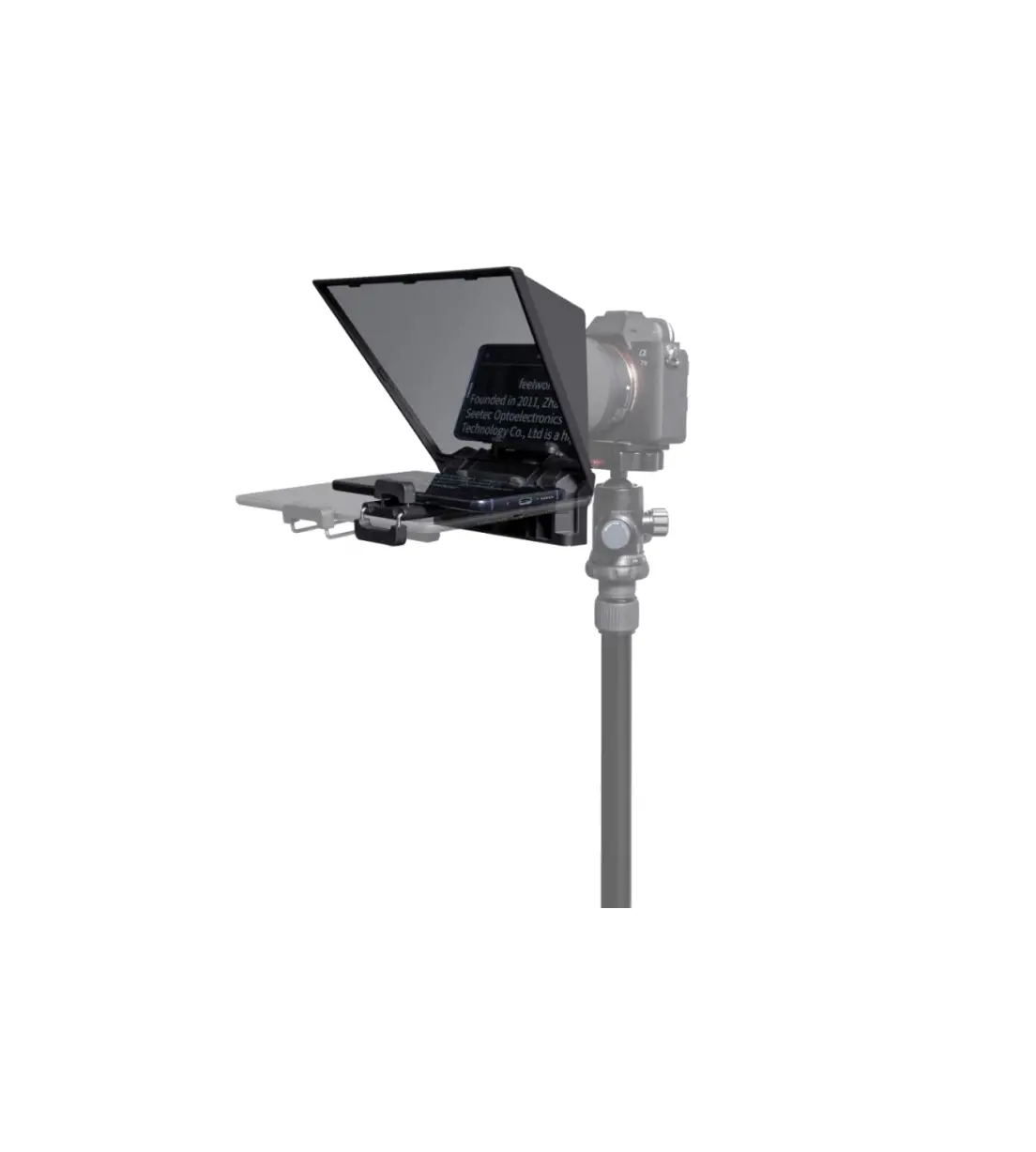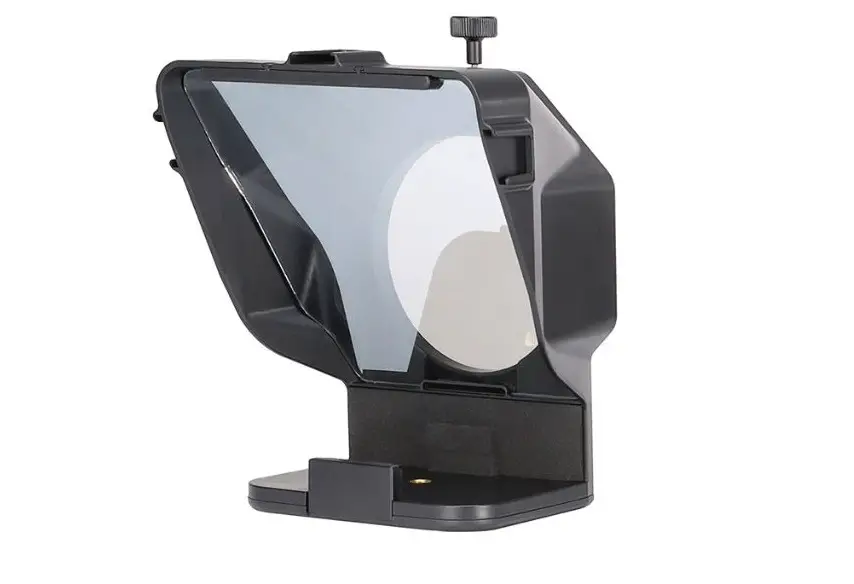

Ulanzi PT-15 Universal Teleprompter 
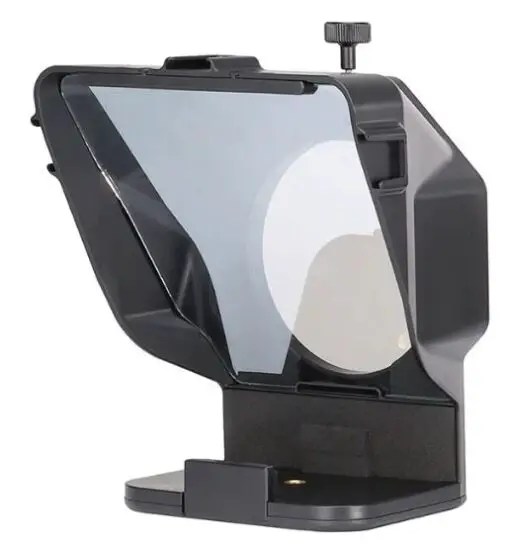
OVERVIEW
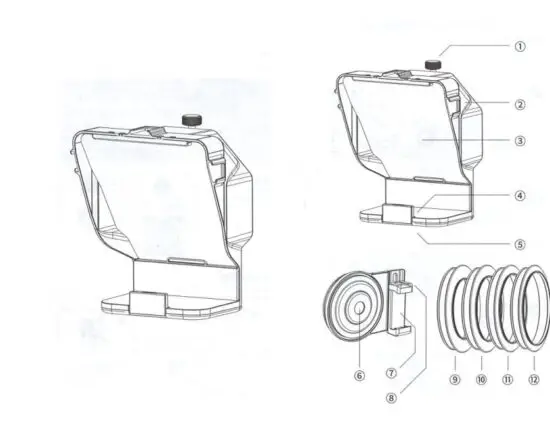
- Clamp Ring Knob
- Cold Shoe
- Reflective Glass
- Teleprompter Mobile Phone Installation Location
- 1/4 Screw Hole
- Cell Phone Camera Hole
- Phone Clip
- Cold Shoe
- 67mm Camera Lens Mounting Ring
- 72mm Camera Lens Mounting Ring
- 77mm Camera Lens Mounting Ring
- 82mm Camera Lens Mounting Ring
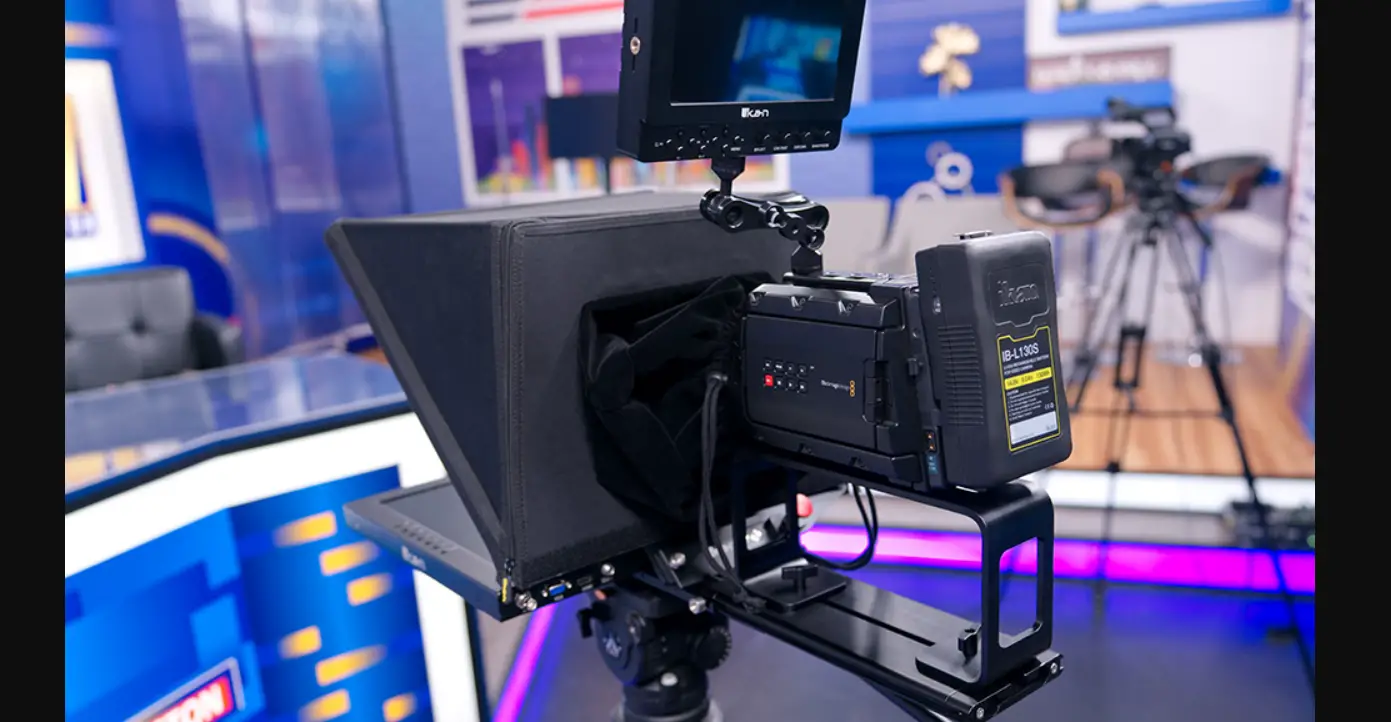
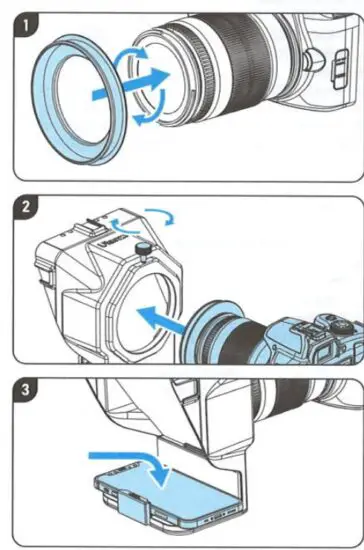
CAMERA Usage
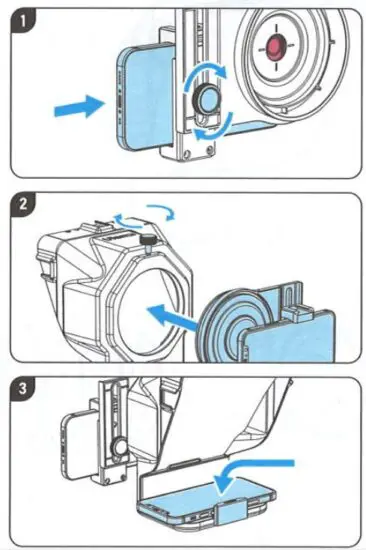
Mobile Phone Usage
Note:
- The reflective giass is fragile, please handle with care when using
- The camera lens has different focal length and wide Angle. Please adjust the focal length to avoid dark Angle occlusion.
- Install the camera on the tripod when using camera prompter for shooting