TP-ULTM-01 Ultra Modular Teleprompter
Product Information
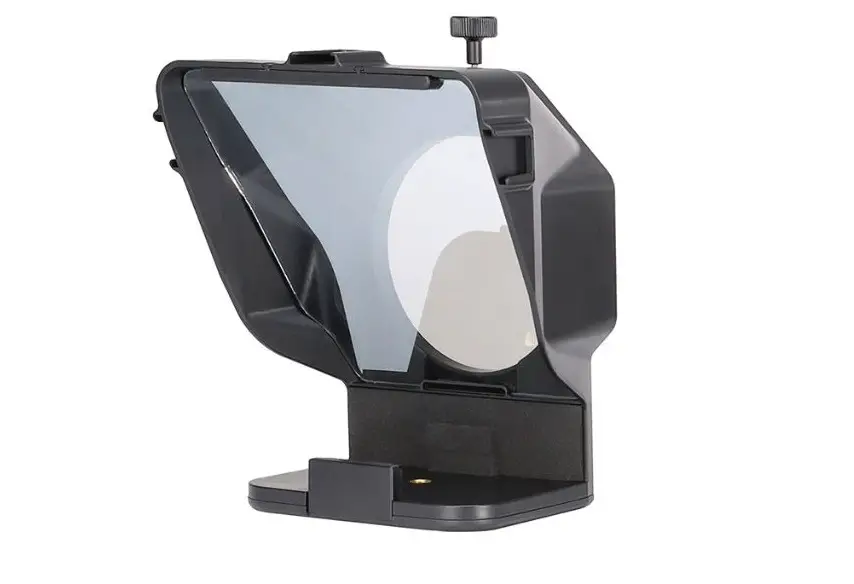
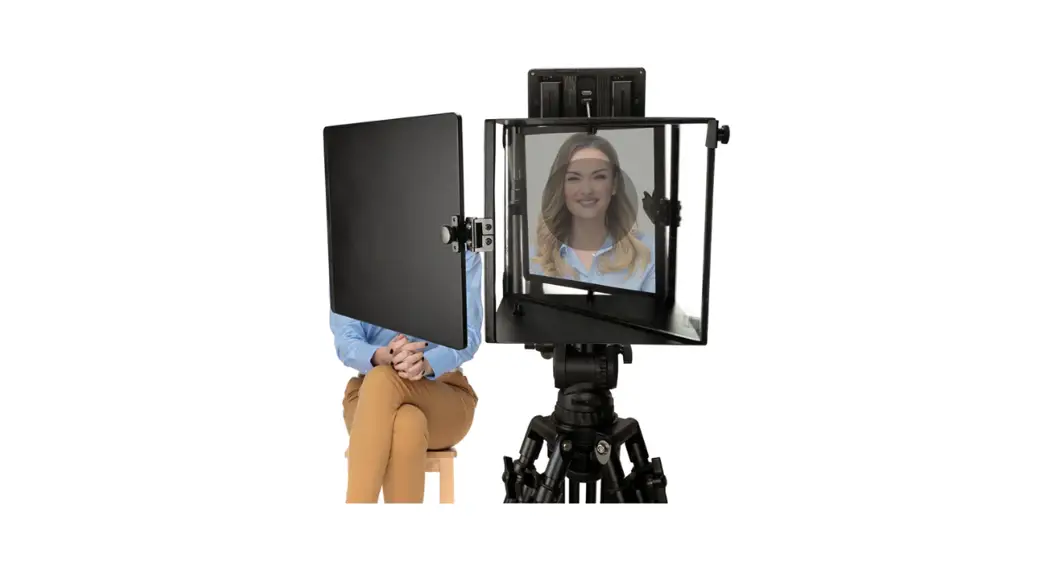
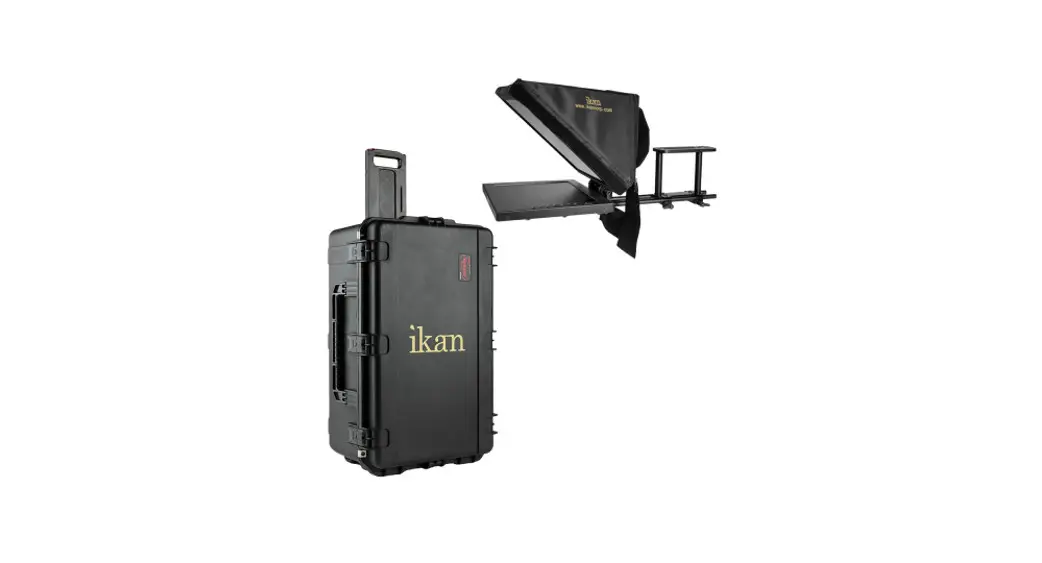
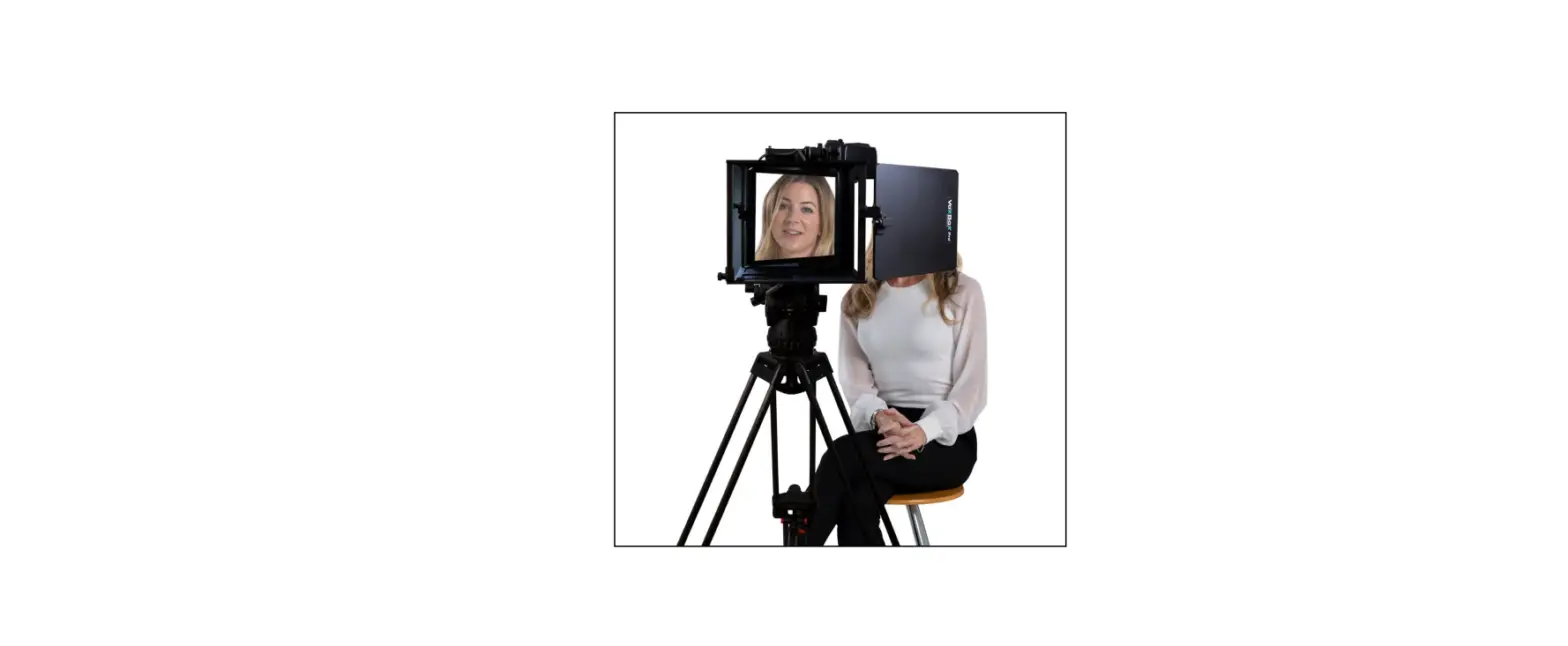
The Ultra Modular Teleprompter (TP-ULTM-01) is a professional
teleprompter that helps you read your script while looking directly
at the camera. It comes with a collapsible hood, beam splitter
glass, quick release, upper spacer, Vesa mount, adjustable arms,
hood spacer, I-Pad platform, 2x cleaning cloth, and 4x knobs. It
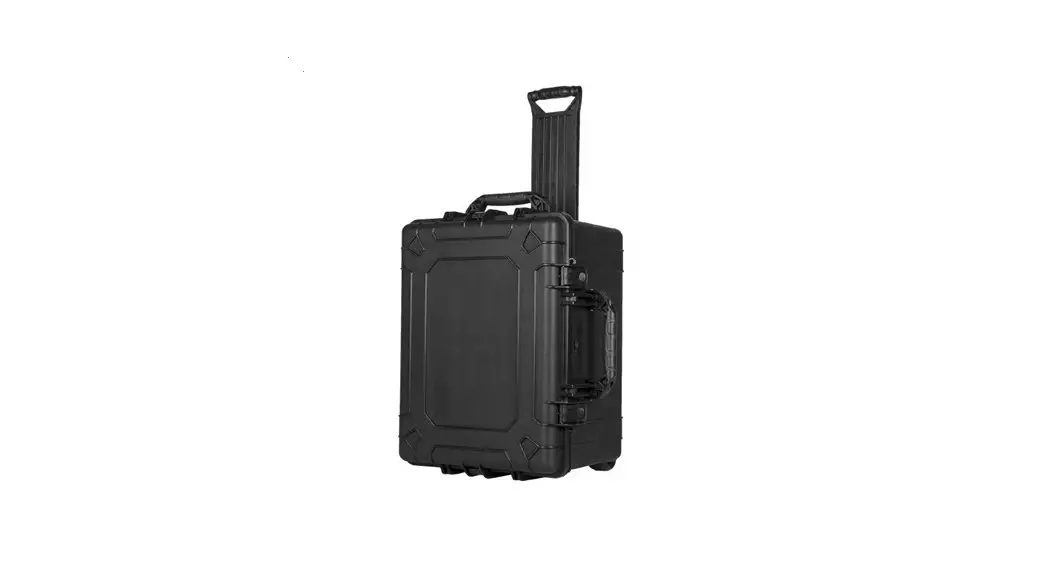
also includes a glass protective case, side flaps, hand gloves,
female mounting rods, male mounting rods, bag packing, L-type
(Size:7/32mm), T-type (Size:4mm), spacer, 4x bush, and belt for
easy transport and storage.
Product Usage Instructions
- Inspect the contents of your shipped package to ensure you have
received everything that is listed. - Assemble the teleprompter by securing the collapsible hood,
beam splitter glass, quick release, upper spacer, Vesa mount,
adjustable arms, hood spacer, and I-Pad platform using the provided
knobs and screwdriver. - Use the cleaning cloth to clean the beam splitter glass before
use. - Attach the teleprompter to your camera using the male and
female mounting rods and spacer. - Use the L-type and T-type packing to secure the teleprompter
during transport. - When ready to use, attach your iPad or tablet to the I-Pad
platform and load your script onto a teleprompter app. - Adjust the teleprompter’s height and angle using the adjustable
arms to ensure comfortable reading while looking at the
camera. - You are now ready to use your Proaim Ultra Modular
Teleprompter!
1
Ultra Modular Teleprompter (TP-ULTM-01)
Assembly Manual
What’s In The Box
Please inspect the contents of your shipped package to ensure you have received everything that is listed below.
Collapsible hood
Beam Splitter Glass
Quick Release
Upper Spacer
Vesa Mount
Adjustable Arms
Hood Spacer
I -Pad Platform
2x Cleaning Cloth
4 x Knobs
All rights reserved.
No part of this document may be reproduced, stored in a retrieval system, or transmitted by any form or by any means, electronic, mechanical, photo-copying, recording, or otherwise, except as may be expressly permitted by the applicable copyright
statutes or in writing by the Publisher.
2
Glass protective Case
Side Flaps
Hand Gloves
Female Mounting rods
Male Mounting rods
Bag Packing
L-type (Size:7/32mm)
T-type (Size:4mm)
Spacer
4 x bush
Belt
All rights reserved. No part of this document may be reproduced, stored in a retrieval system, or transmitted by any form or by any means, electronic, mechanical, photo-copying, recording, or otherwise, except as may be expressly permitted by the applicable copyright
statutes or in writing by the Publisher.
Ultra Modular Teleprompter Setup
· Remove the plate from tripod.
3 · Attach universal base plate to the Quick release and
secure it with the help of screw driver.
· Here is the quick release ready to be mount on tripod.
· Slide quick release while Press the button to mount it on tripod and loose all four cornered knobs of quick release.
· Now add Female mounting rods to the quick release plate.
· Now mount Hood Spacer on the rods then secure it by use screw allen key.
4
· Here is hood spacre attached
· Loose the knobs of I-pad platform
· Now latch the I-pad platform to the hood spacer.
· Now secure it by tighten the knobs back again.
· Loose both the knobs which is in the bottom of I-pad platform.
· Extend the I-pad holder the tight knob to secure it.
5
· Now mount spacer to the other end of rods then secure it by using screw and allen key.
· Here is the spacer attached.
· Now attach male mounting rods on hood spacer.
· Here is male mounting rods attached.
· Open collapsible hood .
· Now past it on Velcro tape to provide the collapsible hood a shape.
6
· The hood would look like this after pasting all Velcro tape.
· Loose both the knobs which is on the back of hood.
· Insert male rods into it and close the knobs back again.
· Close tha buckles and tight it.
· Now mount Upper spacer on male rods and tight the knobs then add screw on rods.
· Lose the middle knob of quick release and remove camera plate while pressing button.
7
· Attach camera plate to camera and secure it by using screw driver.
· Mount camera on quick release by sliding and close knob.
· Cover the camera lens with the provide hood and Tight it.
· Open Velcro from the front of collapsible hood pull out metal frame.
· Now slide metal frame on glass then insert it in collapsible hood.
· Now secure it with velcro.
8
· Remove knob and place adjustable arm on I-pad platform.
· Now secure the arm by attaching knob back again.
· Mount vesa mount on the back side of screen (Not included) and secure it by adding screws with allen key.
· Attach the screen (Not included) to adjustable arm and secure it with knob.
· Past side flaps on collapsible hood.
9
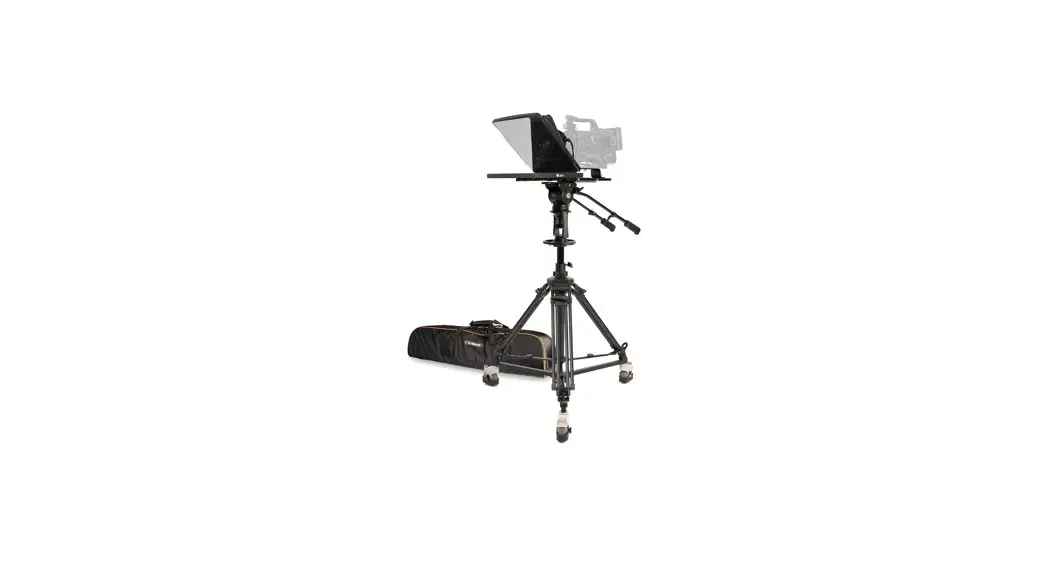
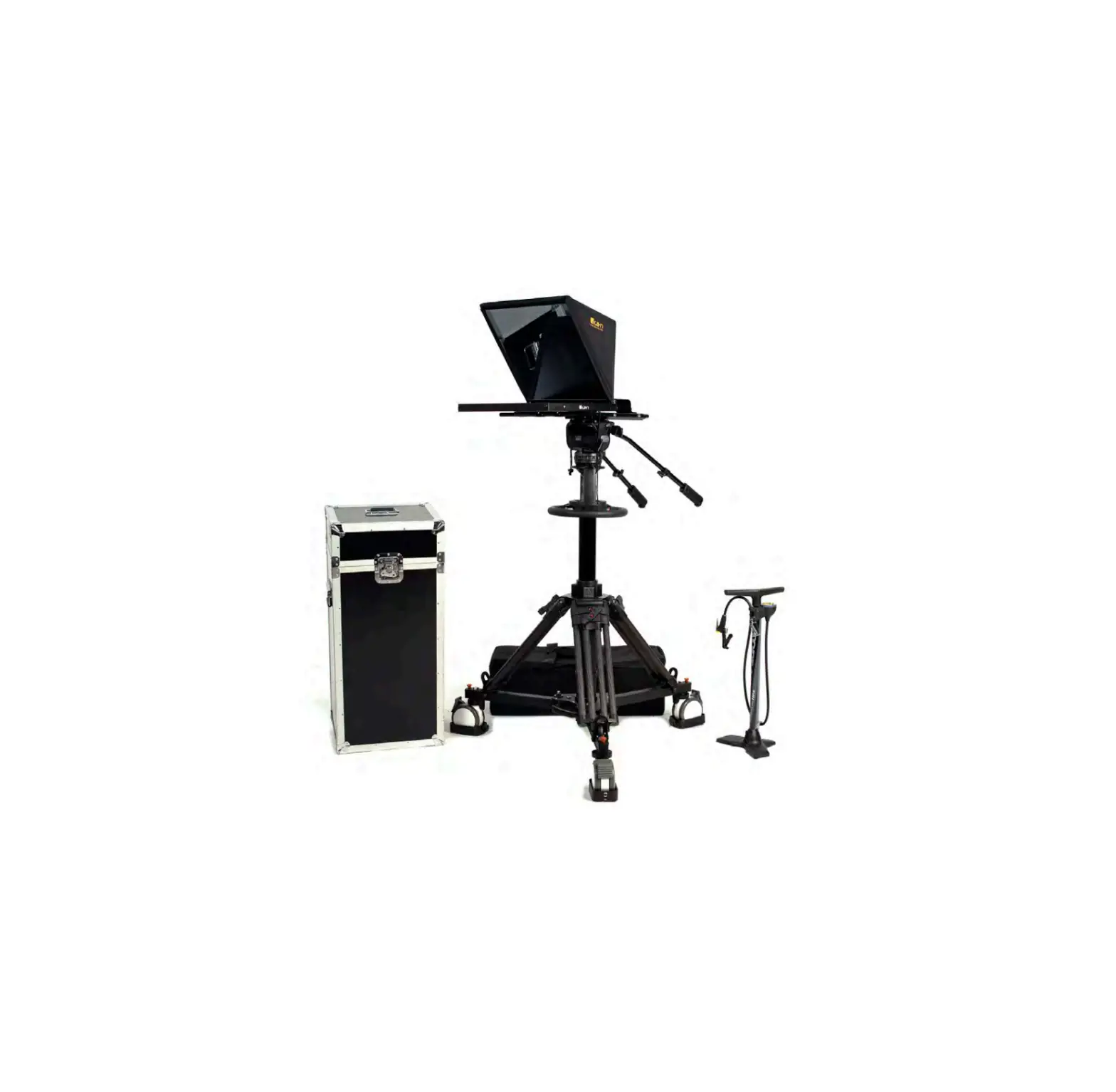
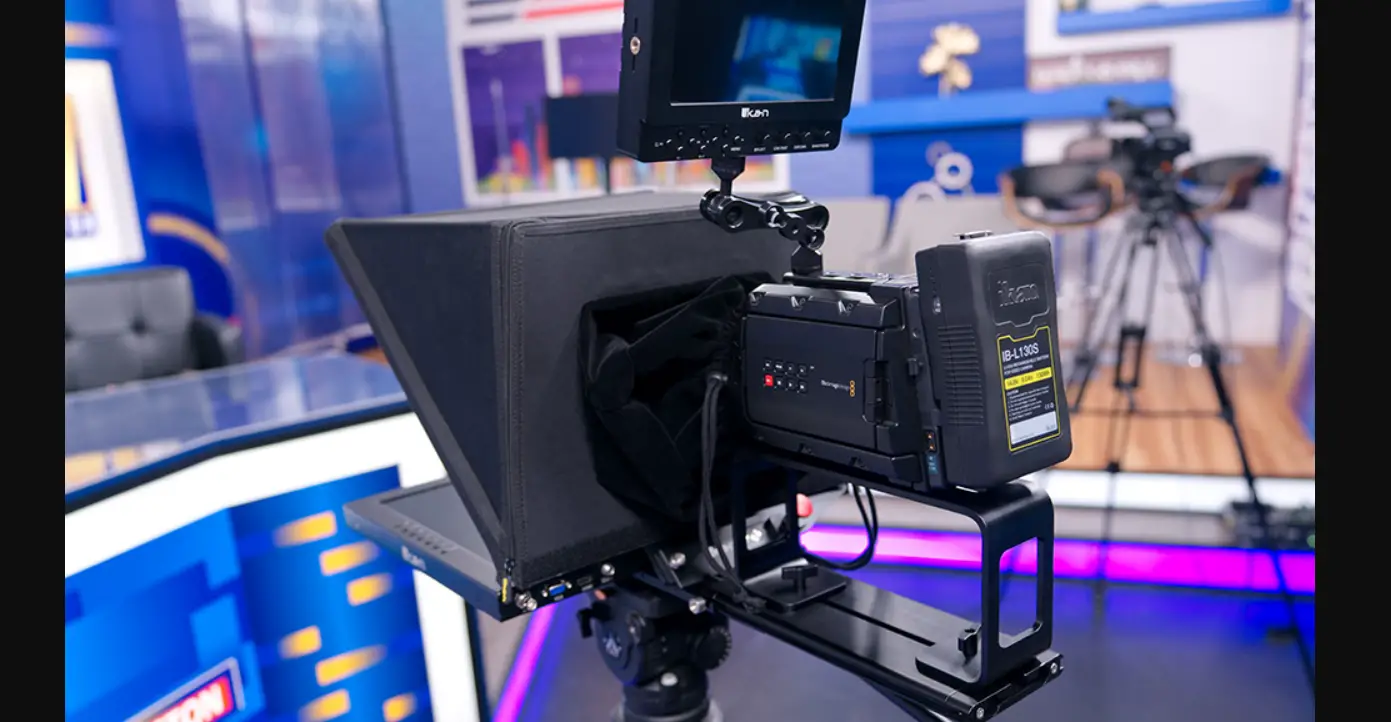
YOUR PROAIM ULTRA MODULAR TELEPROMPTER ALL DRESSED UP AND READY TO GO!
(SHOWN WITH OPTIONAL ACCESSORIES) Warranty: We offer one year warranty for our products from date of purchase. Within this period of time, we will repair it without charge for labor or parts. Warranty doesn’t cover transportation costs nor does it cover a product subjected to misuse or accidental damage. Warranty repairs are subjected to inspection and evaluation by us. Liability: We are not liable for damage caused by products that we do not supply or from mishandling in transit, accident, misuse, neglect, lack of care of the product, or service by anyone other than our company. Contact Us: In case of any kind of dissatisfaction, please Contact us immediately and we promise our utmost support and care until you use our product.