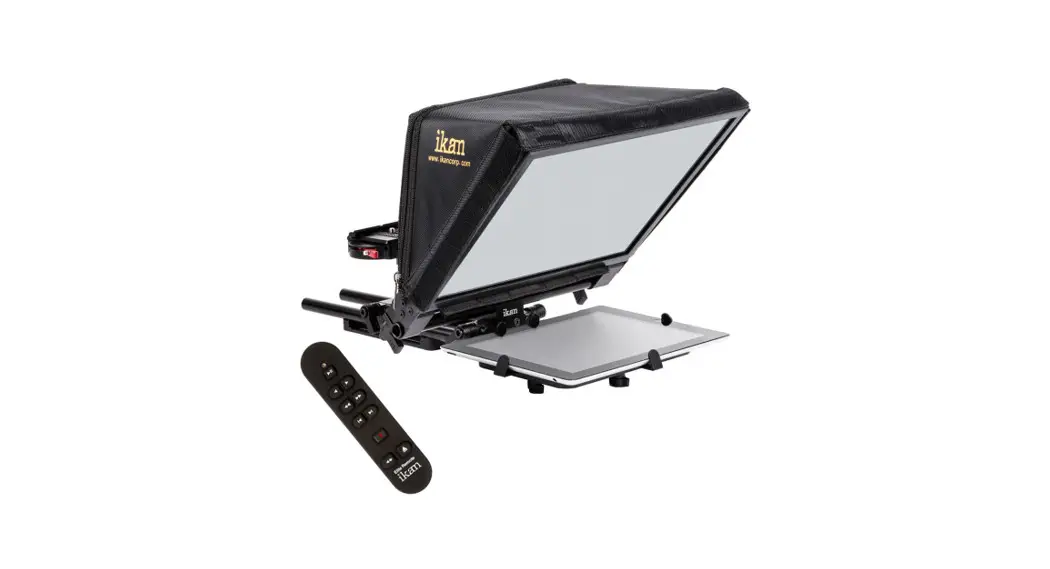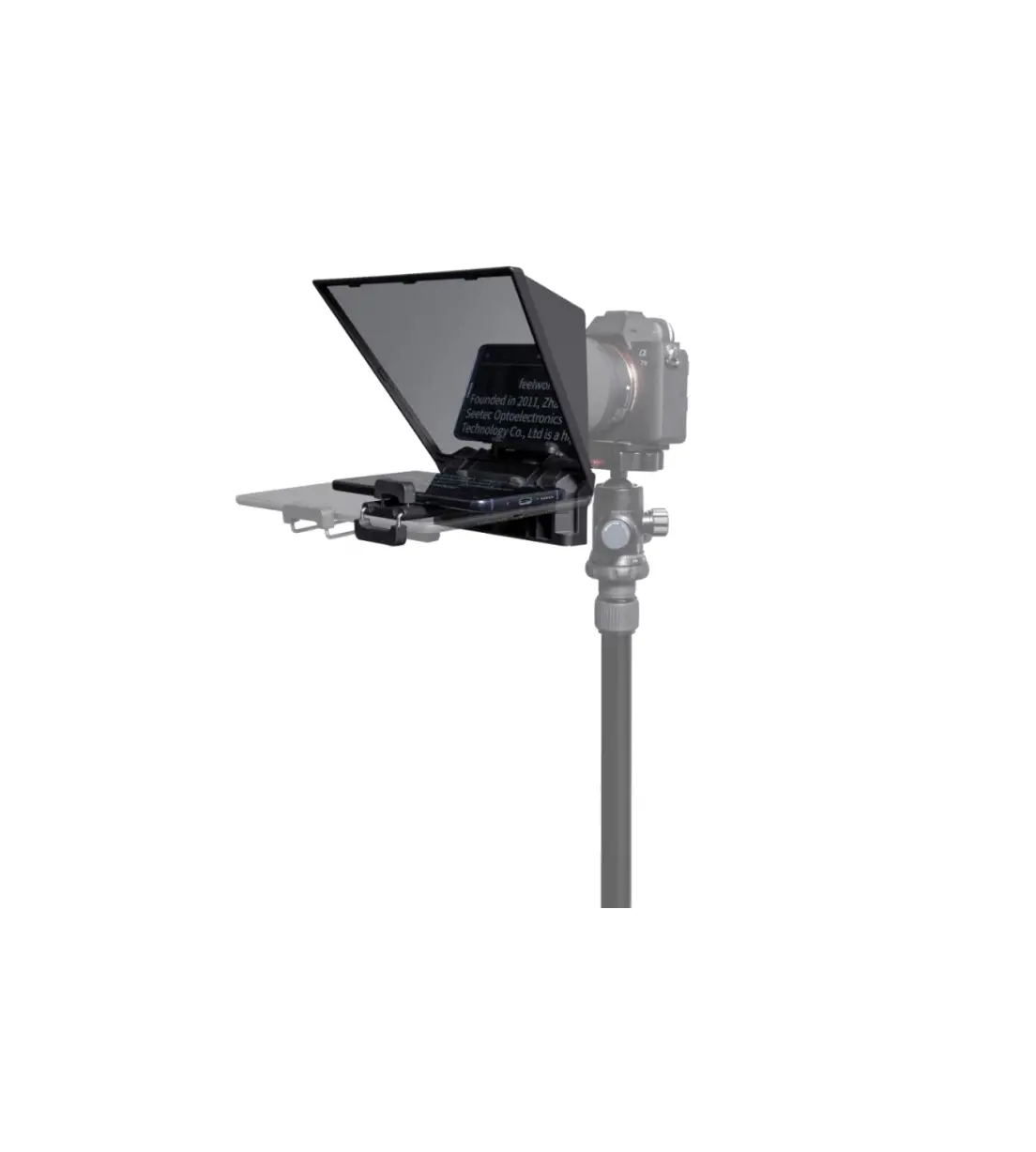
FEELWORLD TP2A Smartphone Tablet DSLR Teleprompter
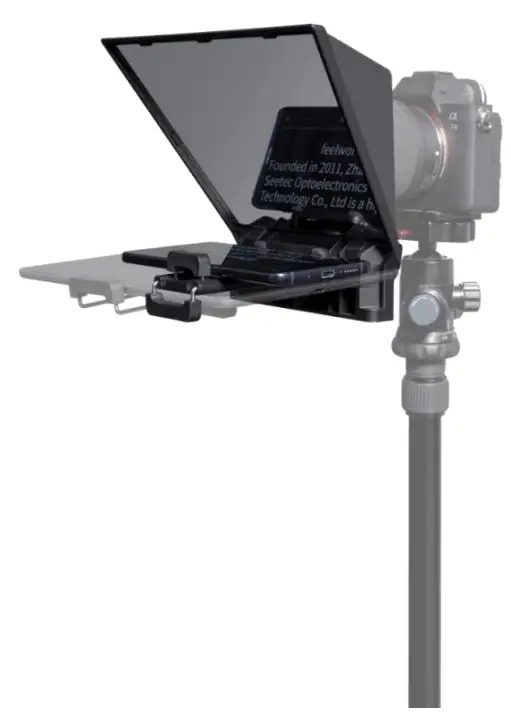
 DSLR CAMERA VERSION
 SMARTPHONE+DSLR UNIVERSAL VERSION
PRODUCT INSTRUCTION
Smartphone/Tablet/DSLR Teleprompter
Patent product, Support wide angle lens
Patent No:202120181964.6
Packing List
TP2 DSLR Camera Version Packing List
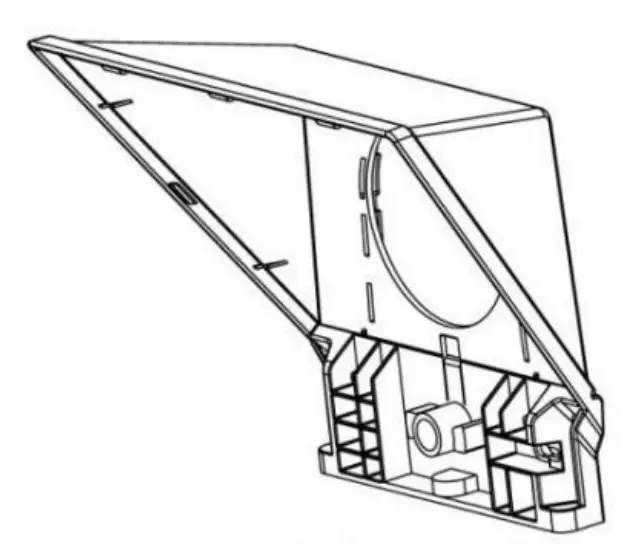
- Teleprompter

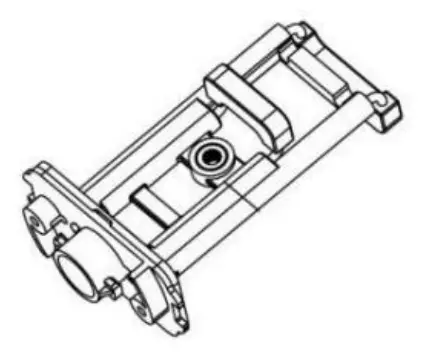
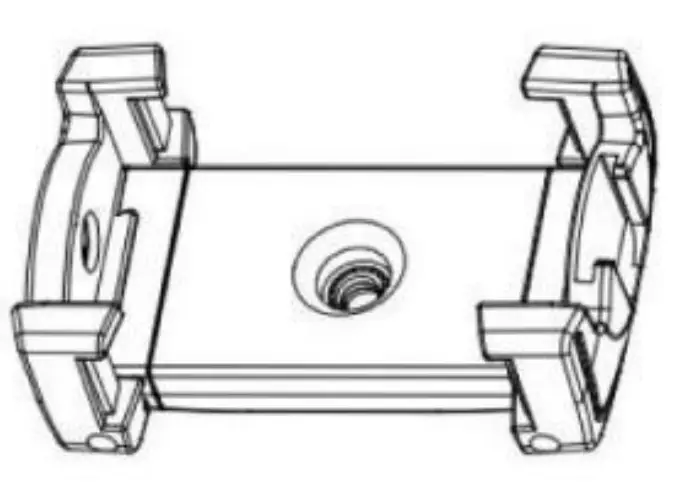
- Smartphone(Tablet clamp

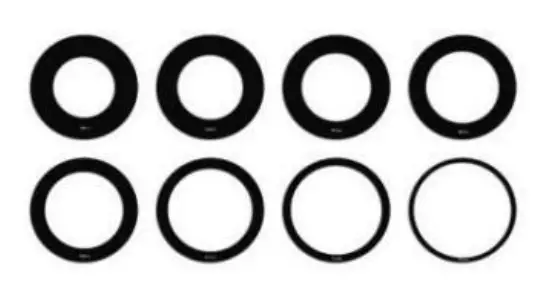
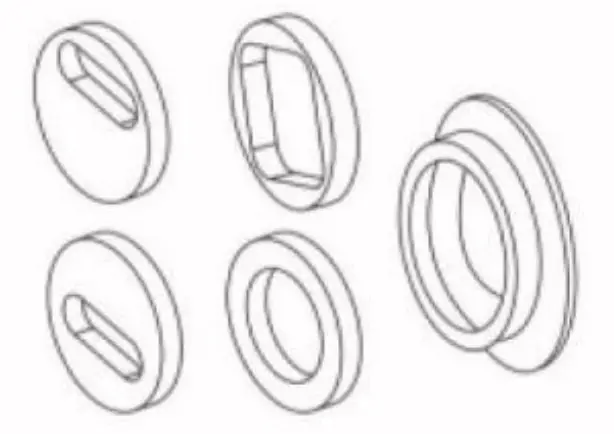
- Lens adapter
( 49/52/55/58/62/67 /72/77mm)
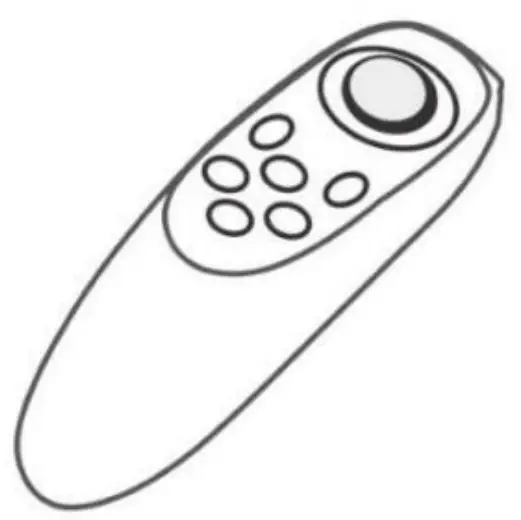
- Remote controller

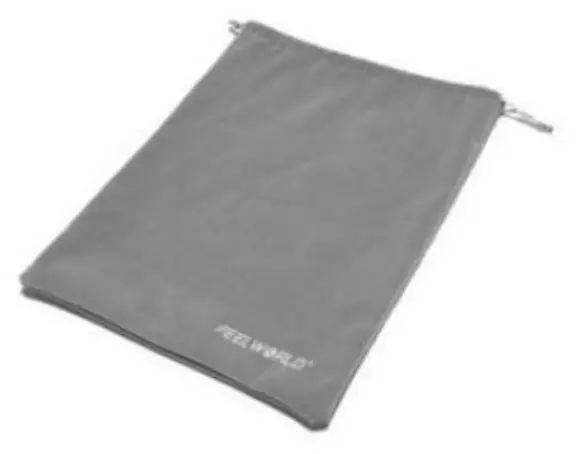
- Drawstring bag

- Mircofiber cloth

- User Manual


TP2A DSLR Camera + Smartphone Version Packing List
- Teleprompter
- Smartphone/Tablet clamp
- Magnetic smartphone clamp

- Lens adapter
( 49/52/55/58/62/67 /72/77mm) - Foam ring

- Remote controller
- Drawstring bag
- Mircofiber cloth
- User Manual
Structure
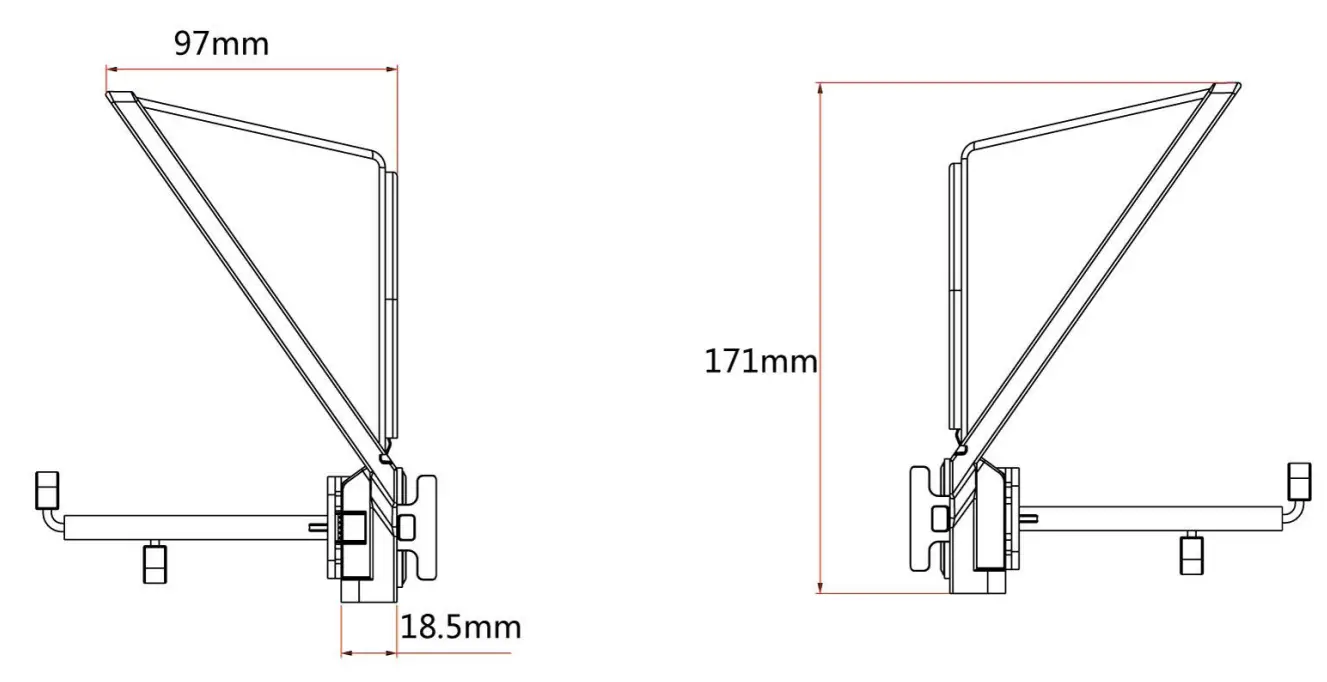
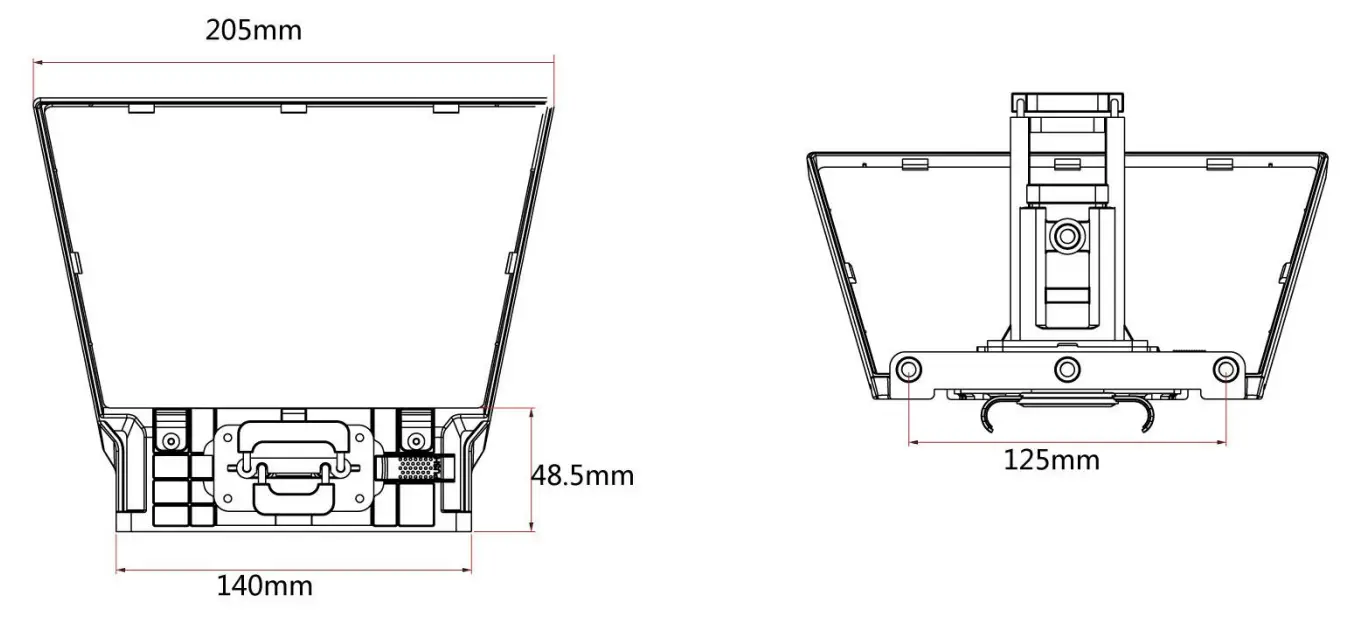
Installation
- Tablet /Smartphone Prompting, DSLR Camera Recording
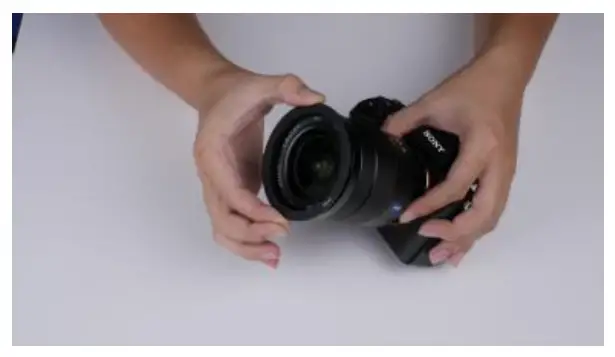
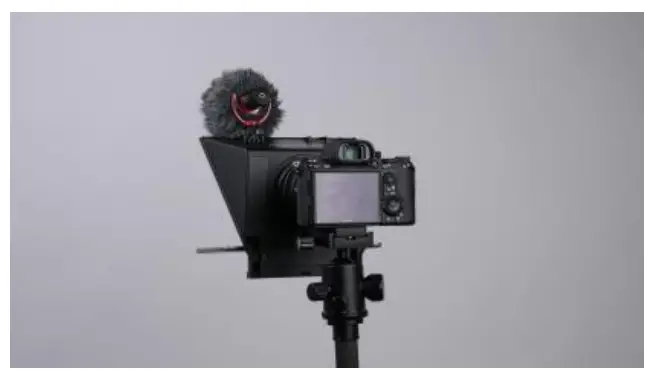
- Take out a suitable lens adapter to install on your camera

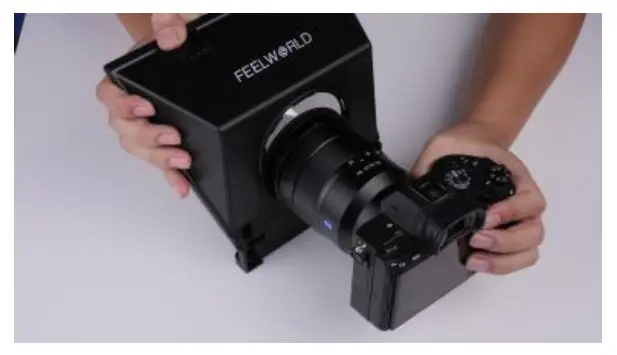
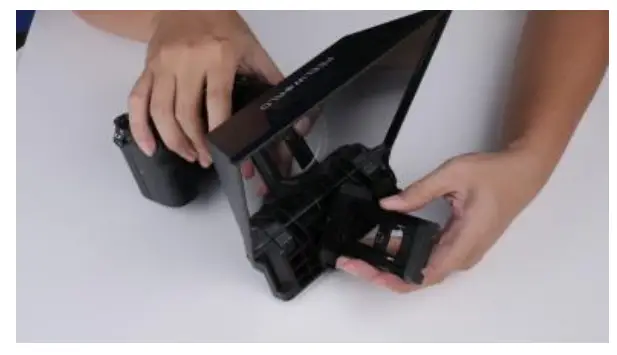
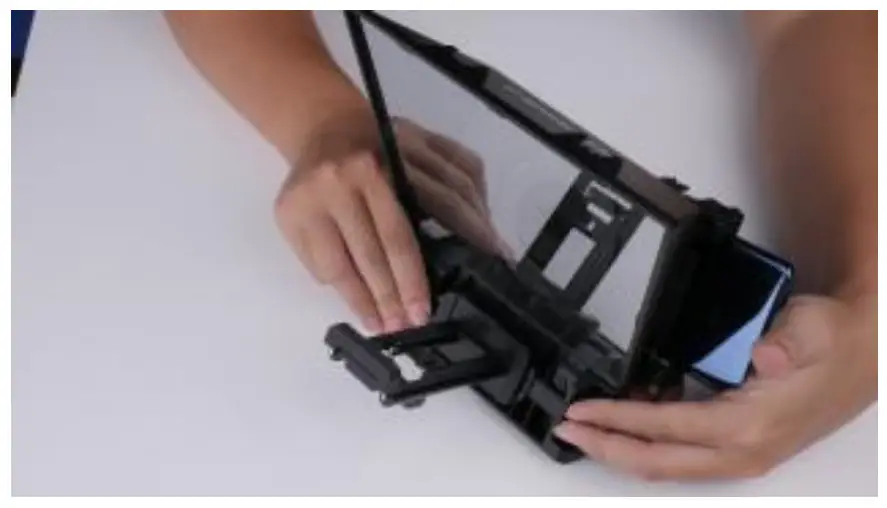
- Install the teleprompter on the camera

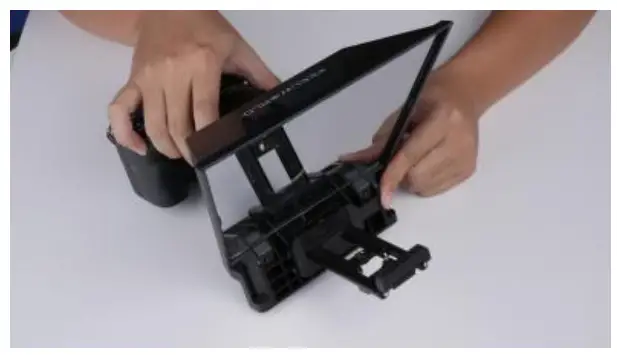
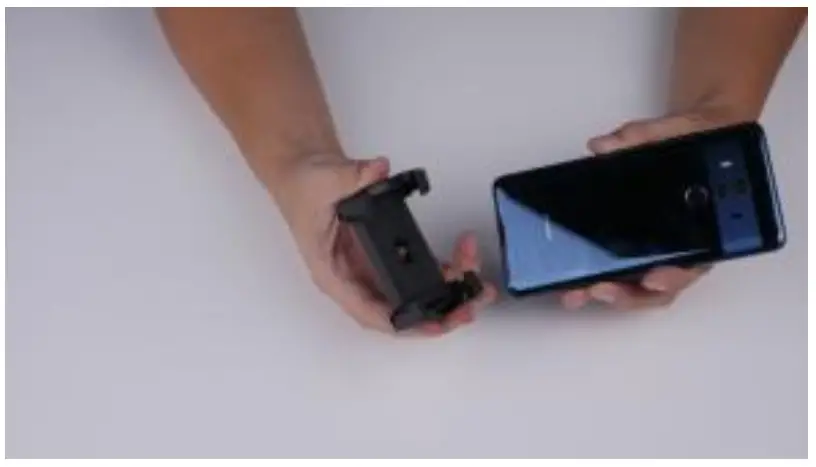
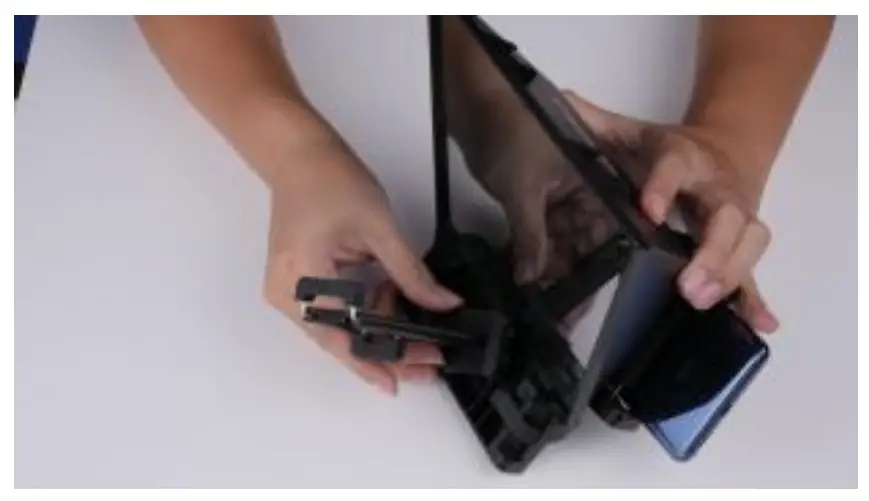
- Install the phone/tablet clamp
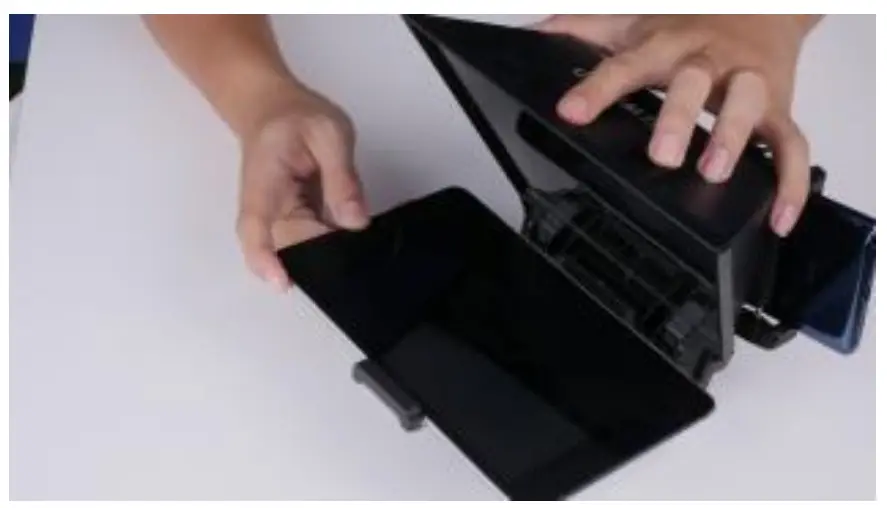
- Push the “PUSH” to lock the phone/tablet clamp
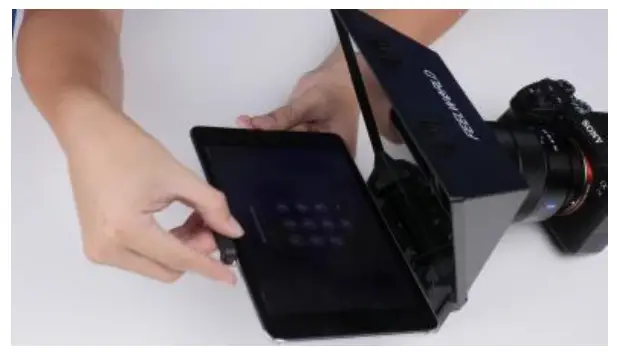
- Put the tablet on the tablet clamp
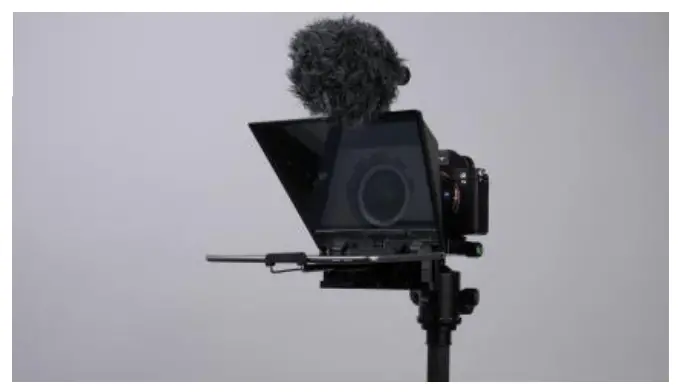
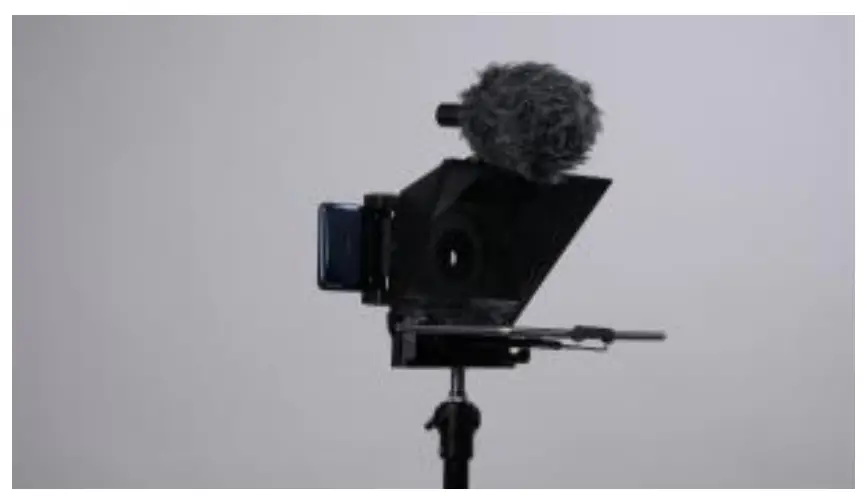
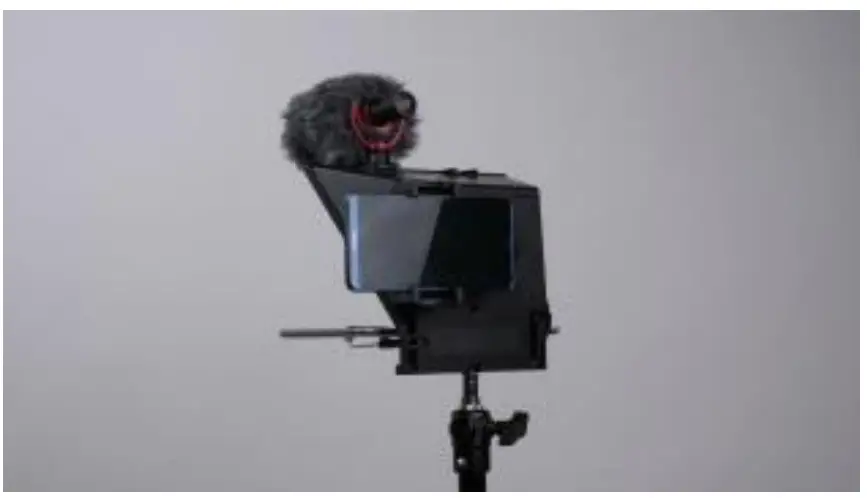
- Install the whole set on the tripod.
The two cold shoe seat on the top of teleprompter can mount mircophone, ill light, etc.
- Turn on the camera and make sure full screen.

- Take out a suitable lens adapter to install on your camera
- Tablet Prompting, Smartphone Recording
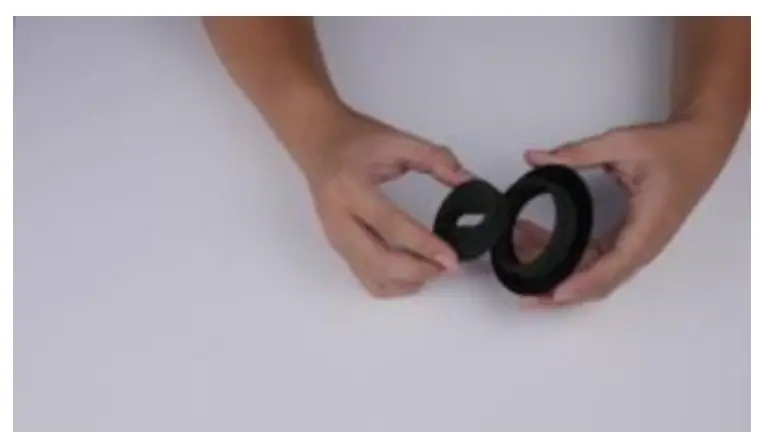
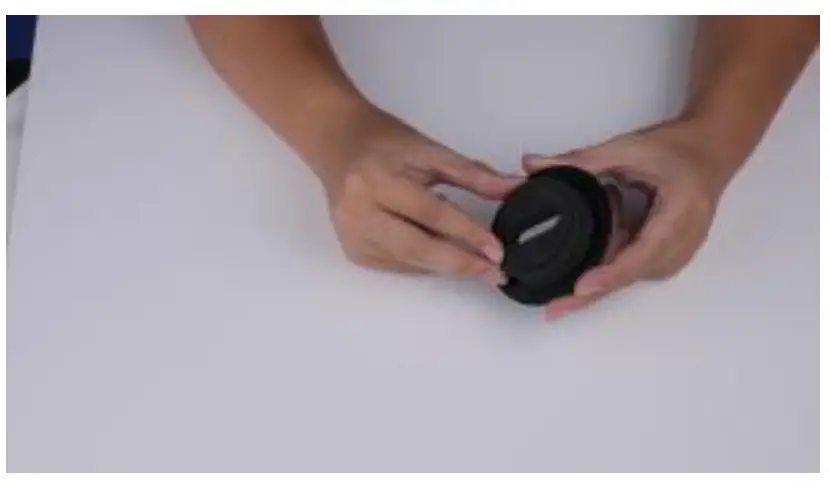
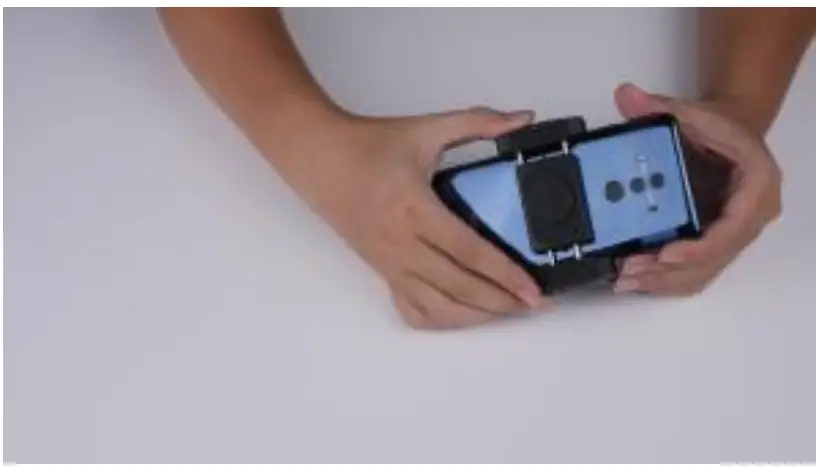
- Choose a foam ring and put it into phone lens dapter

- Make sure put it well

- Install it on the back of the teleprompter

- Put it on the middle of the phone
- Can be sucked on the right or left side small iron piece to meet horizontal shooting

- Also can be sucked on the below small iron piece to meet vertical shooting

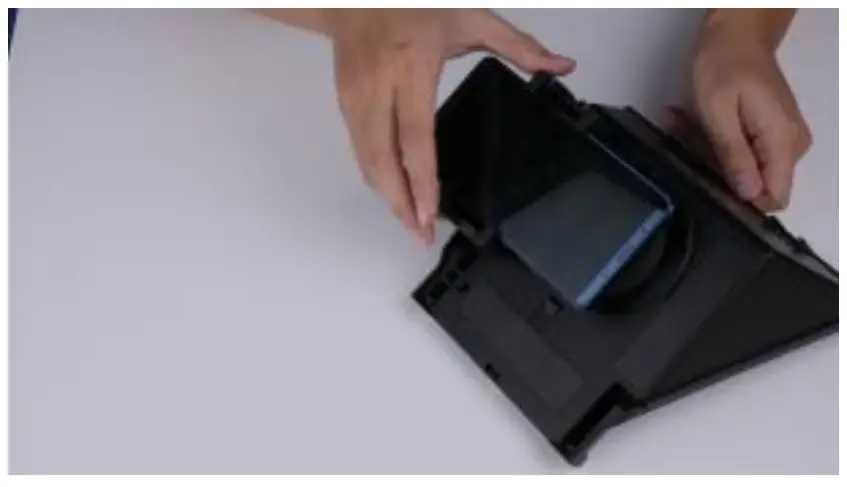
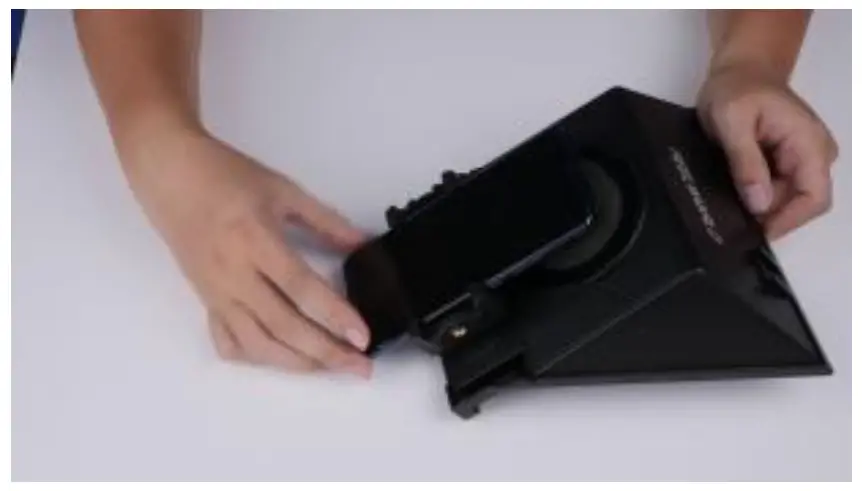
- Install the phone/tablet clamp on the teleprompter

- Push the PUSH to lock it

- Put the tablet on it
- Install the whole set on the tripod. The two cold seats on the top teleprompter can mount microphone, fill light, etc.

- Turn on the recording of the phone and make sure full screen.
- Choose a foam ring and put it into phone lens dapter
APP Download
| iOS APP Download |  | iOS user search “FEELWORLD” in App Store to download |
| Android APP Download |  | Android user seach “ FEELWORLD” in Google Play to download |
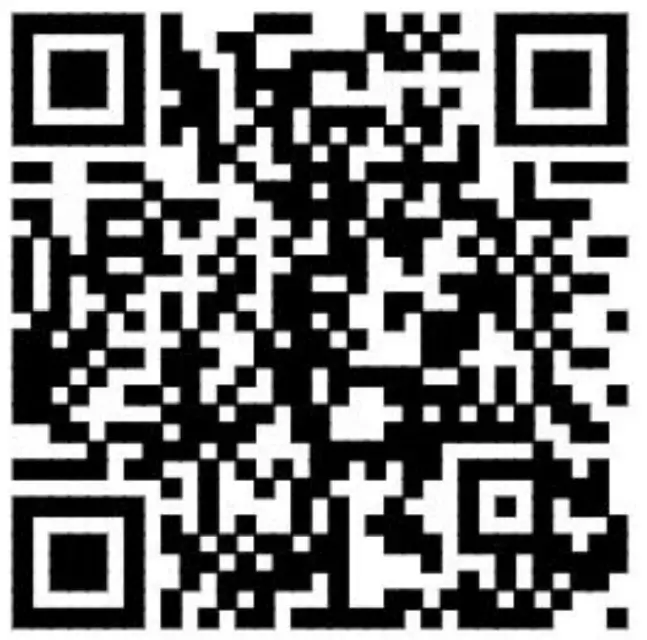 | or scan the QR code to download |
Remote Controller
Remote Button Instruction
NOTICE: Due to different brand phone, some smartphone function will be different after connected the remote.
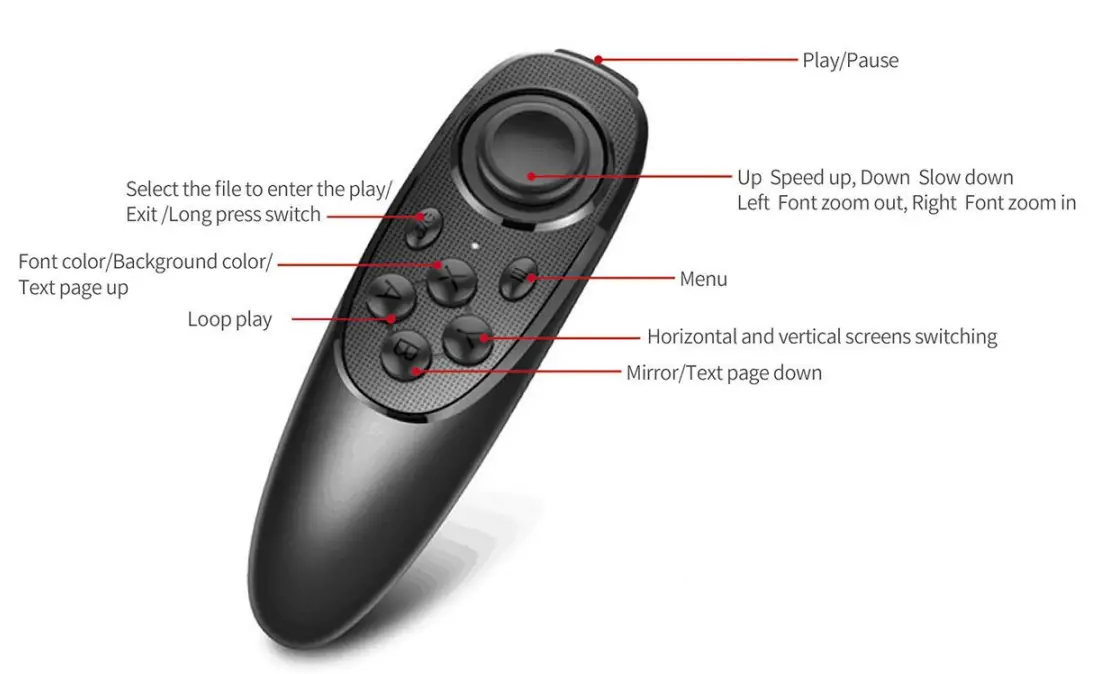
Remote Use Instruction
- Power on: Keep press power button, until the lights on (about 2 seconds). 2. Power off:
- Keep press power button, until the lights off (about 5 seconds).
Notice: if power on without connect anything, it will power off after 5 minutes; if connected the phone, it will power off after 30 minutes. - iOS Connect
Turn on the Bluetooth of the phone first, then turn on APP, and power on the remote controller last. LED lights on, auto into paring mode, allowing the Bluetooth pair. The APP will show automatically connected to Feelworld-02, and the connection is successful.
What can I do if my iPhone can not connect with remote controller?- pls go to bluetooth connection of your phone, check if remote controller had been connected by iphone;
- then follow below steps to reconnect: 1) disconnect iPhone Bluetooth , and switch off remote controller; 2) turn on iPhone Bluetooth, open app, and then switch on remote controller.
- Android Connect
After power on, LED lights on, auto into paring mode. Turn on the Bluetooth of the phone, then turn on APP, will show the Bluetooth connected automatically.
★ As we are improving product features and product performance, so if there is any change on the specification without prior notice.

FAQ
1. Please check Location Permission on your phone, the connection need turn on permission.
2. Please check if the remote controller has been connected with your phone.
3. Please check if there is Bluetooth signal from remote controller.(check by other app to detect the Bluetooth )
4. Reboot the remote controller, reopen the app.
1. Please close other app at background on your phone.
2. Please turn of Bluetooth on other phones on worksite, to make sure your Android phone is the only device to connect the remote controller.
3. Please make sure that every time to connect with your phone is by app, not by Setting on you phone.