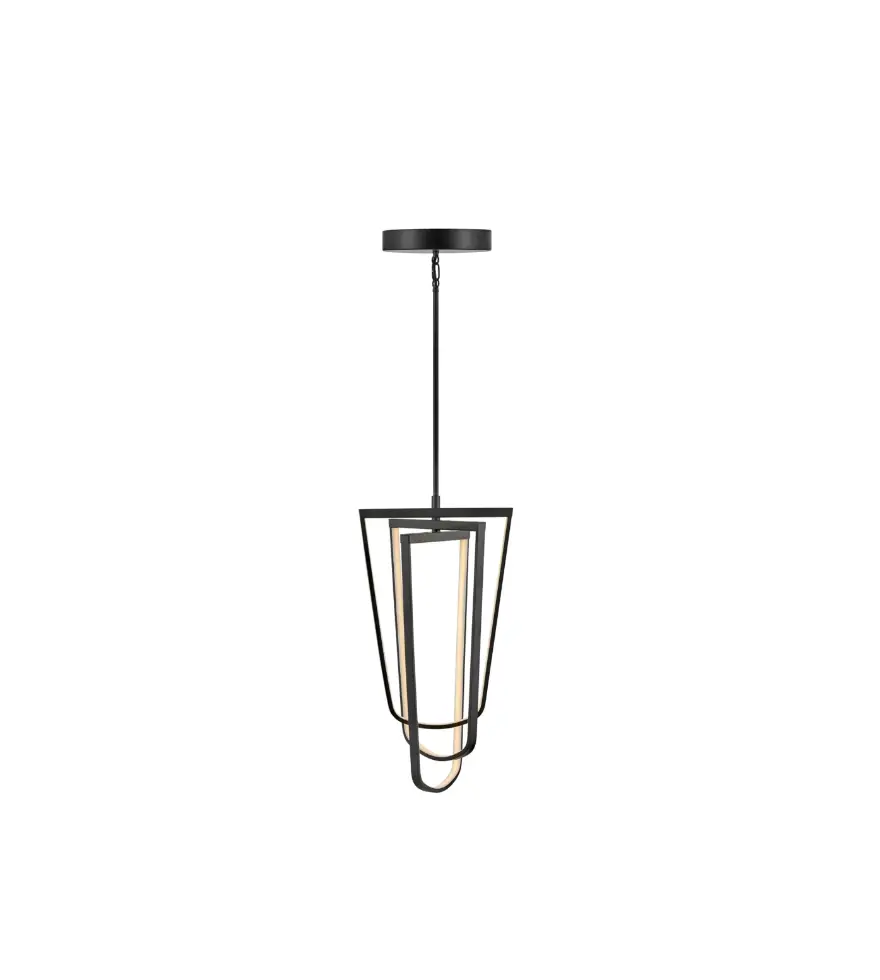
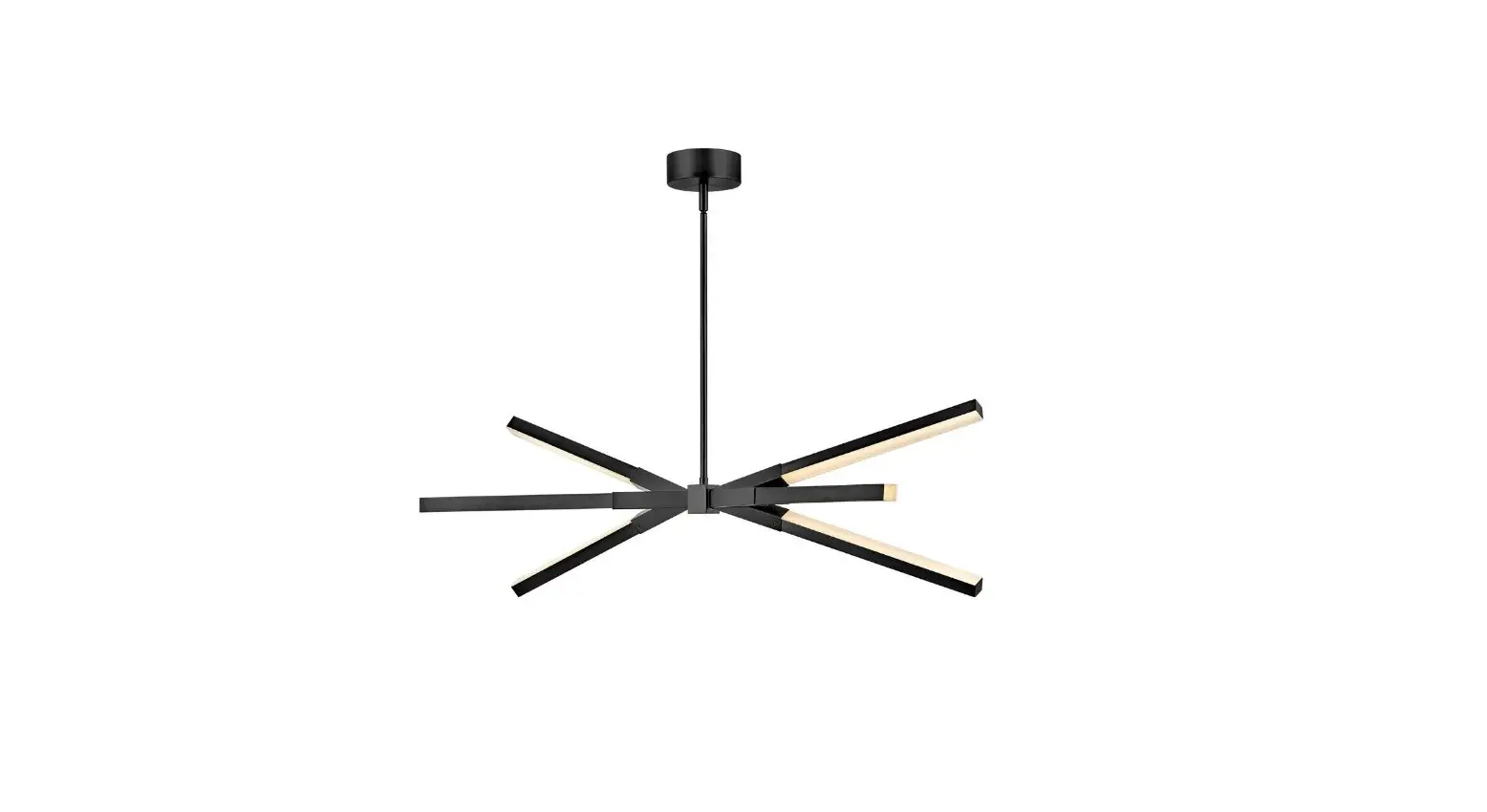
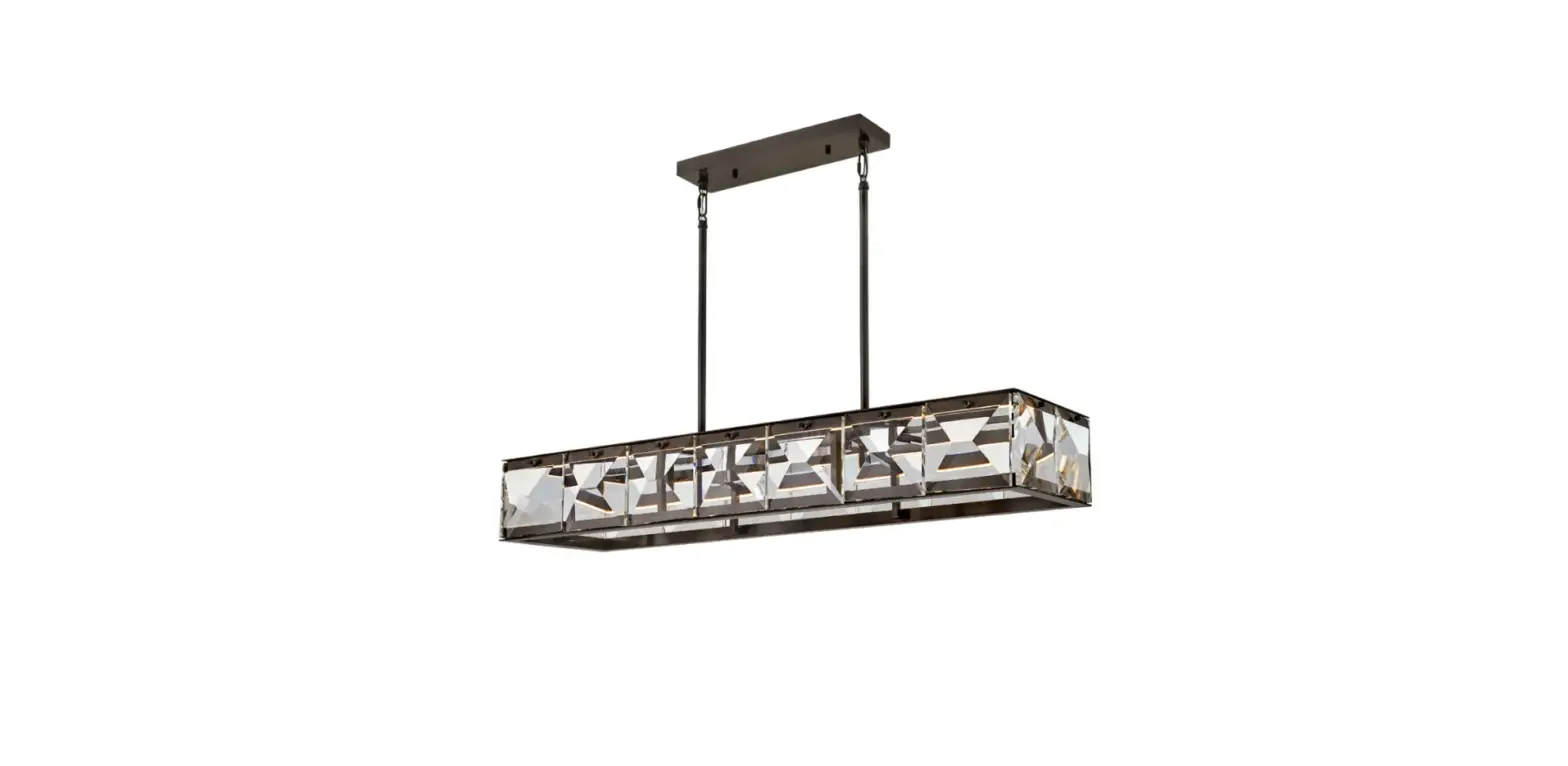
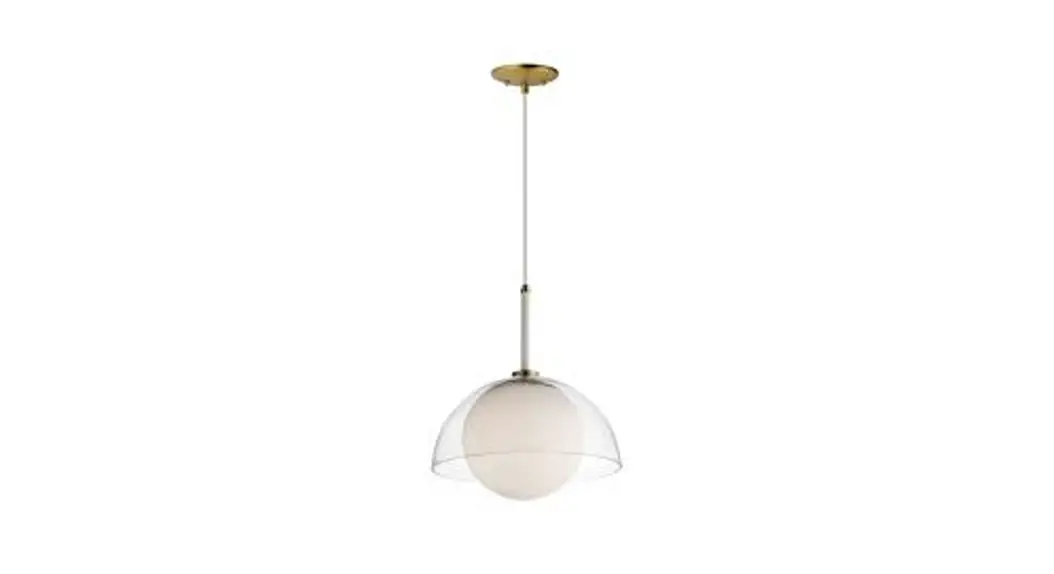
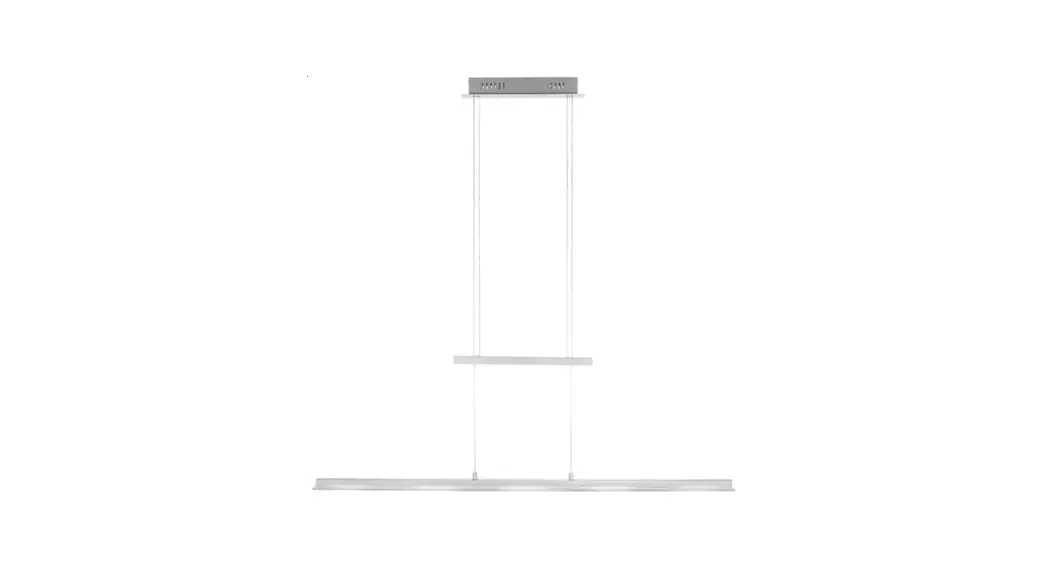
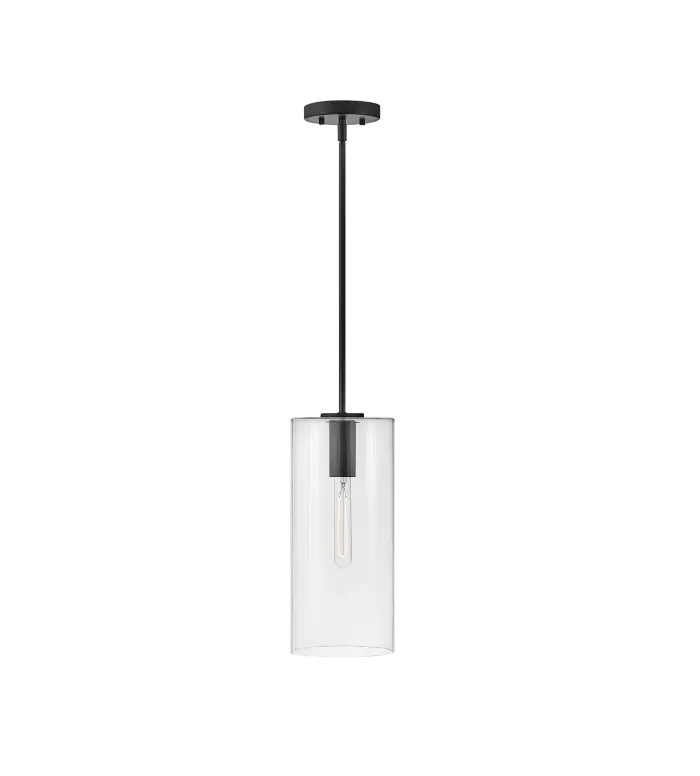
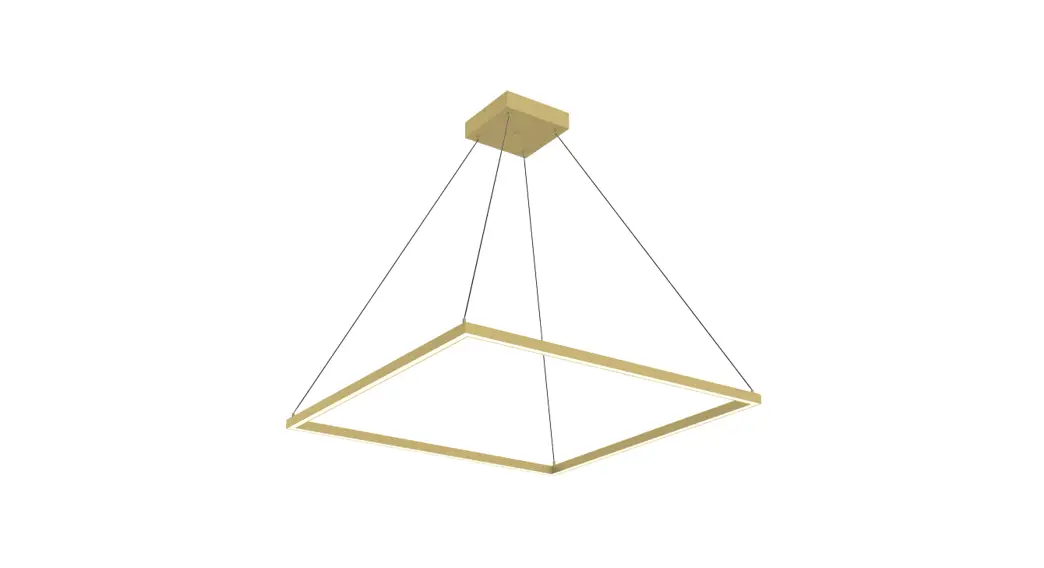
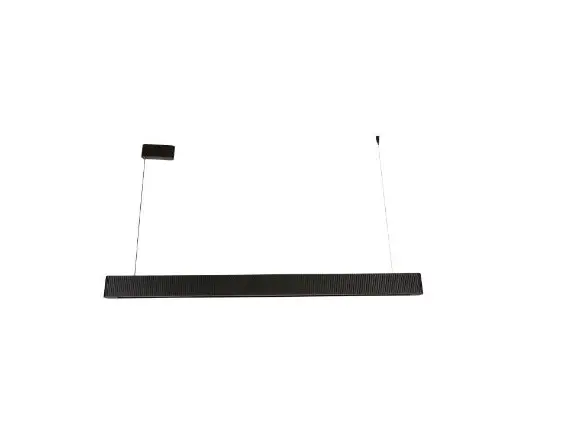
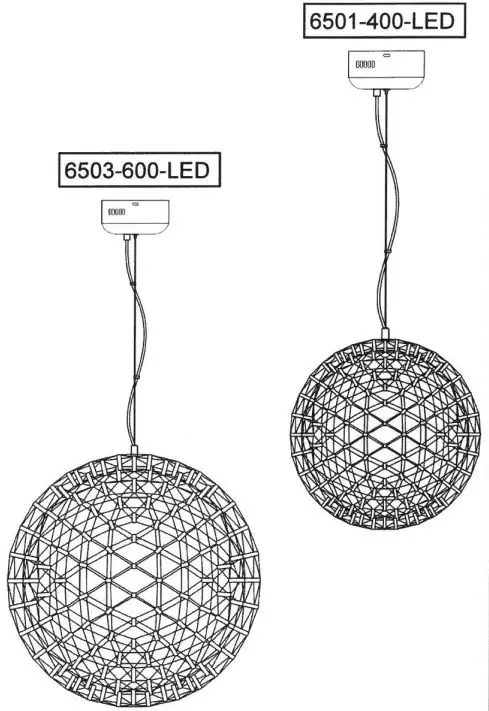
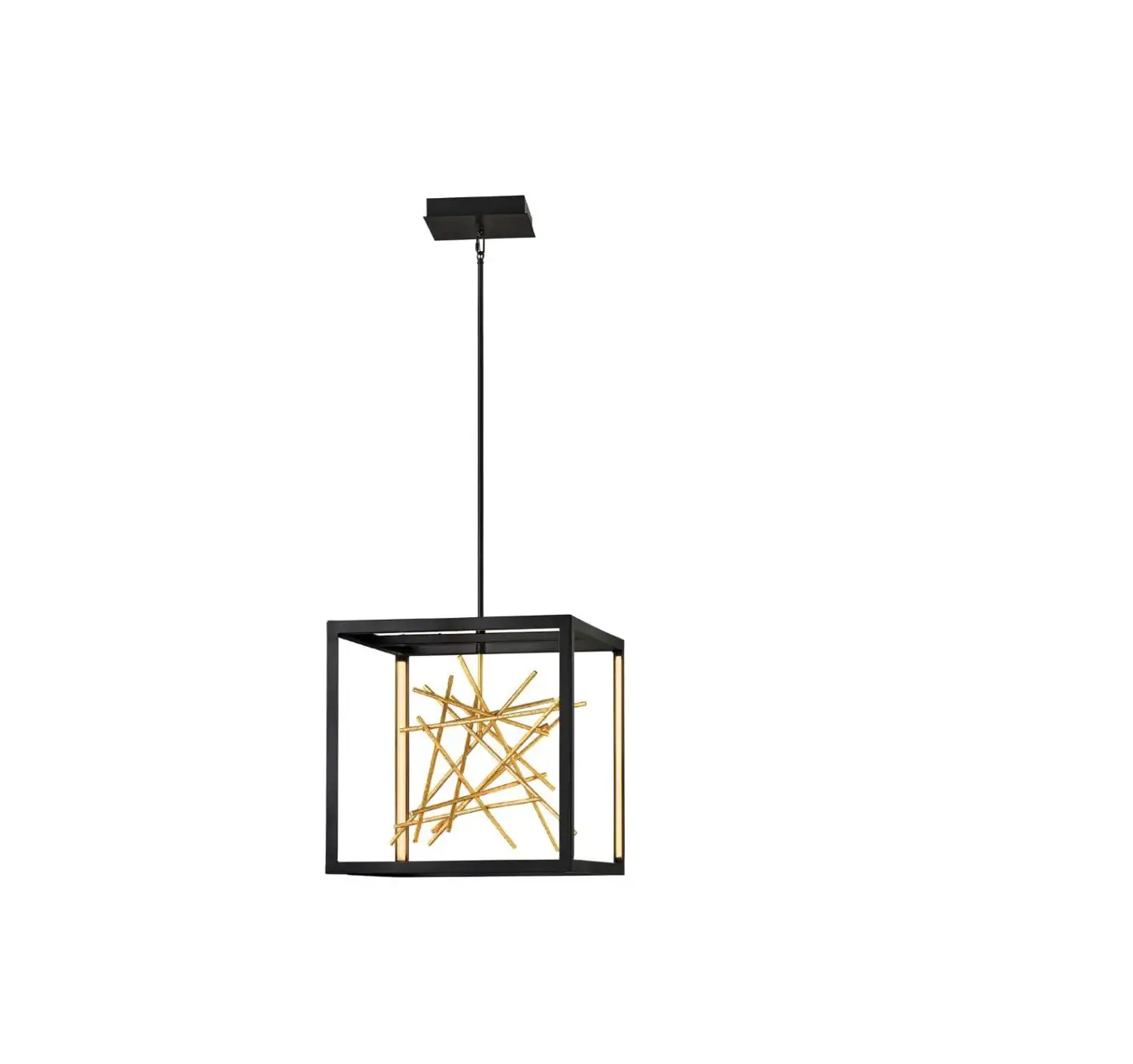
06FTL0240AGD Adjustable Integrated LED Pendant
Product Information
The product is a lighting unit that comes with a remote control.
The remote control has several functions that allow the user to
control the lighting unit. The lighting unit has an auxiliary light
that can be turned on or off using the remote control. The
auxiliary light has increased brightness and decreased color
temperature to 2700K. The lighting unit also has a key light that
can be manually selected to be either white ordinary or warm. The
key light has an LED main light source and can be turned on using
the remote control. The lighting unit also has a sleep mode with 2W
brightness of the LED key light. The key light has increased color
temperature to 6500K and decreased brightness. The remote control
has a 50% brightness and 100% brightness switch that can be used to
adjust the brightness of the lighting unit. The LED main light
source can be turned off using the remote control.
Product Usage Instructions
To pair the remote control with the lighting unit, follow these
steps:
- Turn on the lighting unit.
- Within 5 seconds, press the STEUP button of the remote
control. - The light will flash three times to indicate that it has been
paired with the remote control.
To turn on or off the auxiliary light:
- Press the ON/OFF button for the auxiliary light on the remote
control.
To adjust the brightness of the auxiliary light:
- Use the 50% brightness and 100% brightness switch on the remote
control to increase or decrease the brightness of the auxiliary
light.
To select white ordinary or warm for the key light:
- Use the manual selection button on the remote control to select
either white ordinary or warm for the key light.
To turn on or off the key light:
- Press the ON/OFF button for the key light on the remote
control.
To activate sleep mode:
- Press the sleep mode button on the remote control.
To adjust the brightness and color temperature of the key
light:
- Use the brightness and color temperature buttons on the remote
control to increase or decrease the brightness and color
temperature of the key light.
To turn off the LED main light source:
- Press the ON/OFF button for the LED main light source on the
remote control.
UserManual
RemoteControlFunctionsGuideline
AuxiliarylightA, ON /OFF
Increased brightness
Decreased color temperatureto2700K
*Pairing with the light: Pressthe”STEUP”buttonoftheremote within5secondsafterturningonthe lightunitilthelightflashes3times
Keylightmanual selected white ordinary
orwarm
ON LED mainlightsource
Sleepmodewith2W brightnessofLED key light
Increased color temperatureto6500K Decreased brightness
50% brightnessand 100% brightnessswitch
OFF LED mainlightsource