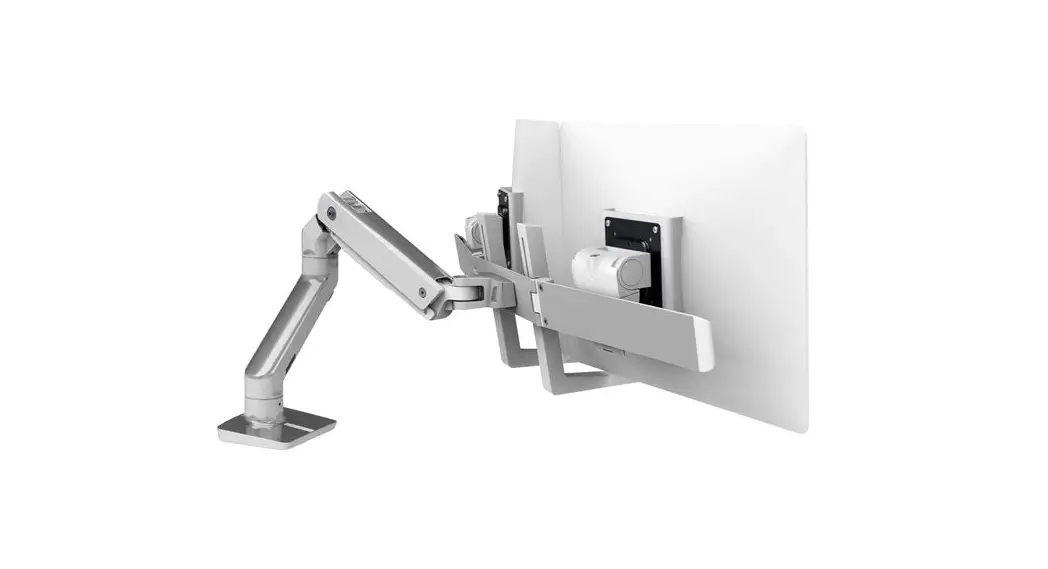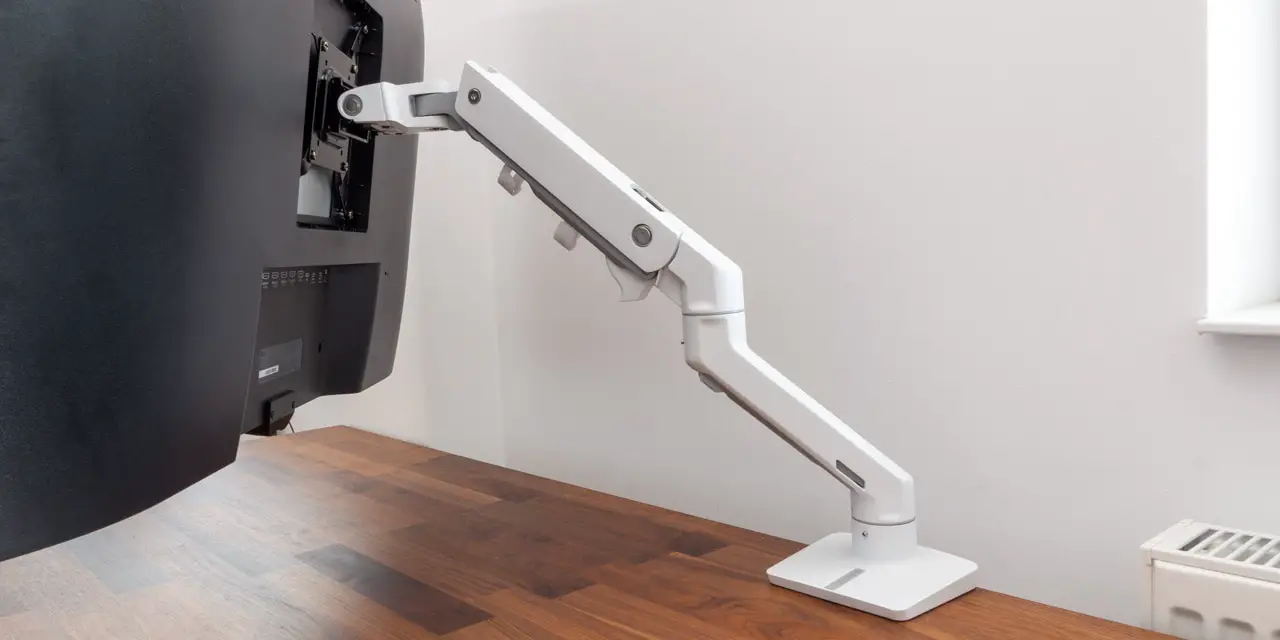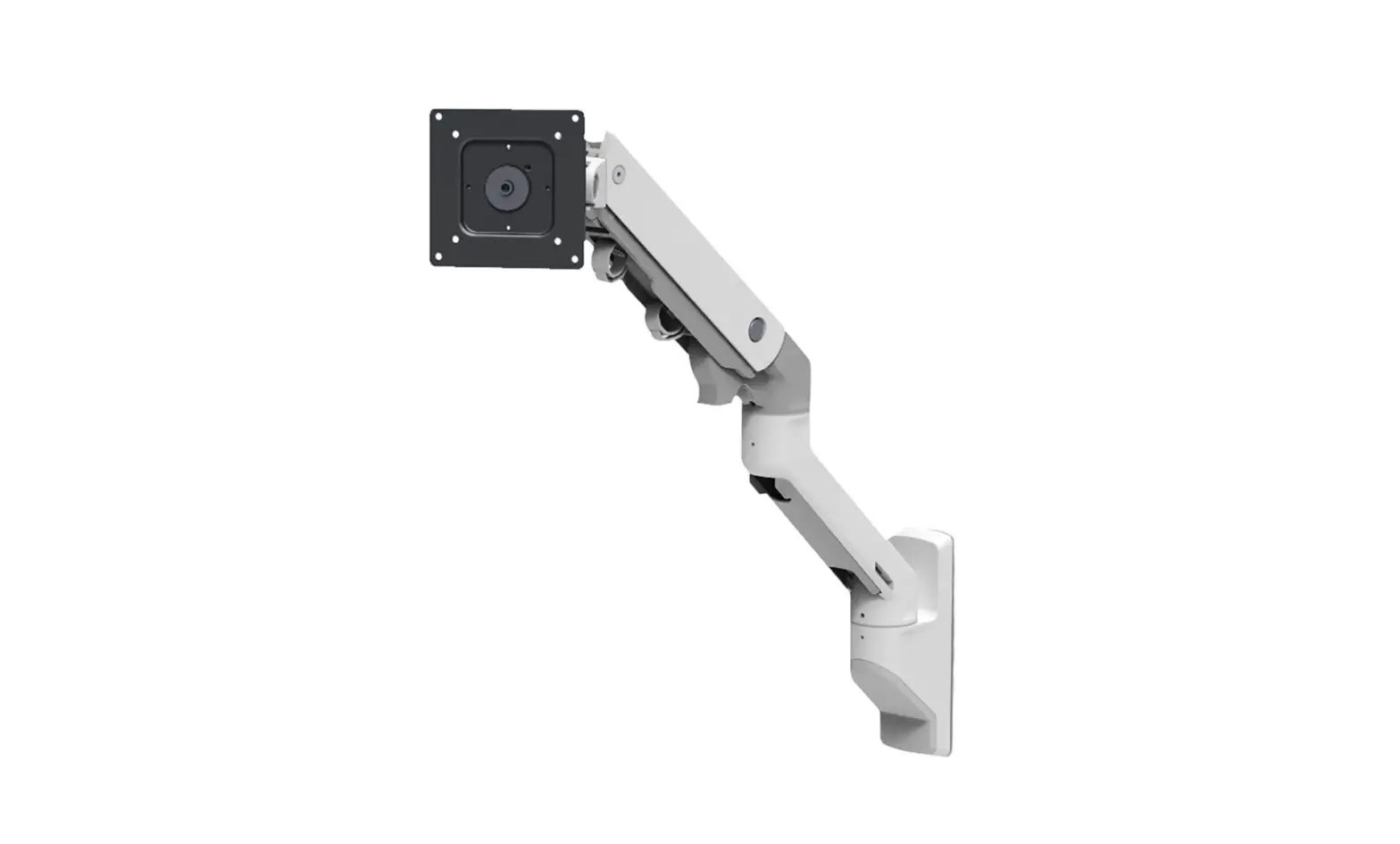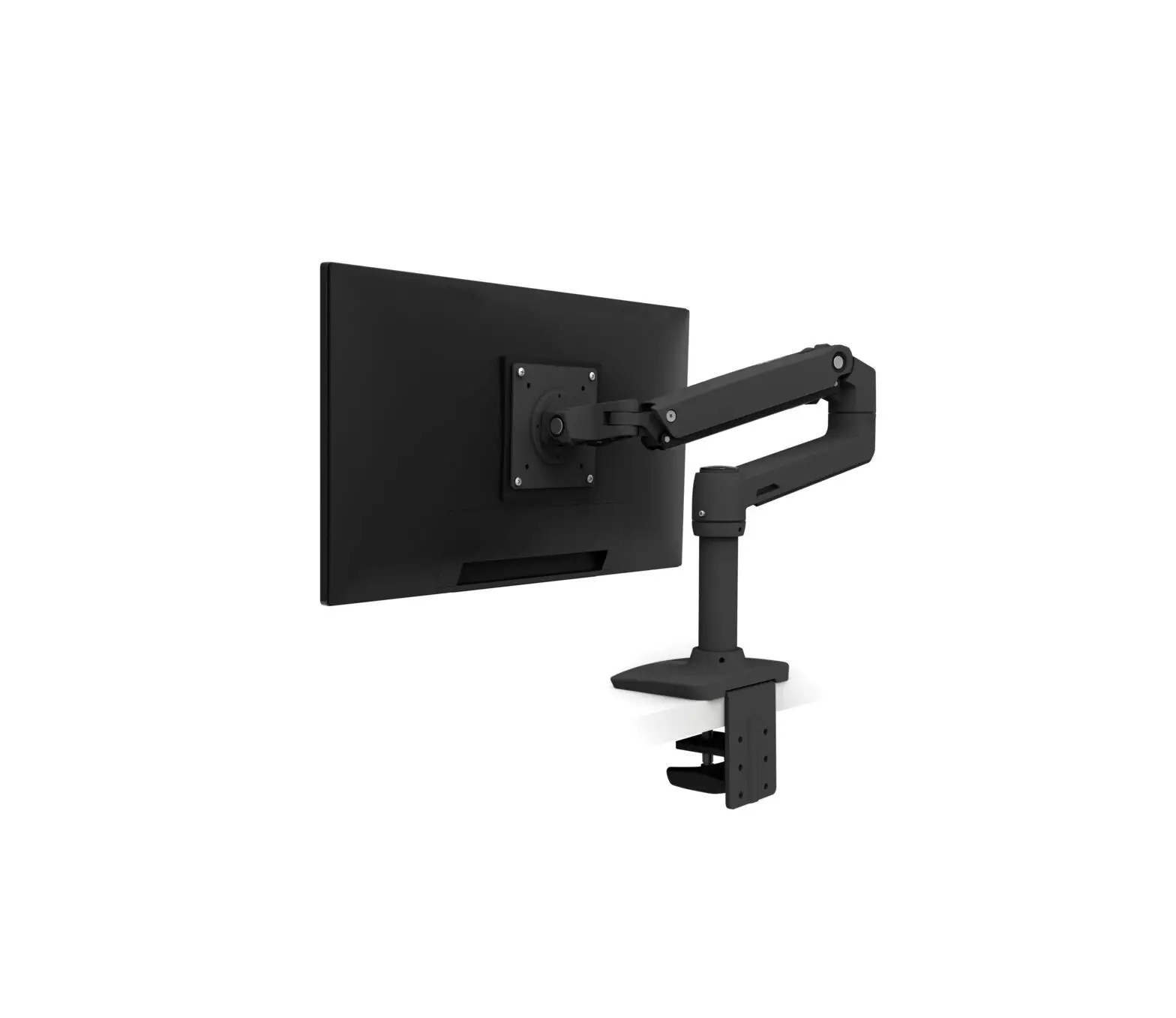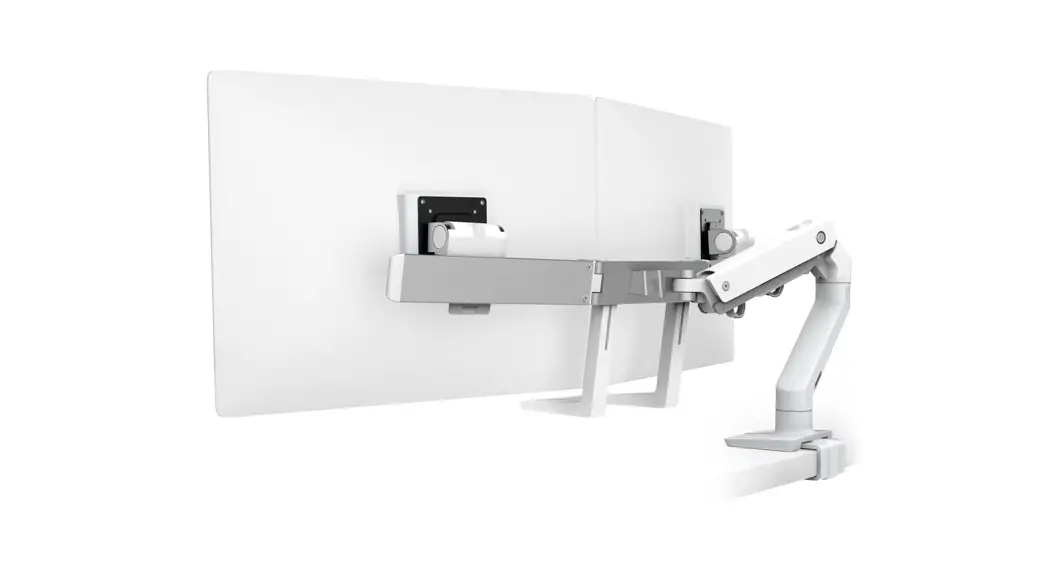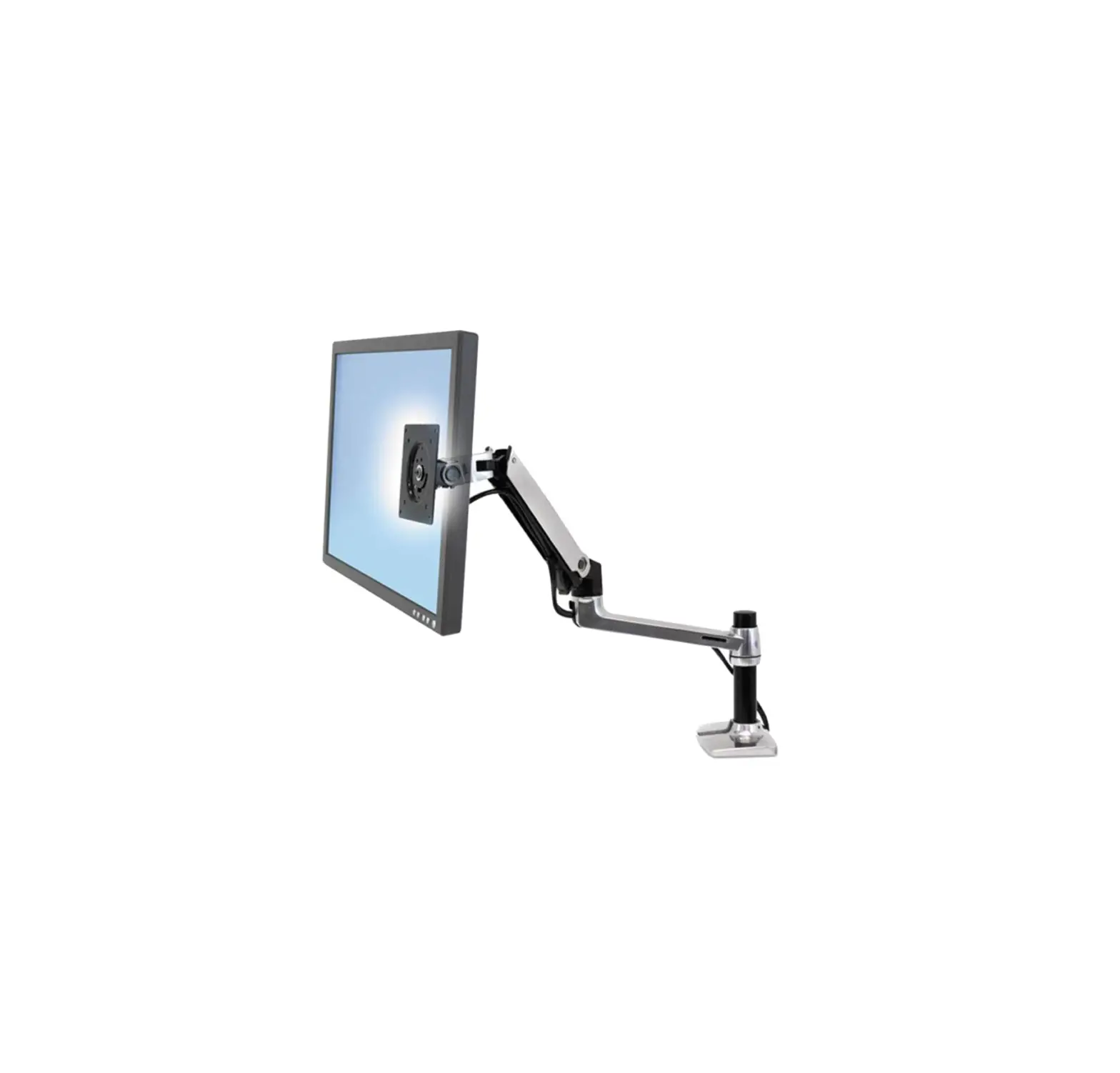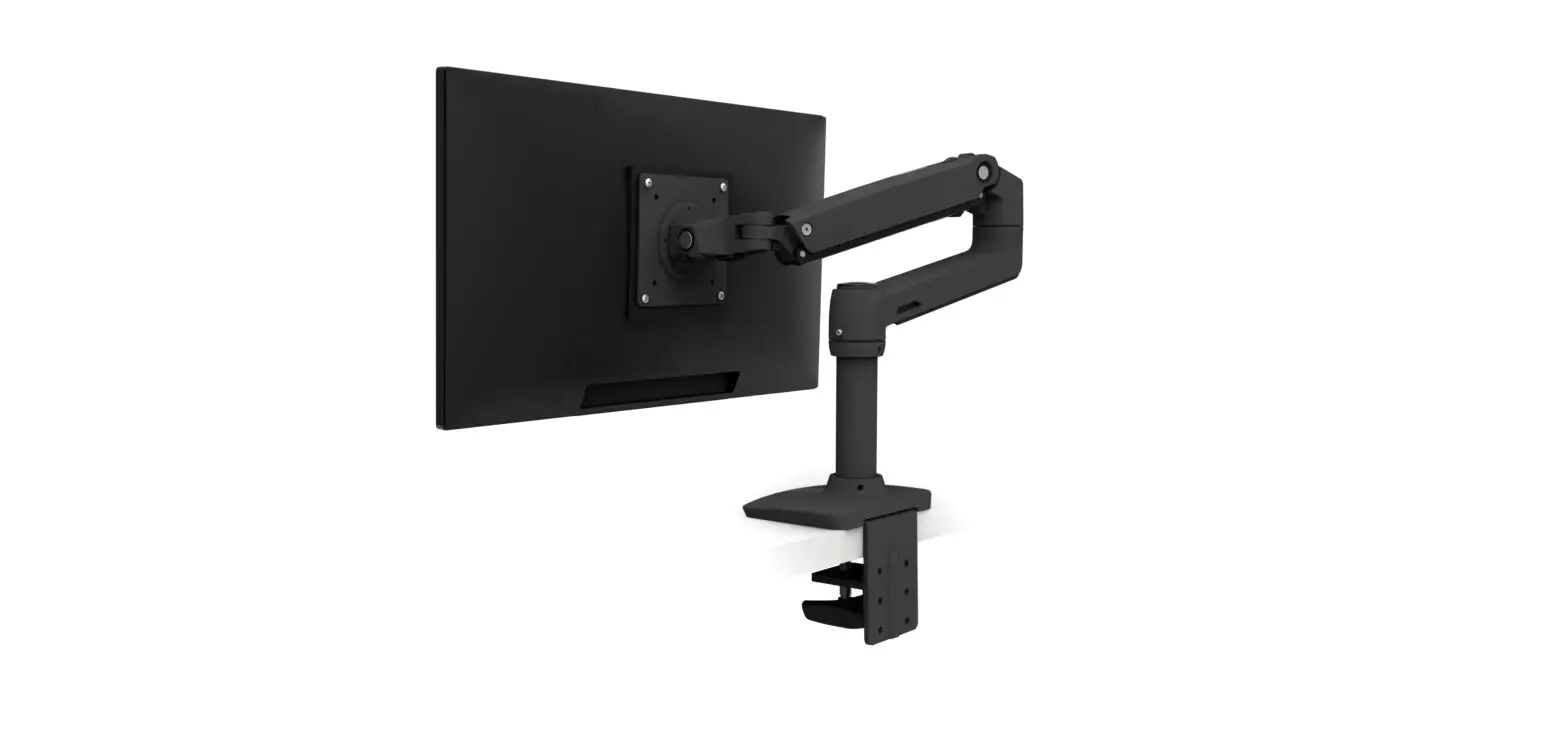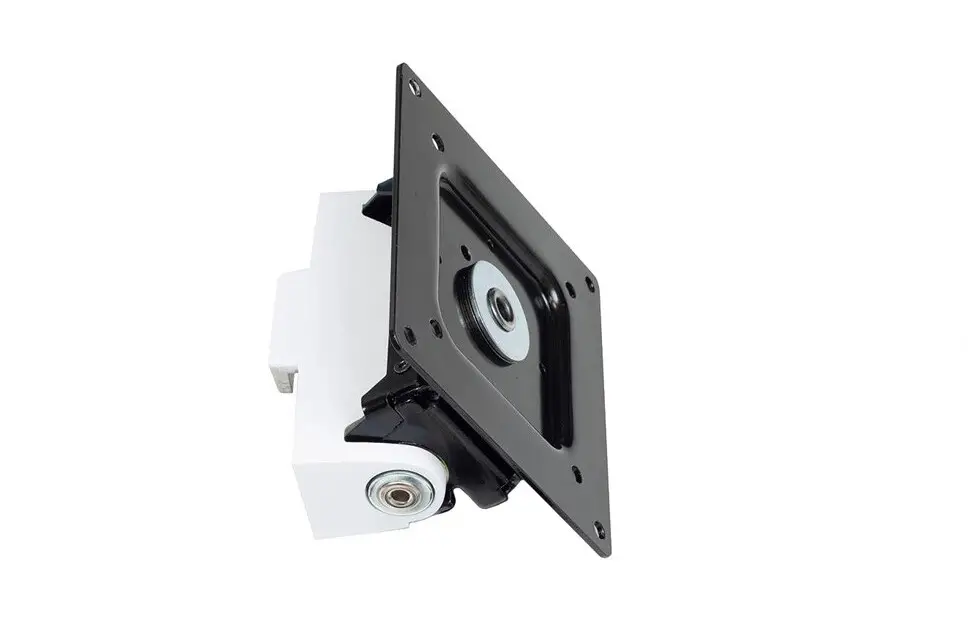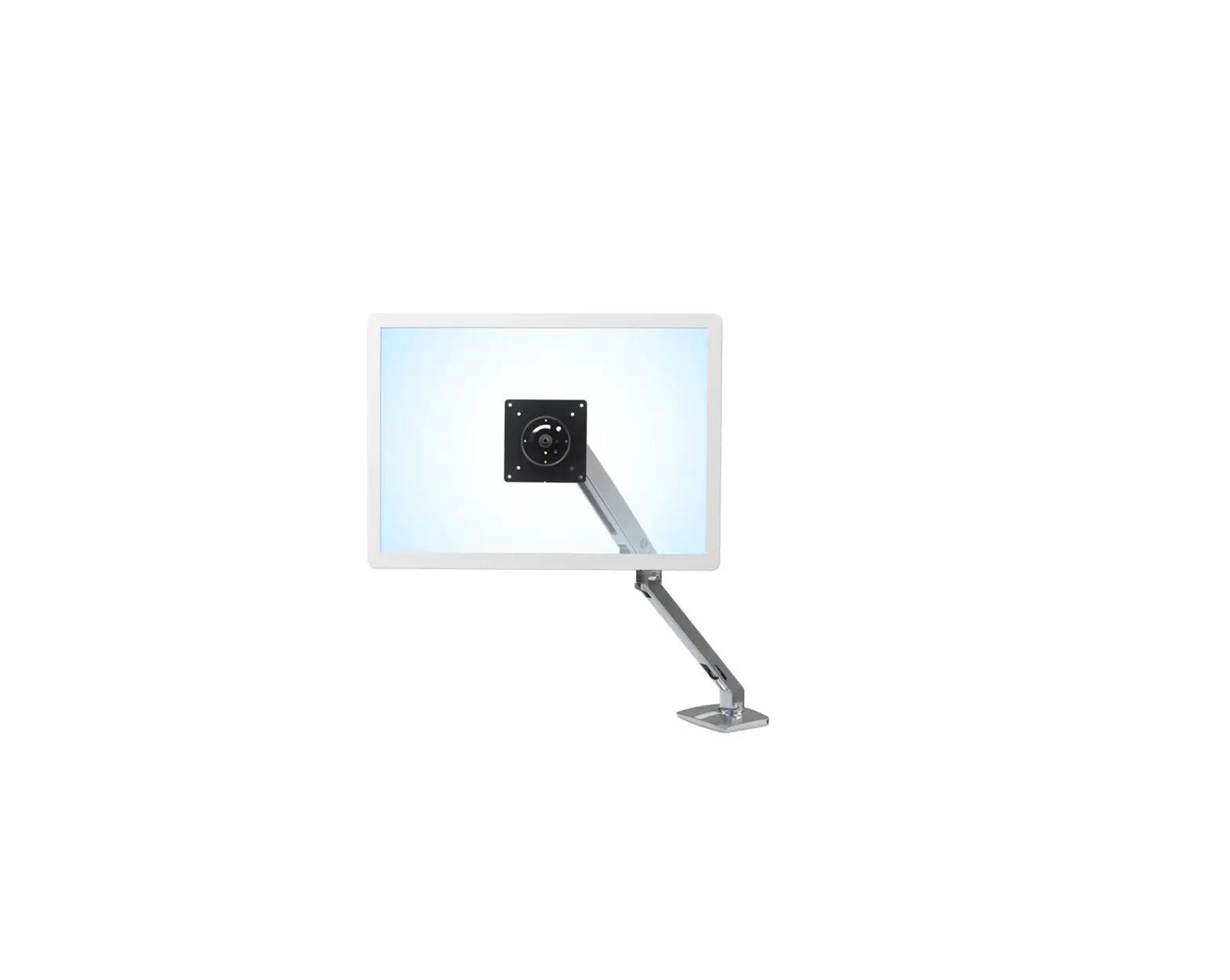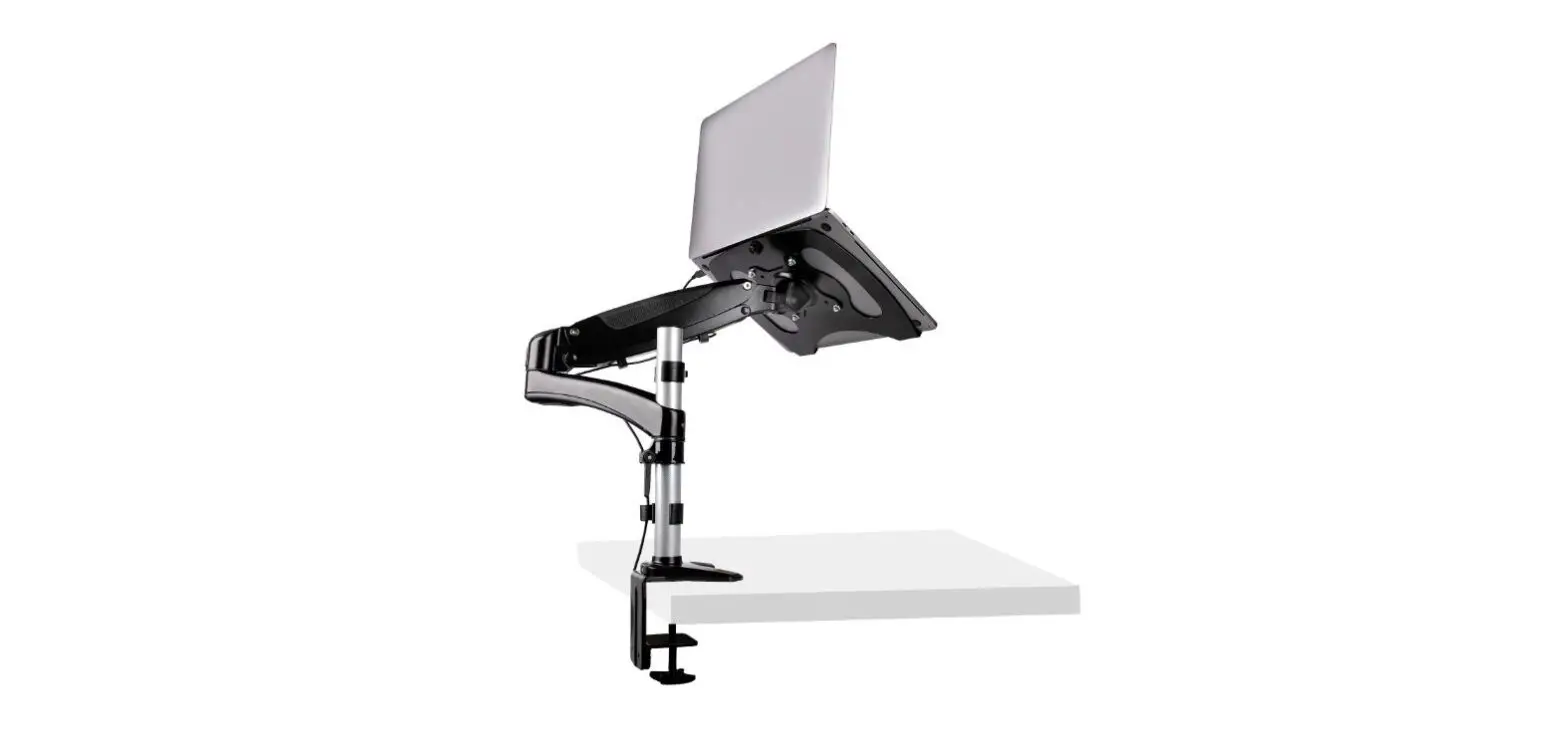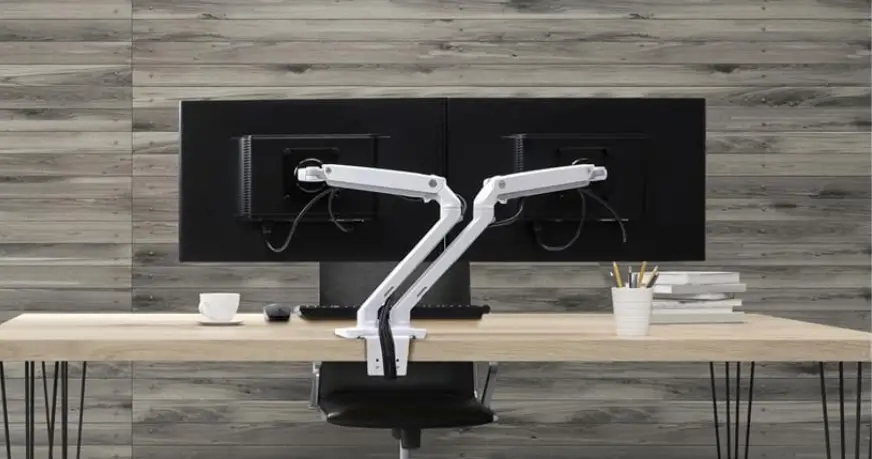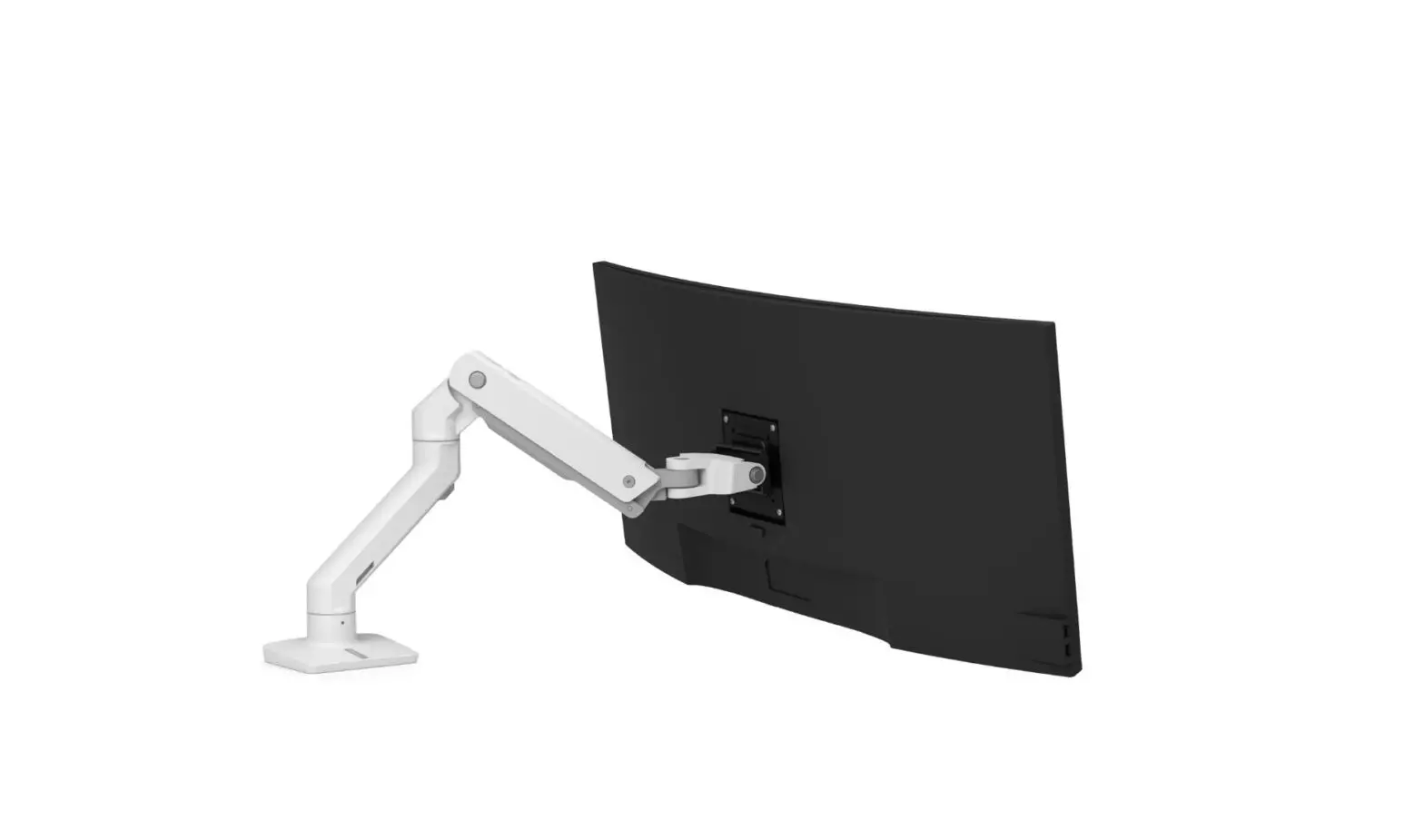

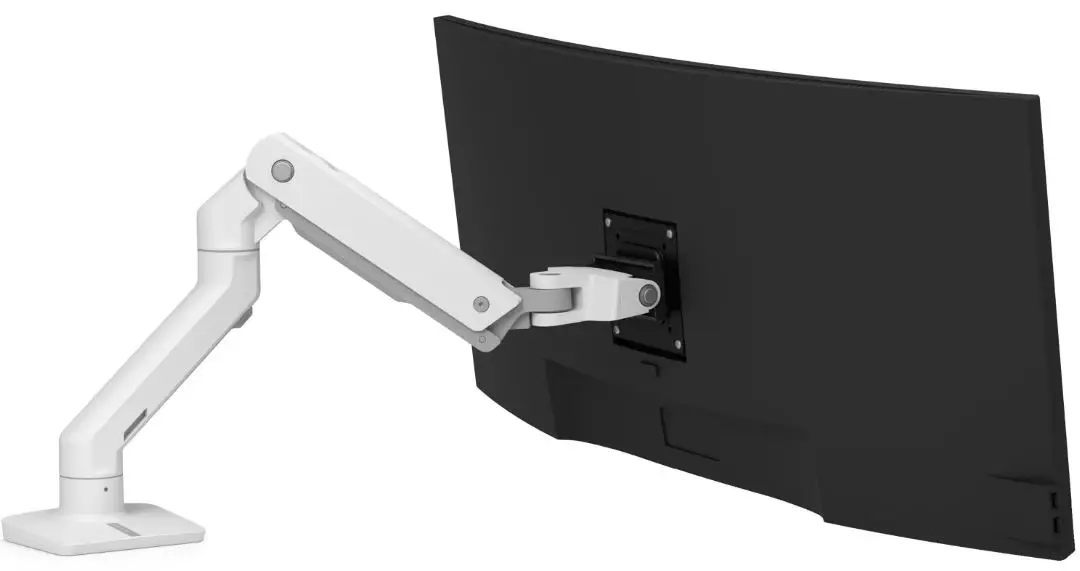
ergotron HX Desk Monitor Arm with Heavy Duty Tilt
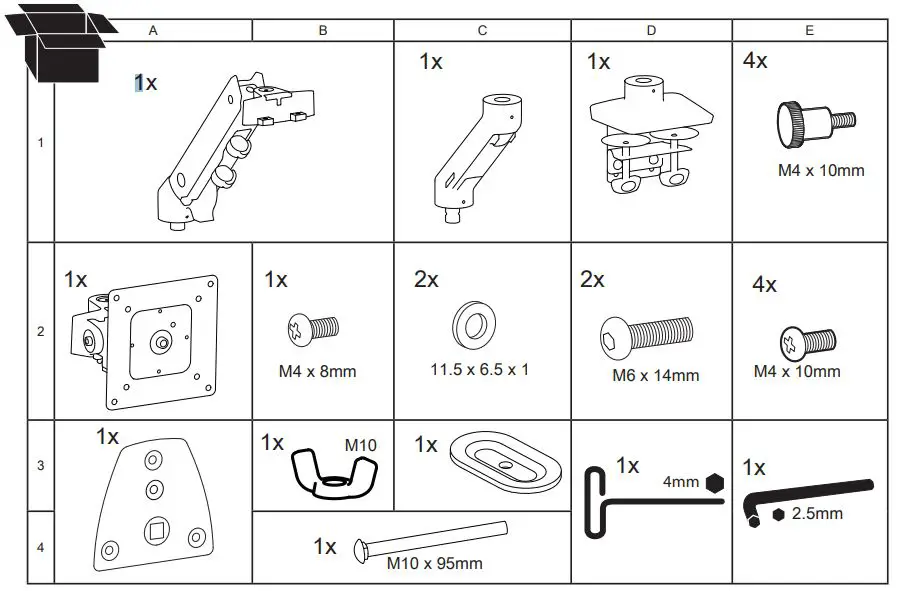
WHAT IN BOX
Tools Needed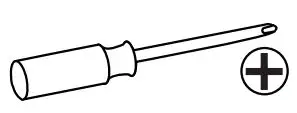
DIMENSION
NOTE: Determine if arm will typically collapse to the left or right before installation.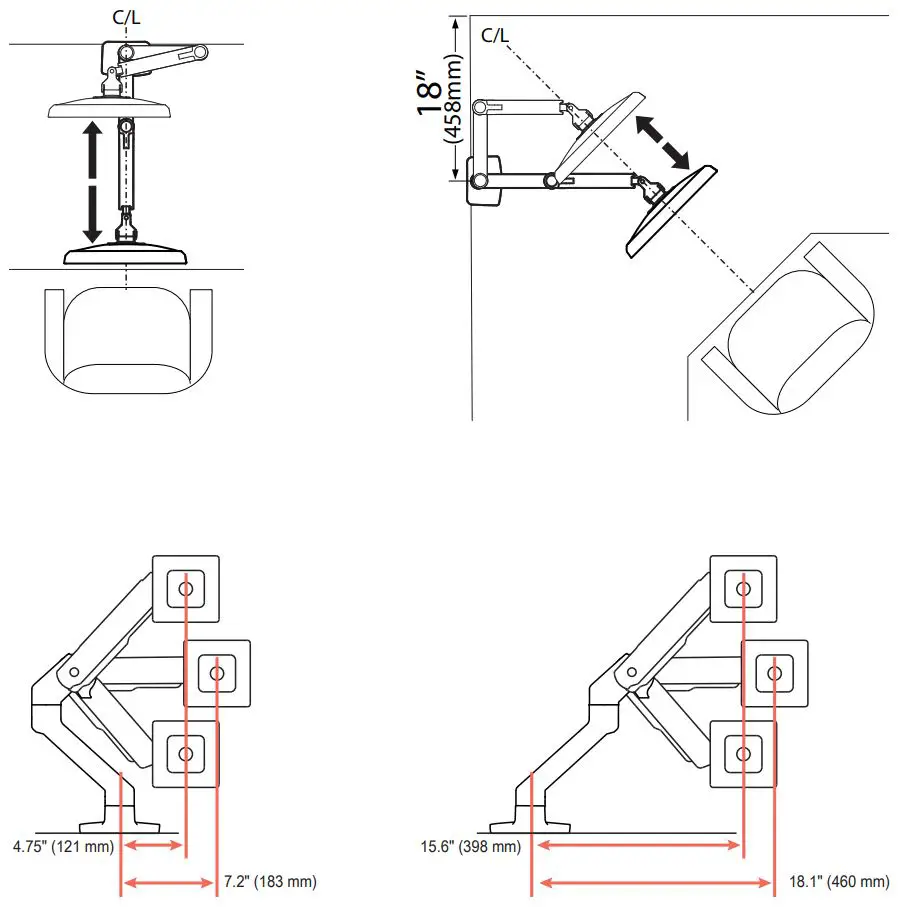
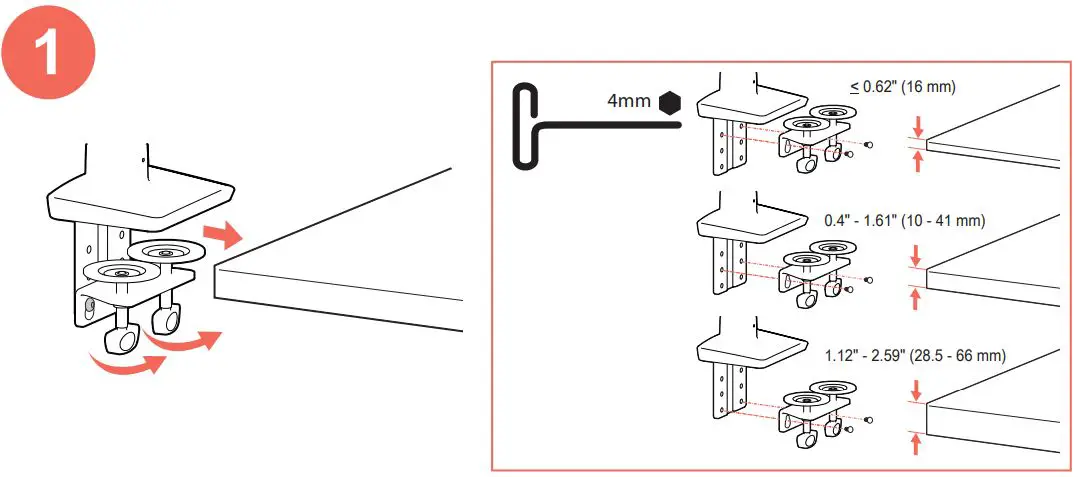
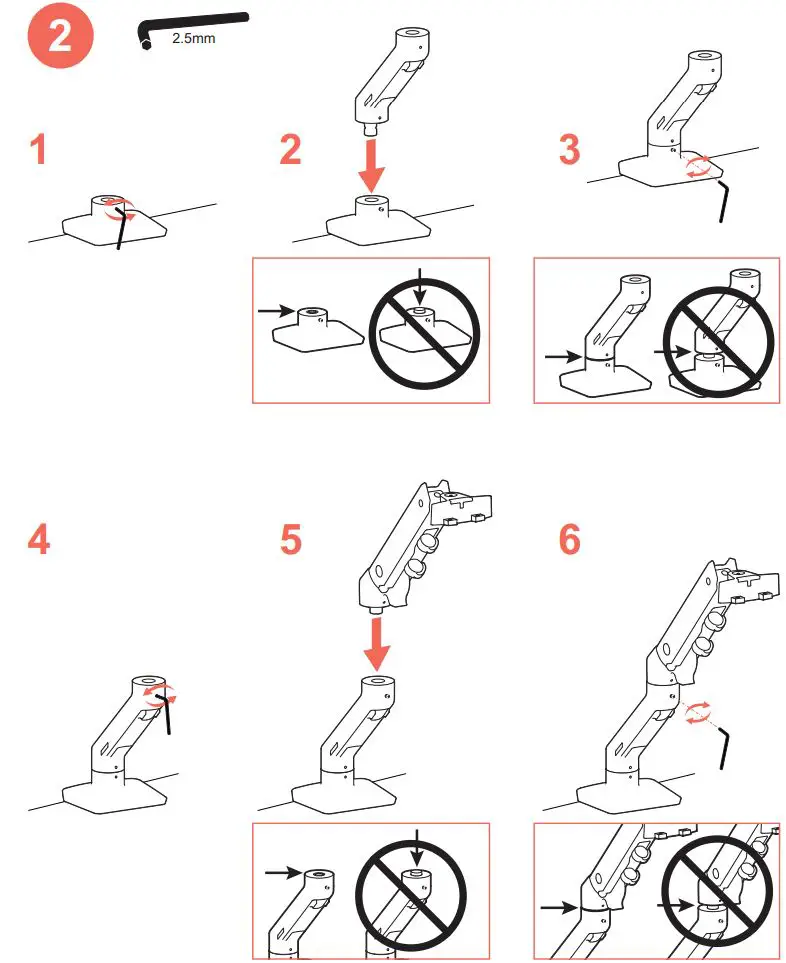
INSTALLATION
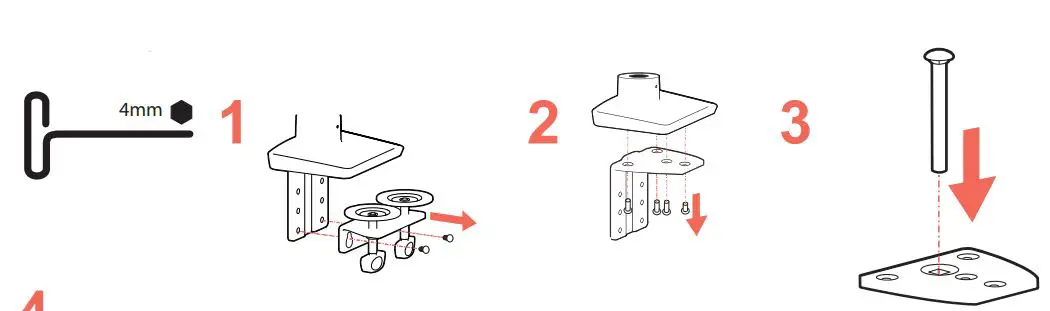
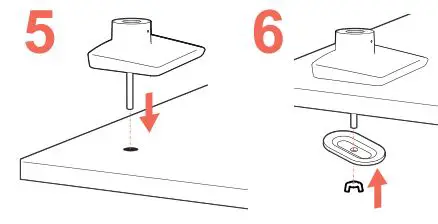
OPTIONAL: Grommet Mount Installation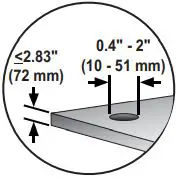
NOTE: The short screw must be reinstalled in the front hole of the grommet mount.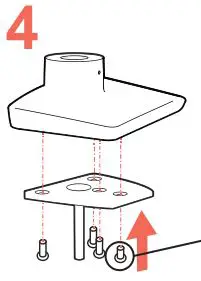
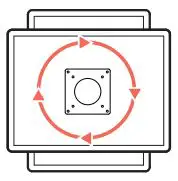
Rotate- Portrait/Landscape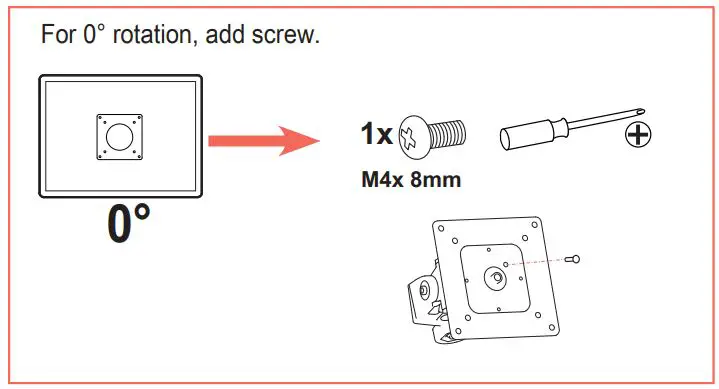
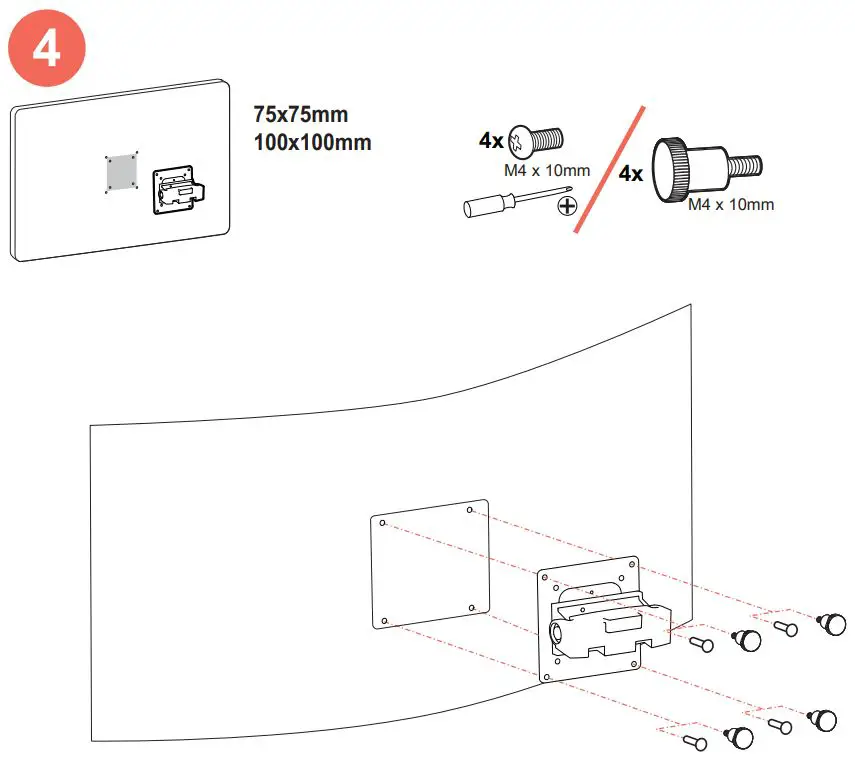

NOTE: Arm exstension should be at a 45° angle or less when attaching monitor.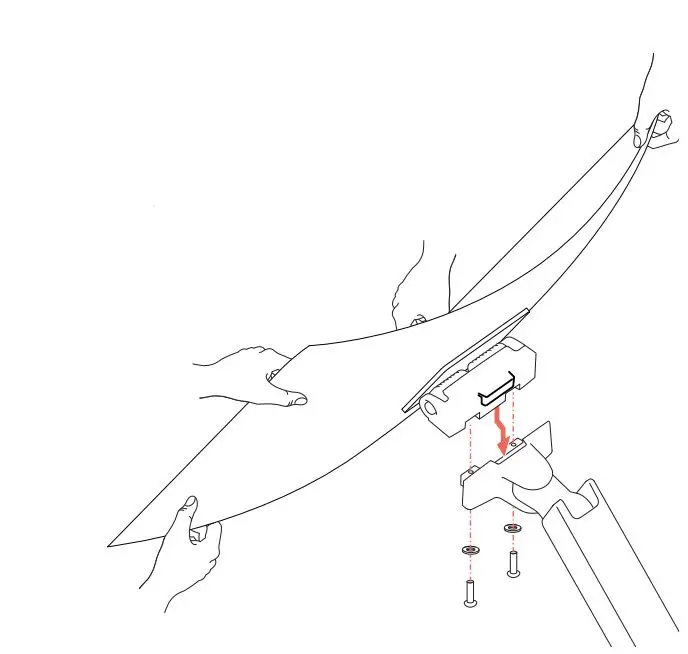
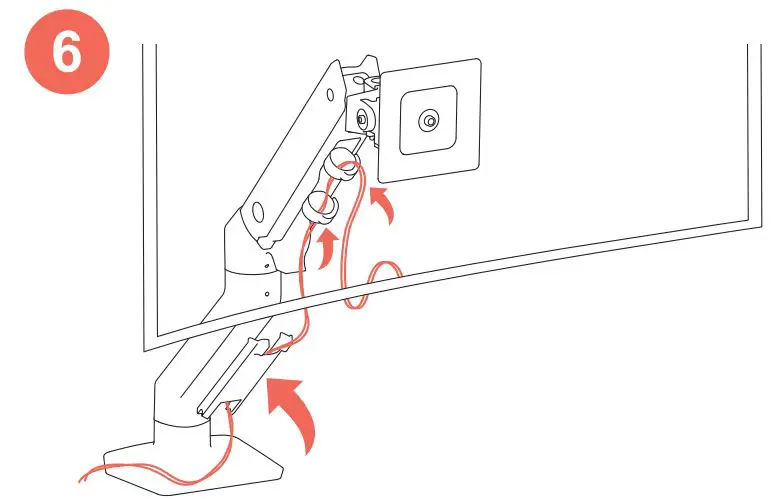
Adjustment Step
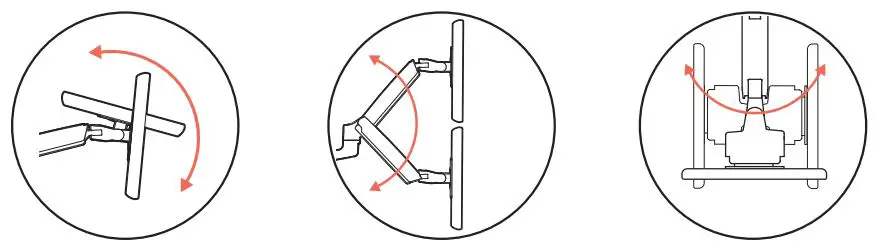
Important! You will need to adjust this product after installation is complete. Make sure all your equipment is properly installed on the product before attempting adjustments. This product should move smoothly and easily through the full range of motion and stay where you set it. If movements are too easy or difficult or if product does not stay in desired positions, follow the adjustment instructions to create smooth and easy movements. Depending on your product and the adjustment, it may take many turns to notice a difference. Any time equipment is added or removed from this product, resulting in a change in the weight of the mounted load, you should repeat these adjustment steps to ensure safe and optimum operation.
Tilt- Forward and Backward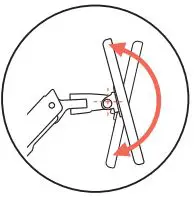
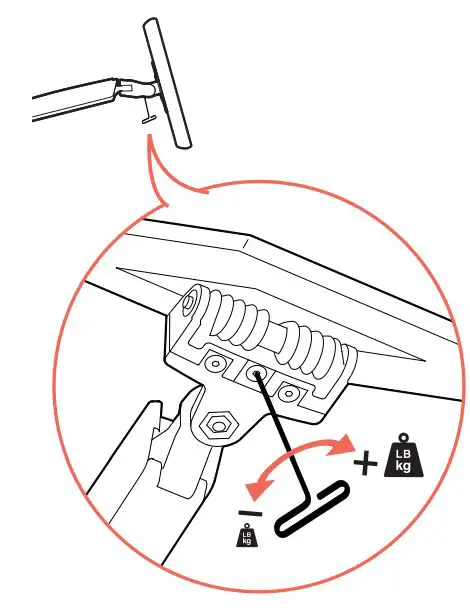
CAUTION: D0 NOT remove screw. Removing screw may cause damage to equipment.
+: Increase Lift Strength If the mounted weight is too heavy or this product does not stay up when raised, then you’ll need to increase Lift Strength:
-: Decrease Lift Strength If the mounted weight is too light or this product does not stay down when lowered, then you’ll need todecrease Lift Strength:
Lift- Up and down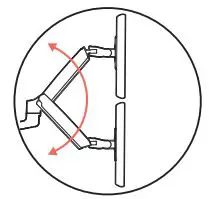
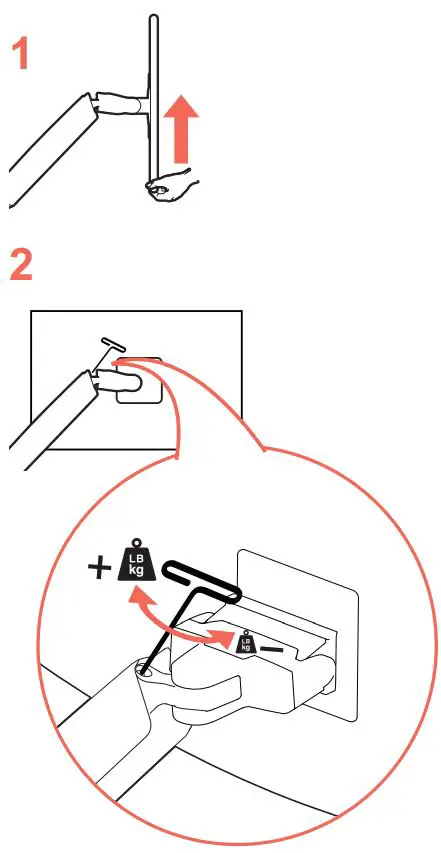
Adjustment may take up to: 35 full 360° revolutions
+: Increase Lift Strength If the mounted weight is too heavy or this product does not stay up when raised, then you’ll need to increase Lift Strength:
-: Decrease Lift Strength If the mounted weight is too light or this product does not stay down when lowered, then you’ll need to decrease Lift Strength:
Monitor Pan- Left and Right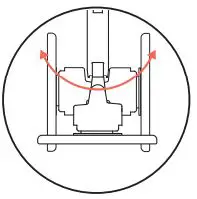
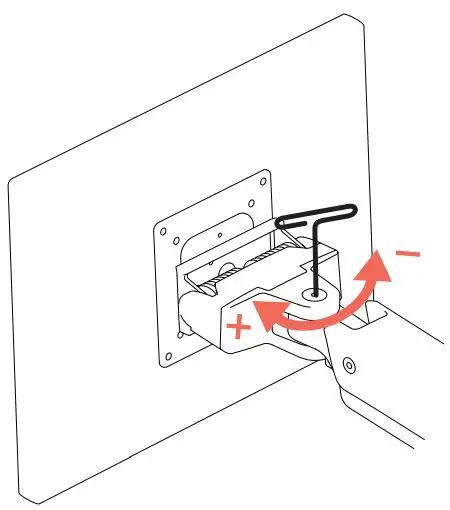
+: Increase Friction
If this product moves too easily, then you’l need to increase friction:
-: Decrease Friction
If this product is too difficult to move, then you’ll need to decrease friction:
Safety
Warning: Because mounting surface materials can vary widely, it is imperative that you make sure mounting surface is strong enough to handle mounted
product and equipment.
Caution: Leave enough slack in cable to allow full range of motion.
To avoid the potential to pinch cables it is important to follow the cable routing instructions in this manual. Failure to follow these instructions may result in
equipment damage or personal injury.
Remove monitors before loosening desk attachment.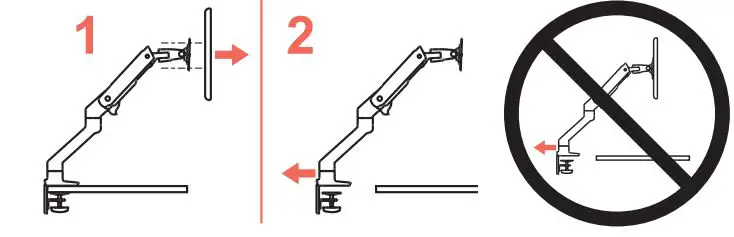
WARNING! Stored Energy Hazard: The arm mechanism is under tension and will move up rapidly, on its own, as s0on as attached equipment is removed. For this reason, DO NOT remove equipment unless the arm has been moved to the highest position! Failure to follow this instruction may result in serious personal injury andlor equipment damage!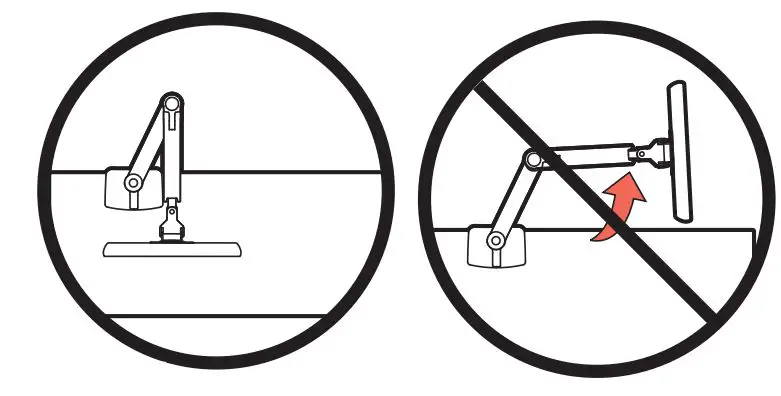
CAUTION: For Desk Clamp installations: Do Not rotate display past edge of desk
CAUTION: DO NOT EXCEED MAXIMUM LISTED WEIGHT CAPACITY. SERIOUs INJURY OR PROPERTY DAMAGE MAY OCCUR!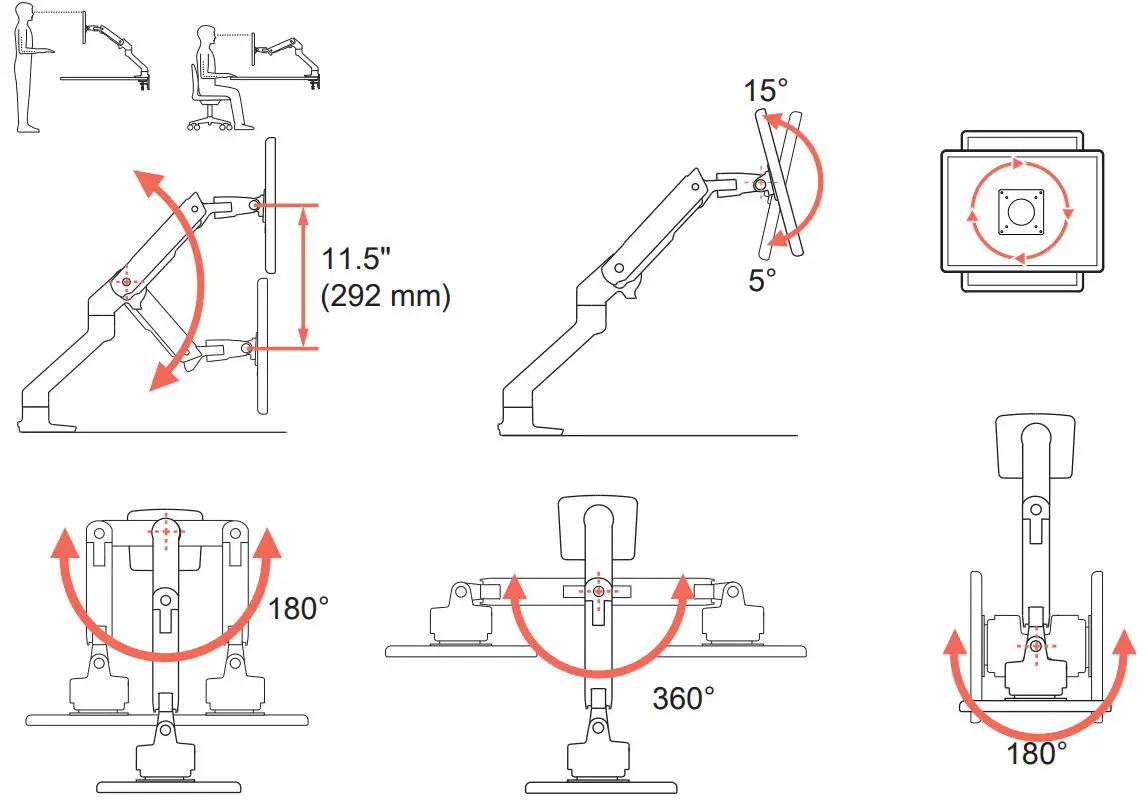
For the latest User Instalation Guide please visit: www.ergotron.com
For Waranty visit www.ergotron.com/warranty
For Service visit: www.ergotron.com
For local customer care phone numbers visit: http://contact.ergotron.com
Learn more about ergonomiC computer use at: www.ergotron.com/ergonomics
www.ergotron.com| USA: 1-800-888-8458| Europe: +31 (0)33-45 45 600| China: 400-120-3051| Japan: [email protected]
2021 Ergotron, Inc. All rights reserved.
While Ergotron, Inc. makes every effort to provide accurate and complete information on the installation and use of its products, it will not be held liable for any editorial errors or omissions (including those made in the process of translation from English to another language), or tor incidental, special or consequential damages of any nature resulting from furnishing this instruction and performance of equipment in connection with this instruction. Ergotron, Ihc. reserves the right to make changes in the product design and/or product documentation without notification to its users. For the most current product information, or to know if this document is available in languages other than those herein, please contact Ergotron. No part of this publication may be reproduced, stored in a retrieval system, or transmitted in any form or by any means, electronic, mechanical, photocopying, recording or otherwise without the prior written consent of Ergotron, Inc.,1181 Trapp Road, Eagan, Minnesota, 55121, USA
Patents Pending and Patented U.S. & Foreign. trgotron is a registered trademark of Ergotron, Inc.
 Monitor Mounts, Computer Carts, Sit to Stand Desks | Ergotron