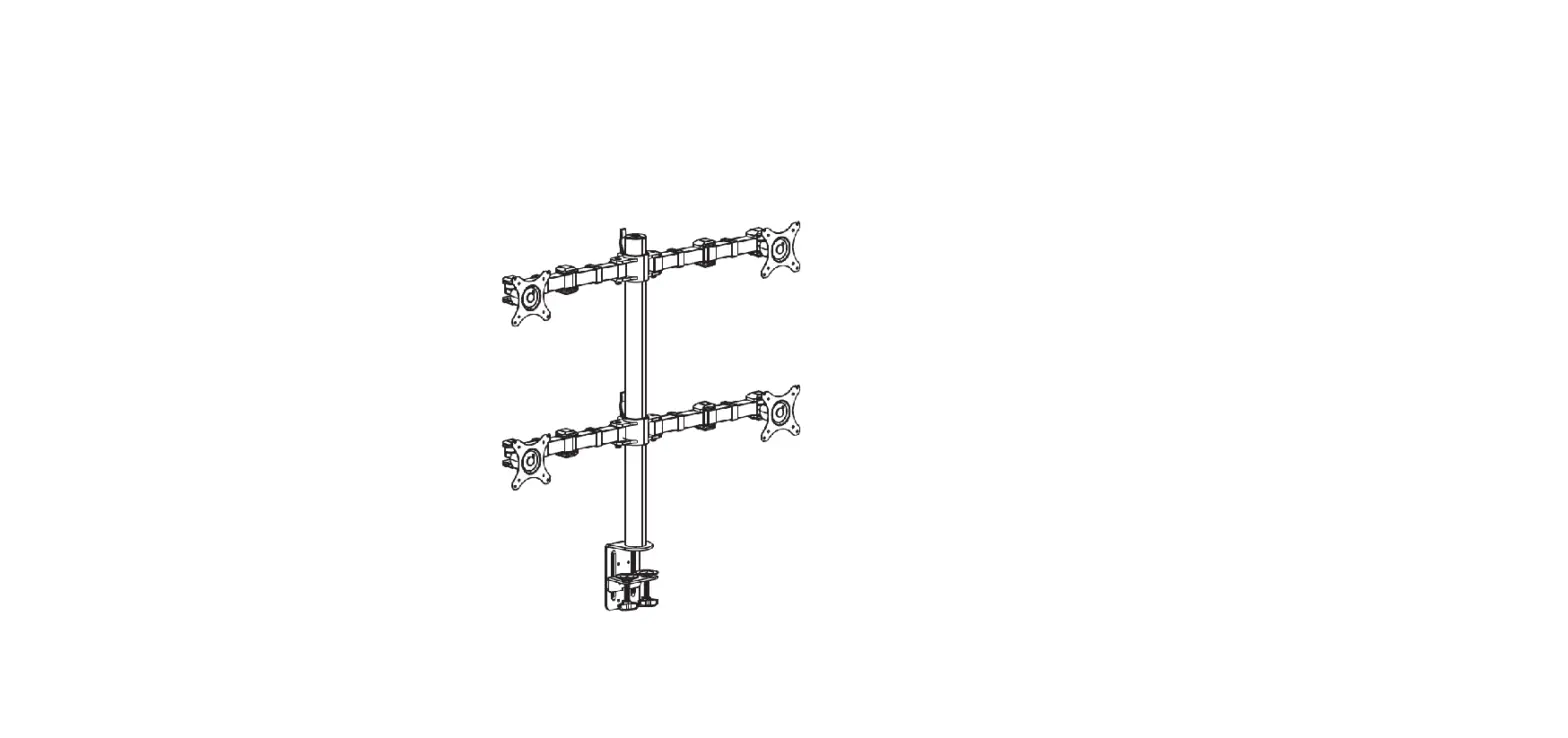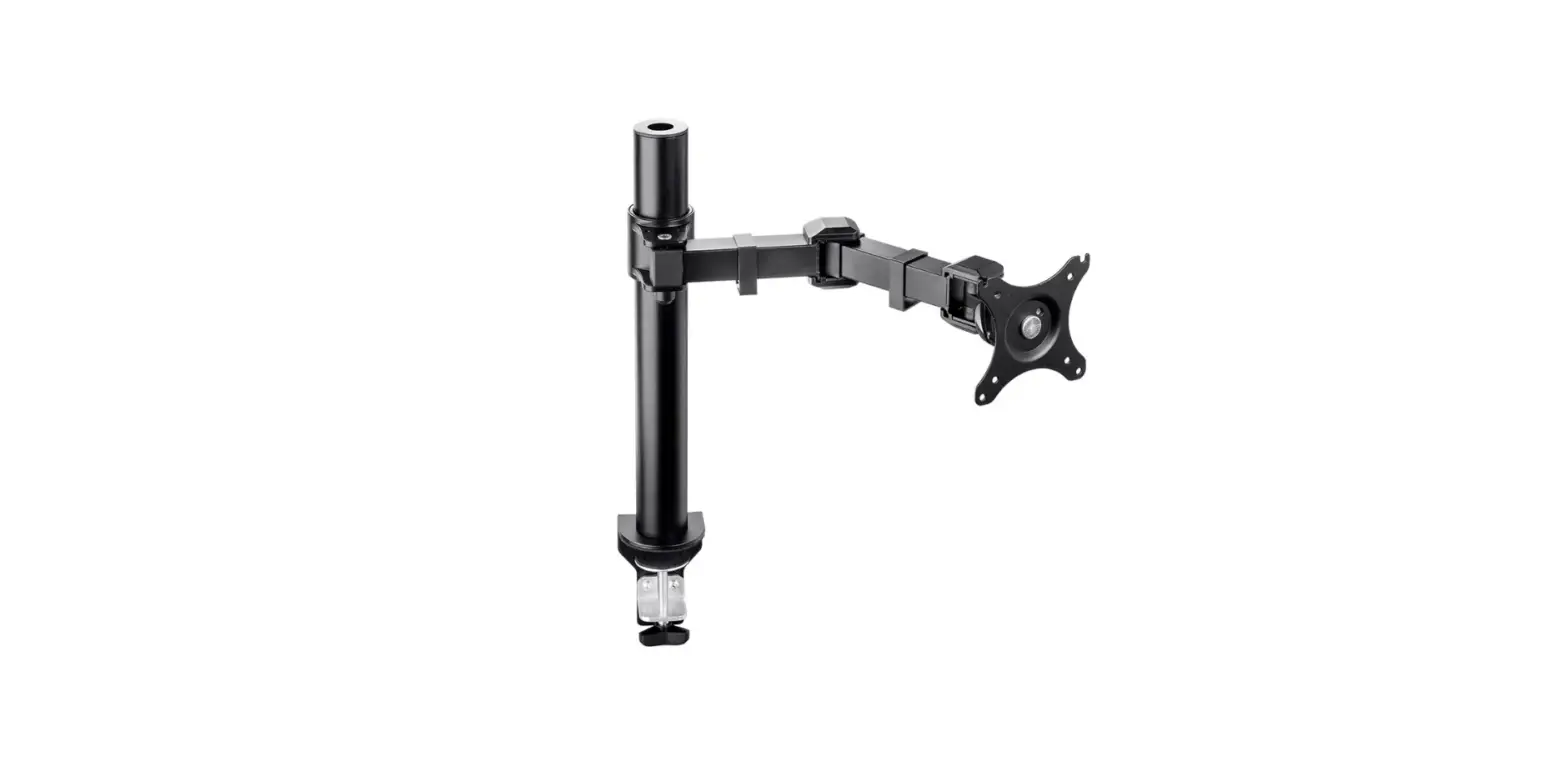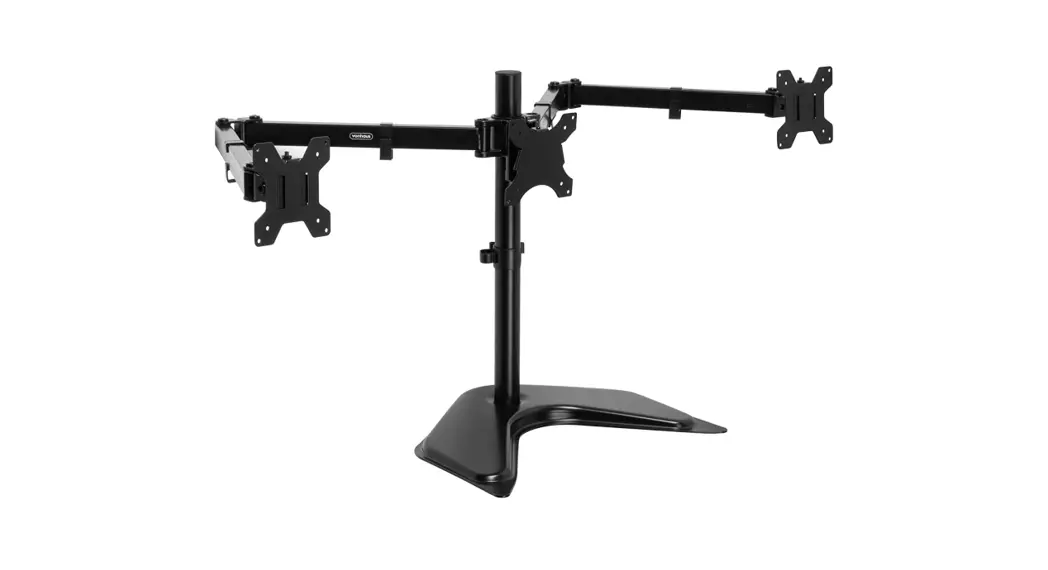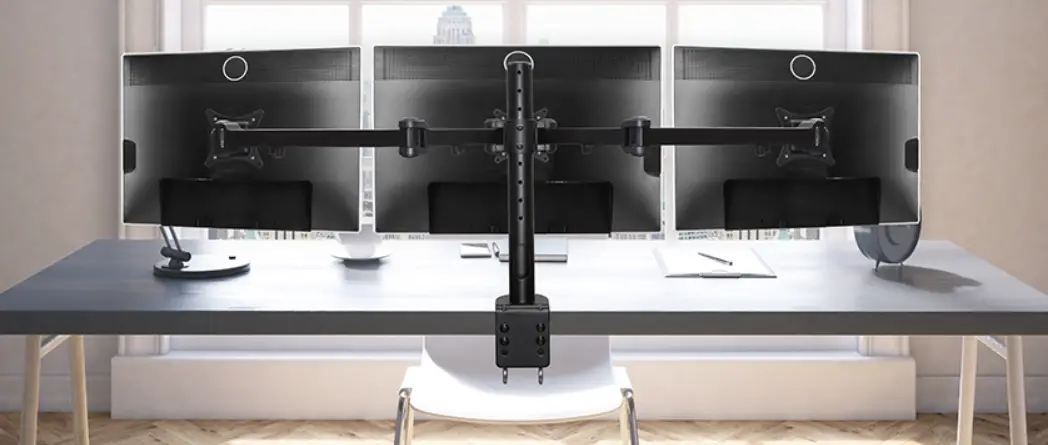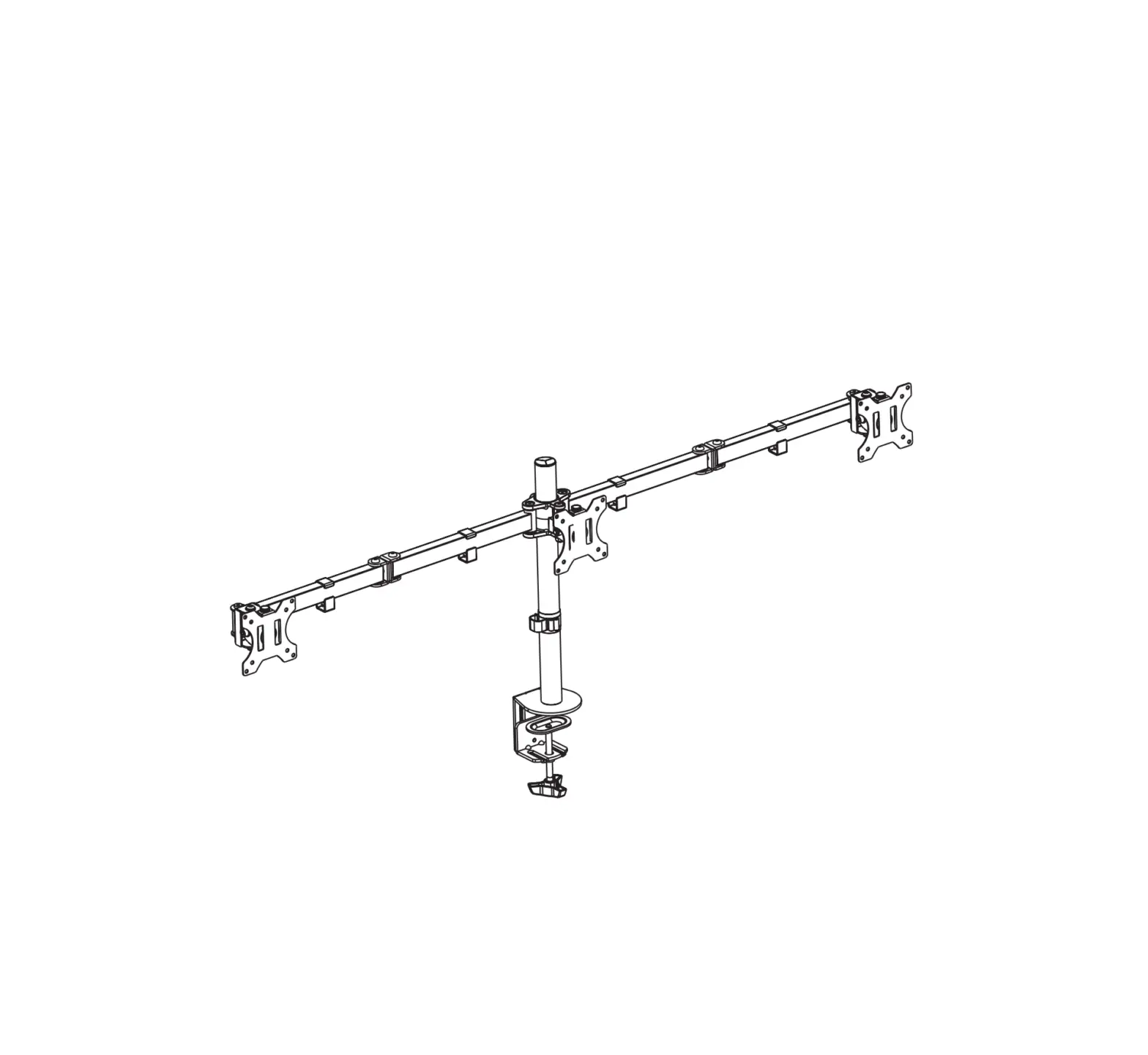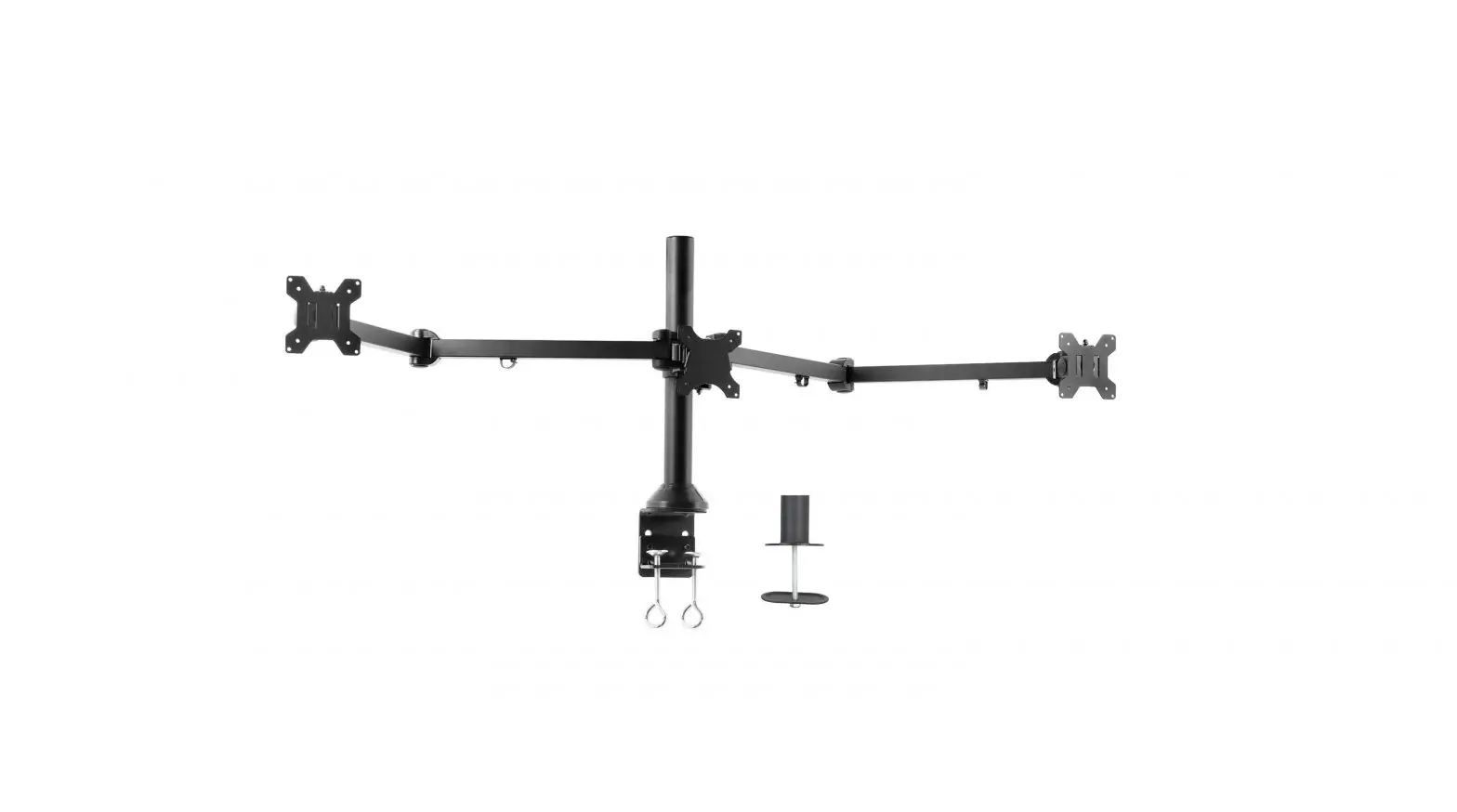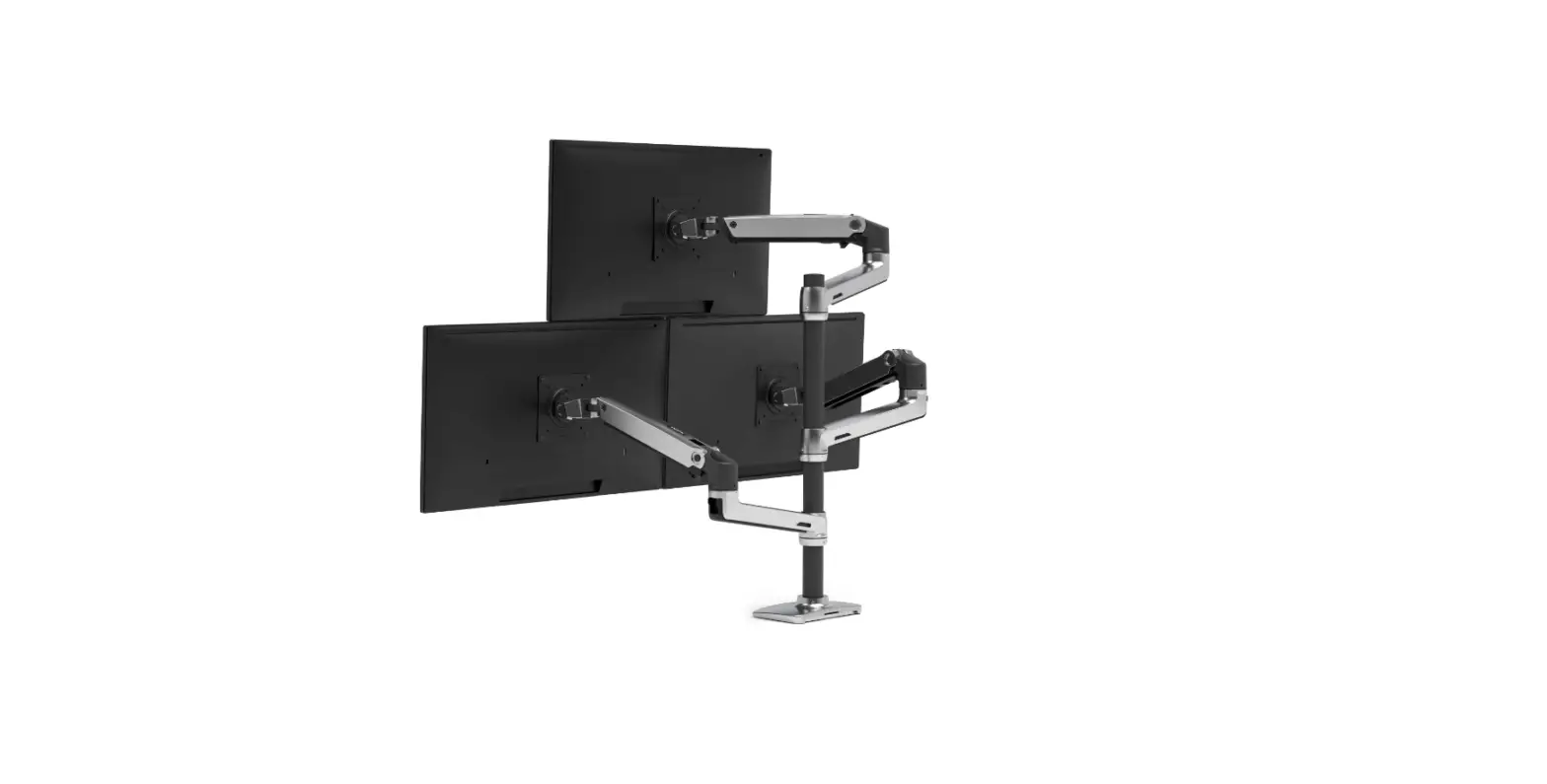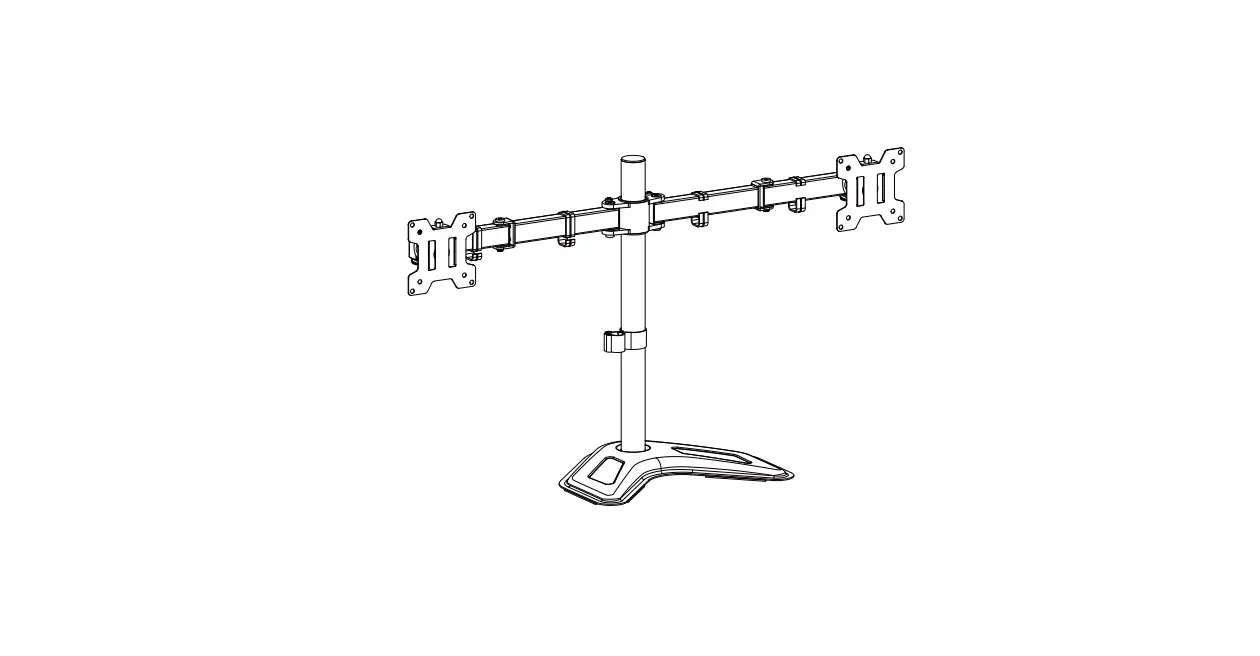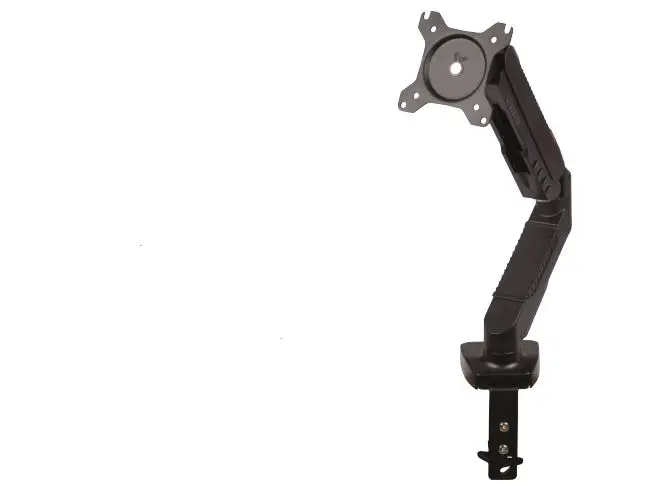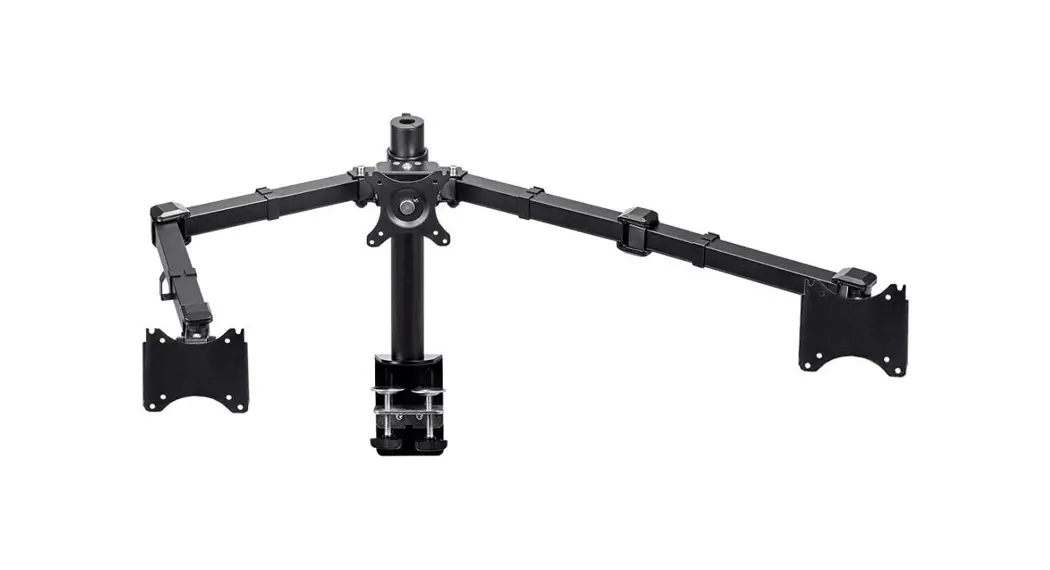
 Essential Triple Monitor Articulating
Arm Desk Mount
User Manual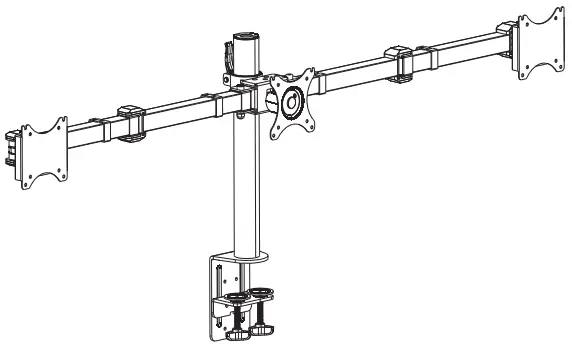
16247 Essential Triple Monitor Articulating Arm Desk Mount
 P/N 16247
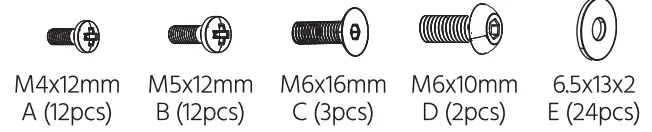
PACKAGE CONTENTS
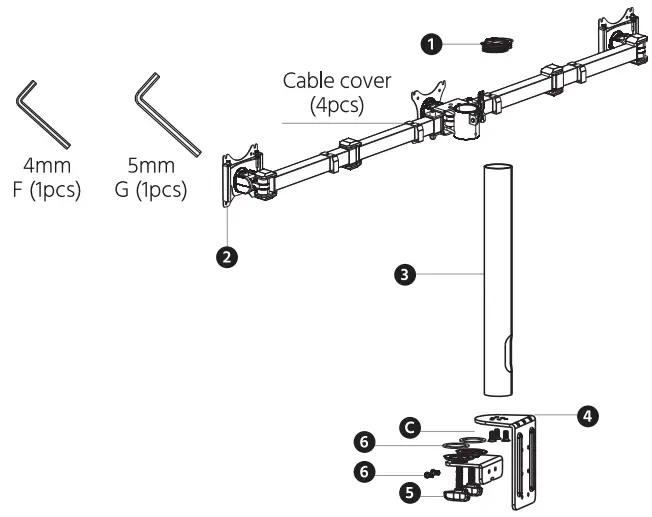
- Tube Cover
- Monitor plate (1pcs)
- Tube (1pcs)
- Bottom Support (1pcs)
- Knob (1pcs)
- Anti-Slip Rubber (2pcs)
 Tool needed:
  Fitting the bottom support on the desk
 Tool needed:
  Fitting the bottom support on the desk
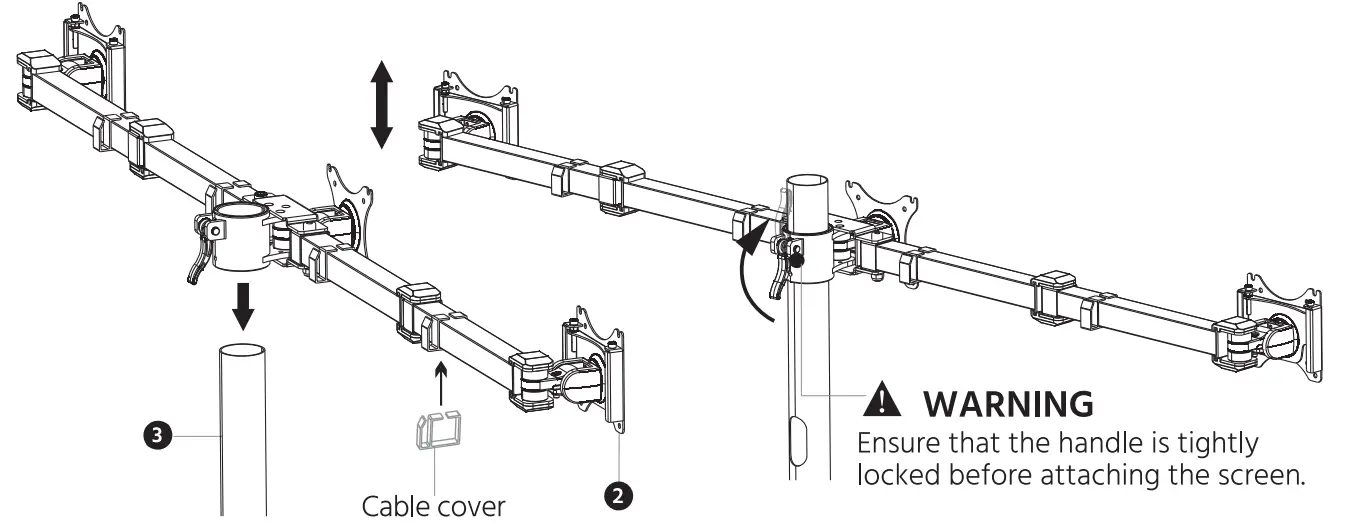
STEP 1 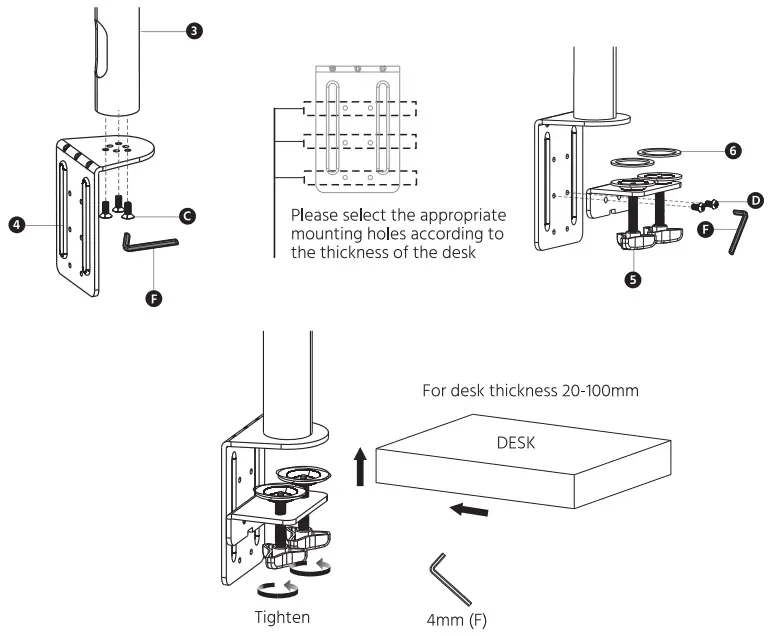 STEP 2 install Monitor Plate
  STEP 3 Attaching Screen to Monitor Plate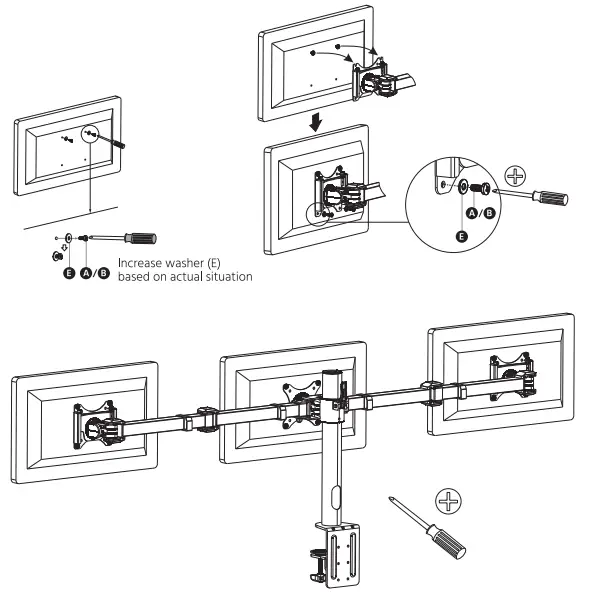
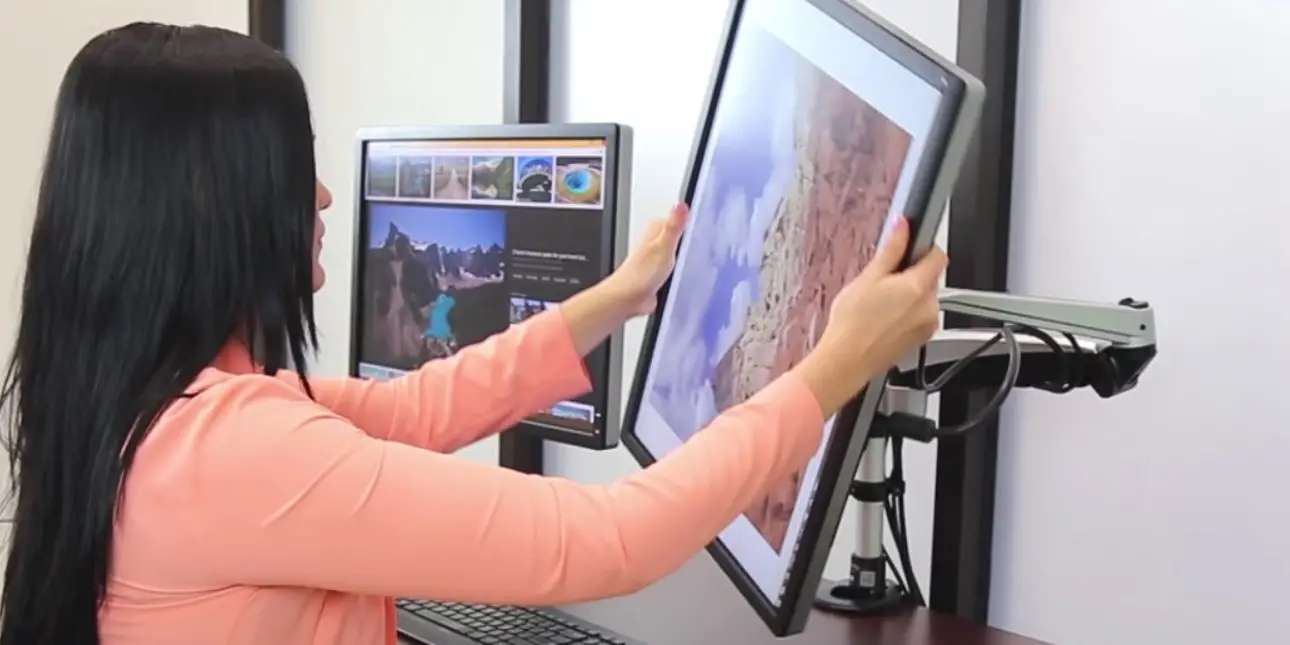
Adjusting Screen
STEP 4 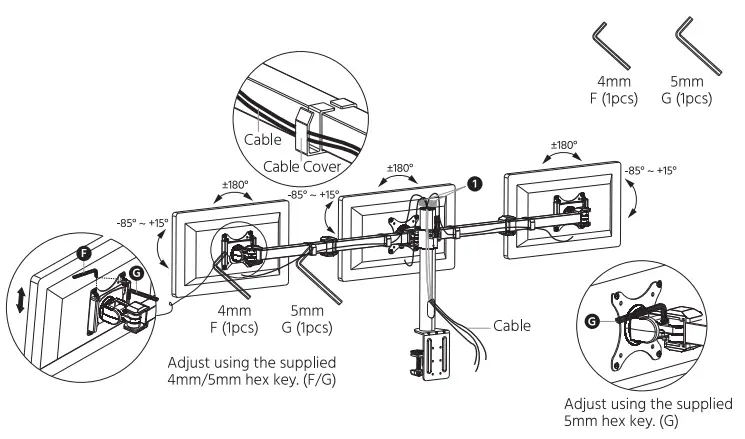
 CAUTION
- This product contains small items that could be a choking hazard if swallowed. Keep these items away from young children.
- Make sure these instructions are read and completely understood before attempting installation. If you are unsure of any part of this installation, please contact a professional installer for assistance.
- The desk or mounting surface must be capable of supporting the combined weight of the mount and the display.
- Please check the installation every two months, ensuring that all of the screws are tight.
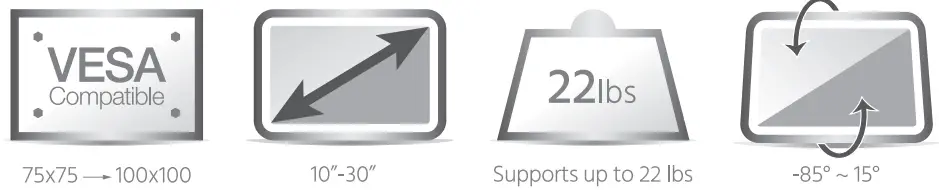
- This product has been designed to be installed to a desk Before installation, ensure that the desk can safely support the weight of the mount and any attached monitor.
- Ensure that the weight of any equipment to be attached to the mount does not exceed the 22 lb. maximum weight capacity of the mount