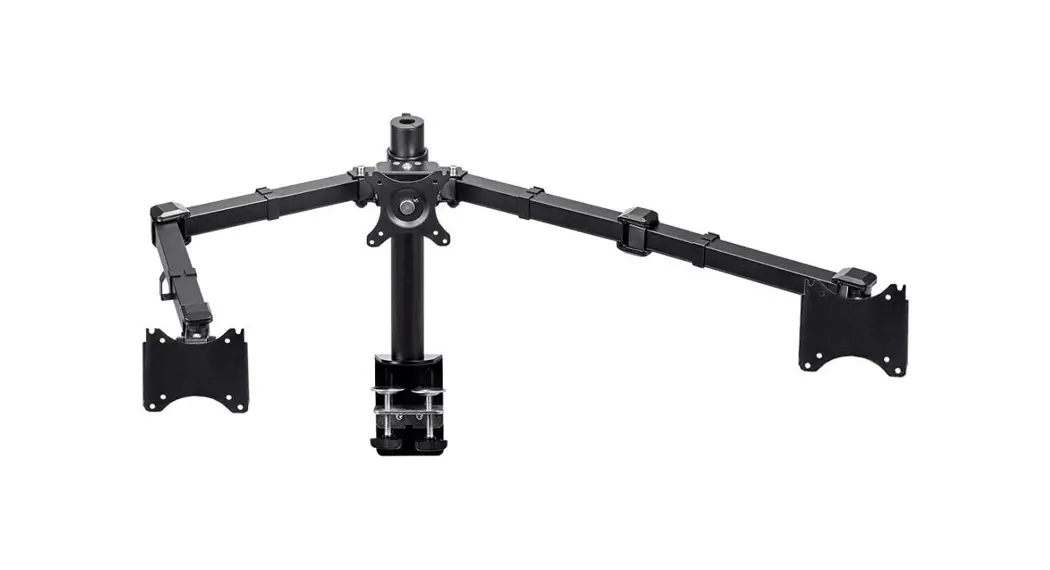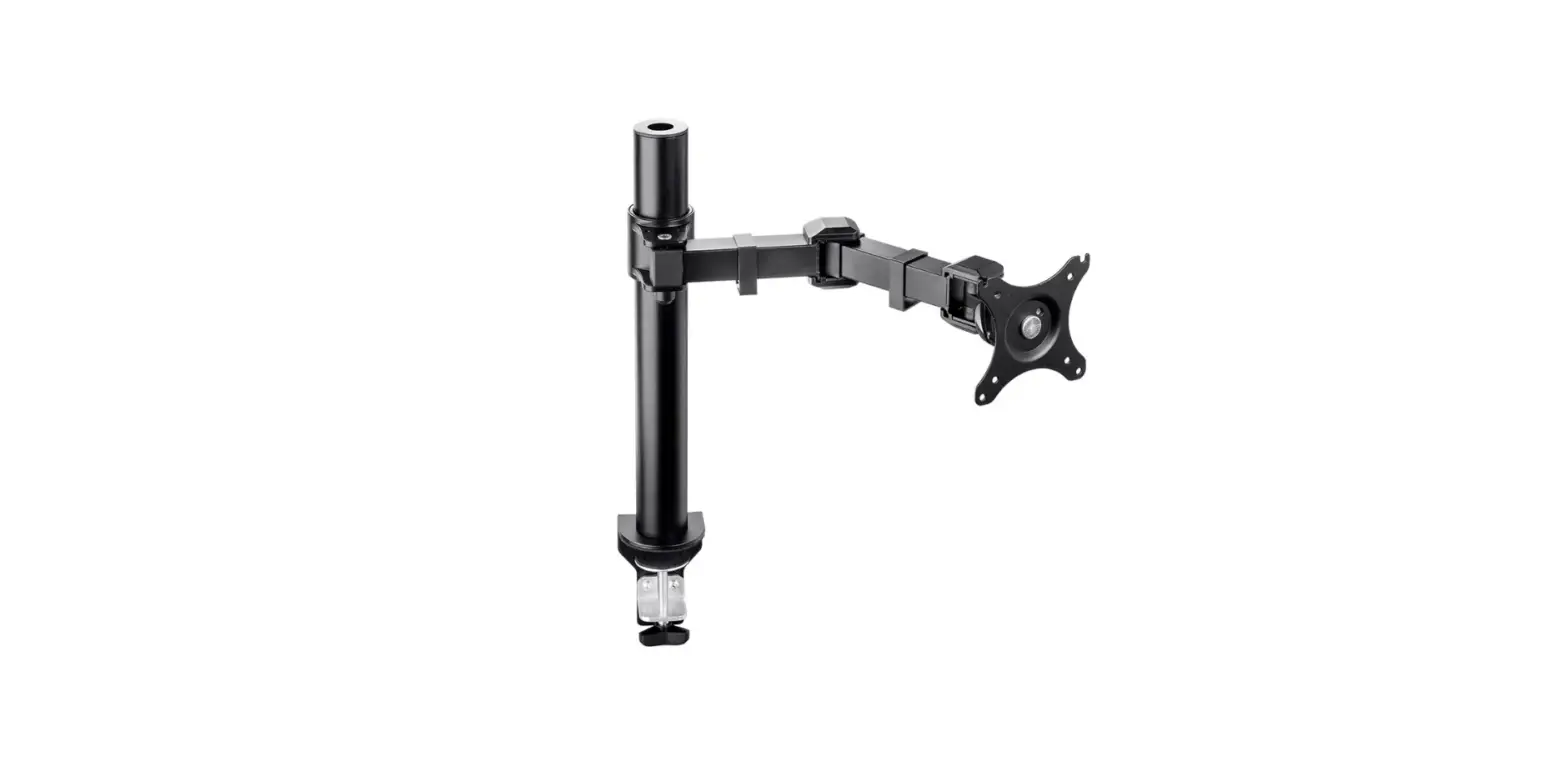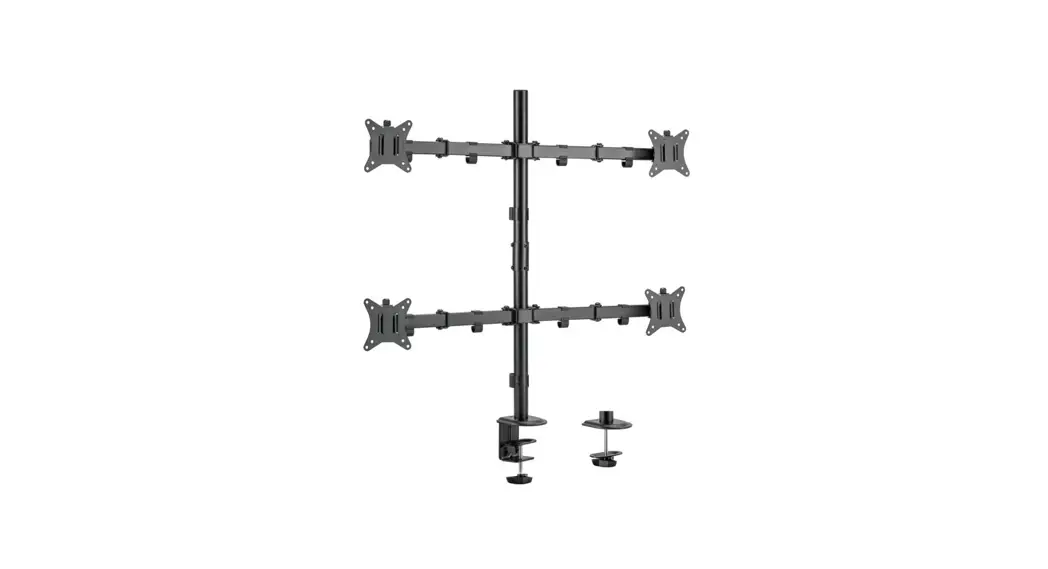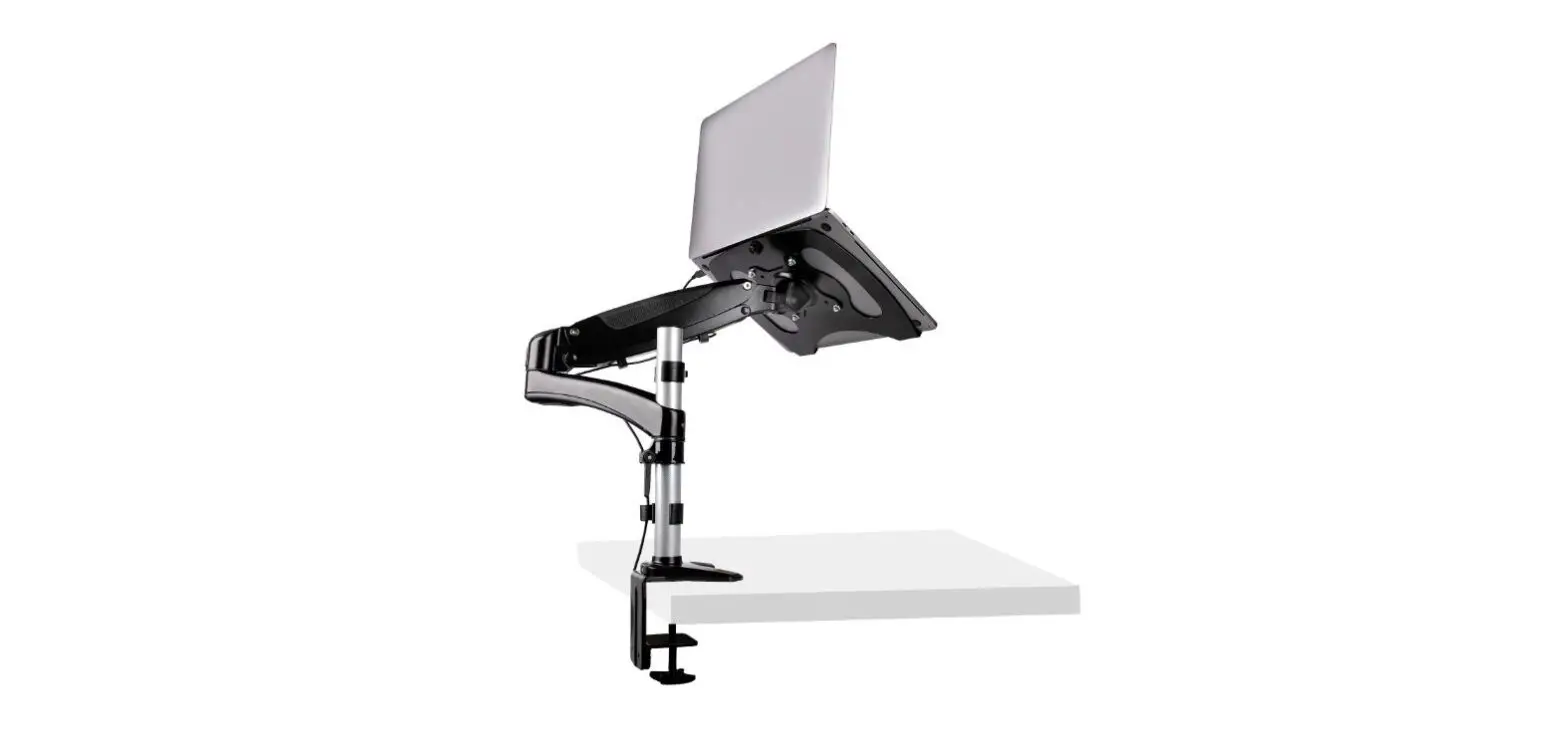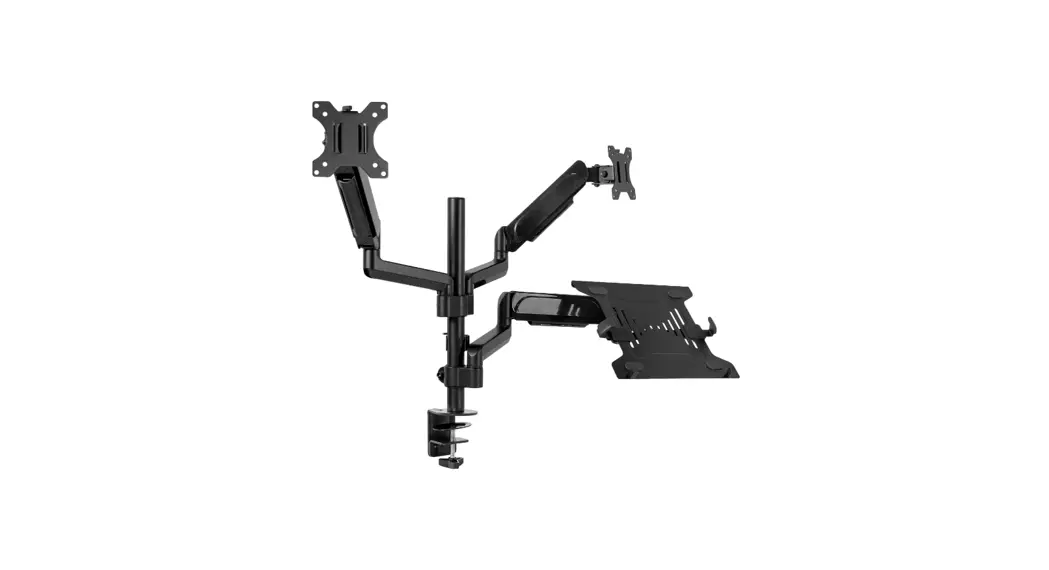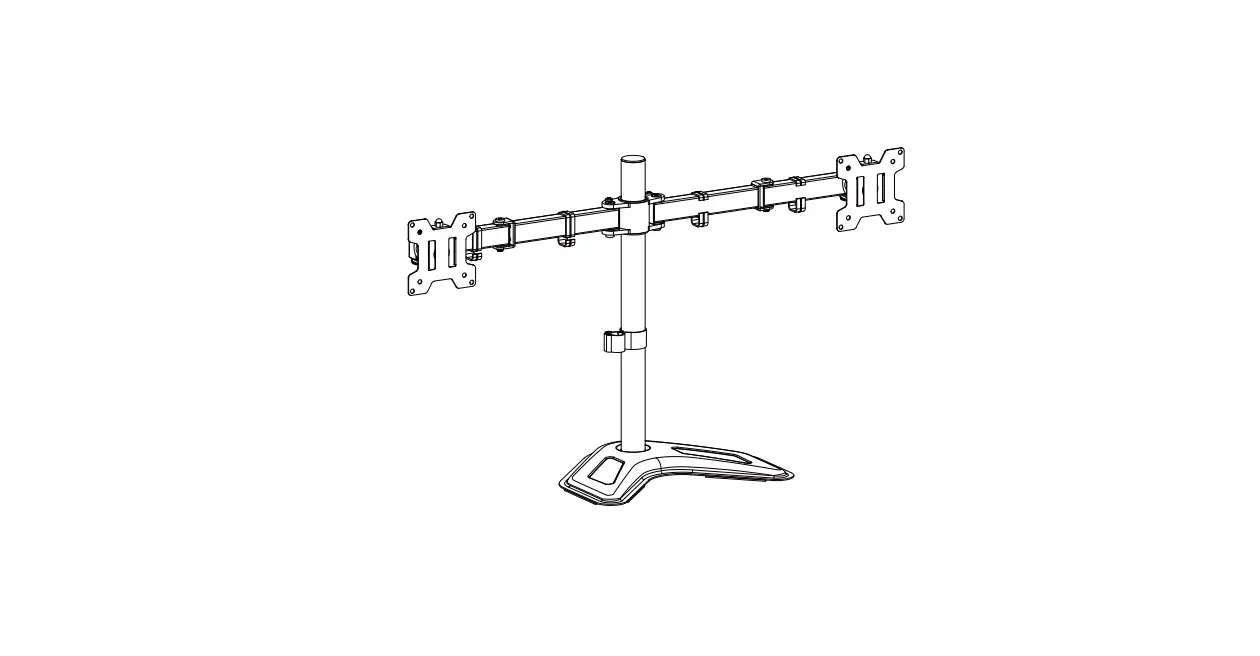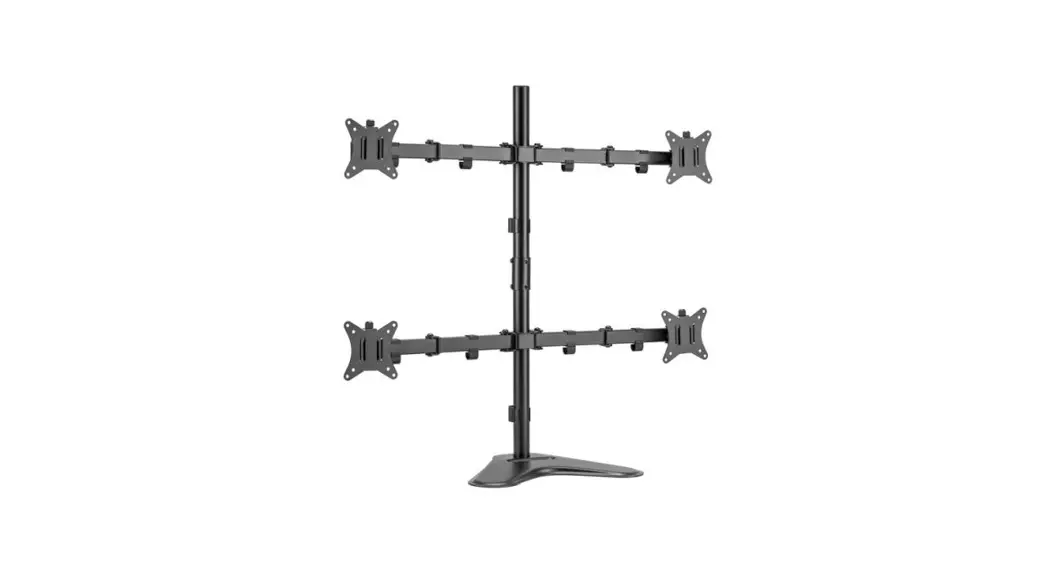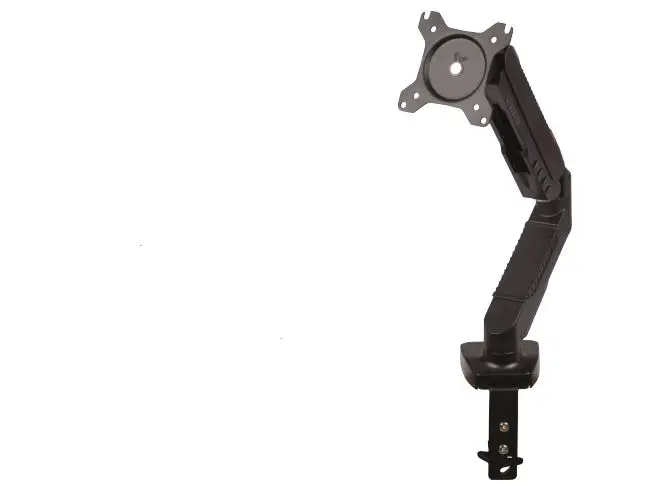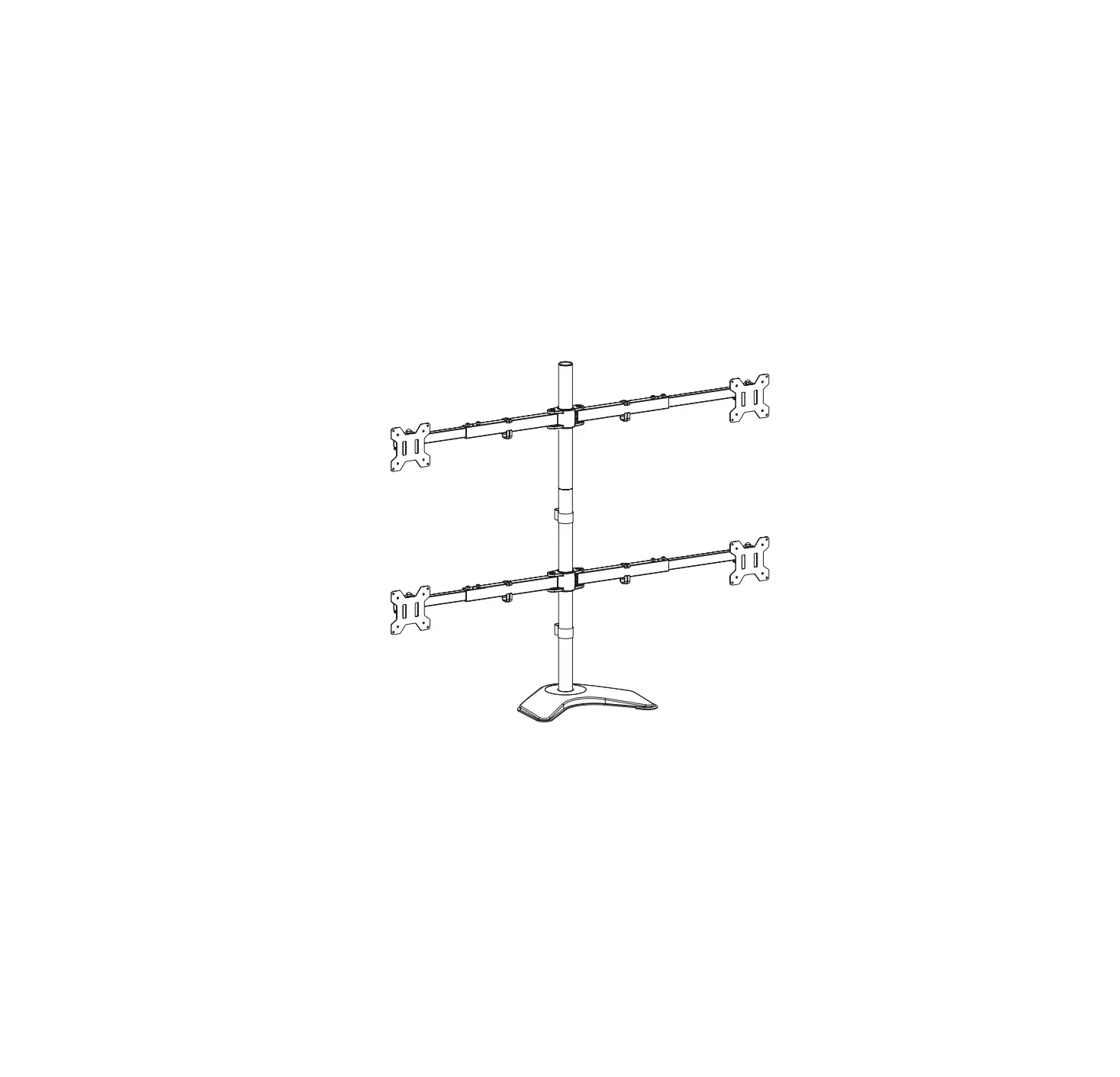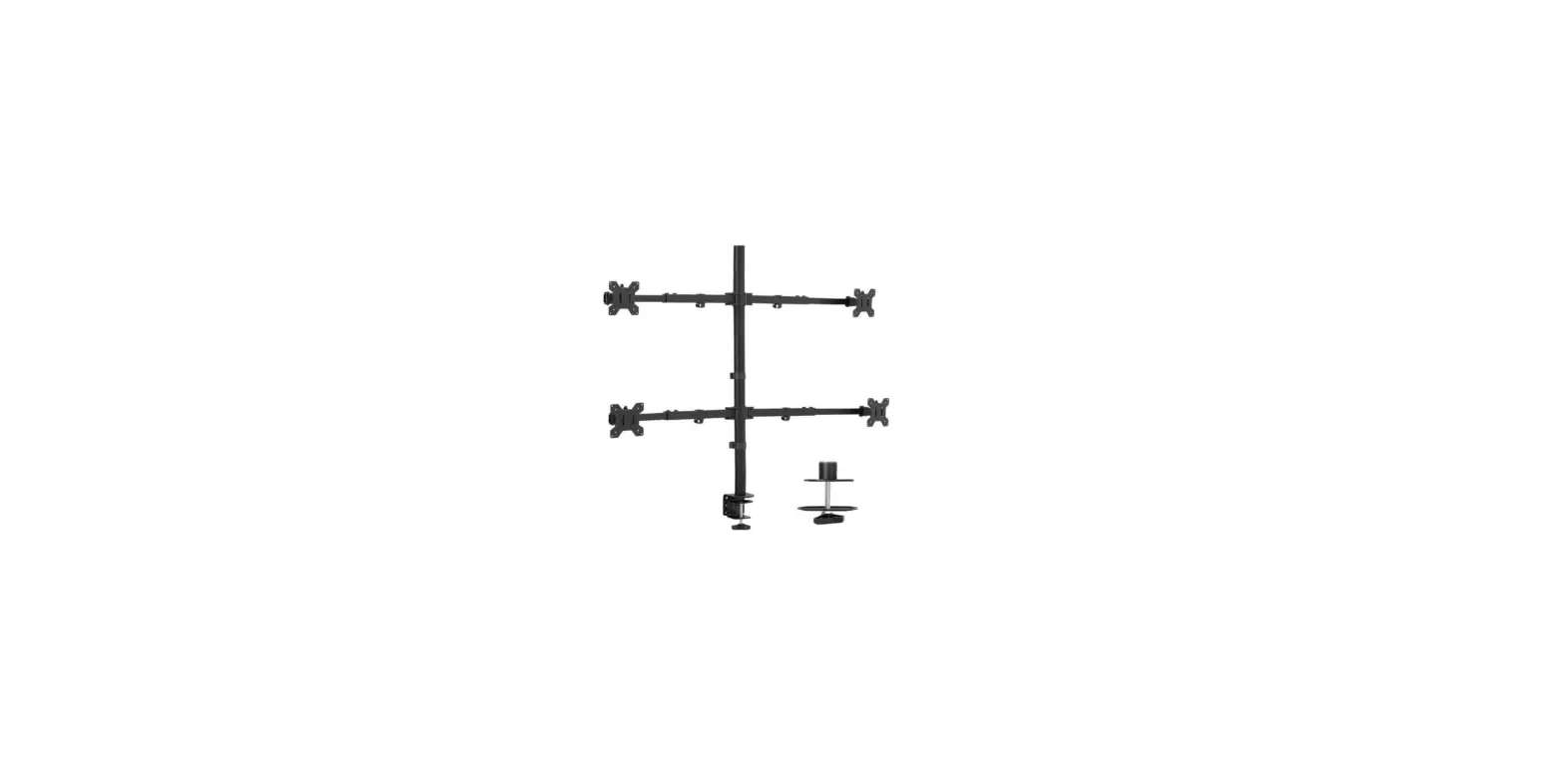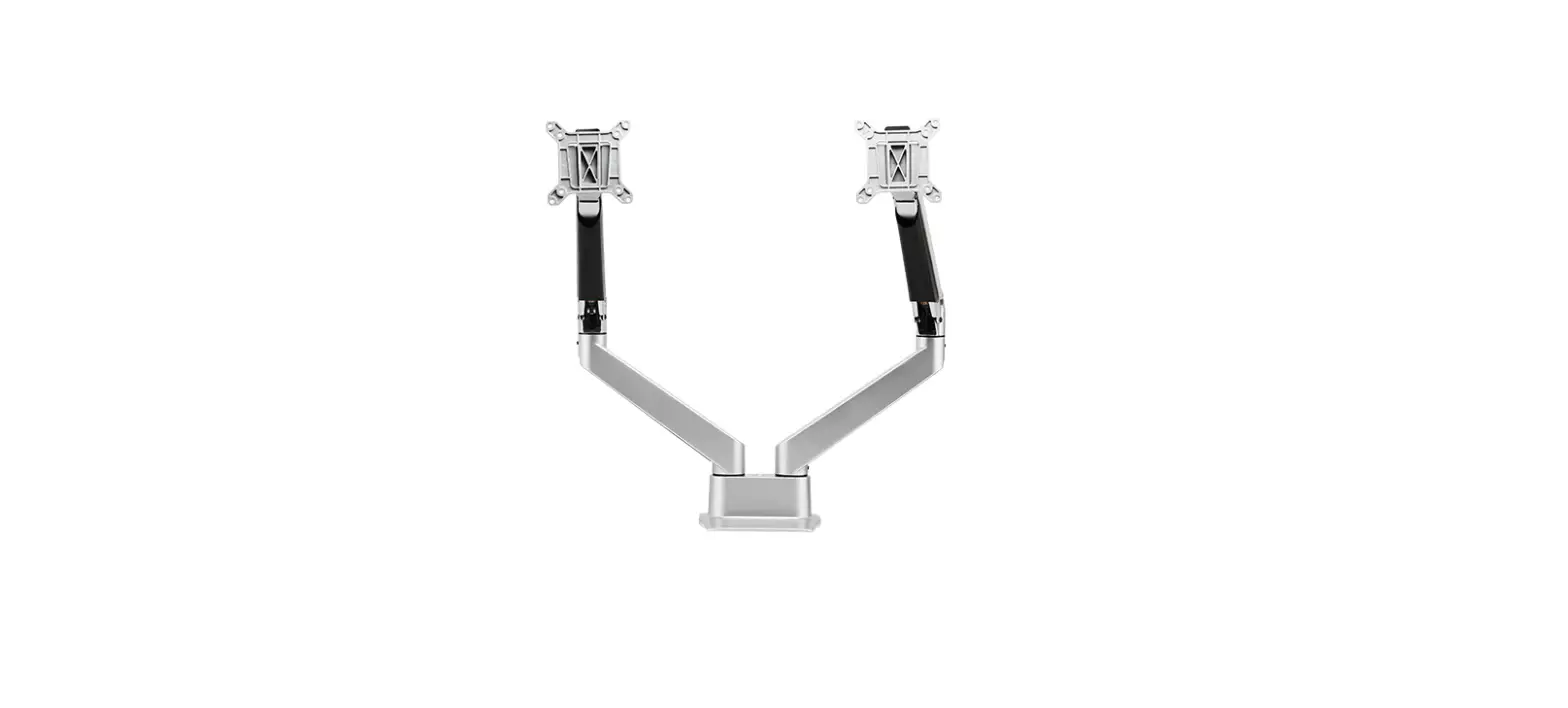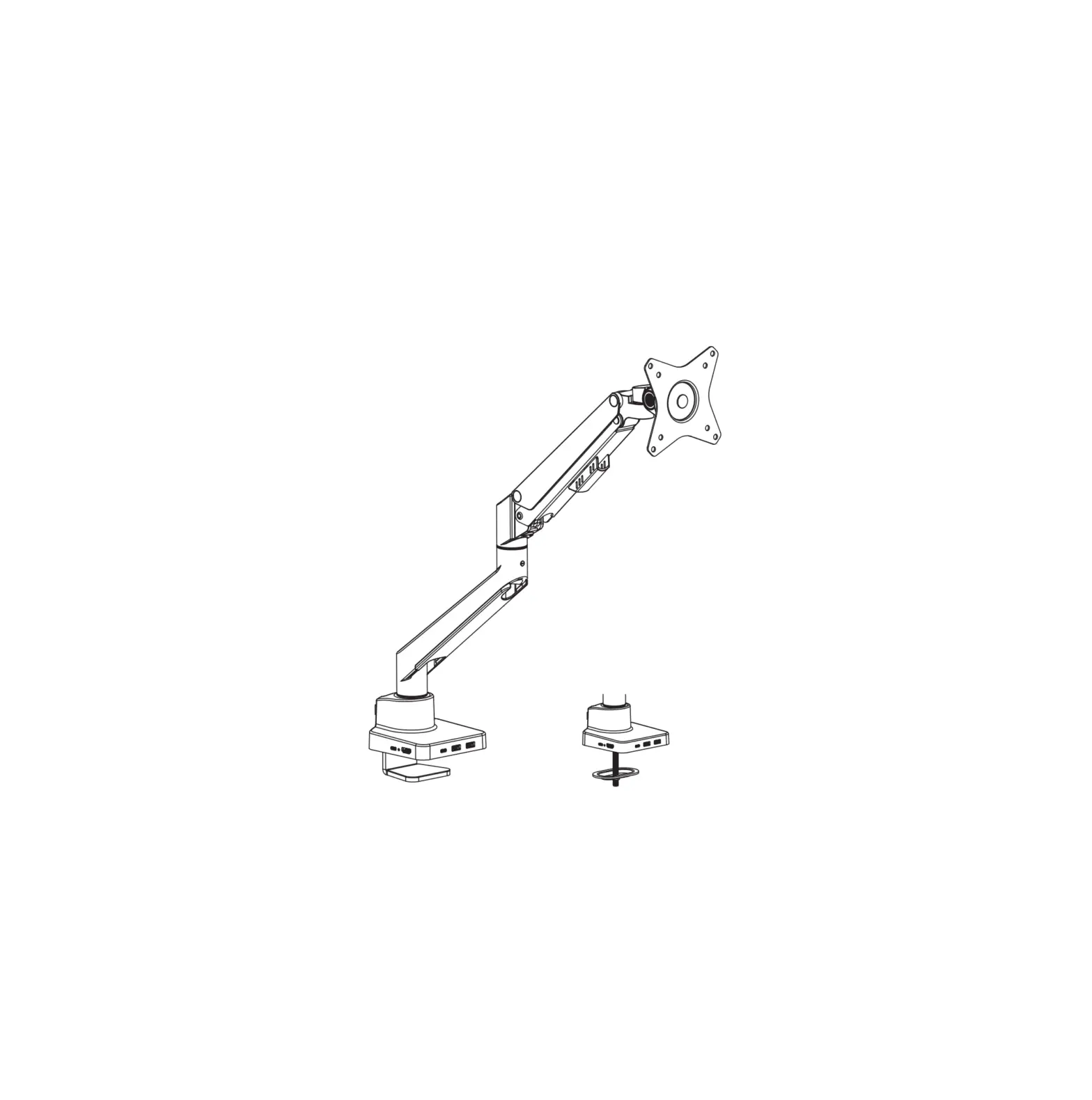

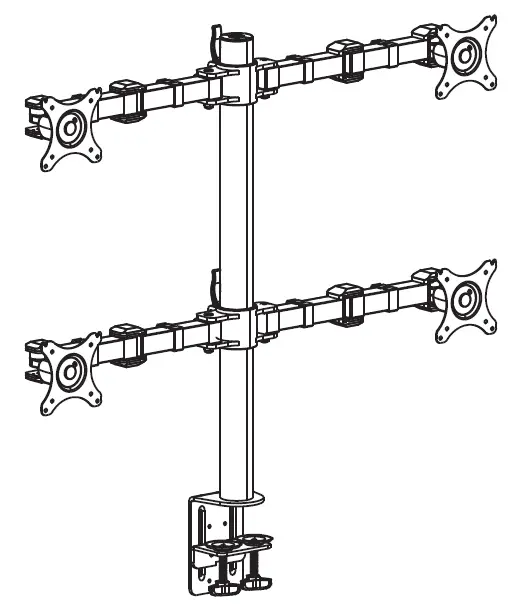
MONOPRICE 16248 Essential Quad Monitor Articulating Arm Desk Mount
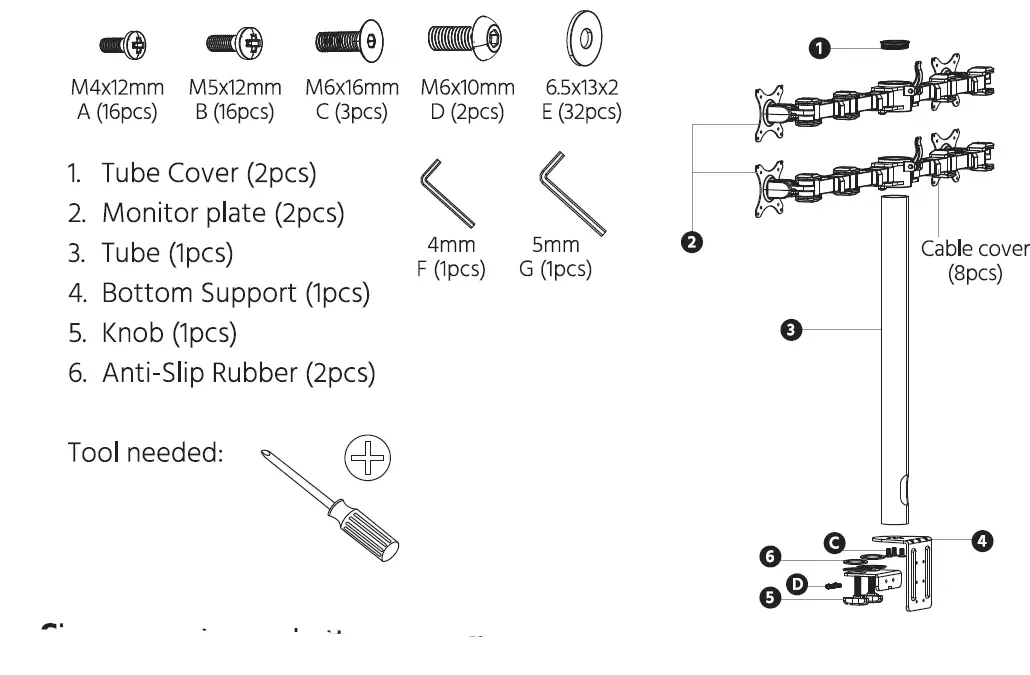
PACKAGE CONTENTS
INSTALLATION INSTRUCTIONS
STEP 1: Fitting the bottom support on the desk.
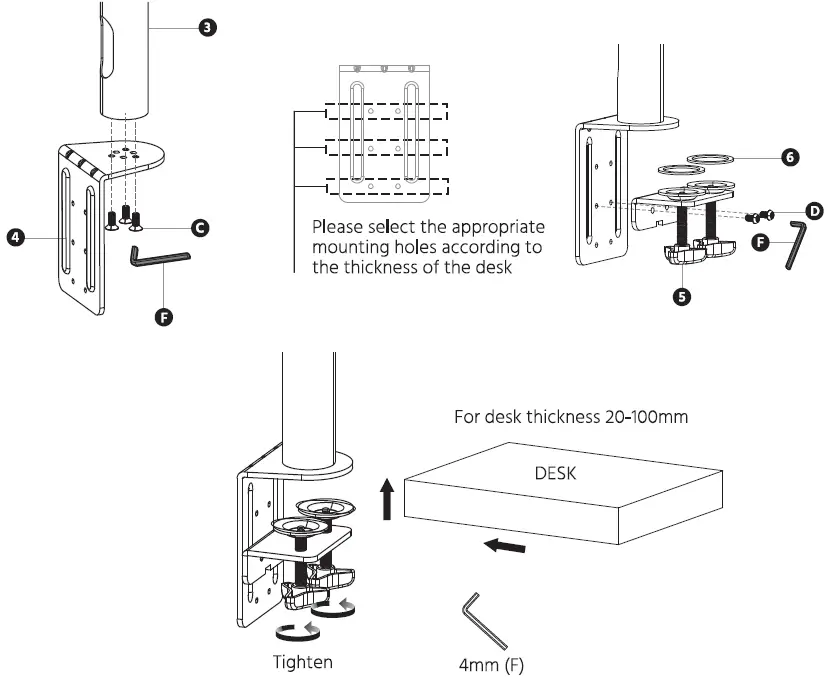
Step 2: Install Monitor Plate
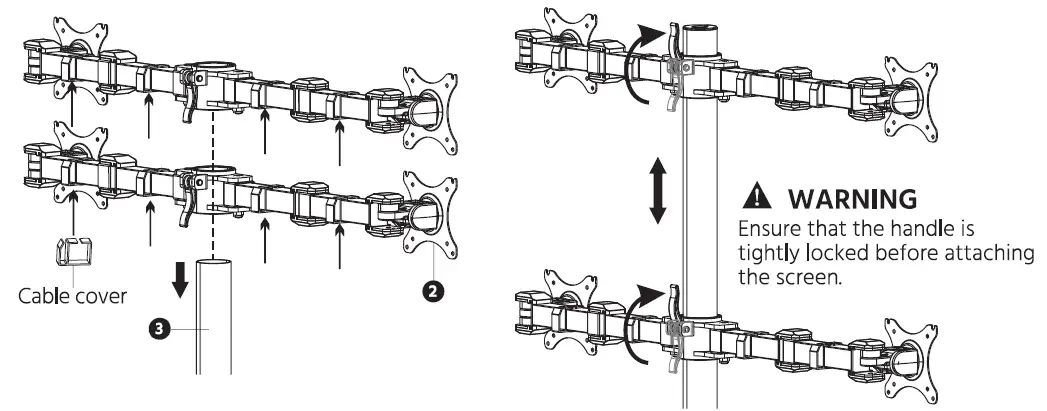
Step 3: Attaching screen to Monitor Plate
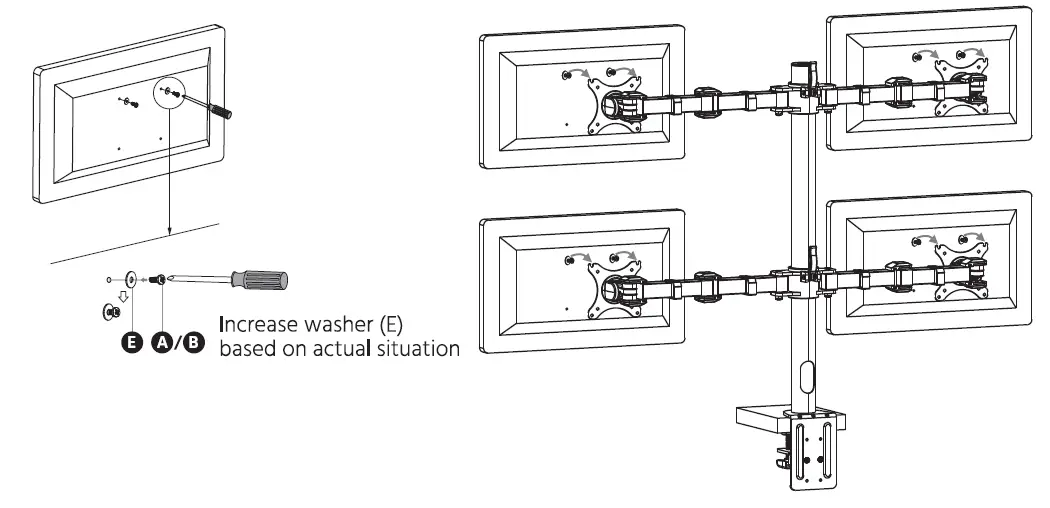
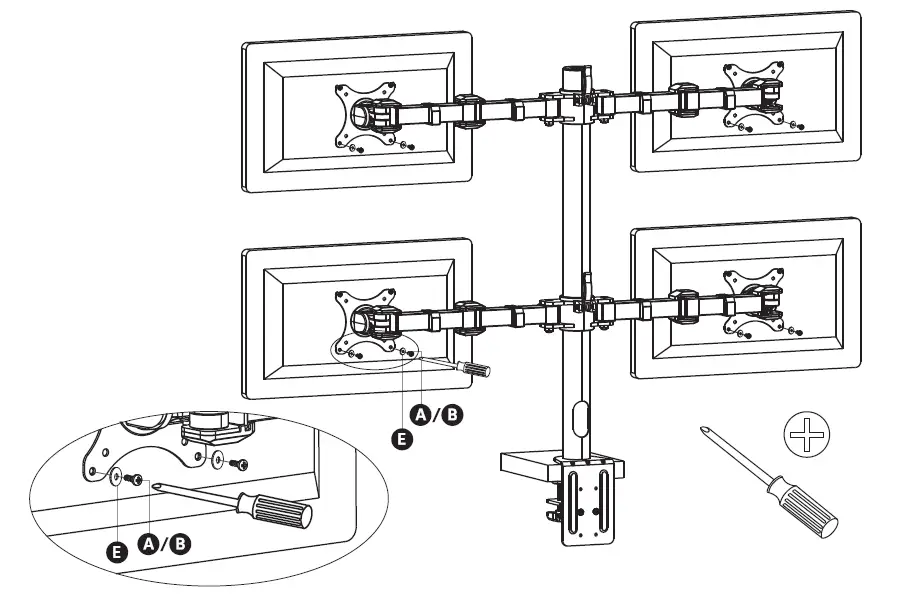
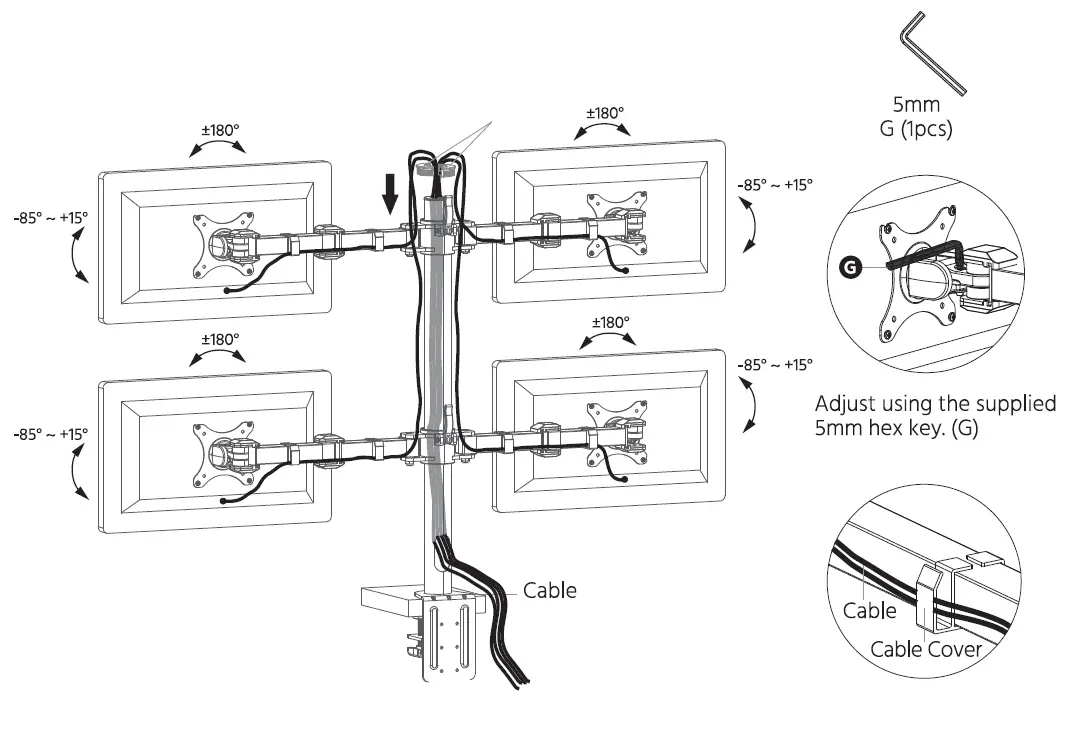
Step 4: Adjust Screen
Caution
- This product contains small tems that could be a choking hazard if swallowed.
Keep these items away from young children. - Make sure these instructions are read and completely understood before attempting installation. If you are unsure of any part of this installation, please contact a professional installer for assistance.
- The desk or mounting surface must be capable of supporting the combined weight of the mount and the display.
- Please check the installation every two months, ensuring that all of the screws are tight.
- This product has been designed to be installed to a desk. Before installation, ensure that the desk can safely support the weight of the mount and any attached monitor.
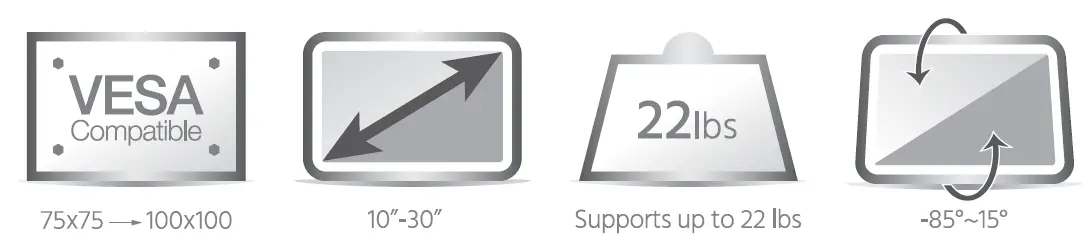
- Ensure that the weight of any equipment to be attached to the mount does not exceed the 22 lb. maximum weight capacity of the mount.
Essential Quad Monitor Articulating Arm Desk Mount