Berker 75904002 IR Configuration Hand-Held Transmitter for Presence Detector Instruction Manual
Description
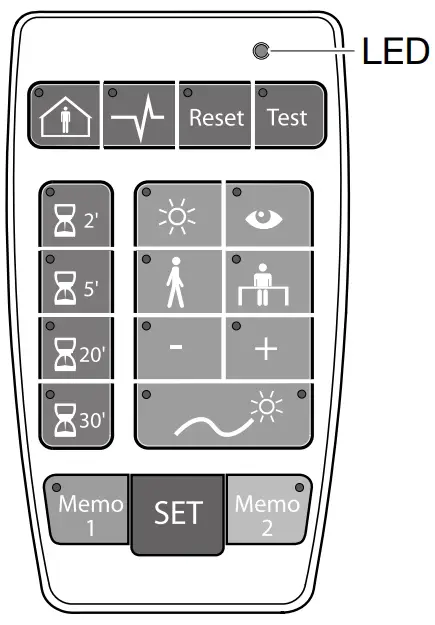
Use
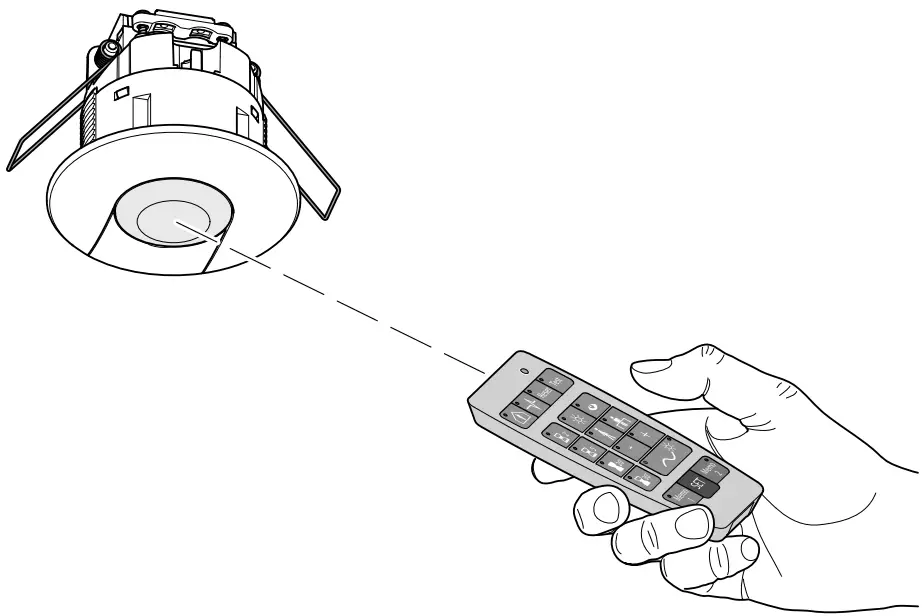
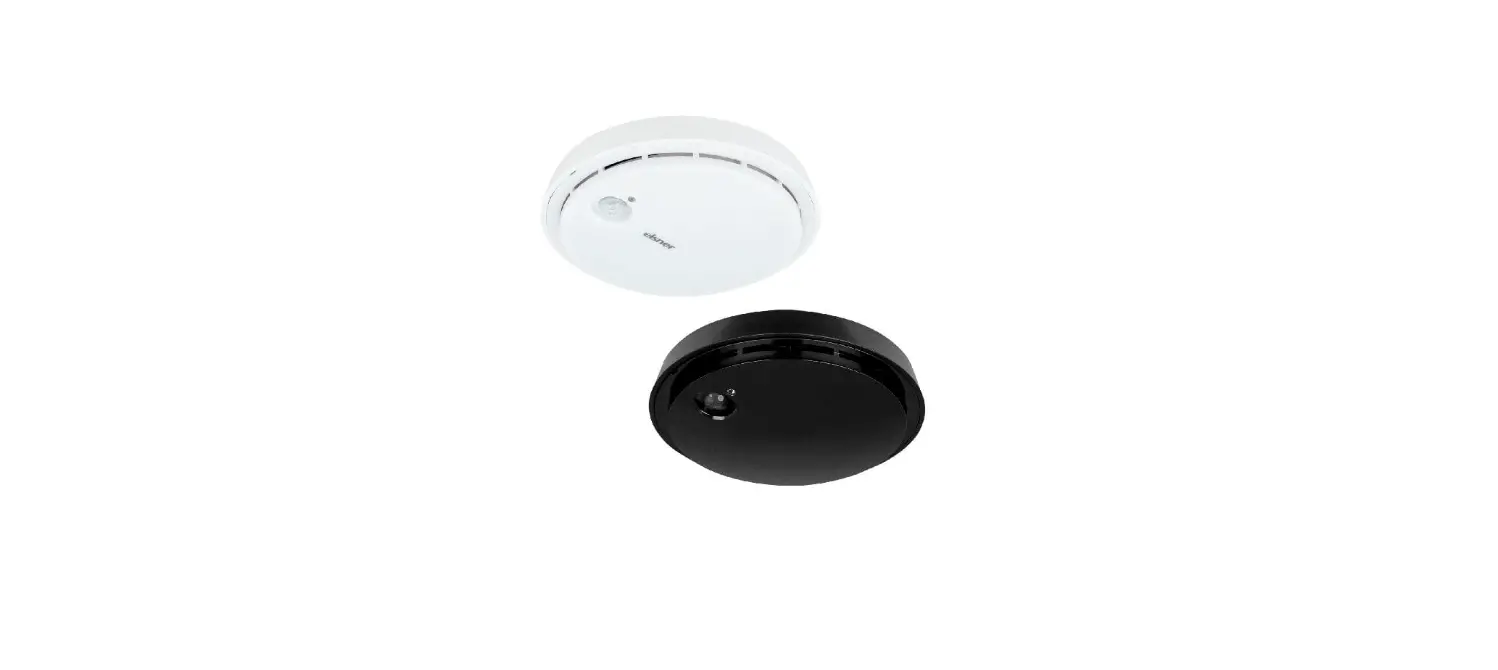
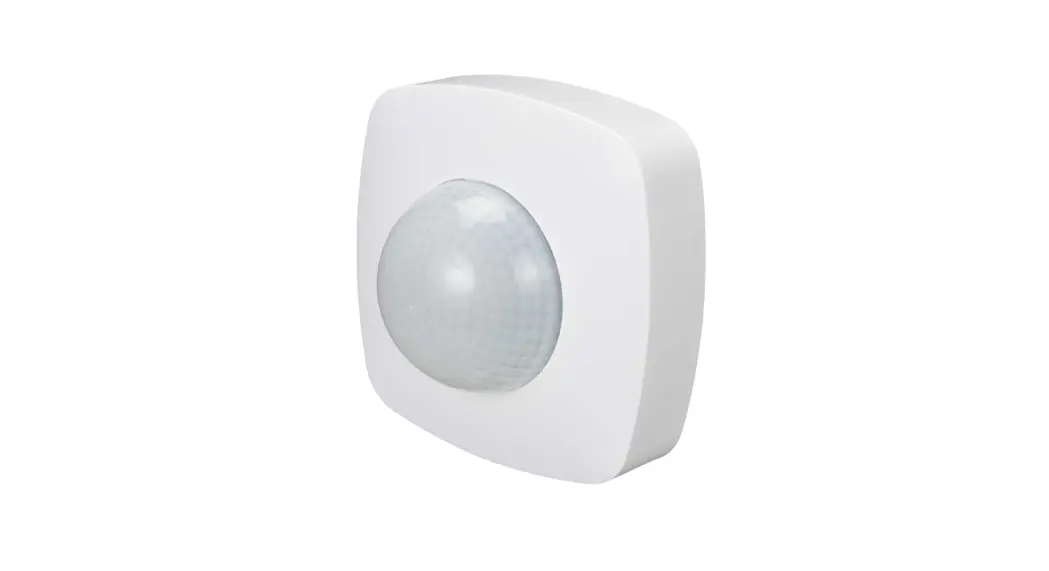
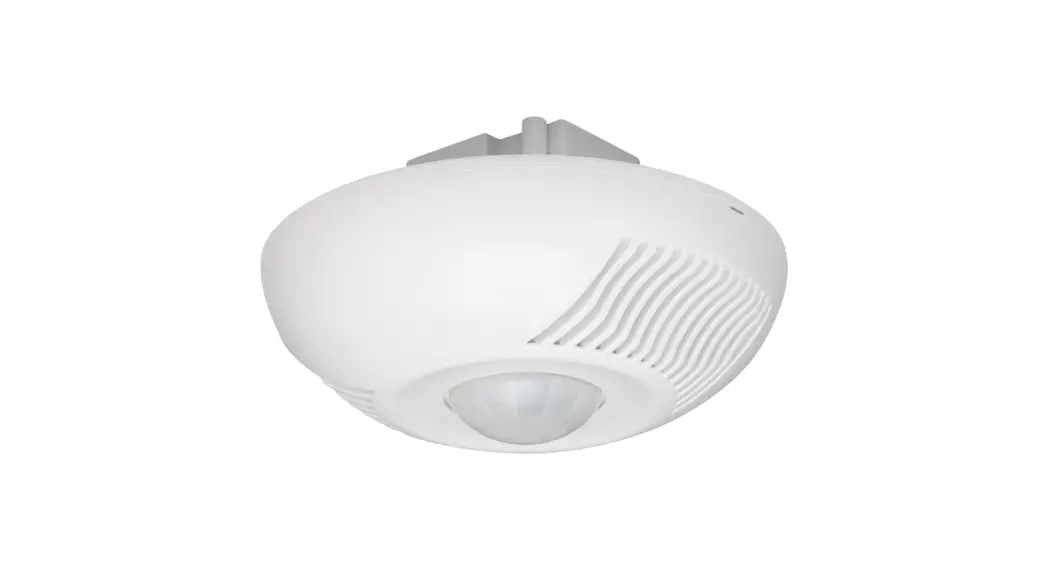
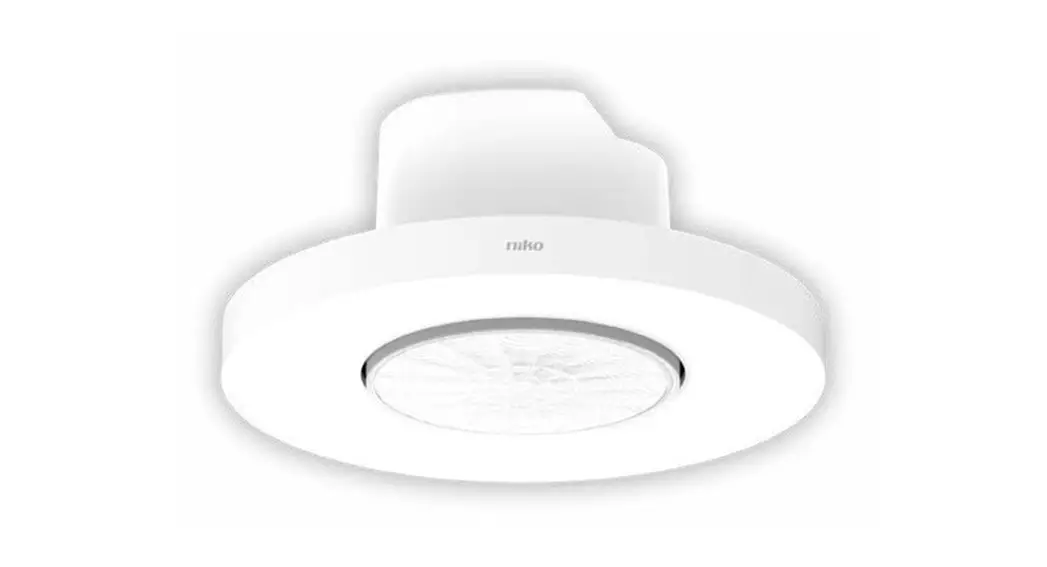
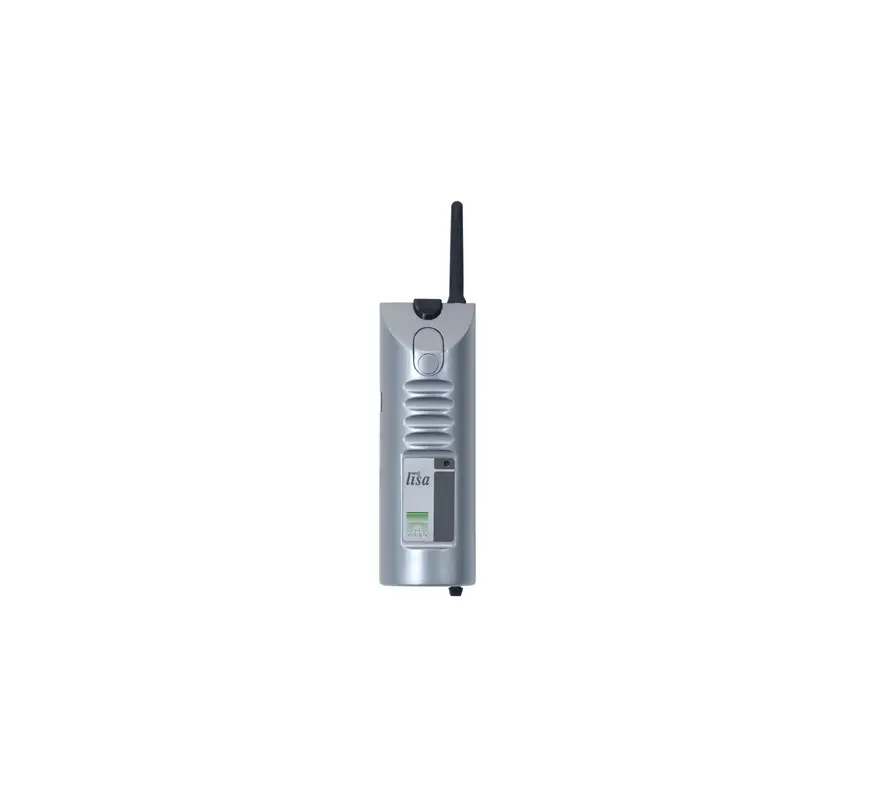
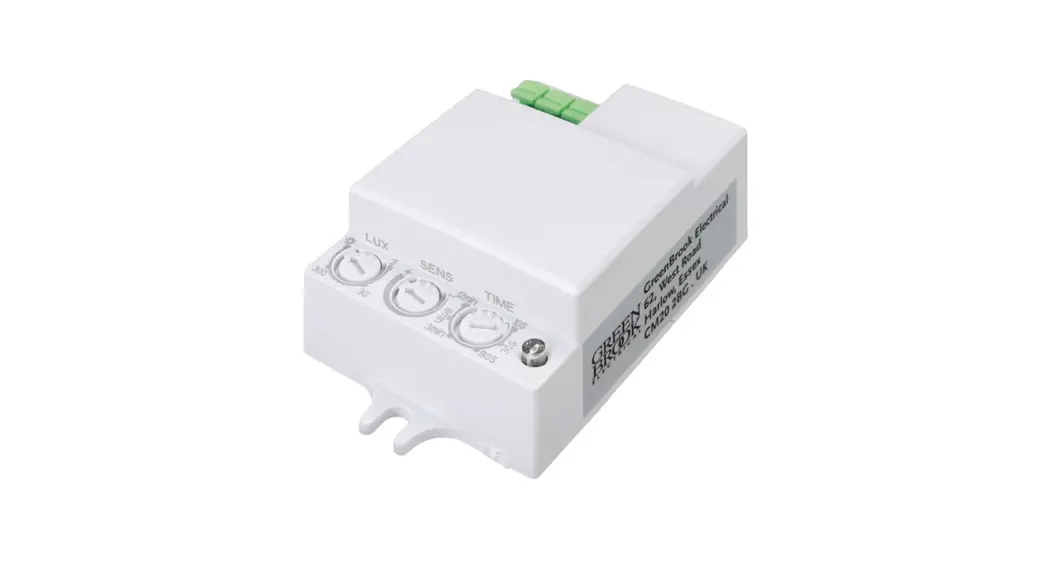
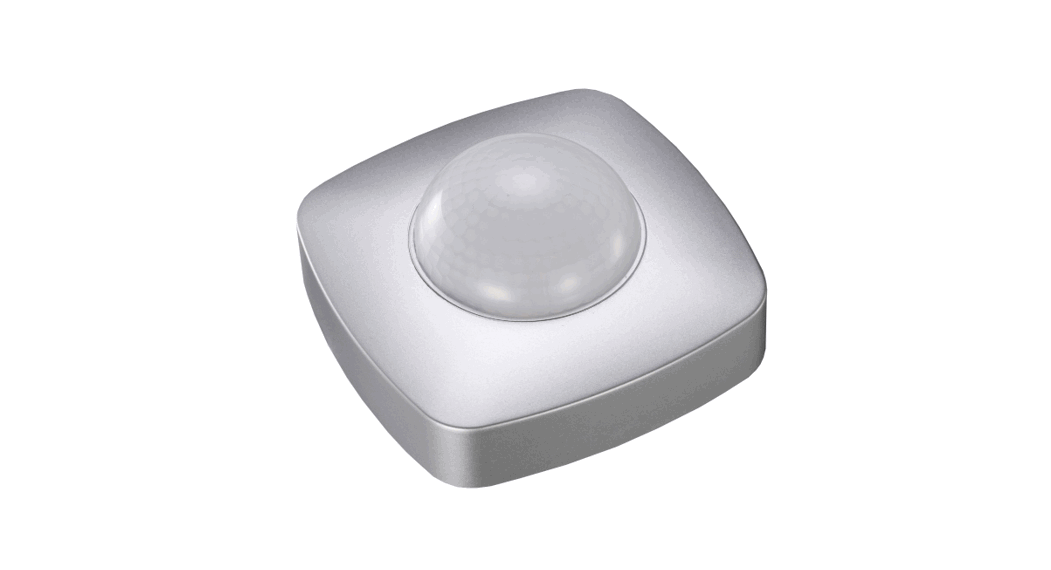
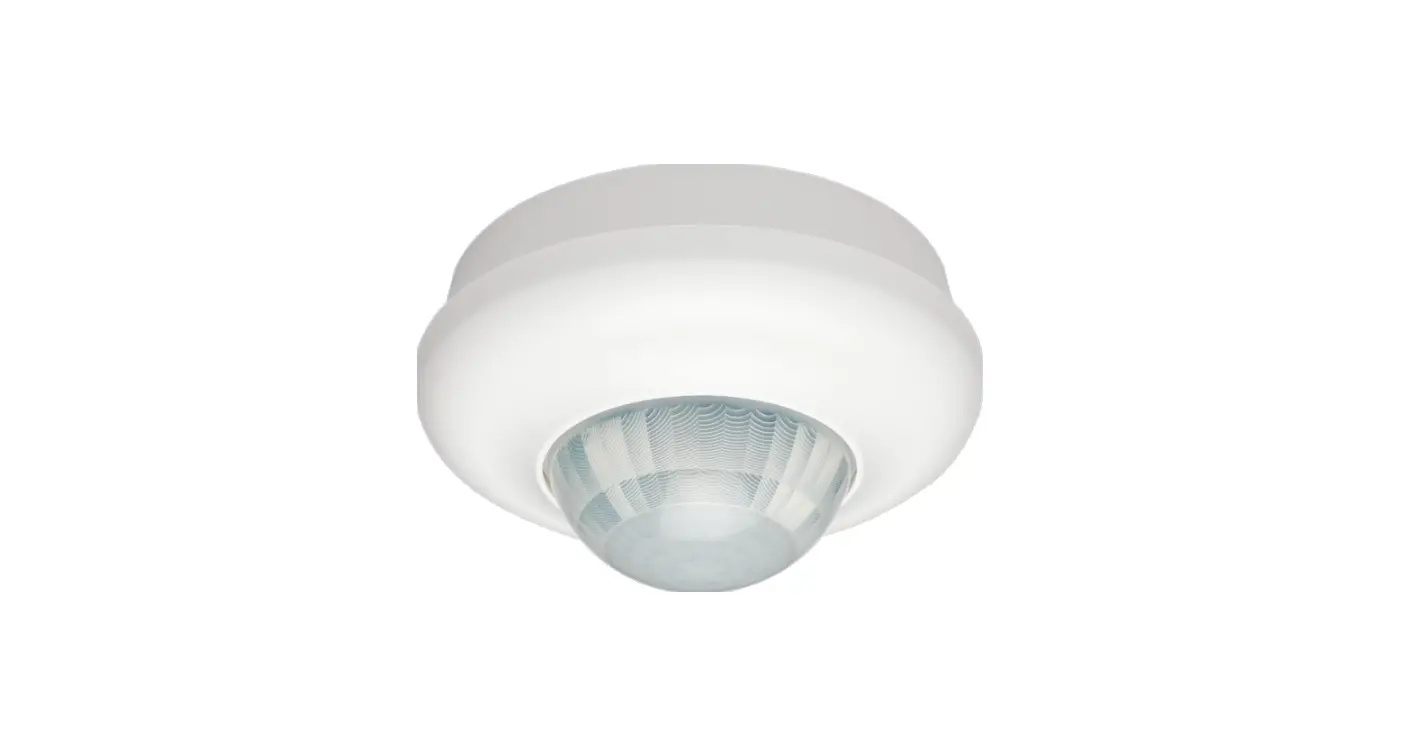
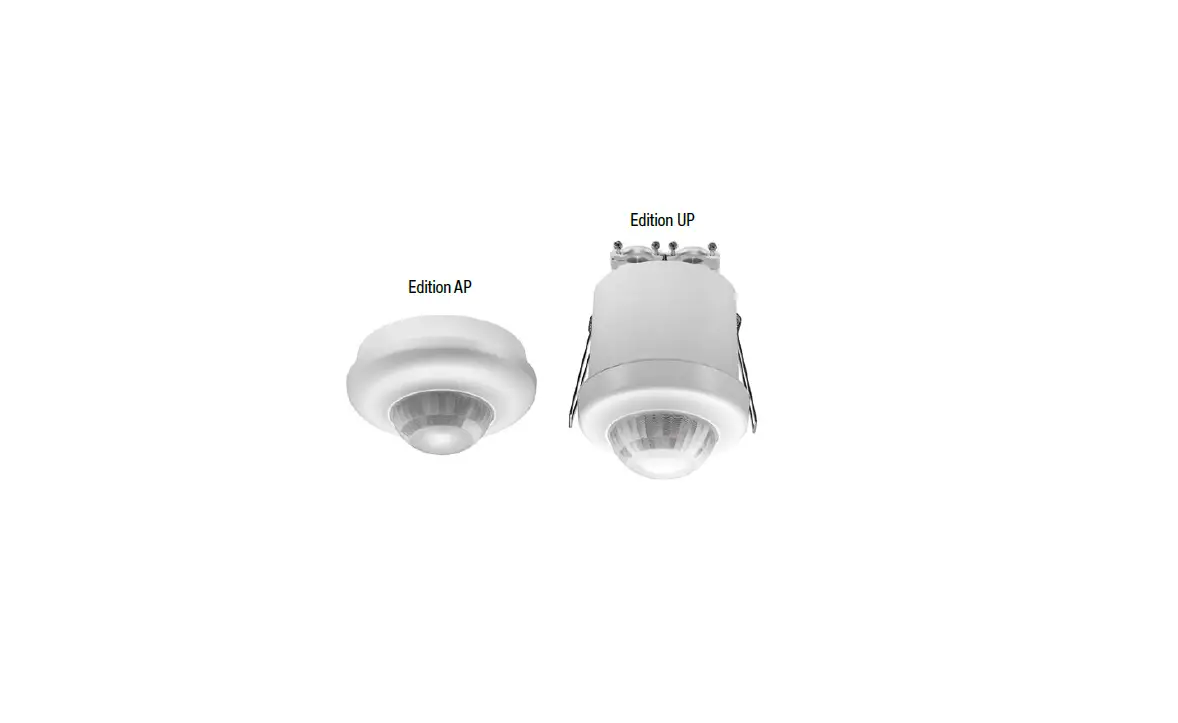
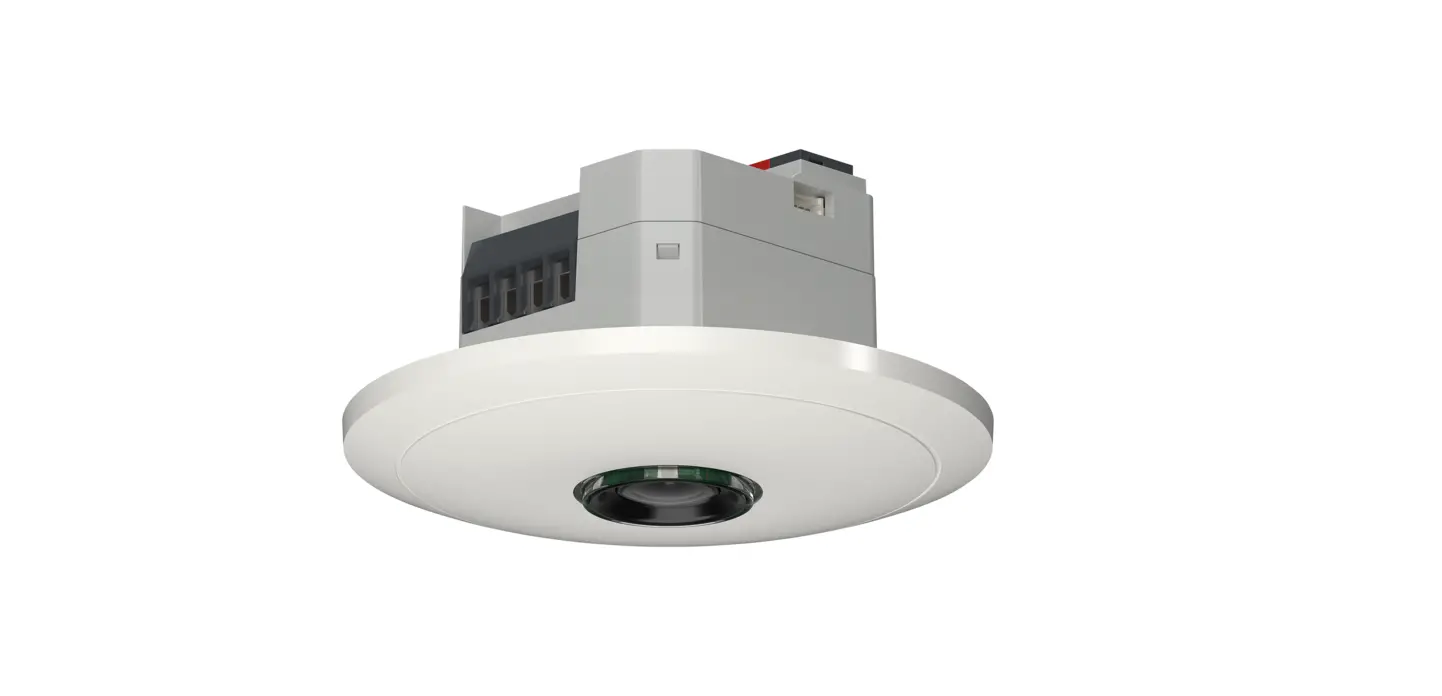
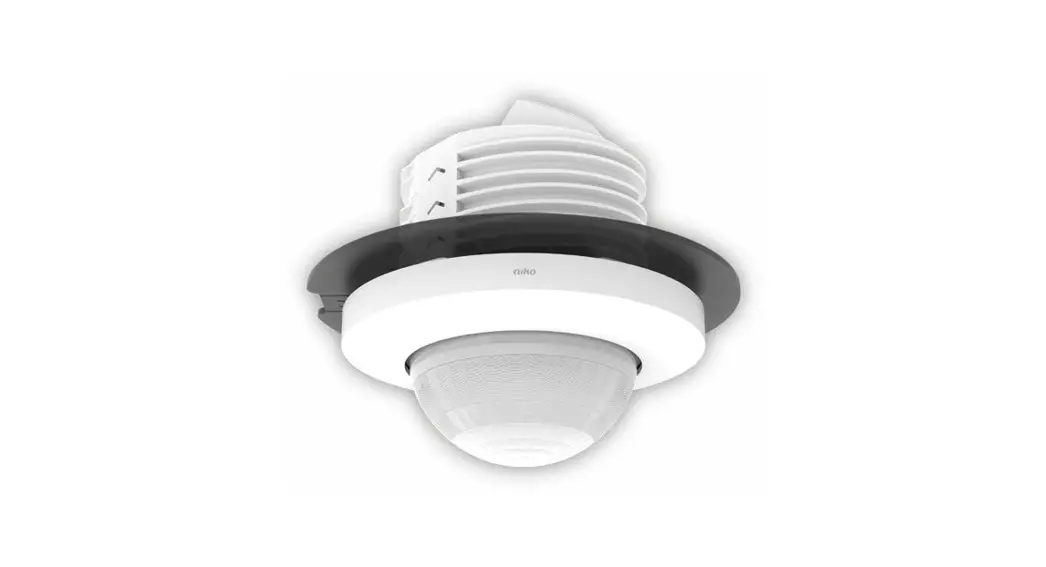
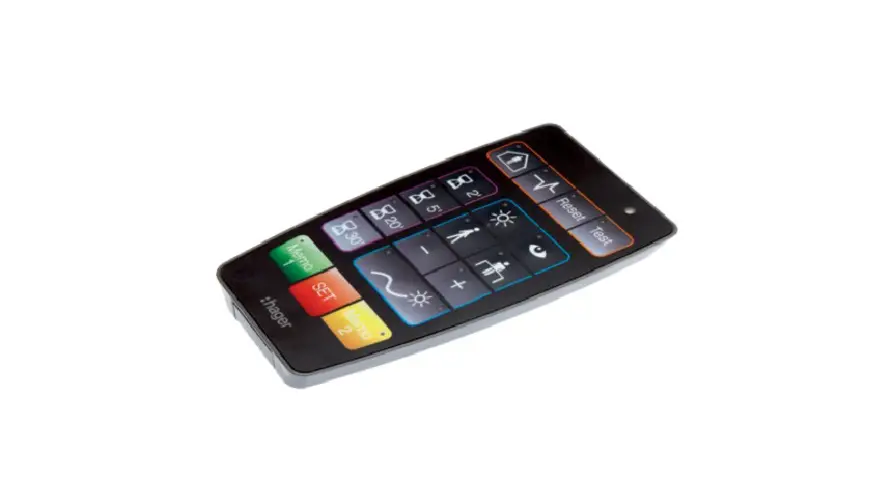
The remote control allows the user to set or modify settings on the presence detectors 1701 06, 1701 07, 7524 10 03, 7524 10 04. when the potentiometer is on “auto test”. It allows single and multiple settings. The SET key is used to send the IR messages to the occupancy sensors. Multiple settings can be stored in Memo 1 and Memo 2 and recalled to set several devices.
Single setting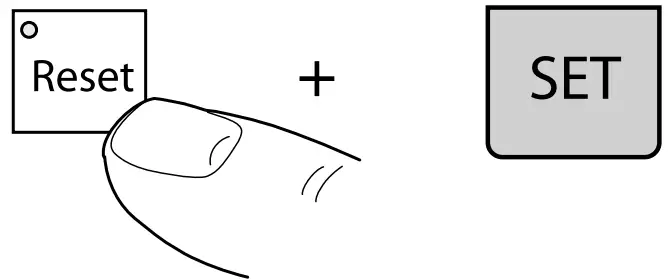
Multiple settings
Define the parameters to be changed and press SET to send.
Example: for 25 minutes and corridor use, press 20′, 5′ and corridor.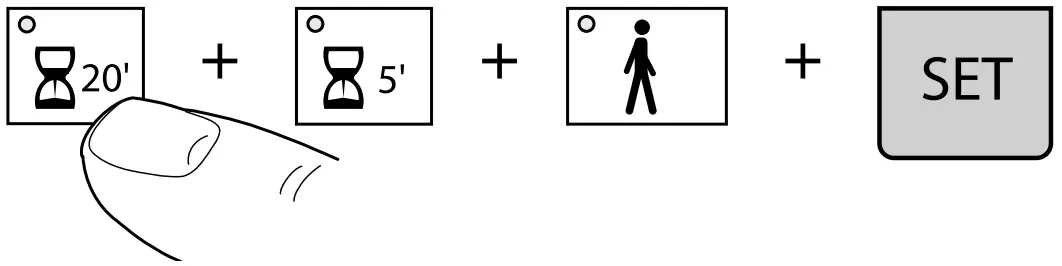
In the case of 2 opposite states the green LED denotes ON and the red LED denotes OFF (except Presence/ Absence).
When no function is selected all LED’s are OFF.
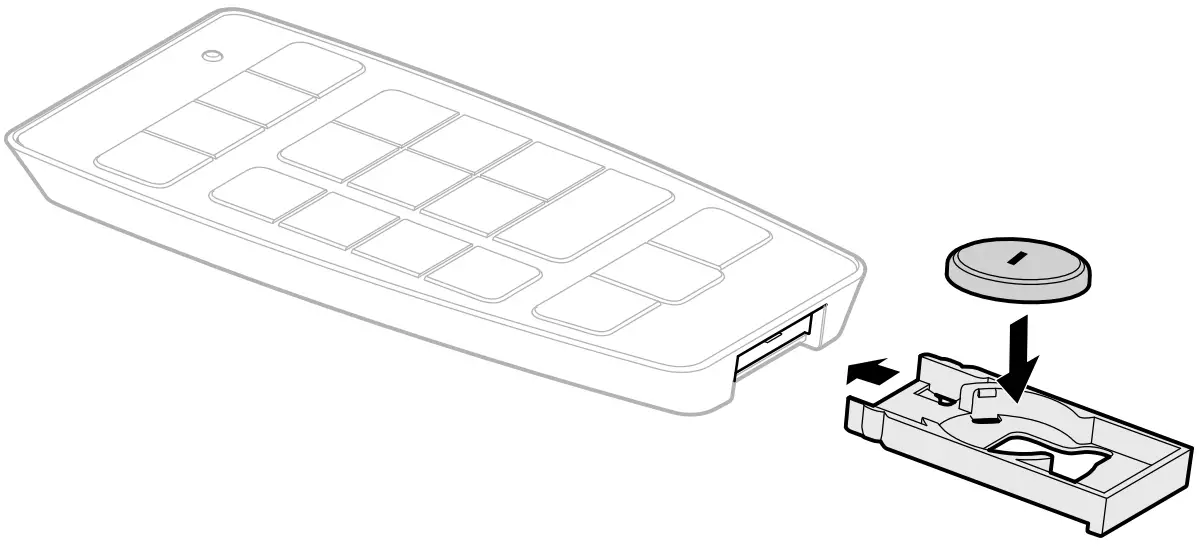
Battery replacement
The acknowledgment LED blinks during the sending of the IR message.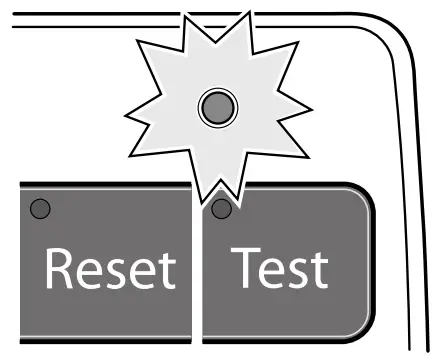
Technical specifications
- Power supply: 1x 3V CR2032
- Shelf life of battery: 2,5 years
- Protection index: IP 30
Settings available
Key | Meaning | Indication | Function |
 | Presence | Green LED on | Presence on (automatic mode). |
| Absence | Red LED on | Absence on (semi automatic mode). | |
 | Power Up | Green LED on | The light is automatically switched ON for 30 s after power up. |
| Red LED on | During warm up phase, the light output is off. | ||
Reset | Reset | LED on | To return to factory settings (Lux = 400, tine = 20min., presence on, power up off and cell active). |
Test | Test | LED on | To validate the detection area |
 | Time | LED on | To set the time. it is possible to add times Ex.: press 2′ and 5′, time value is 7′. |
 | Day level 1000 Lux | LED on | To set the value on 1000 Lux |
| Direct lighting/ long press (>10S.) | The red LED of the detector blinks. | Control a direct lighting. | |
 | Learn | LED on | To team the cumant Lux level |
| Indirect lighting/ long press (>10S.) | The red LED of the detector blinks. | Control an indirect lighting. | |
 | Corridor | 200 Lux LED on | To set the value on 200 Lux |
 | Office 400 Lux | LED on | To set the value on 400 Lux |
 | Lux + | LED on | To increase the Lux level (+100) |
 | Lux – | LED on | To decrease the Lux level (-100) |
 | Active cell | Green LED on | The light is continuously measured. |
| Passive cell | Red LED on | The product doesn’t switch the light off even if the ambient luminosity is sufficient. |
Correct Disposal of This product (Waste Electrical & Electronic Equipment).
 (Applicable in the European Union and other European countries with separate collection systems).
This marking shown on the product or its literature indicates that it should not be
disposed with other household wasted at the end of its working life. To prevent
possible harm to the environment or human health from uncontrolled waste disposal, please separate this from other types of wastes and recycle it responsibly
to promote the sustainable reuse of material resources.
Household users should contact either the retailer where they purchased this
product, or their local government office, for details of where and how they can
take this item for environmentally safe recycling.
Business users should contact their supplier and check the terms and conditions
of the purchase contract. This product should not be mixed with other commercial
wastes of disposal.
Usable in all Europe  and in Switzerland
Warranty
We reserve the right to make technical and formal changes to the scope of the statutory provisions.
Our products are under guarantee within the scope of the statutory provisions.
If you have a warranty claim, please contact the point of sale or ship the device postage free with a description of the fault to the appropriate regional representative.
Support
Berker GmbH & Co. KG – Zum Gunterstal
66440 Blieskastel/Germany
Tel.: +49 6842 945 0
Fax: +49 6842 945 4625
E-Mail: [email protected]
www.berker.com
 Welcome to Berker.com