BPS-801Scrotal Ultrasound Training
Product Information:
- Product Name: CAE Blue PhantomTM Ultrasound Training Model
- Contents: Cautions and Warnings, General Precautions, Service
and Repair, Introduction, Anatomy, Using the Training Model,
Ultrasound Scanning, Care and Maintenance - Latex-Free: Yes
- Construction Material: Patented SimulexTM ultrasound tissue
that mimics human tissue - Includes skeletal components for realistic imaging
landmarks - Scrotal ultrasound training model consists of an anatomical
base and a scrotal ultrasound insert - Internal anatomy of the insert includes various
pathologies - The insert may degrade over time and can be replaced with new
inserts
Product Usage Instructions:
- Setup:
- Ensure the ultrasound training model is clean and free from any
debris or contaminants. - Place the model on a stable surface for easy access during
training.
- Ensure the ultrasound training model is clean and free from any
- Training:
- Read the user guide, including all cautions and warnings,
before using the ultrasound training model. - Follow the instructions provided in the guide to perform
ultrasound scanning on the scrotum. - Practice identifying different pathologies within the scrotal
ultrasound insert.
- Read the user guide, including all cautions and warnings,
- Ultrasound Scanning:
- Use an ultrasound scanner compatible with the training
model. - Apply ultrasound gel to the scrotal ultrasound insert for
optimal imaging. - Follow the scanning techniques and guidelines provided in the
user guide for accurate results.
- Use an ultrasound scanner compatible with the training
- Care and Maintenance:
- After each use, clean the ultrasound training model with a mild
detergent and water. - Ensure the model is completely dry before storing it to prevent
mold or mildew growth. - Regularly inspect the scrotal ultrasound insert for any signs
of degradation or damage. - If the insert shows signs of wear, purchase replacement inserts
online or contact your account manager.
- After each use, clean the ultrasound training model with a mild
Contents
Contents
Cautions and Warnings……………………………………………………………………………………………………1
General Precautions . . . . . . . . . . . . . . . . . . . . . . . . . . . . . . . . . . . . . . . . . . . . . . . . . . . . . . . . . . . . . . . . . . . . . 1 Latex-Free . . . . . . . . . . . . . . . . . . . . . . . . . . . . . . . . . . . . . . . . . . . . . . . . . . . . . . . . . . . . . . . . . . . . . . . . . . 1
Service and Repair . . . . . . . . . . . . . . . . . . . . . . . . . . . . . . . . . . . . . . . . . . . . . . . . . . . . . . . . . . . . . . . . . . . . . . 1
Int r oduct ion ……………………………………………………………………………………………………………………3
Anatomy . . . . . . . . . . . . . . . . . . . . . . . . . . . . . . . . . . . . . . . . . . . . . . . . . . . . . . . . . . . . . . . . . . . . . . . . . . . . . . 3 Equipment Overview . . . . . . . . . . . . . . . . . . . . . . . . . . . . . . . . . . . . . . . . . . . . . . . . . . . . . . . . . . . . . . . . . . . 4
Using the Training Model ……………………………………………………………………………………………….5
Setup . . . . . . . . . . . . . . . . . . . . . . . . . . . . . . . . . . . . . . . . . . . . . . . . . . . . . . . . . . . . . . . . . . . . . . . . . . . . . . . . . 5 Training . . . . . . . . . . . . . . . . . . . . . . . . . . . . . . . . . . . . . . . . . . . . . . . . . . . . . . . . . . . . . . . . . . . . . . . . . . . . . . . 5
Ultrasound Scanning . . . . . . . . . . . . . . . . . . . . . . . . . . . . . . . . . . . . . . . . . . . . . . . . . . . . . . . . . . . . . . . . 5
Care and Maintenance …………………………………………………………………………………………………..7
Storage and Transport. . . . . . . . . . . . . . . . . . . . . . . . . . . . . . . . . . . . . . . . . . . . . . . . . . . . . . . . . . . . . . . . . . 7 Cleaning . . . . . . . . . . . . . . . . . . . . . . . . . . . . . . . . . . . . . . . . . . . . . . . . . . . . . . . . . . . . . . . . . . . . . . . . . . . . . . . 7 Replacing the Tissue Insert . . . . . . . . . . . . . . . . . . . . . . . . . . . . . . . . . . . . . . . . . . . . . . . . . . . . . . . . . . . . . . 7 Help and Technical Assistance. . . . . . . . . . . . . . . . . . . . . . . . . . . . . . . . . . . . . . . . . . . . . . . . . . . . . . . . . . . 8
©2022 CAE 905K005152 v1.0
i
Contents
THIS PAGE INTENTIONALLY LEFT BLANK
ii
©2022 CAE 905K005152 v1.0
Cautions and Warnings
Cautions and Warnings
Read this user guide, including all cautions and warnings, before you use your CAE Blue PhantomTM ultrasound training model. Use this product only as described in this guide. If you use the product incorrectly, it may be unsafe and will void your warranty. Keep this information for future reference.
General Precautions
· Make sure the training model is set up on a stable, sturdy work surface such as a bed, stretcher, or table that will not collapse and cause injury to users.
· Heavier training models should be placed on a patient bed or stretcher rated to support such weight.
· Place the model on smooth surfaces only. Rough or uneven surfaces can leave impressions on the skin and damage the model.
· Do only the procedures supported by each product as described in this guide. · Do not use needles. This model is not designed for punctures or other needle access. Using
needles can cause injury and will void the warranty. · Do not use or store other sharp objects such as scissors, scalpels, or box-cutters with the
training model. · Do not pull on the training model skin. This can cause the skin to tear. · Do not mark directly on the training model as this will permanently damage it. · Do not insert any objects or tools into the model except for the equipment, accessories, or
medical supplies intended for use with this model. · Do not use chemical solvents on the models. · Clean the training model with water and a light soap solution only. Do not immerse the model or
use large amounts of liquid to wash it.
Latex-Free
· All CAE Blue Phantom training models, products, and accessories are manufactured only of materials that do not contain latex.
Service and Repair
· The CAE Blue Phantom training models are not user-serviceable. Only a trained technician may open or disassemble the product.
· Unauthorized use or handling of the model may void the warranty. · If you have a problem with your product, contact CAE Customer Support.
©2022 CAE 905K005152 v1.0
1
Cautions and Warnings
THIS PAGE INTENTIONALLY LEFT BLANK
2
©2022 CAE 905K005152 v1.0
Introduction
Introduction
This user guide describes the features, use, and care of the following training model: · CAE Blue Phantom Scrotal Ultrasound Training Model (BPS-801)
This model is intended as a platform for the practice of ultrasound scanning of the scrotum.
Anatomy
Ultrasound Training Model
CAE Blue Phantom training models are constructed using our patented SimulexTM ultrasound tissue which has imaging characteristics that mimic human tissue. The models contain skeletal components so the user will encounter the same imaging landmarks as in a human patient.
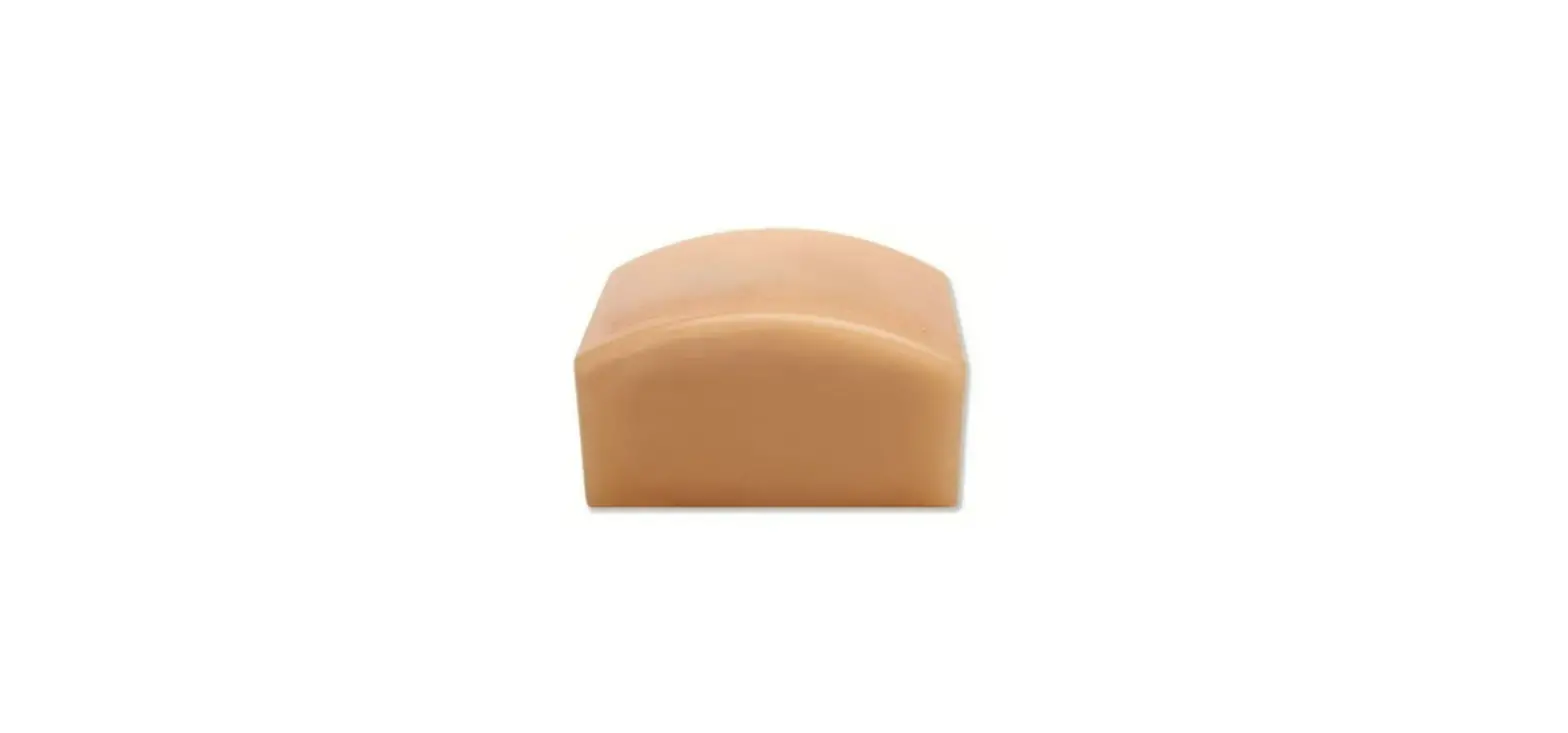
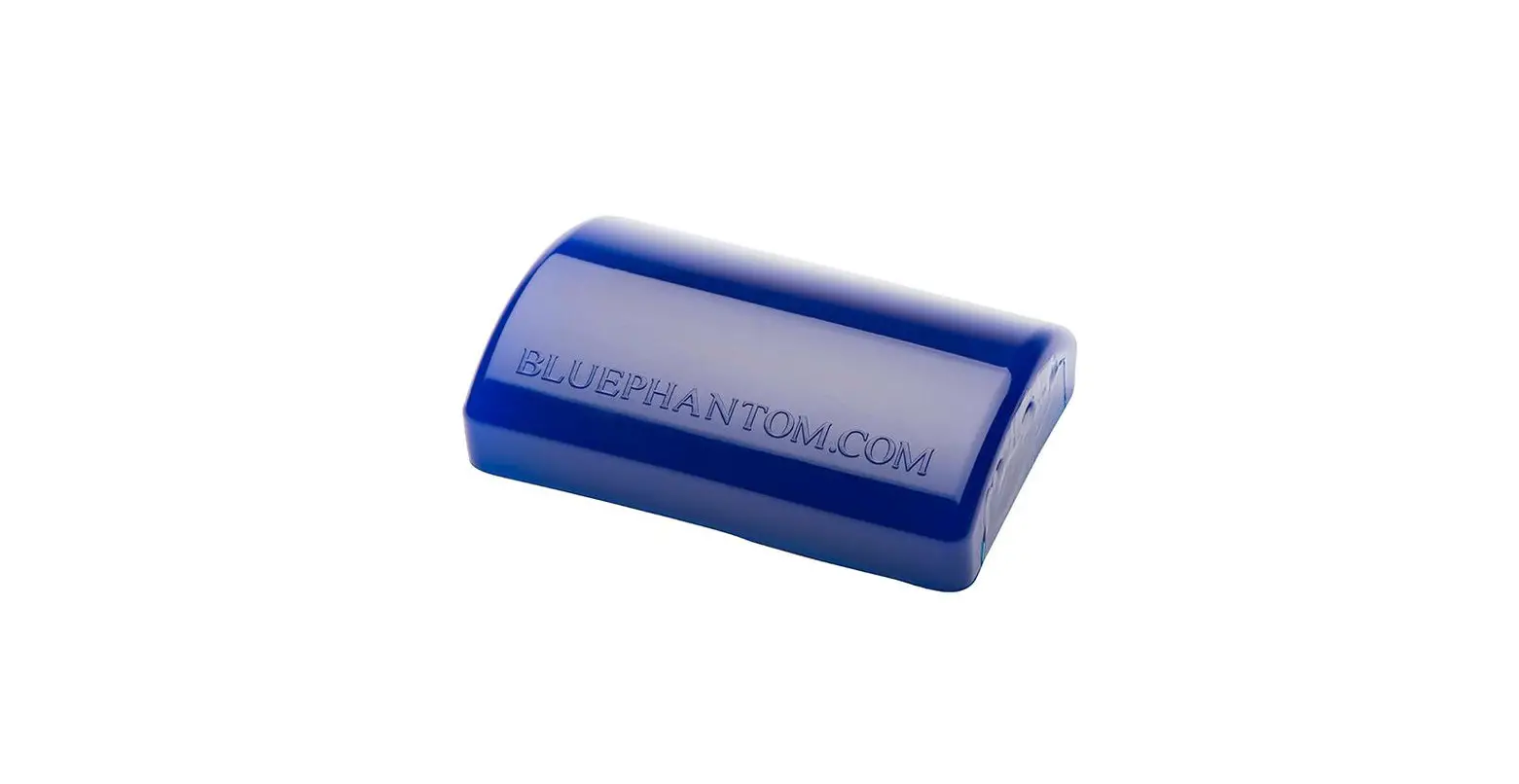
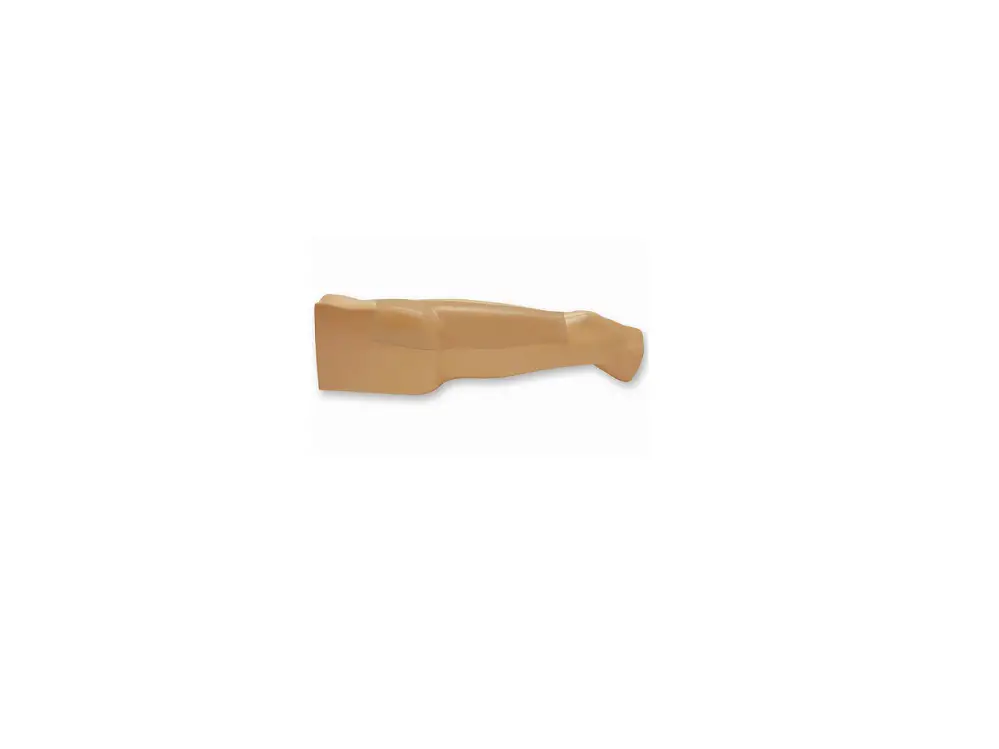
The scrotal ultrasound training model has two parts: the anatomical base and the scrotal ultrasound insert.
The internal anatomy of the insert includes:
· Left and right testicles · Epididymal head, body, and tail
Included pathologies are:
· Intratesticular masses · Epididymal mass · Hydrocele
The insert may degrade over time due to the nature of the anatomy and manufacturing needs for realism. Replacement inserts may be purchased online or from your account manager.
©2022 CAE 905K005152 v1.0
3
Introduction
Equipment Overview
The following items are included with your shipment: · Ultrasound training model · Soft storage case
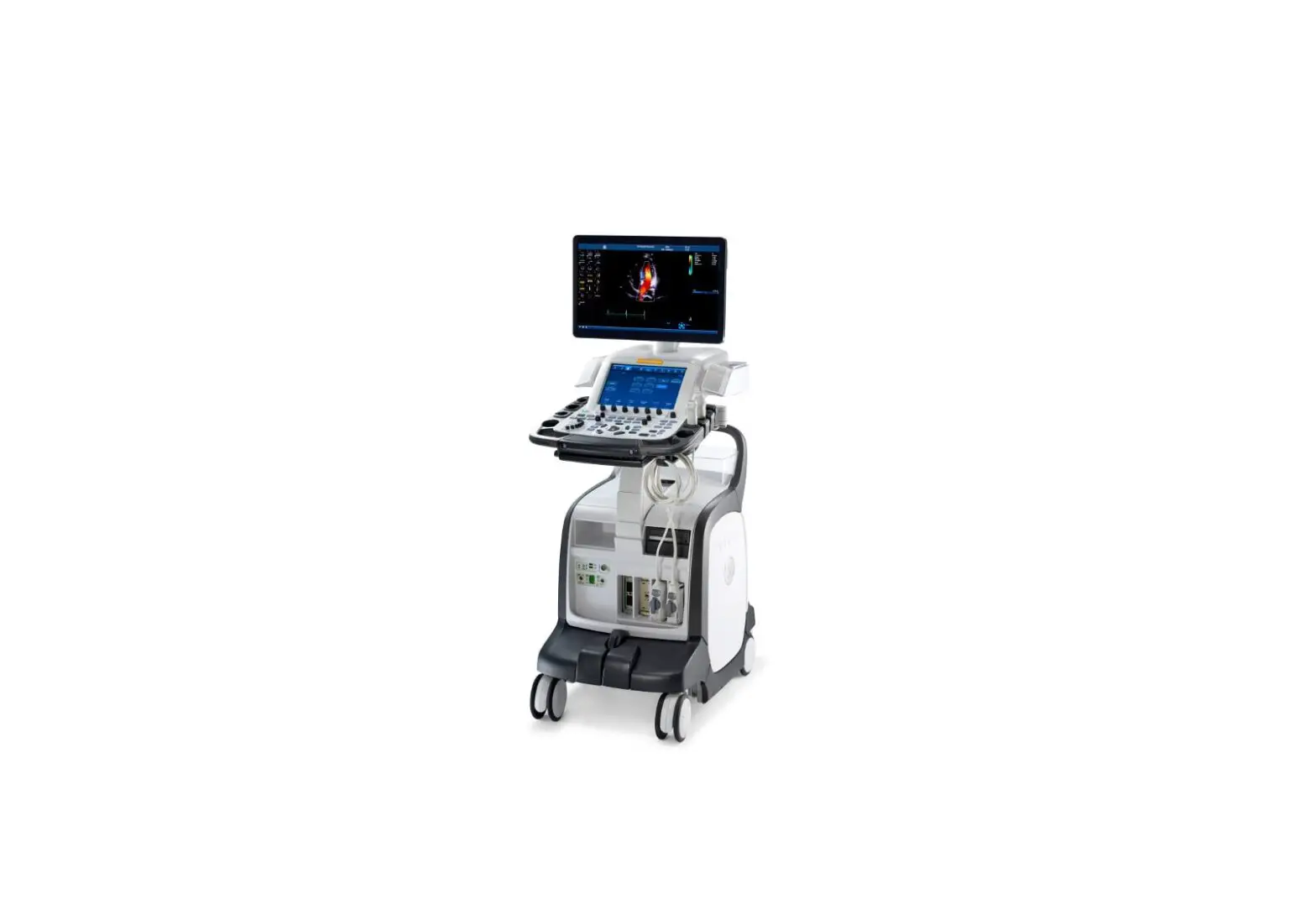
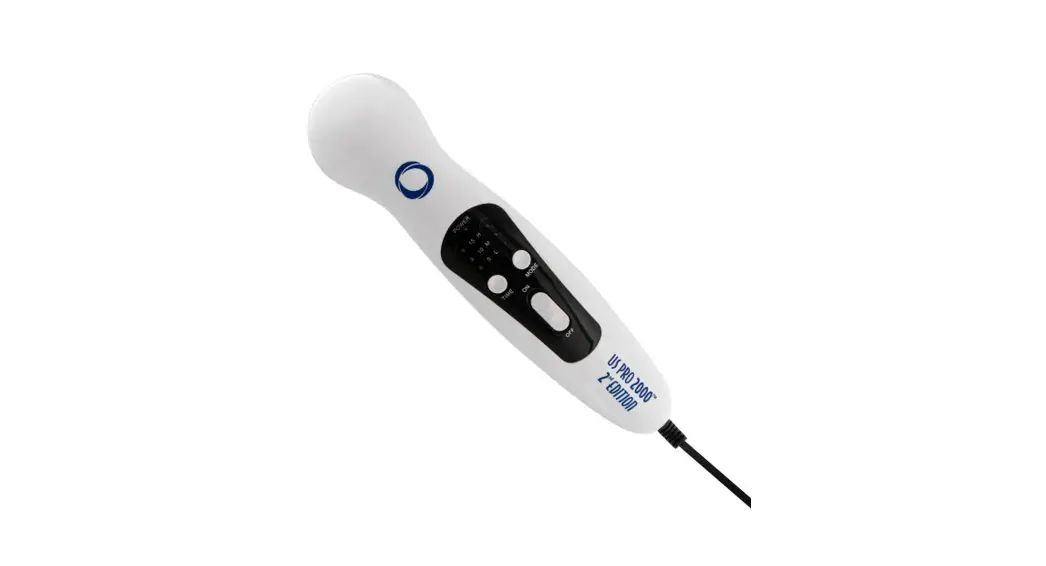
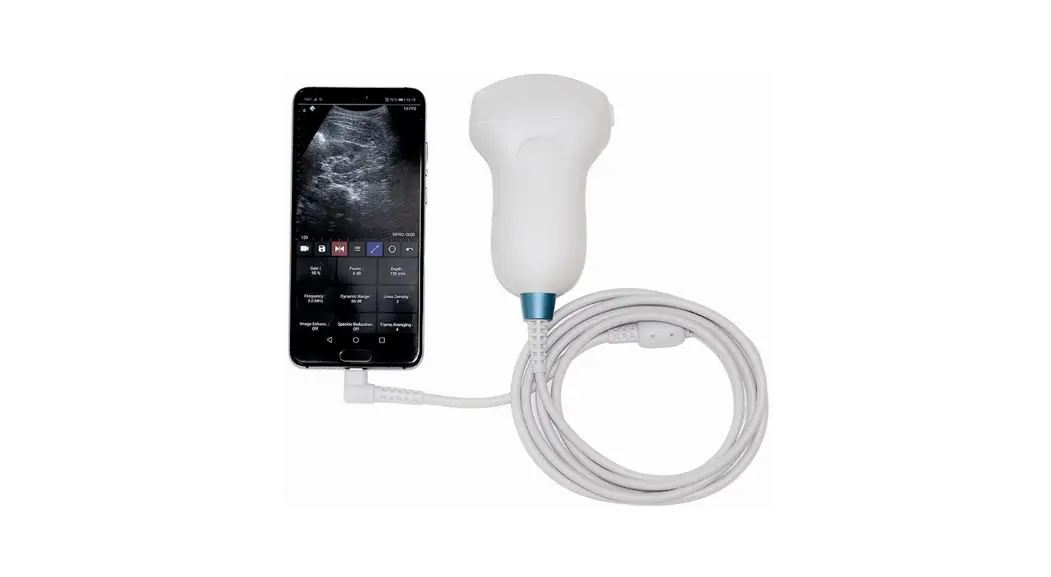
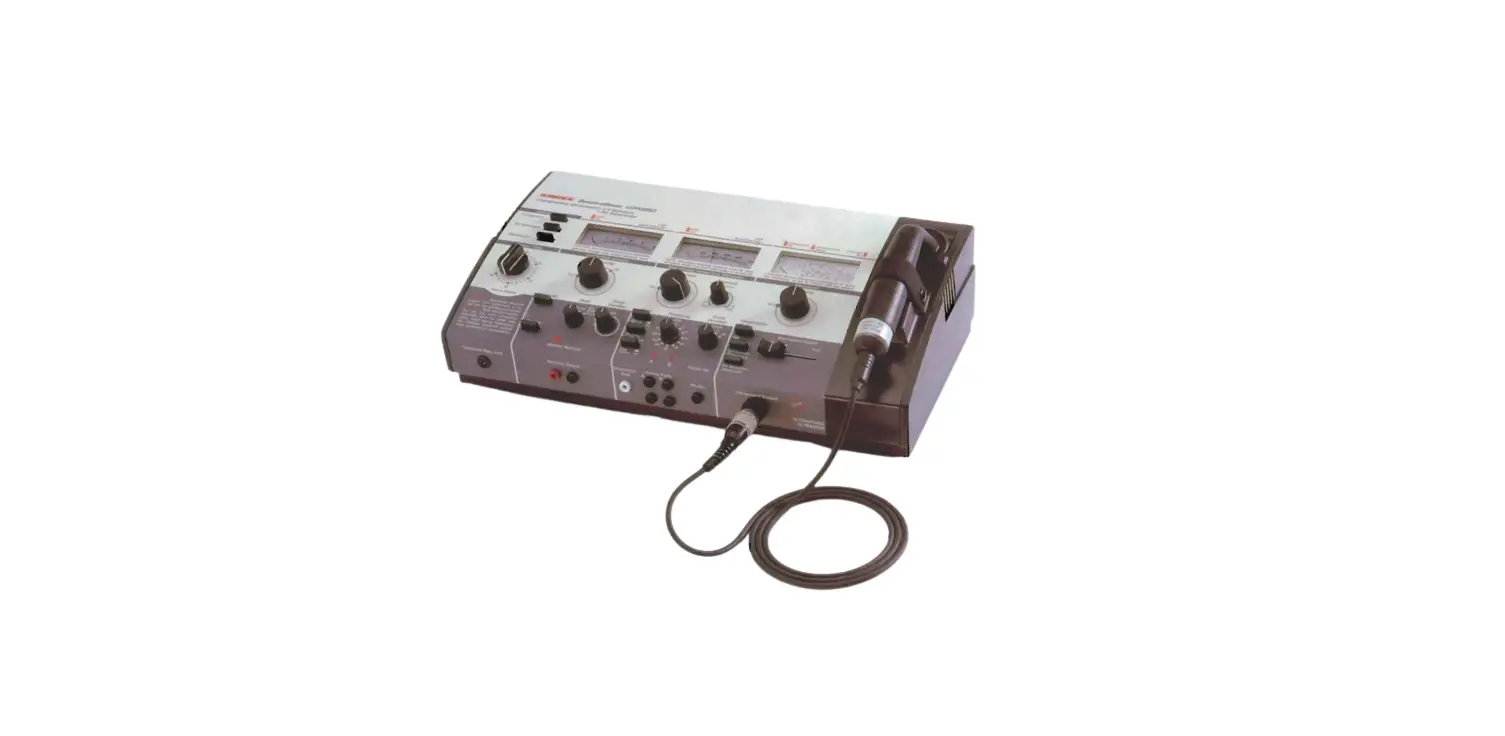
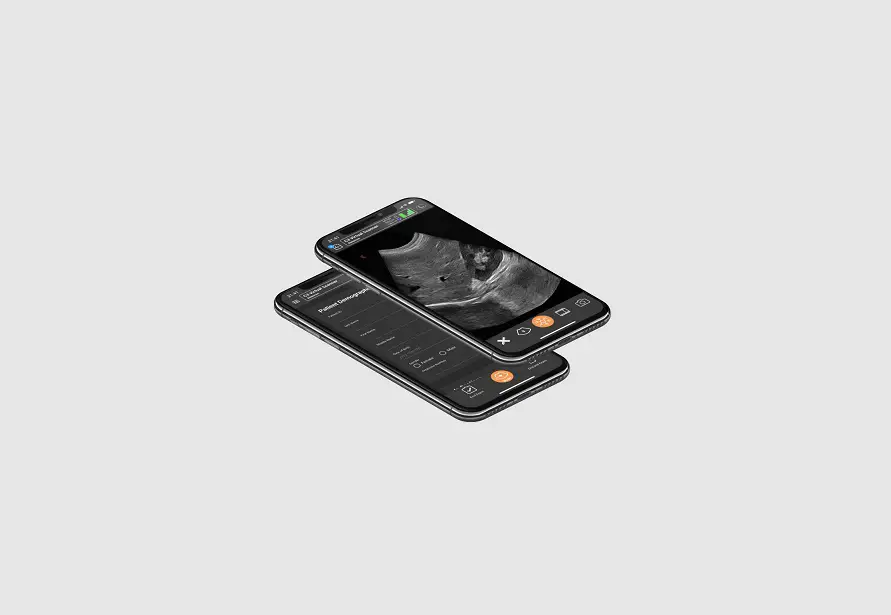
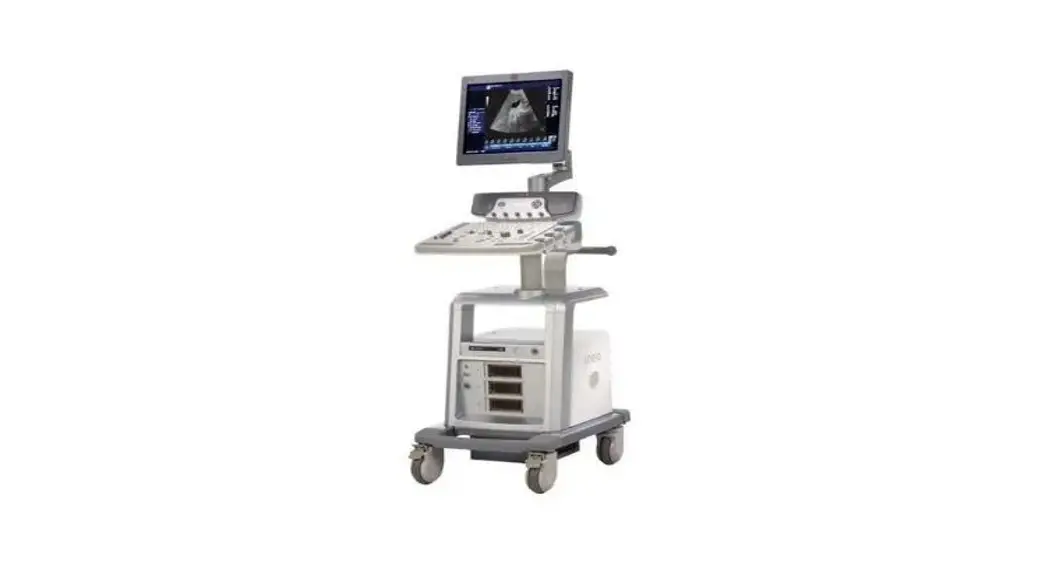
The following additional items are required for training but not included in your purchase: · Ultrasound system with appropriate transducer · Ultrasound gel · Ultrasound standoff pad (optional)
CAE Blue Phantom training models are compatible with any diagnostic ultrasound system. General frequency ranges for diagnostic ultrasound imaging are 2-20MHz. Optional accessories or consumables for your model are available to purchase on the CAE website:
· BPSR-802 Scrotal replacement insert
4
©2022 CAE 905K005152 v1.0
Using the Training Model
Using the Training Model
This section has information and instructions about the setup and use of the training model and any specific training procedures.
Setup
Follow the guidelines below to unpack and set up your CAE Blue Phantom training model.
1. Open the shipping carton:
º Use extreme caution with sharp tools, such as a box cutter, to avoid damage to the training model.
2. Unpack the equipment:
º Remove the training model from its shipping container. For heavier models, use proper lifting techniques to prevent bodily injury.
º Review the equipment, accessories, and supplies to make sure all necessary pieces are present. See the Equipment Overview section of this guide for a list of items included with this model.
3. Set up for training:
º Put the model on a stable patient bed, stretcher, or table. º Prepare your ultrasound system and equipment. º Gather any procedural equipment and supplies.
Training
This section provides information about using your model for training and practice.
Ultrasound Scanning
Note: CAE Blue Phantom products do not teach ultrasound procedures or techniques. Refer to your institution or training program for more information.
To scan with your training model and conduct a simulated ultrasound-guided procedure:
1. Place the model in the appropriate position for scanning.
2. Place ultrasound gel on the transducer or on the training model in an adequate quantity so that the transducer slides effortlessly on the model. Add more gel as needed.
3. Adjust the ultrasound system controls per your training protocol and the manufacturer’s instructions. Optimize the image with the ultrasound controls as needed.
©2022 CAE 905K005152 v1.0
5
Using the Training Model
THIS PAGE INTENTIONALLY LEFT BLANK
6
©2022 CAE 905K005152 v1.0
Care and Maintenance
Care and Maintenance
With proper care, your training model will remain in optimal condition and ready for use.
Storage and Transport
Follow these guidelines to properly store or transport your model: · Storage temperature degree range: 45 to 85 °F (7 to 29 °C) · Store the model in its included carrying case. · Do not store in contact with other models or hard objects as the pressure can damage the Simulex tissue. Do not stack multiple training models on top of each other. · When models with inserts are stored standing up for long periods of time, gravity may cause the insert to deform slightly. Remove the insert and let it sit for a few days to regain its shape. · Transport the model securely so it does not fall.
Cleaning
To maintain the product skin for the lifespan of the product, clean the exterior of the model after each use. Follow these steps:
1. Mix one cup of tap water with ¼ teaspoon of mild liquid soap (such as dish soap). 2. Gently clean the model’s exterior with the soap mixture and a soft, non-abrasive sponge or
cloth. 3. Rinse lightly with clean water. 4. Dab or pat with a clean, soft, lint-free cloth to dry the product after cleaning. Do not wipe or rub
the skin, which can damage it. 5. After the model has dried completely, lightly coat the external surface of the model with baby
powder and dust off any excess.
Replacing the Tissue Insert
To replace the insert, you will need: · Replacement insert
Follow these steps: 1. Position your training model in the upright position. 2. Gently lift up and pull the insert out completely.
©2022 CAE 905K005152 v1.0
7
Care and Maintenance
3. Place the new insert into the base. 4. Adjust the insert as needed so it aligns with the surface of the model.
Help and Technical Assistance
For assistance, contact CAE Customer Support. Contact information for all regions is available on the back cover of this guide and on the CAE Healthcare website.
8
©2022 CAE 905K005152 v1.0