Contents hide
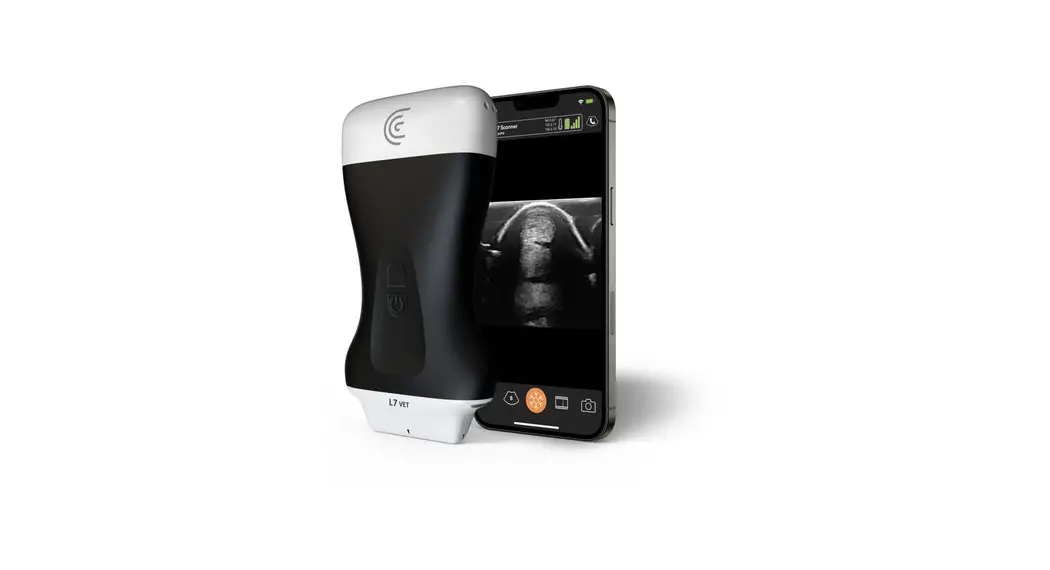
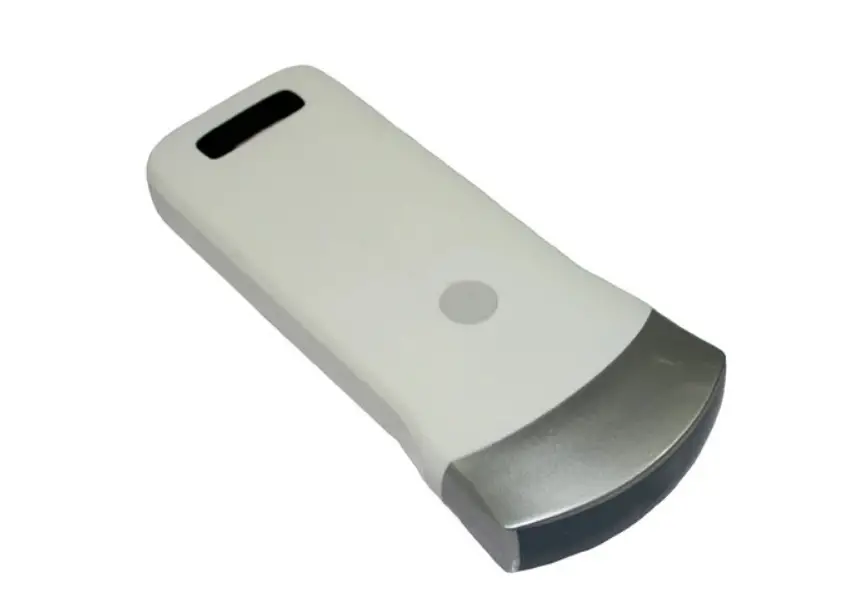
clarius HD Portable Pocket Handheld Ultrasound Scanners User Guide

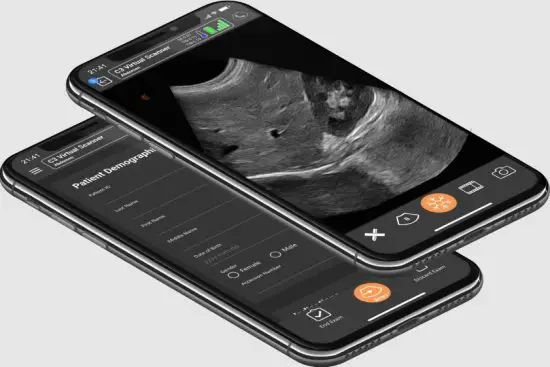
clarius HD Portable Pocket Handheld Ultrasound Scanners
- Charge the scanner battery.
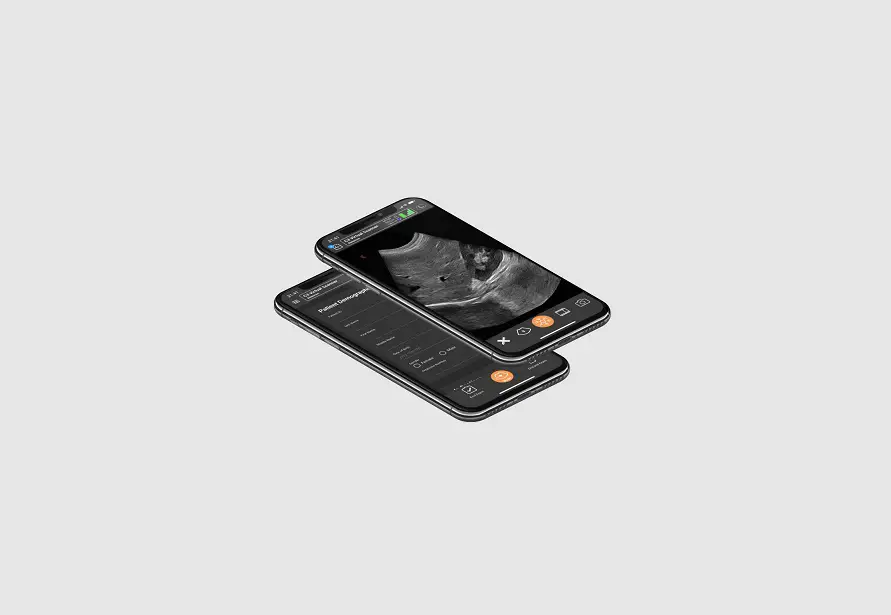
- Download the Clarius App. Sign in, or create an account if you don’t have one.

- Claim your scanner.
Insert the battery. Follow the Clarius App’s instructions to claim it. - Connect your scanner and smart device. Select your scanner to connect it.


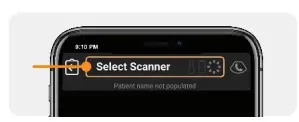
Get help with setup: clarius.com/support
Read the Clarius Ultrasound Scanner User Manual for full instructions, symbol glossary, and safety information: clarius.com/manuals.
Scanning Basics
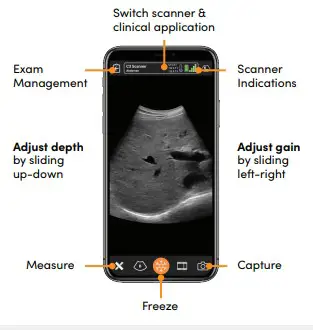
Clarius Ultrasound Scanner User Manual
Contact us to get a printed copy of the manual within 7 days at no additional cost: clarius.com/support/contact
Video Tutorials
Learn basic scanning functions with our short video tutorials: clarius.com/tutorials.
Clarius Mobile Health
130-2985 Virtual Way Vancouver, BC, V5M4X7 Canada [email protected]
Phone: +1 (778) 800-9975 www.clarius.com