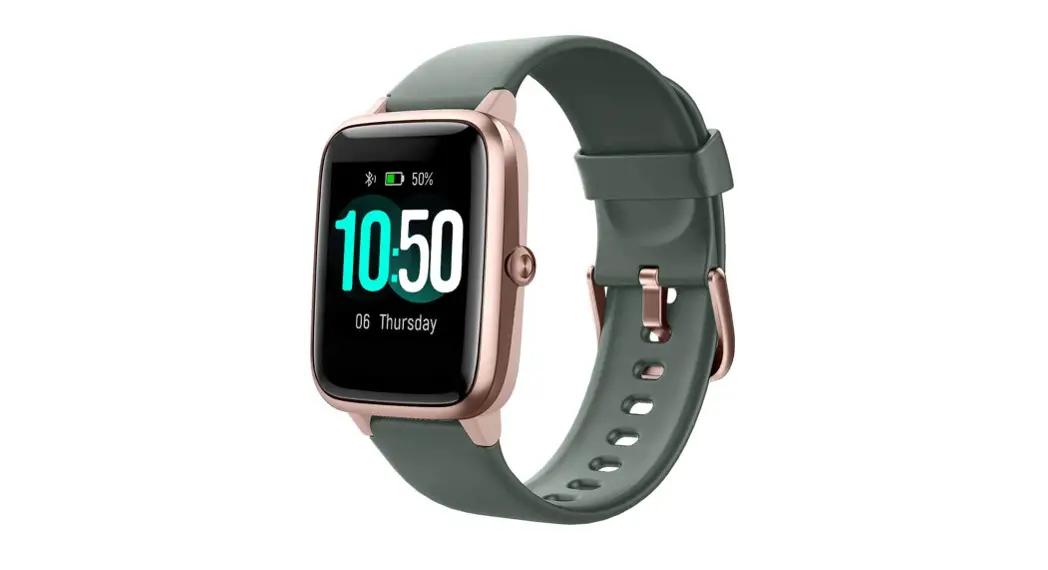
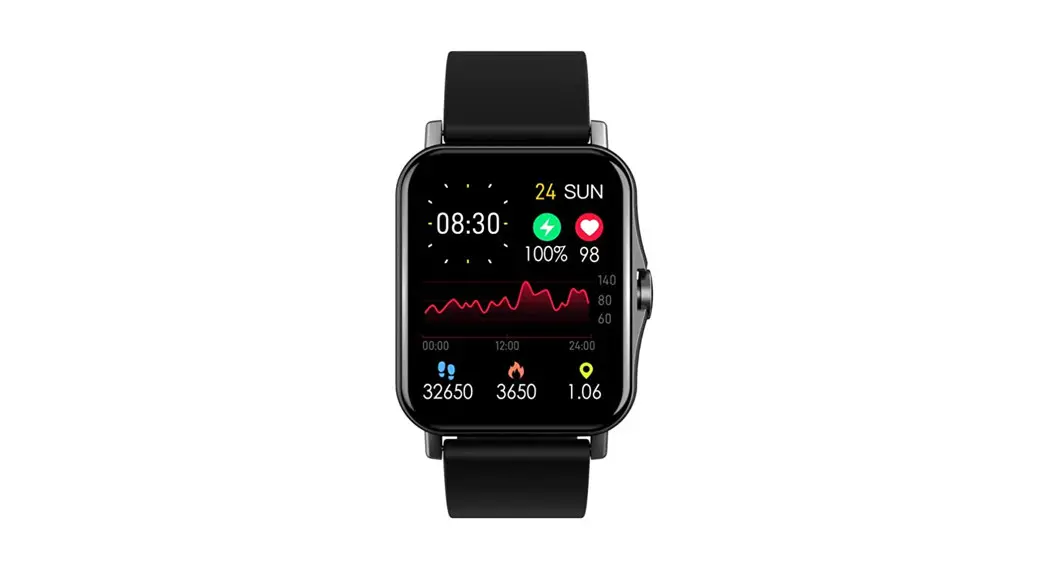
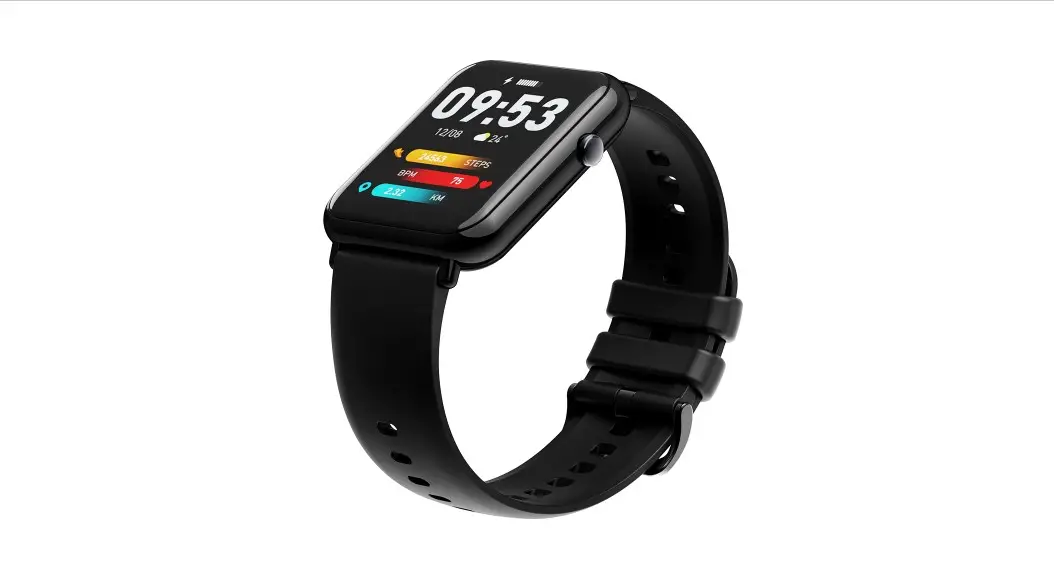
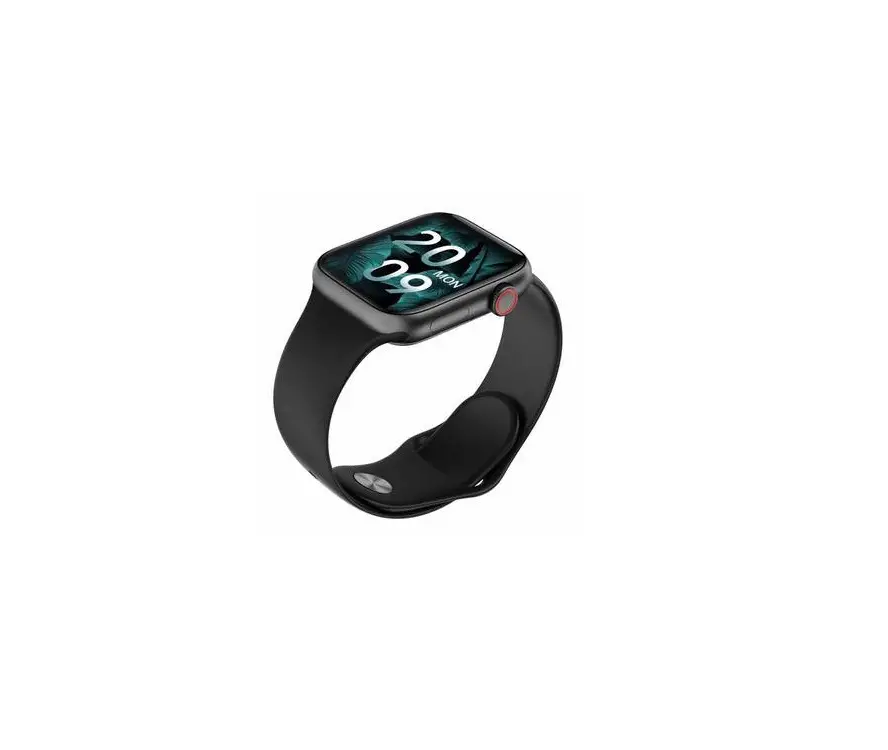
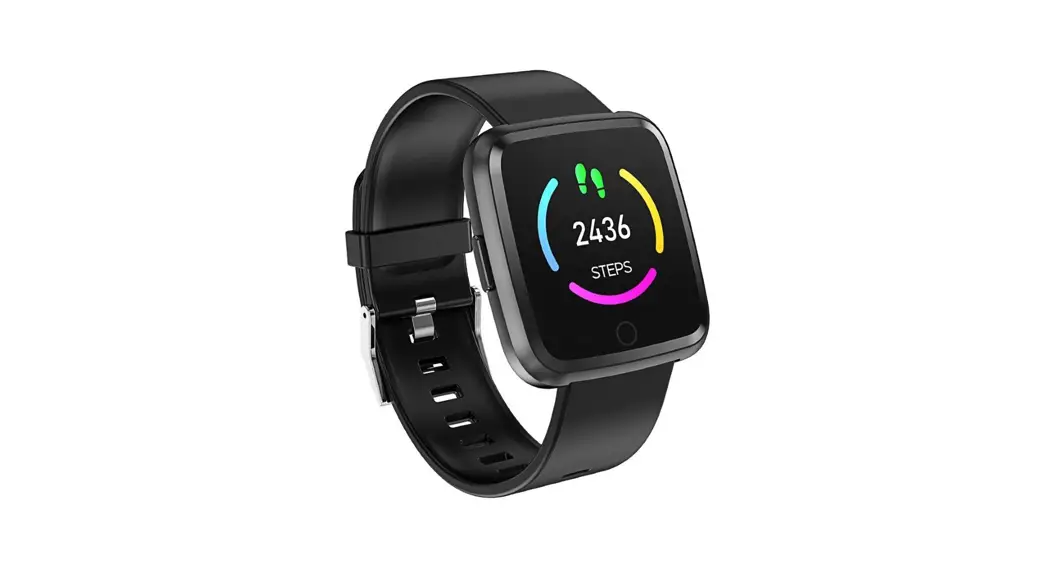
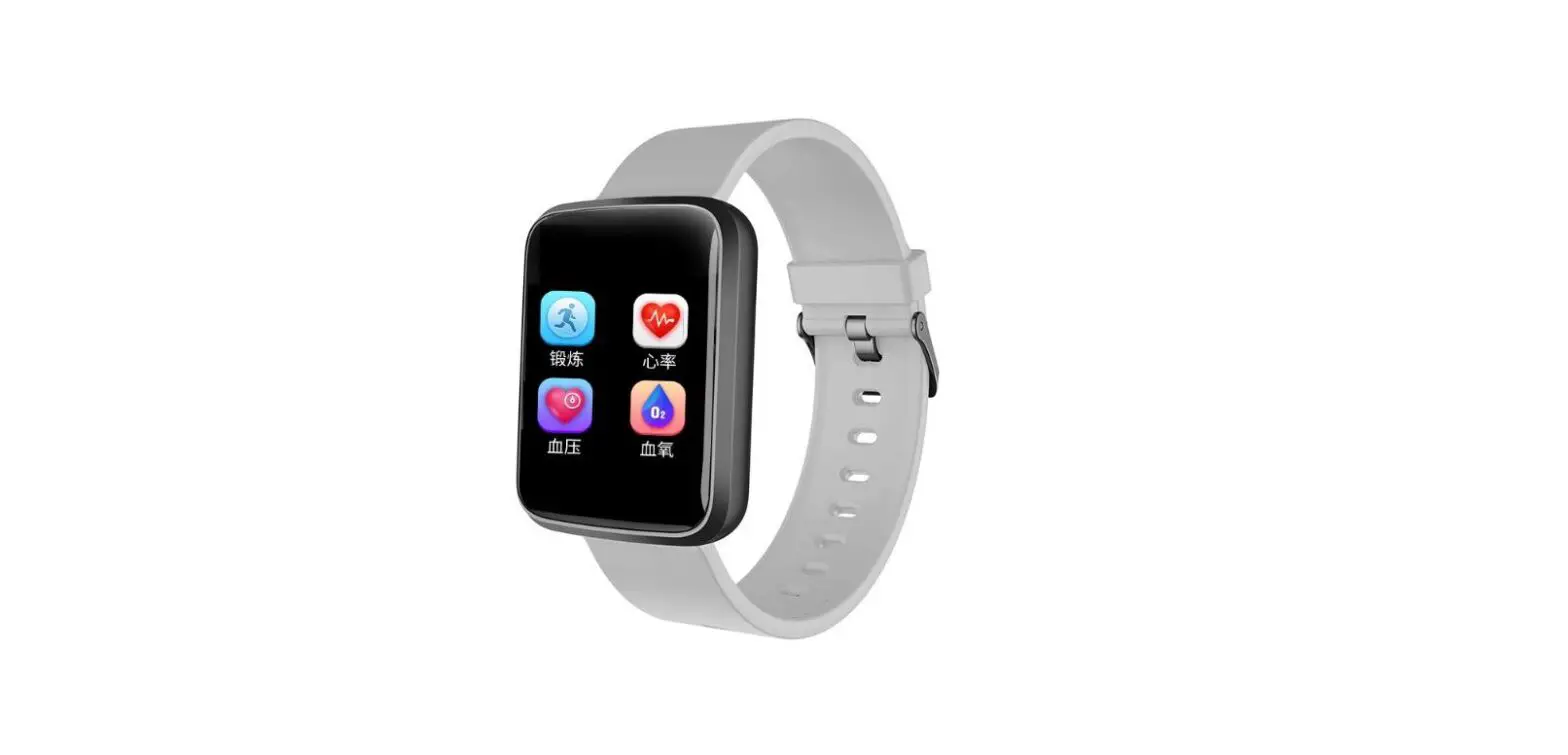
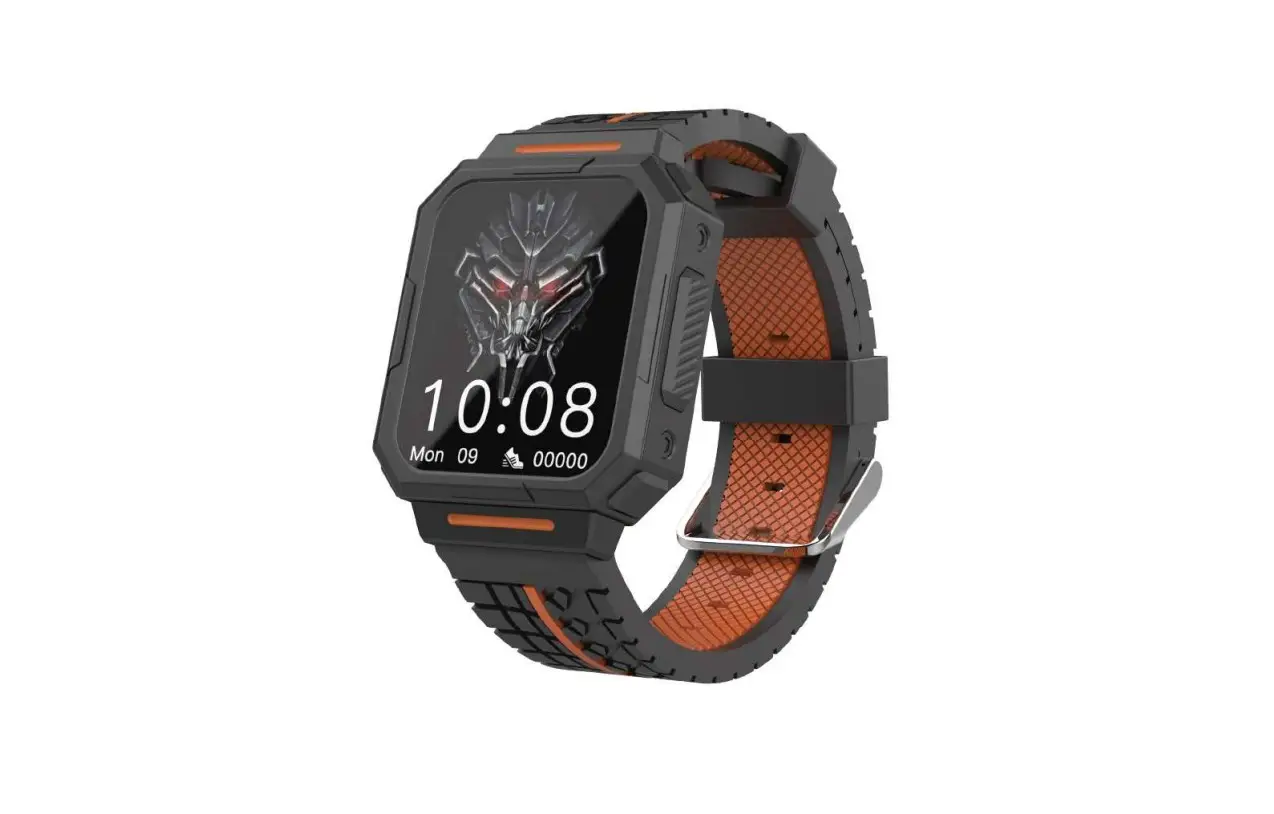
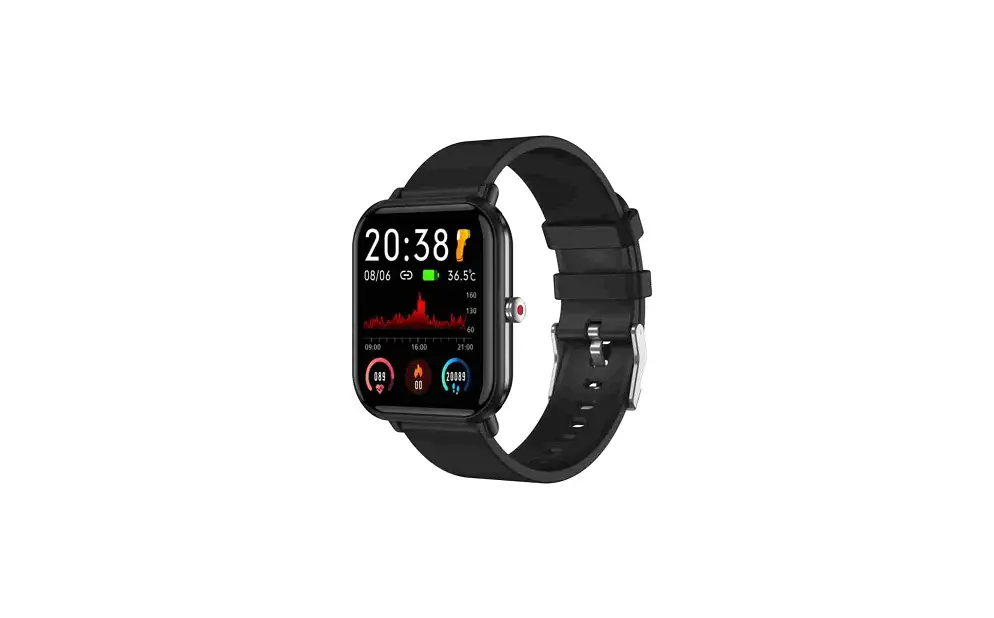
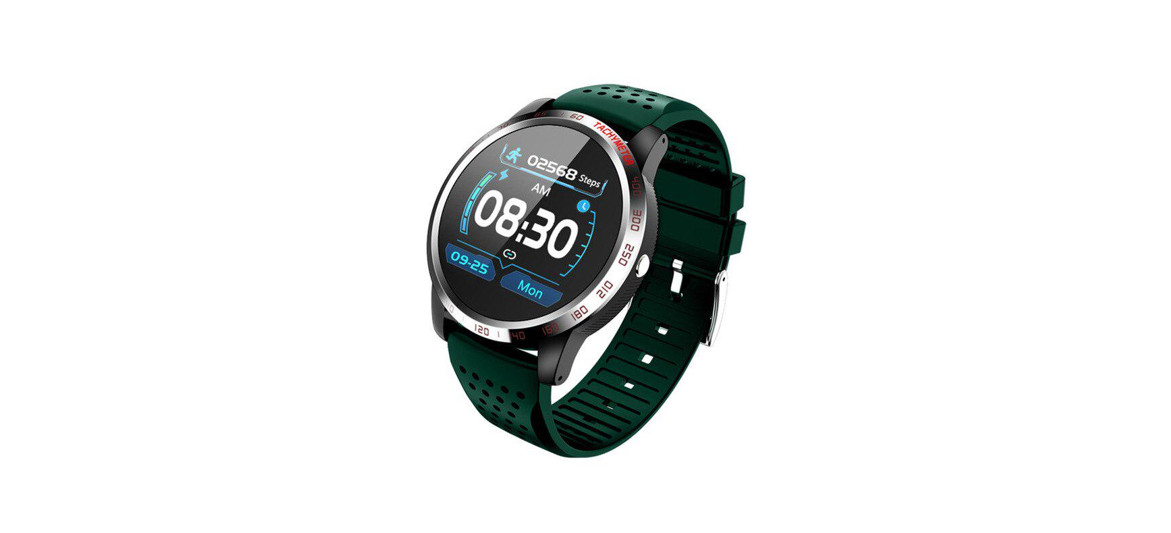
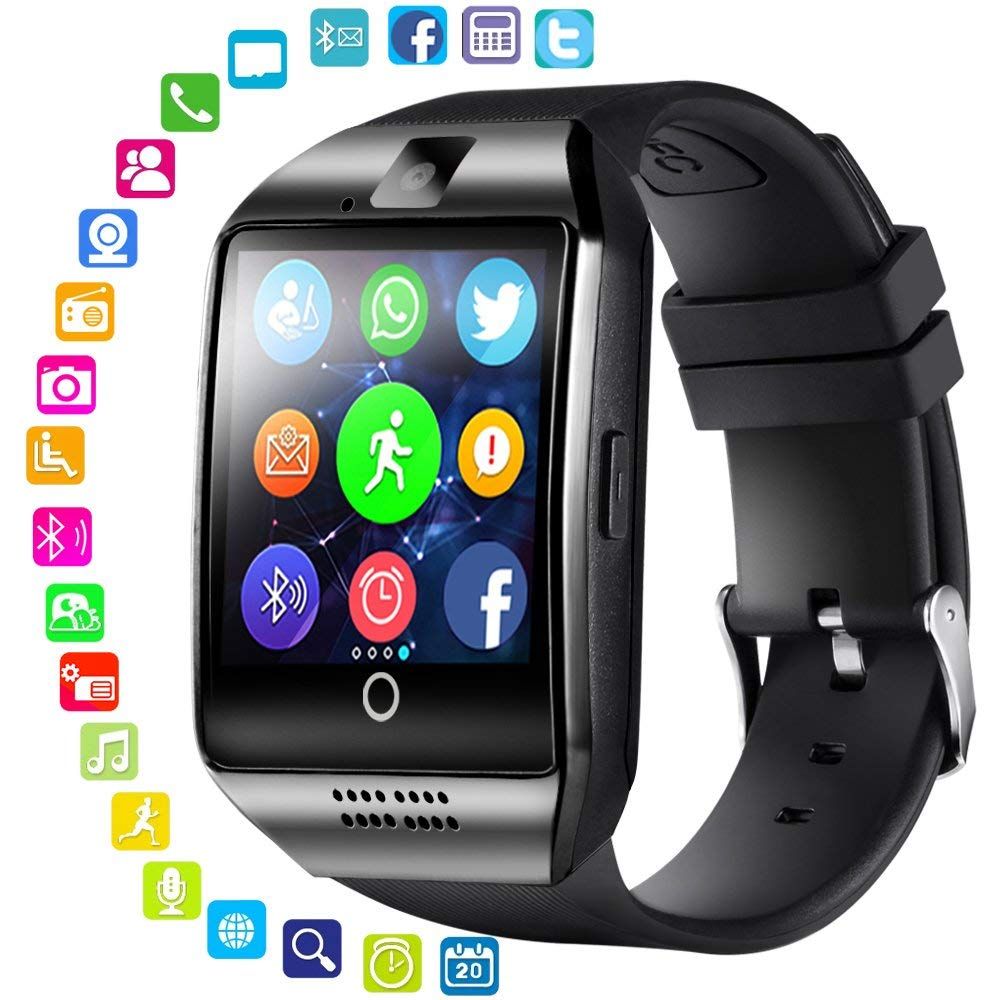
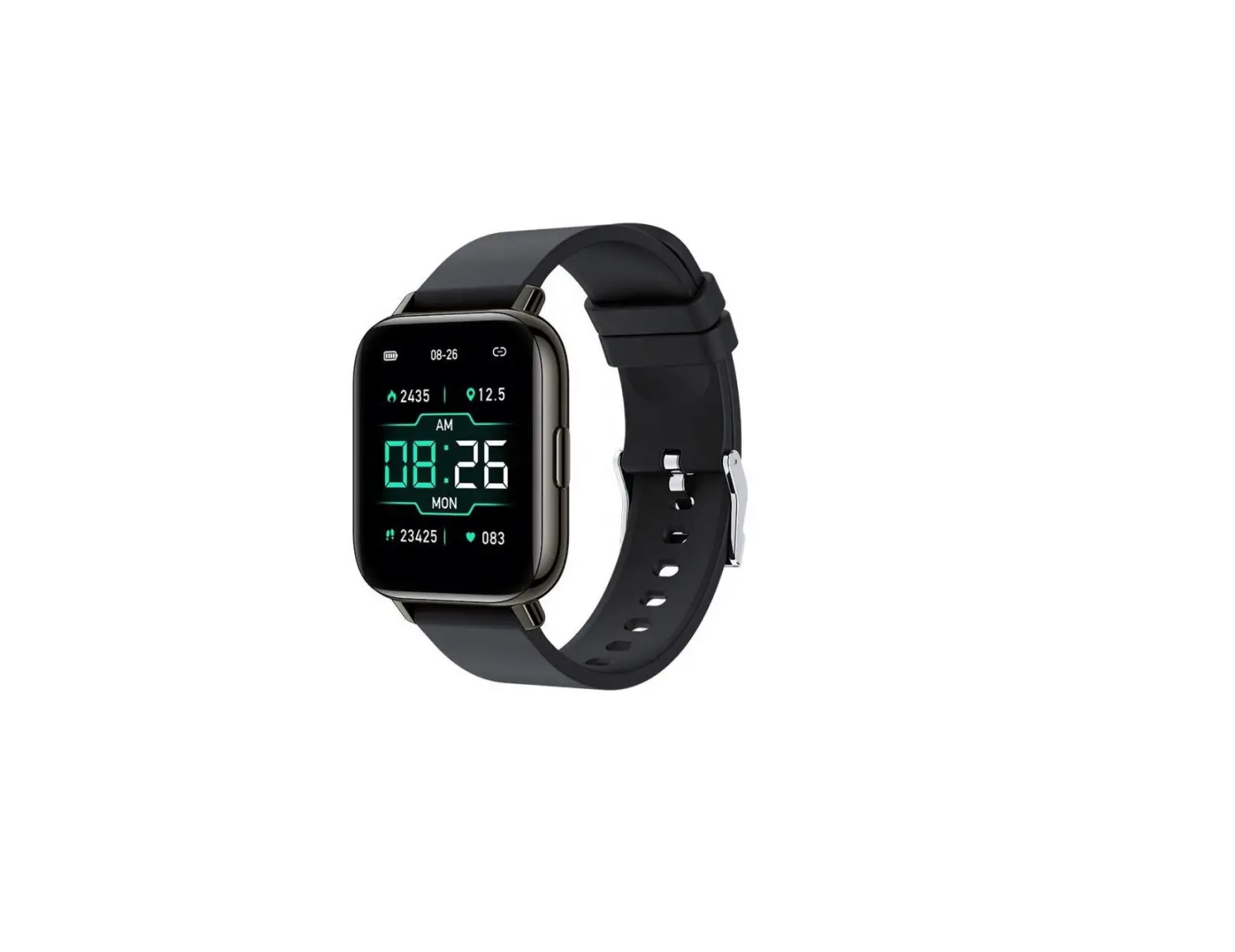
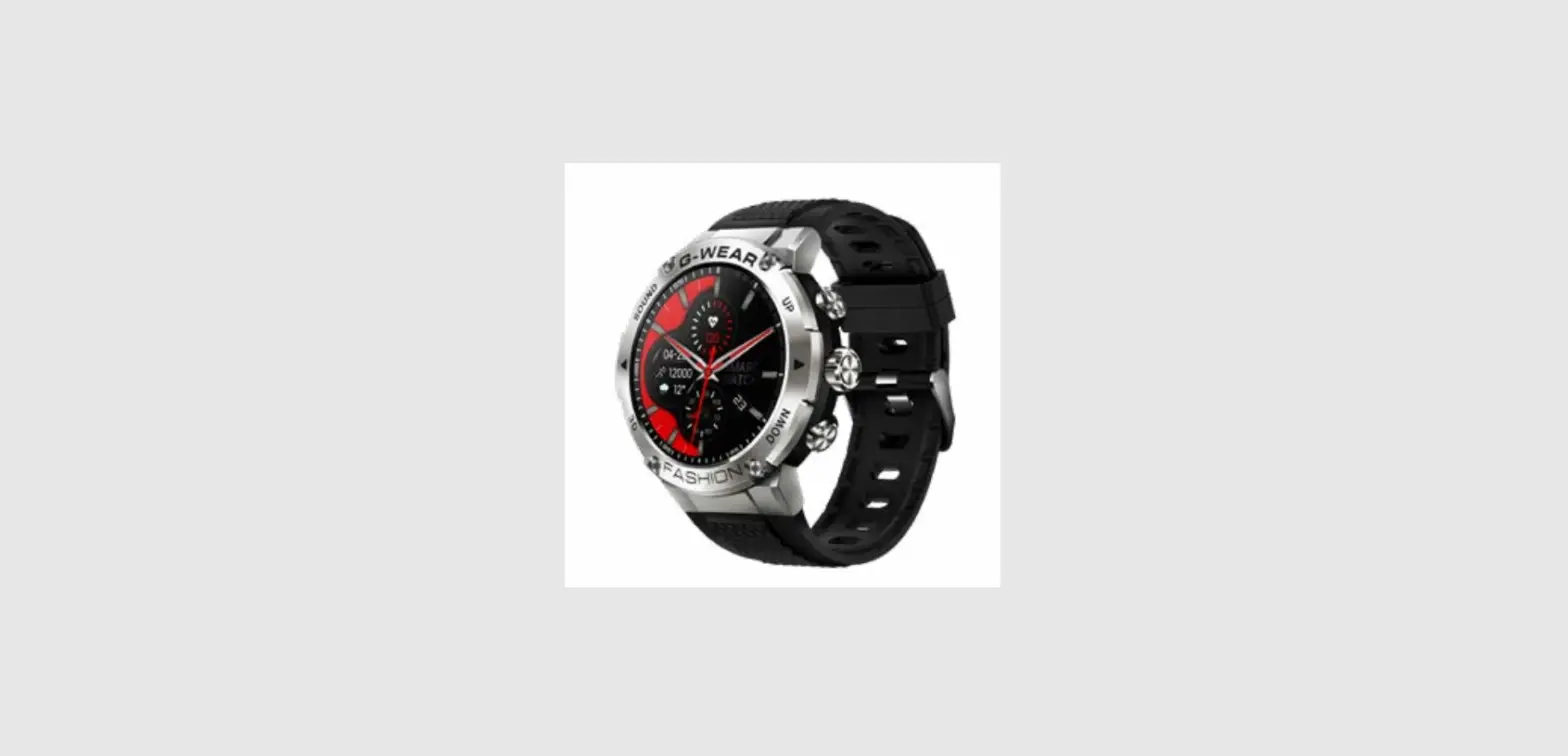
Q13 Smart Watch
Product Information:
The product is a smartwatch that requires a mobile phone app
called GloryFit for setup and usage. It is compatible with Android
4.4 and above, Bluetooth 4.0 phones, as well as Apple iOS 9.0 and
above.
Product Usage Instructions:
Download APP to add device
- Long press the side key above the watch to switch it on and
off. - Open the mobile phone’s app store (Apple Store/Android App
Market) and search for “GloryFit” or scan the provided QR code to
download and install the app.
Binding the Device
- Open the mobile phone’s Bluetooth settings.
- Open the GloryFit app on the phone.
- In the app’s device list, select and search for the device to
be bound. - Follow the on-screen instructions to complete the binding
process. Please ensure that the Bluetooth MAC address displayed on
the watch matches when pairing.
Instructions
Shortcut function
To access different functions quickly:
- To open the control panel, slide the watch face home page from
top to bottom. - To open the information interface, slide the watch face home
page from bottom to top. - To open the main menu, move the watch face home page to the
right. - To open the list interface, move the watch face home page to
the left.
Quick access to dial
To switch the dial quickly:
- Press and hold the dial for 3 seconds.
- Slide left and right to replace and switch the dial.
Power on/off
To power on/off the watch:
- Press and hold the upper side button for 5 seconds.
- To return to the dial interface, press the upper side button.
In the dial interface, press the side button to turn on/off the
screen. - The main function of the lower side button is to quickly enter
the multi-sport mode.
Download APP to add device
1. Long press the side key above the watch to switch on and off;
Open the device and use the mobile phone to scan the QR code
to download and install the APP; Or search for “GloryFit” in the
Apple Store/Android App Market to download and install.
(Compatible systems: Android 4.4 and above, Bluetooth 4.0
phones; Apple iOS 9.0 and above.)
2. Open the mobile phone APP, search and select the device to
be bound in the APP device list.
Step 1: Open the mobile phone Bluetooth;
Step 2: Open the phone’s “GloryFit” APP, click “Add Device” – “Select Device” in the “Device”
interface (* Please confirm that the Bluetooth MAC address displayed on the watch is consistent
when pairing).
Instructions
Shortcut function
How to operate
Open the control panel
The watch face home page slides from top to bottom
Open the information interface The watch face home page slides from bottom to top
Open the main menu
Watch face home page moves to the right
Open the list interface
The watch face home page moves to the left
Quick access to dial
Press and hold the dial for 3 seconds, slide left and right to
replacement
switch the dial
power on/off
Press and hold the upper side button for 5 seconds
Press the upper side button to return to the dial interface; when in the dial interface, press the side
button to turn on/off the screen; the main function of the lower side button is to quickly enter the
multi-sport mode.
Function Description 1. Step count: Record the number of steps, distance, calories and other data of the day in detail. 2. Sleep monitoring: It can record and display the total sleep duration, and check the sleep data for 7 days. (You must wear the bracelet to sleep to be able to detect data). 3. Heart rate detection: measure the current heart rate, record and display the 24h heart rate throughout the day, and automatically monitor the heart rate every 10 minutes. 4. Multiple sports modes: outdoor running, cycling, rope skipping, badminton, table tennis, tennis, mountain climbing, walking, basketball, volleyball, dance, rowing machine, elliptical machine, yoga, aerobics, canoeing, skiing, football, golf, wrestling, fencing and other sports modes. 5. Blood pressure detection: measure the current blood pressure, record and display the 24h blood pressure throughout the day, and automatically monitor the blood pressure every hour. 6. Blood oxygen detection: measure the current blood oxygen, record and display the 24h blood oxygen throughout the day, and automatically monitor the blood oxygen every hour. 7. Music control: control mobile phone music play/pause/previous/next. 8. Camera control: Open the mobile APP, click/shake the watch on the watch camera control interface to take a photo. 9. Weather forecast: After Bluetooth is connected to the watch, the latest real-time weather
forecast can be synchronized on the watch side. 10. Female physiological cycle: It needs to be set to female on the APP personal interface, and the corresponding cycle icon will be displayed on the watch end. 11. Bluetooth call: After the APP is connected to Bluetooth successfully, you can make and receive calls through your watch. 12. Music playing: After connecting to the mobile phone APP and binding and pairing successfully, you can play the music of the mobile phone through the watch. 13. Other functions: alarm clock, stopwatch, calculator, timer, long sitting reminder, call reminder, mobile phone search, breathing training, games, online dial, customized dial, theme style switching, brightness adjustment, etc.
FCC Warning Statement Changes or modifications not expressly approved by the party responsible for compliance could void the user’s authority to operate the equipment. This equipment has been tested and found to comply with the limits for a Class B digital device, pursuant to Part 15 of the FCC Rules. These limits are designed to provide reasonable protection against harmful interference in a residential installation. This equipment generates uses and can radiate radio frequency energy and, if not installed and used in accordance with the instructions, may cause harmful interference to radio communications. However, there is no guarantee that interference will not occur in a particular installation. If this equipment does cause harmful interference to radio or television reception, which can be determined by turning the equipment off and on, the user is encouraged to try to correct the interference by one or more of the following measures: — Reorient or relocate the receiving antenna. — Increase the separation between the equipment and receiver. –Connect the equipment into an outlet on a circuit different from that to which the receiver is connected. — Consult the dealer or an experienced radio/TV technician for help. This device complies with part 15 of the FCC Rules. Operation is subject to the following two conditions: (1) This device may not cause harmful interference, and (2) this device must accept any interference received, including interference that may cause undesired operation. The device has been evaluated to meet general RF exposure requirement. The device can be used in portable exposure condition without restriction.