
 150.629 V1
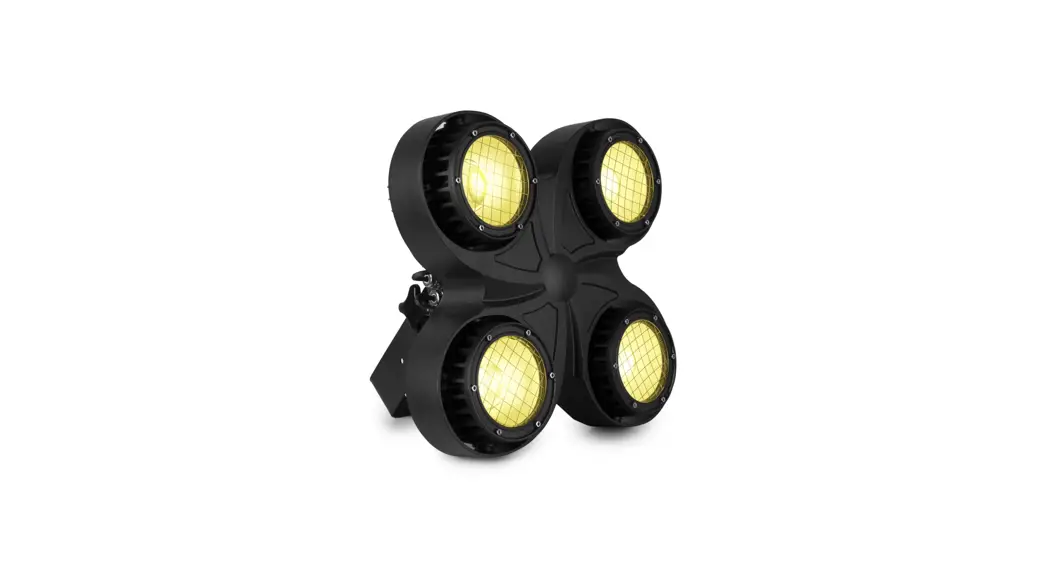
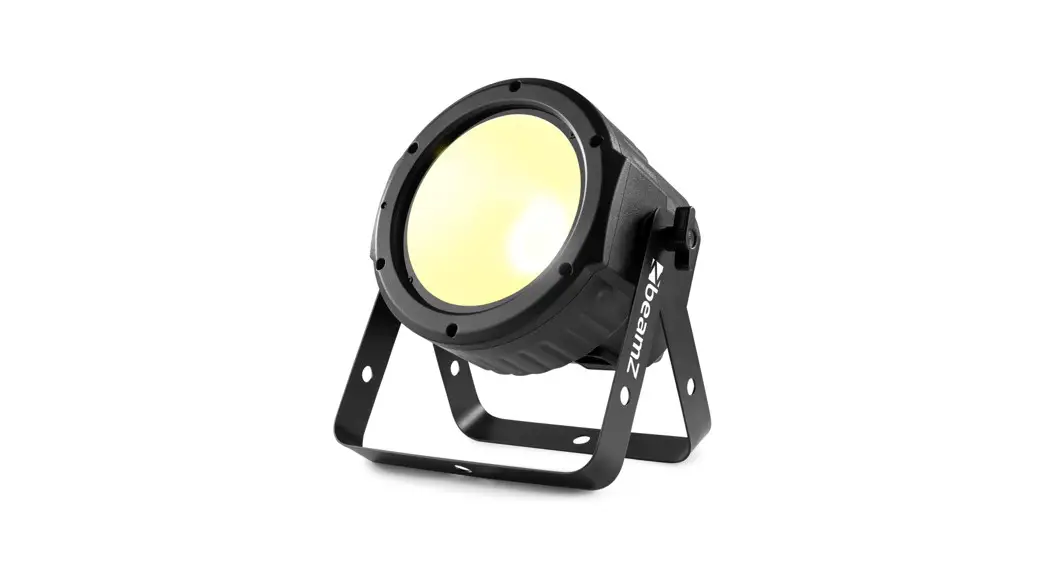
COB30WW
QUICK START GUIDE
InDEX
REMOTE CONTROLLER
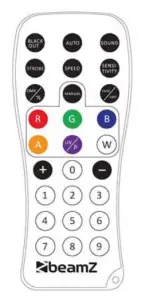
BLACK OUT Mode
Press <BLACK OUT> off existing modes. Press <BLACK OUT> to return the last modes.
AUTO Mode
Automatic mode will enable you to run the automatic programs on the product.
To turn on Automatic mode:
- Press <AUTO> on the remote controller.
- Press <+> or <—> to choose between the different auto programs.
SOUND Mode
The sound-Active mode will enable the product to respond to the music.
To turn on Sound-Active mode:
- Press <SOUND> on the remote controller.
- Press <4-> or <—> to choose between the different sound programs.
STROBE Mode
To adjust the strobe speed of the automatic program and the sound active program.
- Press <STROBE> on the remote controller.
- Press <+> or <—> to either increase or decrease the speed of the program.
- Press <STROBE> again to turn off the strobe.
SPEED Mode
To adjust the speed of the automatic program and the sound active program.
- Press <SPEED> on the remote controller.
- Press <+> or <—> to either increase or decrease the speed of the program.
SENSITIVITY Mode
To adjust sound sensitivity for in Sound-Active mode
- Press <SENSI TI VI TY> on the remote controller.
- Press <+> or <—> to either increase or decrease sound sensitivity.
DMX / % Mode
To enable DMX or disallow DMX on the product.
Press <DMX> on the remote controller, the product work on the DMX control modes.
MANUAL Mode
- Press <MANUAL> on the remote controller.
- Press <W> (white) to choose your color.
- Press again <W> (white) close your color.
- Press <+> or <—> to either increase or decrease the percentage of each color.
FADE/UNIT Mode
To adjust the FADE speed of the automatic program, the sound active program, and the manual mode.
- Press <FADE> on the remote controller.
- Press <FADE> again to turn off the Fade mode.
NUMBER 1-9
To adjust the brightness value of the automatic program, the Sound active program, and Manual Mode.
Press digit <1> to <9> to change different brightness on the device.
| MENU | DESCRIPTION | ||
| DMX MODE | Addr | 3 CH | DMX address setting |
| AUTO | Auto | Au 1-4 | Select auto program |
| SOUND MODE | Soun | So 1-3 | Select sound program |
| SPEED | SPEE | SP 1-9 | Select speed for auto or sound program |
| MIC SENSITIVITY | SEnS | SE 1-9 | Sound sensitivity |
| EDIT COLOUR | Colo | U000-255 | Manual control |
| DIMMING | dIMM | dI1-dI 9 | Manual dimmer |
| SILENT SCENE | SILE | on/oFF | Silent scene by Sound program |
| SLAVE | SLAV | Slave | Slave |
| INFRARED | InFr | on/oFF | Enable or Disenable IR remote |
DMX CHANNELS
3 Channels
| CHANNEL | FUNCTION | VALUE | DESCRIPTION |
| 1 | Dimmer | 000-255 | Master dimming (0-100%) |
| 2 | Strobe | 000-009 | No function |
| 010-255 | Stroboscope (Rate 0-100%) | ||
| 3 | Mode | 000-009 | No function |
| 010-039 | Auto program1 | ||
| 040-069 | Auto program2 (rate) | ||
| 070-099 | Auto program3 (rate) | ||
| 100-129 | Auto program4 (rate) | ||
| 130-159 | Sound program1 (rate) | ||
| 160-189 | Sound program2 (rate) | ||
| 190-255 | Sound program3 (rate) |

is a leading developer of lighting products, including intelligent OMX moving heads, wireless battery operated OMX effects, static washes, sound-activated club effects,
strobes & blacklights, LED lighting, fog and special effects machines, lasers, and indoor and outdoor architectural lighting, as well as lighting controllers and protective bags.
BEAMZLIGHTING.COM