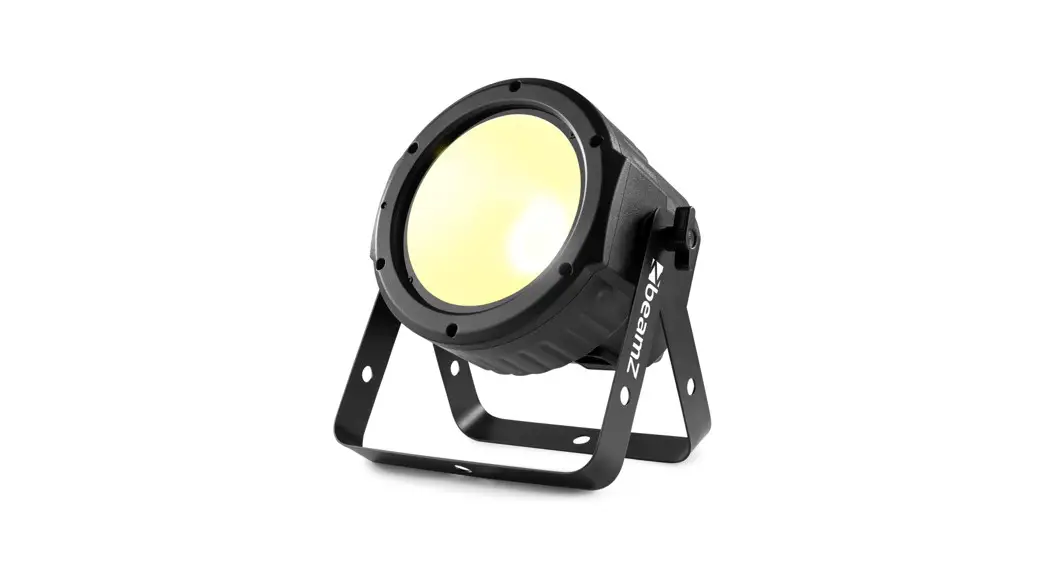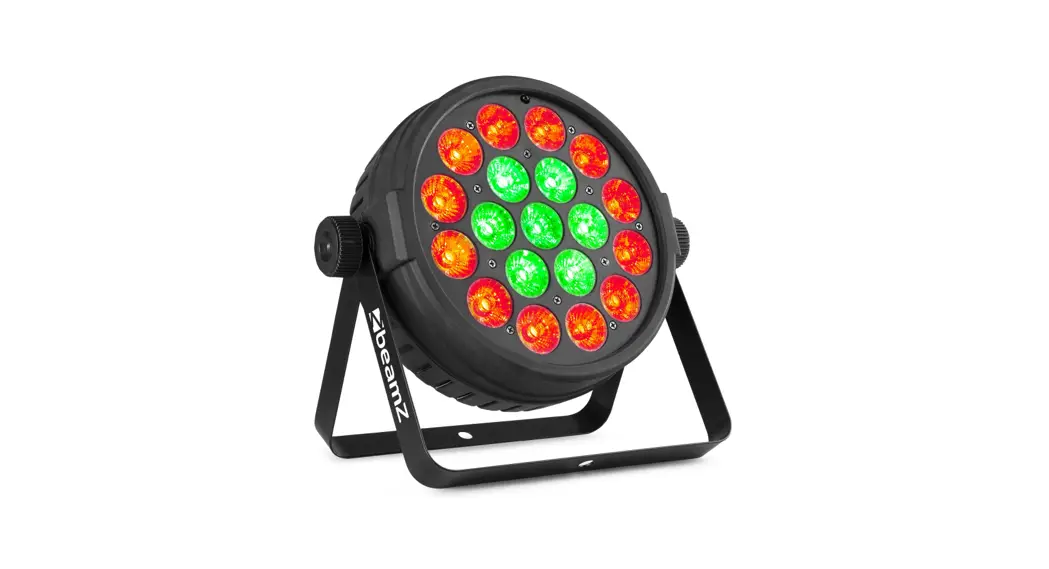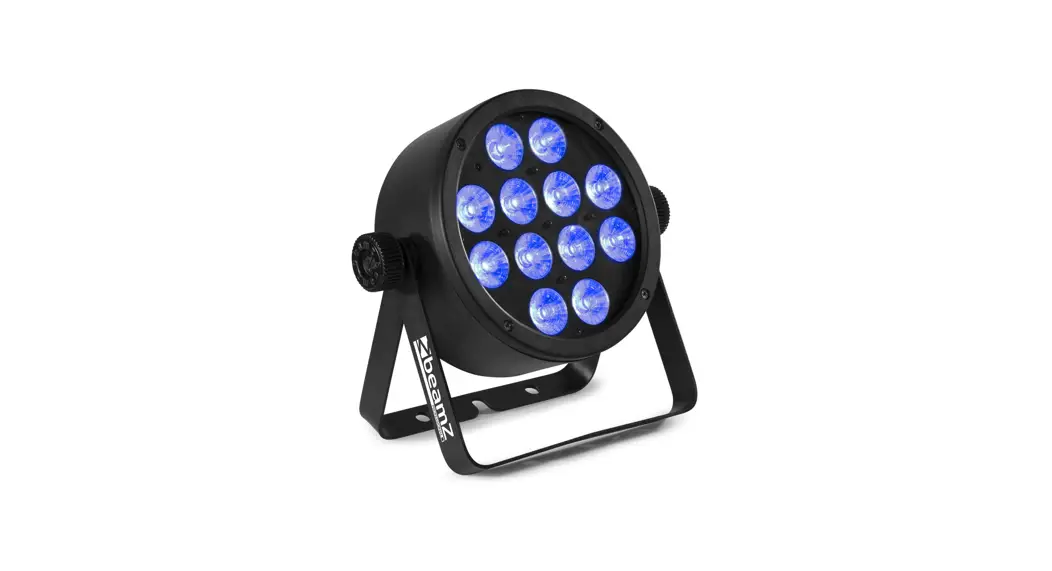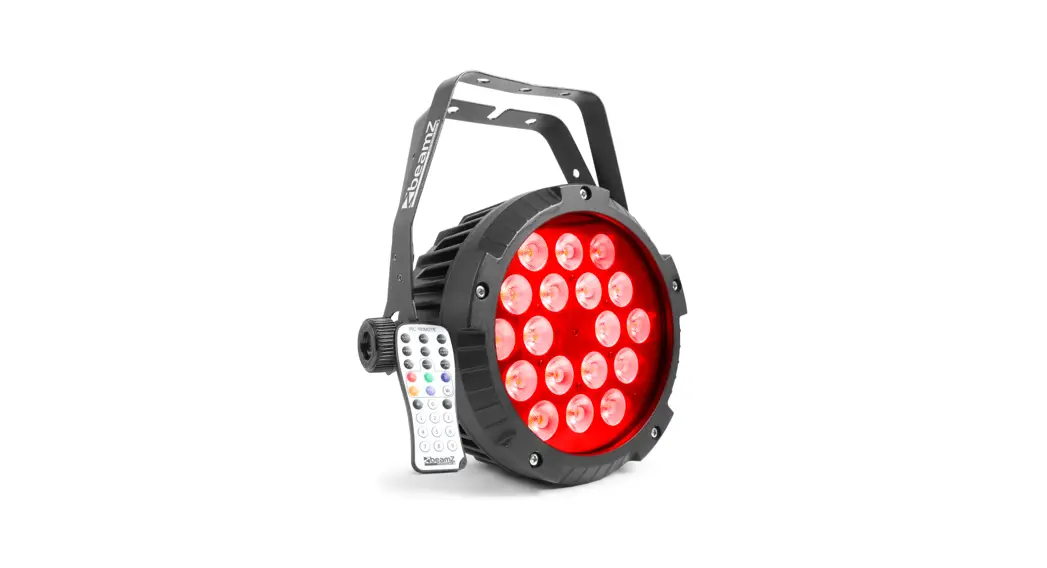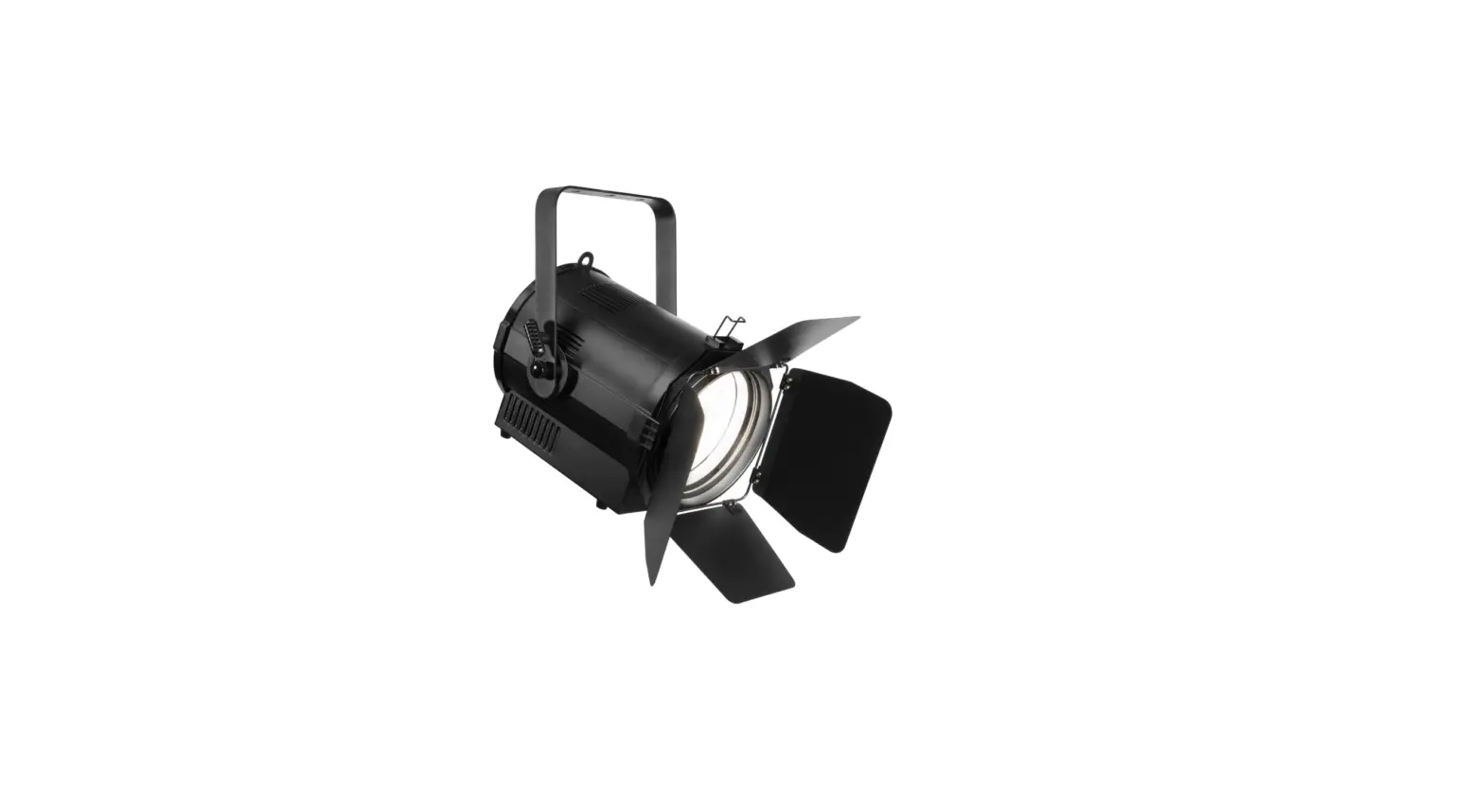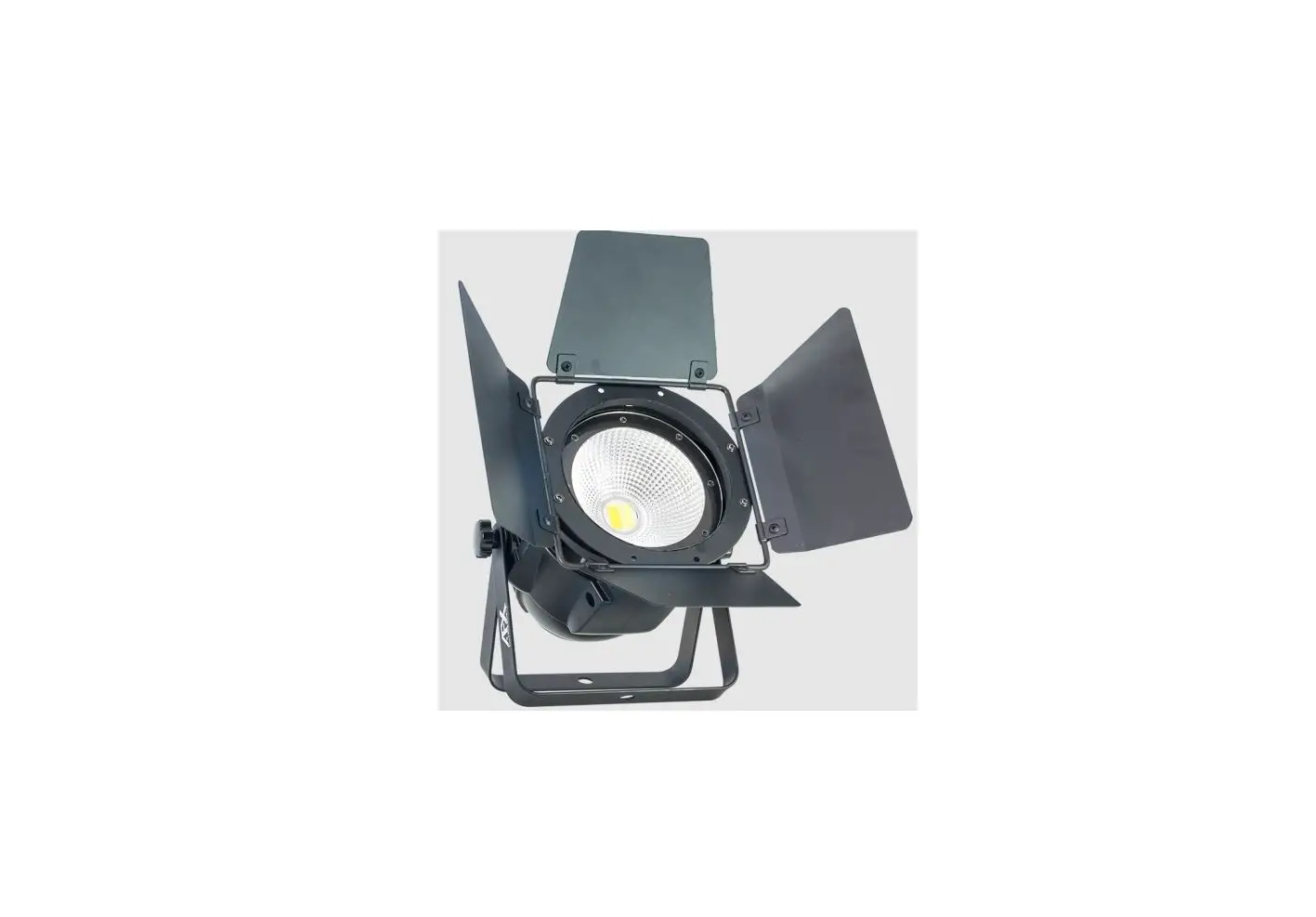

beamZ pro COB150 RGBW AFX LED
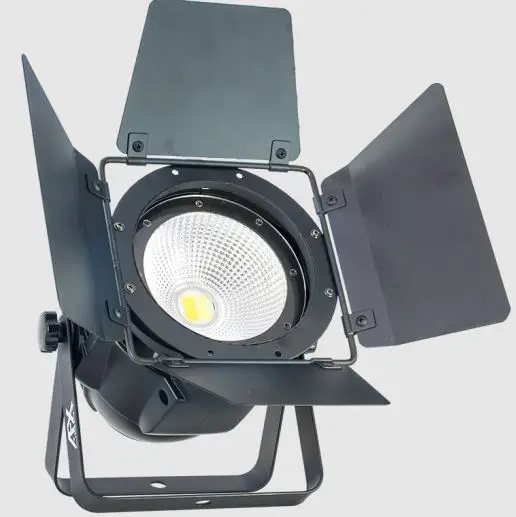
Product Information
The COB150 RGBW DMX light is a lighting fixture that can be used for various events and settings. It has a variety of features including static colors, auto programs, sound programs, speed sensitivity, color temperature, dimming, fading, flash, silent mode, slave mode, and infrared remote control. It has 10 channels for DMX control and can be addressed from 001 to 512.
Features
- Static colors
- Auto programs
- Sound programs
- Speed sensitivity
- Color temperature
- Dimming
- Fading
- Flash
- Silent mode
- Slave mode
- Infrared remote control
DMX Channels
- 10CH
- 05CH
- 04CH
- 03CH
- 01-27
- 01-09
- 01-09
- 01-09
- 01-09
Color
- R:000-255
- G:000-255
- B:000-255
- W:000-255
Temperature
- 1800K
- 2200K
- 2700K
- 3200K
- 4300K
- 5600K
- 6500K
- 8000K
Usage Instructions
- Connect the COB150 RGBW DMX light to a power source.
- Set the DMX address from 001 to 512.
- Select the desired feature from the following:
- Static colors
- Select the desired color using the RGBW values, ranging from 000 to 255.
- Auto programs
- Select the desired auto program from 1 to 9.
- Adjust the speed of the auto program using values ranging from 0 to 255.
- Sound programs
- Select the desired sound program from 1 to 9.
- Adjust the speed of the sound program using values ranging from 0 to 255.
- Speed sensitivity
- Adjust the sensitivity of the sound program using values ranging from 0 to 255.
- Color temperature
- Select the desired color temperature from 1800K to 8000K.
- Dimming
- Adjust the master dimming using values ranging from 0 to 255.
- Fading
- Select the desired fading program from 1 to 9.
- Adjust the speed of the fading program using values ranging from 0 to 255.
- Flash
- Adjust the speed of the flash program using values ranging from 0 to 255.
- Silent mode
- Select the desired silent scene by sound program.
- Slave mode
- Enable or disable the slave mode.
- Infrared remote control
- Enable or disable the IR remote control.
- Static colors
| 10CH | |||
| DMX | 05CH | ADDR:001-512 | |
| 04CH | |||
| 03CH | |||
| STATIC | 01-27 | Static colors | |
| AUTO | 01-09 | Auto program | |
| SOUND | 01-09 | Sound Program | |
| SPEED | 01-09 | Speed | |
| SENSITIV | 01-09 | MIC sensitivity | |
| R:000-255 | Red (0-100%) | ||
| COLOR | G:000-255 | Green (0-100%) | |
| B:000-255 | Blue (0-100%) | ||
| W:000-255 | White (0-100%) | ||
| 1800K | 1800K | ||
| 2200K | 2200K | ||
| 2700K | 2700K | ||
| TEMPERAT | 3200K | 3200K | |
| 4300K | 4300K | ||
| 5600K | 5600K | ||
| 6500K | 6500K | ||
| 8000K | 8000K | ||
| DIMMING | 01-99 | Master dimming | |
| FADING | 00-99 | Fading Program | |
| FLASH | 00-99 | Flash Program | |
| SILENT | ON/OFF | Silent scene by Sound program | |
| SLAVE | SLAVE MODE | Enable slave mode | |
| INFRARED | ON/OFF | Enable or Disenable IR remote |
DMX CHANNELS
3 CH MODE
| CHANNEL | FUNCTION | VALUE | DESCRIPTION |
| 1 | 0-255 | Red (0-100%) | |
| 2 | Dimmer | 0-255 | Green (0-100%) |
| 3 | 0-255 | Blue (0-100%) |
4 CH MODE
| CHANNEL | FUNCTION | VALUE | DESCRIPTION |
| 1 | 0-255 | Red (0-100%) | |
| 2 | Dimmer | 0-255 | Green (0-100%) |
| 3 | 0-255 | Blue (0-100%) | |
| 4 | 0-255 | White (0-100%) |
5 CH MODE
| CHANNEL | FUNCTION | VALUE | DESCRIPTION |
| 1 | Master dimmer | 0-255 | Master dimming (0-100%) |
| 2 | Strobe | 0-9 | No function |
| 10-255 | Stroboscope (Rate 0-100%) | ||
| 0-9 | No function | ||
| 10-19 | Red | ||
| 20-29 | Green | ||
| 30-39 | Blue | ||
| 40-49 | White | ||
| 50-59 | Yellow | ||
| 60-69 | Magenta | ||
| 70-79 | Cyan | ||
| 80-89 | Dark orange | ||
| 3 | Static colors | 90-99 | Green yellow |
| 100-109 | Salmon | ||
| 110-119 | Turquoise | ||
| 120-129 | Light Green | ||
| 130-139 | Orange | ||
| 140-149 | Straw | ||
| 150-159 | Lavender | ||
| 160-169 | Light blue | ||
| 170-179 | Dark blue | ||
| 180-189 | Pink | ||
| 190-255 | Full on | ||
| 0-9 | No function | ||
| 10-19 | Auto program1 | ||
| 20-29 | Auto program2 | ||
| 4 | Auto prog | 30-39 | Auto program3 |
| 40-49 | Auto program4 | ||
| 50-59 | Auto program5 | ||
| 60-69 | Auto program6 | ||
| 70-79 | Auto program7 |
| 80-89 | Auto program8 | ||
| 90-99 | Auto program9 | ||
| 100-109 | Sound Program1 | ||
| 110-119 | Sound Program2 | ||
| 120-129 | Sound Program3 | ||
| 130-139 | Sound Program4 | ||
| 140-149 | Sound Program5 | ||
| 150-159 | Sound Program6 | ||
| 160-169 | Sound Program7 | ||
| 170-179 | Sound Program8 | ||
| 180-255 | Sound Program9 | ||
| 5 | Speed auto prog | 0-255 | Auto and Sound program speed (Slow-fast) |
10 CH MODE
| CHANNEL | FUNCTION | VALUE | DESCRIPTION |
| 1 | Master Dimmer | 0-255 | Master dimming (0-100%) |
| 2 | Strobe | 0-9 | No function |
| 10-255 | Stroboscope (Rate 0-100%) | ||
| 3 | Manual | 0-255 | Red (0-100%) |
| 4 | 0-255 | Green (0-100%) | |
| 5 | 0-255 | Blue (0-100%) | |
| 6 | 0-255 | White (0-100%) | |
| 7 | Static colors | 0-9 | No function |
| 10-19 | Red | ||
| 20-29 | Green | ||
| 30-39 | Blue | ||
| 40-49 | White | ||
| 50-59 | Yellow | ||
| 60-69 | Magenta | ||
| 70-79 | Cyan | ||
| 80-89 | Dark orange | ||
| 90-99 | Green yellow | ||
| 100-109 | Salmon | ||
| 110-119 | Turquoise | ||
| 120-129 | Light Green | ||
| 130-139 | Orange | ||
| 140-149 | Straw | ||
| 150-159 | Lavender | ||
| 160-169 | Light blue | ||
| 170-179 | Dark blue | ||
| 180-189 | Pink | ||
| 190-255 | Full on | ||
| 8 | Auto prog | 0-9 | No function |
| 10-19 | Auto program1 | ||
| 20-29 | Auto program2 | ||
| 30-39 | Auto program3 | ||
| 40-49 | Auto program4 | ||
| 50-59 | Auto program5 | ||
| 60-69 | Auto program6 | ||
| 70-79 | Auto program7 |
| 80-89 | Auto program8 | ||
| 90-99 | Auto program9 | ||
| 100-109 | Sound Program1 | ||
| 110-119 | Sound Program2 | ||
| 120-129 | Sound Program3 | ||
| 130-139 | Sound Program4 | ||
| 140-149 | Sound Program5 | ||
| 150-159 | Sound Program6 | ||
| 160-169 | Sound Program7 | ||
| 170-179 | Sound Program8 | ||
| 180-255 | Sound Program9 | ||
| 9 | Speed auto prog | 0-255 | Auto and Sound program speed (Slow-fast) |
| 10 | Color temprature | 0-9 | No function |
| 10-39 | 1800K | ||
| 40-69 | 2200K | ||
| 70-99 | 2700K | ||
| 100-129 | 3200K | ||
| 130-159 | 4300K | ||
| 160-189 | 5600K | ||
| 190-219 | 6500K | ||
| 220-255 | 8000K |
offers a wide range of high performance lighting equipment and related accessories for the rental, entertainment and architectural lighting markets. BeamZ Pro stands for performance,innovation and value pricing!