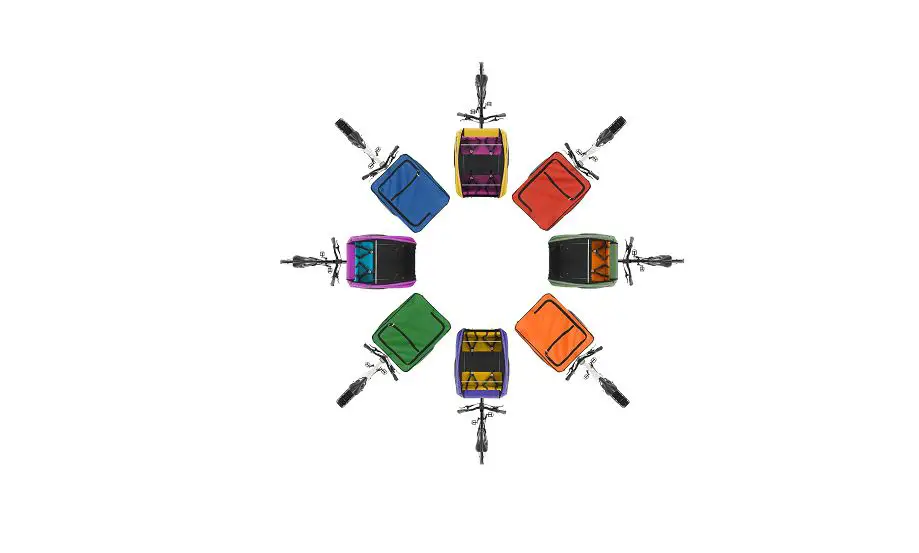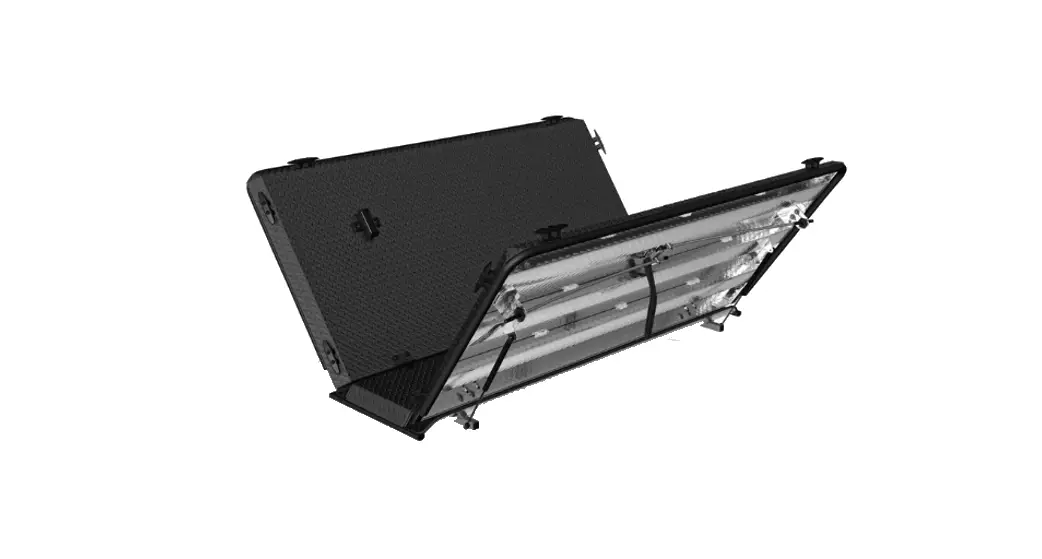

TRIOBIKE CARGO Flight Case Box
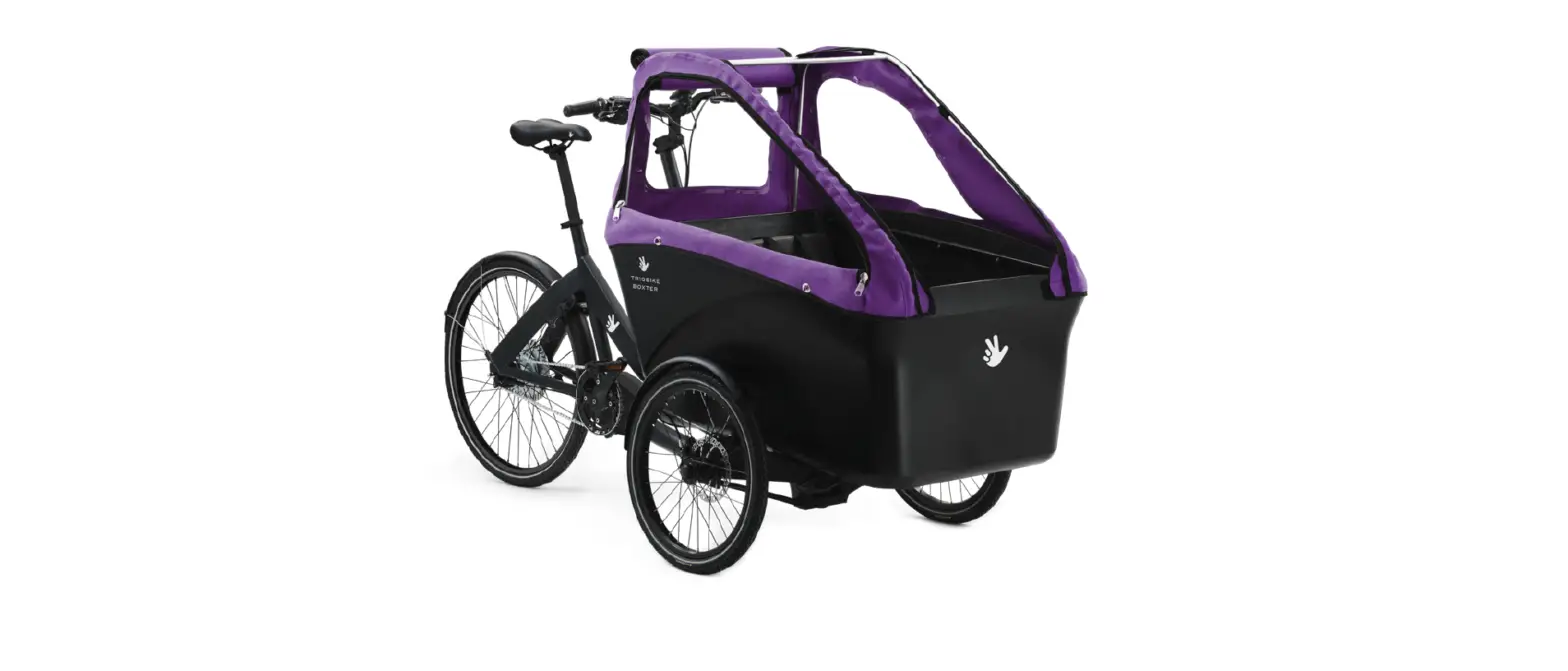
INSTALLING THE HOOD
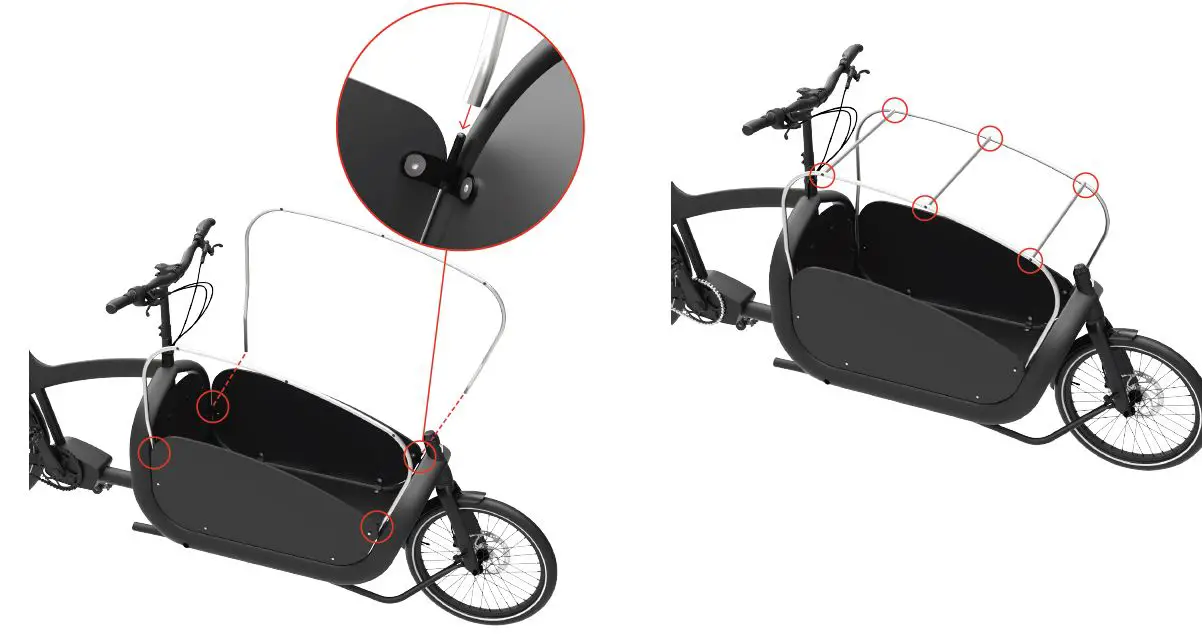
- Open the box and place the parts on a flat and clean surface.
- Take the 2 side frame tubes and insert them into the front and rear panel brackets pins.
- Take the 3 short straight bars, and fix them to the frame with the M5 screws (on the 2 kids hood: the shortest straight bar goes to the front, the longer one goes to the rear).

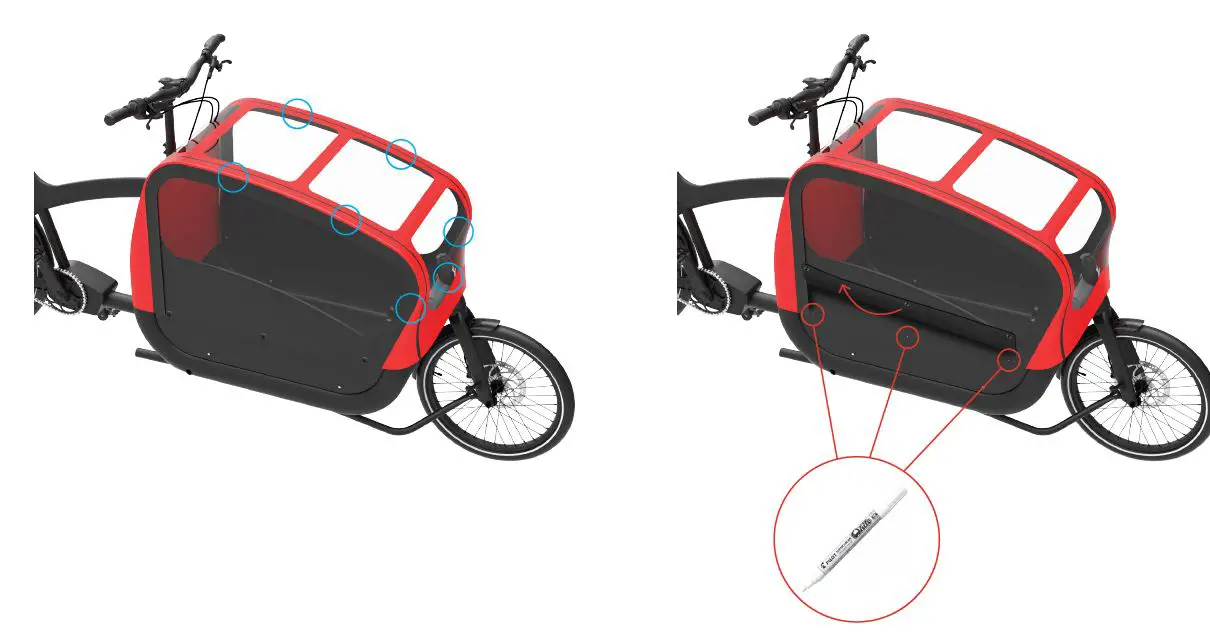
- Take the fabric cover and put it on the frame, placed symmetrically. Close the Velcro stripes around the metal frame and head tube, in the positions shown by the blue circles.
- Adjust the hood fabric in order to make it tight and well placed. Once this is done, lift up the fabric and mark each position of the 6 snap buttons directly on the panels with a marker.

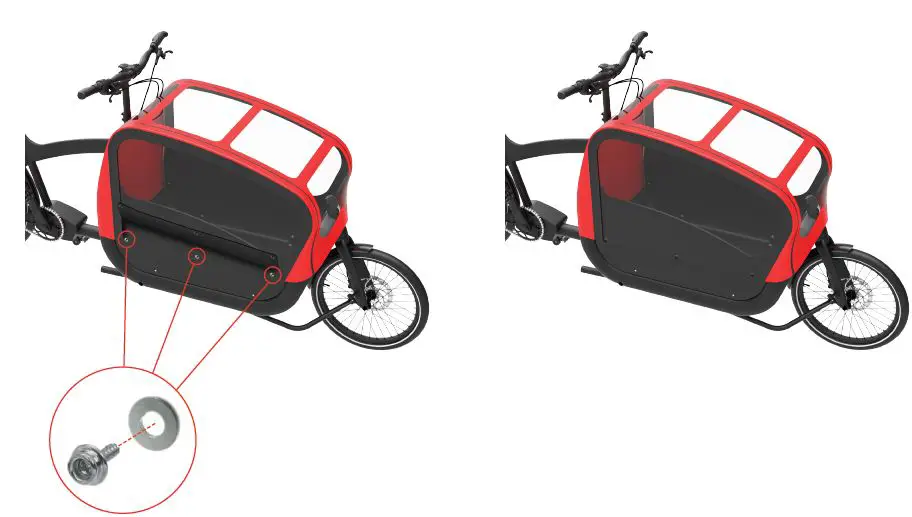
- Mount each snap button and washer on the marked position, using a screwdriver.
- Finally, press the buttons and secure the fabric.
 Cargo Bikes - Safe, Stylish & from Copenhagen since 2004 | TRIOBIKE